magnify AI Generator
Unlock the full potential of your images by magnifying intricate details with PixelDojo's AI-powered tools. Whether you're a photographer aiming to highlight subtle textures, a marketer enhancing product visuals, or a content creator refining your art, our platform empowers you to enlarge and enhance images effortlessly, preserving quality and clarity.

Join over 10,000 creators who have enhanced their visuals using PixelDojo's AI tools. Rated 4.8/5 based on 2,000+ reviews.
Why Choose Pixel Dojo for magnify
Professional-quality results with cutting-edge AI technology
Preserve Image Quality
Enlarge images without losing clarity, ensuring every detail remains sharp and vibrant.
Effortless Enhancement
Achieve professional-quality magnification without the need for complex editing software or skills.
Versatile Applications
Ideal for photographers, marketers, and content creators seeking to highlight fine details in their visuals.
How It Works
Enhancing your images with PixelDojo is straightforward. Follow these simple steps:
Step 1: Upload Your Image
Select the photo you wish to magnify. Ensure it's clear and well-composed for optimal results.
Step 2: Apply the Magnification Tool
Use PixelDojo's 'Magnific Upscaler' to seamlessly enlarge your image's details.
Step 3: Customize & Download
Adjust the magnified areas to your liking, then download the enhanced image for use.
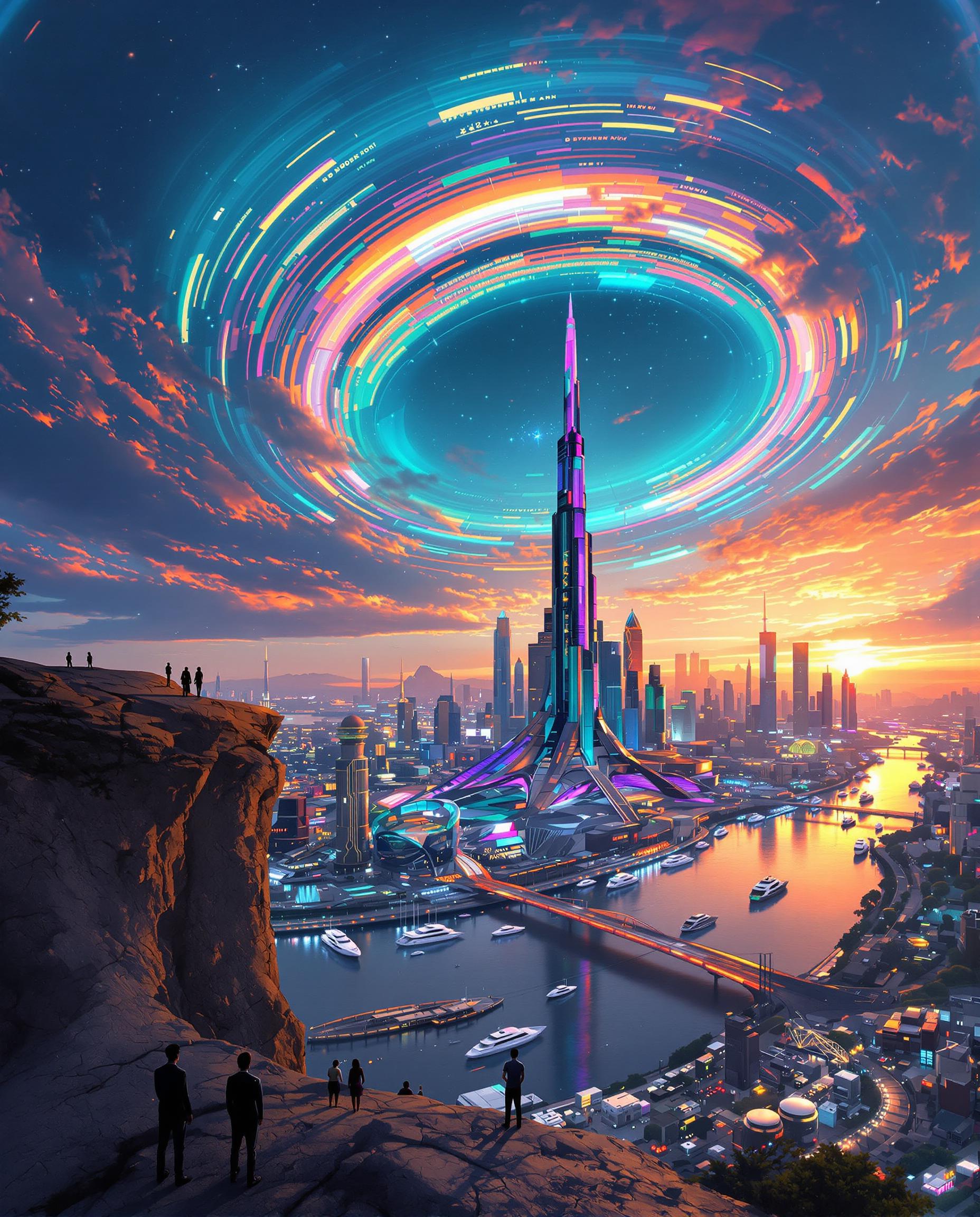

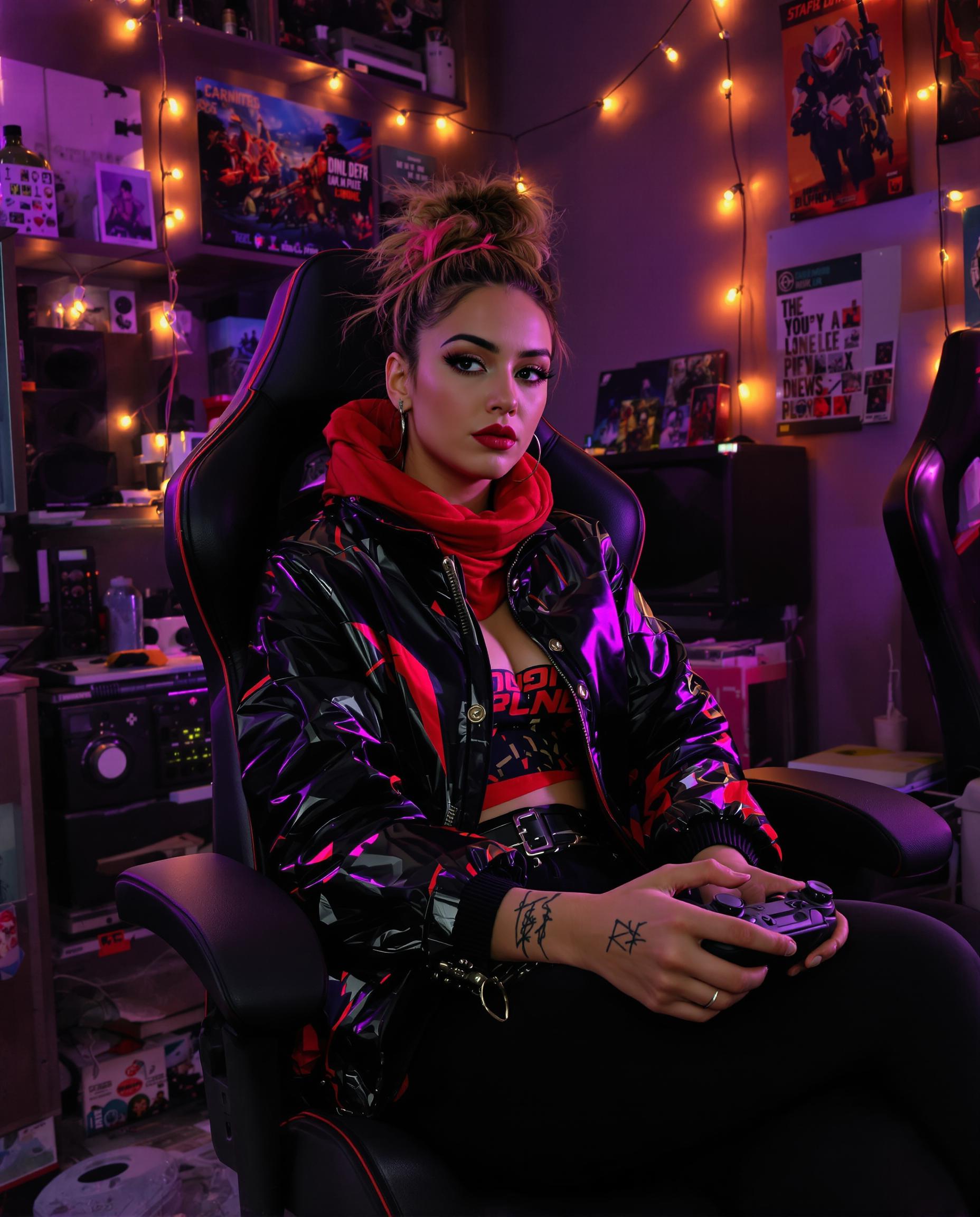
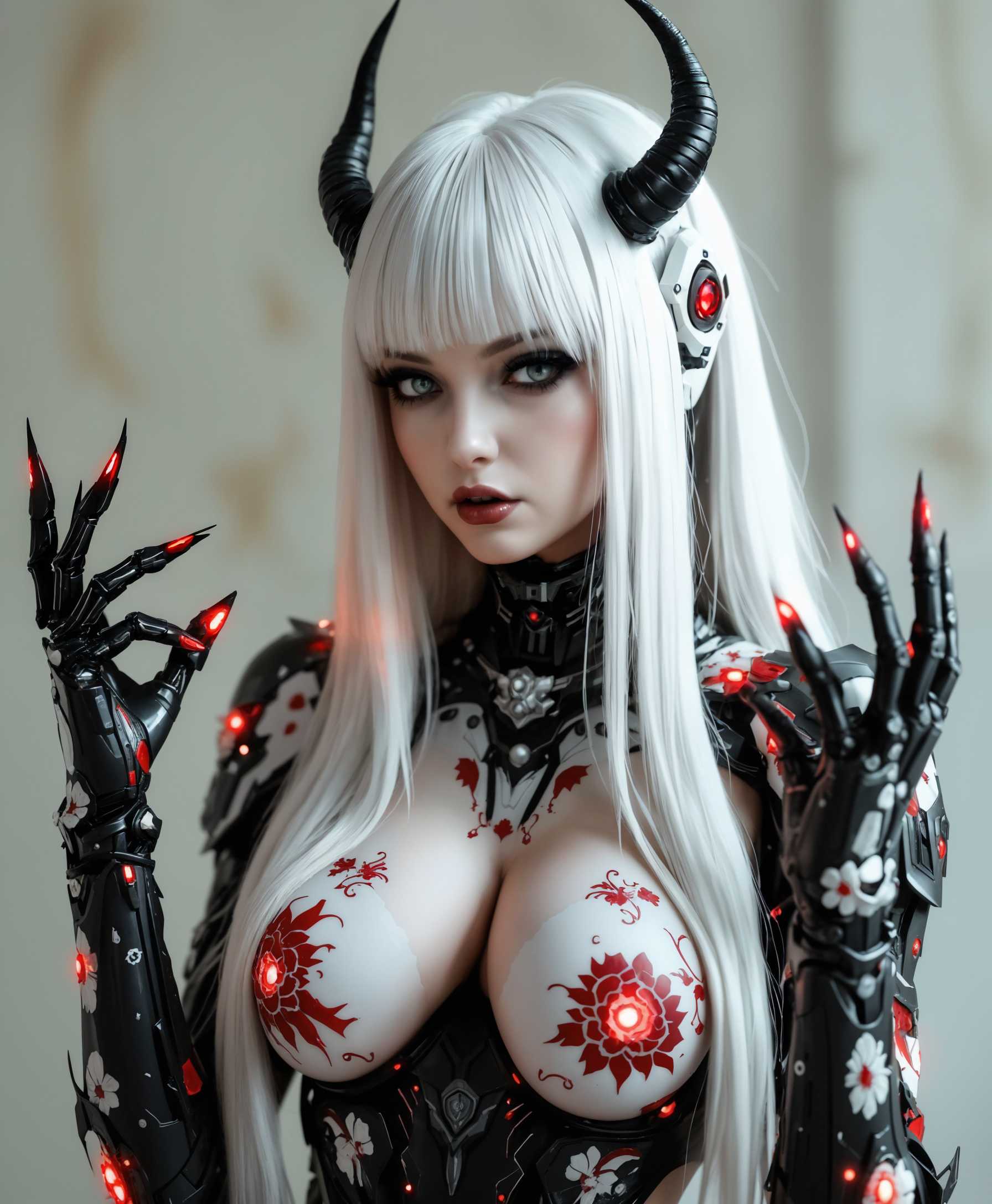
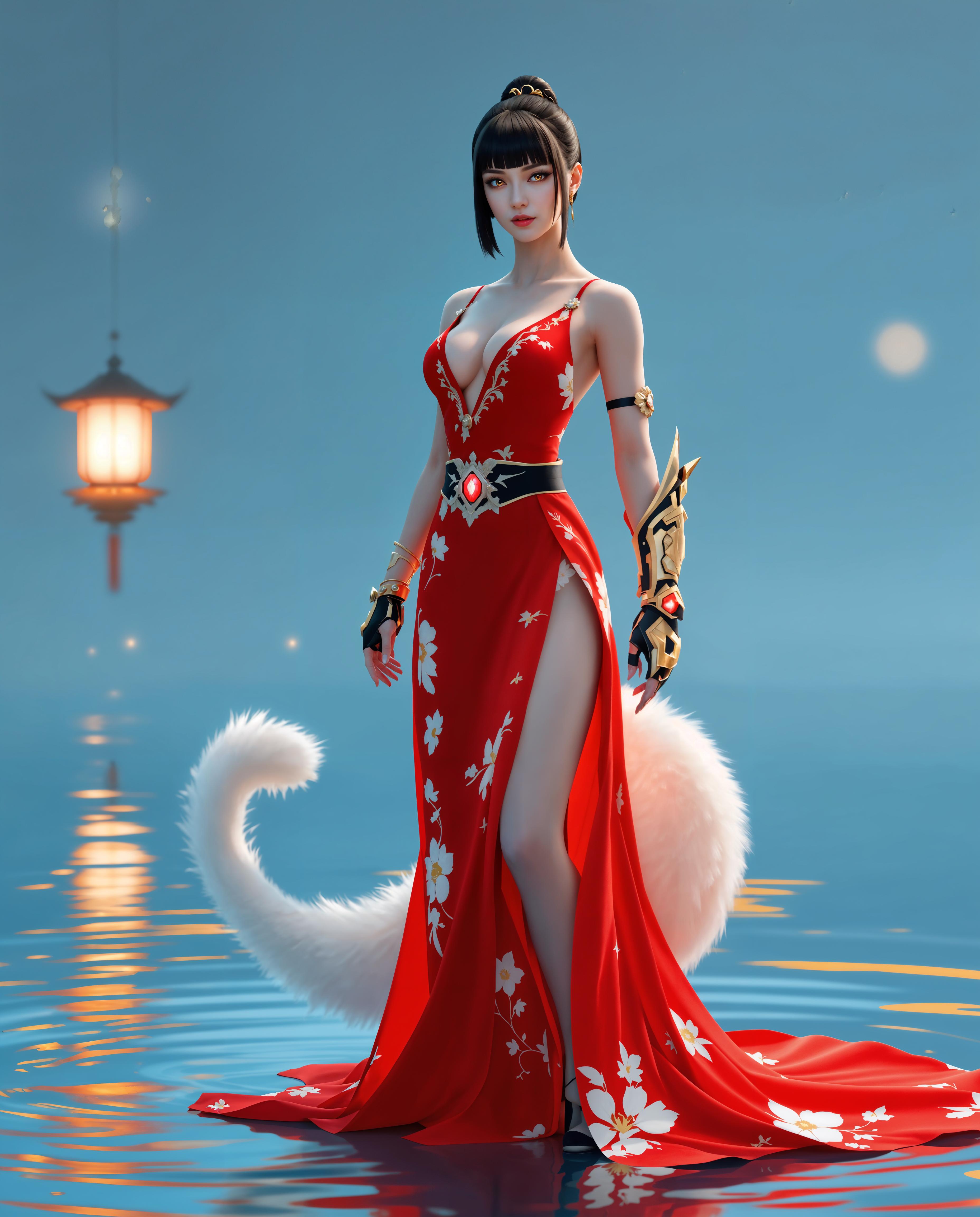



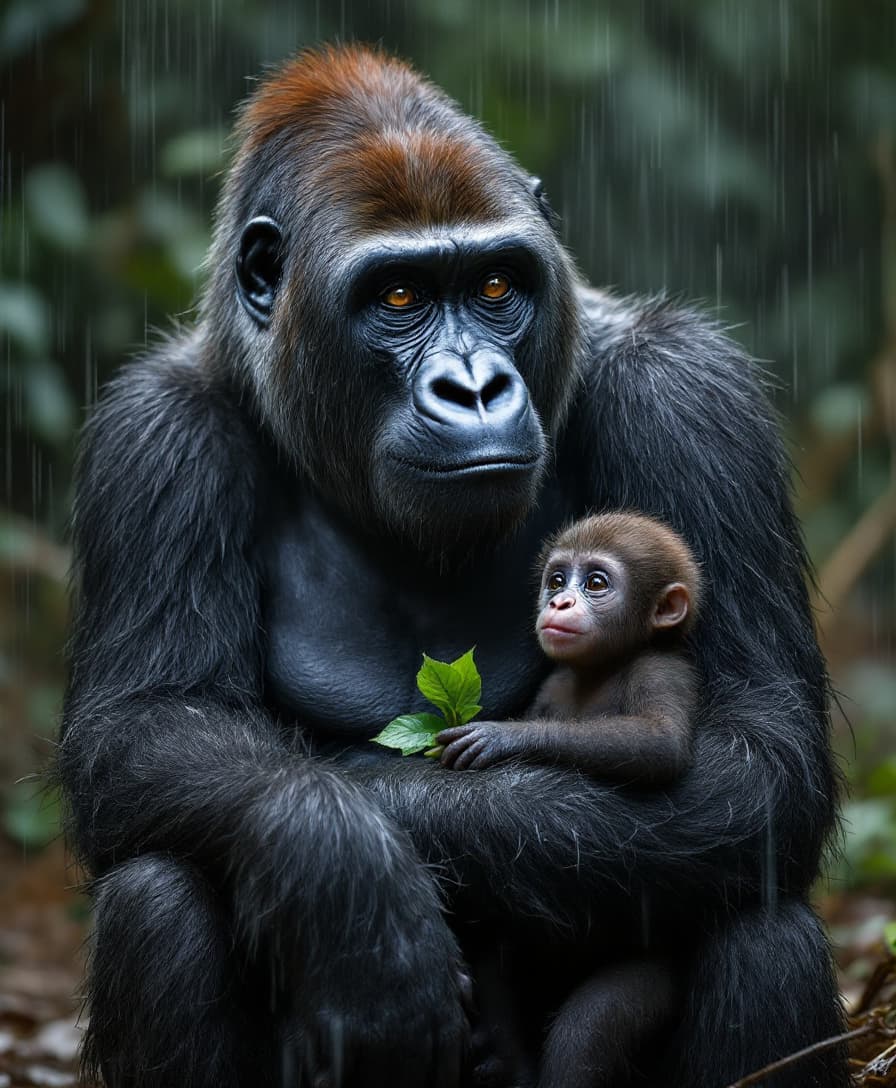

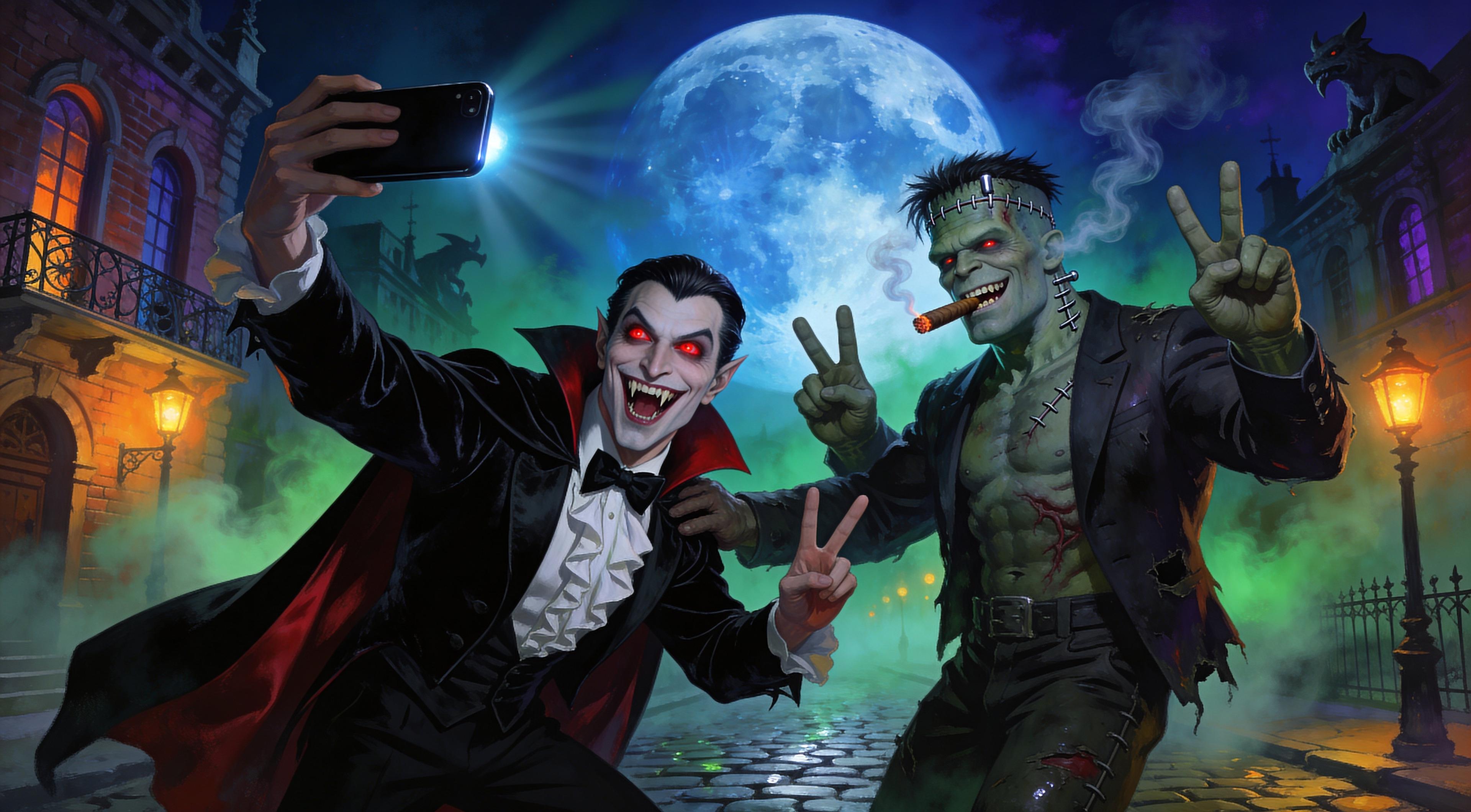
The Pixel Dojo Advantage
Why PixelDojo outperforms other options for image magnification
| Others | Pixel Dojo |
|---|---|
| Traditional Photo Editing | No need for manual editing skills; our AI automates the magnification process. |
| Generic AI Tools | Tailored specifically for seamless image magnification with high-quality results. |
| Manual Cropping and Resizing | Avoid distortion and quality loss; our AI maintains image integrity. |
Loved by Creators
See what our community says about magnify
"PixelDojo's magnification tool transformed my product images, making them more engaging and professional."
Alex Johnson
E-commerce Entrepreneur
"As a content creator, PixelDojo has been invaluable in enhancing my visuals effortlessly."
Maria Lopez
Digital Content Creator
Common Questions
Everything you need to know about magnify AI generation
How does PixelDojo's AI magnification tool work?
Our AI analyzes your image and intelligently enlarges its details, adding contextually relevant content to create a seamless magnification.
Is there a limit to how much I can magnify my image?
While our AI can significantly enlarge images, maintaining realism is key. Excessive magnification may result in less natural outcomes.
Do I need any prior editing experience to use this feature?
No, PixelDojo is designed for users of all skill levels. Our intuitive interface makes image magnification simple and accessible.
Can I customize the magnified areas of my image?
Yes, after the AI generates the magnification, you can adjust and fine-tune the added content to your preference.
What file formats are supported for image magnification?
PixelDojo supports common image formats such as JPEG, PNG, and BMP for both input and output.
Is there a free trial available?
Yes, we offer a free trial so you can experience the benefits of our tools before committing to a subscription.