mashup maker AI Generator
Unlock your creative potential with PixelDojo's AI Image Mashup Maker. Effortlessly blend multiple images to produce unique, captivating visuals that stand out. Whether you're an artist, marketer, or hobbyist, our intuitive tools empower you to create stunning image mashups without any prior design experience.
Join over 10,000 satisfied creators who have transformed their visuals using PixelDojo's AI tools. Rated 4.8/5 based on 2,500+ reviews.
Why Choose Pixel Dojo for mashup maker
Professional-quality results with cutting-edge AI technology
Effortless Creativity
Combine images seamlessly to produce unique art pieces without any design skills.
Time-Saving
Generate high-quality image mashups in seconds, streamlining your creative process.
Versatile Applications
Use your mashups for social media, marketing materials, or personal projects.
How It Works
Creating stunning image mashups with PixelDojo is simple and intuitive. Follow these steps to bring your creative visions to life:
Step 1: Choose Your Tool
Select the 'Image to Image' tool from PixelDojo's suite to begin your mashup creation.
Step 2: Upload Your Images
Upload the images you wish to combine. You can select multiple images to blend together.
Step 3: Enter Your Prompt
Describe how you want the images to be combined. For example, 'Blend a sunset over a city skyline.'



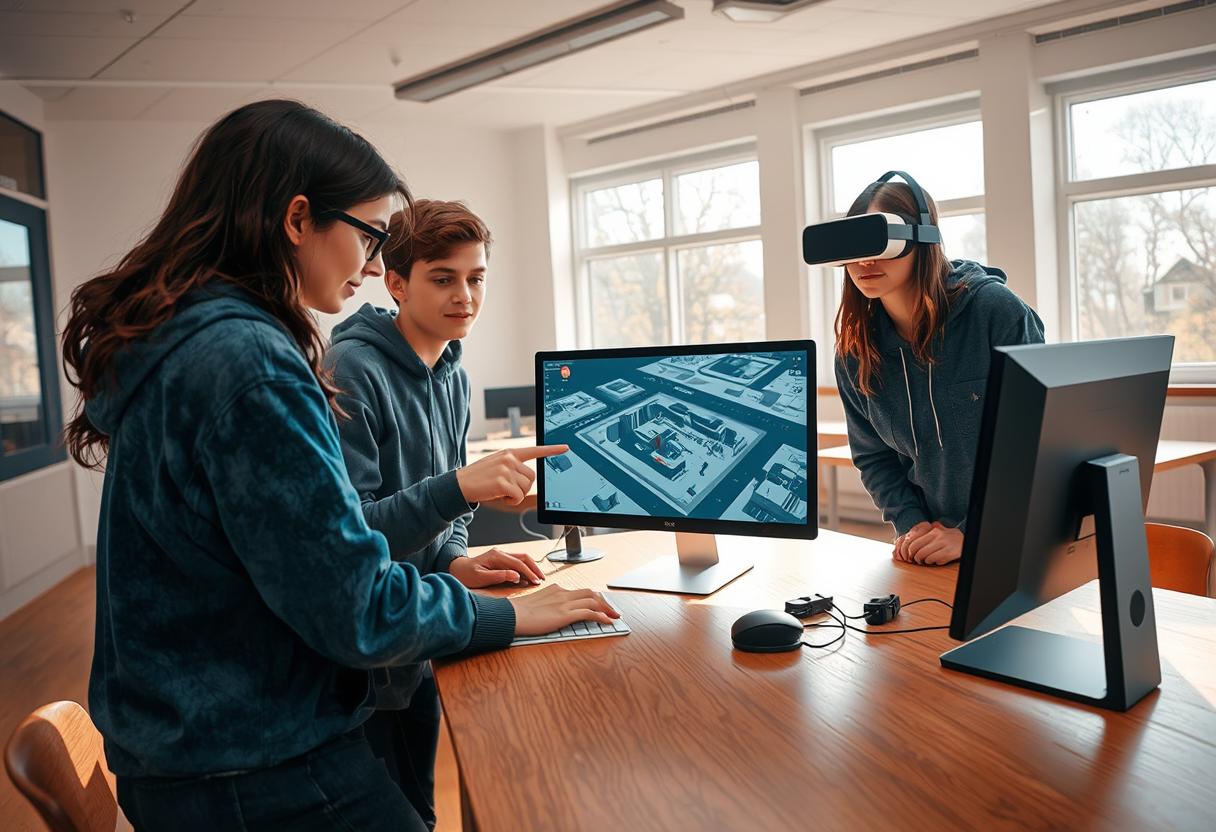
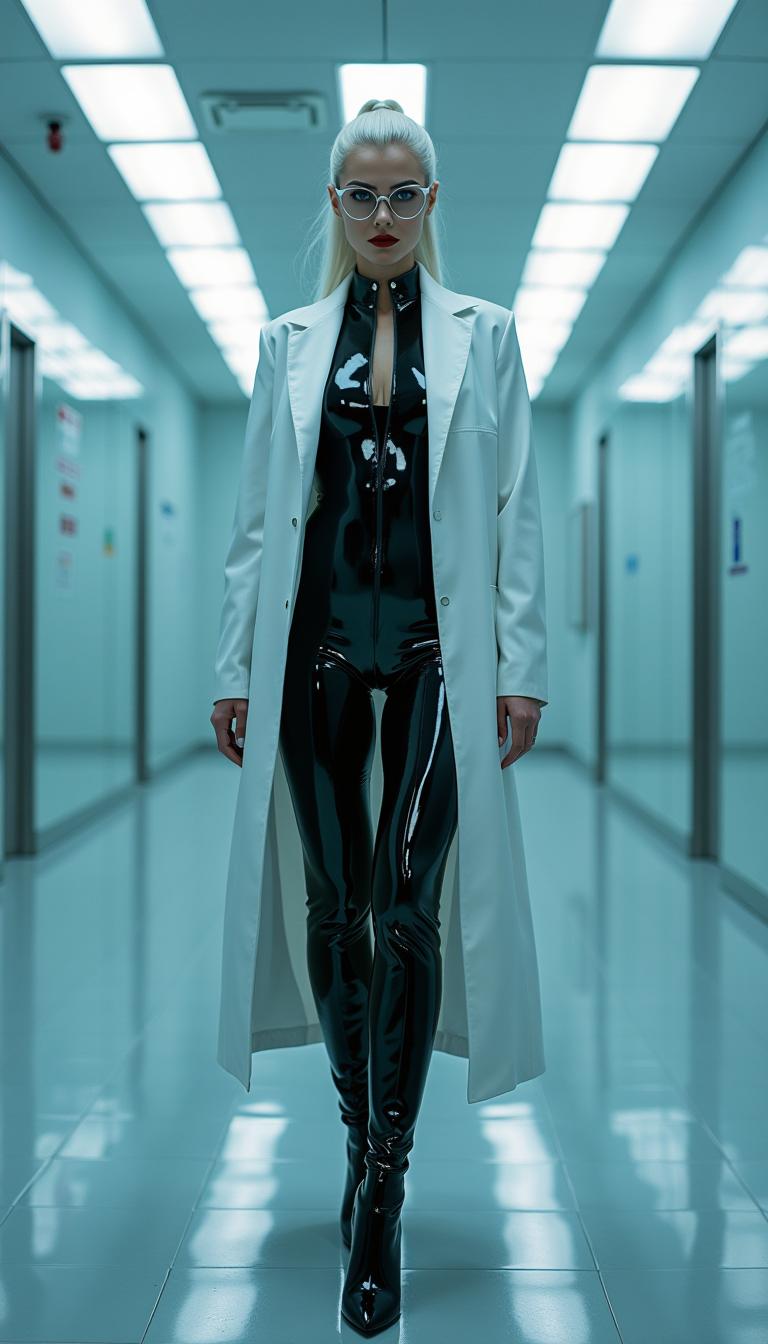
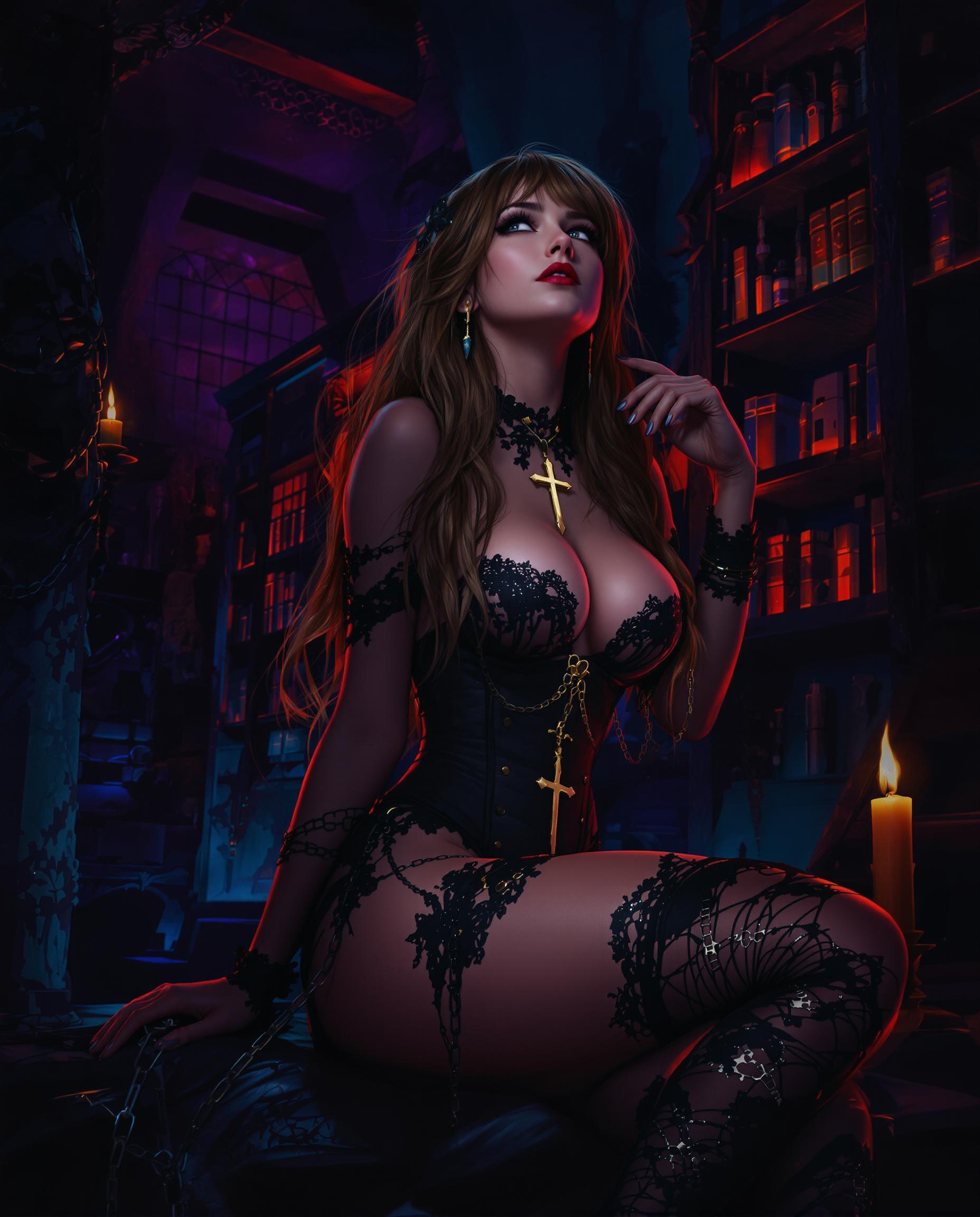
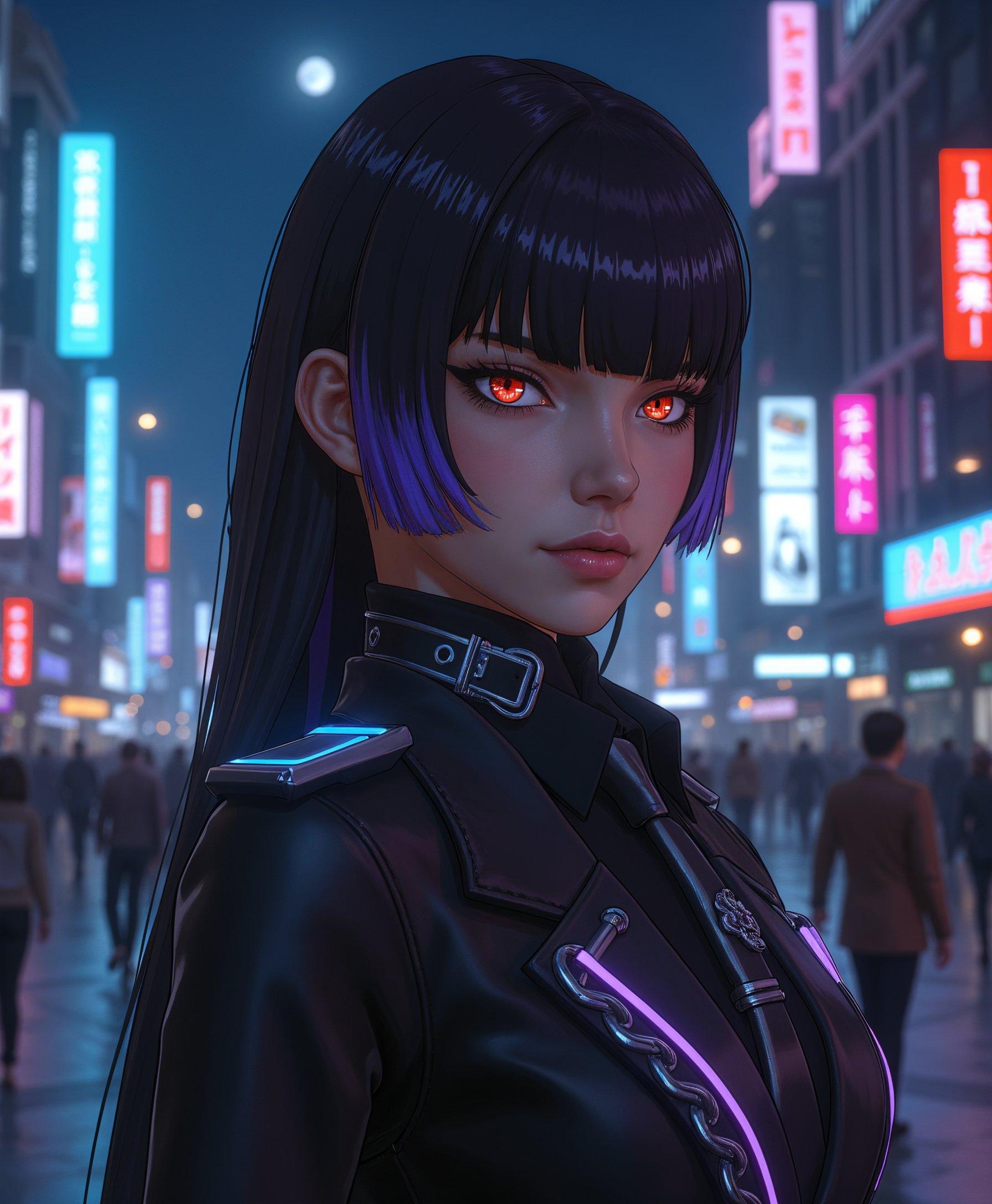
The Pixel Dojo Advantage
Why PixelDojo outperforms other options for AI image mashup creation:
| Others | Pixel Dojo |
|---|---|
| Traditional Photo Editing Software | No need for complex software or advanced skills; create mashups effortlessly. |
| Generic AI Tools | Specialized tools designed specifically for image blending and mashups. |
| Manual Collage Making | Automated blending ensures seamless and professional results every time. |
Loved by Creators
See what our community says about mashup maker
"PixelDojo's mashup maker transformed my social media content. The results are stunning and the process is so easy!"
Alex Johnson
Social Media Influencer
"As a marketer, creating unique visuals is crucial. PixelDojo's tools have saved me hours of work and the quality is unmatched."
Samantha Lee
Digital Marketer
Common Questions
Everything you need to know about mashup maker AI generation
How does PixelDojo's AI Image Mashup Maker work?
Our tool uses advanced AI algorithms to seamlessly blend multiple images based on your descriptive prompts, creating unique and cohesive visuals.
Do I need design experience to use PixelDojo?
Not at all! PixelDojo is designed for users of all skill levels. Our intuitive interface makes it easy for anyone to create stunning image mashups.
Can I use the generated images for commercial purposes?
Yes, images created with PixelDojo can be used for both personal and commercial projects without any restrictions.
Is there a limit to the number of images I can combine?
You can combine multiple images in a single mashup. However, for optimal results, we recommend blending up to three images at a time.
How long does it take to generate an image mashup?
Our AI processes your request in seconds, allowing you to create and download your mashup almost instantly.
Is my data secure with PixelDojo?
Absolutely. We prioritize user privacy and ensure that all uploaded images and generated content are securely stored and not shared without your consent.