max studio AI Generator
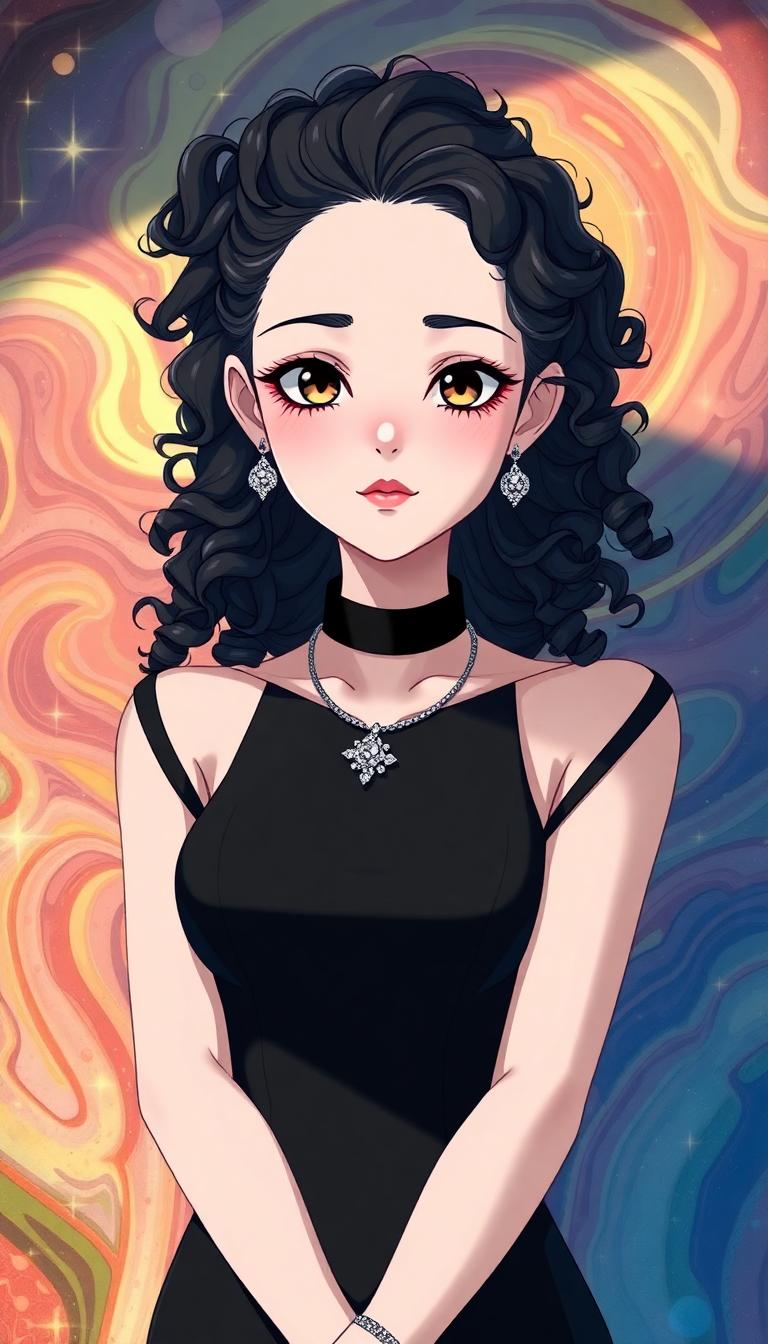
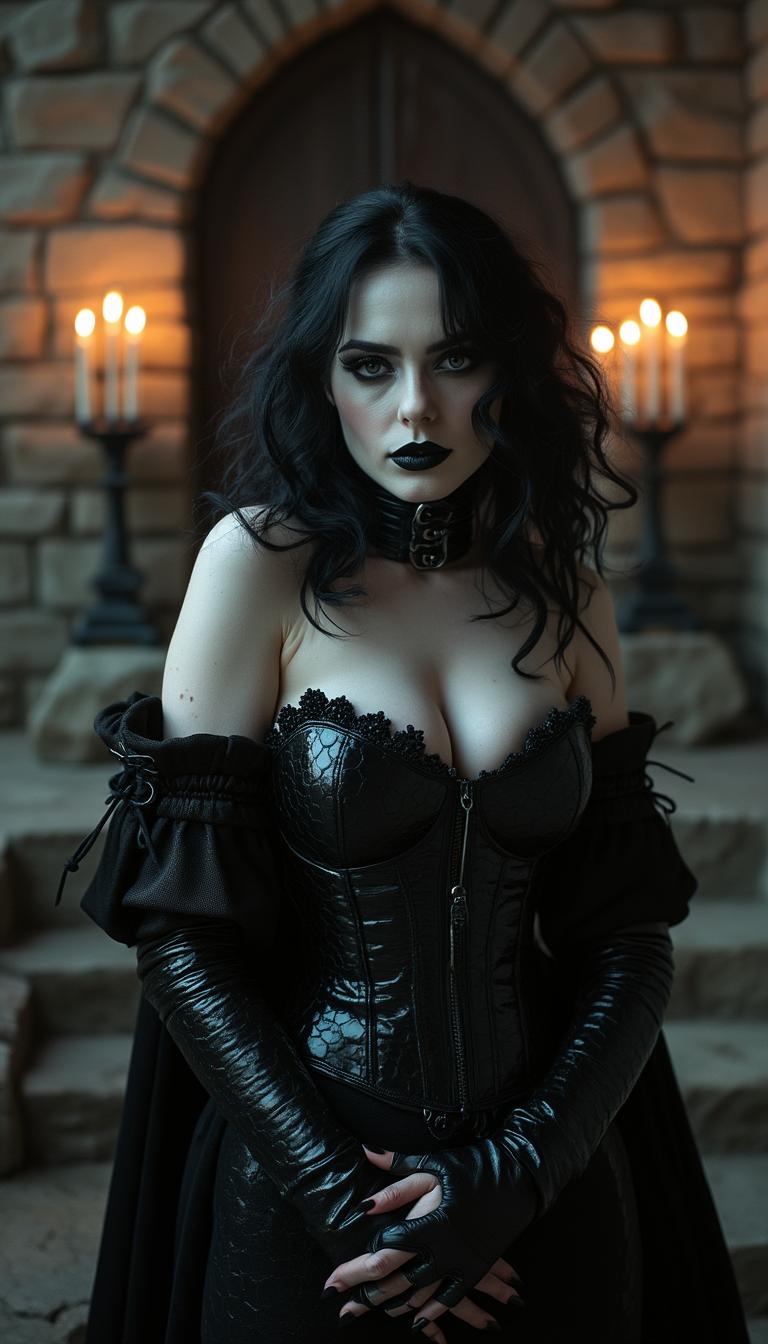
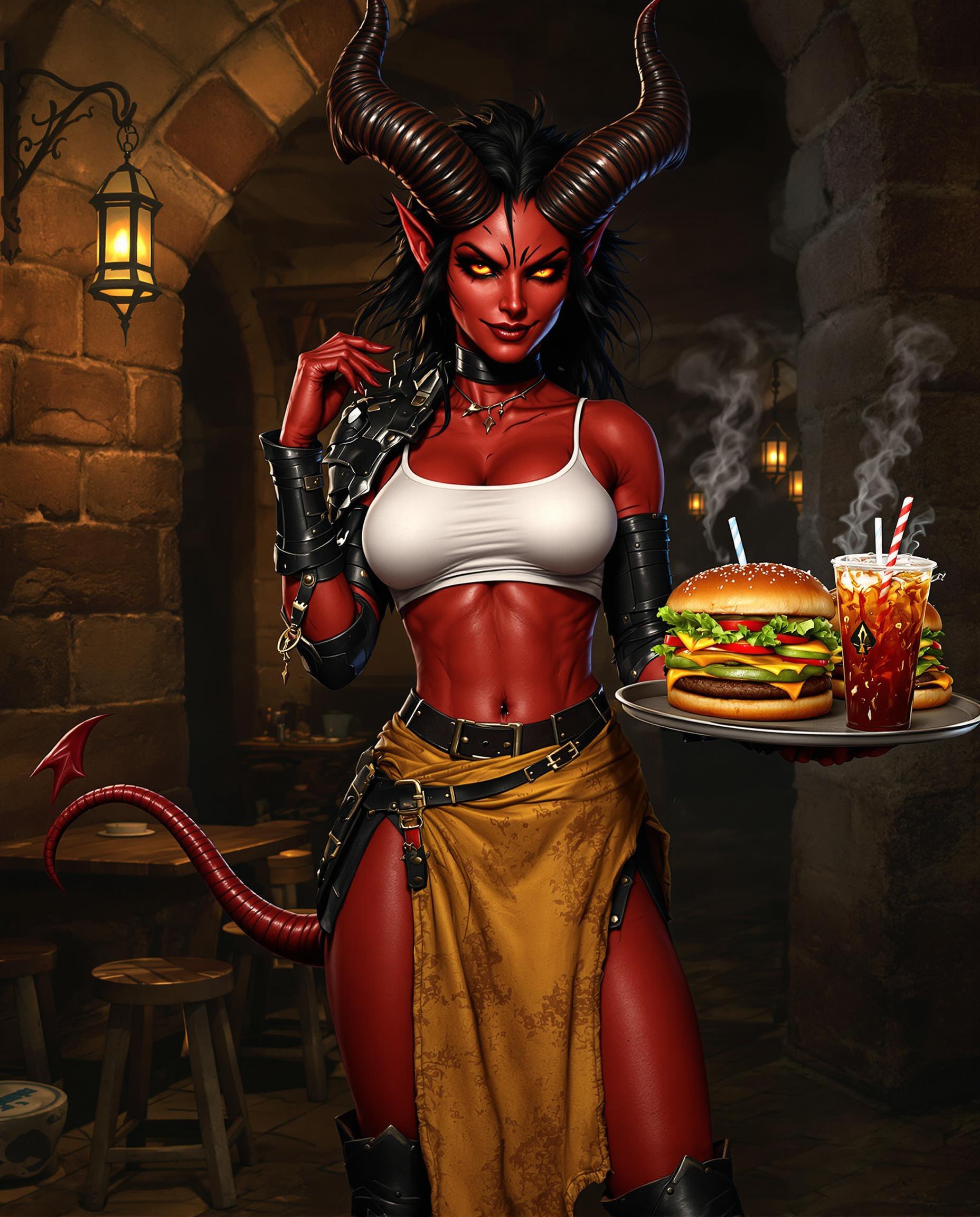
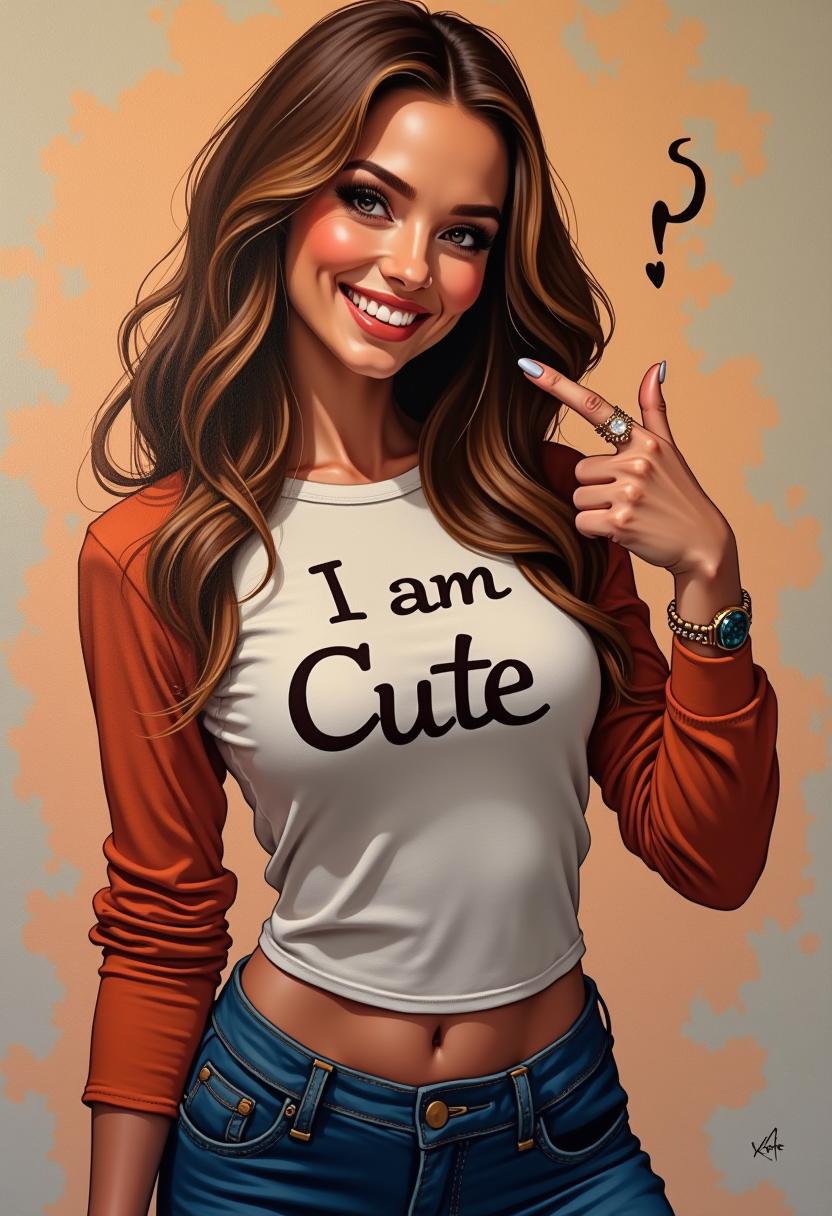
Imagine bringing your creative visions to life with professional-quality images that capture the essence of the Max Studio style. With PixelDojo's advanced AI tools, you can effortlessly generate stunning visuals that resonate with your audience, whether you're a designer, marketer, or content creator.

Join over 100,000 creators who have generated more than 10 million images using PixelDojo's AI tools. Rated 4.9/5 by our satisfied users.
Why Choose Pixel Dojo for max studio
Professional-quality results with cutting-edge AI technology
Effortless Professional Quality
Achieve studio-quality images without the need for expensive equipment or extensive editing skills.
Time and Cost Efficiency
Save time and reduce costs by automating the image creation process with AI.
Unlimited Creative Possibilities
Explore endless creative options with customizable AI-generated images tailored to your needs.
How It Works
Creating Max Studio-style images with PixelDojo is simple and intuitive. Follow these steps to bring your ideas to life:
Step 1: Choose Your Tool
Navigate to PixelDojo's dashboard and select Flux.2 Studio for base edits or specialized tools like Inpainting for targeted fixes, Image to Image for full transformations, or Outpainting to expand canvases instantly.
Step 2: Enter Your Prompt
Upload your starting image, then craft a detailed prompt like 'create a Max Studio-style portrait with soft lighting and neutral tones.' Leverage Flux 2 Max techniques like mask-based inpainting for precision or style transfer prompts for creative twists.
Step 3: Customize & Download
Fine-tune with sliders for strength, resolution via Creative Upscaler, or LoRAs via Inpainting with LoRAs. Generate variations, preview in real-time, then download high-res files ready for print, web, or social – all powered by Flux.2 Studio's latest trends in photorealistic control.
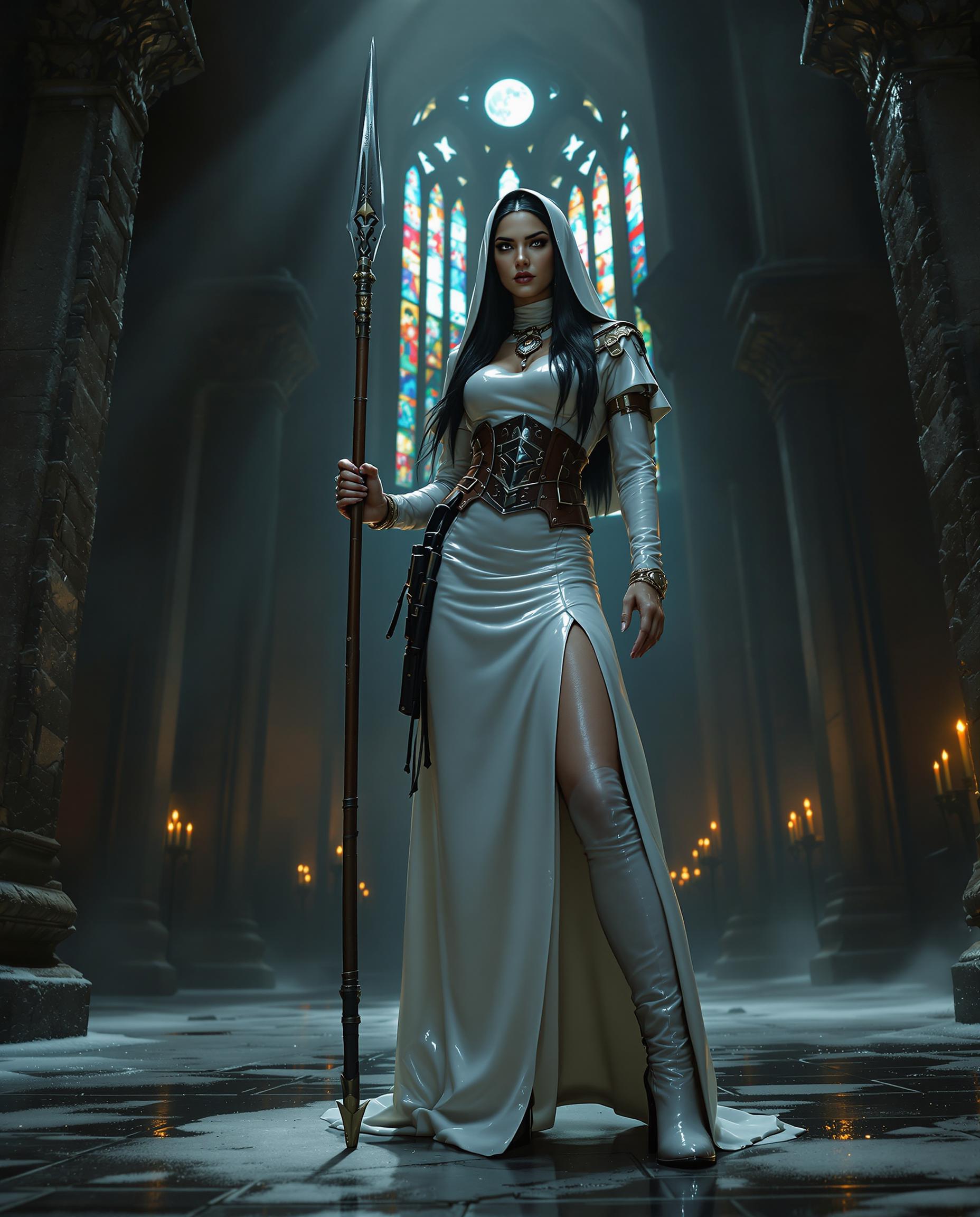
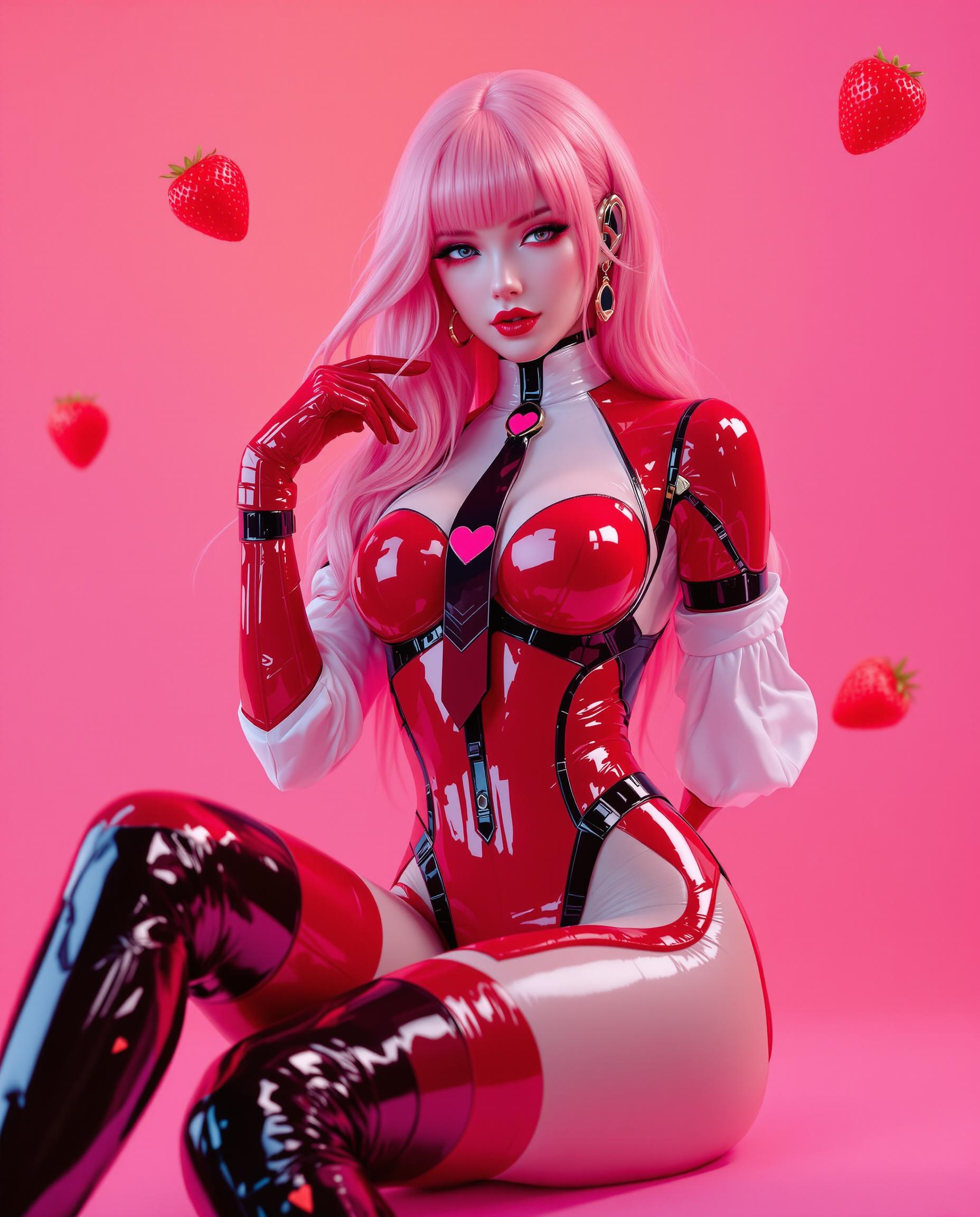
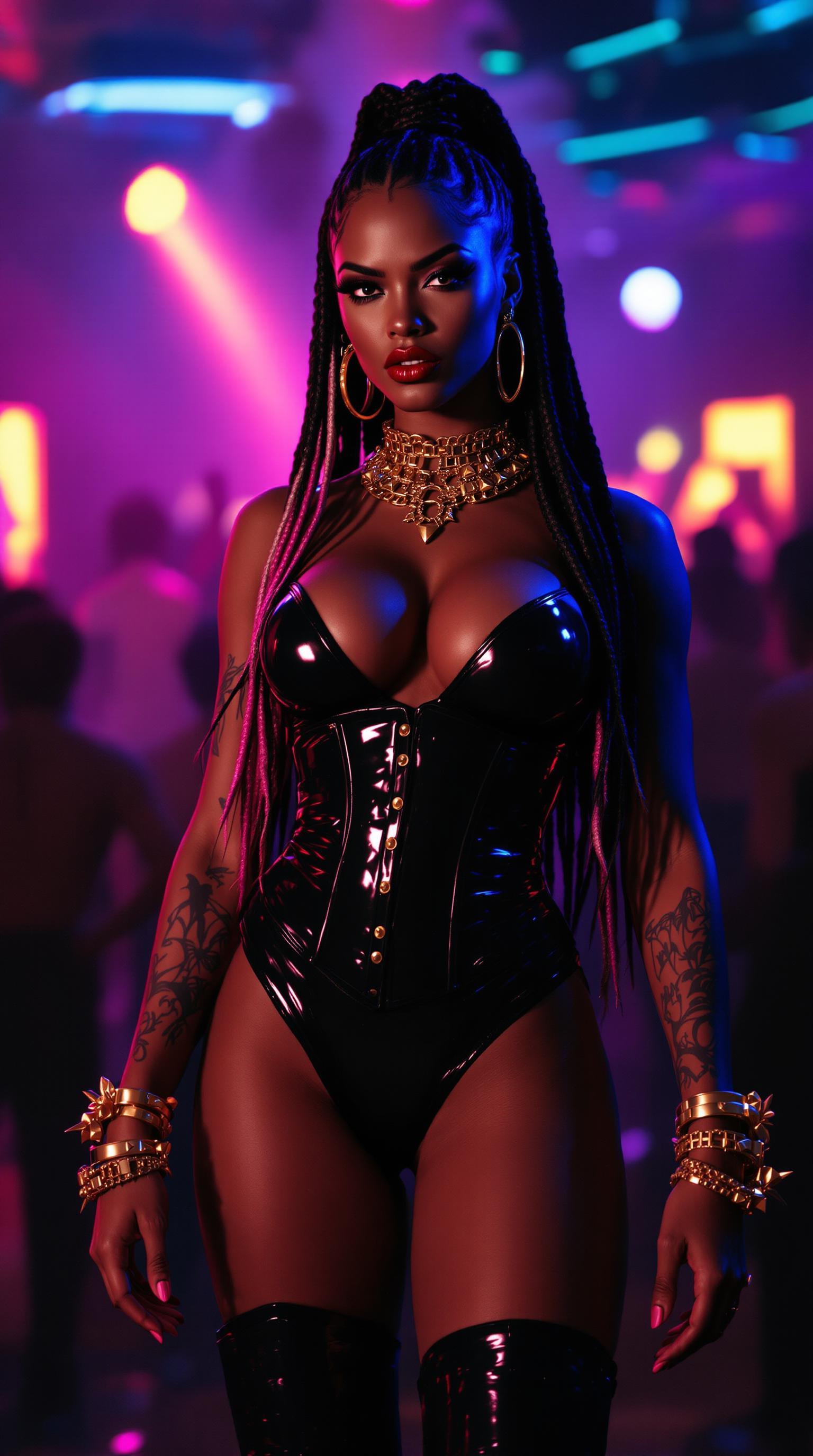
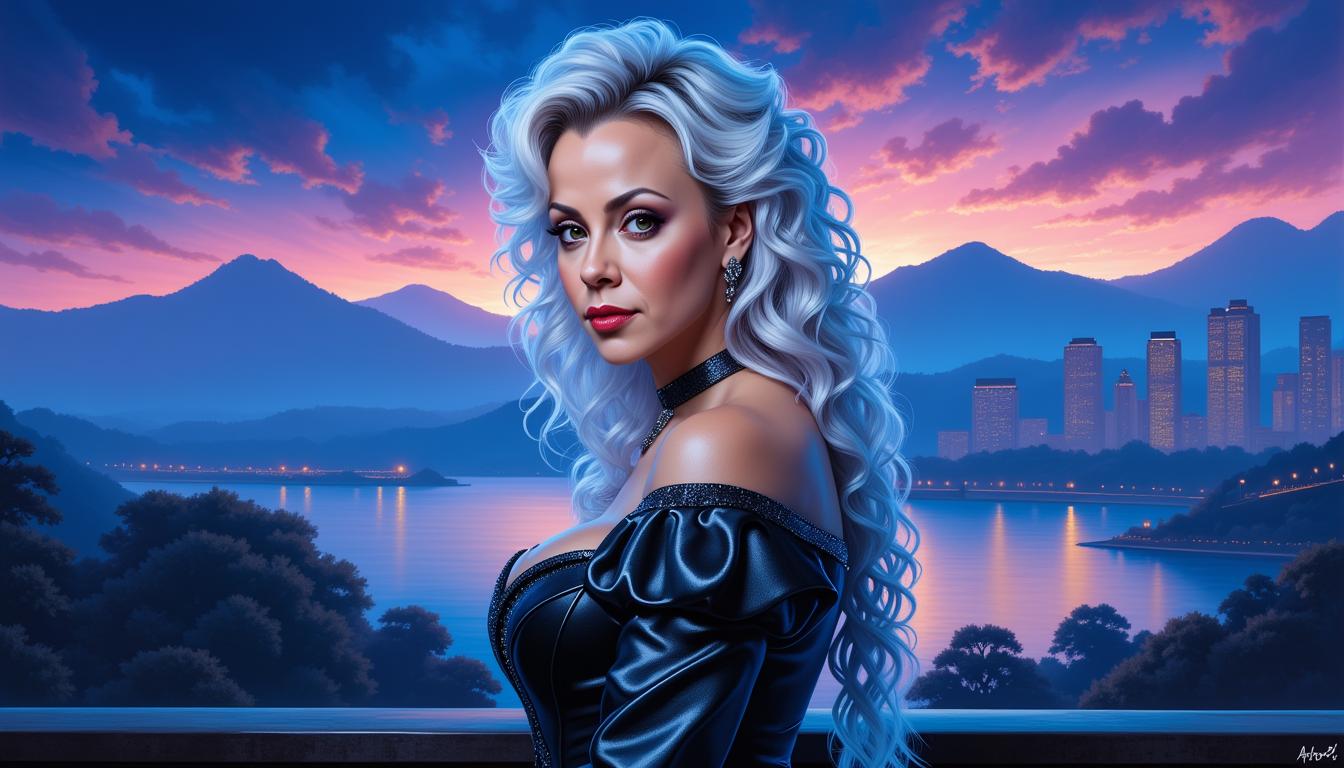

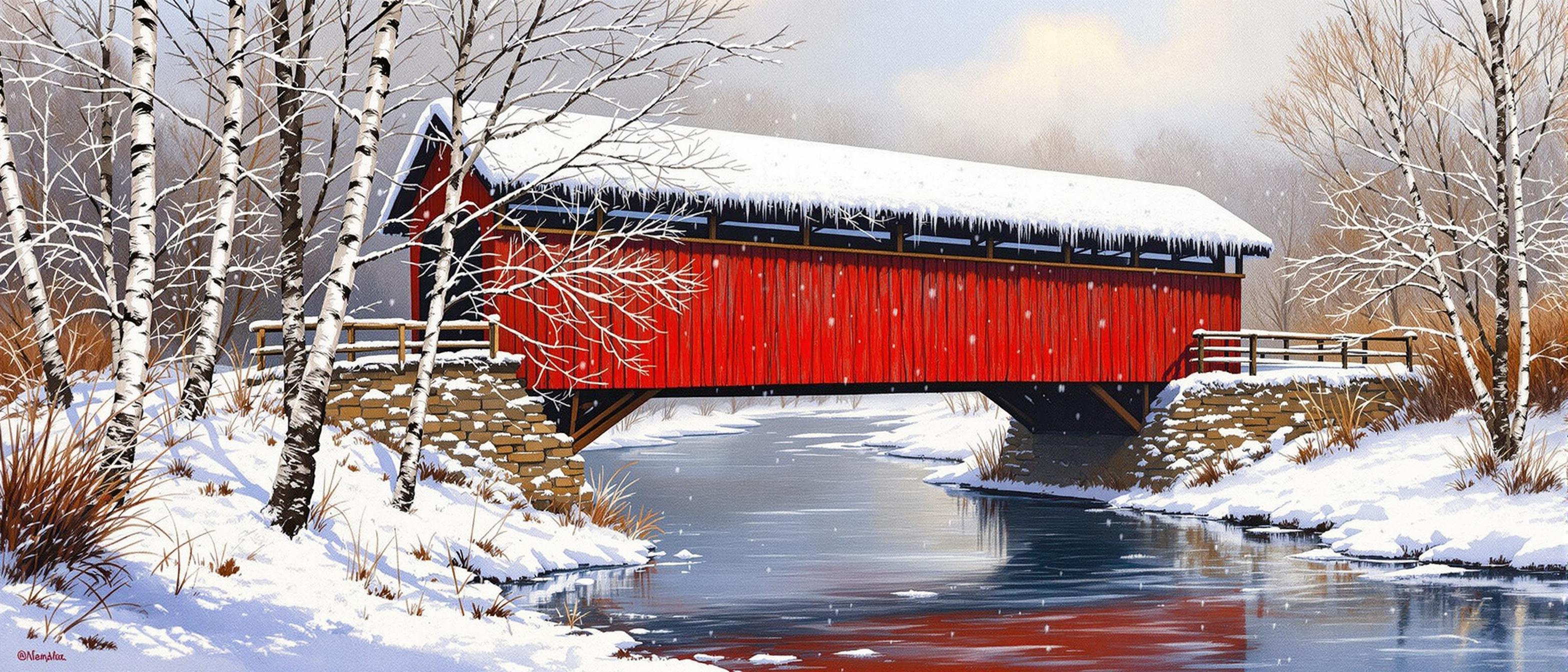
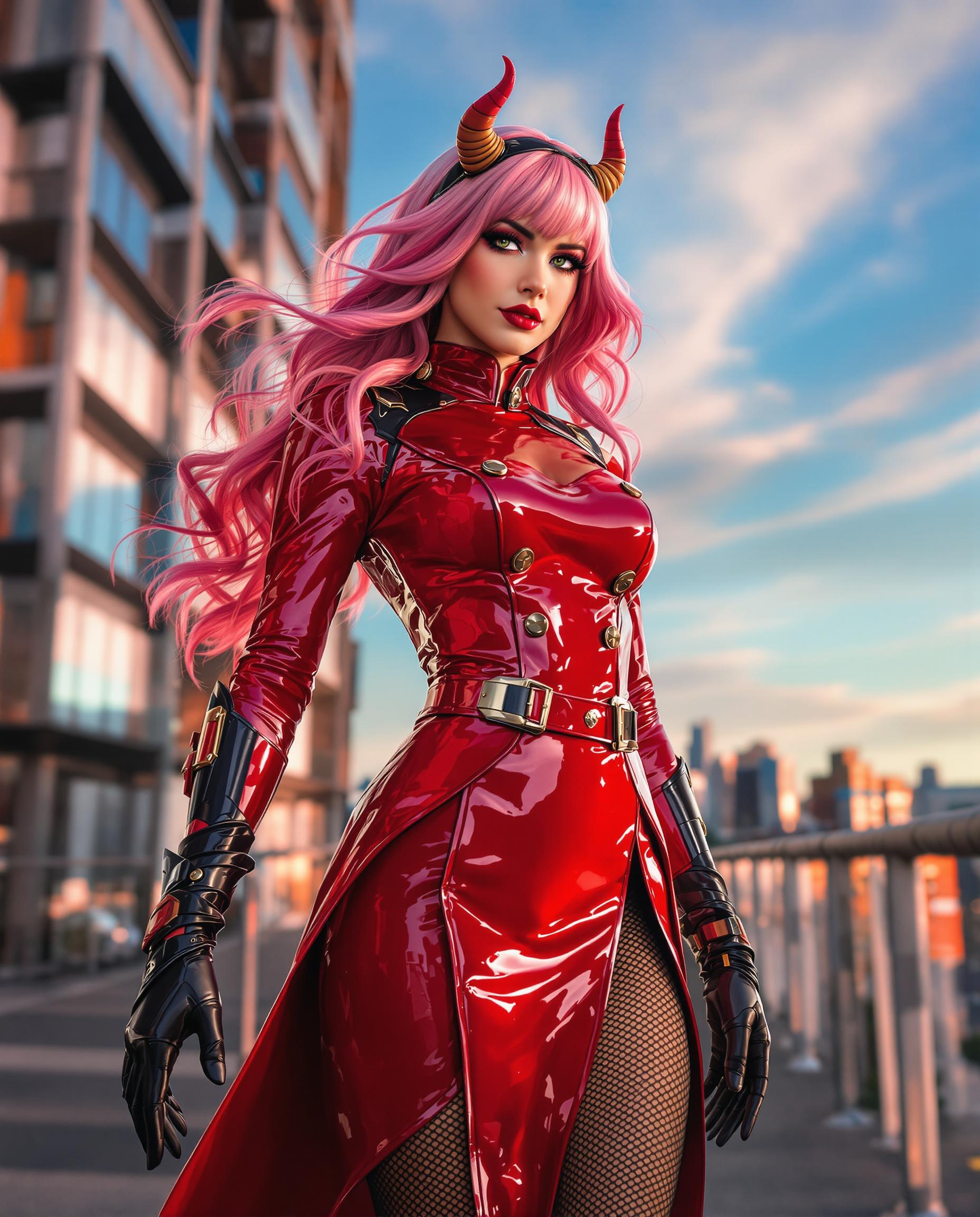
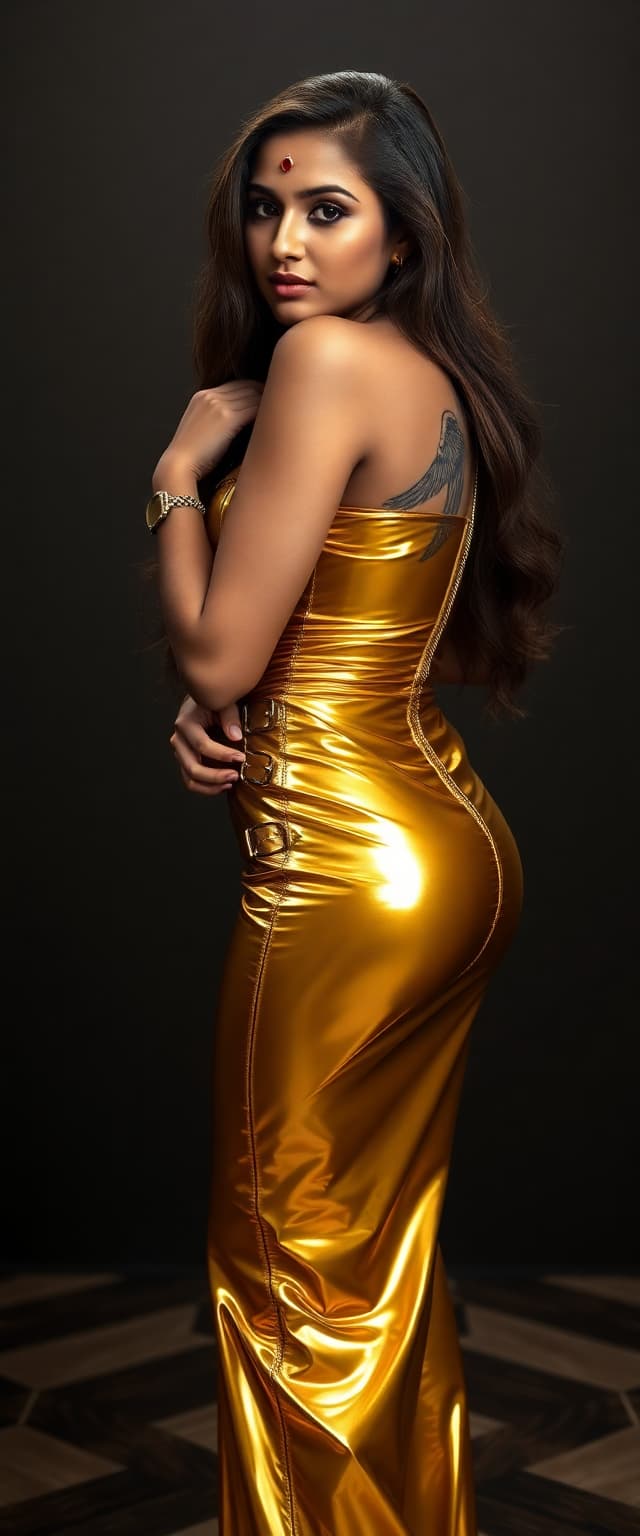

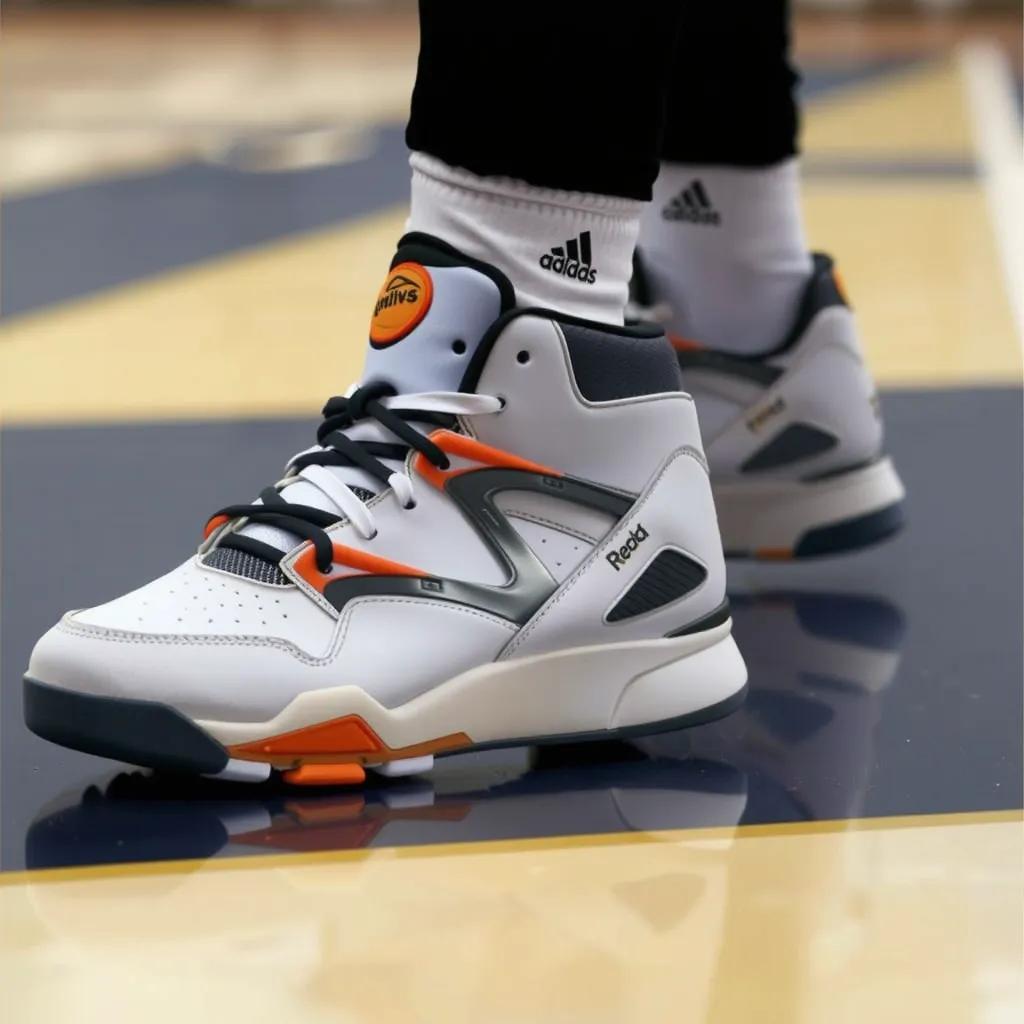
![{
"shot": {
"composition": "Tight selfie-vlog, palm-string lights bokeh",
"camera_motion": "arm-length phone sway, gentle sidestep in sand",
"frame_rate": "30fps",
"camera_model": "iPhone 15 Pro, Cinematic",
"lens": "24 mm equiv f/1.9",
"white_balance": "4800K sunset mix",
"film_grain": "mobile sensor noise 6 %"
},
"subject": {
"role": "Charge Nurse",
"name": "Isha",
"age": 24,
"ethnicity": "Sierra Leonean",
"appearance": "short natural curls, gold nose stud, radiant skin",
"wardrobe": "turquoise off-shoulder top, white linen shorts, beaded anklet",
"emotion": "frank, resilient",
"movement": "turns to show surf line, back to lens with nod"
},
"scene": {
"location": "Lumley Beach, Freetown",
"time_of_day": "19:10 (blue hour)",
"environment": "orange-pink horizon, beach-bar neon, distant Afrobeat, gentle surf"
},
"audio": {
"ambient": "small waves, muffled Afrobeat bass, laughter cluster",
"mix_level_db": -14,
"voice_over": {
"language": "en-SL",
"voice_profile": {
"id": "AfricanFemale_Eng_West_NaturalV2",
"tier": "studio-hd",
"naturalness": 1,
"stability": 0.25,
"accent": "SL-EN",
"speech_speed": "fast_095"
},
"script": [
{
"timestamp": 0.5,
"text": "Dem online talk dey stress me, ya know."
},
{
"timestamp": 3,
"text": "But pausing my vids? That no be me."
},
{
"timestamp": 5.5,
"text": "Use Pixel Dojo dot AI."
}
]
},
"audio_master": {
"target_lufs": -14,
"true_peak_db": -2,
"dialogue_enhance": false
},
"dialogue": {
"character": "woman",
"line": "If making content is stressing you our, try Pixel Dojo dot AI"
}
},
"color_palette": "teal shadows, warm sunset mids, neon pink highlights"
}](https://cdn.pixeldojo.ai/cdn-cgi/image/f=auto,q=75,w=3840/pixeldojo/generated-images/1754073051544-mrac60e95.png)
The Pixel Dojo Advantage
Why PixelDojo outperforms other options for Max Studio-style image generation
| Others | Pixel Dojo |
|---|---|
| Traditional photography | Skip expensive photoshoots and complex setups – generate professional-quality images instantly with AI. |
| Generic AI tools | Access specialized tools like Flux.2 Studio and Inpainting for precise edits and style applications tailored to Max Studio aesthetics. |
| Manual photo editing | Eliminate hours of manual editing; PixelDojo's AI tools automate the process, delivering stunning results in minutes. |
Loved by Creators
See what our community says about max studio
"PixelDojo transformed my workflow. I can now create Max Studio-style images effortlessly, saving time and resources."
Alex Johnson
Graphic Designer
"The AI tools are intuitive and powerful. My clients are impressed with the quality of images I produce using PixelDojo."
Maria Lopez
Marketing Specialist
Common Questions
Everything you need to know about max studio AI generation
How can I create Max Studio-style images using PixelDojo?
Use PixelDojo's Flux.2 Studio to generate images with the desired style. Input specific prompts and customize the output to match the Max Studio aesthetic.
Do I need prior design experience to use PixelDojo?
No, PixelDojo's AI tools are designed for users of all skill levels, enabling you to create professional-quality images without prior design experience.
Can I customize the generated images?
Yes, PixelDojo offers various tools like Inpainting and Creative Upscaler to fine-tune and customize your images to your liking.
Is there a limit to how many images I can create?
PixelDojo offers various subscription plans with different limits. Choose a plan that best fits your creative needs.
How does PixelDojo ensure the quality of generated images?
PixelDojo utilizes advanced AI models and continuous updates to ensure high-quality, photorealistic image generation.
Can I use PixelDojo for commercial projects?
Yes, images generated with PixelDojo can be used for commercial purposes, subject to the terms of service.