multi face swap AI Generator
Imagine effortlessly swapping multiple faces in a single image, creating fun, engaging, or professional visuals without the need for complex software or technical skills. With PixelDojo's advanced AI face swap tools, you can achieve seamless multi-face swaps in just a few clicks, transforming your photos into captivating creations.
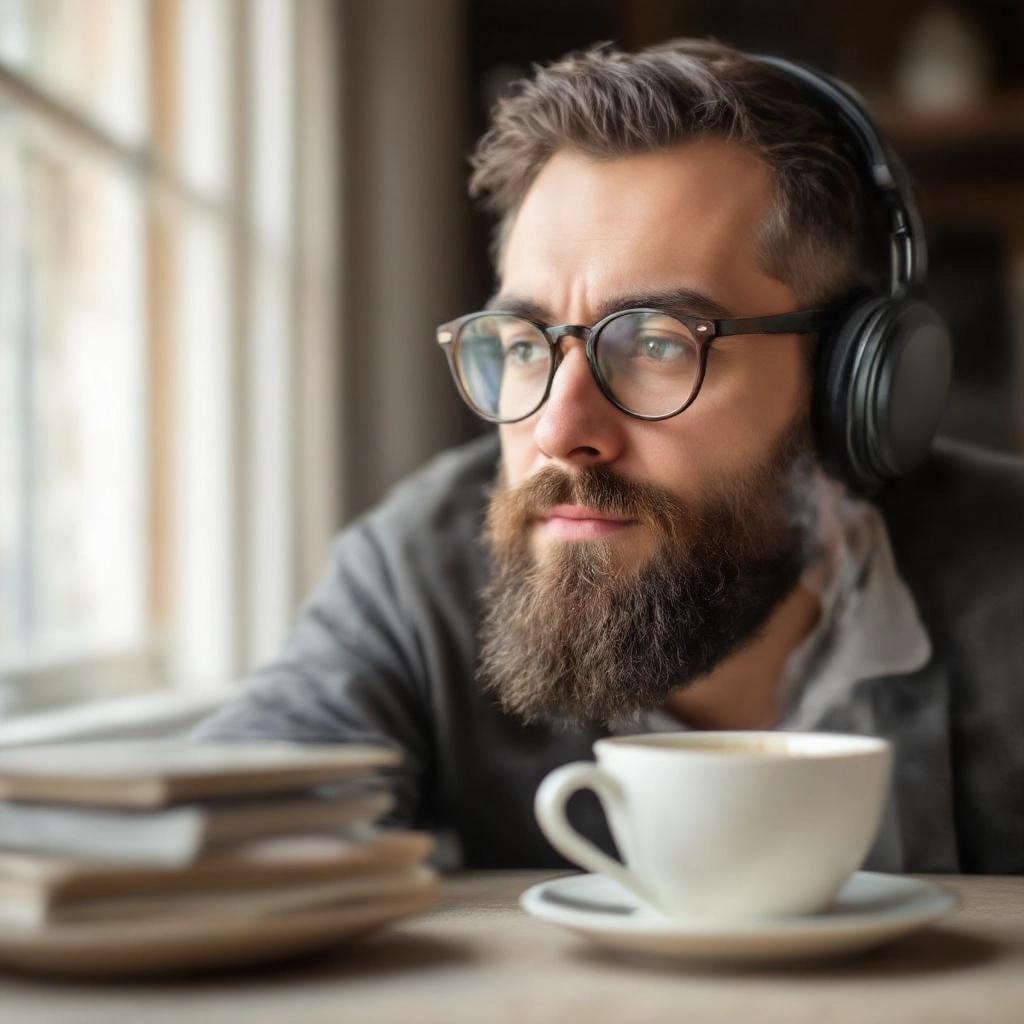
Join over 10,000 satisfied users who have transformed their images with PixelDojo's AI face swap technology, achieving a 98% satisfaction rate.
Why Choose Pixel Dojo for multi face swap
Professional-quality results with cutting-edge AI technology
Effortless Multi-Face Swapping
Swap multiple faces in a single image quickly and easily, saving time and effort.
High-Quality, Realistic Results
Achieve natural-looking face swaps with advanced AI algorithms that preserve facial expressions and lighting.
User-Friendly Interface
No technical skills required; our intuitive platform makes face swapping accessible to everyone.
How It Works
Creating multi-face swap images with PixelDojo is simple and straightforward. Follow these steps to transform your photos:
Step 1: Upload Your Image
Select and upload the image containing the faces you want to swap.
Step 2: Select Faces to Swap
Choose the faces you wish to swap and specify the target faces for replacement.
Step 3: Generate and Download
Click 'Generate' to process the face swap, then download your transformed image.

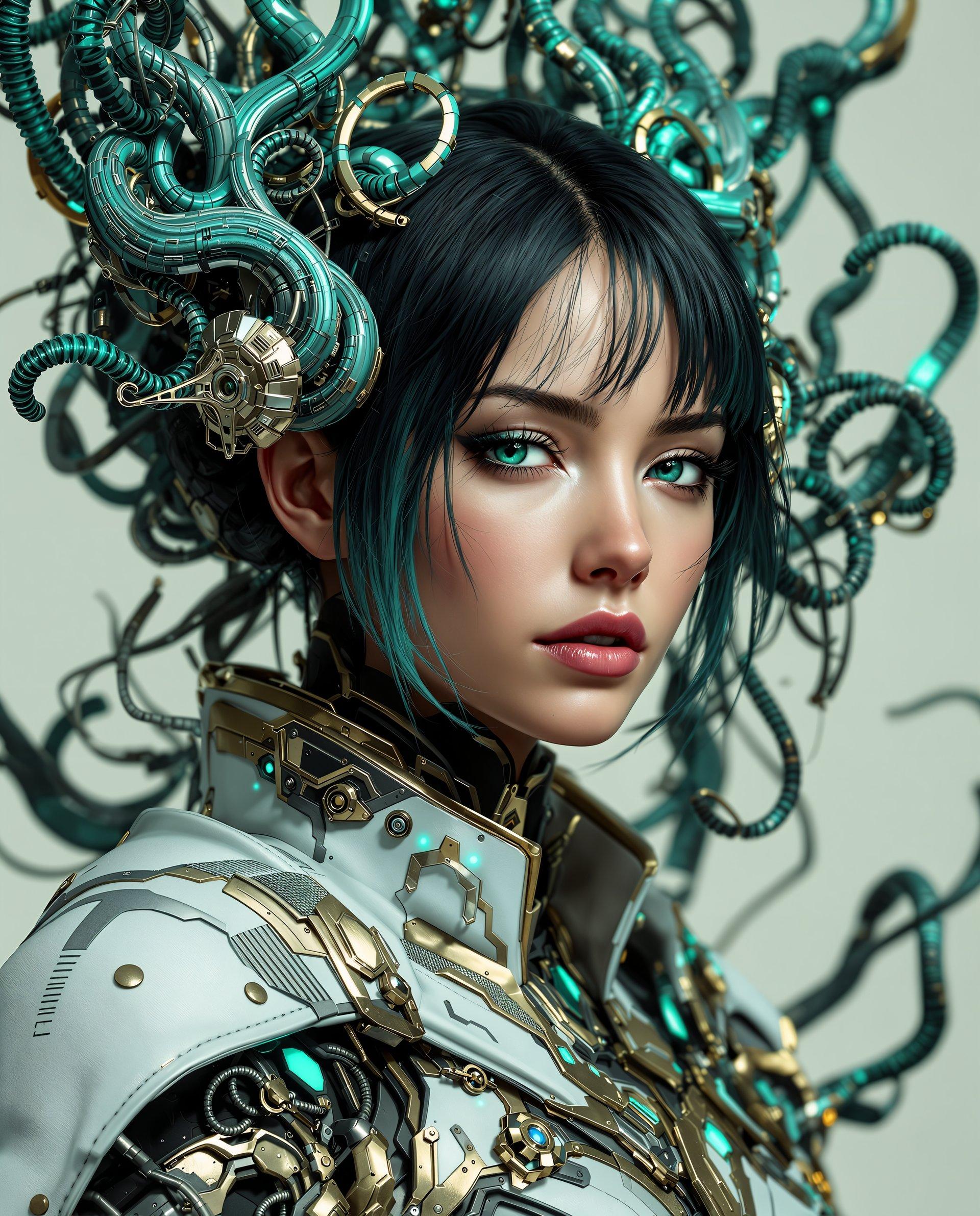
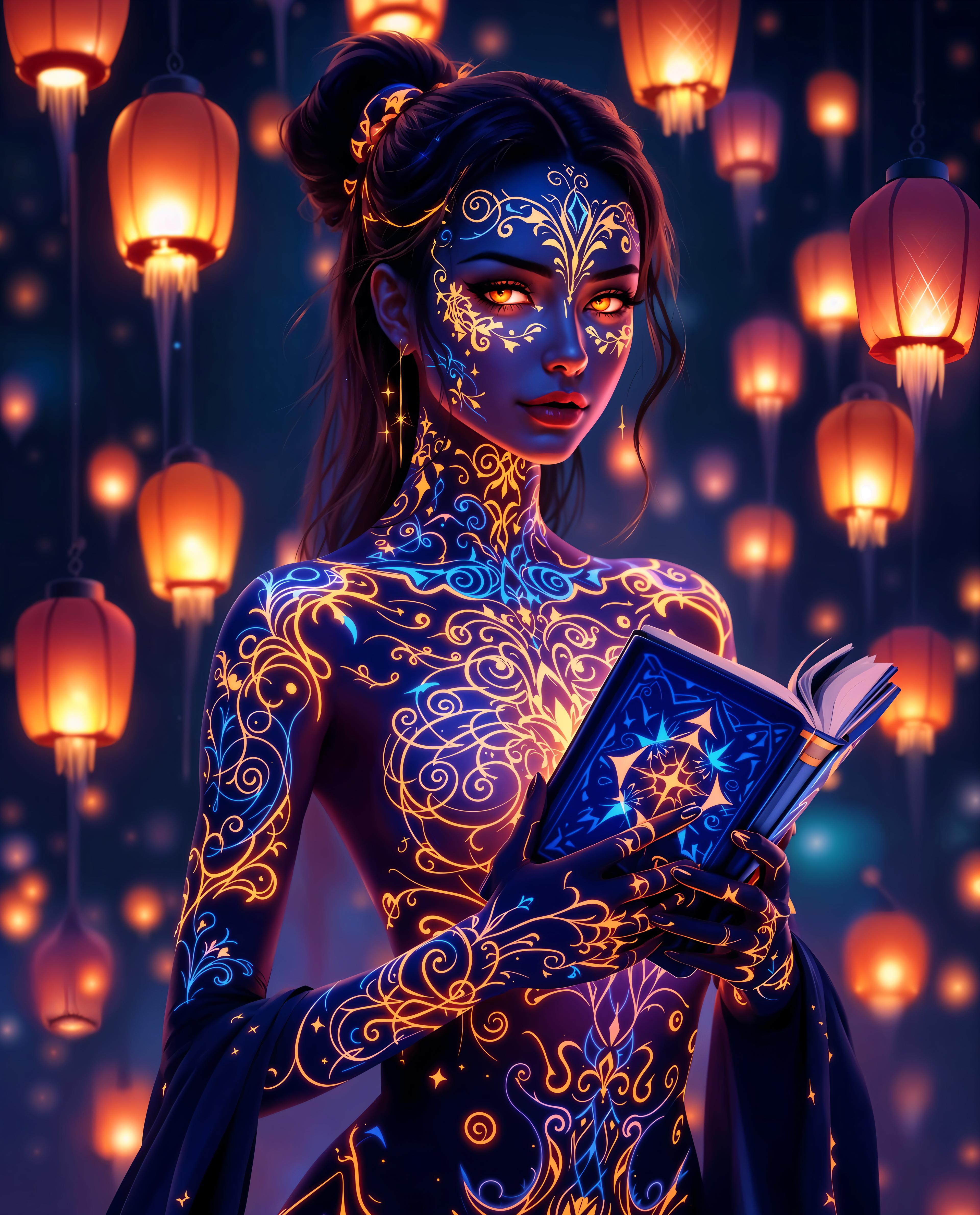
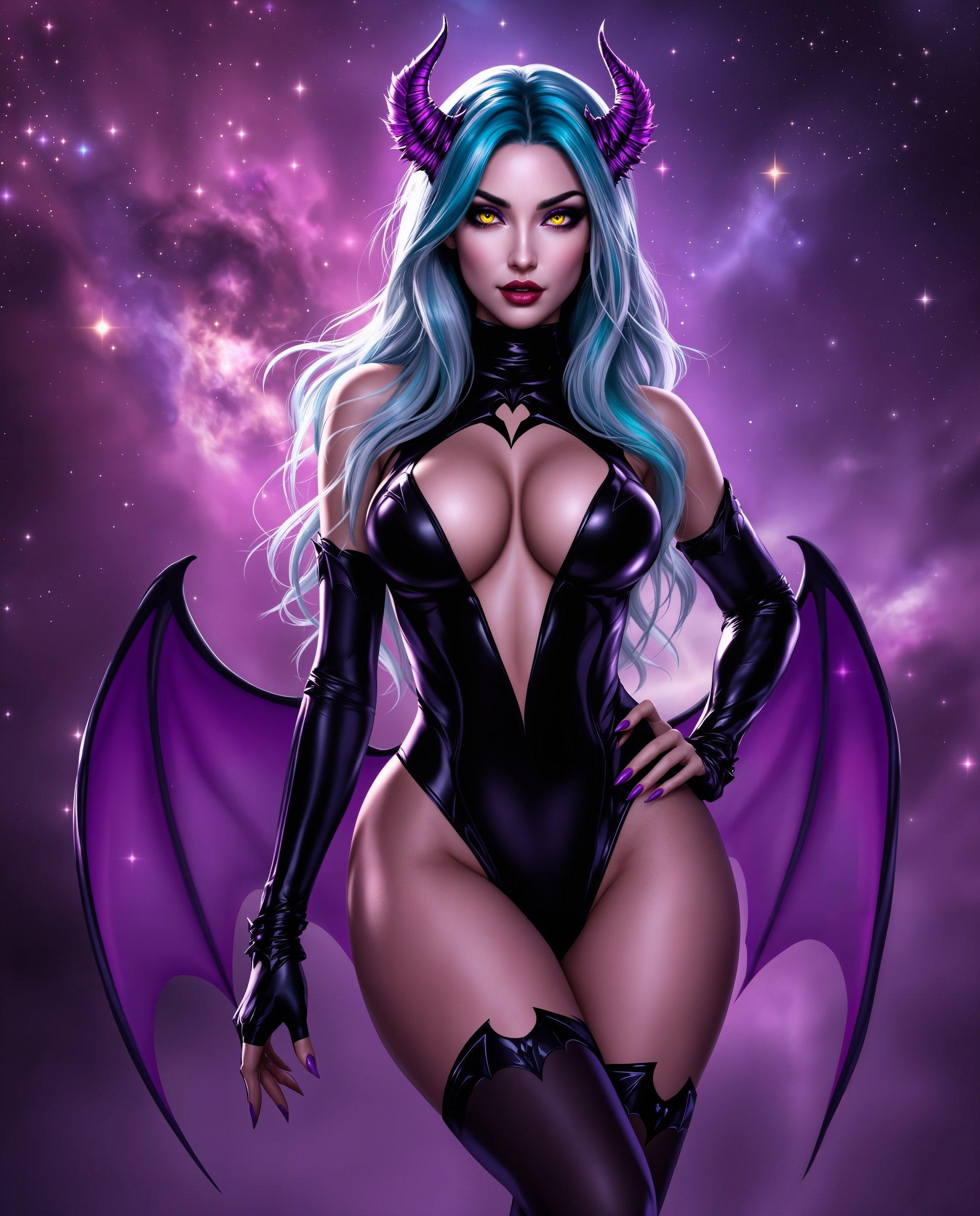
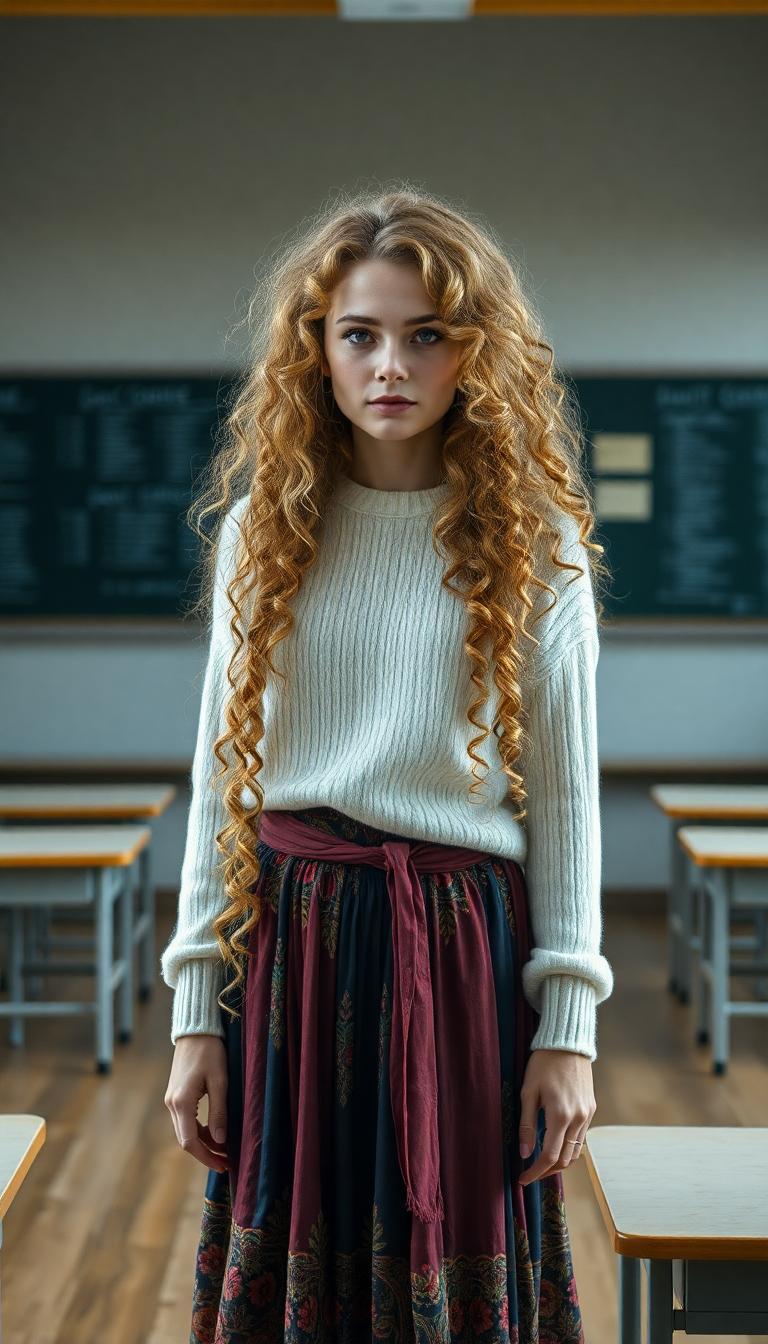

The Pixel Dojo Advantage
Why PixelDojo outperforms other options for multi-face swap image generation
| Others | Pixel Dojo |
|---|---|
| Traditional Photo Editing Software | No need for manual editing skills; our AI automates the process for you. |
| Generic AI Tools | Specifically designed for face swapping, ensuring higher accuracy and better results. |
| Manual Face Swapping | Significantly faster and more efficient, allowing you to swap multiple faces in seconds. |
Loved by Creators
See what our community says about multi face swap
"PixelDojo's face swap tool made our family photos hilarious and memorable. It's so easy to use!"
Jane Doe
Photographer
"As a content creator, PixelDojo has revolutionized how I create engaging visuals. The multi-face swap feature is a game-changer."
John Smith
Content Creator
Common Questions
Everything you need to know about multi face swap AI generation
How does PixelDojo's multi-face swap feature work?
Our AI detects and swaps multiple faces in your uploaded image, ensuring realistic and seamless results.
Do I need any technical skills to use PixelDojo's face swap tools?
No, our platform is designed for users of all skill levels with an intuitive interface.
Can I swap faces in videos using PixelDojo?
Yes, our tools support both image and video face swapping for versatile content creation.
Is there a limit to the number of faces I can swap in one image?
Our AI can handle multiple face swaps in a single image, depending on image quality and complexity.
How long does it take to process a multi-face swap?
Processing time is typically a few seconds, but may vary based on image size and number of faces.
Is my data secure when using PixelDojo's services?
Yes, we prioritize user privacy and data security, ensuring your images are processed safely.