Multi-image edit Qwen Plus AI Generator
Unlock the power of seamless multi-image editing with Qwen Plus at PixelDojo. Effortlessly combine and transform multiple images to create stunning, cohesive visuals that captivate your audience. Whether you're a designer, marketer, or content creator, Qwen Plus empowers you to achieve professional-grade edits without the complexity of traditional tools.

Join over 5,000 creators who trust PixelDojo for their image editing needs, boasting a 99% satisfaction rate and a growing community of professionals worldwide.
Why Choose Pixel Dojo for Multi-image edit Qwen Plus
Professional-quality results with cutting-edge AI technology
Effortless Image Fusion
Combine multiple images into a single, cohesive composition with just a few clicks, saving time and effort.
Precision Editing
Make precise adjustments to specific elements within your images, ensuring every detail aligns with your vision.
Consistent Style Application
Apply consistent styles and effects across all images, maintaining a unified aesthetic for your projects.
How It Works
Creating stunning multi-image edits with Qwen Plus is simple and intuitive. Follow these steps to transform your visuals:
Step 1: Select Your Images
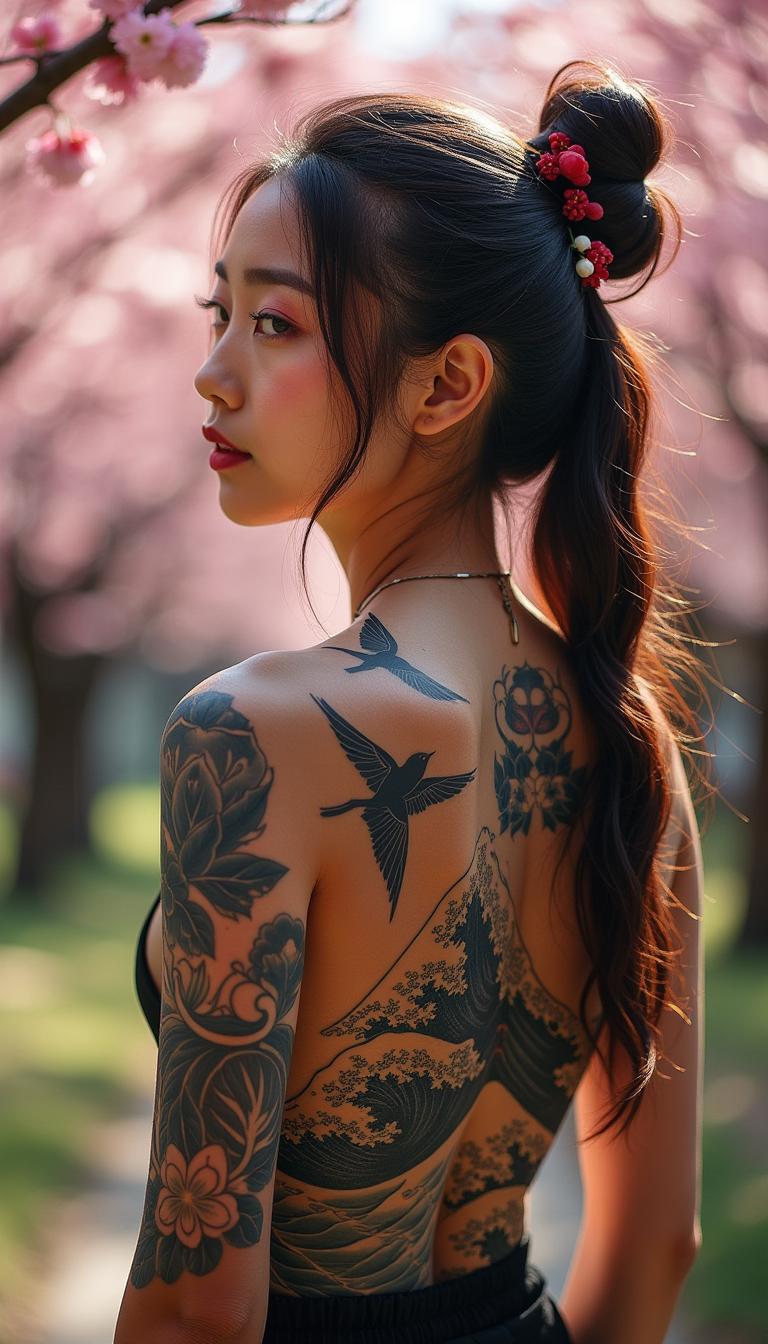
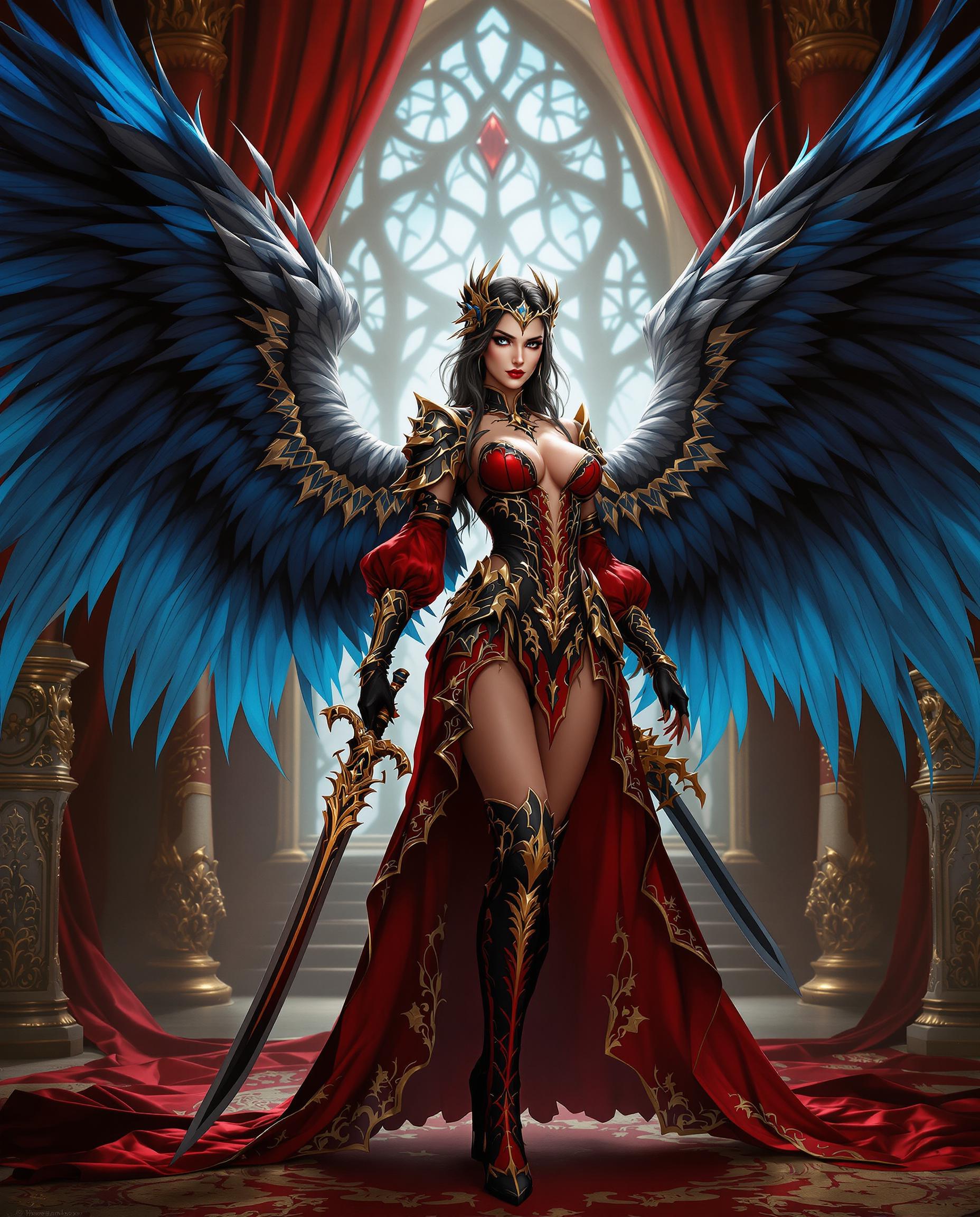
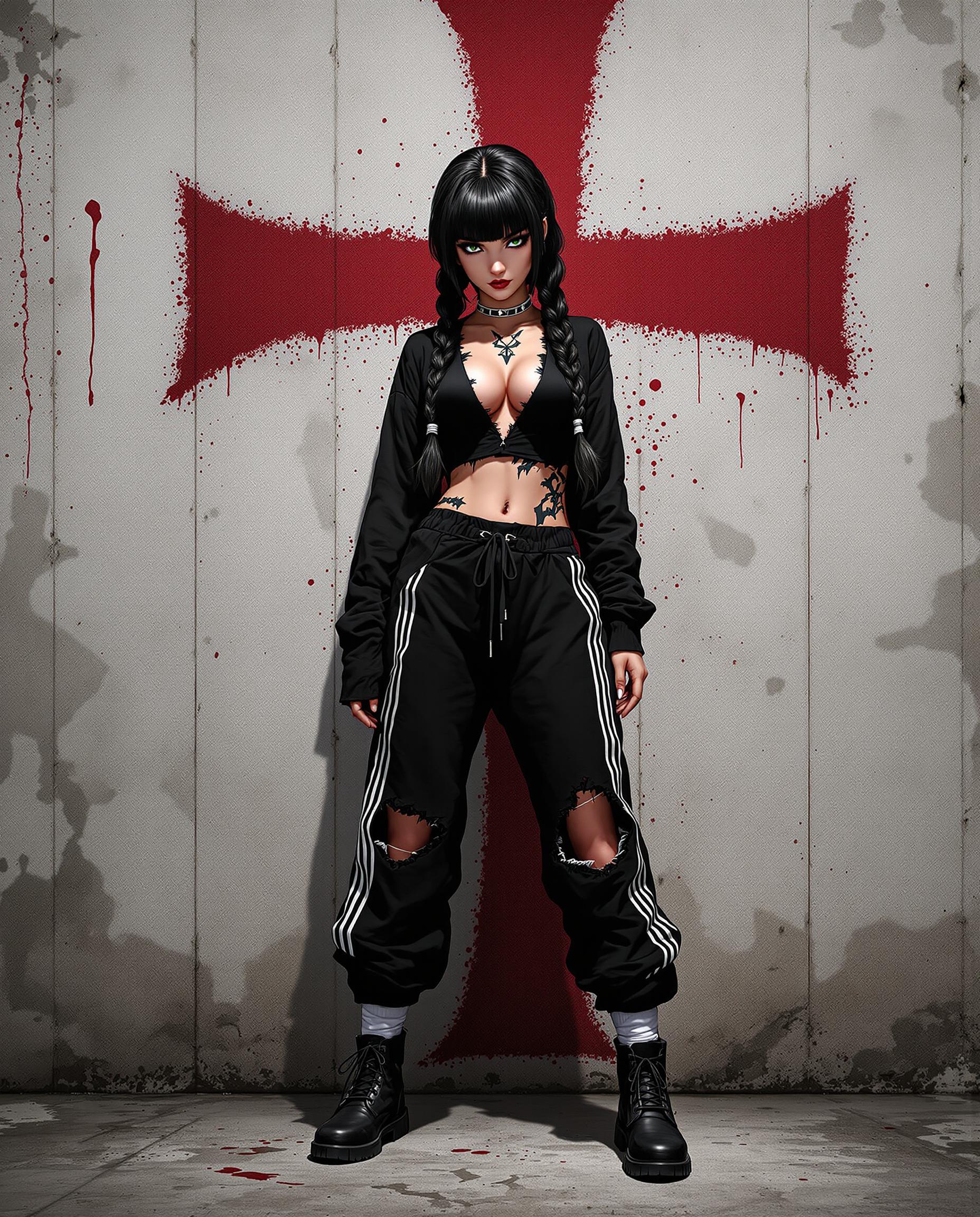
Choose the images you wish to combine or edit. Qwen Plus supports up to three input images for seamless fusion.
Step 2: Define Your Edits
Use natural language prompts to describe the desired edits. For example, 'Make the girl from Image 1 wear the black dress from Image 2 and sit in the pose from Image 3.'
Step 3: Generate and Refine
Qwen Plus processes your inputs and generates the edited image. Review the result and make any necessary refinements to achieve perfection.












The Pixel Dojo Advantage
Discover why PixelDojo's Qwen Plus stands out in multi-image editing:
| Others | Pixel Dojo |
|---|---|
| Traditional Image Editing Software | Eliminate the steep learning curve and time-consuming processes associated with traditional software. Qwen Plus offers intuitive, prompt-based editing for faster results. |
| Generic AI Tools | While other AI tools offer basic editing capabilities, Qwen Plus provides advanced multi-image fusion and precise control over edits, ensuring high-quality outcomes. |
| Manual Photo Editing | Avoid the tediousness of manual editing. Qwen Plus automates complex edits, allowing you to focus on creativity rather than technical details. |
Loved by Creators
See what our community says about Multi-image edit Qwen Plus
"Qwen Plus has revolutionized my workflow. Combining multiple images has never been this easy and efficient."
Alex Johnson
Graphic Designer
"The precision and ease of use with Qwen Plus are unparalleled. It's a game-changer for content creation."
Maria Lopez
Content Creator
Common Questions
Everything you need to know about Multi-image edit Qwen Plus AI generation
How does Qwen Plus handle multi-image editing?
Qwen Plus allows you to input up to three images and use natural language prompts to define how they should be combined or edited. The AI processes your instructions to produce a cohesive, edited image.
Can I edit text within images using Qwen Plus?
Yes, Qwen Plus supports precise text editing within images, preserving the original font, size, and style. This is particularly useful for modifying signage, posters, or any text-based visuals.
Is Qwen Plus suitable for professional use?
Absolutely. Qwen Plus delivers professional-grade edits, making it ideal for designers, marketers, and content creators seeking high-quality results with efficiency.
Do I need prior experience with AI tools to use Qwen Plus?
No prior experience is necessary. Qwen Plus is designed with an intuitive interface and natural language processing, making it accessible to users of all skill levels.
What file formats does Qwen Plus support?
Qwen Plus supports common image formats such as JPG, PNG, and WebP, accommodating a wide range of user needs.
How long does it take to process an edit with Qwen Plus?
Processing times vary depending on the complexity of the edit, but most edits are completed within 10-30 seconds, ensuring a swift workflow.