Multi-image edit Wan AI Generator
Unlock the full potential of your creative vision with PixelDojo's Wan 2.6. This cutting-edge AI tool empowers you to seamlessly blend and edit multiple images, transforming them into cohesive, stunning visuals. Whether you're a designer, marketer, or content creator, Wan 2.6 simplifies complex editing tasks, allowing you to achieve professional results with ease.
Join over 10,000 satisfied creators who have enhanced their projects using Wan 2.6's multi-image editing capabilities.
Why Choose Pixel Dojo for Multi-image edit Wan
Professional-quality results with cutting-edge AI technology
Seamless Image Integration
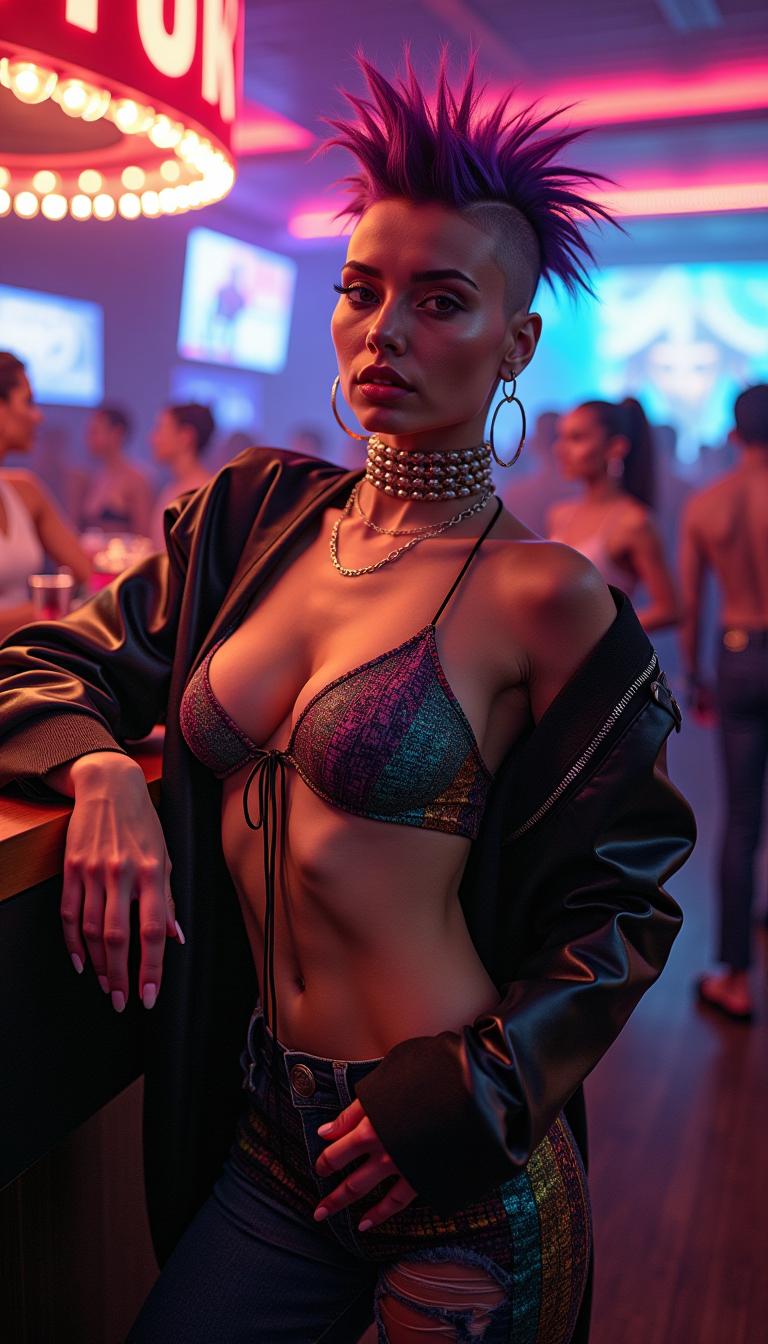
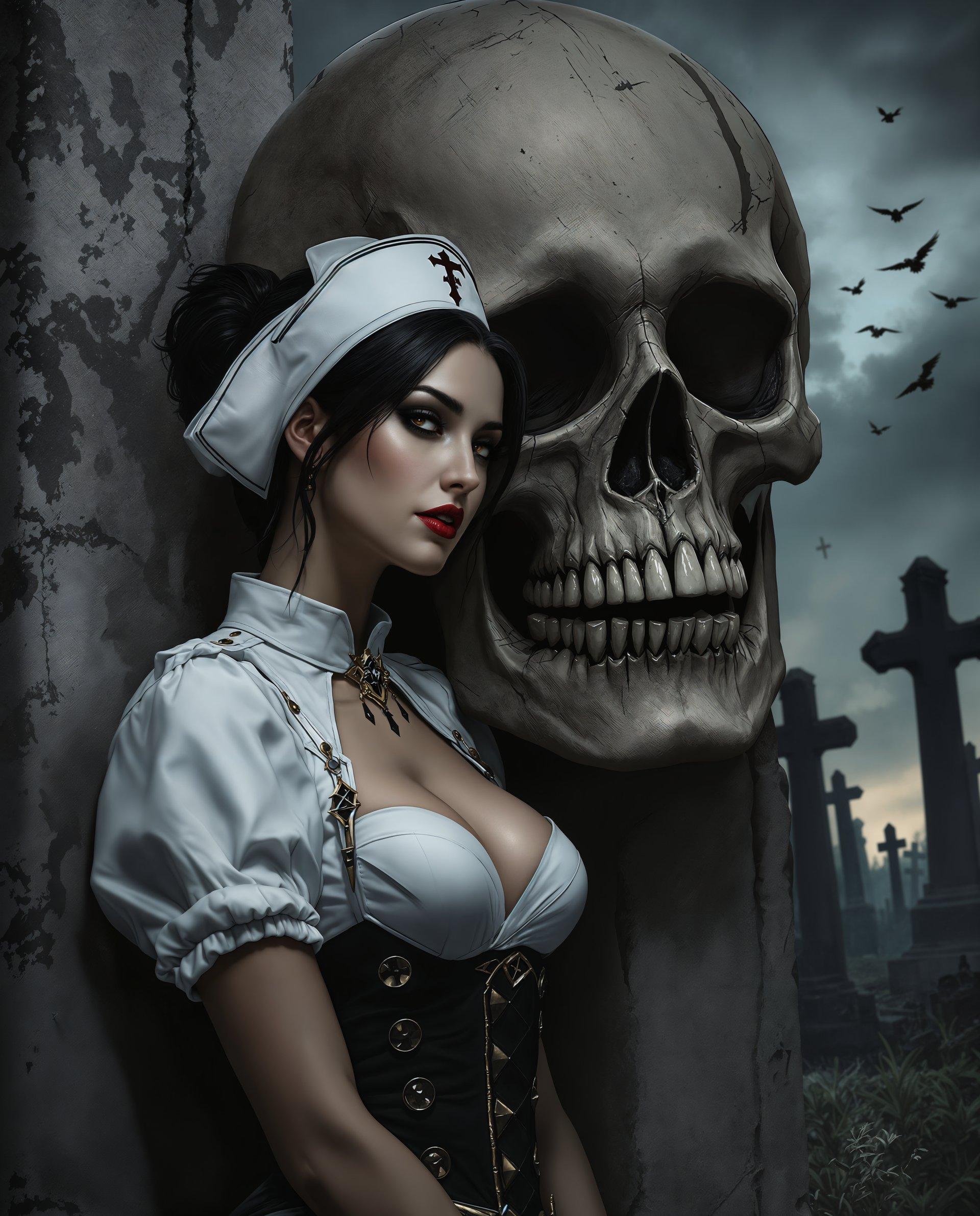
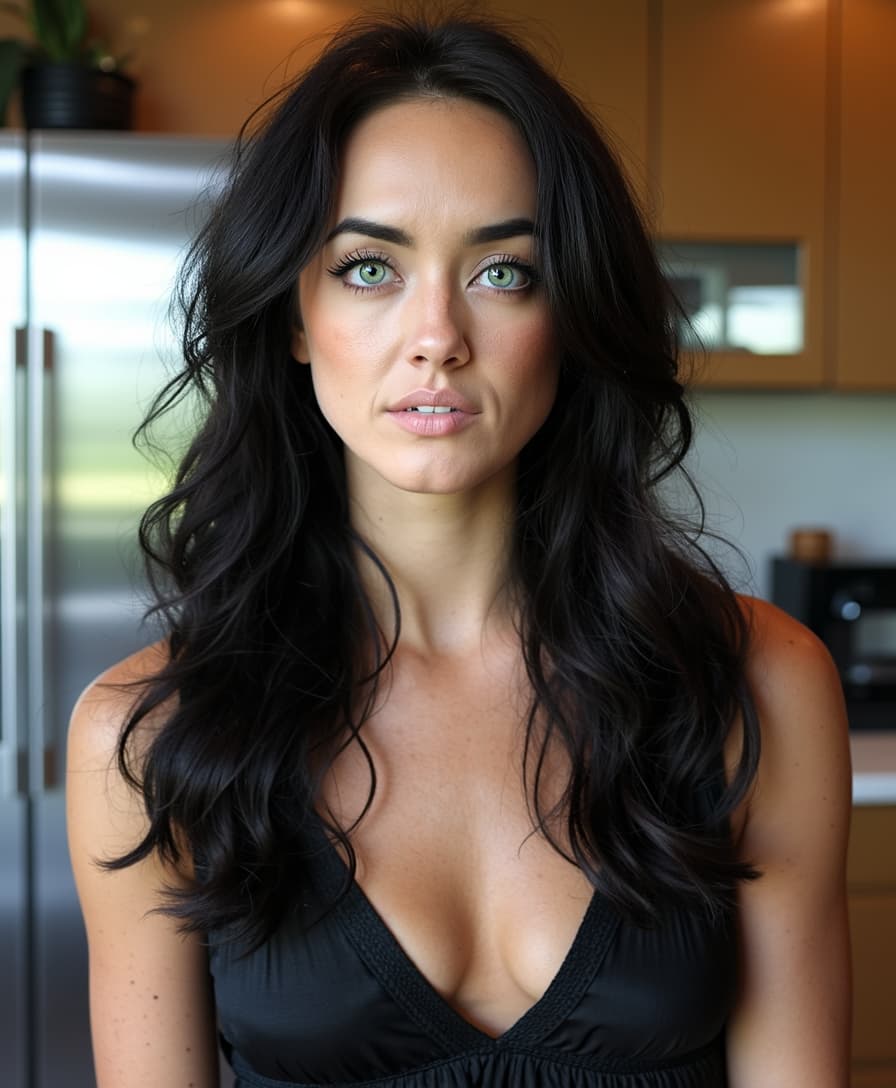
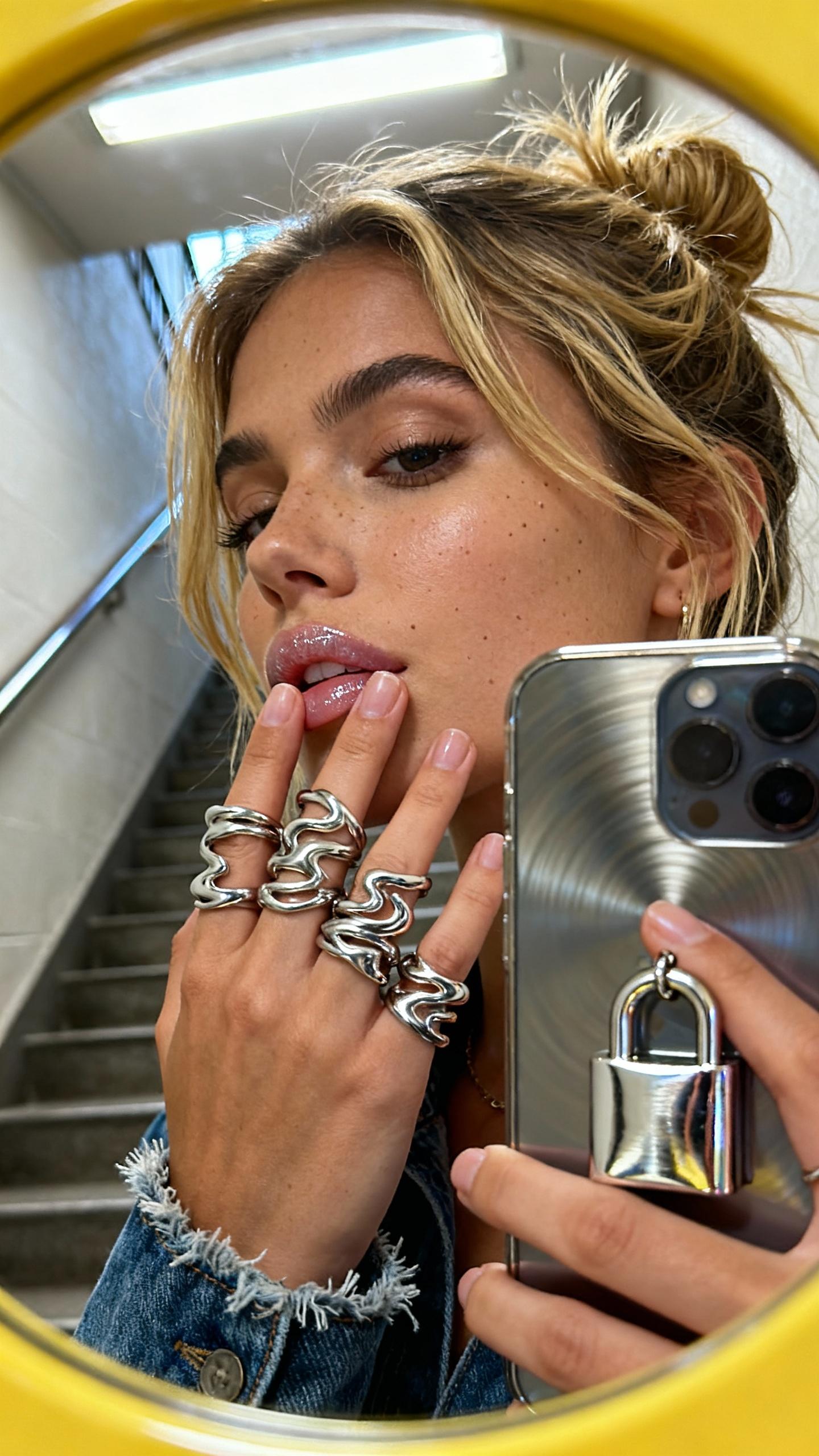
Combine elements from up to three reference images to create a unified, harmonious composition.
Intuitive Text-Based Editing
Use natural language prompts to guide the AI in making precise edits, eliminating the need for complex software.
Time-Efficient Workflow
Achieve high-quality edits in seconds, streamlining your creative process and boosting productivity.
How It Works
Creating stunning multi-image edits with Wan 2.6 is a straightforward process:
Step 1: Upload Your Reference Images
Select up to three images you wish to blend or edit. These can be uploaded directly to the PixelDojo platform.
Step 2: Enter Your Editing Prompt
Describe the desired transformation using natural language. For example, 'Merge the first image's background with the second image's foreground.'
Step 3: Generate and Download
Click 'Generate' to let Wan 2.6 process your request. Once complete, download your professionally edited image.
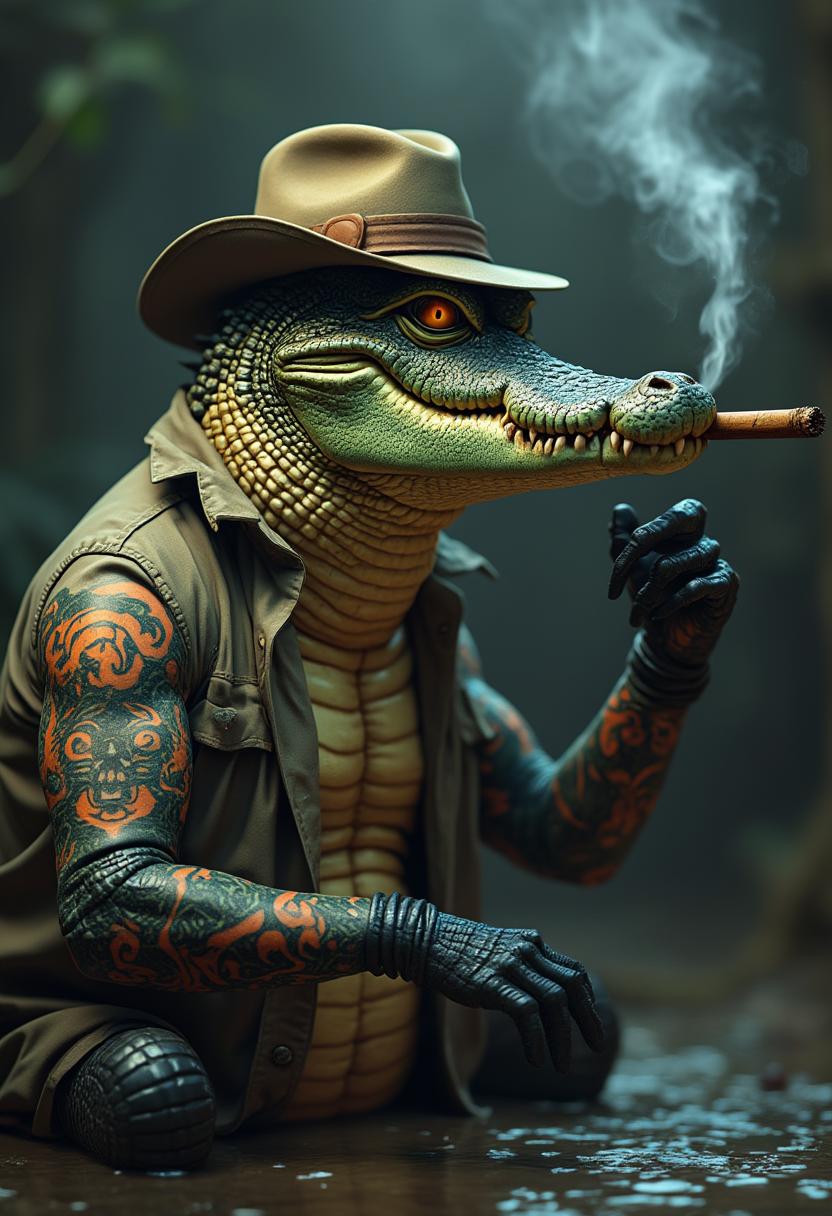
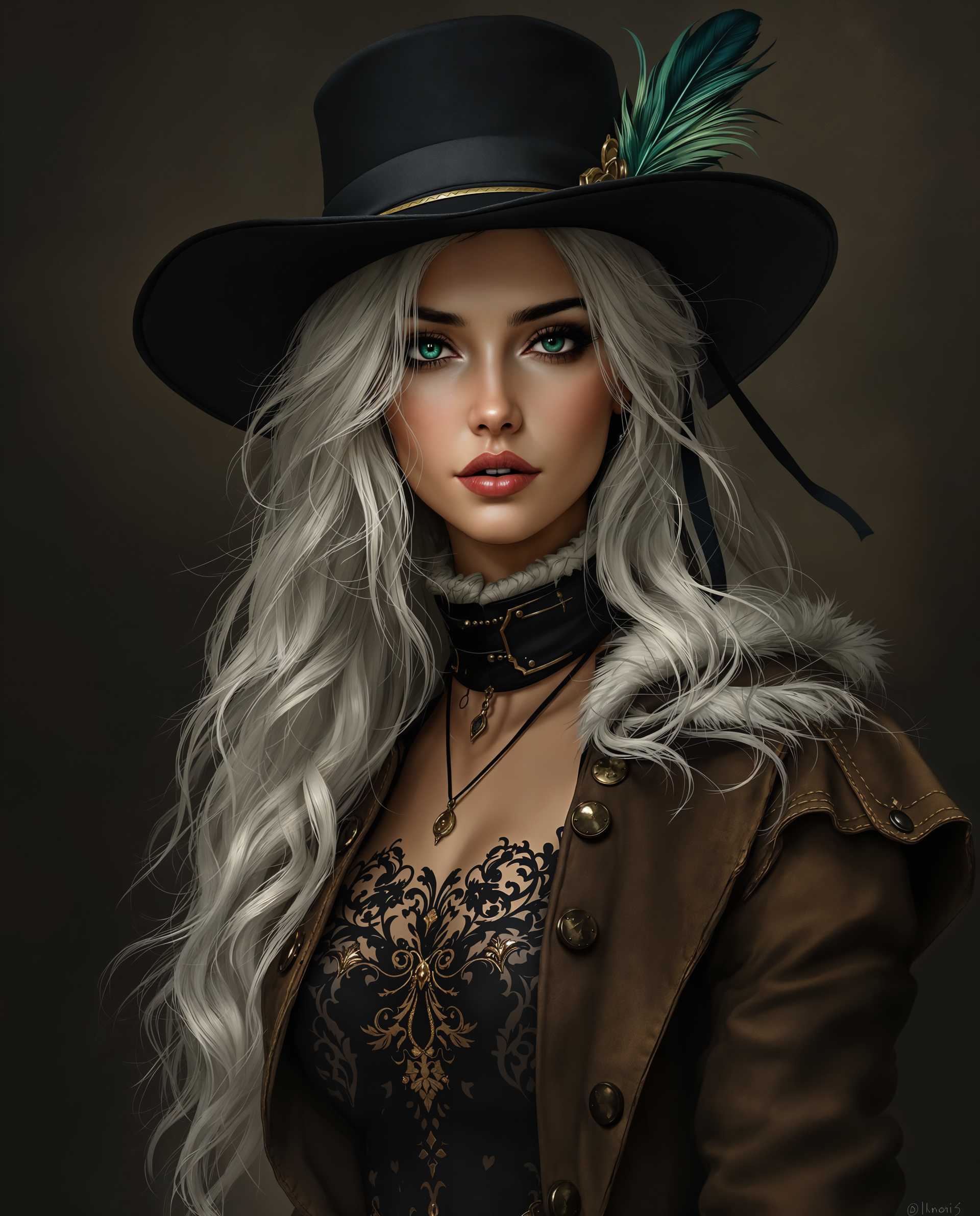
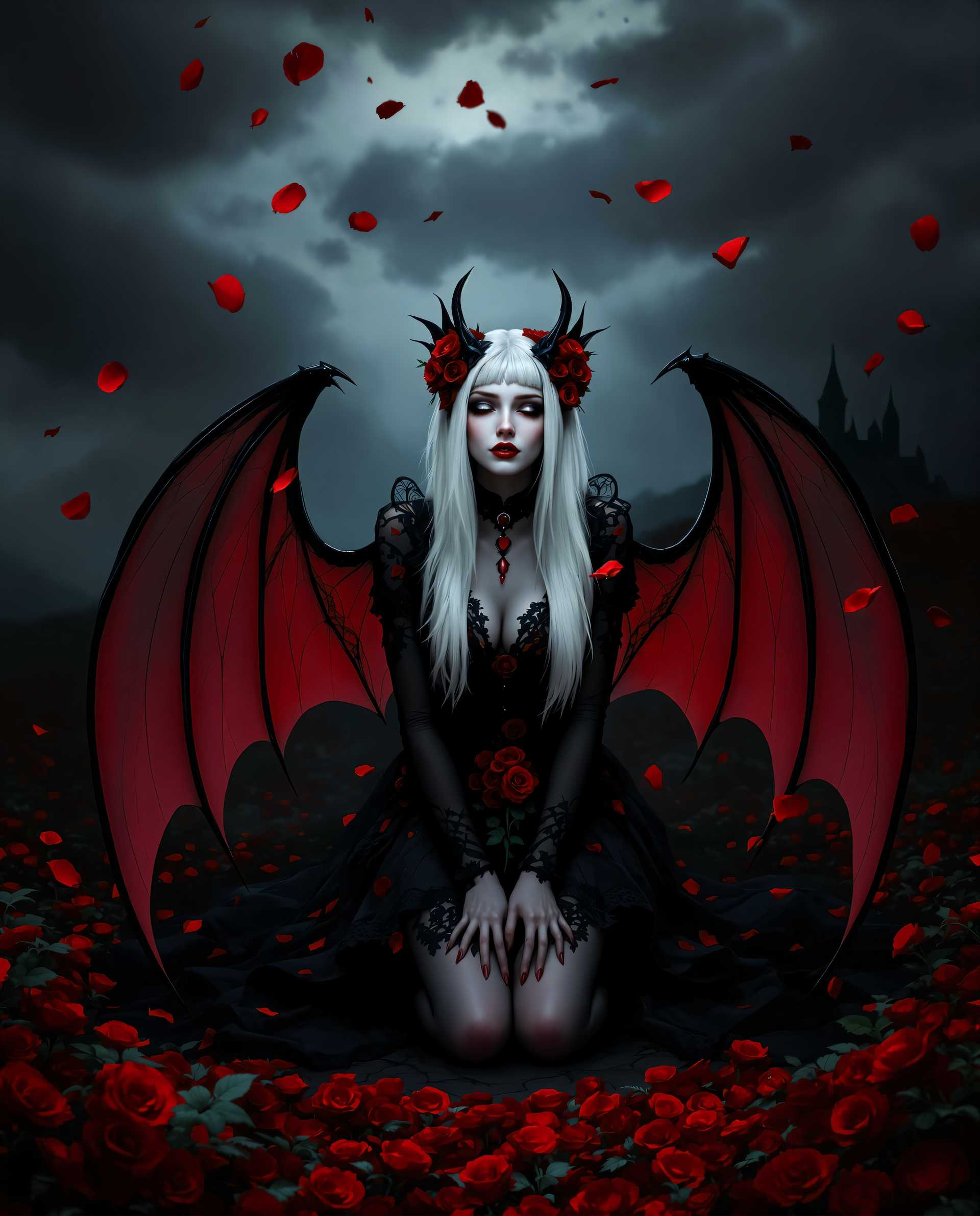
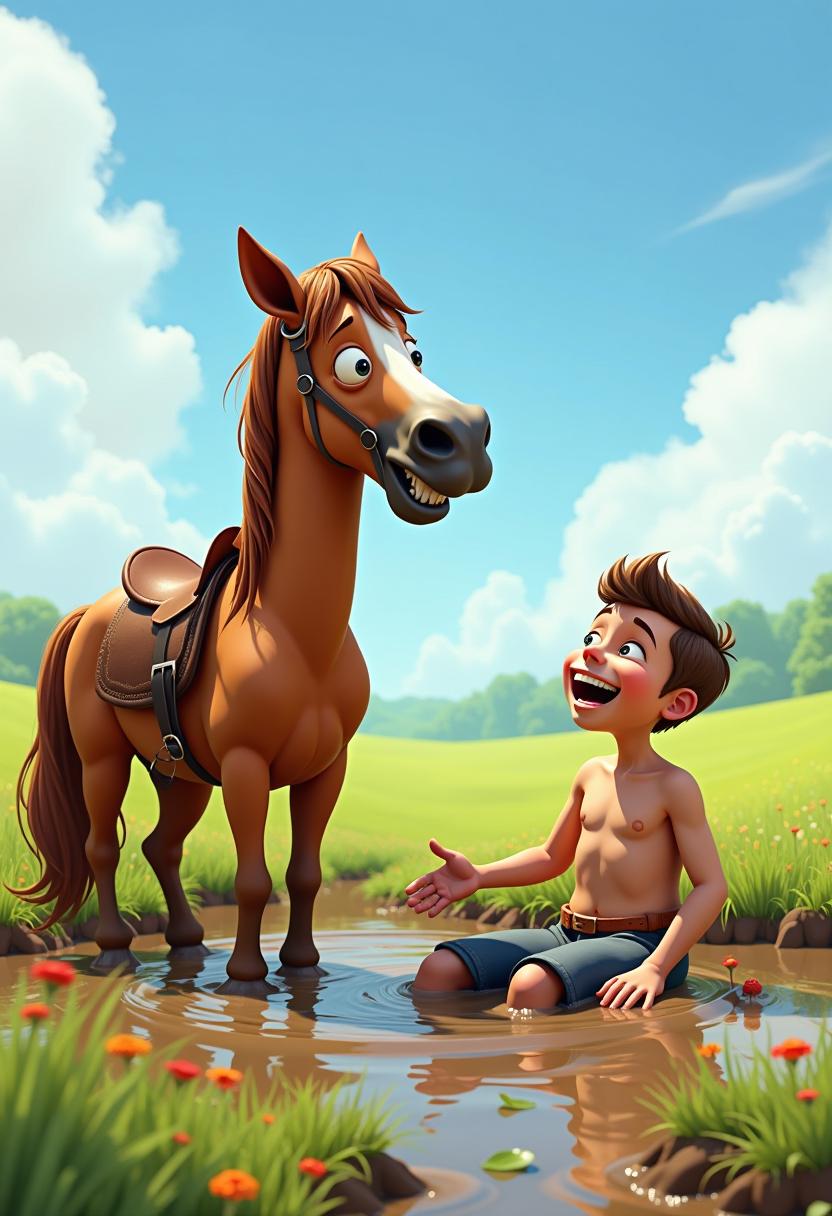


The Pixel Dojo Advantage
Why PixelDojo's Wan 2.6 Outperforms Other Image Editing Solutions
| Others | Pixel Dojo |
|---|---|
| Traditional Photo Editing Software | Eliminates the steep learning curve and time-consuming processes associated with traditional software. |
| Generic AI Tools | Offers specialized multi-image editing capabilities not found in generic AI tools. |
| Manual Editing Techniques | Automates complex edits, reducing the potential for human error and ensuring consistency. |
Loved by Creators
See what our community says about Multi-image edit Wan
"Wan 2.6 has revolutionized my design workflow. The ability to merge multiple images seamlessly is a game-changer."
Alex Johnson
Graphic Designer
"As a content creator, time is of the essence. Wan 2.6 allows me to produce high-quality visuals quickly and efficiently."
Maria Lopez
Content Creator
Common Questions
Everything you need to know about Multi-image edit Wan AI generation
How many images can I edit simultaneously with Wan 2.6?
Wan 2.6 supports editing and blending up to three reference images simultaneously, allowing for complex compositions.
Do I need prior editing experience to use Wan 2.6?
No, Wan 2.6 is designed with an intuitive interface that allows users of all skill levels to create professional edits using natural language prompts.
Can I use Wan 2.6 for commercial projects?
Yes, images edited with Wan 2.6 can be used for both personal and commercial projects, adhering to PixelDojo's terms of service.
How long does it take to process an edit with Wan 2.6?
Most edits are processed within seconds, depending on the complexity of the request and the size of the images.
Is there a limit to the number of edits I can perform?
PixelDojo offers various subscription plans to suit different needs, with higher-tier plans providing more editing credits.
Does Wan 2.6 support high-resolution images?
Yes, Wan 2.6 supports high-resolution images, ensuring that your edits maintain clarity and detail.