nano banana 2 colorize image AI Generator
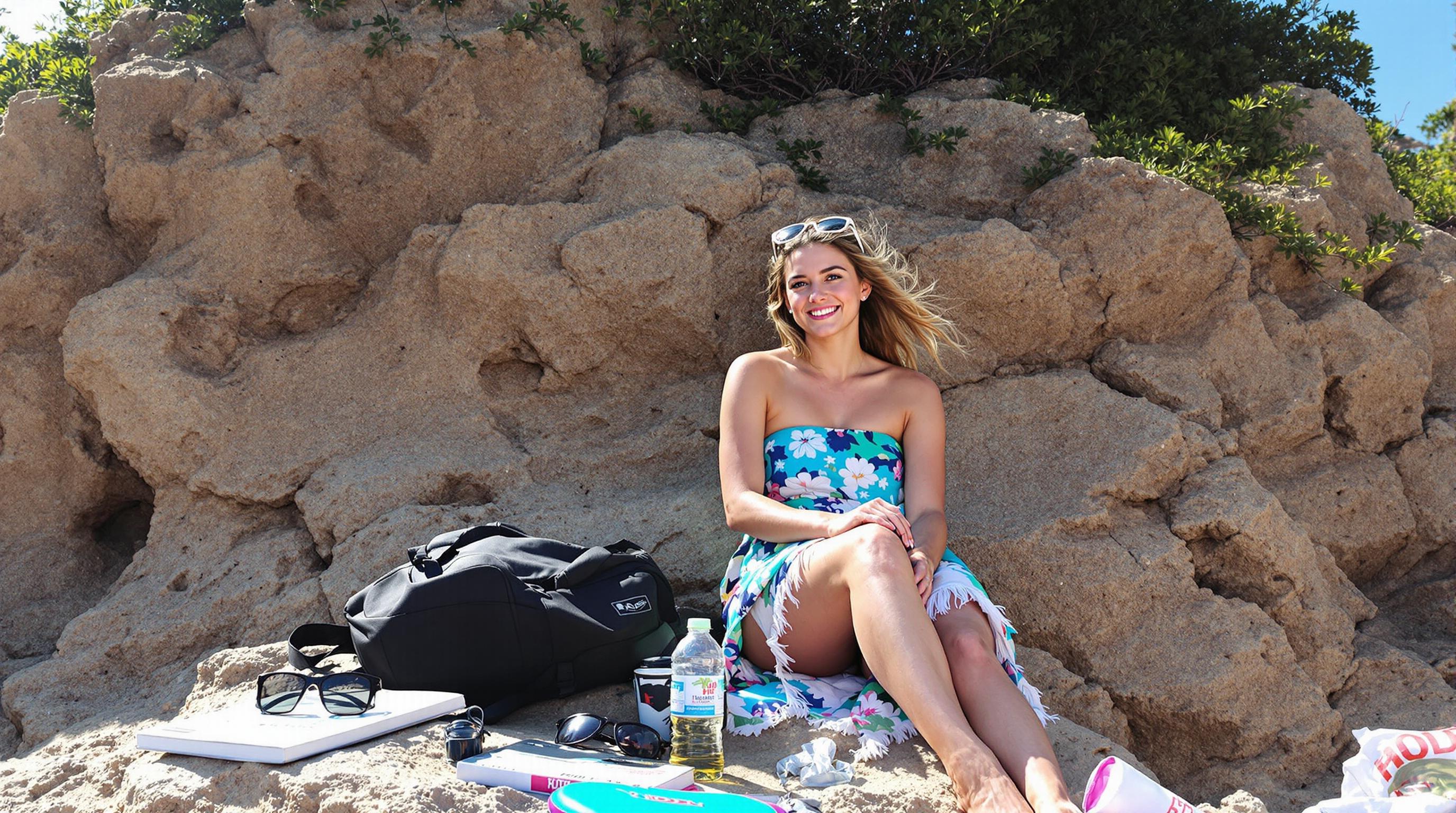
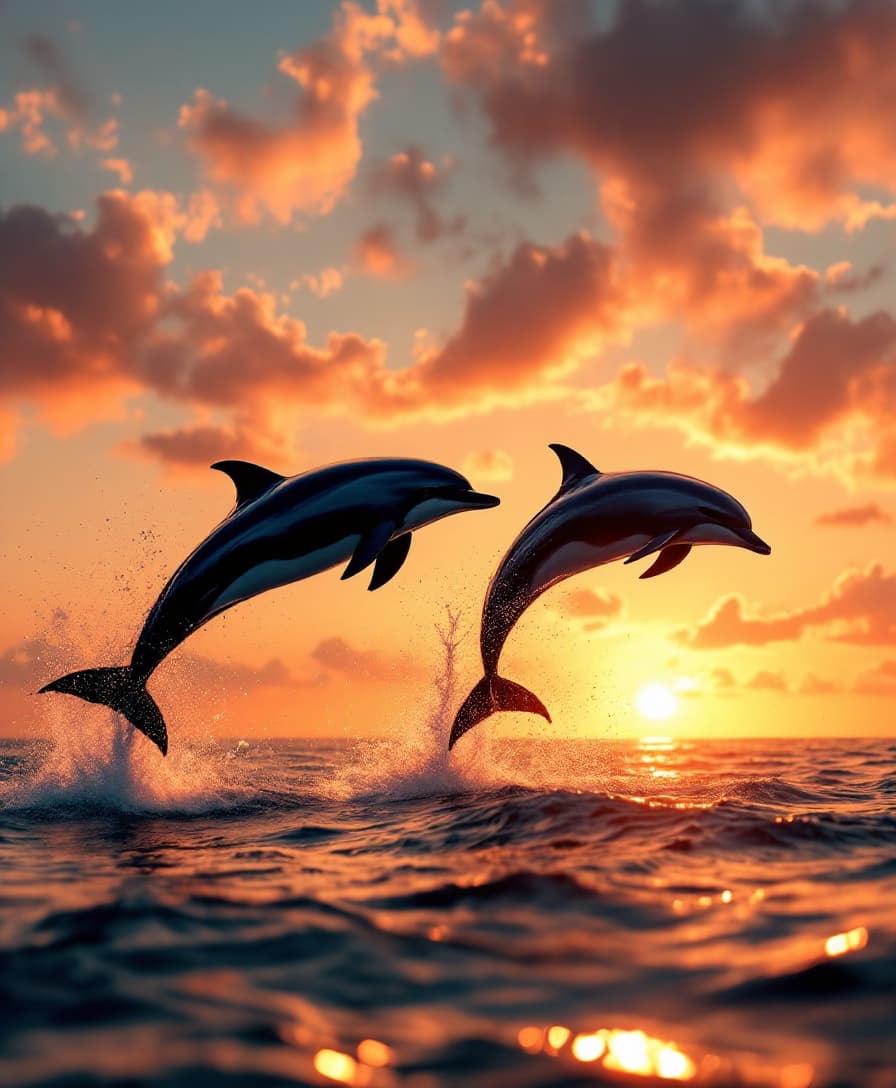
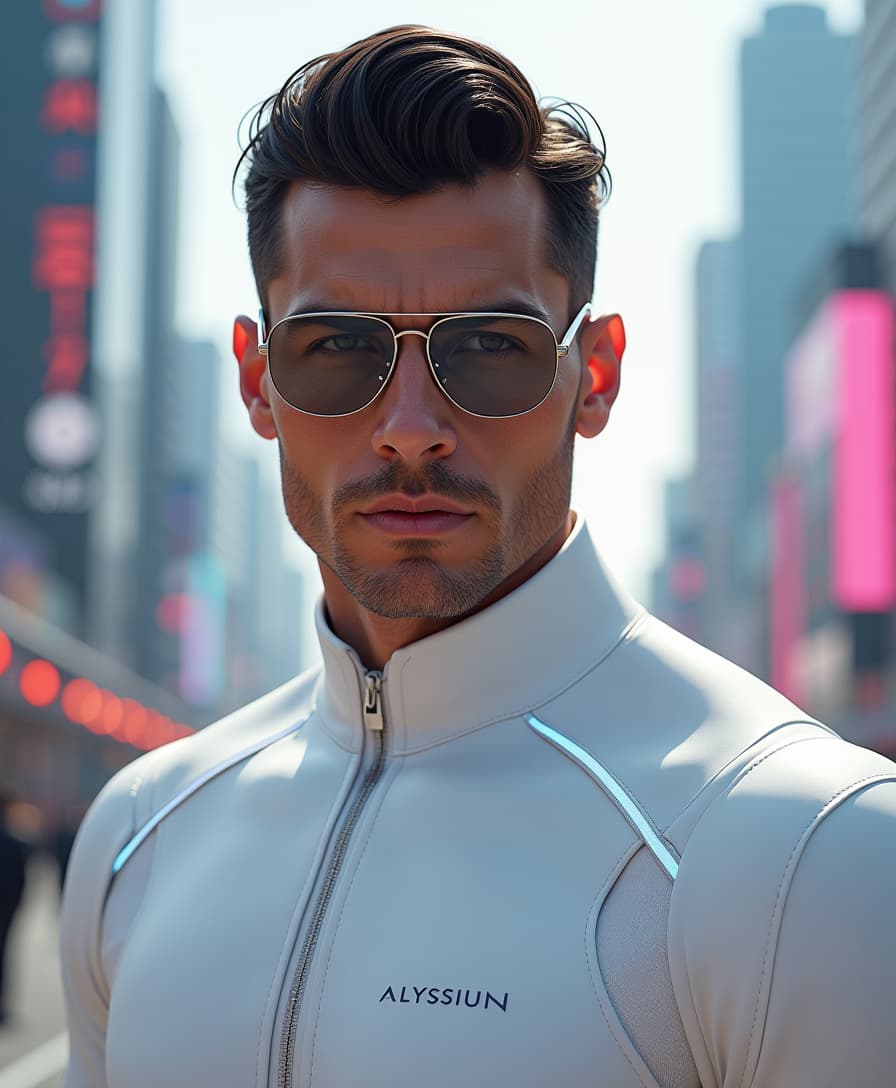
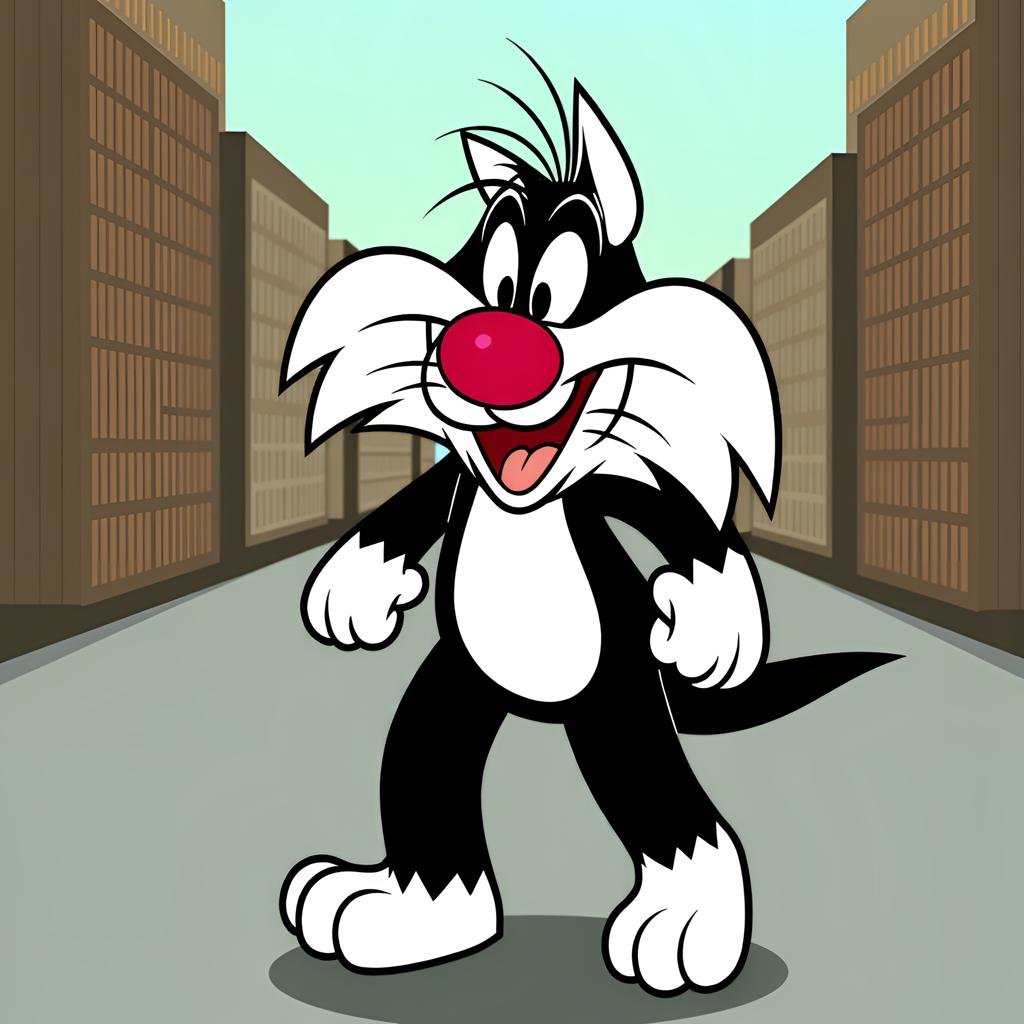
Rediscover the vibrancy of your cherished black and white photographs with Nano Banana 2's cutting-edge AI colorization tools. Effortlessly breathe new life into your monochrome images, transforming them into vivid, full-color memories that capture the essence of the moment.
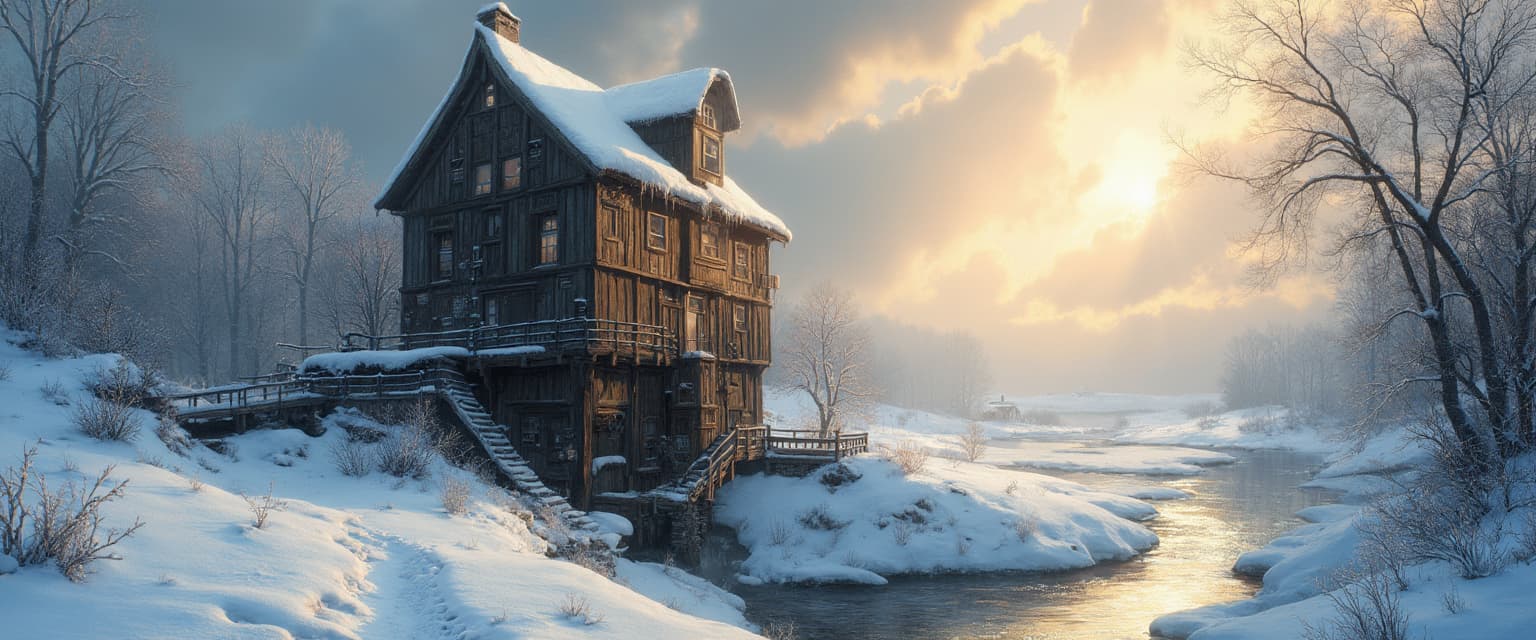
Join thousands of satisfied users who have revitalized their photo collections with Nano Banana 2's AI-powered colorization, achieving stunning results in seconds.
Why Choose Pixel Dojo for nano banana 2 colorize image
Professional-quality results with cutting-edge AI technology
Effortless Colorization
Transform black and white photos into vibrant color images with just a few clicks, no technical expertise required.
Preserve Original Details
Maintain the integrity and details of your original photos while adding natural, lifelike colors.
Fast and Reliable
Achieve high-quality colorization results in seconds, allowing you to process multiple photos efficiently.
How It Works
Colorizing your black and white photos with Nano Banana 2 is a simple and straightforward process:
Step 1: Upload Your Photo
Select the black and white photo you wish to colorize and upload it to the Nano Banana 2 platform.
Step 2: Initiate Colorization
Click the 'Colorize' button to let Nano Banana 2's AI analyze and apply natural colors to your photo.
Step 3: Review and Download
Preview the colorized image, make any necessary adjustments, and download the final result to your device.

The Pixel Dojo Advantage
Why Nano Banana 2 is the superior choice for photo colorization:
| Others | Pixel Dojo |
|---|---|
| Manual Colorization | Nano Banana 2 automates the process, delivering faster and more consistent results without the need for artistic skills. |
| Generic AI Tools | Nano Banana 2 offers advanced AI algorithms specifically designed for photo colorization, ensuring more accurate and natural colors. |
| Outdated Software | With Nano Banana 2, you get access to the latest AI technology, providing superior colorization quality and user experience. |
Loved by Creators
See what our community says about nano banana 2 colorize image
"Nano Banana 2 transformed my family's old black and white photos into stunning color images. It's like reliving those moments all over again."
Emily R.
Photographer
"I was amazed at how quickly and accurately Nano Banana 2 colorized my vintage photos. The results are truly impressive."
Michael S.
Historian
Common Questions
Everything you need to know about nano banana 2 colorize image AI generation
How does Nano Banana 2 colorize black and white photos?
Nano Banana 2 uses advanced AI algorithms to analyze black and white images and apply natural, lifelike colors based on contextual understanding.
Is there a limit to the number of photos I can colorize?
Nano Banana 2 allows you to colorize multiple photos efficiently. For specific usage limits, please refer to our subscription plans.
Can I adjust the colors after the AI colorization?
Yes, Nano Banana 2 provides tools to fine-tune the colorization results to match your preferences.
Is my original photo altered during the colorization process?
No, your original photo remains unchanged. Nano Banana 2 creates a new colorized version, preserving the original file.
What file formats are supported for upload?
Nano Banana 2 supports common image formats such as JPEG, PNG, and WebP for both upload and download.
Do I need any prior experience to use Nano Banana 2?
No, Nano Banana 2 is designed to be user-friendly and requires no prior experience in photo editing or colorization.