nano banana 2 single image to set AI Generator
Imagine transforming a single photograph into a complete set of multi-angle, high-resolution images without the need for expensive photo shoots or complex editing software. With PixelDojo's advanced AI tools, you can achieve this effortlessly, enhancing your product presentations, marketing materials, and creative projects with consistent, professional-quality visuals.
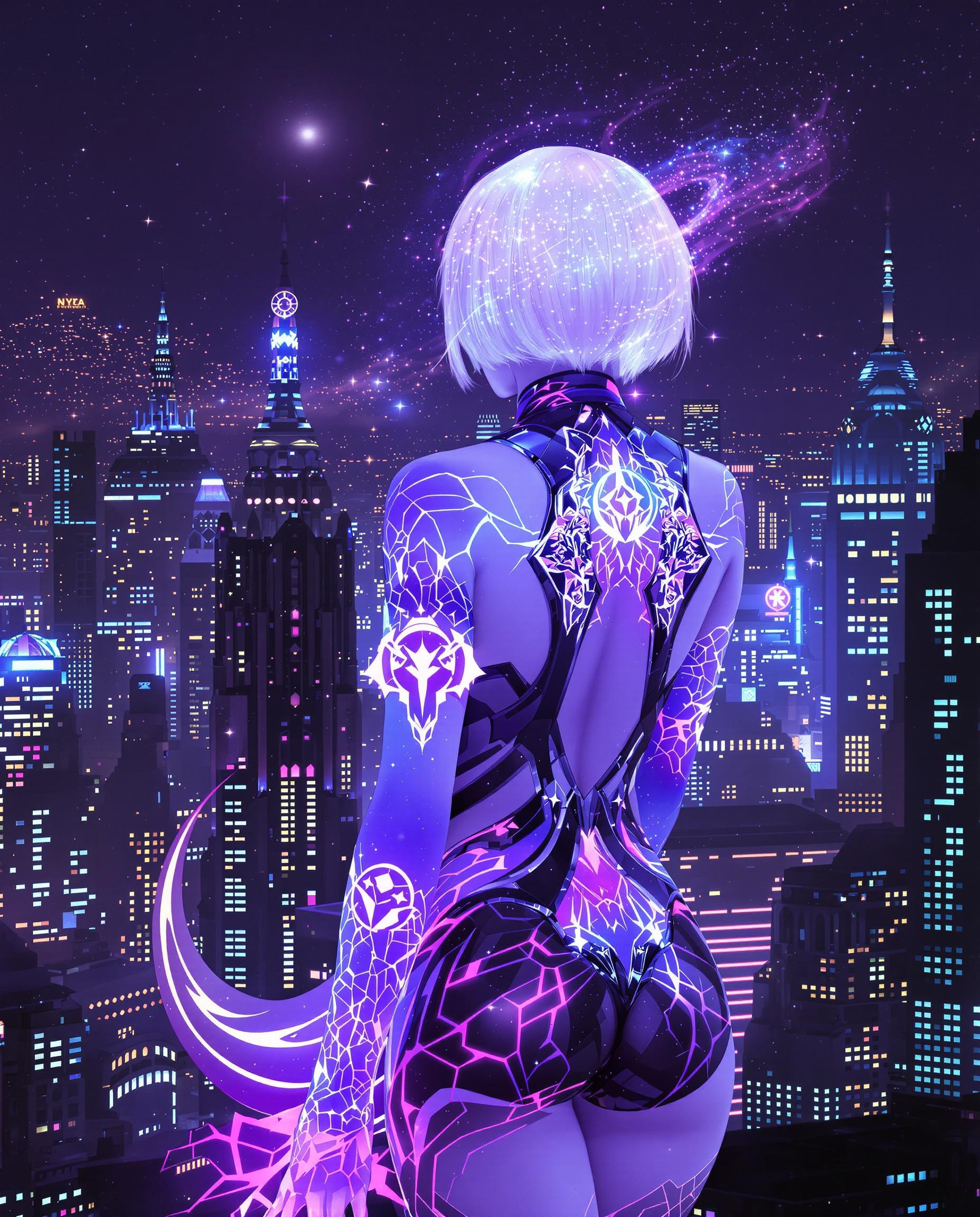
Join over 10,000 satisfied creators who have generated more than 1 million images using PixelDojo's AI-powered tools.
Why Choose Pixel Dojo for nano banana 2 single image to set
Professional-quality results with cutting-edge AI technology
Save Time and Resources
Eliminate the need for multiple photo shoots by generating various angles from a single image.
Ensure Consistency
Maintain uniform lighting, style, and quality across all generated images for a cohesive look.
Enhance Visual Appeal
Create dynamic, multi-angle visuals that captivate your audience and boost engagement.
How It Works
Creating a set of multi-angle images from a single photo is simple with PixelDojo's AI tools. Follow these steps to get started:
Step 1: Upload Your Image
Select the 'Image to Image' tool and upload the photo you wish to transform.
Step 2: Enter Your Prompt
Describe the desired angles and perspectives you want to generate, such as 'front view,' 'side view,' 'top-down view,' etc.
Step 3: Generate and Download
Click 'Generate' to let the AI create the images. Once satisfied, download the high-resolution results for your use.
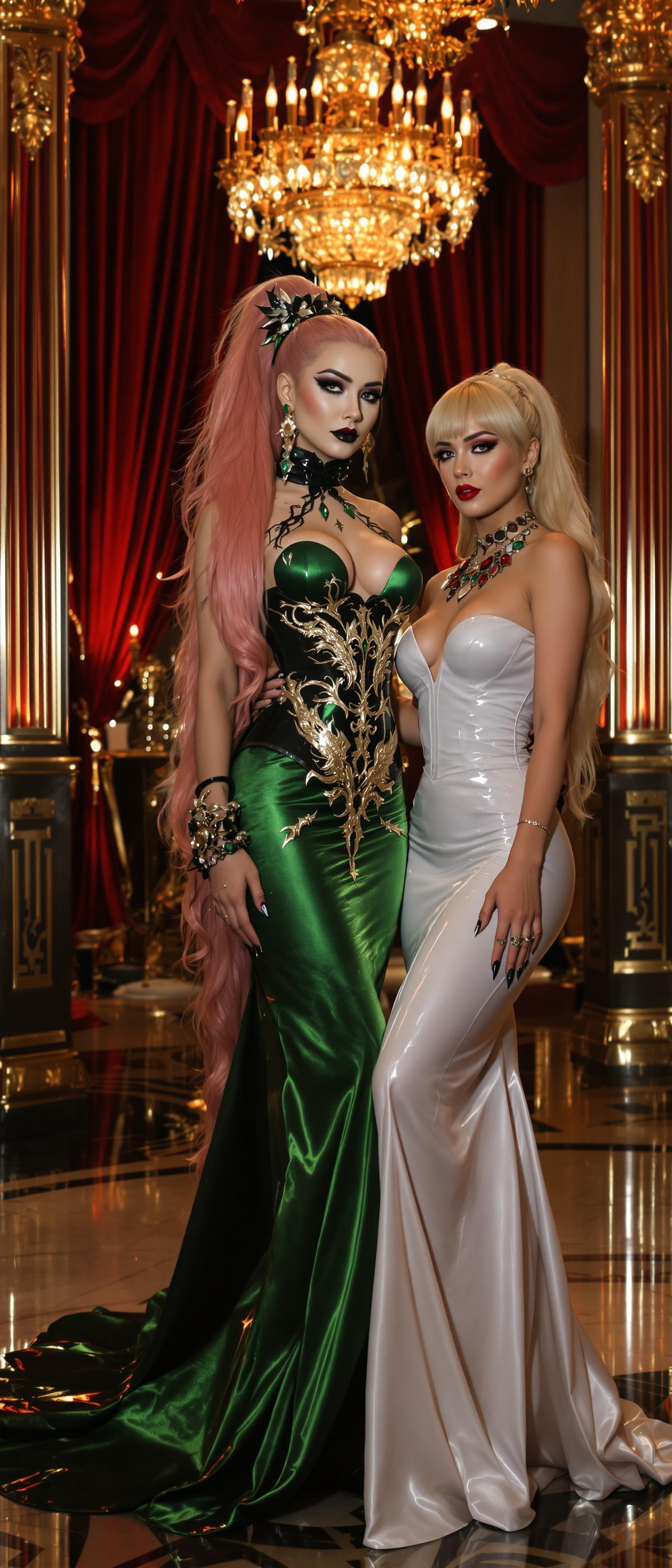
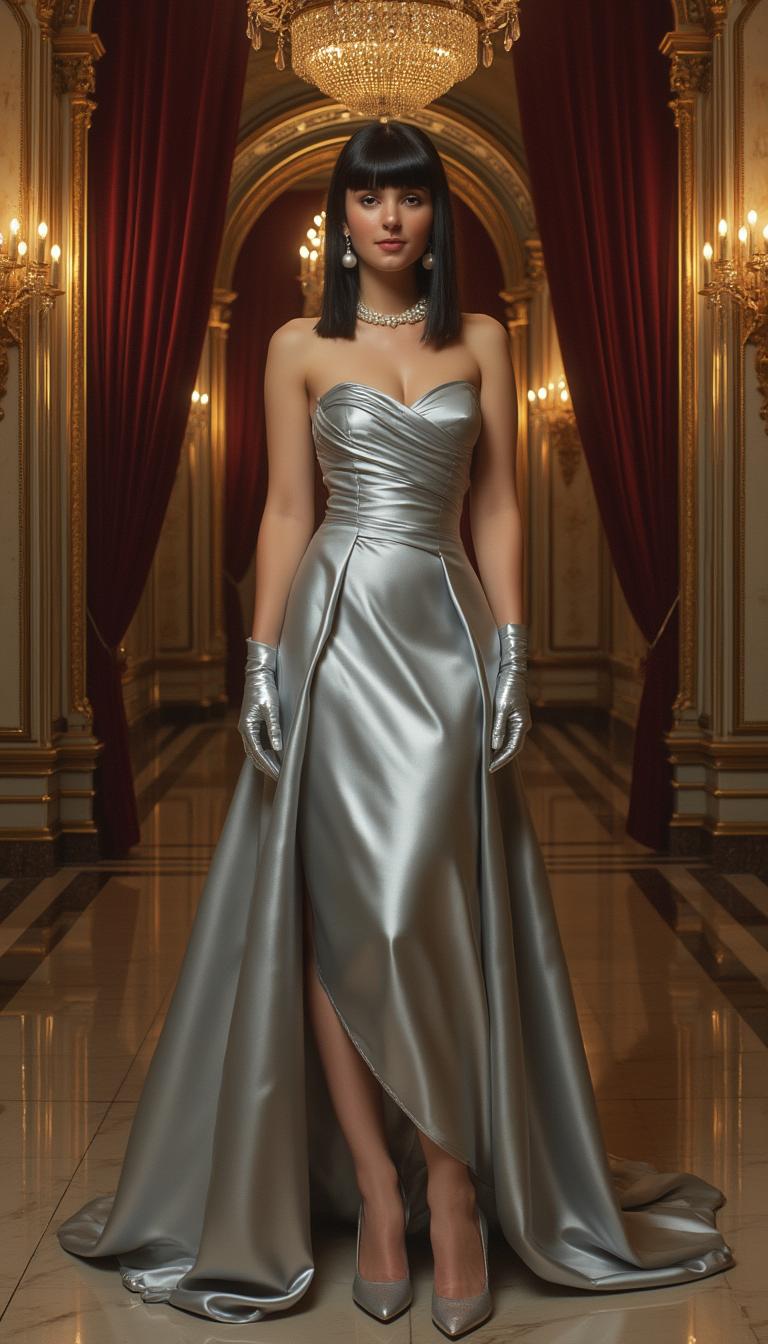
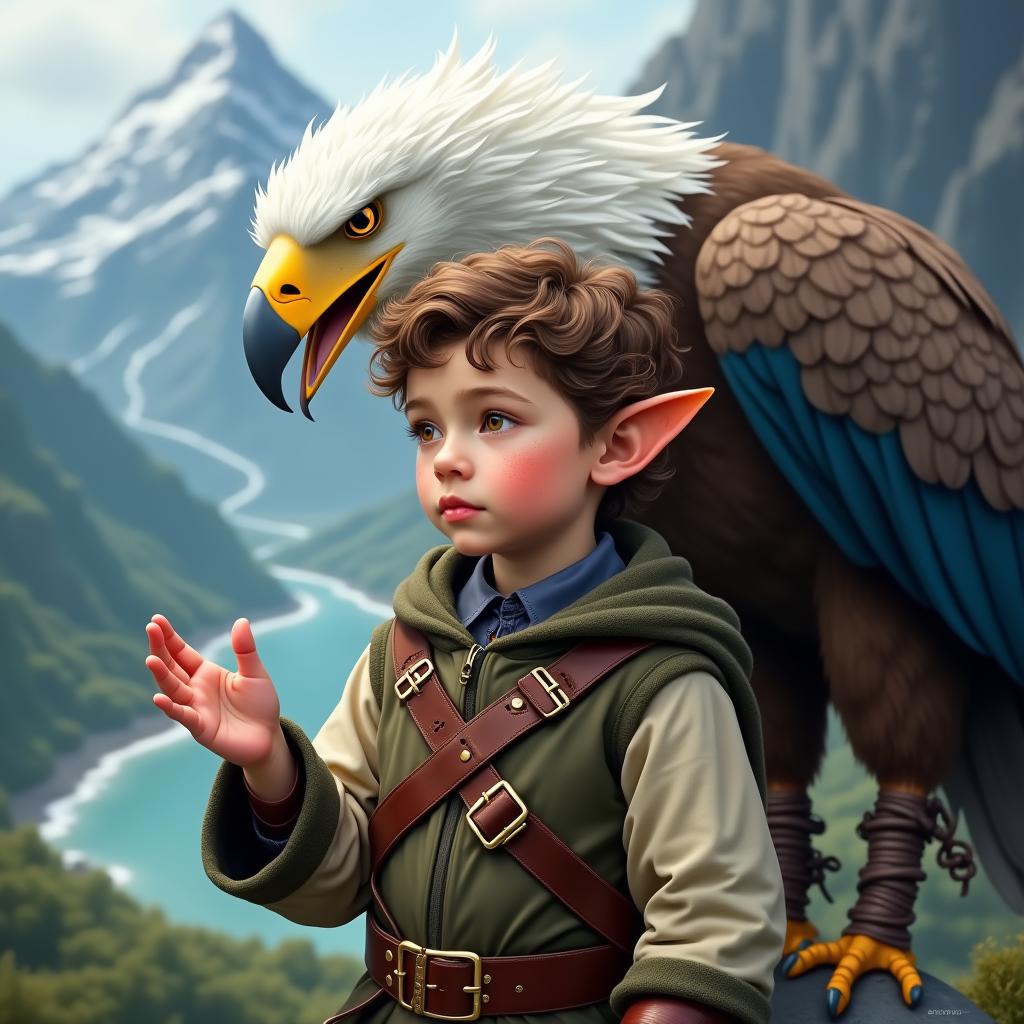
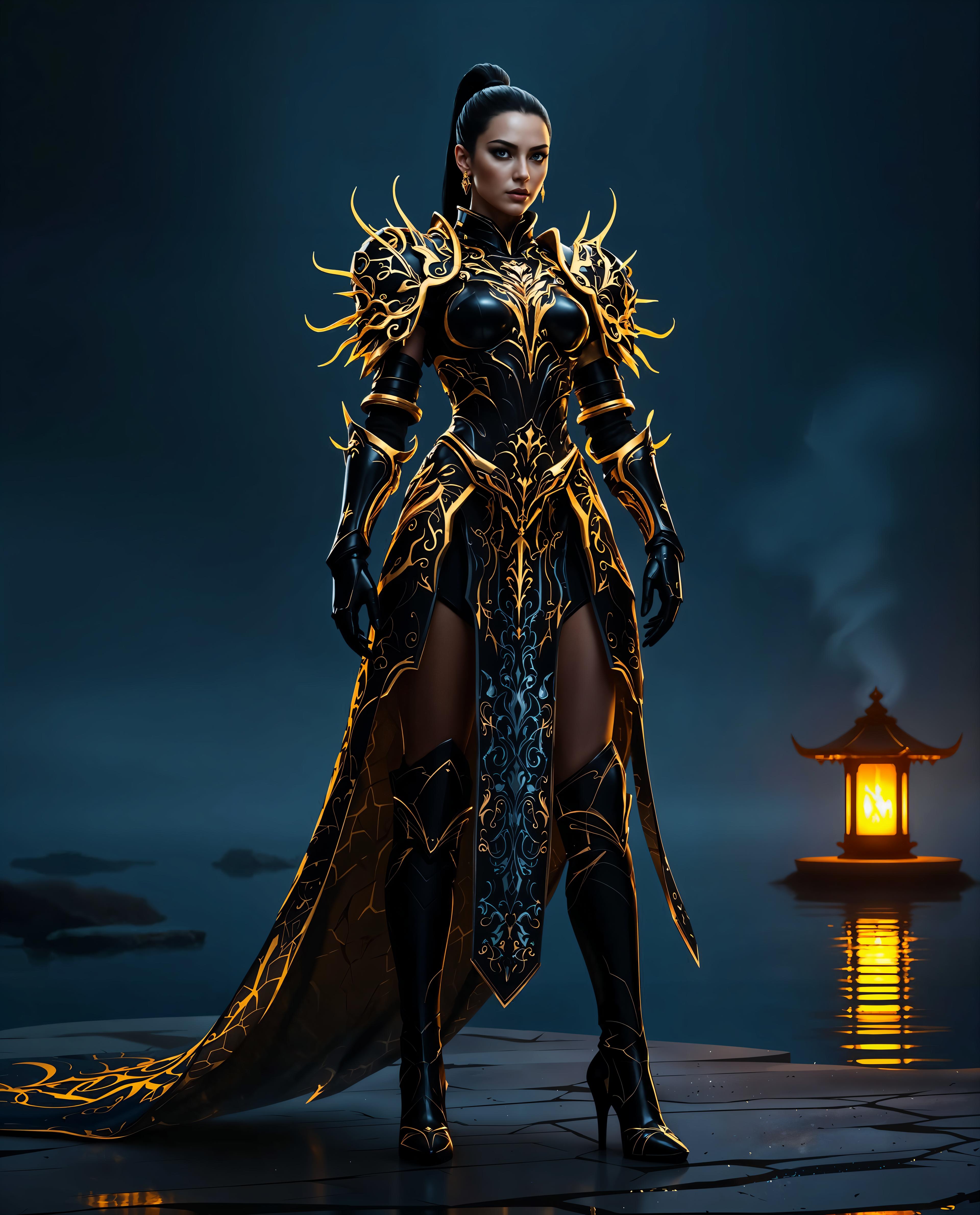
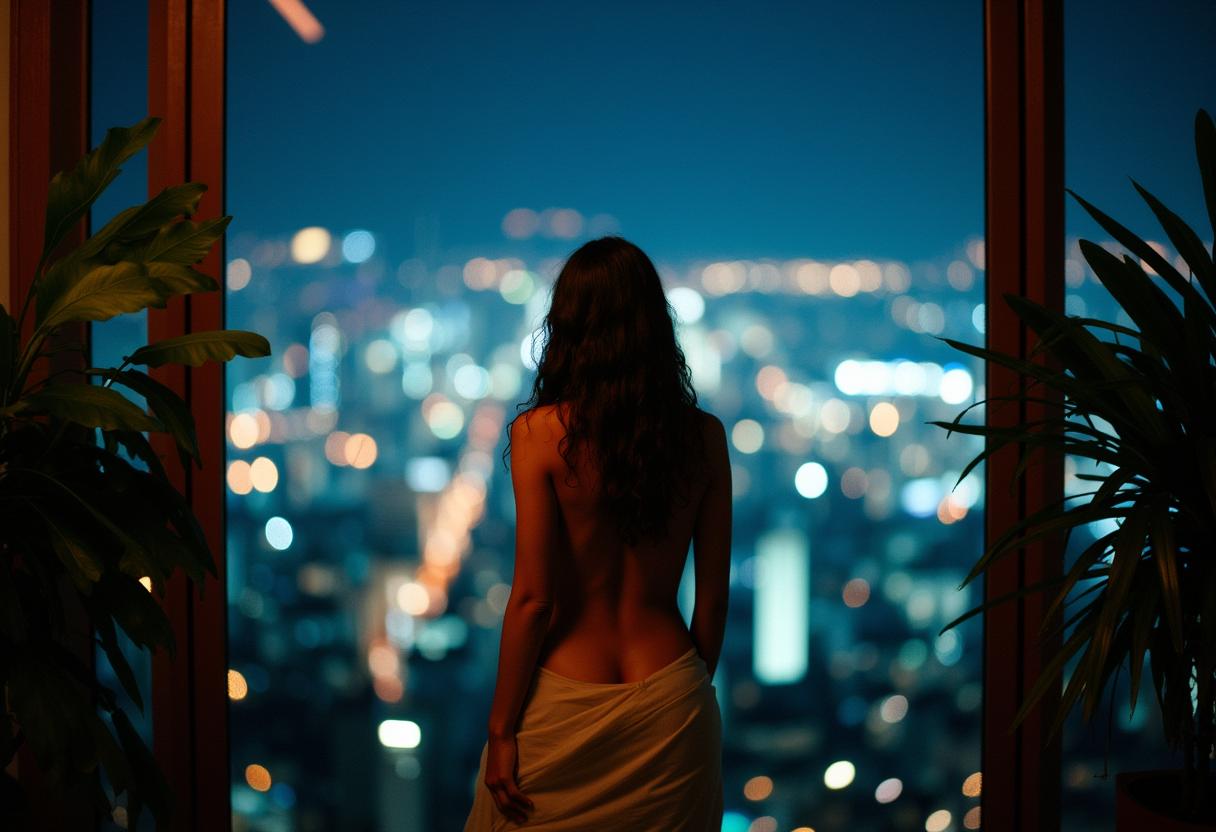
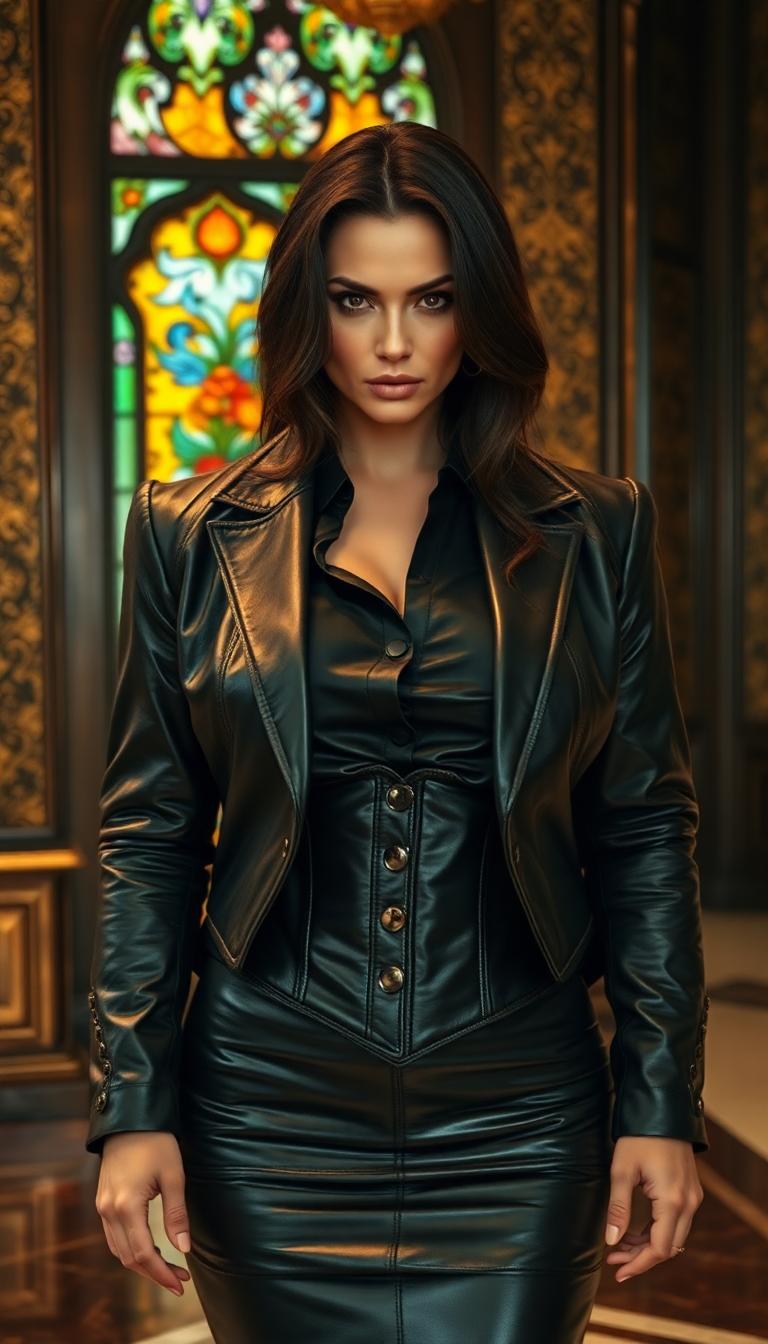
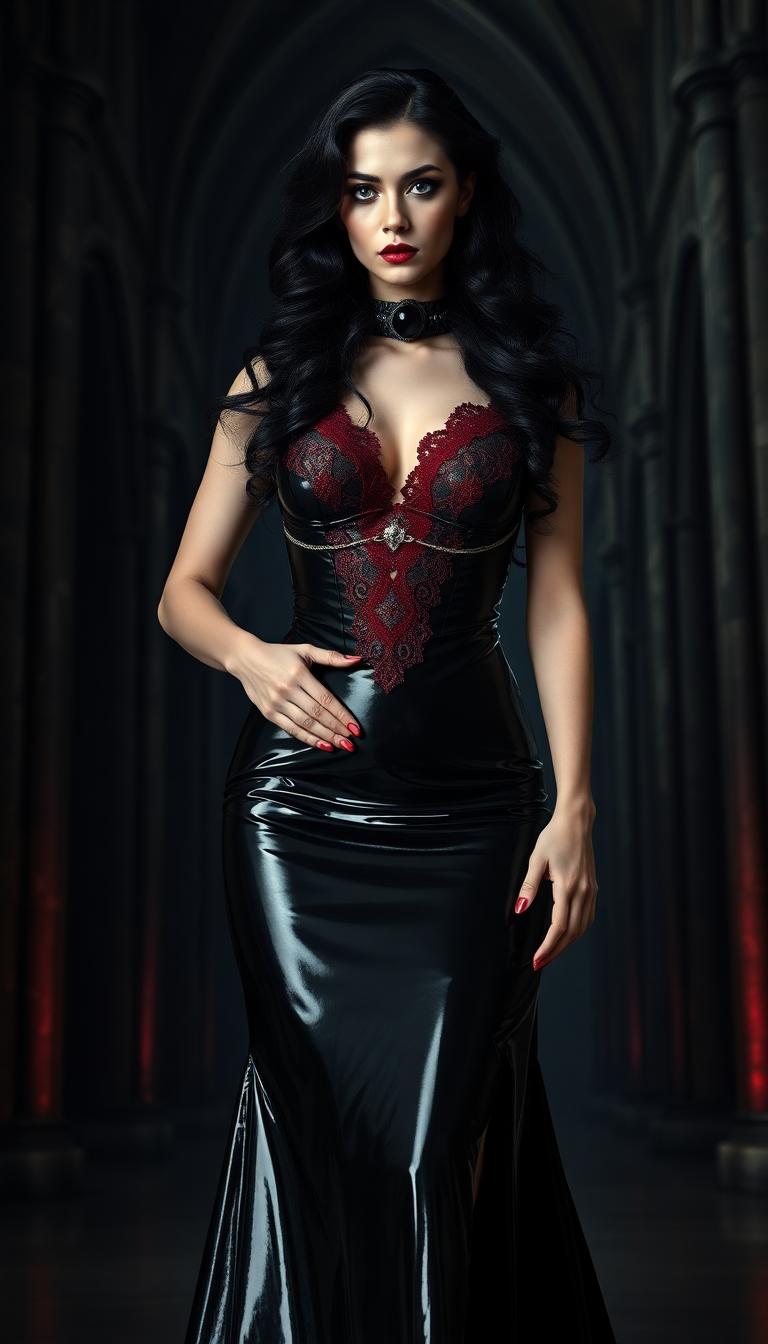
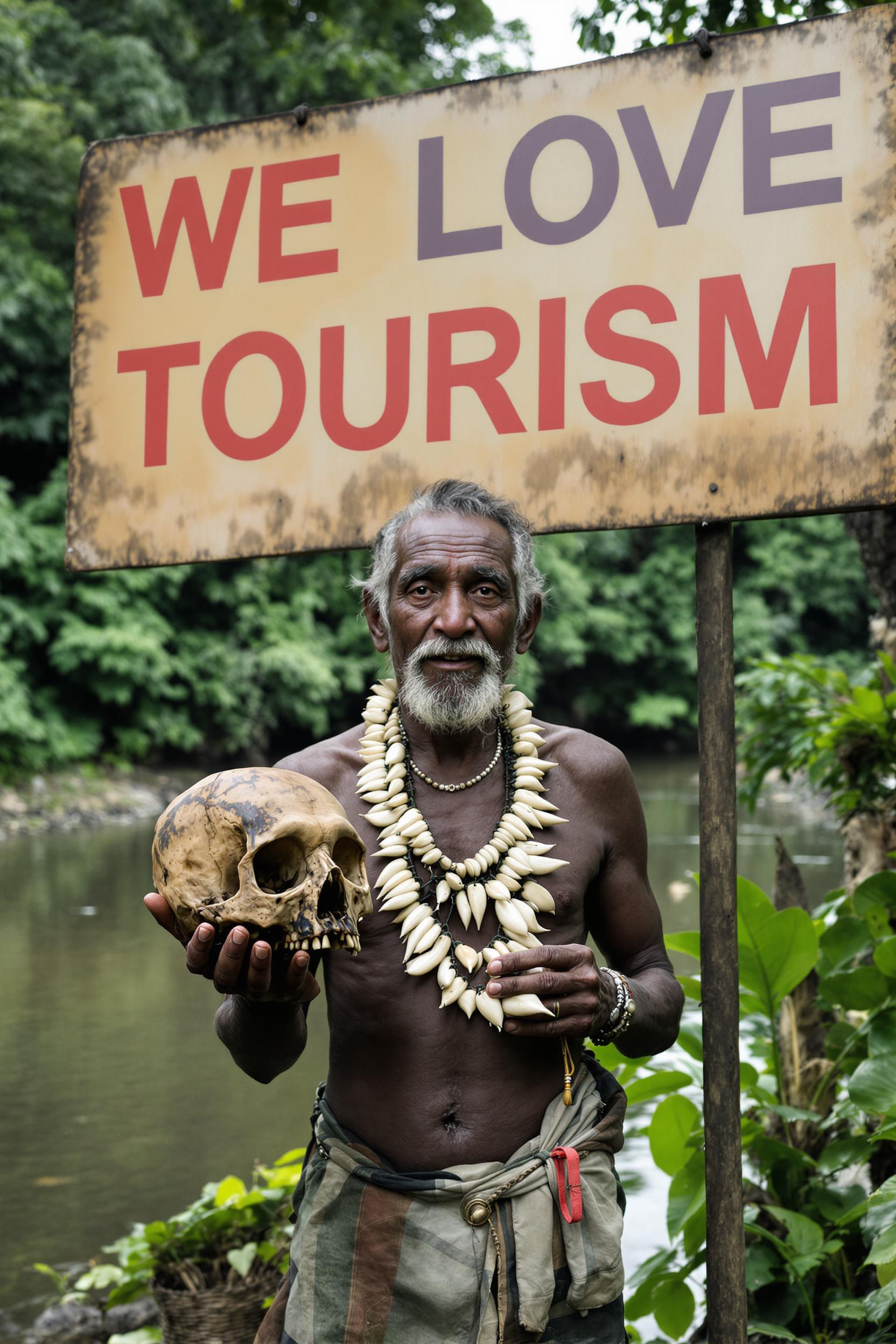
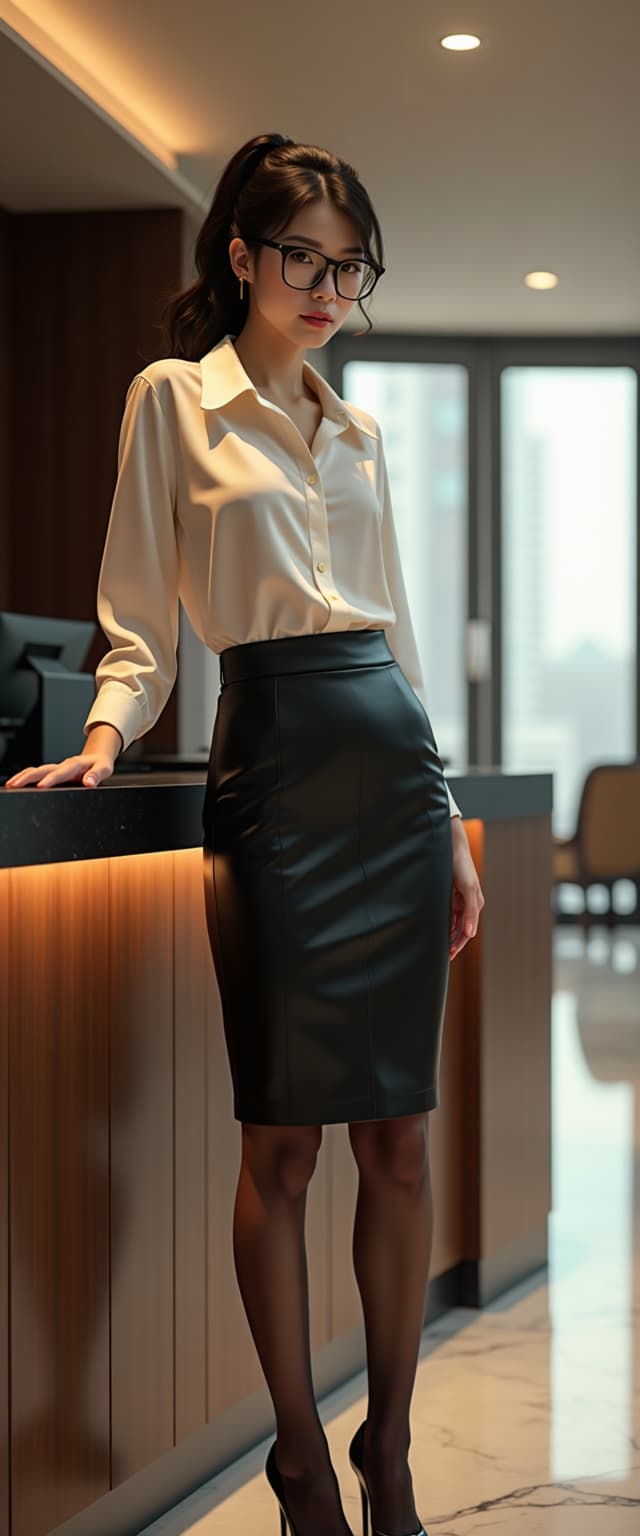
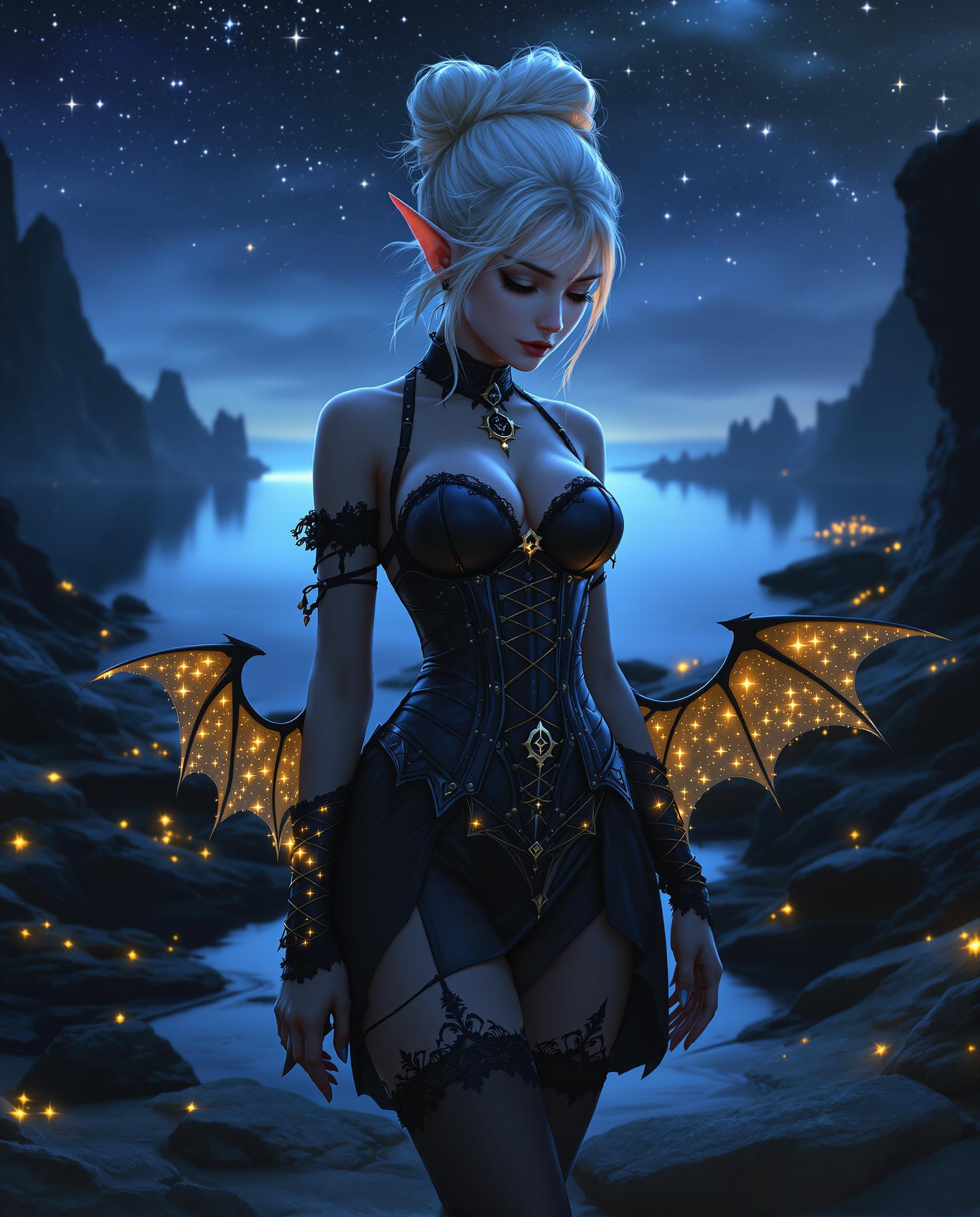
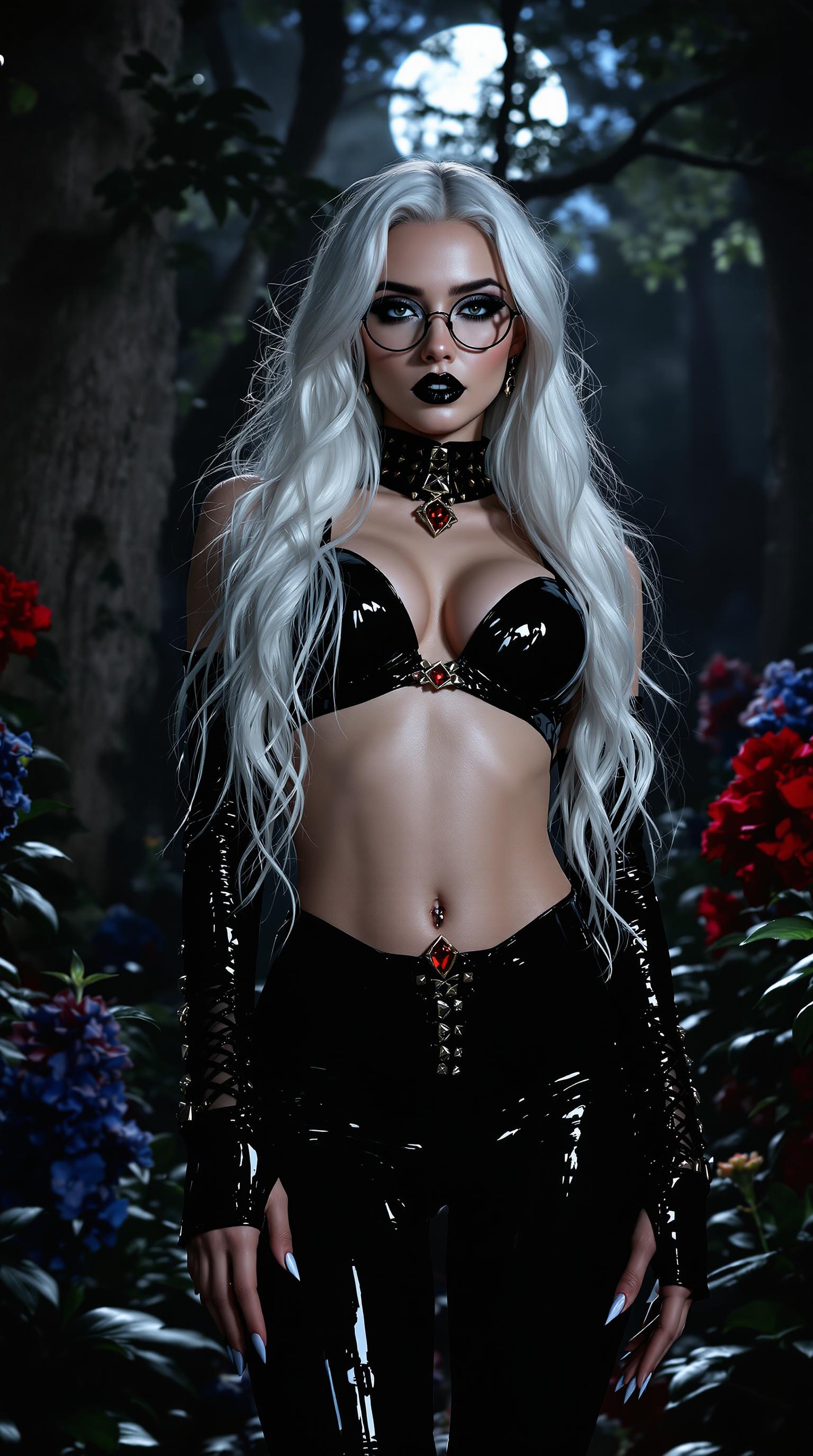
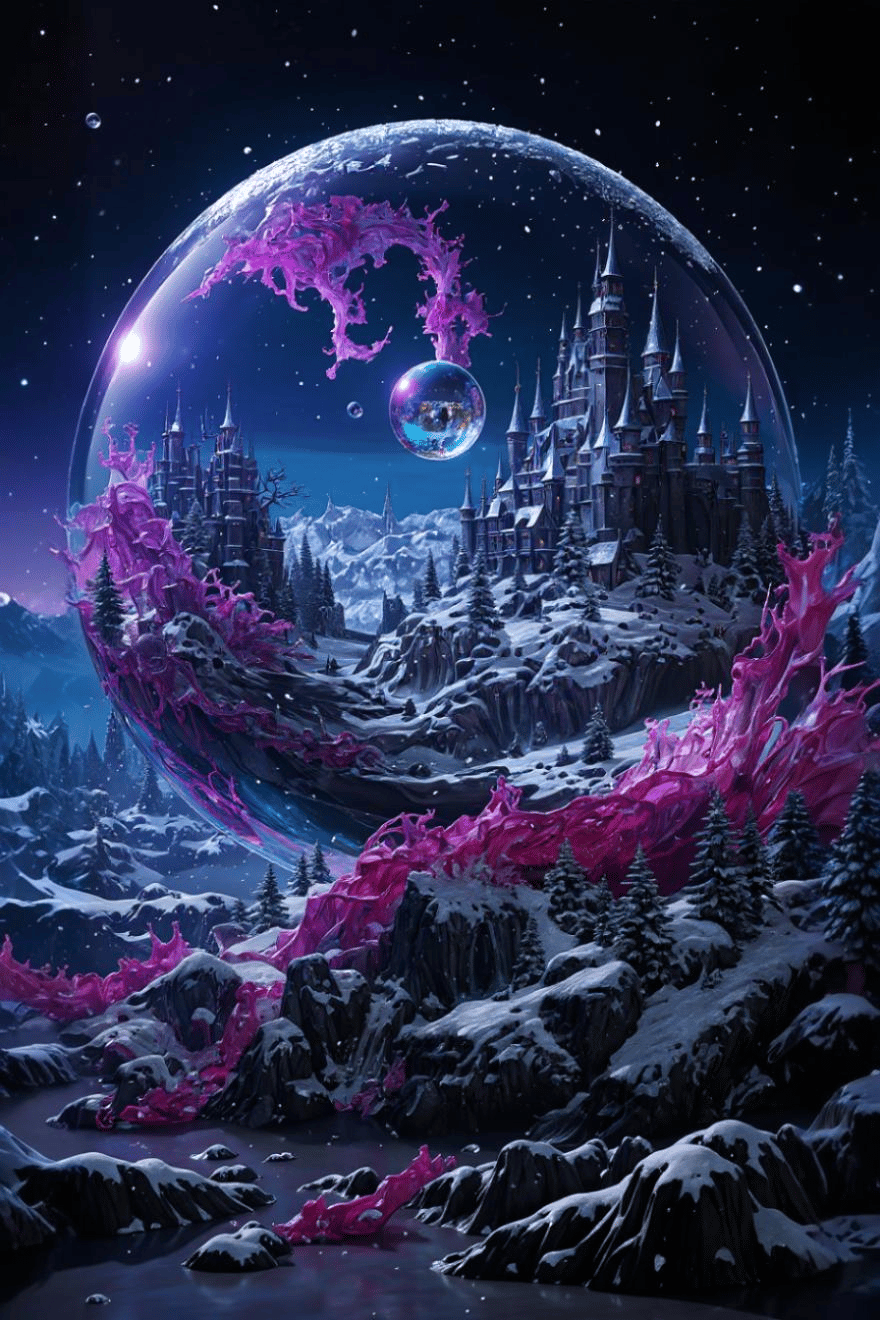
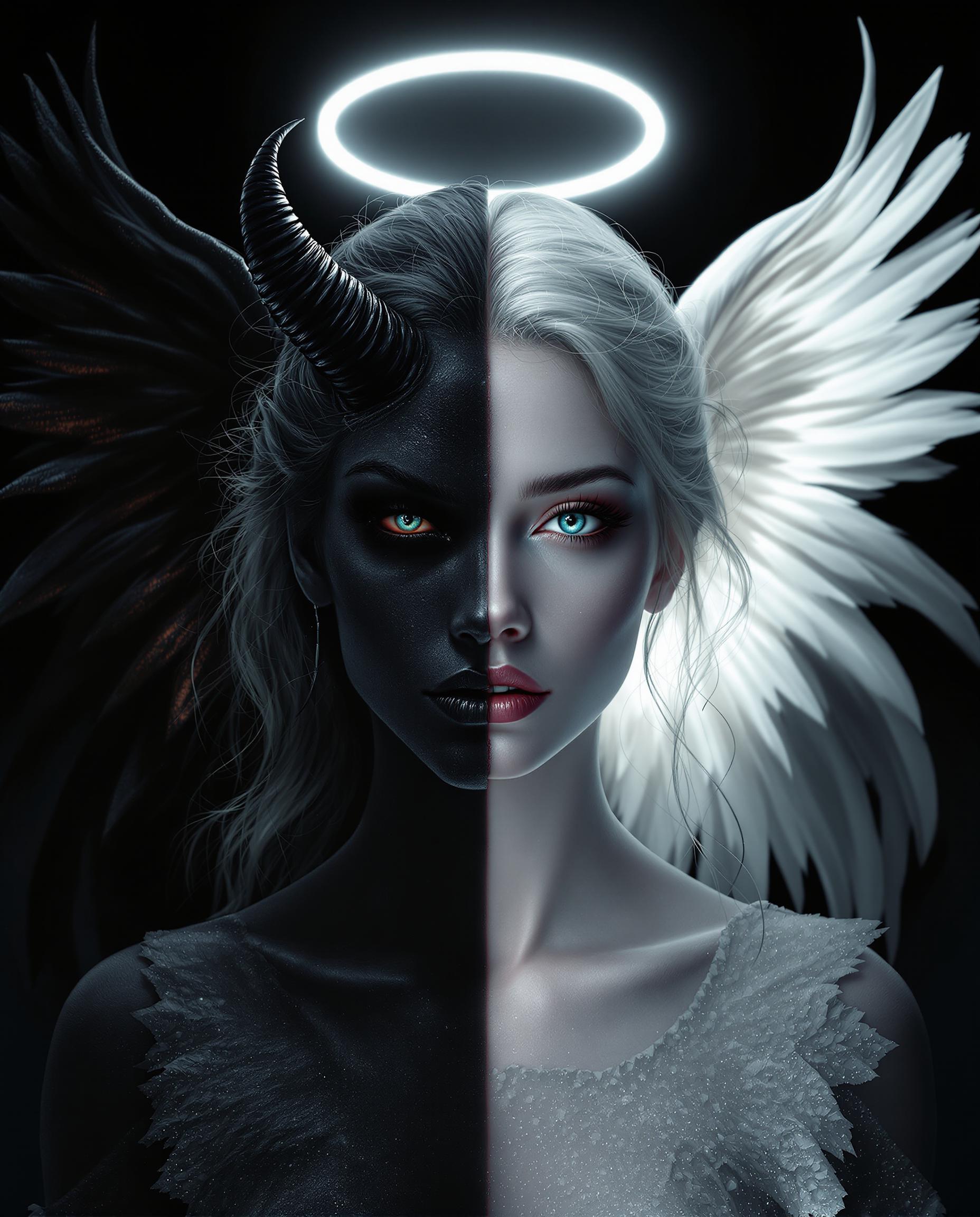
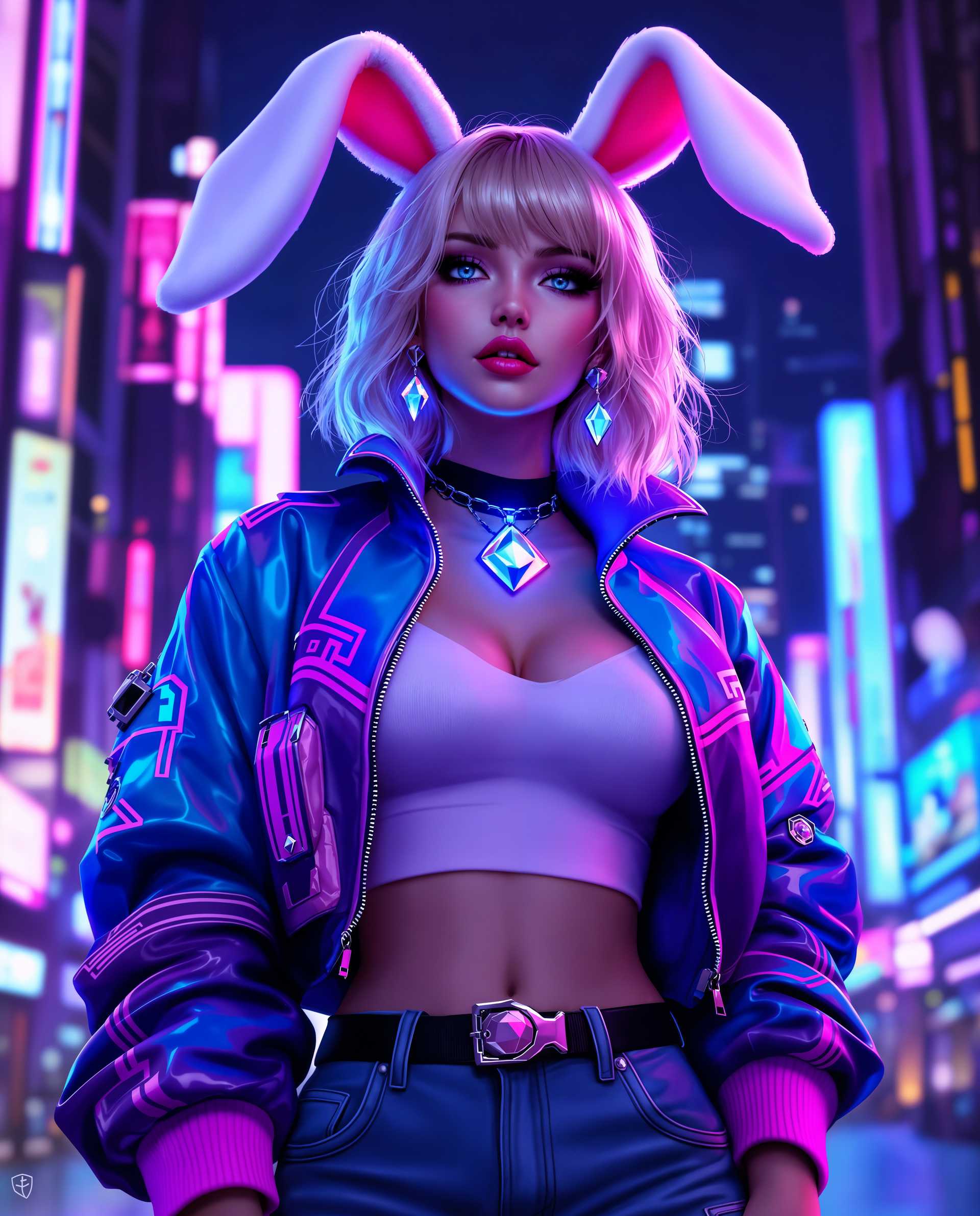
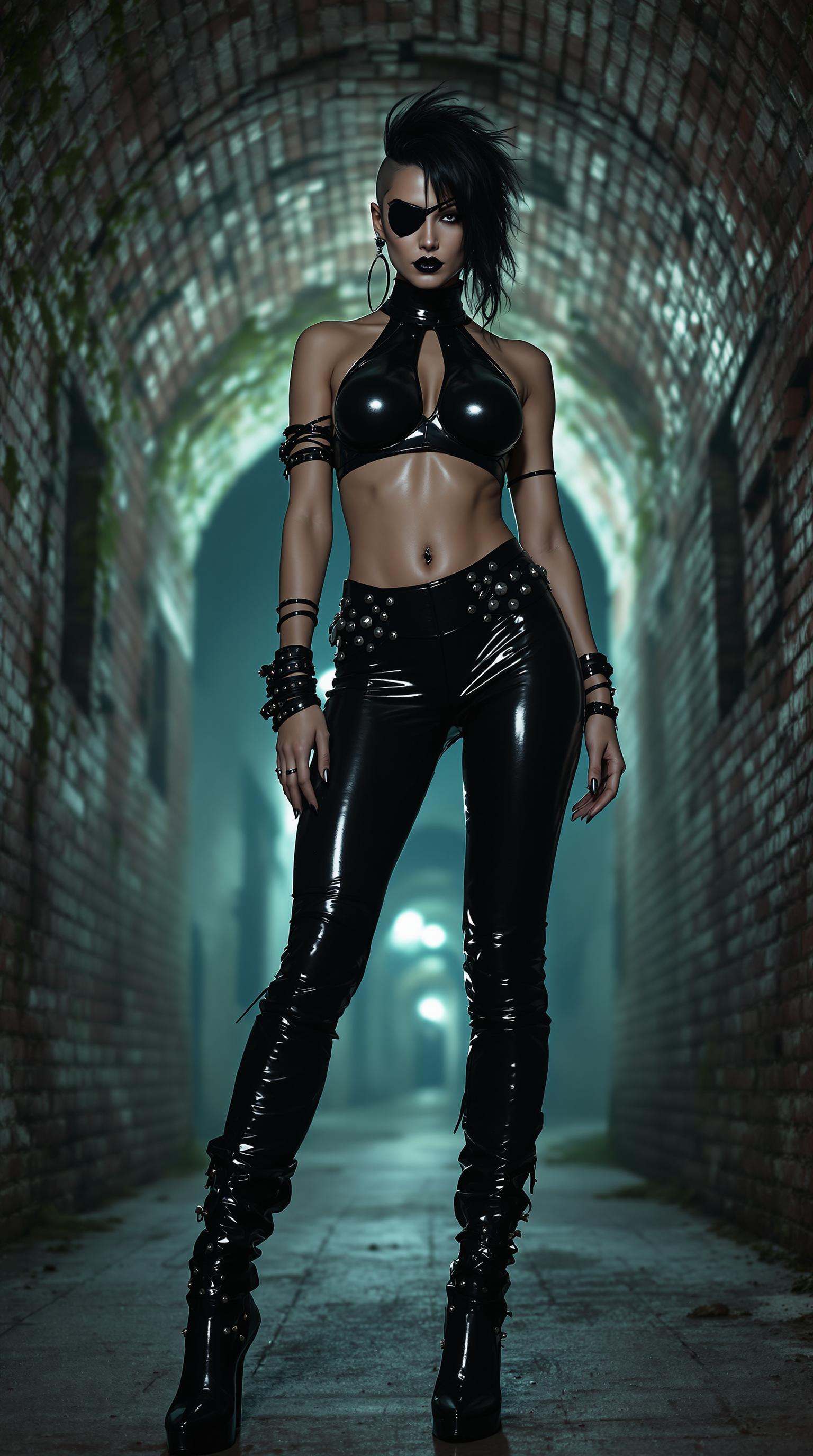
The Pixel Dojo Advantage
Why PixelDojo outperforms other options for multi-angle image generation:
| Others | Pixel Dojo |
|---|---|
| Traditional Photo Shoots | Save time and money by generating multiple angles from a single image without the need for additional photo sessions. |
| Generic AI Tools | Benefit from specialized tools designed specifically for multi-angle image generation, ensuring higher accuracy and quality. |
| Manual Photo Editing | Avoid the complexity and time-consuming nature of manual editing by leveraging AI to automate the process. |
Loved by Creators
See what our community says about nano banana 2 single image to set
"PixelDojo transformed how we create product images. Generating multiple angles from a single photo has streamlined our workflow immensely."
Alex Johnson
E-commerce Manager
"As a designer, maintaining consistency across images is crucial. PixelDojo's AI tools have been a game-changer for my projects."
Maria Lopez
Graphic Designer
Common Questions
Everything you need to know about nano banana 2 single image to set AI generation
How does PixelDojo generate multiple angles from a single image?
PixelDojo utilizes advanced AI algorithms to analyze your uploaded image and generate various perspectives based on your prompts, creating realistic multi-angle visuals.
Can I customize the angles and perspectives generated?
Yes, you can specify the exact angles and perspectives you desire by entering detailed prompts during the generation process.
What image formats are supported for upload?
PixelDojo supports common image formats such as JPEG, PNG, and WEBP for uploads.
Is there a limit to the number of images I can generate?
PixelDojo offers various subscription plans with different generation limits. You can choose a plan that best fits your needs and upgrade as necessary.
How long does it take to generate the images?
The generation process typically takes a few seconds per image, depending on the complexity of the prompts and the number of images requested.
Can I use the generated images for commercial purposes?
Yes, images generated with PixelDojo can be used for commercial purposes, including marketing materials, product listings, and more.