nano banana 2 upscale ai AI Generator
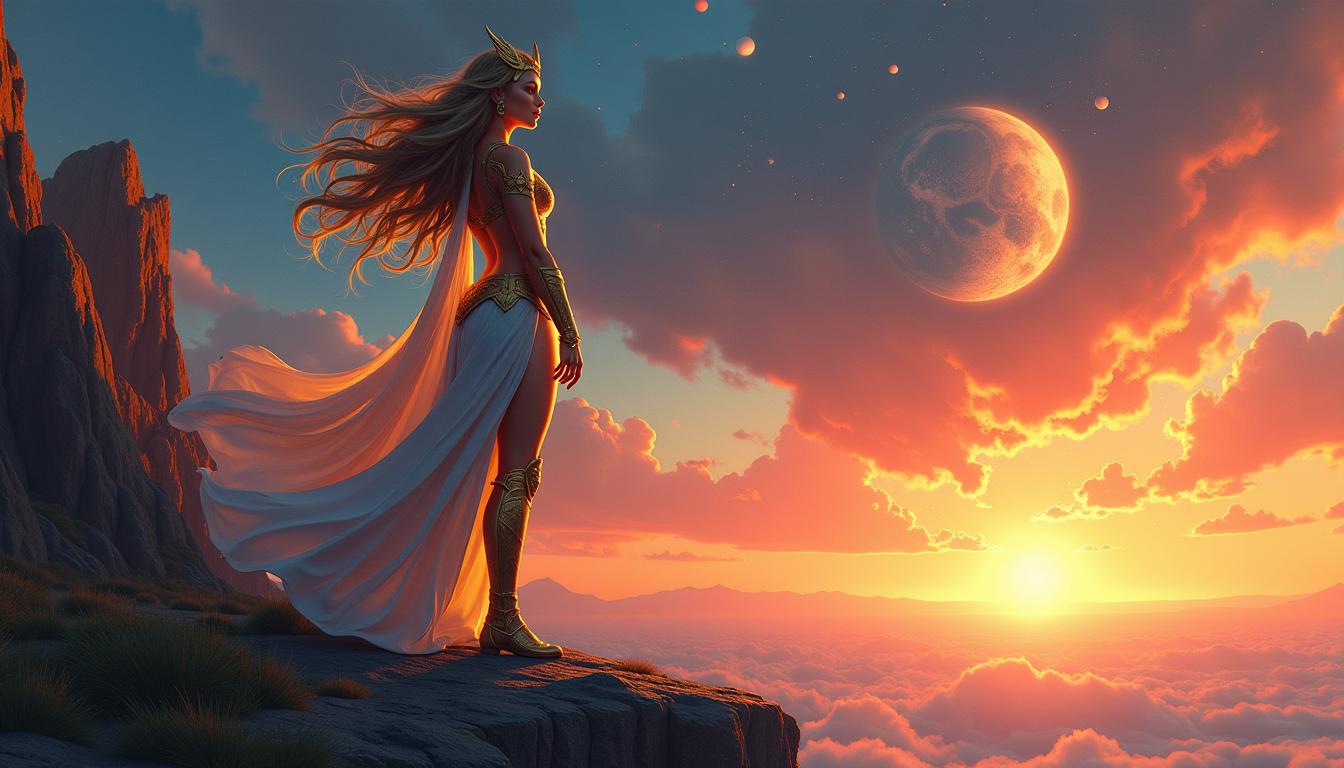
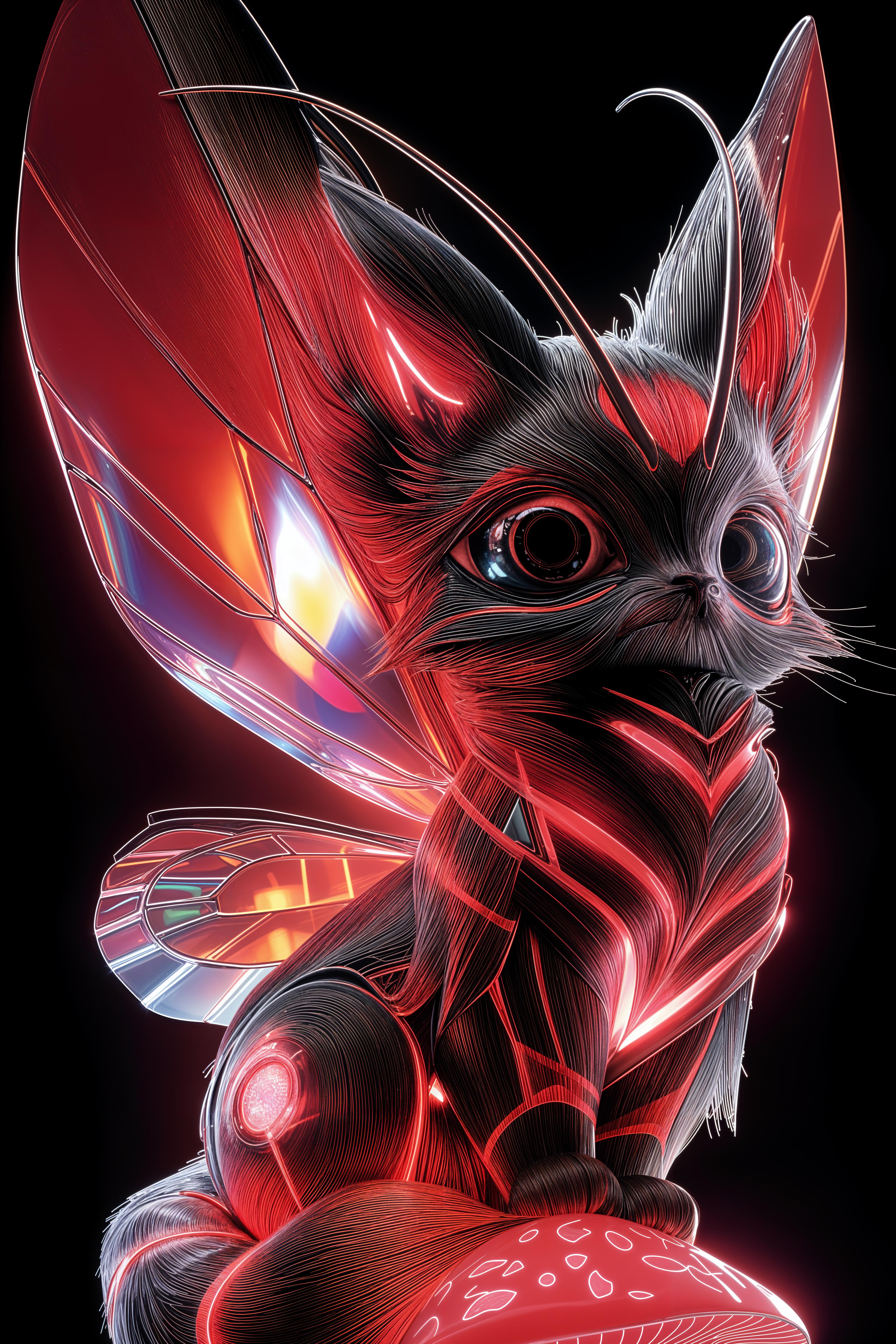
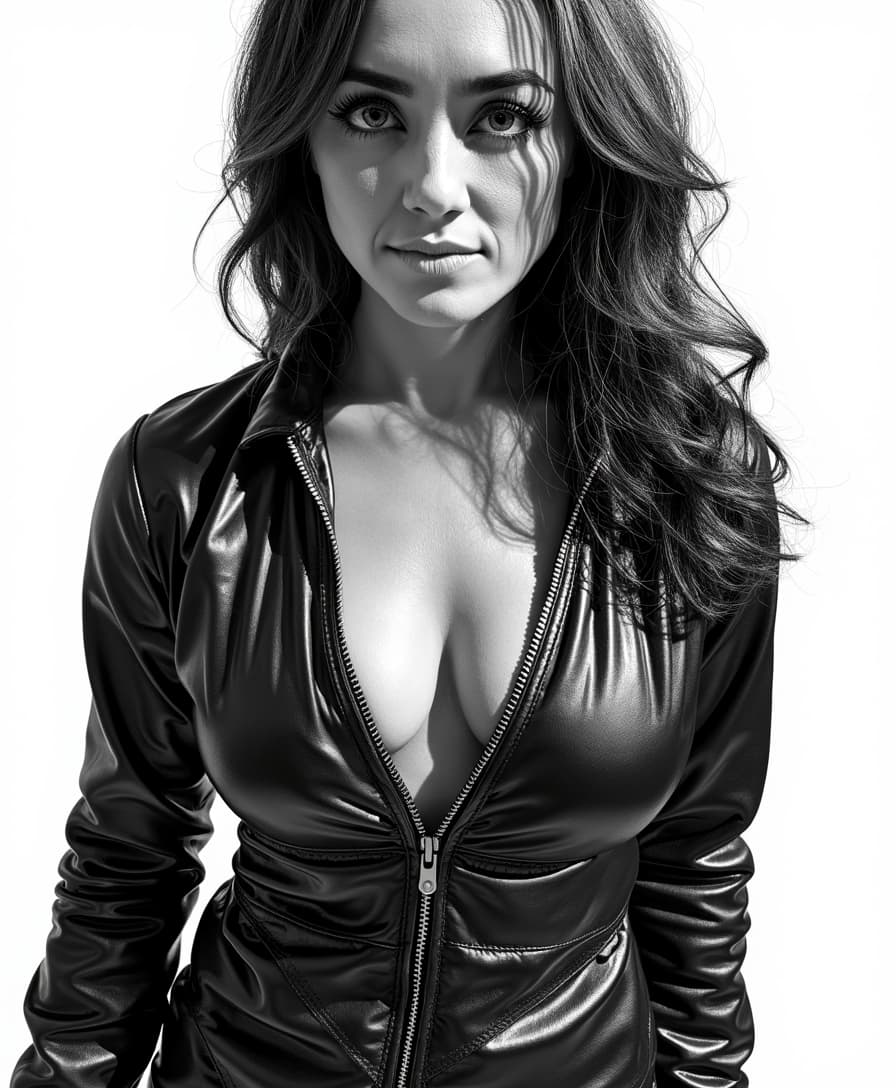
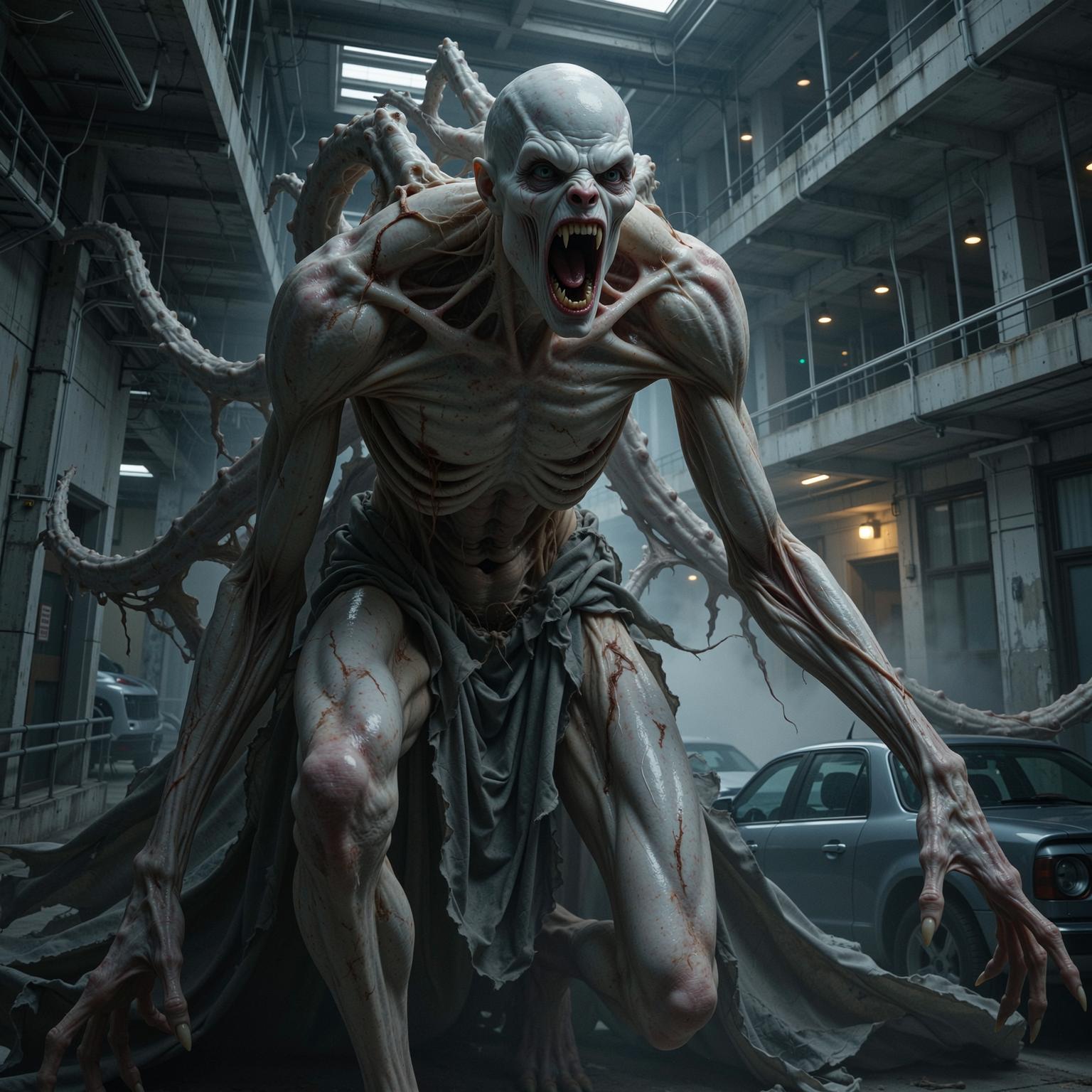
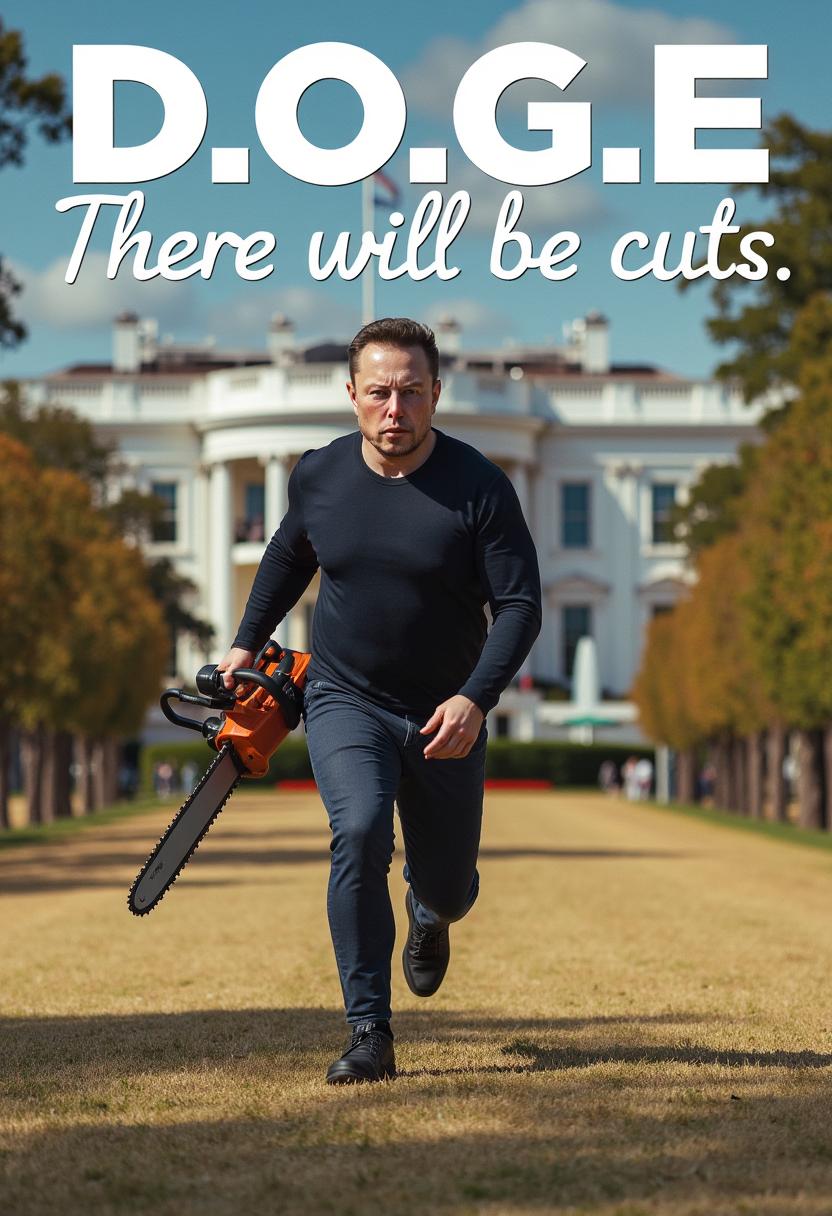
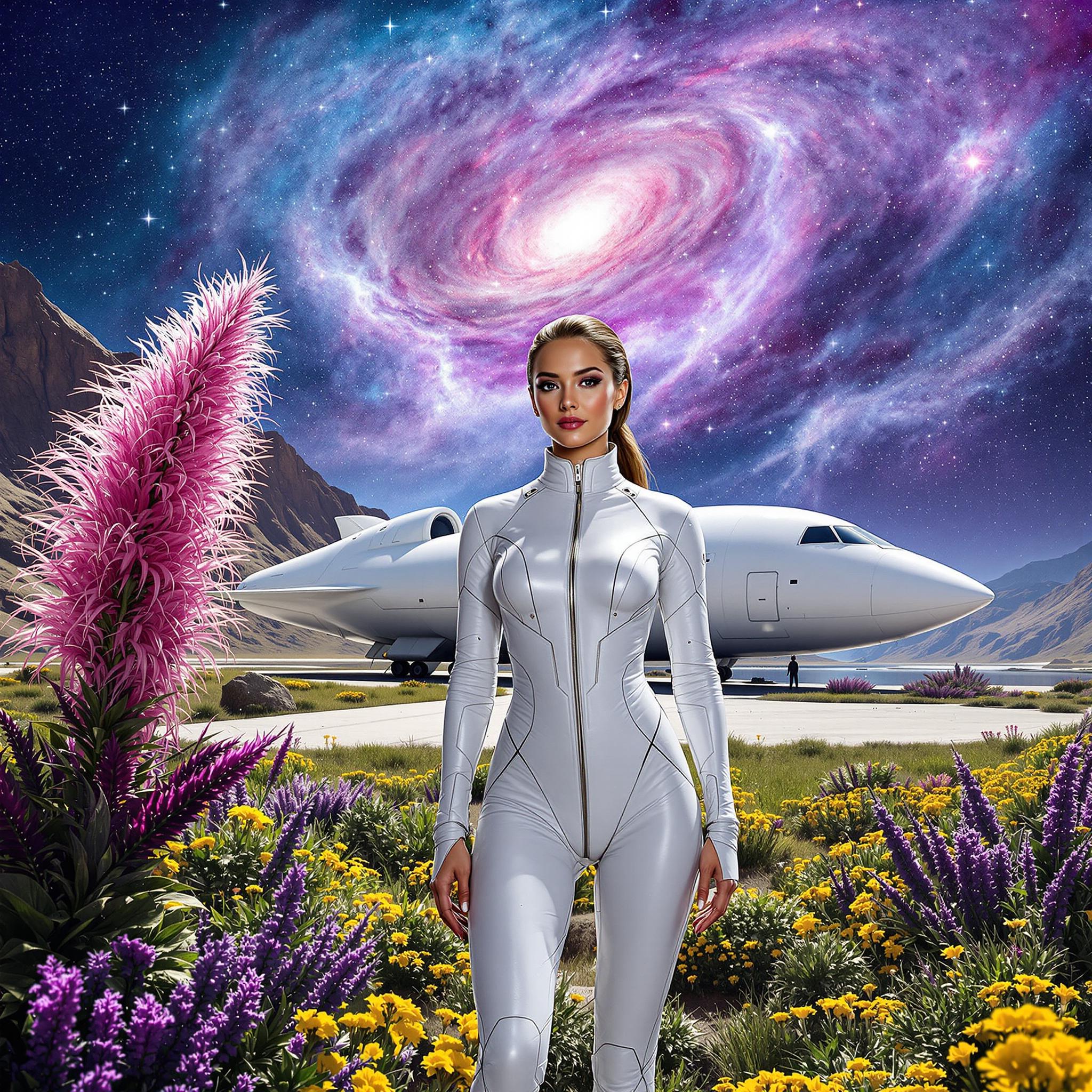
In today's visual-centric world, high-quality images are paramount. Whether you're a photographer, marketer, or content creator, the clarity and resolution of your visuals can make or break your audience's engagement. Enter Nano Banana 2 Upscale AI—a cutting-edge tool designed to transform your images into stunning 4K masterpieces effortlessly. With its advanced AI capabilities, you can upscale your images, enhance details, and achieve professional-grade results in mere seconds.

Join over 500,000 satisfied users who have enhanced their visuals with Nano Banana 2 Upscale AI. Rated 4.8/5 by professionals worldwide.
Why Choose Pixel Dojo for nano banana 2 upscale ai
Professional-quality results with cutting-edge AI technology
Achieve 4K Ultra HD Quality
Transform your images into crystal-clear 4K resolution, perfect for large prints and high-definition displays.
Preserve and Enhance Details
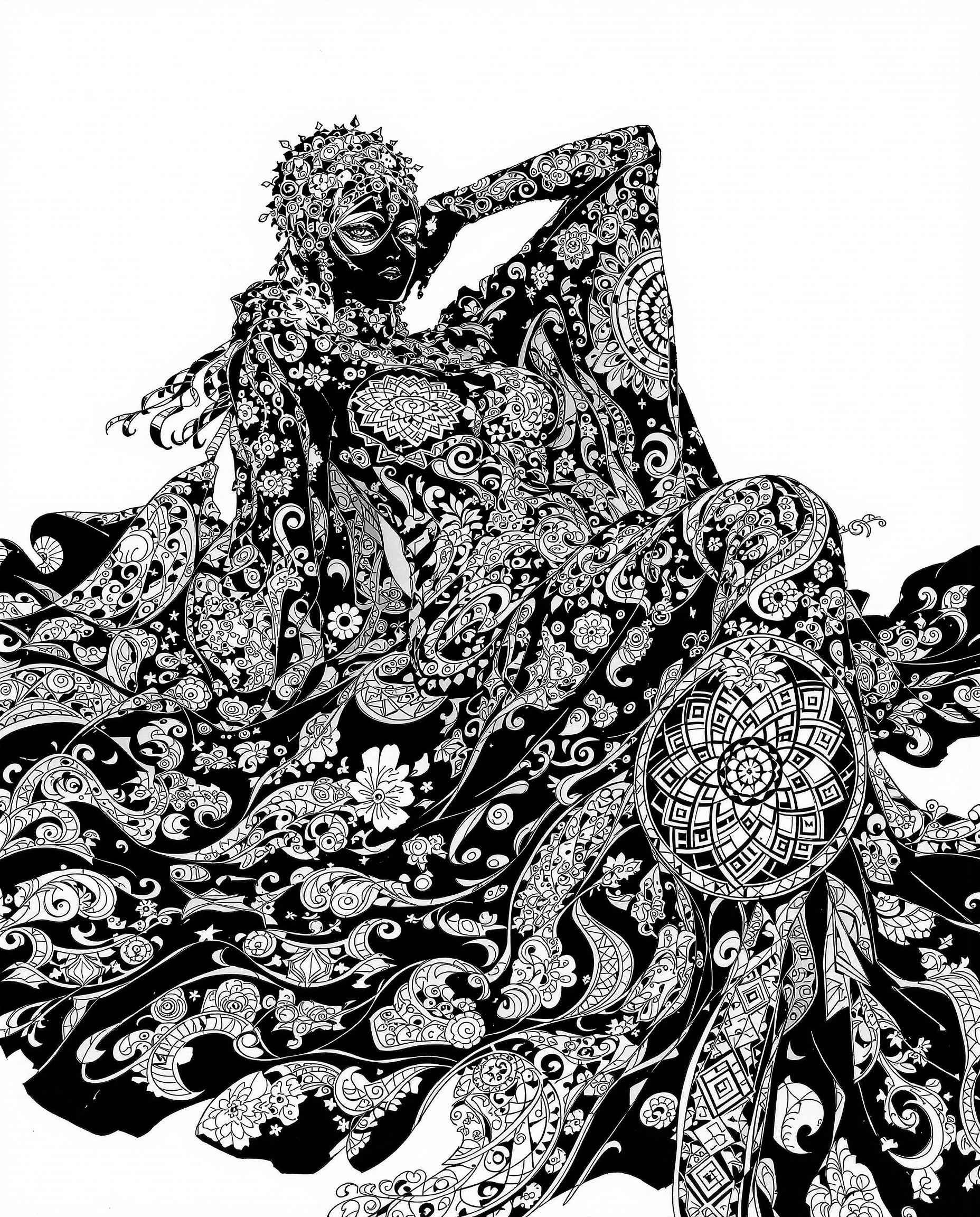
Maintain the integrity of your original images while enhancing textures and details for a more vibrant result.
Rapid Processing Time
Experience lightning-fast upscaling, with complex images processed in under 10 seconds.
How It Works
Upscaling your images with Nano Banana 2 Upscale AI is a straightforward process. Follow these simple steps to elevate your visuals:
Step 1: Upload Your Image
Select the image you wish to enhance by uploading it to the Nano Banana 2 platform. Supported formats include JPEG, PNG, and WEBP.
Step 2: Choose Your Desired Resolution
Select the target resolution for your image—options include 2K, 4K, or even 8K, depending on your needs.
Step 3: Initiate the Upscaling Process
Click the 'Upscale' button to begin the AI-powered enhancement. Your high-resolution image will be ready in seconds.








The Pixel Dojo Advantage
Why choose Nano Banana 2 Upscale AI over other image enhancement methods?
| Others | Pixel Dojo |
|---|---|
| Traditional Upscaling Methods | Unlike traditional methods that often result in pixelation and loss of quality, Nano Banana 2 uses advanced AI to preserve and enhance image details. |
| Generic AI Upscalers | Nano Banana 2 offers faster processing times and higher quality outputs compared to generic AI upscalers, thanks to its integration with Google's Gemini 3 Pro. |
| Manual Photo Editing | Manual editing is time-consuming and requires expertise. Nano Banana 2 automates the process, delivering professional results without the steep learning curve. |
Loved by Creators
See what our community says about nano banana 2 upscale ai
"Nano Banana 2 Upscale AI has revolutionized my workflow. The quality and speed are unmatched."
Alex Johnson
Professional Photographer
"As a marketer, high-quality visuals are crucial. Nano Banana 2 delivers stunning results every time."
Samantha Lee
Marketing Director
Common Questions
Everything you need to know about nano banana 2 upscale ai AI generation
How does Nano Banana 2 Upscale AI enhance image quality?
Nano Banana 2 utilizes advanced AI algorithms to analyze and reconstruct image details, effectively increasing resolution while preserving the original quality. This process adds natural details and reduces noise, resulting in sharper and more vibrant images.
What image formats are supported by Nano Banana 2 Upscale AI?
Nano Banana 2 supports a variety of image formats, including JPEG, PNG, and WEBP. This flexibility ensures compatibility with most standard image files.
Is there a limit to the file size I can upload?
Yes, the maximum file size for uploads is 10MB. This limit ensures optimal processing speed and performance during the upscaling process.
Can I use the upscaled images for commercial purposes?
Absolutely. Images enhanced using Nano Banana 2 Upscale AI come with full commercial usage rights, allowing you to use them in marketing materials, advertisements, and other professional projects.
How long does the upscaling process take?
Nano Banana 2 is designed for speed and efficiency. Most images are processed and upscaled in under 10 seconds, allowing you to quickly obtain high-resolution results.
Is my data secure when using Nano Banana 2 Upscale AI?
Yes, Nano Banana 2 prioritizes user privacy and data security. Uploaded images are processed securely, and your data is not shared with third parties.