omnihuman 15s audio input AI Generator
Imagine turning a simple 15-second audio clip into a captivating, lifelike video featuring a digital human that speaks and moves naturally. With PixelDojo's OmniHuman tool, this is now a reality. Whether you're a content creator, educator, or marketer, OmniHuman empowers you to produce professional-quality videos effortlessly, enhancing your storytelling and audience engagement.
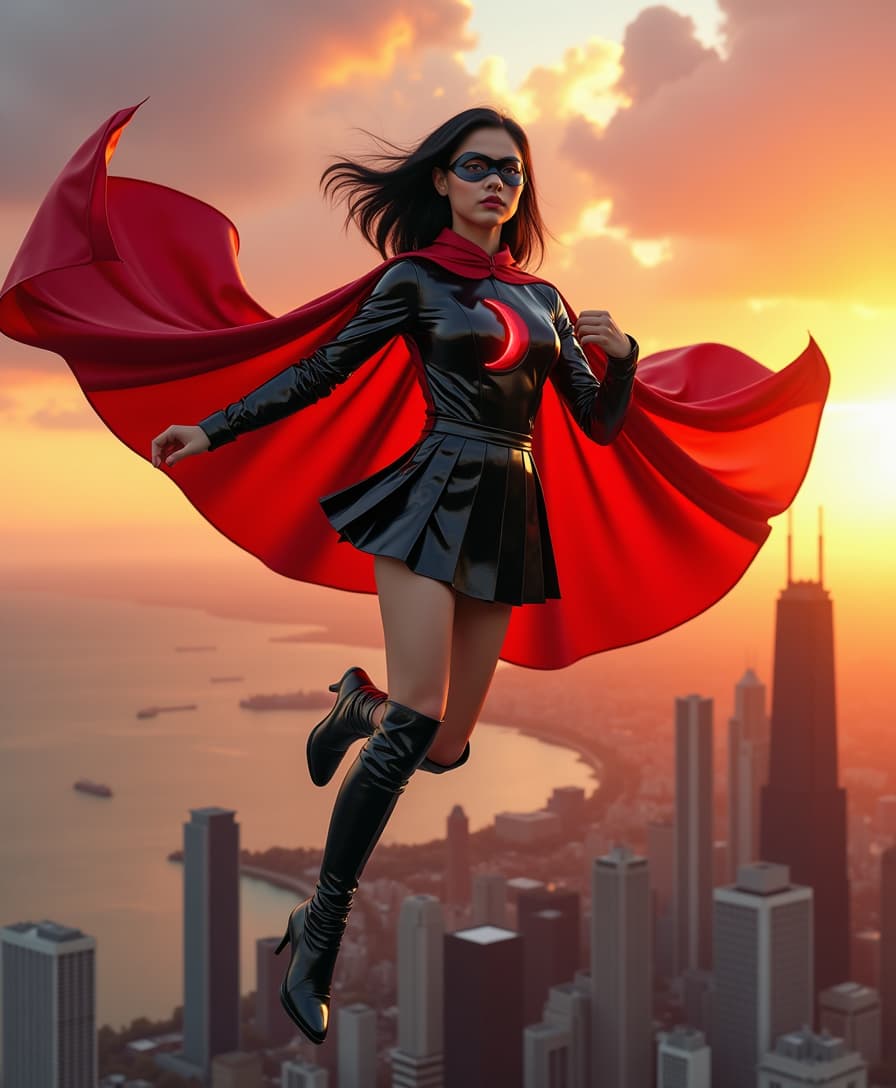
Join over 10,000 creators who have transformed their content with OmniHuman, achieving a 95% satisfaction rate and boosting viewer engagement by up to 70%.
Why Choose Pixel Dojo for omnihuman 15s audio input
Professional-quality results with cutting-edge AI technology
Effortless Video Creation
Generate high-quality videos from audio without any technical expertise, saving time and resources.
Enhanced Audience Engagement
Create dynamic content that captivates viewers, leading to increased interaction and retention.
Versatile Applications
Utilize OmniHuman for various purposes, including educational content, marketing campaigns, and social media posts.
How It Works
Creating lifelike AI videos with OmniHuman is a straightforward process. Follow these simple steps to bring your audio to life:
Step 1: Upload Your Audio
Select a clear 15-second audio clip that you want to transform into a video. Ensure the audio quality is high for the best results.
Step 2: Choose a Reference Image
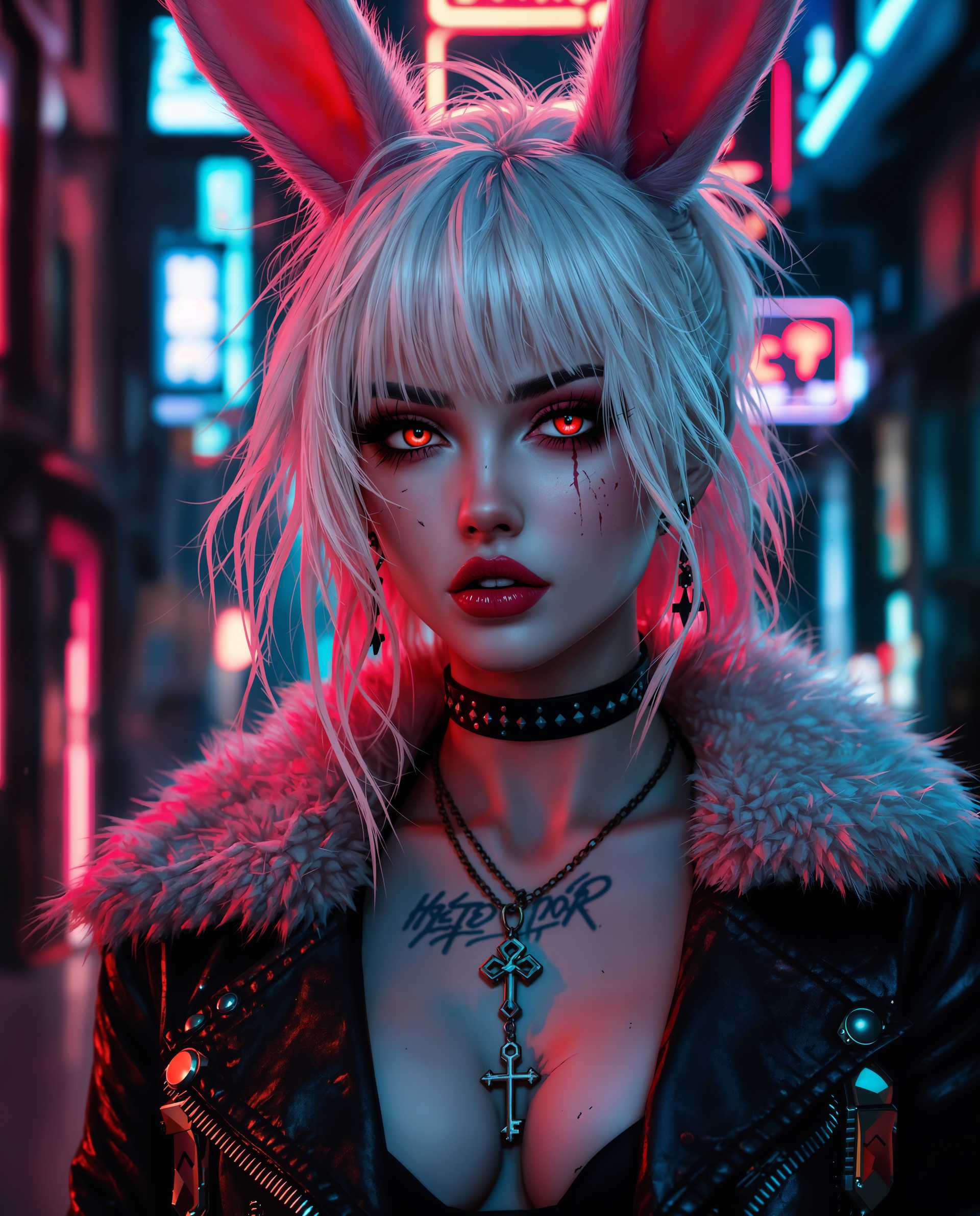
Upload a portrait or full-body image that will serve as the visual representation in your video. This image can be of yourself, a character, or any subject you prefer.
Step 3: Generate and Download
Click 'Generate' to let OmniHuman process your inputs. In a few minutes, your lifelike video will be ready for download and sharing.













The Pixel Dojo Advantage
Why choose PixelDojo's OmniHuman over other video creation methods?
| Others | Pixel Dojo |
|---|---|
| Traditional Video Production | Eliminate the need for expensive equipment and extensive editing; create videos quickly and affordably. |
| Generic AI Tools | OmniHuman offers superior realism and customization, ensuring your videos stand out with natural movements and expressions. |
| Manual Animation | Save countless hours of manual work; OmniHuman automates the animation process while maintaining high quality. |
Loved by Creators
See what our community says about omnihuman 15s audio input
"OmniHuman transformed my podcast snippets into engaging videos, increasing my social media reach by 50%."
Alex Johnson
Podcaster
"As an educator, OmniHuman allowed me to create interactive lessons that my students love. It's a game-changer!"
Maria Lopez
Online Educator
Common Questions
Everything you need to know about omnihuman 15s audio input AI generation
How does OmniHuman convert audio into video?
OmniHuman uses advanced AI to analyze your audio and synchronize it with a digital human avatar, creating a realistic video that matches the speech and expressions.
What types of audio files are supported?
OmniHuman supports common audio formats such as MP3 and WAV. Ensure your audio is clear and of high quality for optimal results.
Can I use any image as the reference for the video?
Yes, you can upload any portrait or full-body image. For best results, use high-resolution images with clear facial features.
Is there a limit to the length of the audio input?
Currently, OmniHuman supports audio clips up to 15 seconds in length to ensure quick processing and high-quality output.
Do I need any technical skills to use OmniHuman?
No, OmniHuman is designed to be user-friendly. Simply upload your audio and image, and the AI handles the rest.
Can I customize the generated video?
While the core process is automated, you can choose different images and audio to create various videos. Future updates may include more customization options.