Ovi features AI Generator
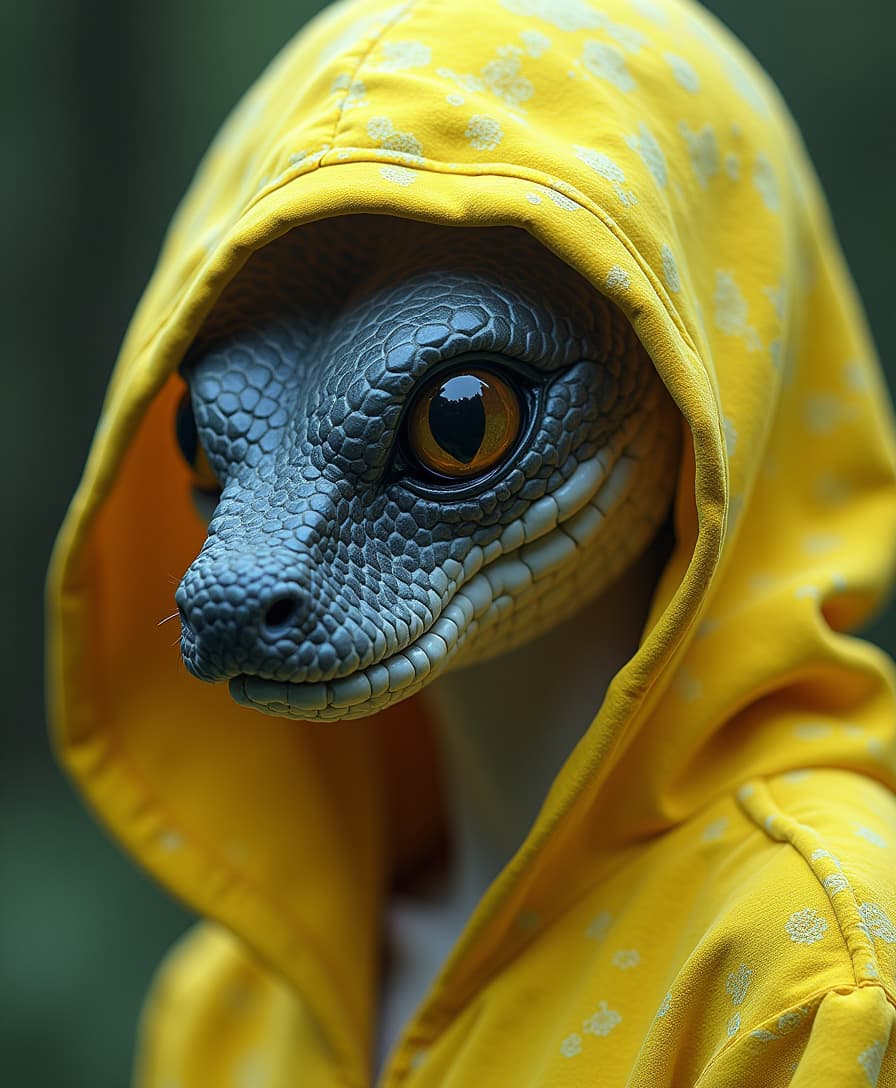
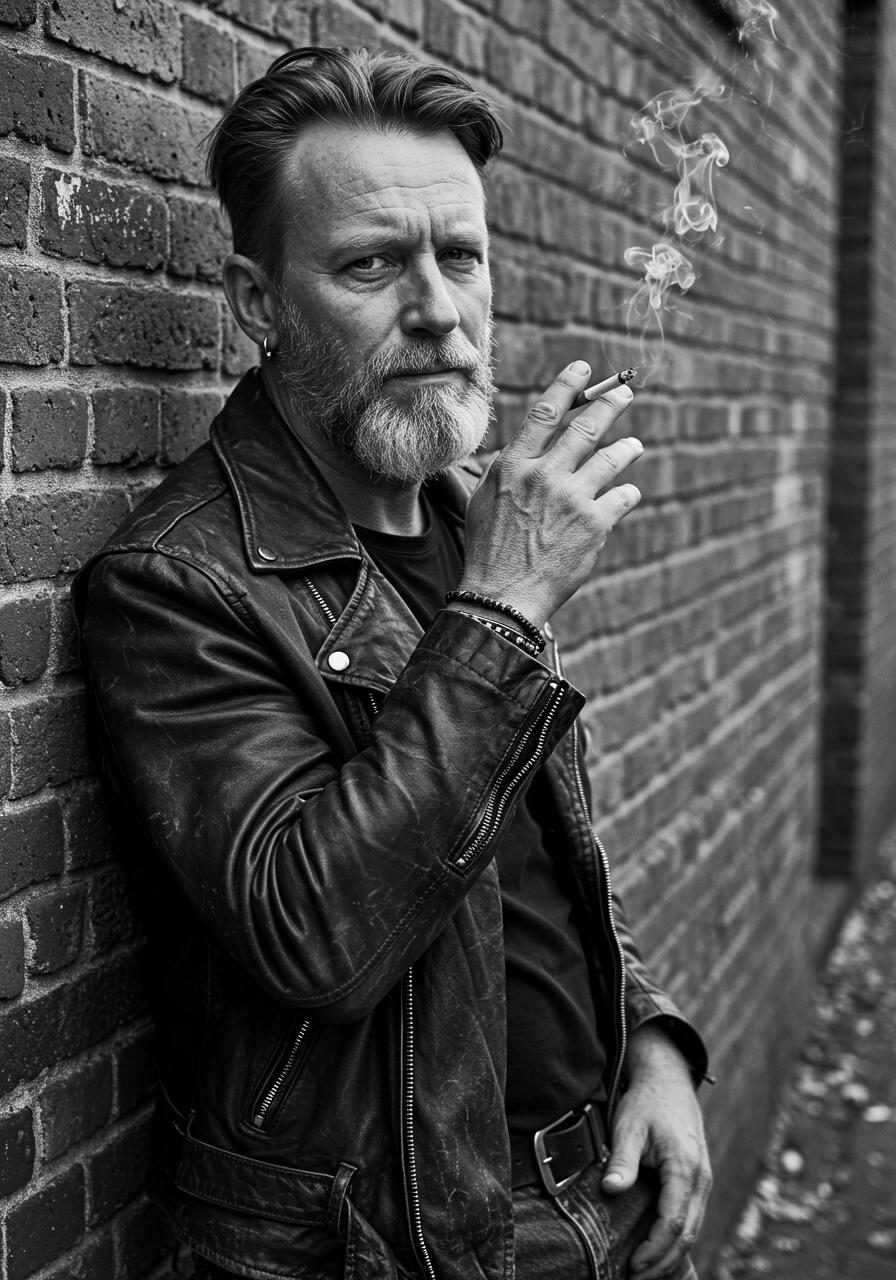
Imagine transforming your static images into dynamic, engaging videos complete with synchronized audio. With PixelDojo's OVI feature, you can effortlessly create 5-second videos that bring your visuals to life, enhancing your storytelling and captivating your audience.
Join thousands of creators who have elevated their content using PixelDojo's cutting-edge AI tools. Our platform boasts a 4.8/5 satisfaction rating from users worldwide.
Why Choose Pixel Dojo for Ovi features
Professional-quality results with cutting-edge AI technology
Effortless Video Creation
Convert your images into professional-quality videos with synchronized audio in just a few clicks.
Enhanced Audience Engagement
Dynamic audio-visual content captures attention more effectively, increasing viewer retention and interaction.
Time and Cost Efficiency
Save time and resources by automating the video creation process without compromising on quality.
How It Works
Creating compelling audio-visual content with PixelDojo's OVI is simple and intuitive. Follow these steps to get started:
Step 1: Upload Your Image
Select and upload the image you wish to transform into a video.
Step 2: Enter Your Prompt
Provide a descriptive prompt for the video, including any desired speech or audio elements. Use `<S>` and `<E>` to mark speech and `<AUDCAP>`/`<ENDAUDCAP>` for audio descriptions.
Step 3: Generate and Download
Click 'Generate' to create your 5-second video with synchronized audio. Once processed, download your new audio-visual content.





The Pixel Dojo Advantage
Why PixelDojo's OVI outperforms other options for image-to-video generation
| Others | Pixel Dojo |
|---|---|
| Traditional Video Editing Software | Simplifies the process by automating video creation, eliminating the need for complex editing skills. |
| Generic AI Tools | Offers synchronized audio and video generation tailored to your specific prompts, providing a more cohesive output. |
| Manual Animation Techniques | Reduces the time and effort required to animate images, delivering high-quality results swiftly. |
Loved by Creators
See what our community says about Ovi features
"PixelDojo's OVI feature has revolutionized how I create content. Turning my images into engaging videos with synchronized audio has never been easier."
Alex Johnson
Content Creator
"As a marketer, capturing audience attention is crucial. OVI allows me to produce dynamic videos quickly, enhancing our campaigns significantly."
Samantha Lee
Marketing Manager
Common Questions
Everything you need to know about Ovi features AI generation
How does PixelDojo's OVI feature create synchronized audio-visual content?
OVI utilizes advanced AI algorithms to generate 5-second videos from your images, incorporating synchronized audio based on your descriptive prompts. This seamless integration ensures a cohesive and engaging output.
Can I customize the audio elements in the videos created with OVI?
Yes, you can specify speech and audio details in your prompt using tags like `<S>` and `<E>` for speech, and `<AUDCAP>`/`<ENDAUDCAP>` for audio descriptions, allowing for precise customization.
What file formats are supported for uploading images to OVI?
OVI supports common image formats such as JPEG and PNG. Ensure your images are of high quality to achieve the best video output.
Is there a limit to the number of videos I can create with OVI?
PixelDojo offers various subscription plans to suit different needs. Depending on your plan, you can create multiple videos. Check our pricing page for more details.
How long does it take to generate a video using OVI?
The generation time may vary based on the complexity of your prompt and server load, but typically, videos are processed within a few minutes.
Can I use the videos created with OVI for commercial purposes?
Yes, videos generated using OVI can be used for commercial purposes. Please review our terms of service for any specific guidelines.