photo face swap AI Generator
Want to swap faces in a photo without the awkward patches, mismatched skin tones, or visible editing traces? PixelDojo’s Photo Face Swap tools deliver hyper-realistic results you’ll want to share. Whether you want to mash up faces of characters, switch your face into a memorable moment, or craft fun images for content on Instagram or YouTube—we give you pro-level control without needing Photoshop skills. With over 40+ cutting-edge AI tools, you can try anytime, cancel anytime, and see your ideas come to life in minutes.
⭐ Rated 4.9/5 by 5,000+ creators • 20,000+ Face Swap images made this week • Featured in design studios and viral TikToks • Trusted by marketers for ethical and clean results
Why Choose Pixel Dojo for photo face swap
Professional-quality results with cutting-edge AI technology
Unbelievable Realism in Every Swap
Your swapped faces will match skin tone, lighting, and facial expression so well that the edits look like original photos.
Craft Fun, Creators’ Quality Content Fast
Create shareable, viral-level edits—face swaps into famous scenes, group photos, fan art—in a few clicks instead of hours.
Stay Ethical & Secure
We enforce consent, watermark options, and secure data handling so your face swaps are legal and trustworthy.
How It Works
Ready to make your first photo face swap with PixelDojo? Here’s how you get to shareable, seamless results in three steps using the best tools in our suite.
Step 1: Choose Your Tool
Go to the Characters section and select “Face Swap.” You can also pick a compatible image-generation model like HiDream, SDXL, QWEN Image, or WAN Image for creative background swaps.
Step 2: Enter Your Prompt & Inputs
Upload the source face and the target photo. Use clear face images (1920×1080 or higher) and describe what you're aiming for — angle, mood, skin tone. The tools like Image Analyzer and Material Transfer help you match lighting and texture for realism.
Step 3: Customize & Download
Fine-tune using Face Swap’s built-in inpainting, style transfer, or Magic Lighting. Preview with Change Camera Angle or Background Remover to nail the match. When you’re happy, export in full quality or video format if you used a video-swap tool like WAN 2.2 Replace or Runway Gen-4 Image.
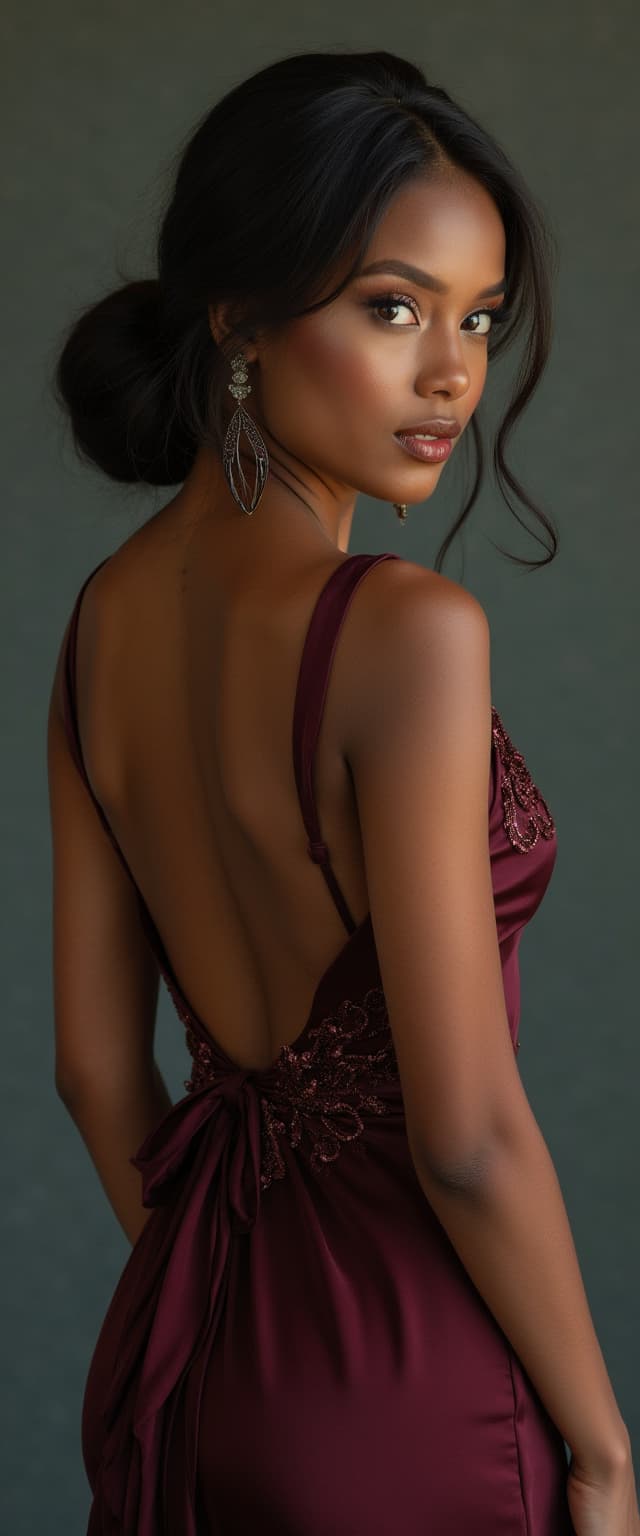
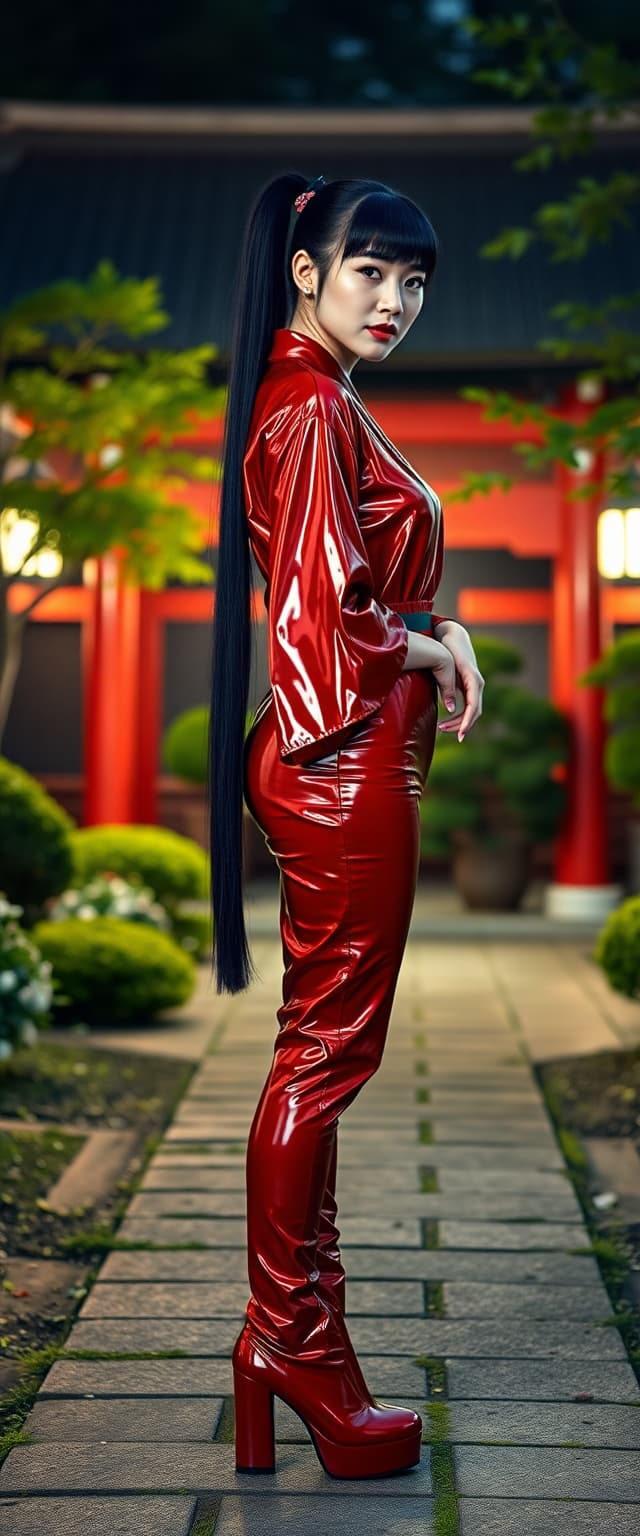
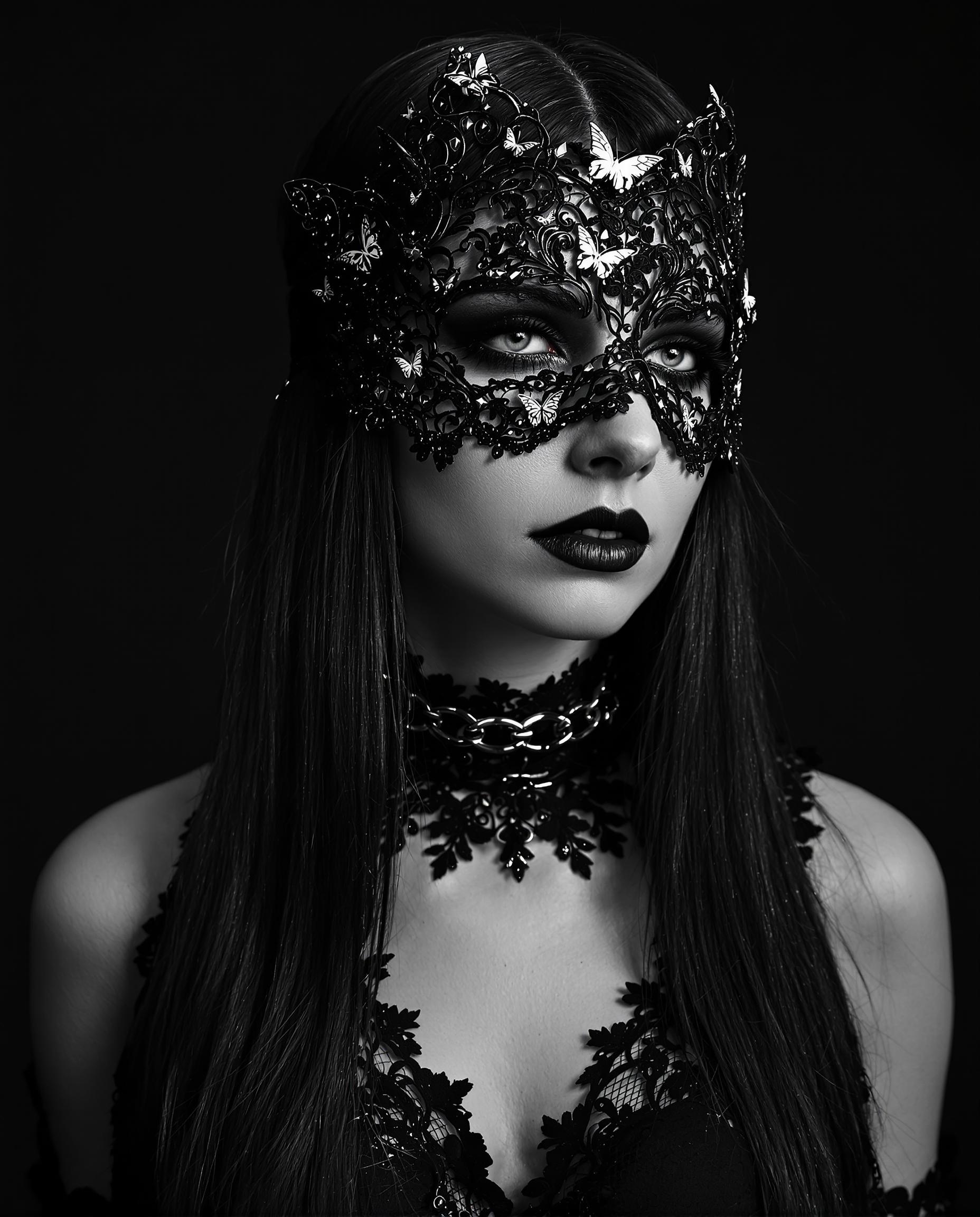
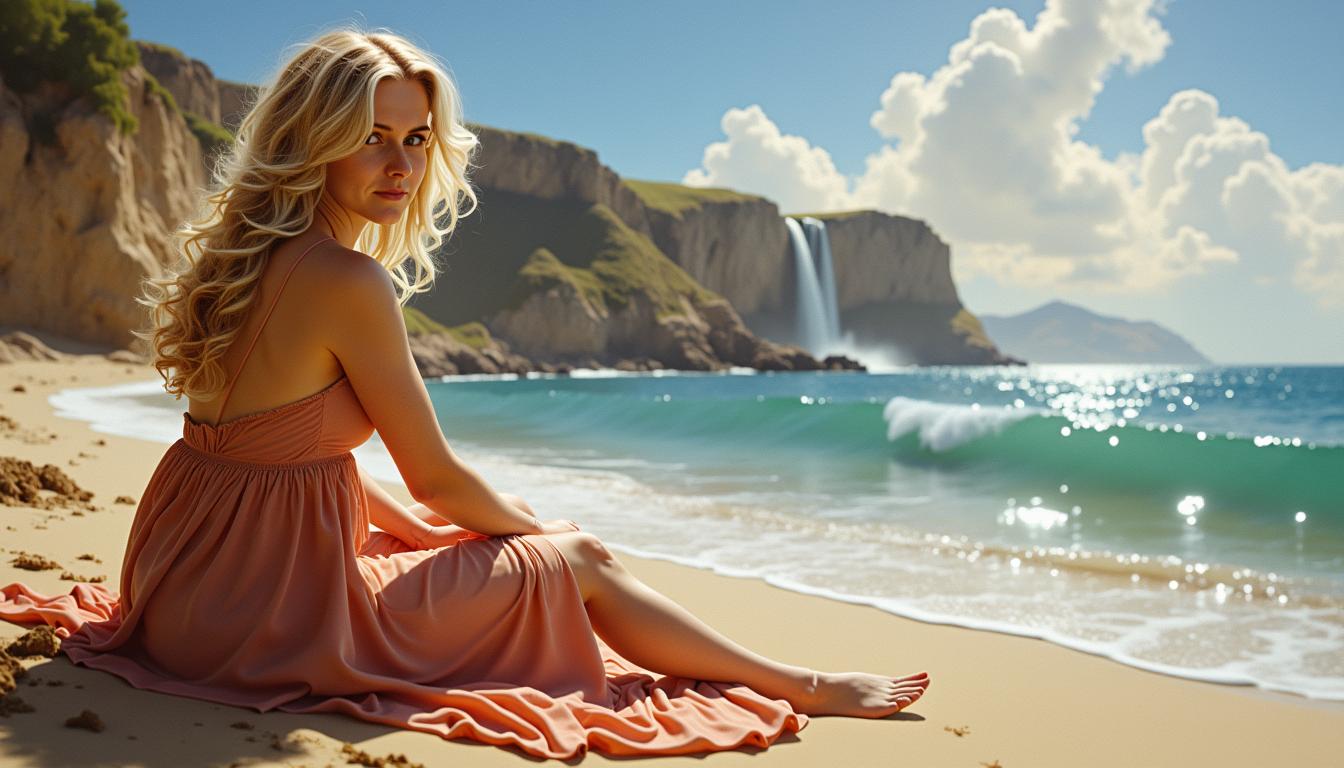
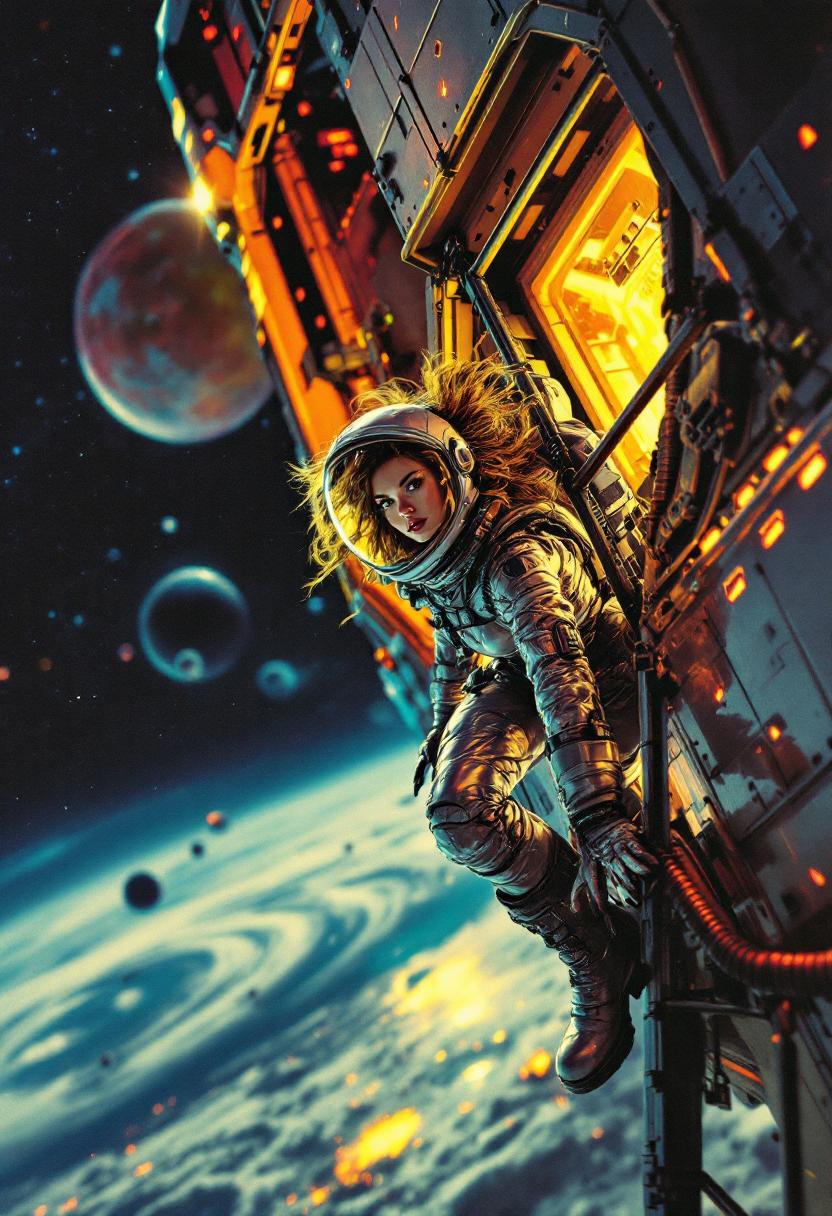
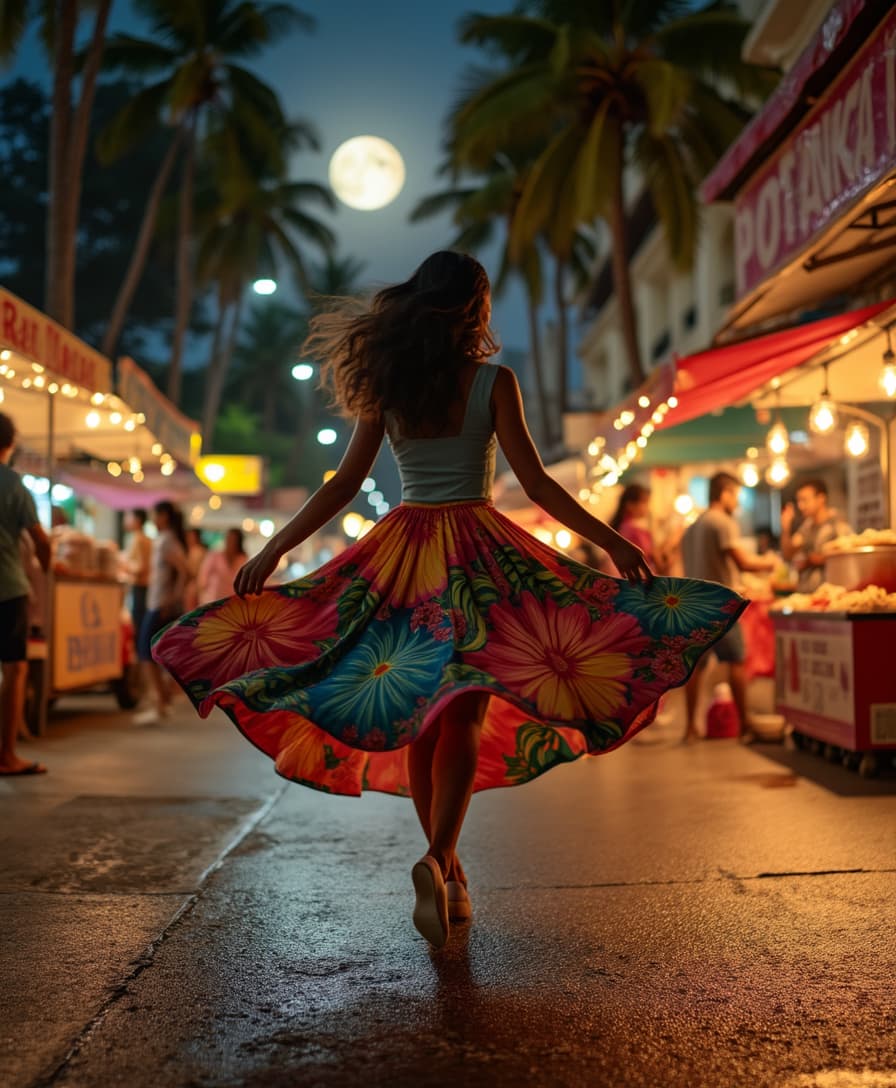
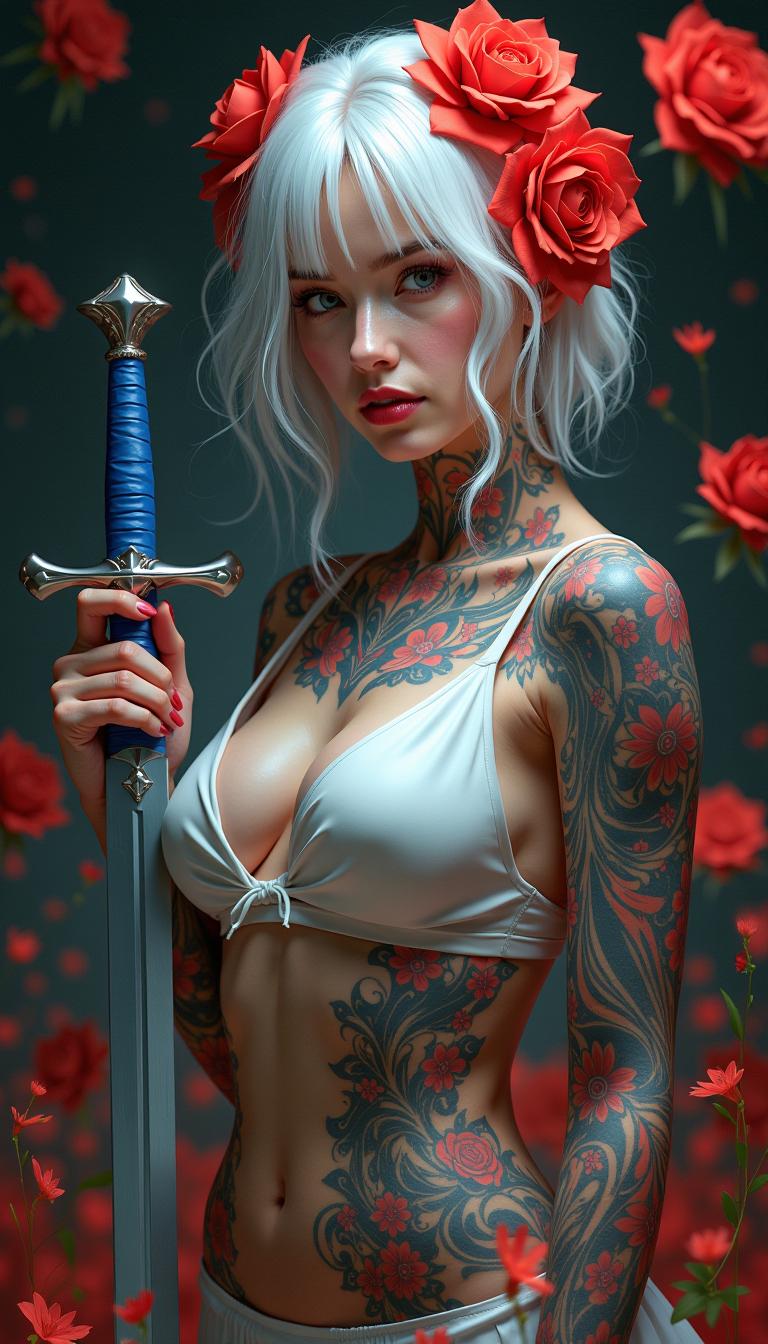
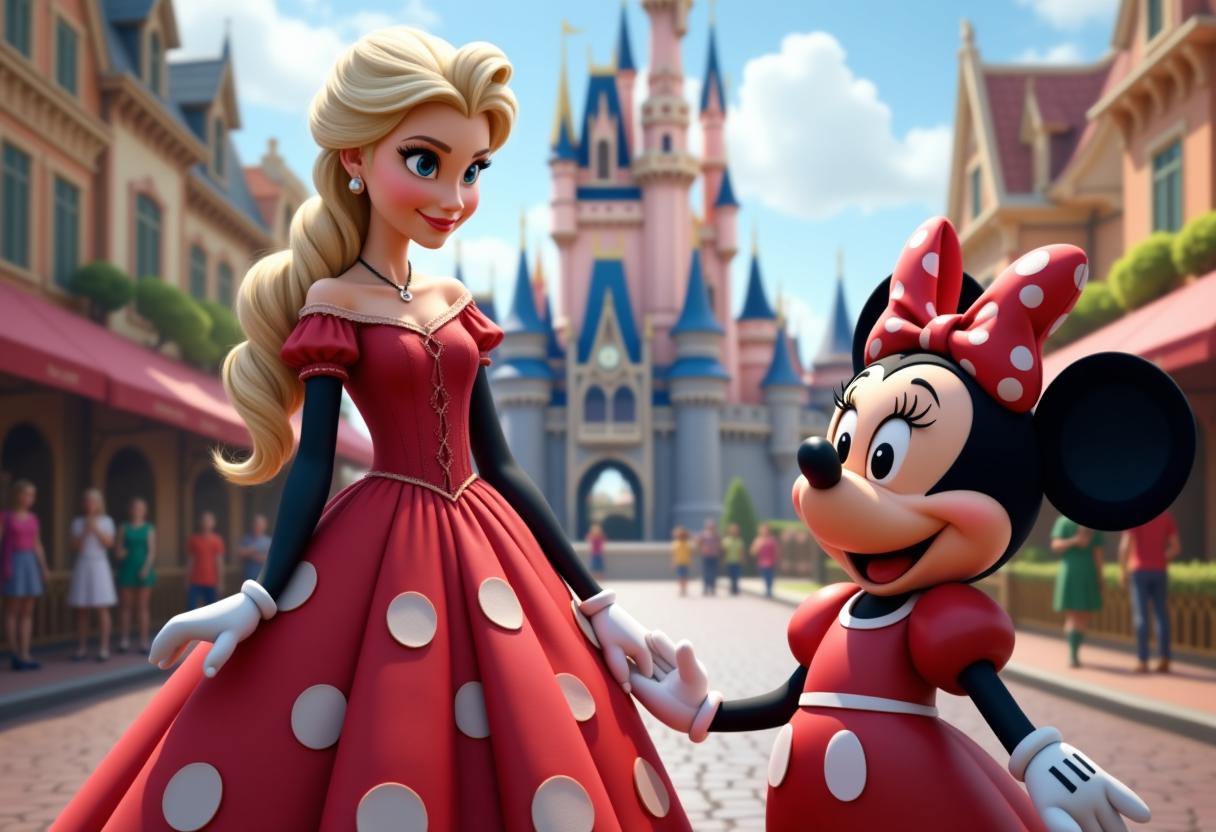
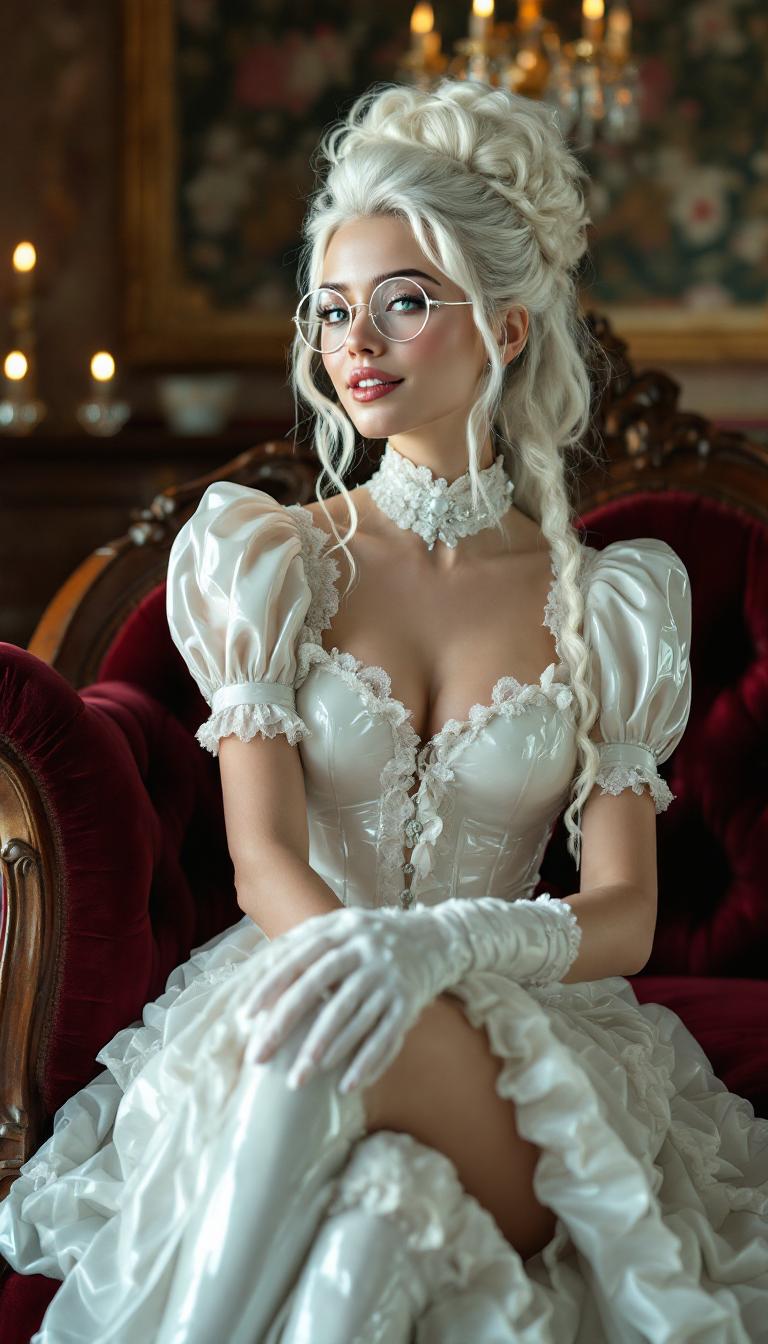
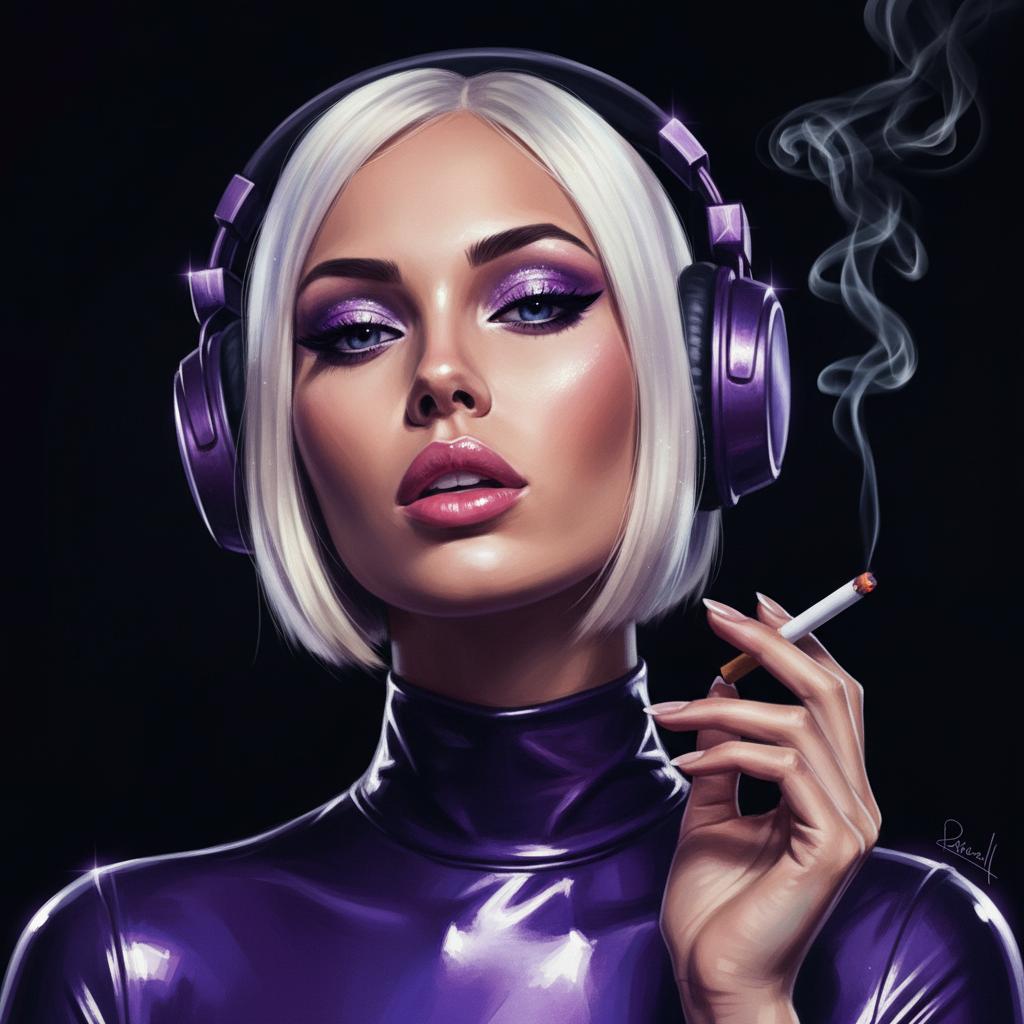
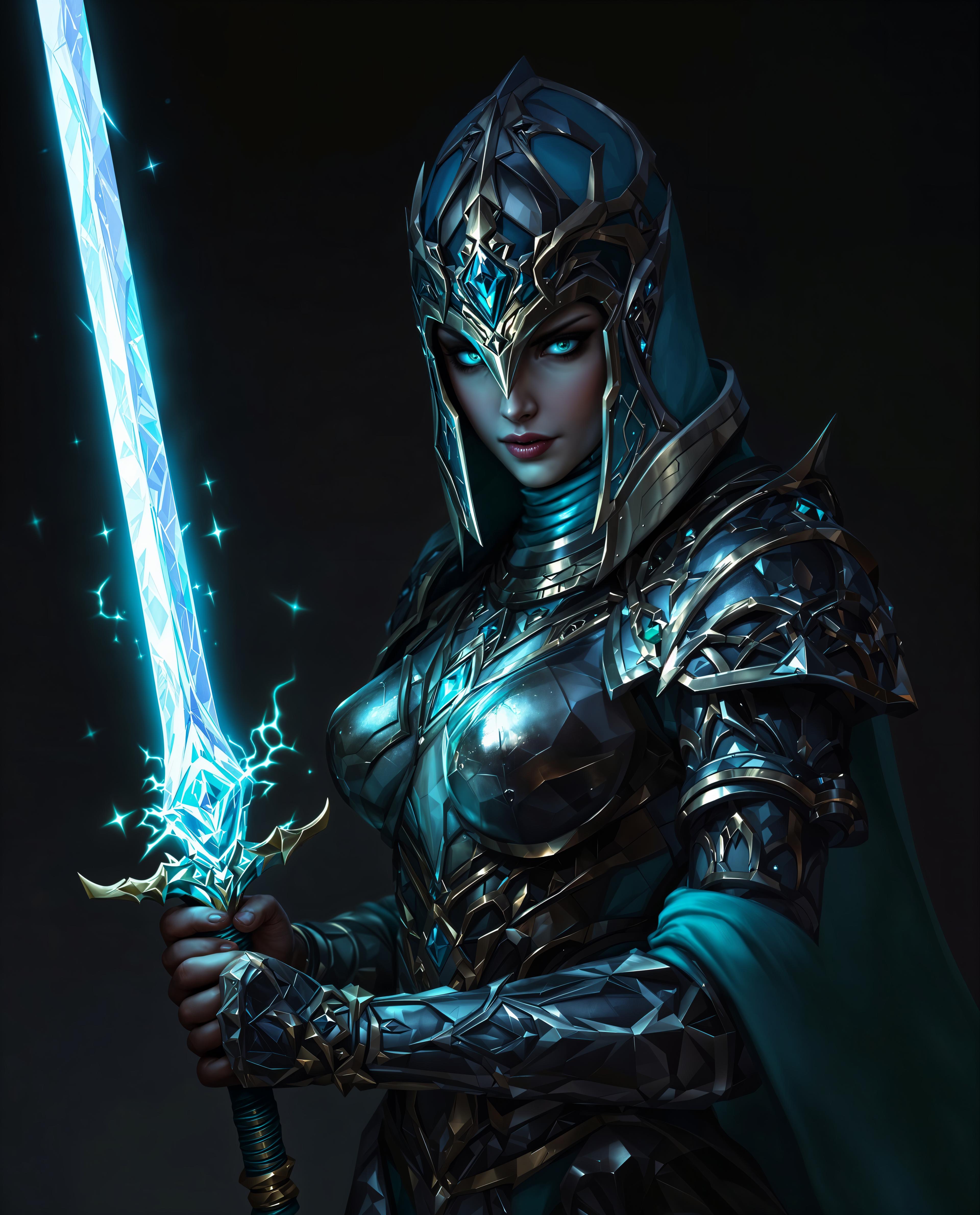
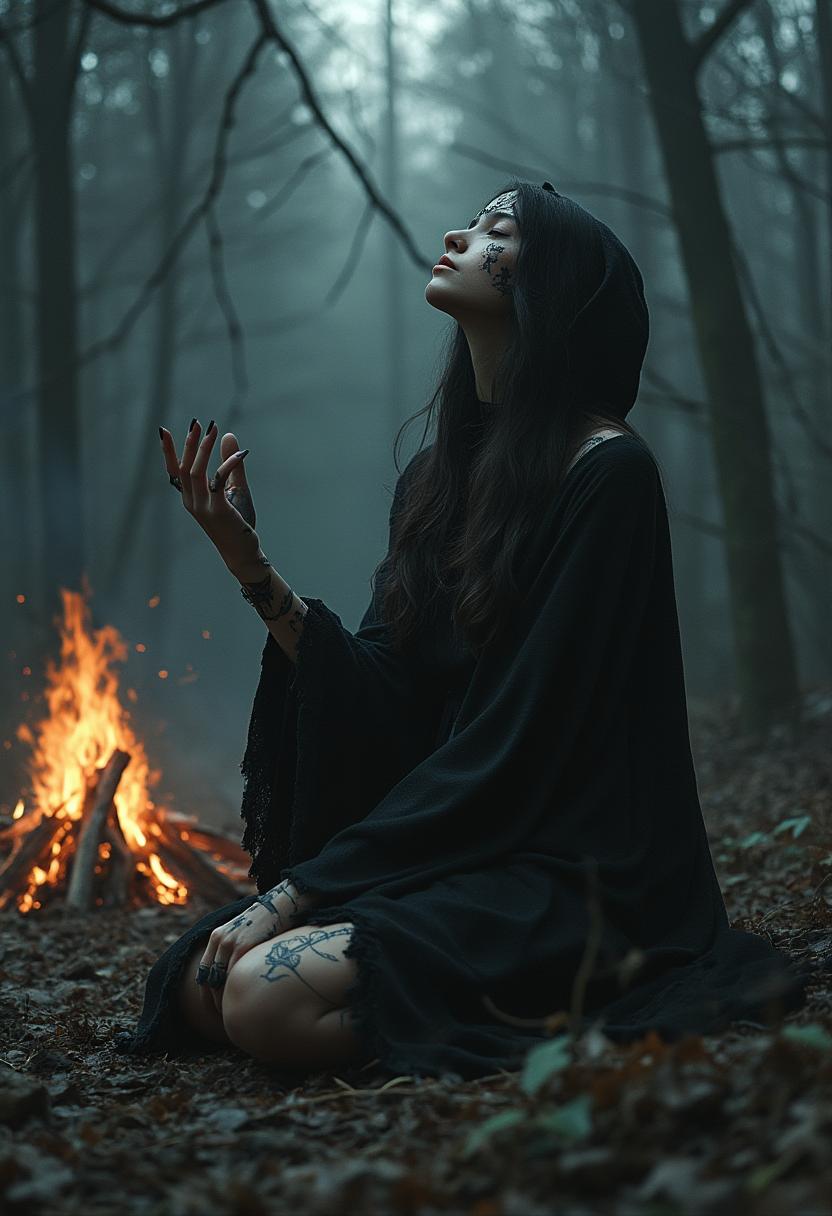
The Pixel Dojo Advantage
Why PixelDojo outperforms other options for photo face swap creation
| Others | Pixel Dojo |
|---|---|
| Traditional manual editing | You get perfect blends of face and background in seconds, without needing hours of masking or color correction. |
| Generic face-swap apps | Higher fidelity output—better skin tone, lighting, pose matching—thanks to tools like Image Analyzer, Style Transfer, SDXL, QWEN Image, WAN Image. |
| Local software that costs per export | Unlimited creative experiments baked in—generate multiple swap drafts before you export; subscription flexes, no surprise costs. |
Loved by Creators
See what our community says about photo face swap
"I swapped my face into a classic movie poster using PixelDojo. Everyone thought it was real! No editing, no awkward lines—just clean, believable results."
Maria Torres
Social Media Creator
"Used it for my brand campaign—swapped faces of our team into a product hero scene. The lighting match and realism saved us so much time & budget."
Alan Reed
Creative Director
Common Questions
Everything you need to know about photo face swap AI generation
How realistic can a photo face swap look with PixelDojo?
PixelDojo can create face swaps so convincing you’ll match skin texture, facial expression, lighting, and even pose. Tools like Style Transfer, Material Transfer, and Image Analyzer ensure the source face integrates seamlessly. Using high-resolution source images improves realism.
Is photo face swap legal and ethical to use with PixelDojo?
Yes—when used responsibly. Get explicit consent from people whose face is used, only use sources you have rights to, clearly label altered images, and avoid defamatory or non-consensual content. We follow all current guidelines, and face swap tools at PixelDojo are built with privacy and ethics in mind. Legal risks usually stem from intent or misuse. ([sites.google.com](https://sites.google.com/view/ai-face-swap-legality-what-you/?utm_source=openai))
Can I swap faces in videos or just photos with PixelDojo?
You can do both. Static photo swaps use tools like Face Swap, HiDream, SDXL Image, QWEN Image. For video, use WAN 2.2 Replace or Runway Gen-4 Video to replace faces frame by frame, or WAN Sound to Video for audio-aligned face replacements.
Do I need technical skills to create a face swap?
Not at all. PixelDojo’s step-by-step interface walks you through selecting source/target images, prompts, and optional fine-tuning. No coding, no advanced software needed. Even beginners get polished results fast.
What image quality do I need for best photo face swap results?
High resolution (at least 1080p), clear lighting, consistent angles help. If lighting or skin tones mismatch, use tools like Magic Lighting or Material Transfer before swapping. Background-Remover or Outpainting helps with framing. Using PixelDojo’s Image Analyzer boosts quality automatically.
What about privacy and data security of my photo face swap projects?
Your uploads are encrypted and stored securely. We never share your face data without you. Templates stay private until you choose to share. Also, tools include invisible watermark or metadata options for traceability. We prioritize user control and data safety.