photo shoot pose AI Generator
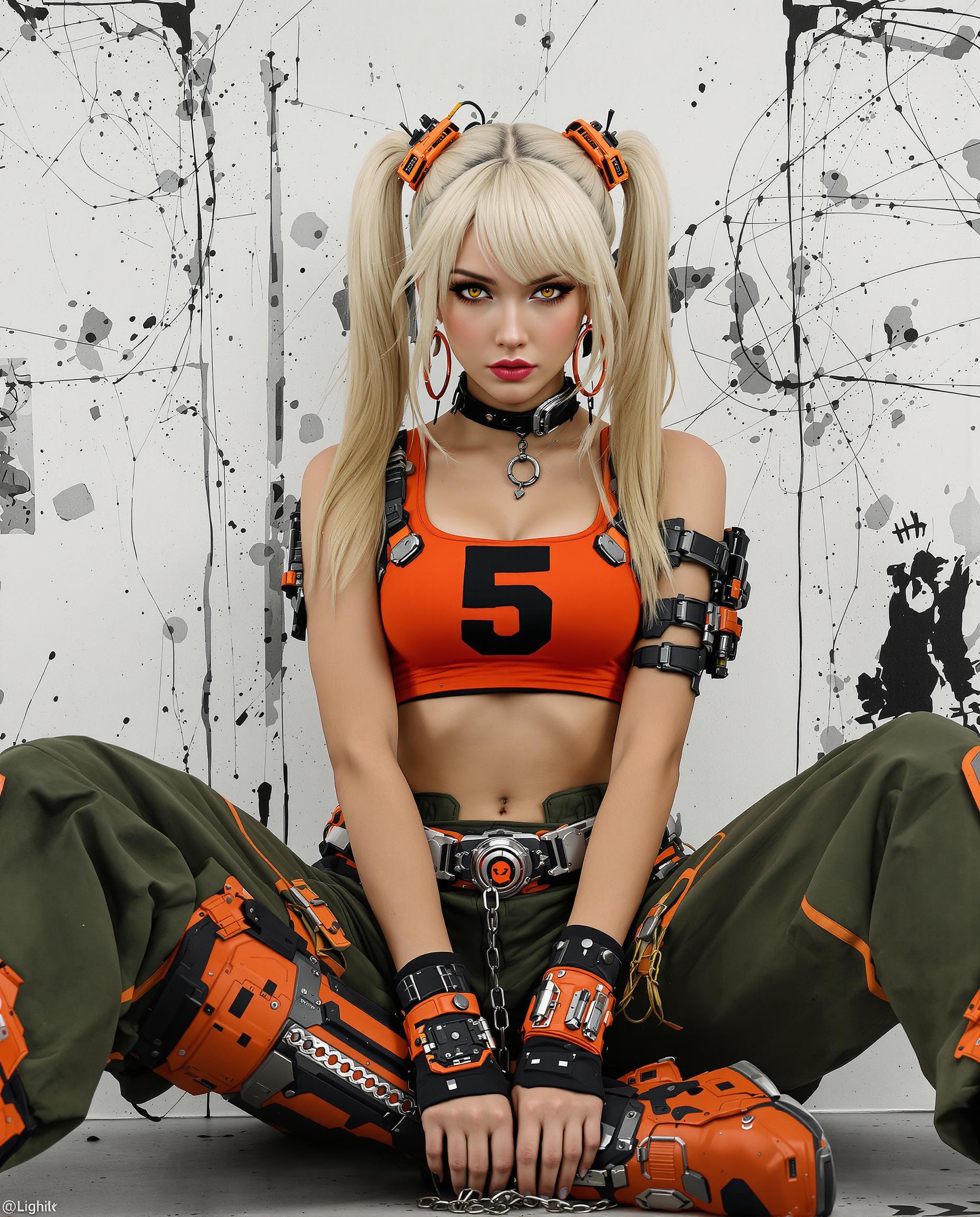
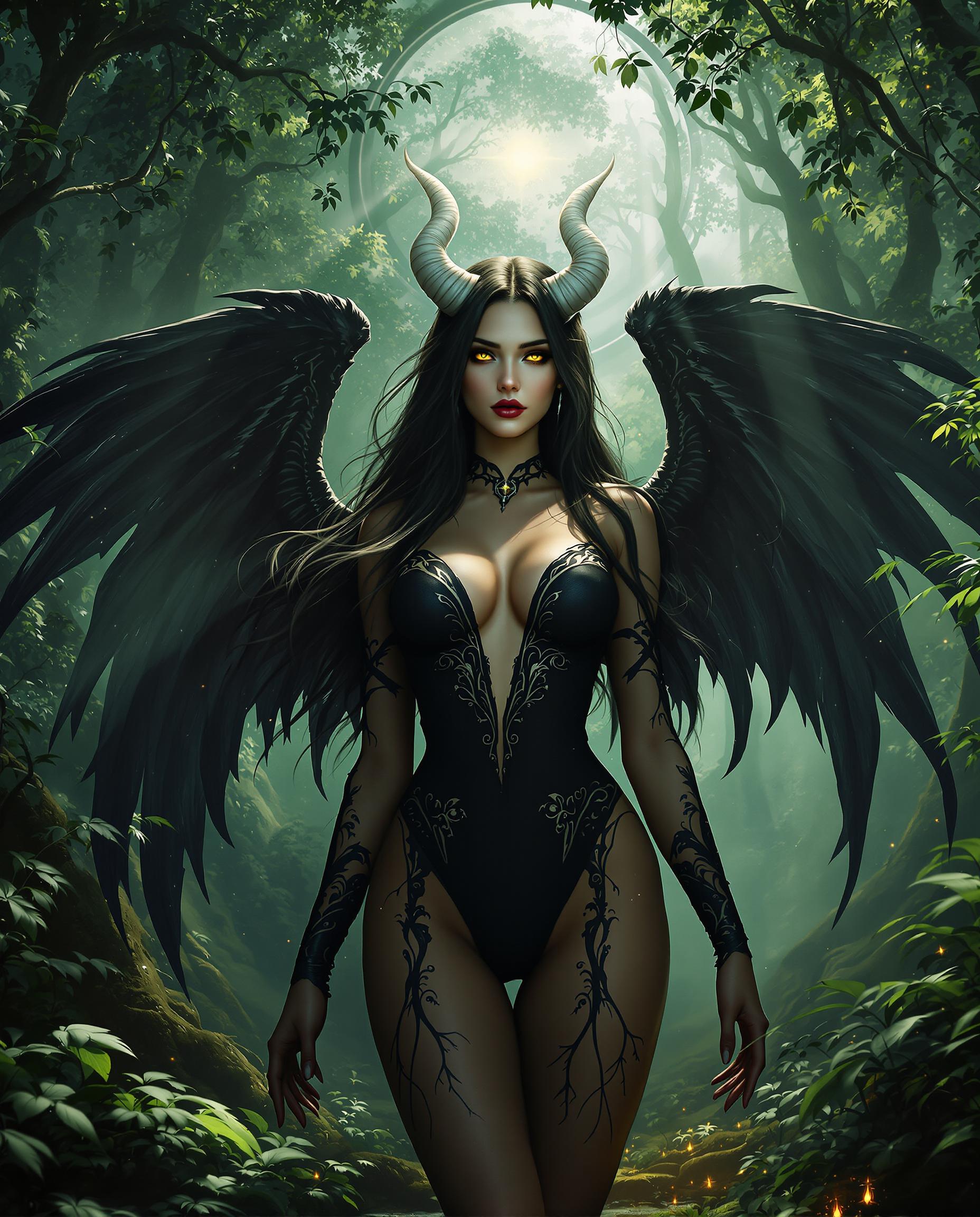
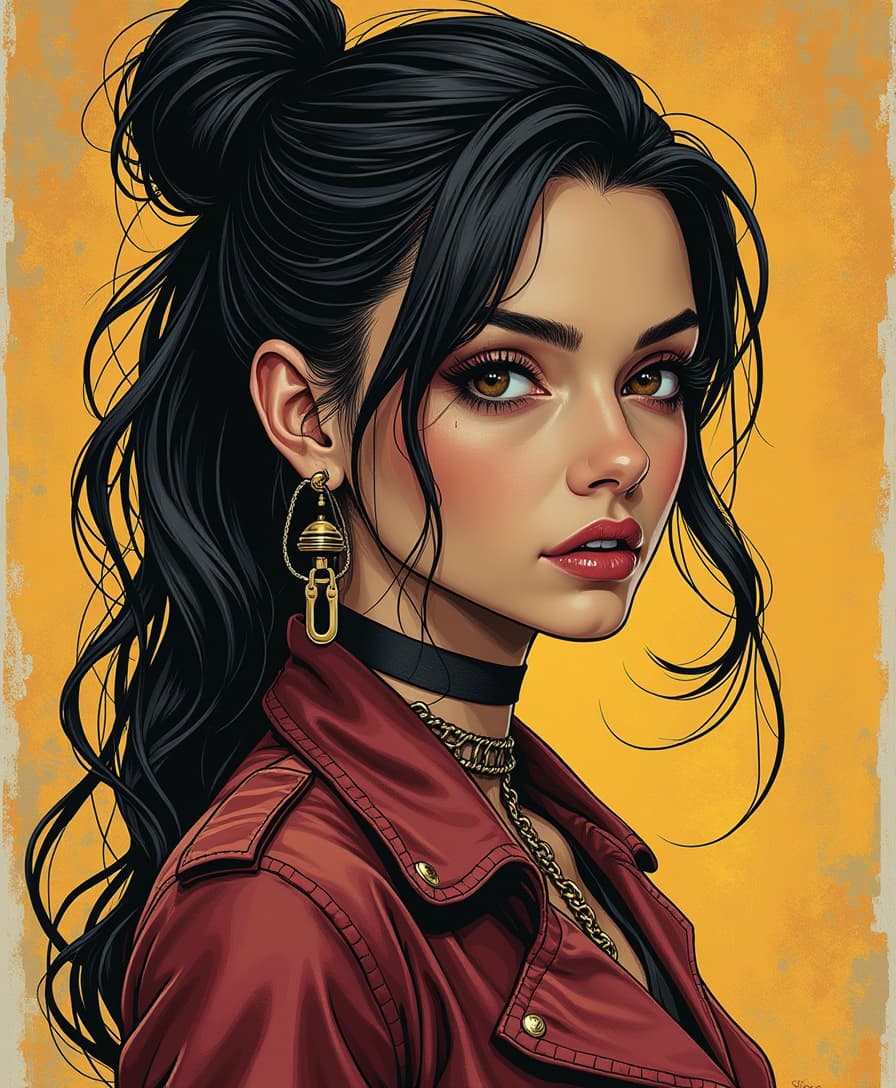
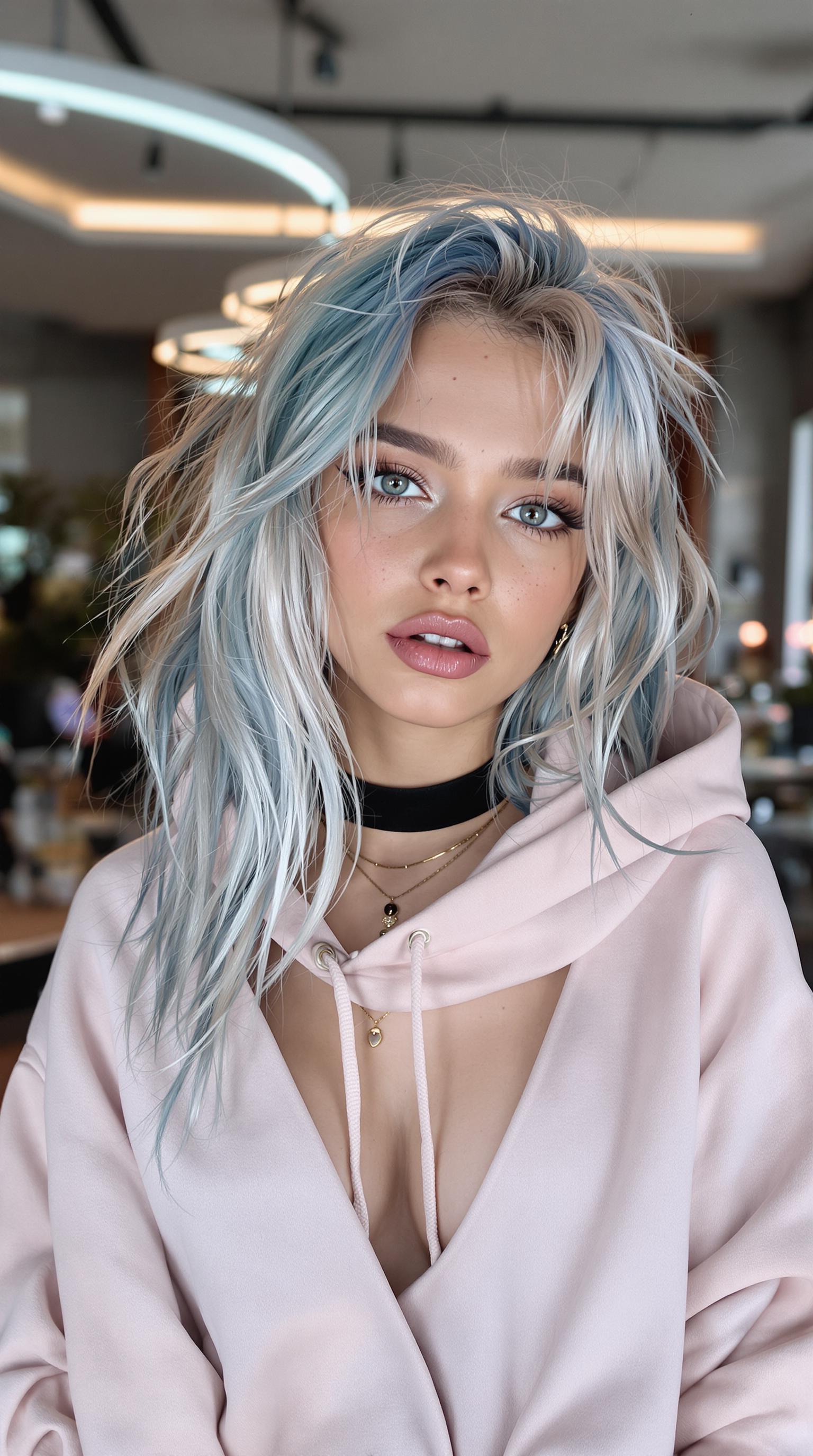
Capturing the perfect photo shoot pose can be challenging, especially without professional guidance. With PixelDojo's advanced AI tools, you can effortlessly generate natural and dynamic poses, transforming your images into professional-quality masterpieces. Whether you're a content creator, marketer, or hobbyist, our platform empowers you to achieve stunning results without the need for a photographer.
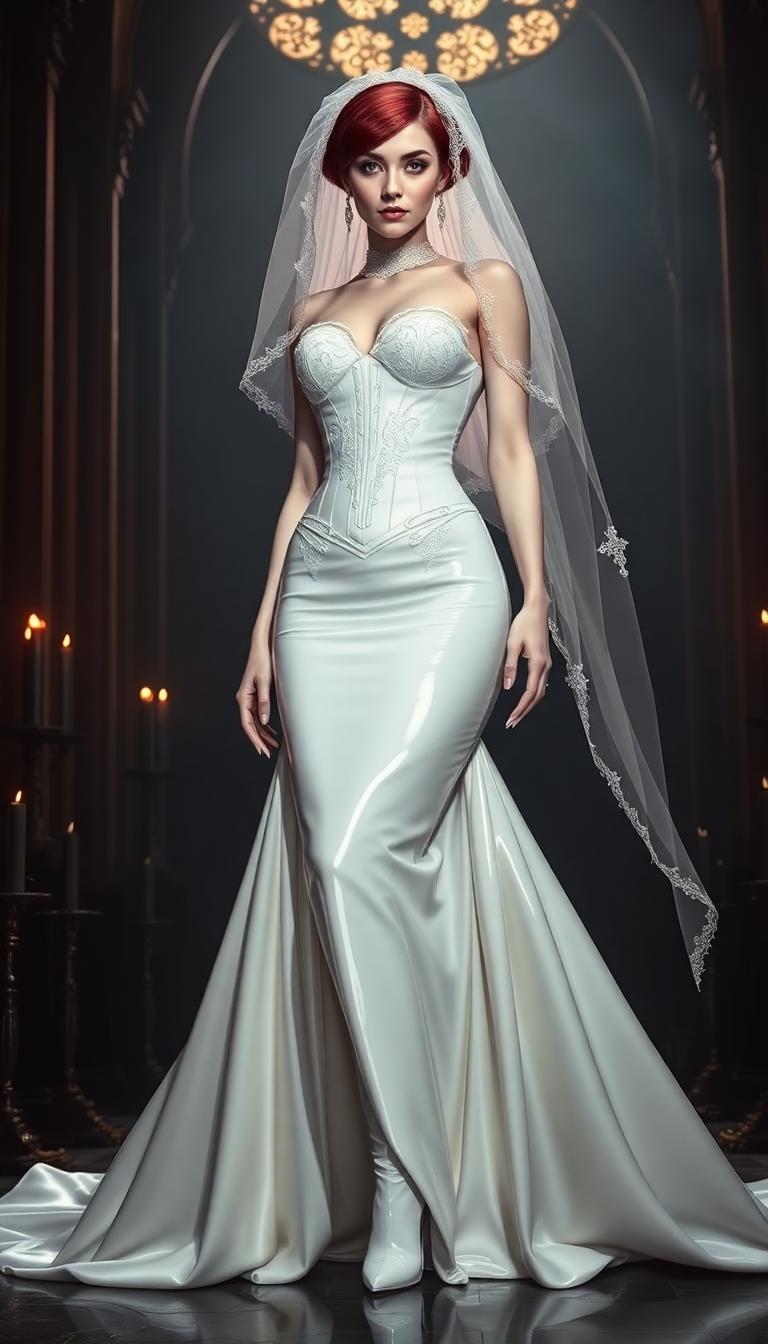
Join over 10,000 satisfied users who have enhanced their visual content with PixelDojo's AI-powered tools. Rated 4.8/5 based on 2,000+ reviews.
Why Choose Pixel Dojo for photo shoot pose
Professional-quality results with cutting-edge AI technology
Effortless Pose Generation
Create a variety of professional poses without the need for a photographer, saving time and resources.
Consistent Quality
Ensure uniformity across your images, maintaining a cohesive and professional look for your brand or portfolio.
Creative Freedom
Experiment with diverse styles and poses, allowing your creativity to flourish without limitations.
How It Works
Creating stunning photo shoot poses with PixelDojo is simple and intuitive. Follow these steps to bring your vision to life:
Step 1: Select Your AI Tool
Choose from PixelDojo's suite of AI tools tailored for image creation, such as Flux Studio or Imagen 4, to begin your project.
Step 2: Input Your Desired Pose
Enter a detailed description of the pose you envision. For example, 'a confident woman standing with one hand on her hip and the other gently touching her face.'
Step 3: Customize and Download
Review the generated image, make any necessary adjustments using the customization options, and download the final high-resolution image.

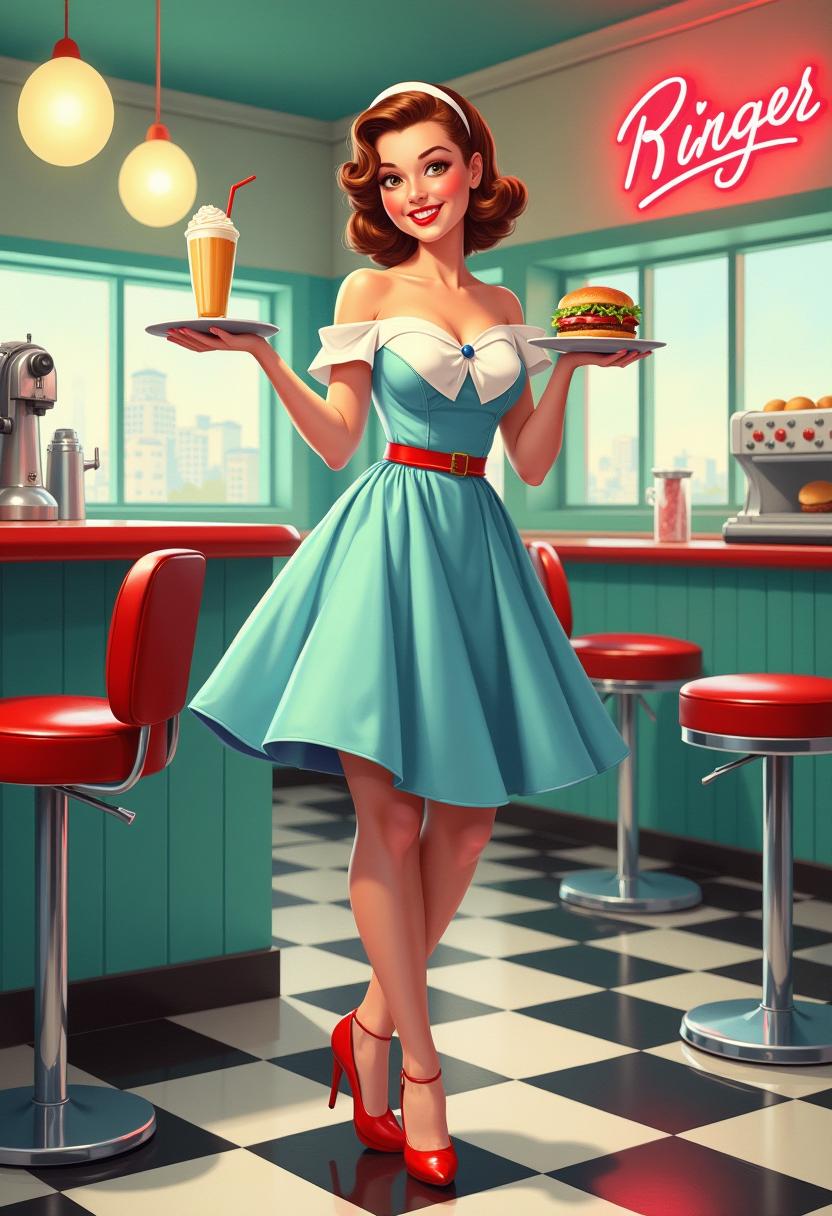
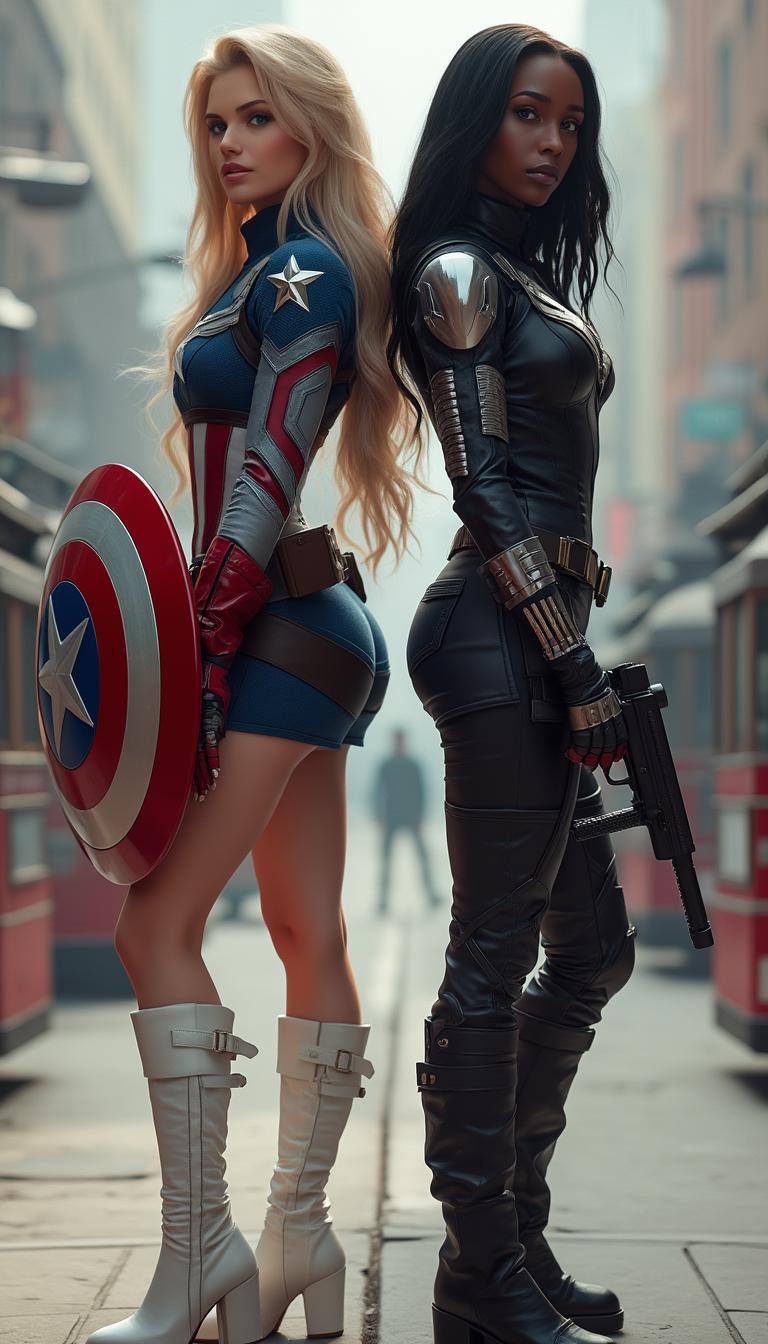
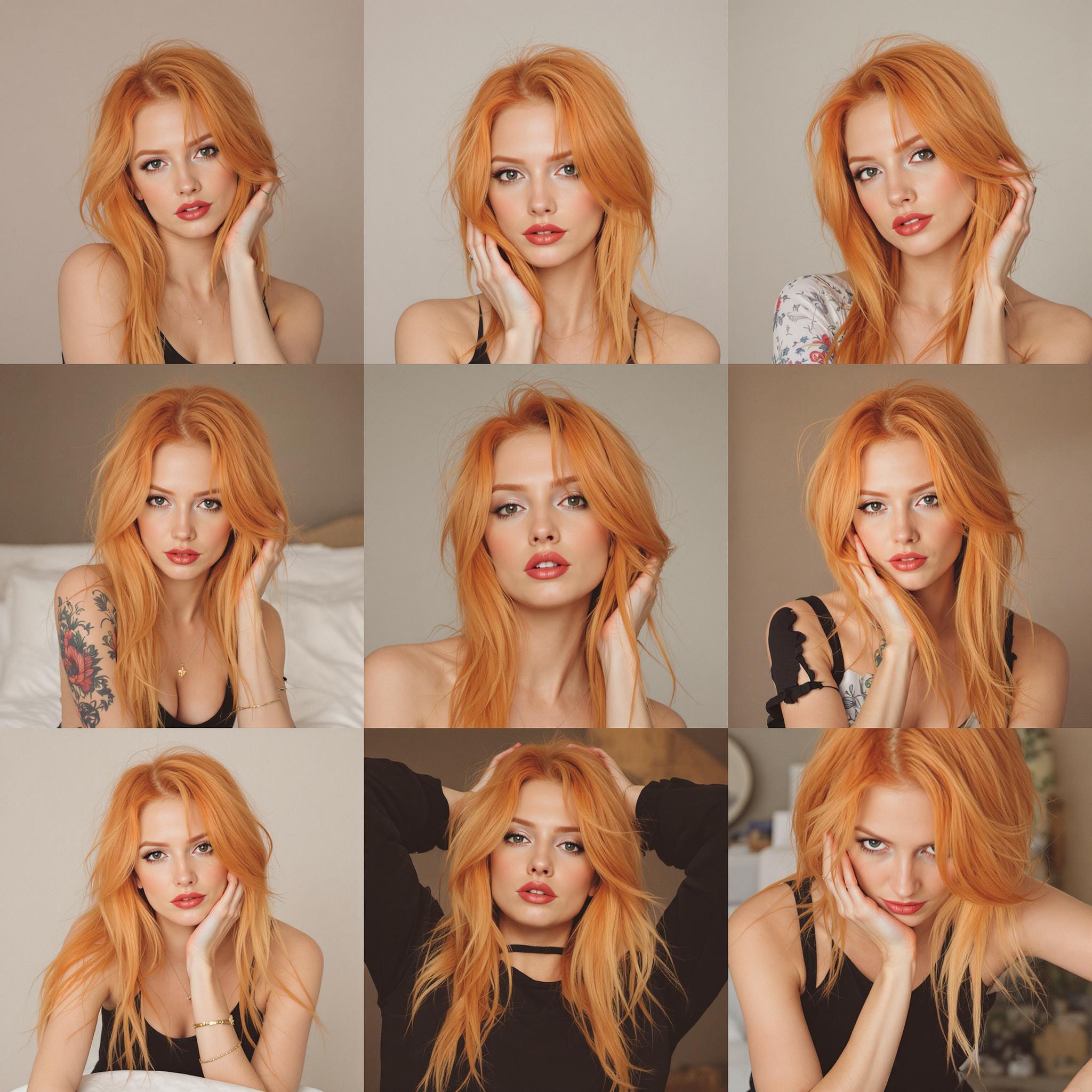

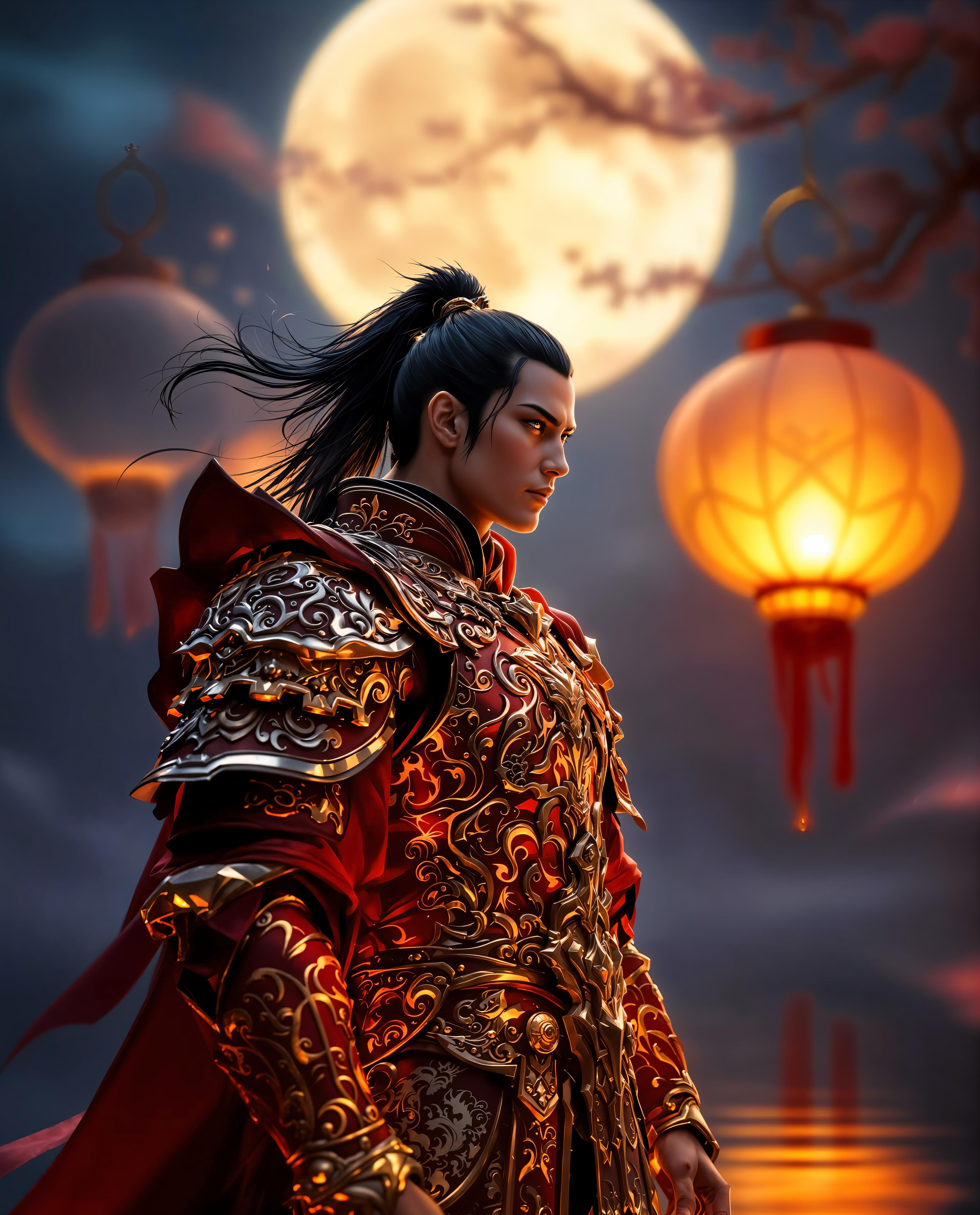
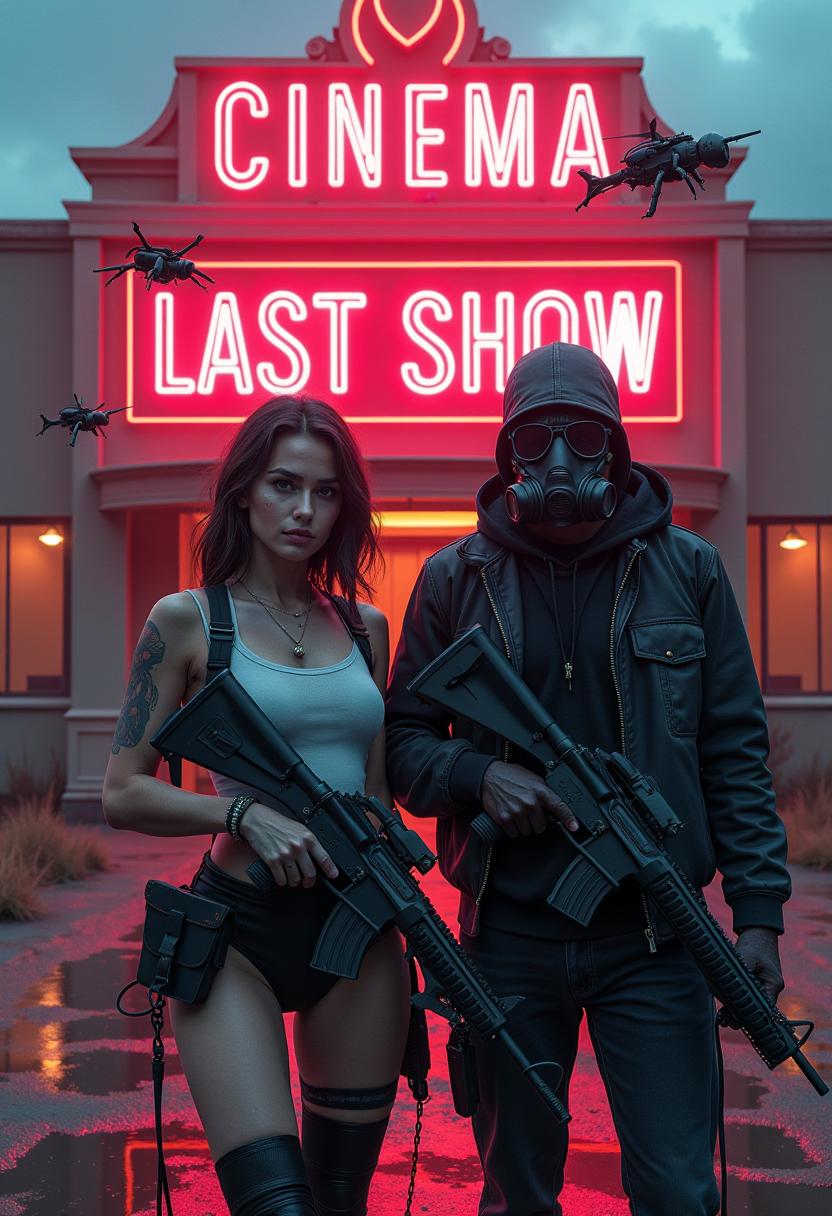
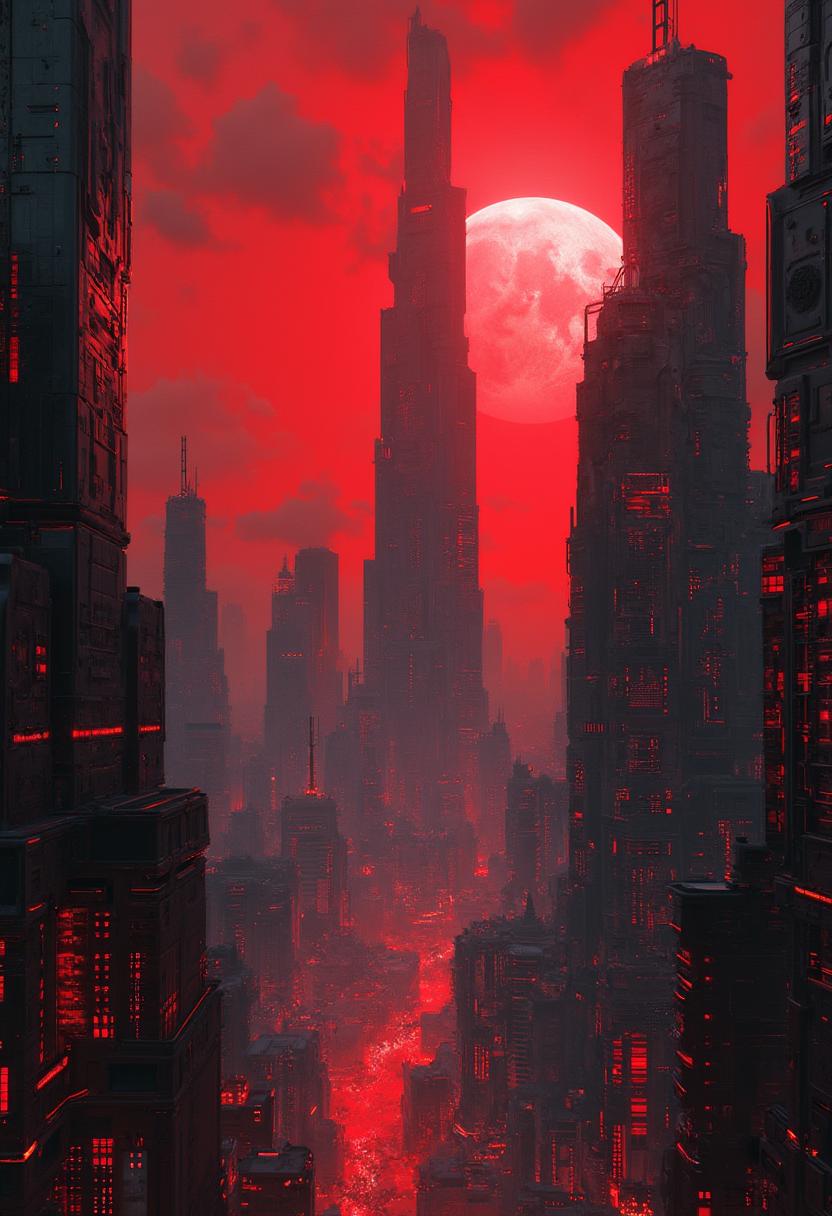
The Pixel Dojo Advantage
Why PixelDojo is the superior choice for generating photo shoot poses:
| Others | Pixel Dojo |
|---|---|
| Traditional Photo Shoots | Eliminate the need for scheduling, hiring photographers, and expensive equipment. Generate professional poses instantly. |
| Generic AI Tools | Benefit from specialized tools designed specifically for pose generation, ensuring more accurate and natural results. |
| Manual Photo Editing | Save hours of editing time by generating ready-to-use images with precise poses, reducing post-processing efforts. |
Loved by Creators
See what our community says about photo shoot pose
"PixelDojo revolutionized my content creation process. I can now generate professional poses without the hassle of organizing photo shoots."
Alex Johnson
Content Creator
"As a marketer, maintaining visual consistency is crucial. PixelDojo's AI tools have been instrumental in achieving that with ease."
Samantha Lee
Marketing Manager
Common Questions
Everything you need to know about photo shoot pose AI generation
How can I create natural-looking photo shoot poses using PixelDojo?
PixelDojo's AI tools, such as Flux Studio and Imagen 4, allow you to input detailed descriptions of desired poses. The AI then generates images that reflect natural and dynamic poses based on your input.
Can I customize the generated poses to fit my specific needs?
Absolutely. After generating an image, you can use PixelDojo's customization options to adjust elements like lighting, background, and pose details to match your exact requirements.
Is there a limit to the number of poses I can generate?
PixelDojo offers various subscription plans to suit different needs. Depending on your plan, you can generate a specific number of images per month. Check our subscription page for more details.
Do I need any prior experience in photography or design to use PixelDojo?
Not at all. PixelDojo is designed with user-friendliness in mind. Our intuitive interface guides you through the process, making it accessible for both beginners and professionals.
Can I use the generated images for commercial purposes?
Yes, images created with PixelDojo can be used for commercial purposes. However, it's essential to review our licensing terms to ensure compliance with specific use cases.
What if I'm not satisfied with the generated pose?
PixelDojo allows you to regenerate images or make adjustments until you're satisfied. Our support team is also available to assist with any concerns or questions.