picture maker ai AI Generator

Imagine bringing your creative visions to life with just a few words. With PixelDojo's AI-powered picture maker, you can effortlessly transform your ideas into stunning visuals. Whether you're an artist seeking inspiration, a marketer crafting compelling content, or someone exploring the world of digital art, our suite of AI tools empowers you to create captivating images without any technical expertise.

AI Generated
Get Started TodayResults in seconds50+ AI models

Join over 10,000 creators who have generated more than 1 million images using PixelDojo's AI tools. Rated 4.8/5 by our satisfied users.

Why Choose Pixel Dojo for picture maker ai

Professional-quality results with cutting-edge AI technology

Effortless Creativity

Generate high-quality images from simple text prompts, eliminating the need for complex design skills.

Time-Saving Solutions

Quickly produce visuals for marketing, social media, or personal projects, reducing the time spent on content creation.

Unlimited Possibilities

Explore a vast array of styles and concepts, allowing your imagination to run wild without limitations.

How It Works

Creating stunning images with PixelDojo is a simple and intuitive process. Here's how you can get started:

1

Step 1: Choose Your Tool

Select from our range of AI image generation tools, such as Flux Creator or Imagen 3, to begin your creation.

2

Step 2: Enter Your Prompt

Describe the image you envision using natural language. For example, 'a serene sunset over a mountain range.'

3

Step 3: Customize & Download

Review the generated image, make any desired adjustments, and download the final version for your use.


Community picture maker ai Gallery

Real examples created by our community

Loading video...
Loading video...
Loading video...
Loading video...
Loading video...
A photorealistic image of a stunning young woman with tan skin, long braided light brown hair, piercing blue eyes, full lips, and a seductive expression, standing on a high-rise balcony at night overlooking a sprawling modern city skyline with illuminated skyscrapers and buildings in shades of deep blue, purple, and warm yellow lights. She is posing confidently with one hand on a white metal railing, wearing a form-fitting black sequined evening gown with thin spaghetti straps, a plunging deep V-neckline revealing ample cleavage, and a high thigh slit exposing her toned left leg adorned with a detailed black rose tattoo. The dress sparkles subtly under the city lights, clinging to her curvaceous figure with an hourglass silhouette. The balcony floor is tiled in light stone, and the overall atmosphere is glamorous and urban, captured in high-resolution digital photography style with dramatic low-key lighting, soft bokeh from distant city lights, and a cool nighttime color palette dominated by blacks, silvers, and vibrant neon accents from the metropolis below.
Loading video...
 VS-LoRA-Zip2 Portrait painting of Courtney Whitemore gripping a luminous, enigmatic key, her face etched with puzzling intrigue, donned in a historic, photogenic gown that drapes her form, the locks of her hair artfully fashioned in a time-honored manner, Suburbia Utah's stunning panorama unfolding in the backdrop, a render capturing the perfect fusion of Artgerm and Rubens aesthetics reminis
AI-generated image
Loading video...
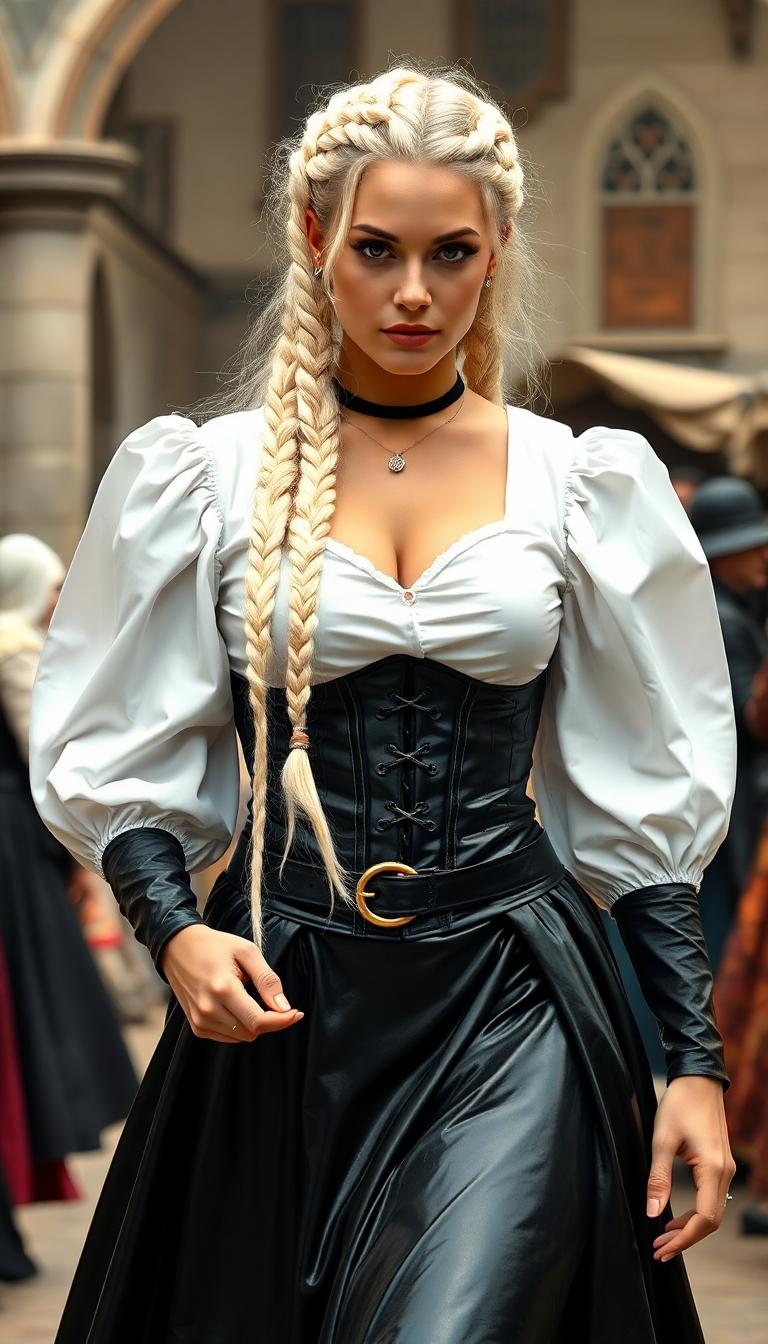
paparazzi photo, action, documentary style 1930s \(style\), Fill Lighting, Ilford HP5 Plus, realist detail, ue5, detailed character expressions, amazing quality, wallpaper, analog film grain, Establishing shot, Practical Lighting, Photoshop, analog film photo cinematic film still, shallow depth of field, vignette, highly detailed, high budget Hollywood film, bokeh, cinemascope, moody, epic, gorgeous, film grain, faded film, desaturated, 35mm photo, grainy, vintage, Kodachrome, Lomography, stained, found footage, elegant woman, platinum blonde hair, 20 years old, posing , dinner party
Loading video...
Loading video...
This image features a realistic photo (photograph) of a female real person character with a striking resemblance to the anime character Naruto Uzumaki, specifically the female version known as Hinata Hyuga. The character is depicted with long, straight black hair that flows down her back, with bangs framing her face. Her eyes are a pale, almost ghostly white, which is a notable deviation from the typical brown eyes of the character. The art style is a blend of realism and stylization, with a focus on the characters facial features and hair, which are rendered with a high level of detail and texture. The medium appears to be a digital rendering, given the smooth gradients and lack of texture that might be present in a traditional painting. The colors in the image are quite muted, with a purple background that sets a calm and somewhat mysterious tone. The character is wearing a purple hoodie with a high collar, which has a lighter purple inner lining. Underneath the hoodie, theres a black top with a fishnet pattern, and around her neck is a black collar with a circular symbol in the center, which is reminiscent of the leaf village symbol from the Naruto series.The character is seated, with one knee bent and the other leg extended, and her hands are resting on her thigh. She is wearing fishnet stockings that cover her legs, and theres a black band wrapped around her left thigh, which is a nod to the headband that Hinata wears in the anime. The overall composition of the image is static, with no movement or action depicted, focusing solely on the characters pose and attire.
  "SHOT COMPOSITION": "Medium shot framing "LYNDIA CARTER" as Wonder Woman and Superman seated at a bar counter, captured with a 50mm lens on a Canon 5D camera, featuring a shallow depth of field to softly blur the background patrons and focus sharply on the heroes.",
  "SUBJECT & WARDROBE": "Lyndia Carter" embodies Wonder Woman with her iconic dark hair, strong features, and determined expression, wearing her classic red, blue, and gold armored costume with a flowing cape; beside her, Superman appears heroic with his muscular build, blue suit, red cape, and S emblem, both casually holding beer mugs, sharing a relaxed laugh as they clink glasses.",
  "SCENE SETTING": "The scene unfolds in a dimly lit, cozy urban bar at night, with warm ambient lighting from overhead lamps and neon signs casting a golden glow, wooden bar stools and shelves of bottles in the background, evoking a casual and intimate tone as the superheroes unwind.",
  "VISUAL STYLE": "Realistic photo style with a cinematic film aesthetic, subtle grain texture for a authentic feel, and warm color grading to enhance the vibrant yet relaxed atmosphere, like a high-quality snapshot from a superhero movie behind-the-scenes."
A stuffed animal capybara with a tiny stuffed green turtle riding on its back
Loading video...
Loading video...

Start Creating Stunning Images Today

Access 40+ cutting-edge AI tools, loved by thousands of creators worldwide. Cancel anytime. Try it today.

The Pixel Dojo Advantage

Discover why PixelDojo stands out in the realm of AI image generation:

OthersPixel Dojo
Traditional Design MethodsEliminate the need for extensive design skills and software, making image creation accessible to everyone.
Generic AI ToolsBenefit from a comprehensive suite of specialized tools tailored for diverse creative needs.
Manual Photo EditingSave time and effort with automated processes that deliver high-quality results instantly.

Loved by Creators

See what our community says about picture maker ai

"PixelDojo has revolutionized my creative process. The AI tools are intuitive and produce stunning results every time."

Sarah K.

Digital Artist

"As a marketer, PixelDojo has been a game-changer. I can now create compelling visuals without relying on a design team."

Michael R.

Content Creator

Common Questions

Everything you need to know about picture maker ai AI generation

How does PixelDojo's AI picture maker work?

PixelDojo utilizes advanced AI models to generate images based on text descriptions. Simply input your prompt, and our tools will create a corresponding image.

Do I need any design experience to use PixelDojo?

No, PixelDojo is designed for users of all skill levels. Our intuitive interface allows anyone to create stunning images effortlessly.

Can I customize the generated images?

Yes, after generating an image, you can make adjustments to ensure it aligns perfectly with your vision.

What types of images can I create with PixelDojo?

You can create a wide range of images, from realistic photographs to abstract art, depending on your input prompt and chosen tool.

Is there a limit to how many images I can generate?

With a PixelDojo subscription, you have access to unlimited image generation, allowing you to create as many visuals as you need.

How do I get started with PixelDojo?

Simply sign up for an account, choose your desired tool, and start creating. Our platform is user-friendly and guides you through each step.

Ready to Create Amazing Images?

Ready to Create Amazing picture maker ai Images?

Join thousands of creators using AI to bring their ideas to life

Help & Support

AI Online

How can we help?

Ask about features, troubleshooting, or get support. Check Discord for service announcements first.

✨ Features🛠️ Troubleshooting👤 Account
🚀

Quick Start

Popular features

📚

Learn More

Advanced tips

💡

Best Practices

Get better results