posed ai AI Generator
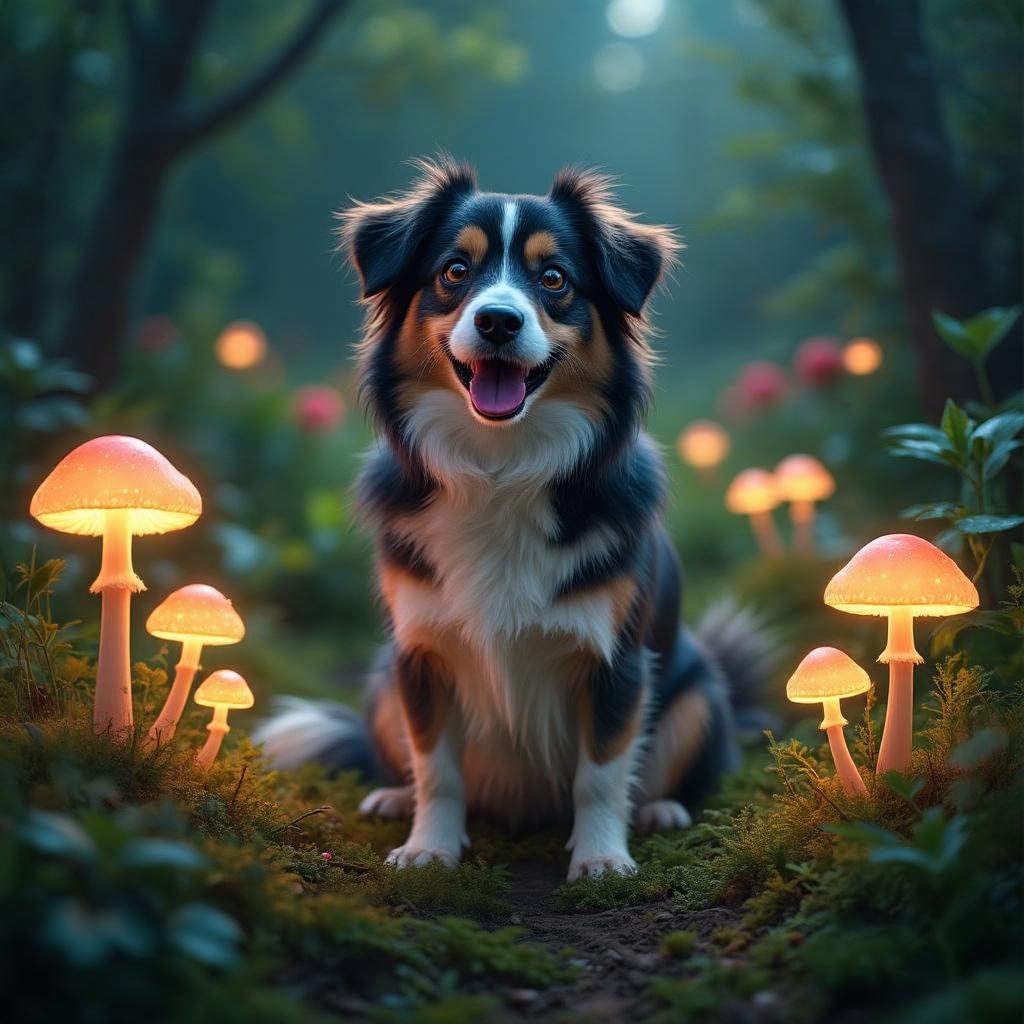
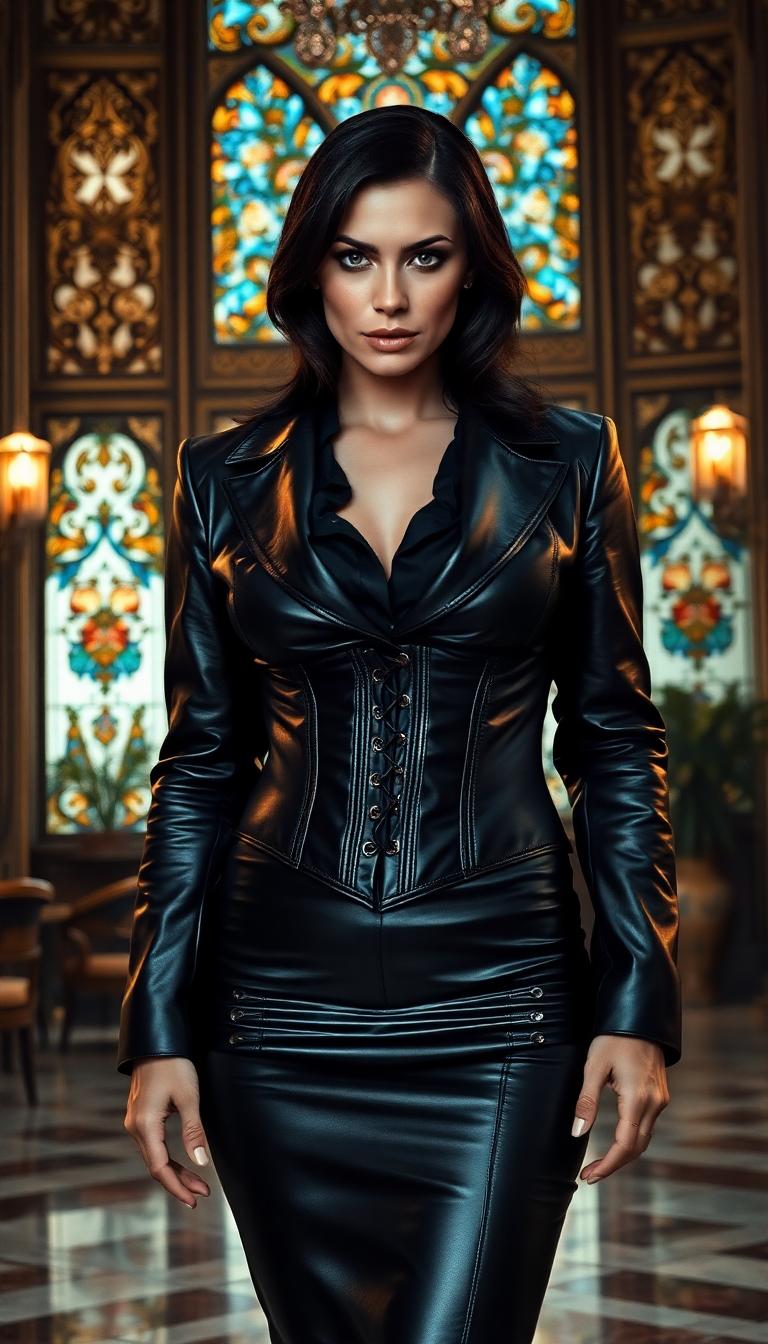
Unlock the power of AI to create stunning posed images that bring your creative visions to life. With PixelDojo's suite of advanced tools, you can generate lifelike poses for characters, models, and scenes, enhancing your projects with professional-quality visuals. Whether you're an artist, designer, or content creator, our platform empowers you to produce captivating images effortlessly.
Join over 10,000 creators who have generated more than 1 million images using PixelDojo's AI tools. Rated 4.8/5 by our satisfied users.
Why Choose Pixel Dojo for posed ai
Professional-quality results with cutting-edge AI technology
Effortless Pose Creation
Generate complex poses without the need for manual sketching or 3D modeling.
Time-Saving Workflow
Quickly produce high-quality posed images, reducing project turnaround times.
Versatile Applications
Use posed AI images for illustrations, animations, marketing materials, and more.
How It Works
Creating posed AI images with PixelDojo is simple and intuitive. Follow these steps to bring your ideas to life:
Step 1: Choose Your Tool
Select the 'Pose Control' feature within PixelDojo's 'Characters' category to begin crafting your posed image.
Step 2: Define the Pose
Use the intuitive controls to set the desired pose for your character or subject, adjusting limbs and angles as needed.
Step 3: Generate and Refine
Click 'Generate' to create the image. Utilize additional tools like 'Inpainting' for refinements or 'Face Enhancer' for detailed facial features.
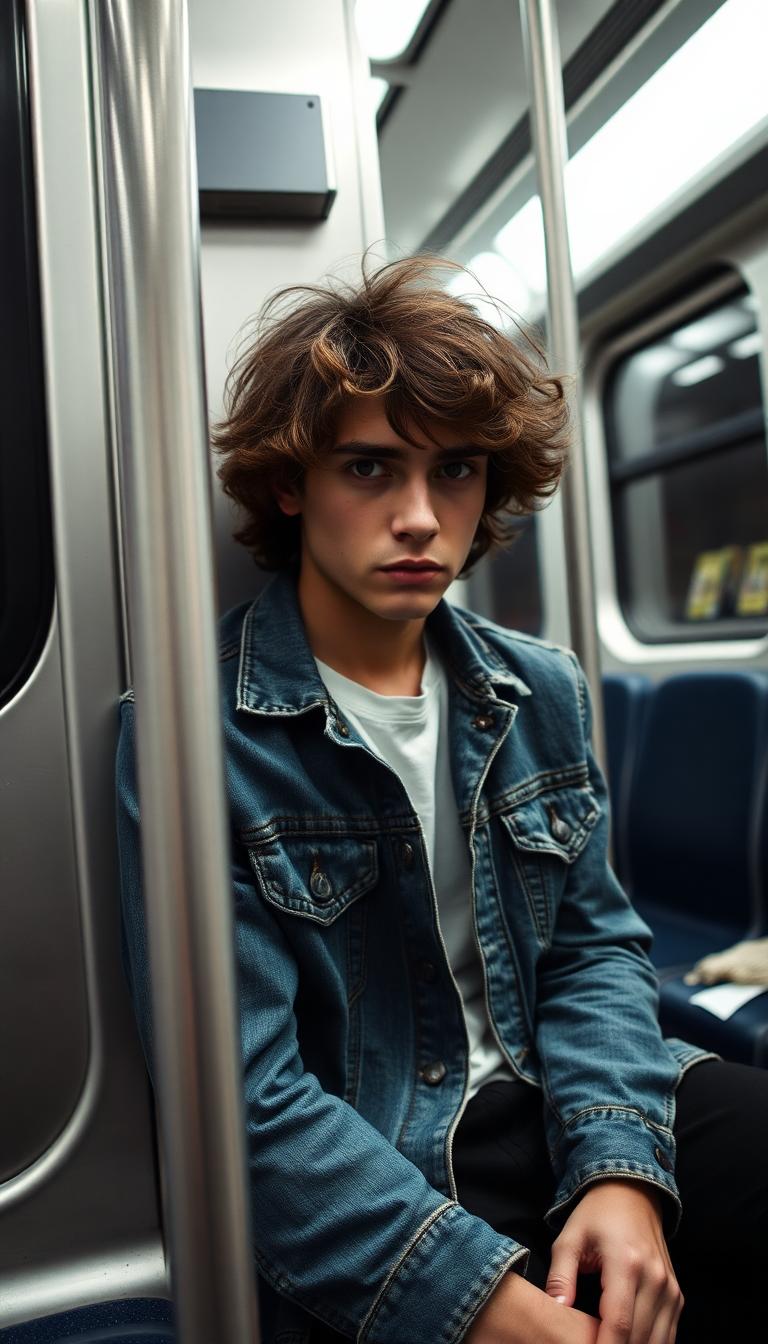
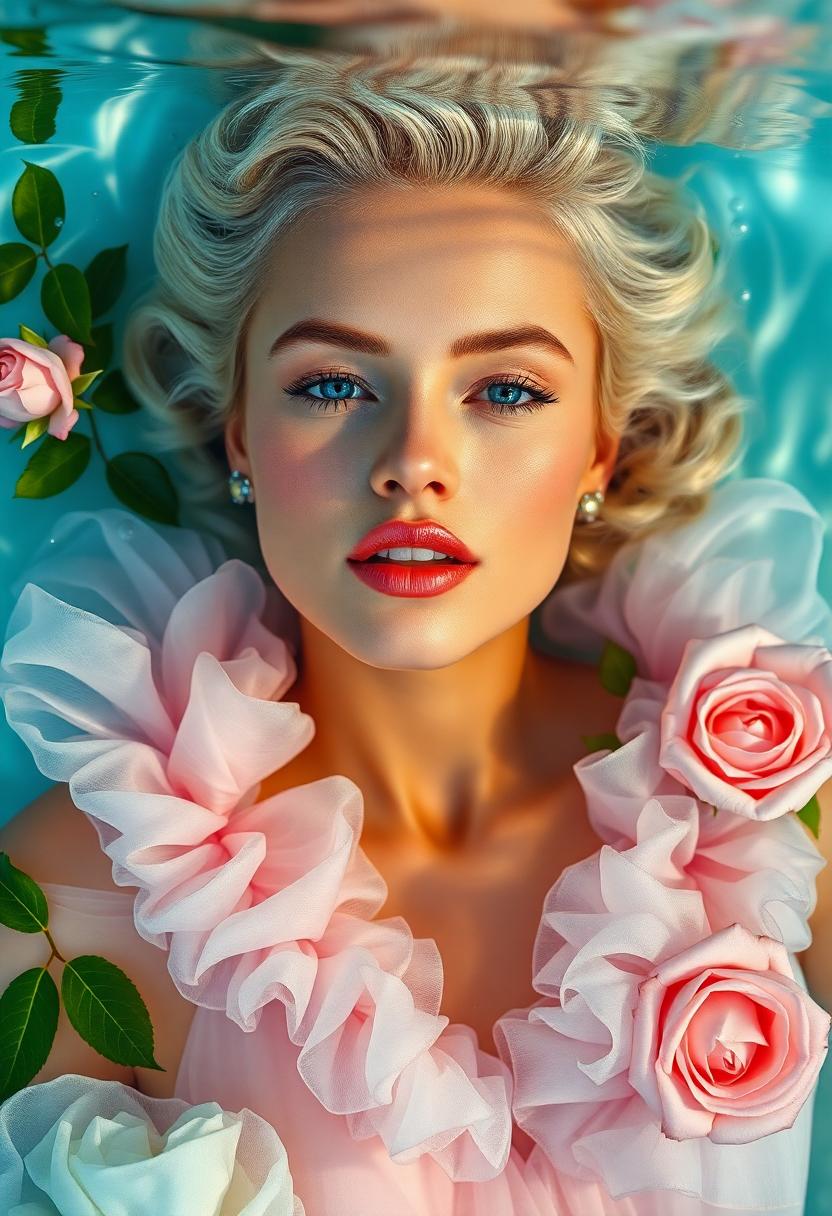
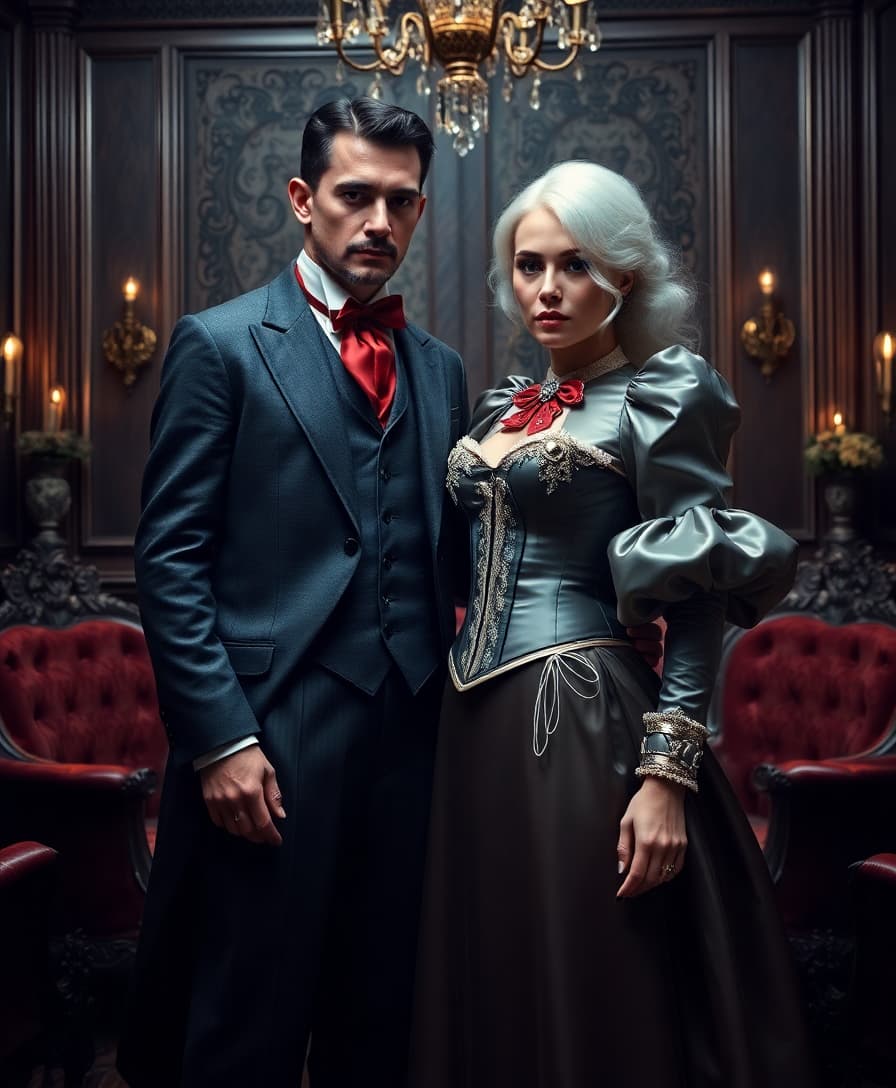

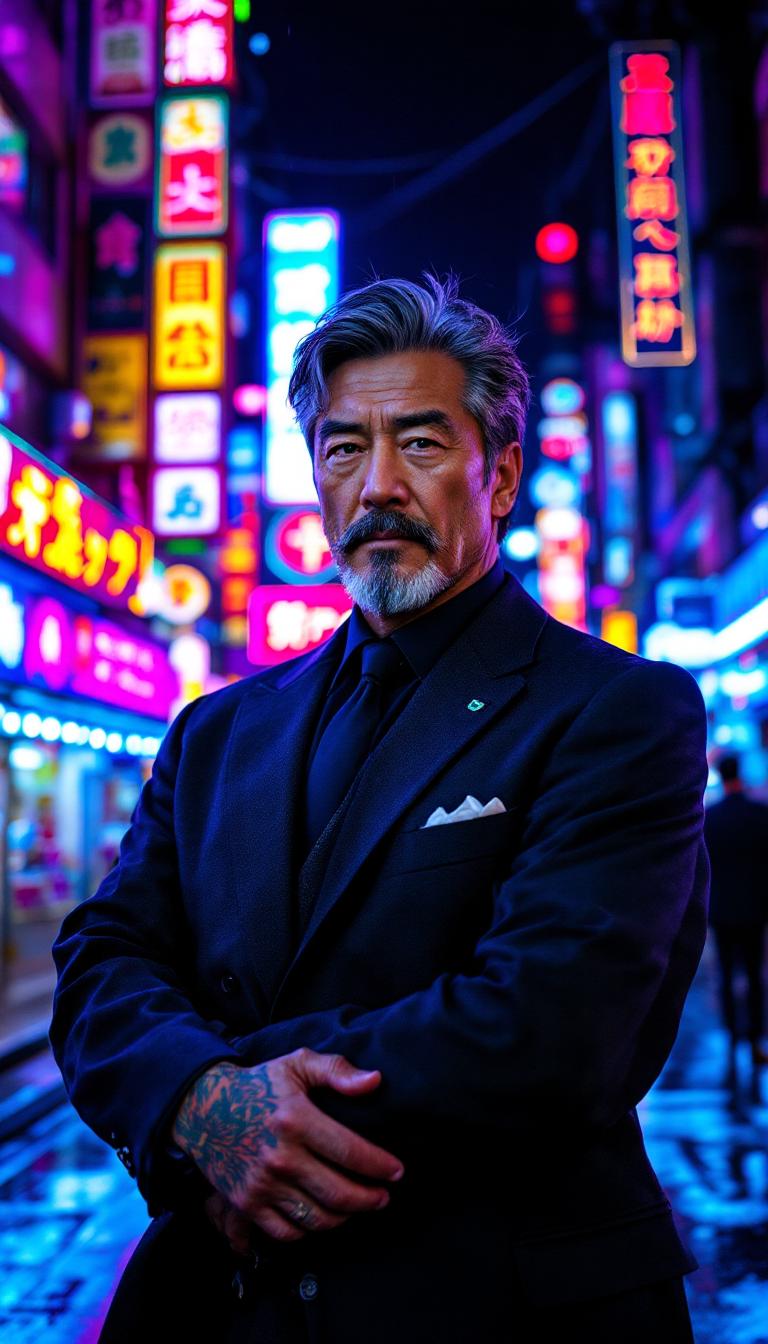

The Pixel Dojo Advantage
Why PixelDojo outperforms other options for posed AI image generation:
| Others | Pixel Dojo |
|---|---|
| Traditional 3D Modeling | Eliminate the steep learning curve and time investment required for 3D modeling software. |
| Stock Photography | Create custom poses tailored to your specific needs without relying on limited stock options. |
| Manual Illustration | Speed up the creative process by generating base images that can be further customized. |
Loved by Creators
See what our community says about posed ai
"PixelDojo's Pose Control tool has revolutionized my workflow, allowing me to create dynamic character poses in minutes."
Alex Johnson
Digital Artist
"As a content creator, the ability to generate custom posed images quickly has been a game-changer for my projects."
Maria Lopez
Content Creator
Common Questions
Everything you need to know about posed ai AI generation
How can I create posed AI images with PixelDojo?
Use the 'Pose Control' tool in the 'Characters' category to define and generate custom poses for your subjects.
Is any prior experience required to use PixelDojo's tools?
No, PixelDojo is designed with an intuitive interface suitable for both beginners and professionals.
Can I customize the generated posed images?
Yes, you can refine images using tools like 'Inpainting' and 'Face Enhancer' for detailed adjustments.
What file formats are supported for exporting images?
PixelDojo supports various formats, including JPEG, PNG, and TIFF, ensuring compatibility with your projects.
Is there a limit to the number of images I can generate?
PixelDojo offers flexible subscription plans to accommodate different usage needs, with options for unlimited generation.
How does PixelDojo ensure the quality of generated images?
Our advanced AI algorithms are trained on diverse datasets to produce high-resolution, realistic images tailored to your prompts.