qwen 2.0 image generator AI Generator
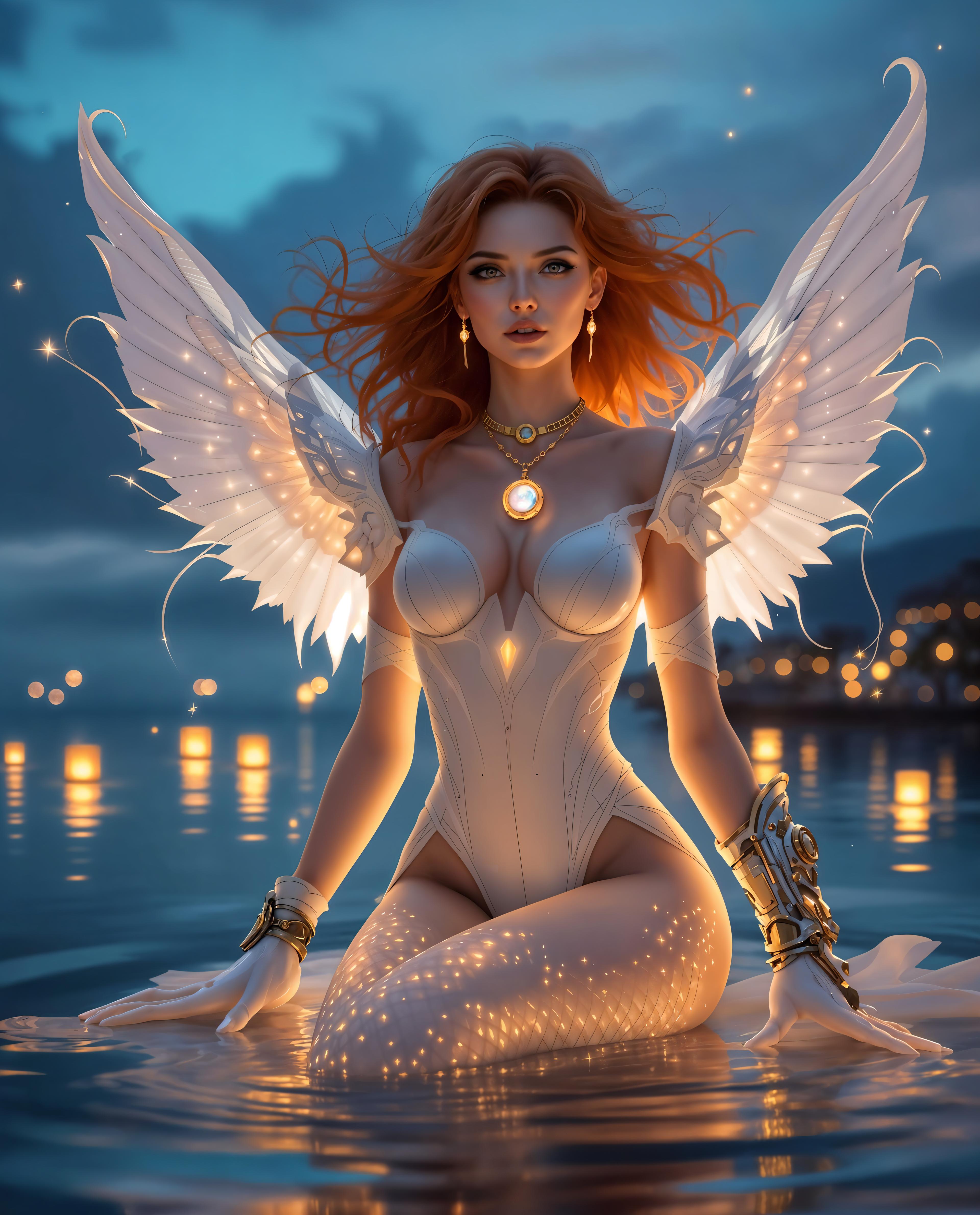
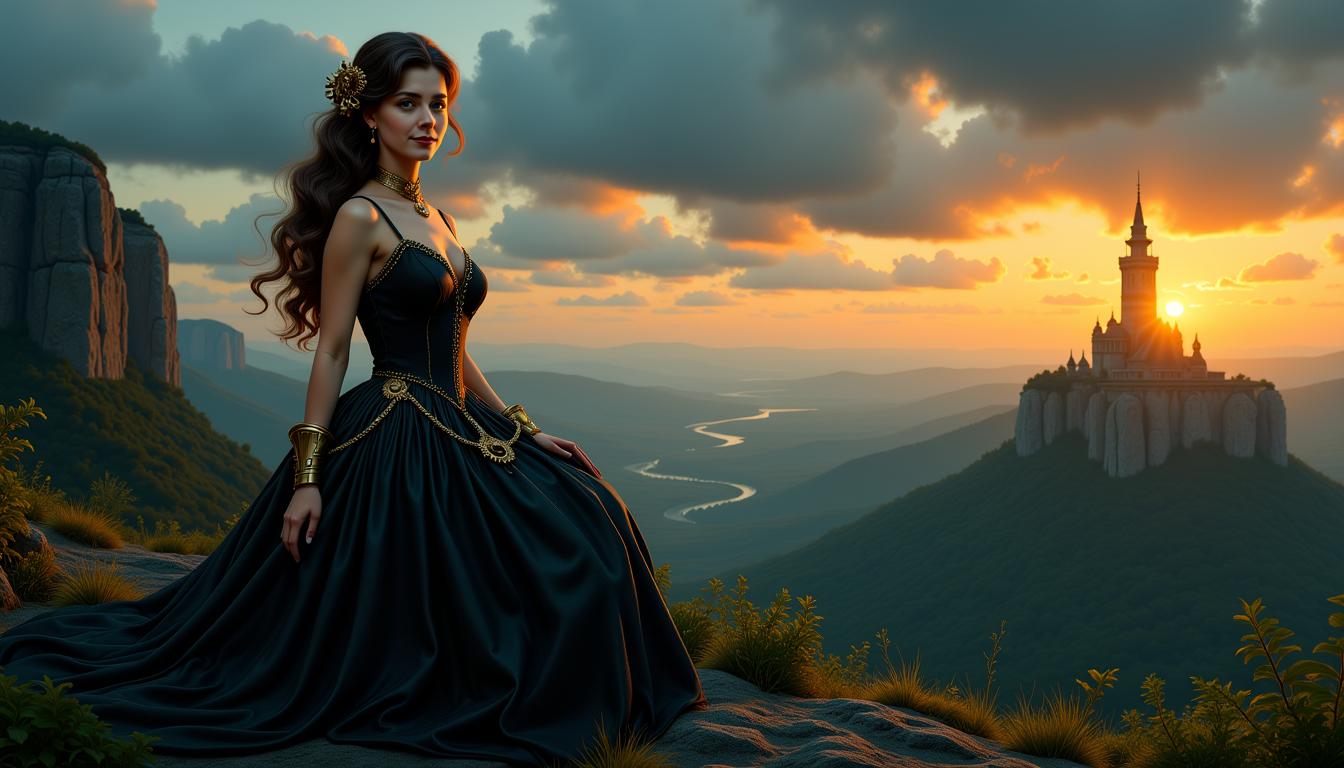
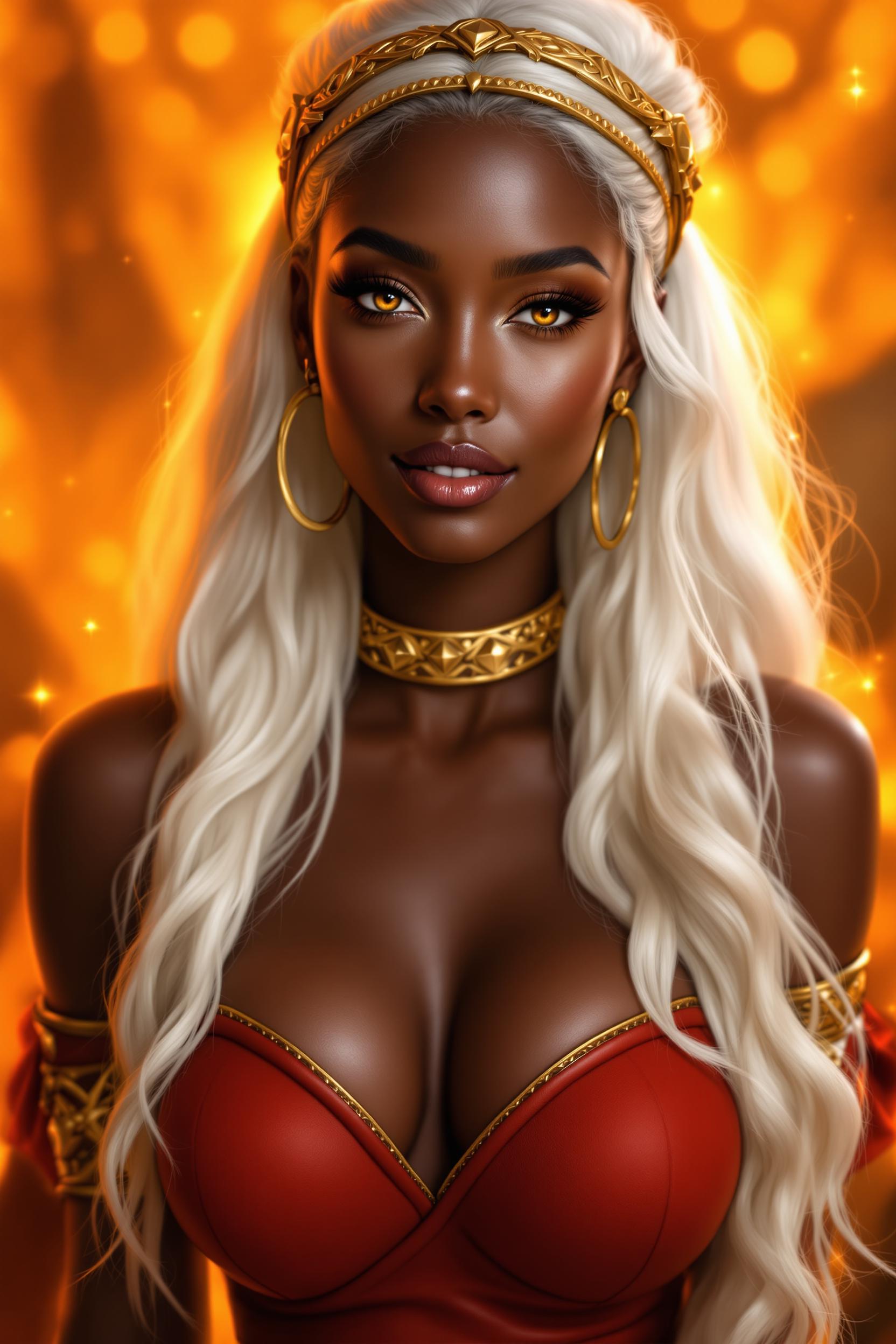
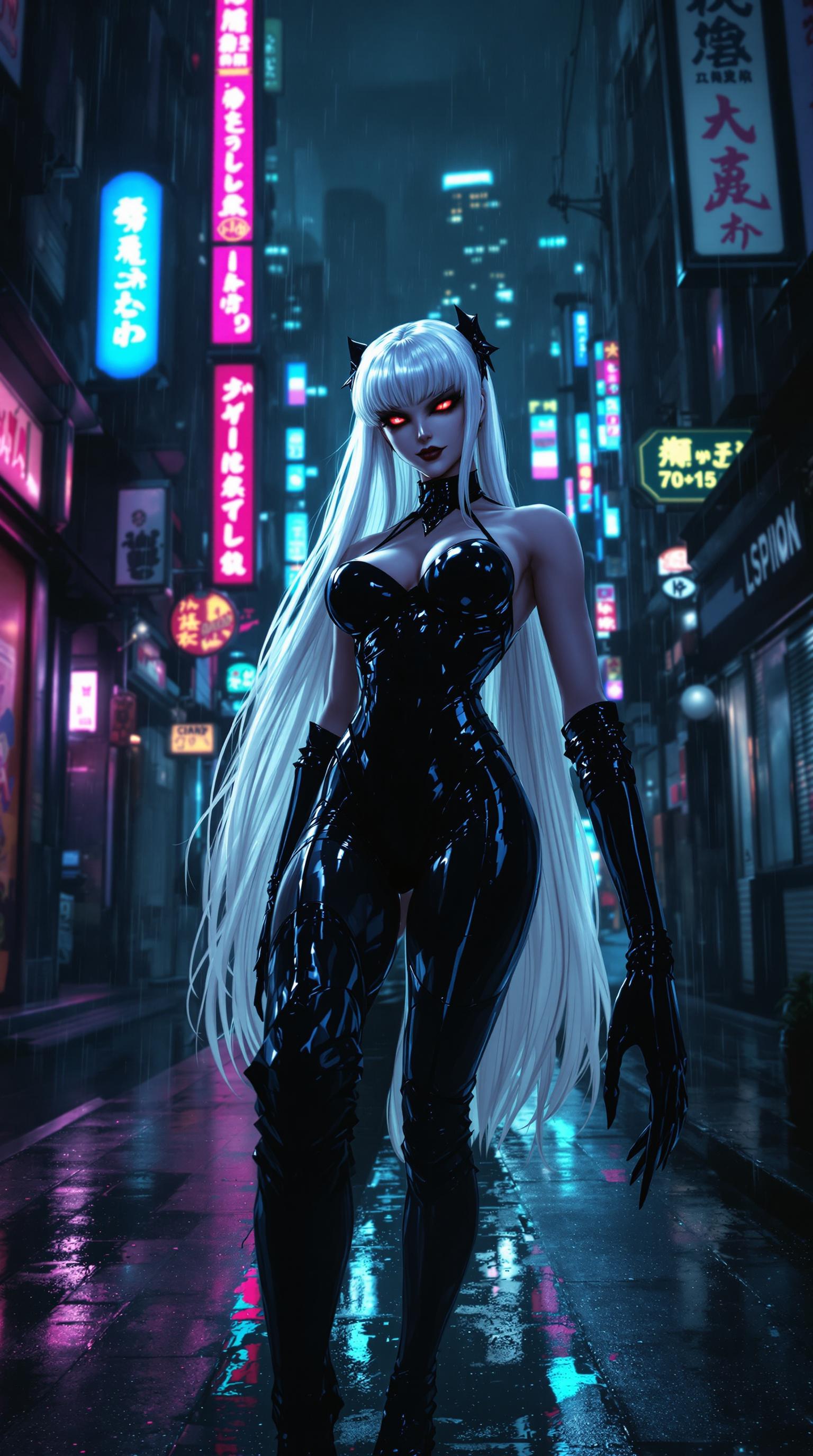
Unlock the power of AI to create high-resolution, photorealistic images with PixelDojo's Qwen 2.0 Image Generator. Whether you're a designer, marketer, or content creator, our tool empowers you to bring your visions to life with unparalleled detail and precision.
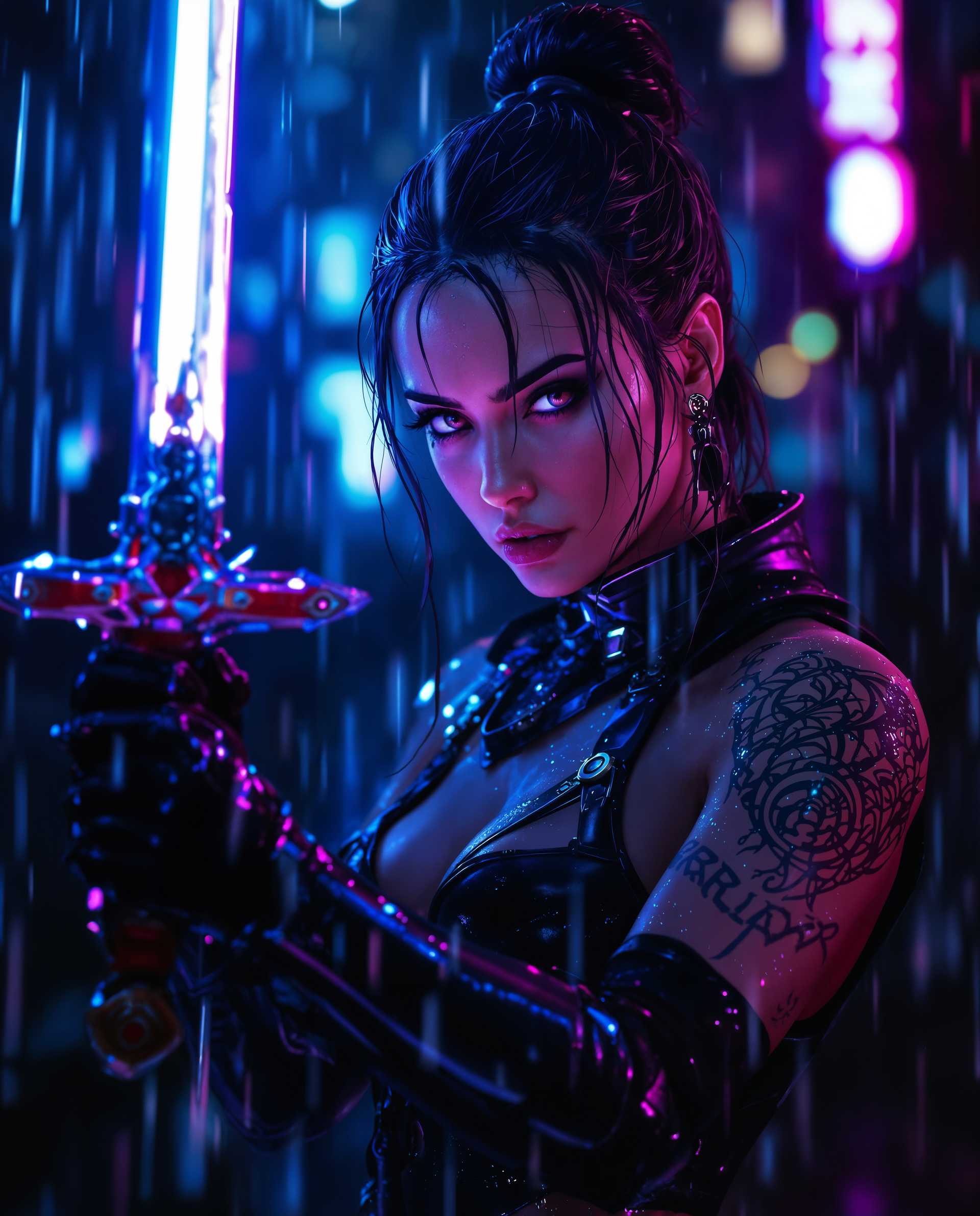
Join over 50,000 creators who have generated more than 1 million images using PixelDojo's AI tools, achieving a 98% satisfaction rate.
Why Choose Pixel Dojo for qwen 2.0 image generator
Professional-quality results with cutting-edge AI technology
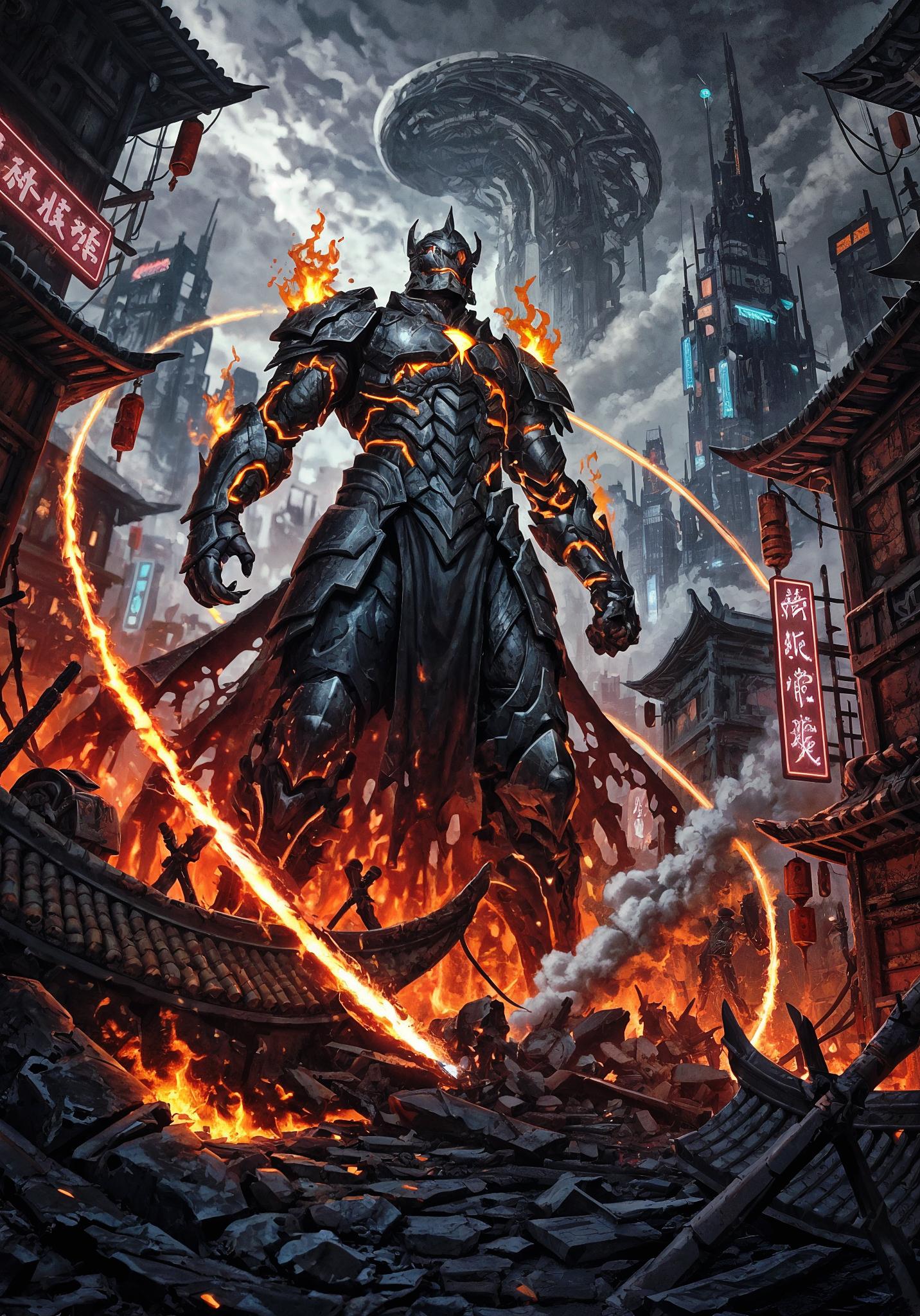
Generate High-Resolution Images Effortlessly
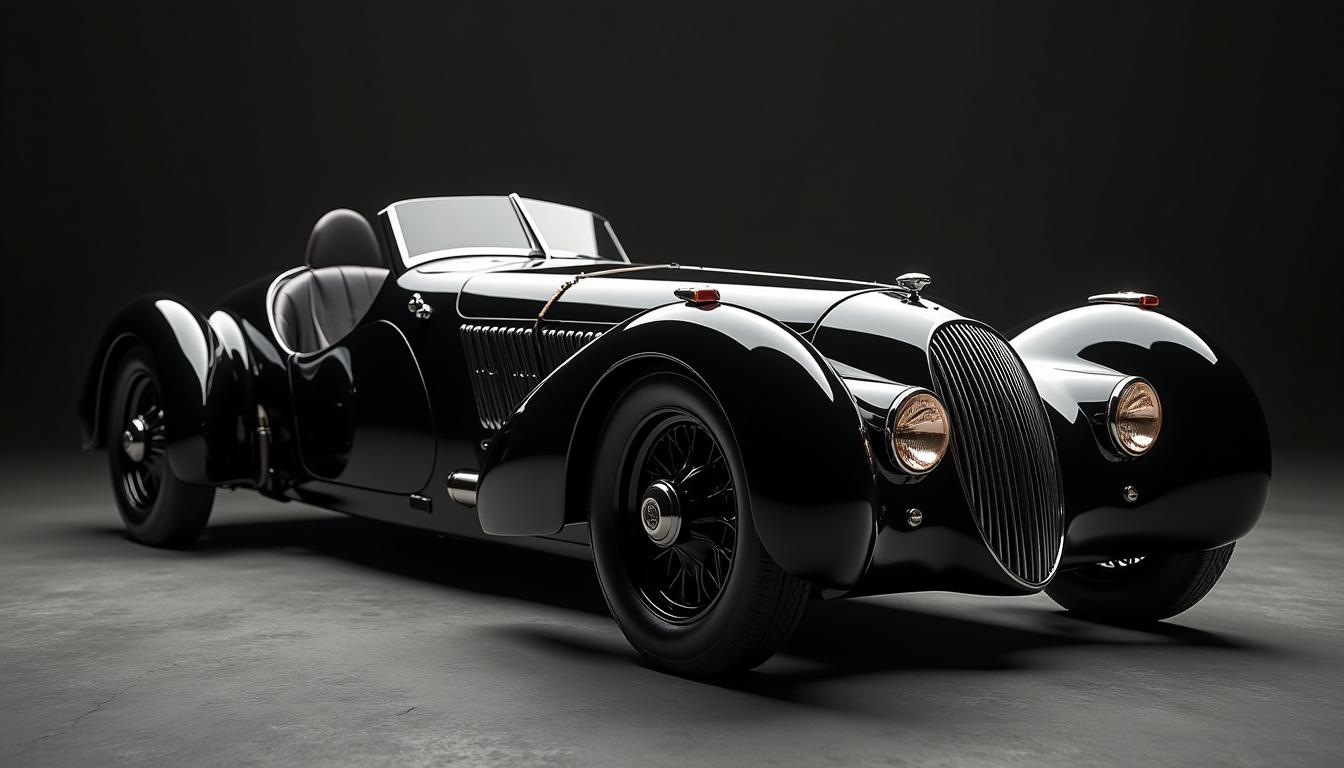
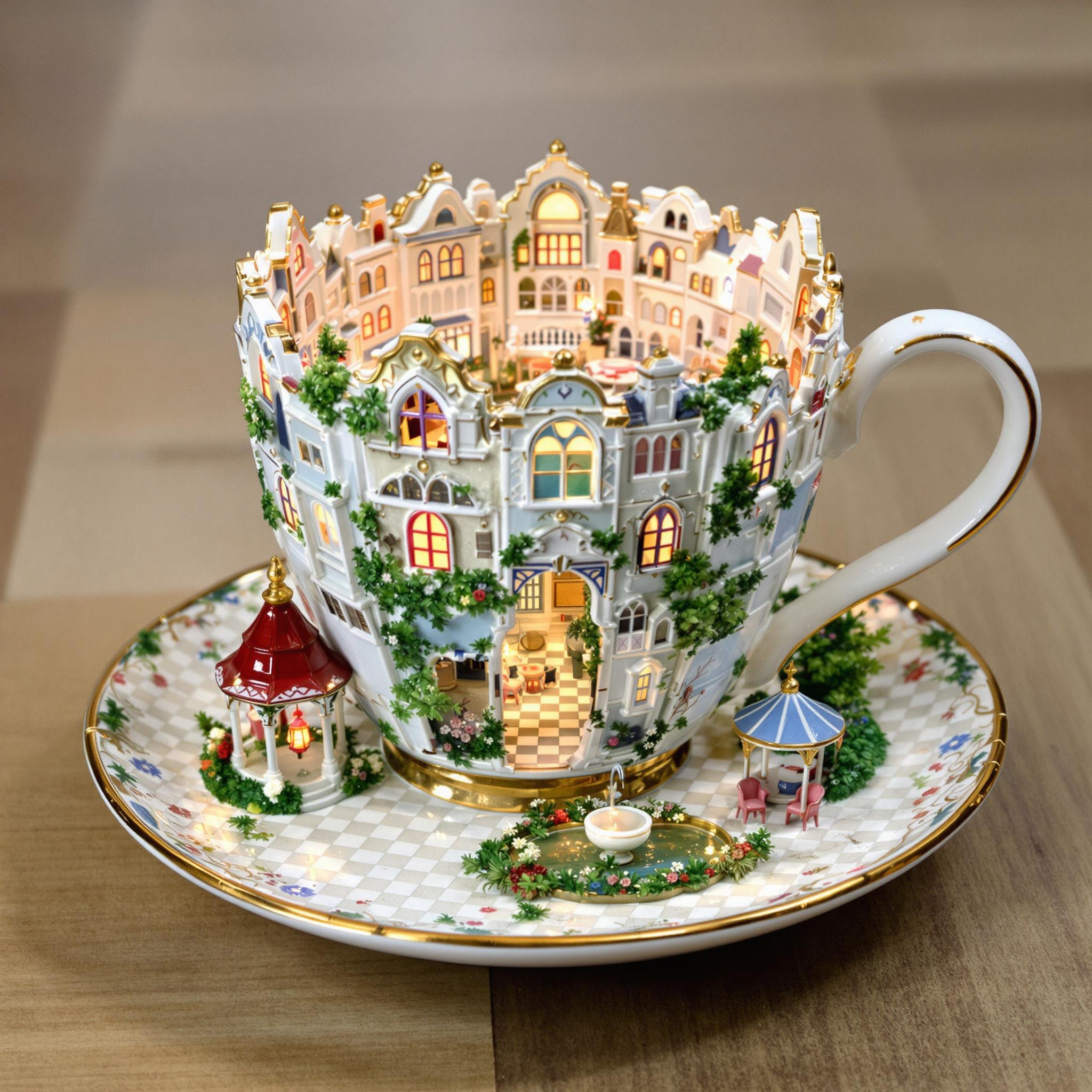
Create stunning 2K resolution images that capture every detail, perfect for professional use.
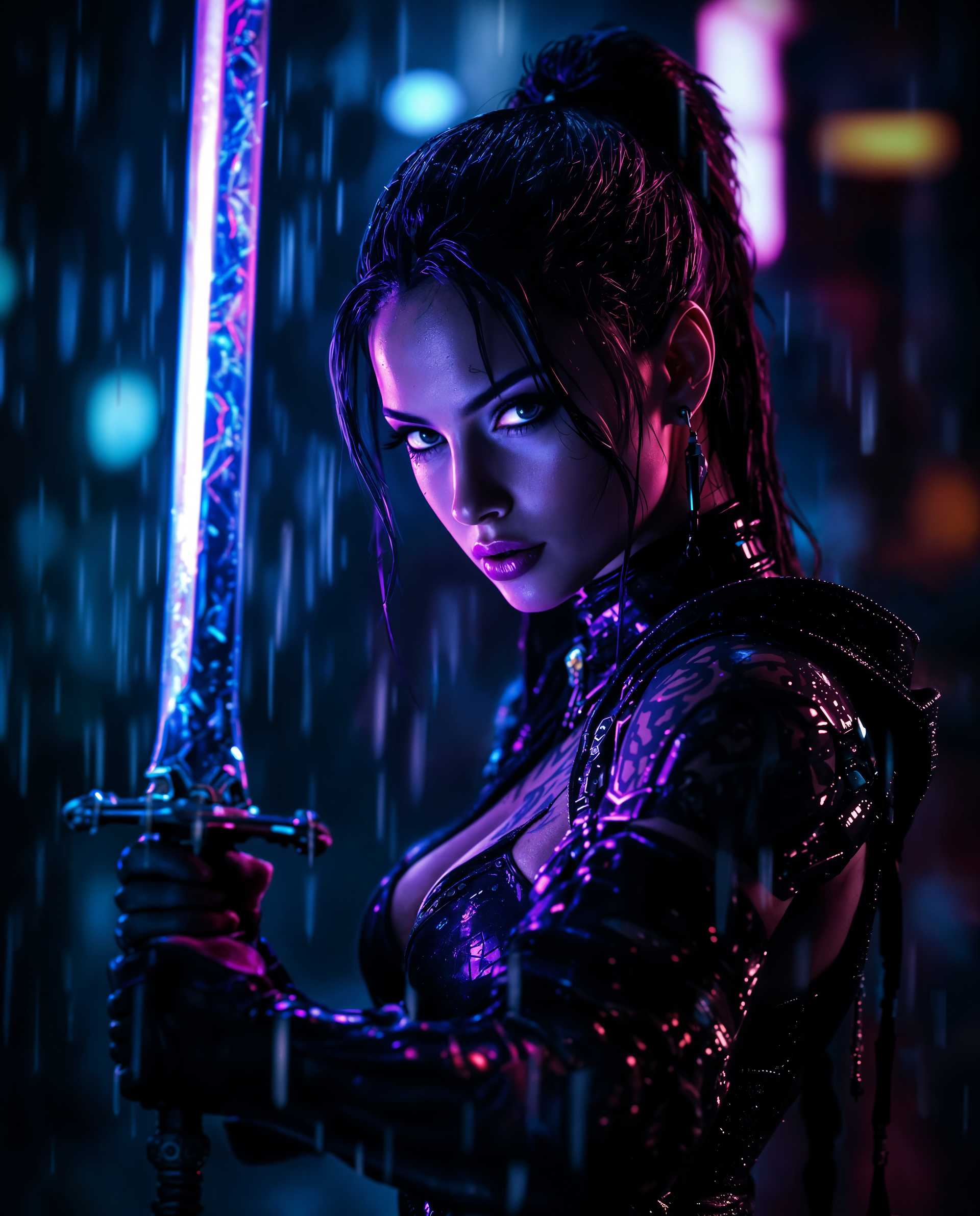
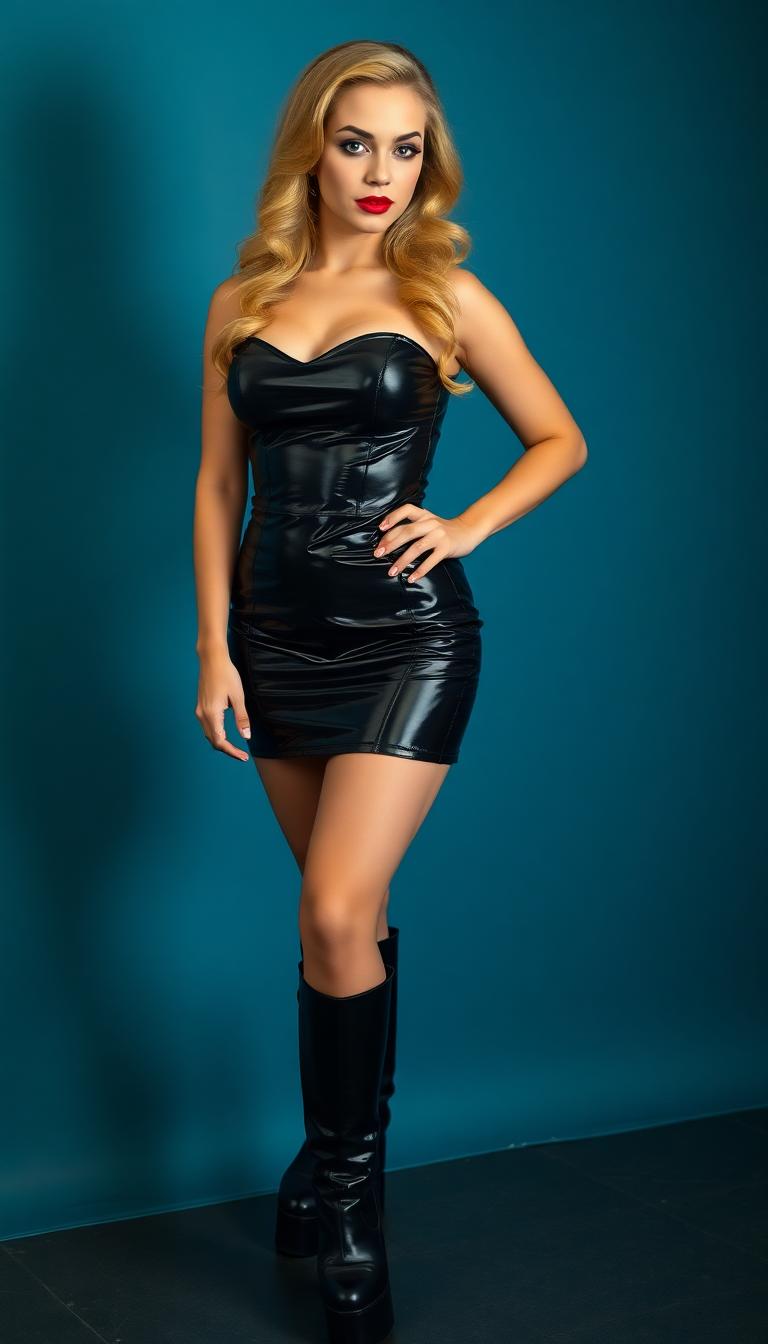
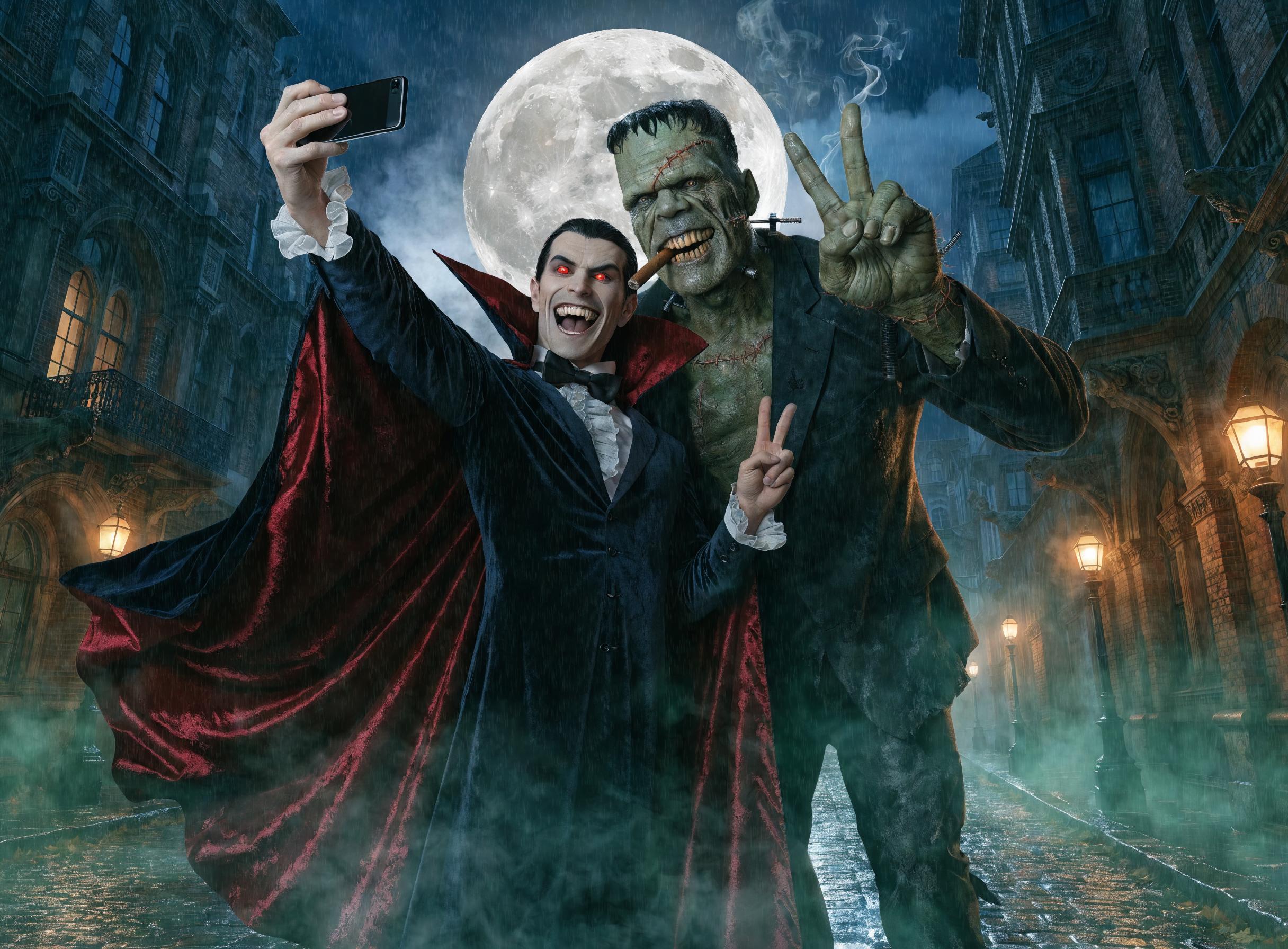
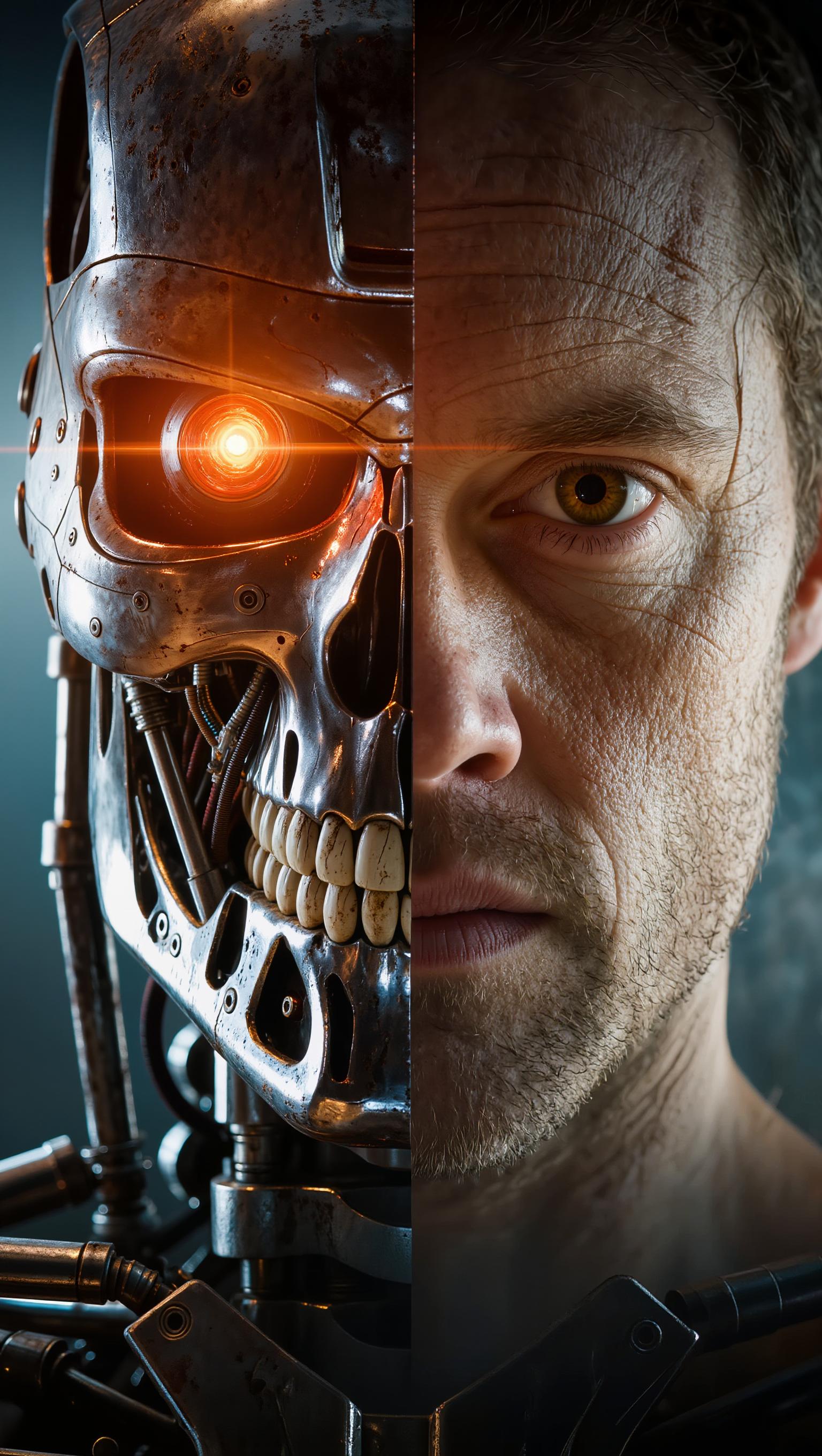
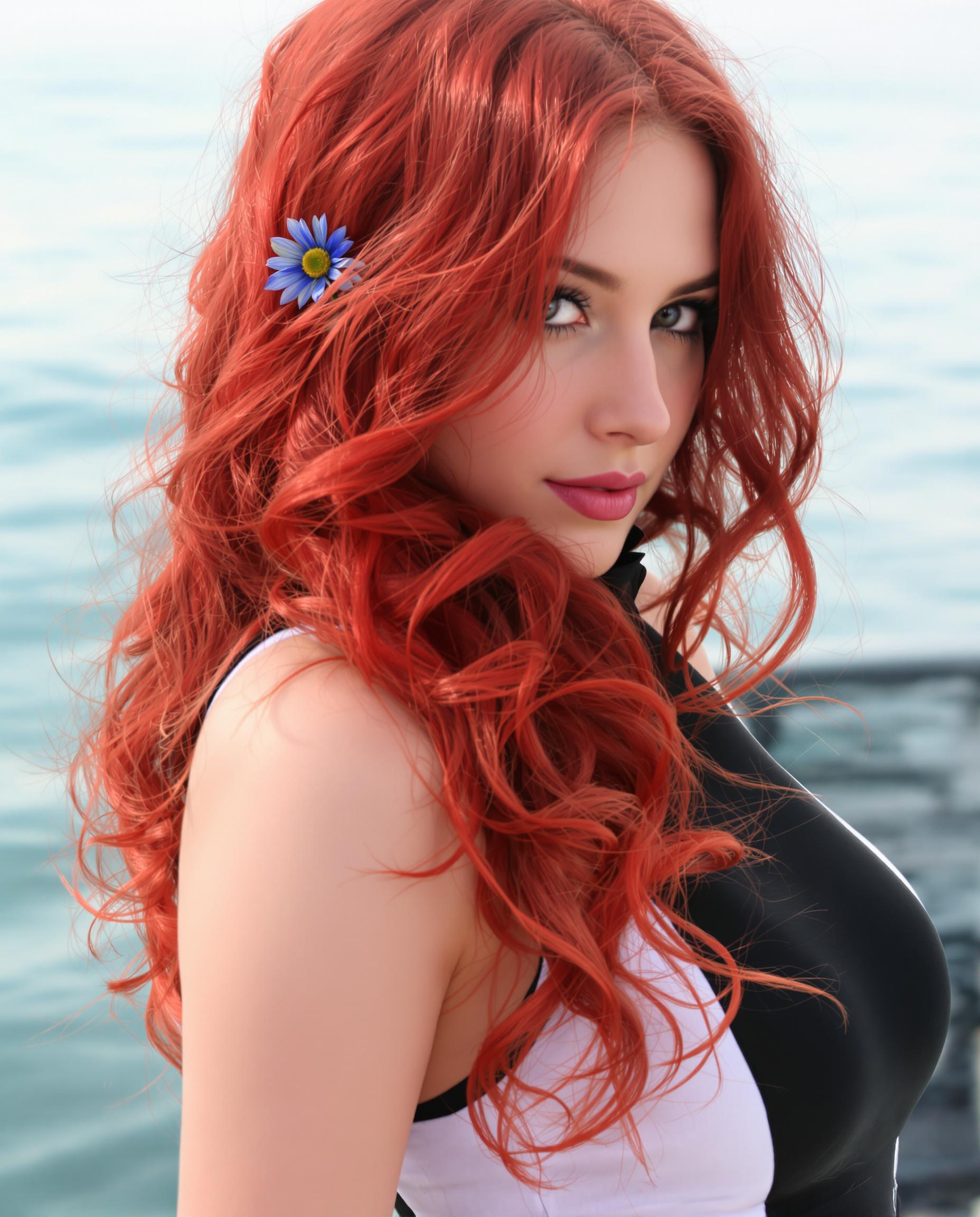
Achieve Photorealistic Results
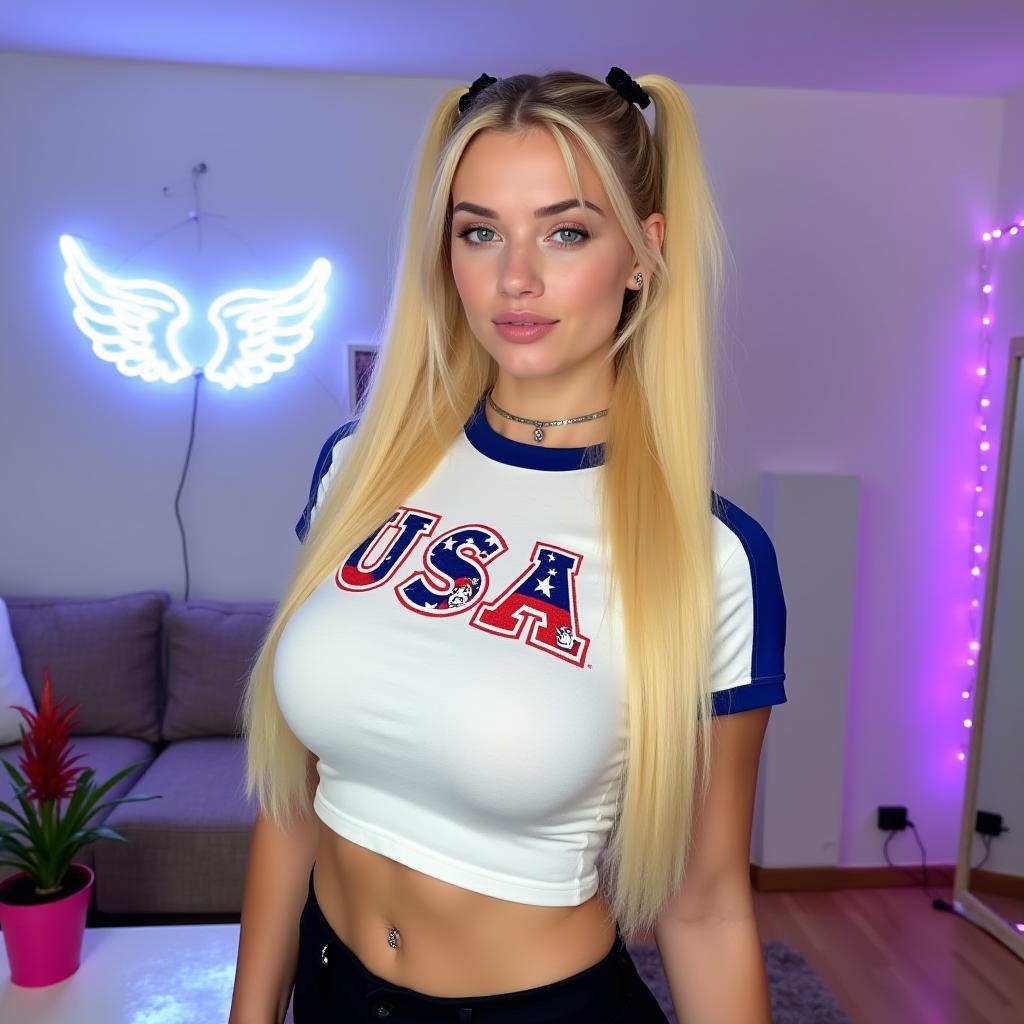
Produce images with lifelike textures and lighting, making your visuals stand out.
Seamlessly Integrate Text into Images
Incorporate clear, readable text into your images, ideal for posters, infographics, and presentations.
How It Works
Creating stunning images with Qwen 2.0 is simple and intuitive. Follow these steps to bring your ideas to life:
Step 1: Choose Your Tool
Select the Qwen 2.0 Image Generator from PixelDojo's suite of AI tools to begin your creation process.
Step 2: Enter Your Prompt
Describe the image you envision in detail. The more specific your prompt, the more accurate the generated image will be.
Step 3: Customize & Download
Review the generated image, make any necessary adjustments, and download the high-resolution file for your use.




The Pixel Dojo Advantage
Discover why PixelDojo's Qwen 2.0 Image Generator stands out among other image creation methods:
| Others | Pixel Dojo |
|---|---|
| Traditional Image Creation | Eliminate the need for expensive software and extensive design skills; generate professional images in minutes. |
| Generic AI Tools | Experience superior text rendering and higher resolution outputs tailored for professional use. |
| Manual Photo Editing | Save time and effort with AI-driven image generation that requires minimal post-processing. |
Loved by Creators
See what our community says about qwen 2.0 image generator
"PixelDojo's Qwen 2.0 has revolutionized our design process, allowing us to create high-quality visuals quickly and efficiently."
Sarah Chen
Graphic Designer
"The photorealistic images generated are perfect for our marketing campaigns, enhancing our brand's visual appeal."
Michael Rodriguez
Marketing Director
Common Questions
Everything you need to know about qwen 2.0 image generator AI generation
How does PixelDojo's Qwen 2.0 Image Generator create high-resolution images?
Our AI model generates images natively at up to 2048 × 2048 pixels, ensuring fine details like skin textures and fabric weaves are rendered with precision.
Can I add text to images using Qwen 2.0?
Yes, Qwen 2.0 excels at integrating clear, readable text into images, making it ideal for creating posters, infographics, and presentations.
Is any design experience required to use Qwen 2.0?
No, our intuitive interface allows users of all skill levels to create professional-quality images effortlessly.
What file formats are available for download?
Generated images can be downloaded in high-resolution PNG format, suitable for both digital and print use.
Can I edit images after generation?
Yes, Qwen 2.0 supports image editing capabilities, allowing you to refine and adjust your creations as needed.
Is there a limit to the number of images I can generate?
PixelDojo offers flexible subscription plans to suit your needs, with options for unlimited image generation.