Qwen Edit 2512 portrait edit AI Generator
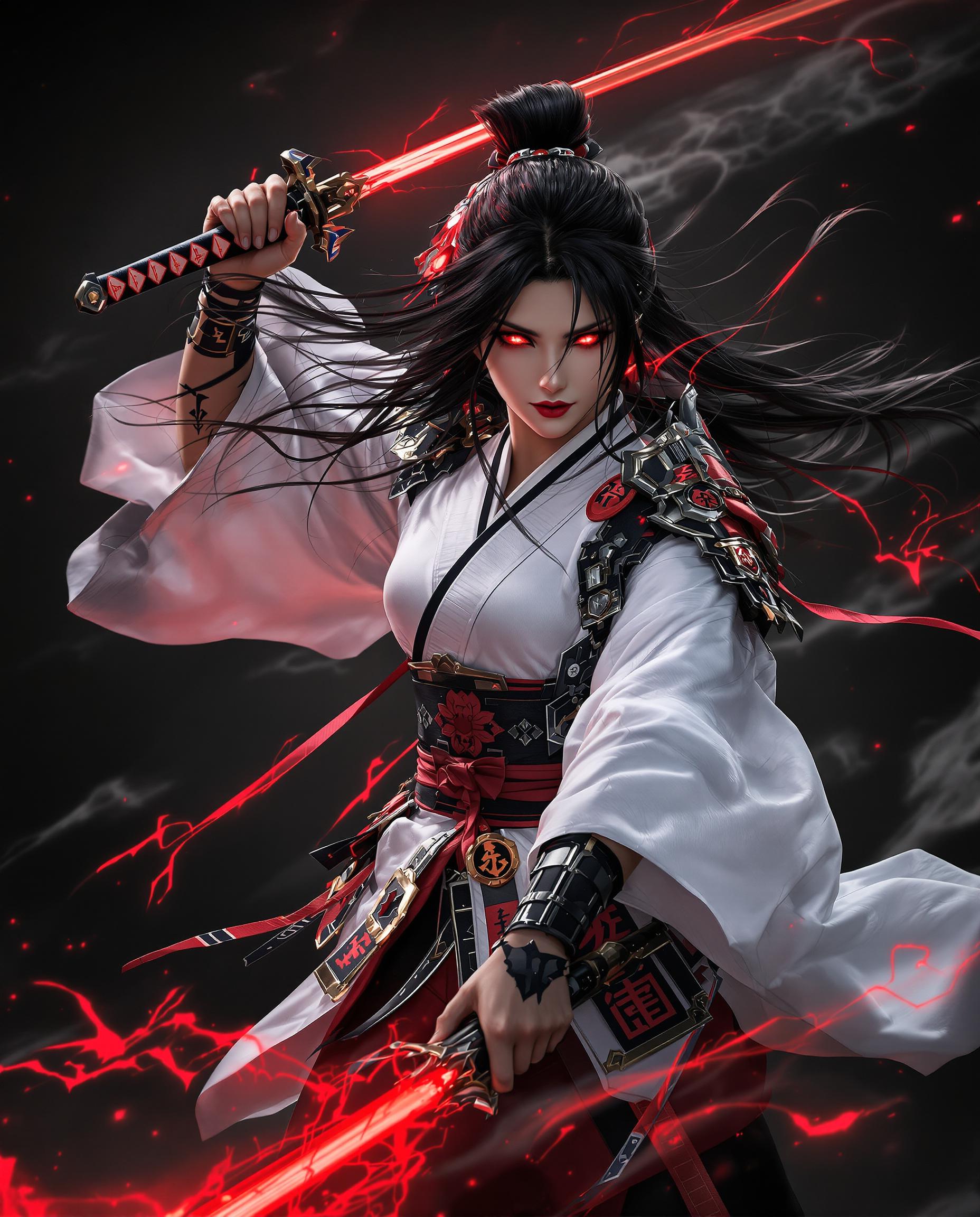
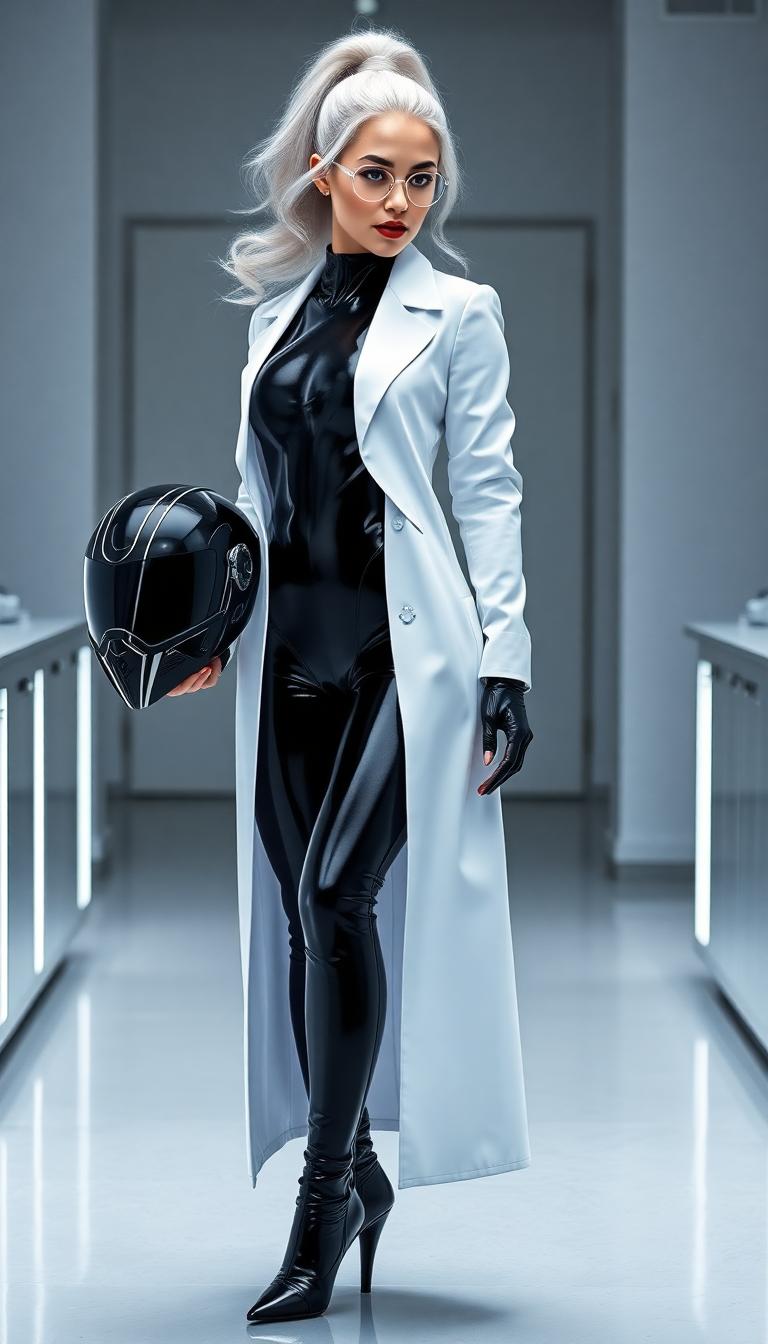
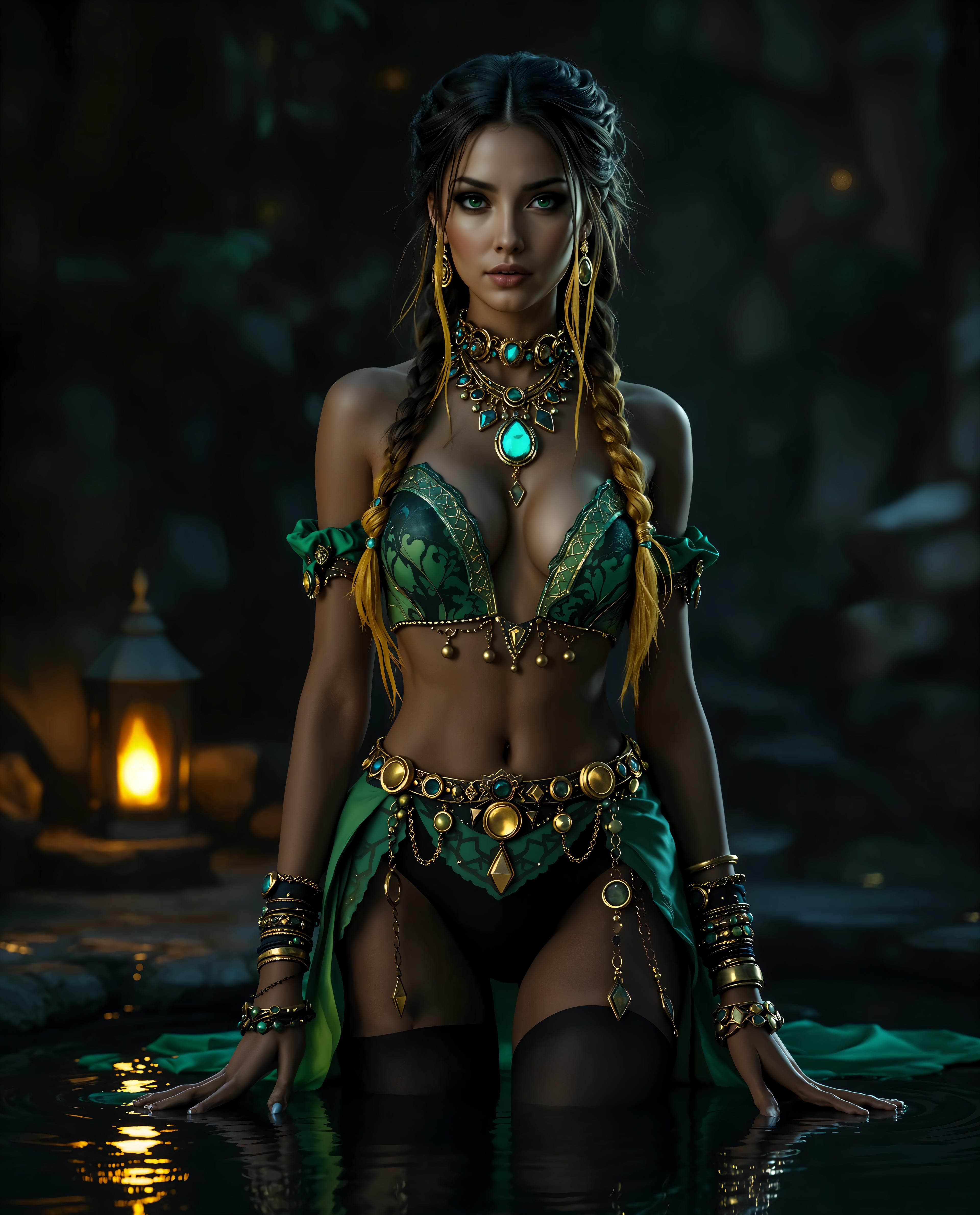
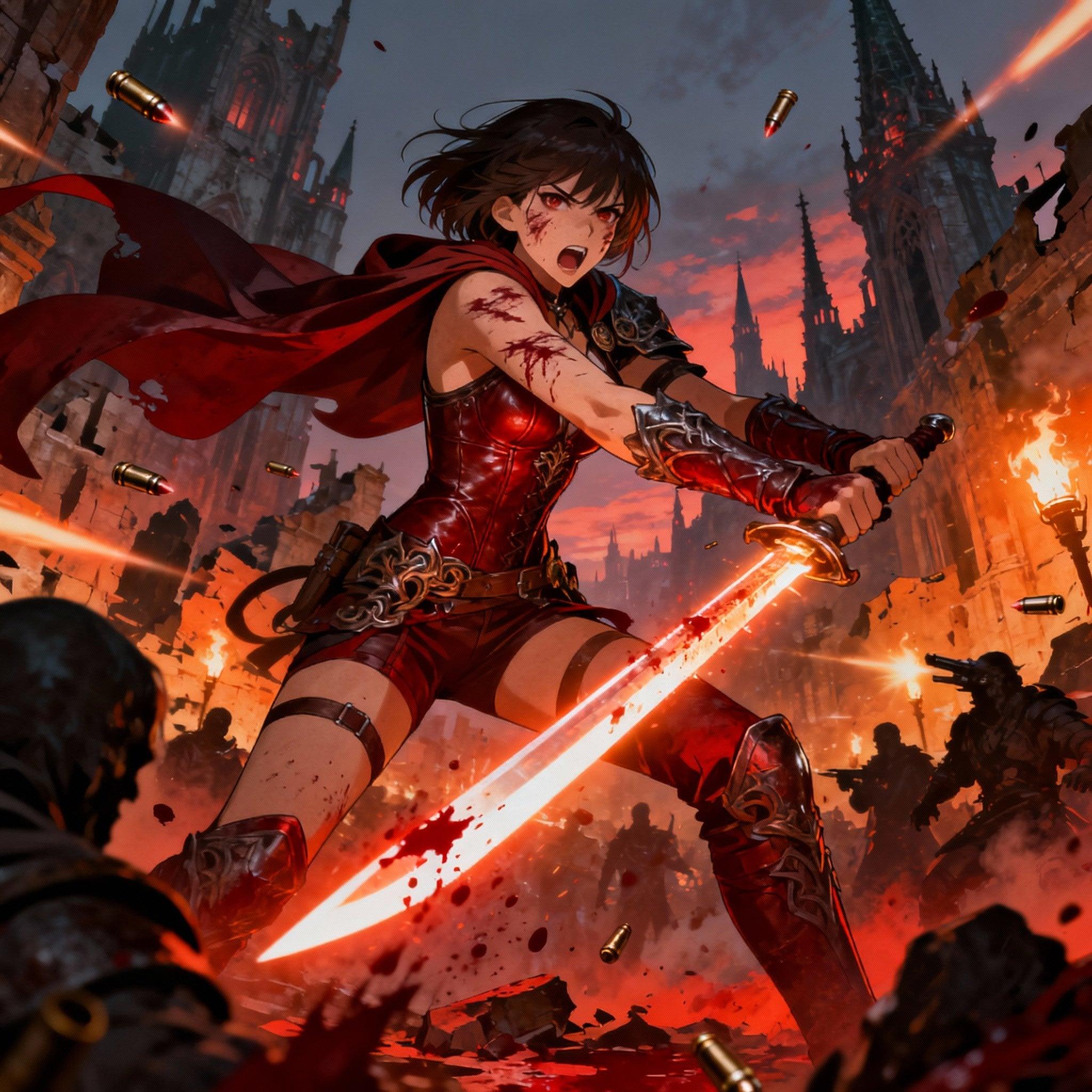
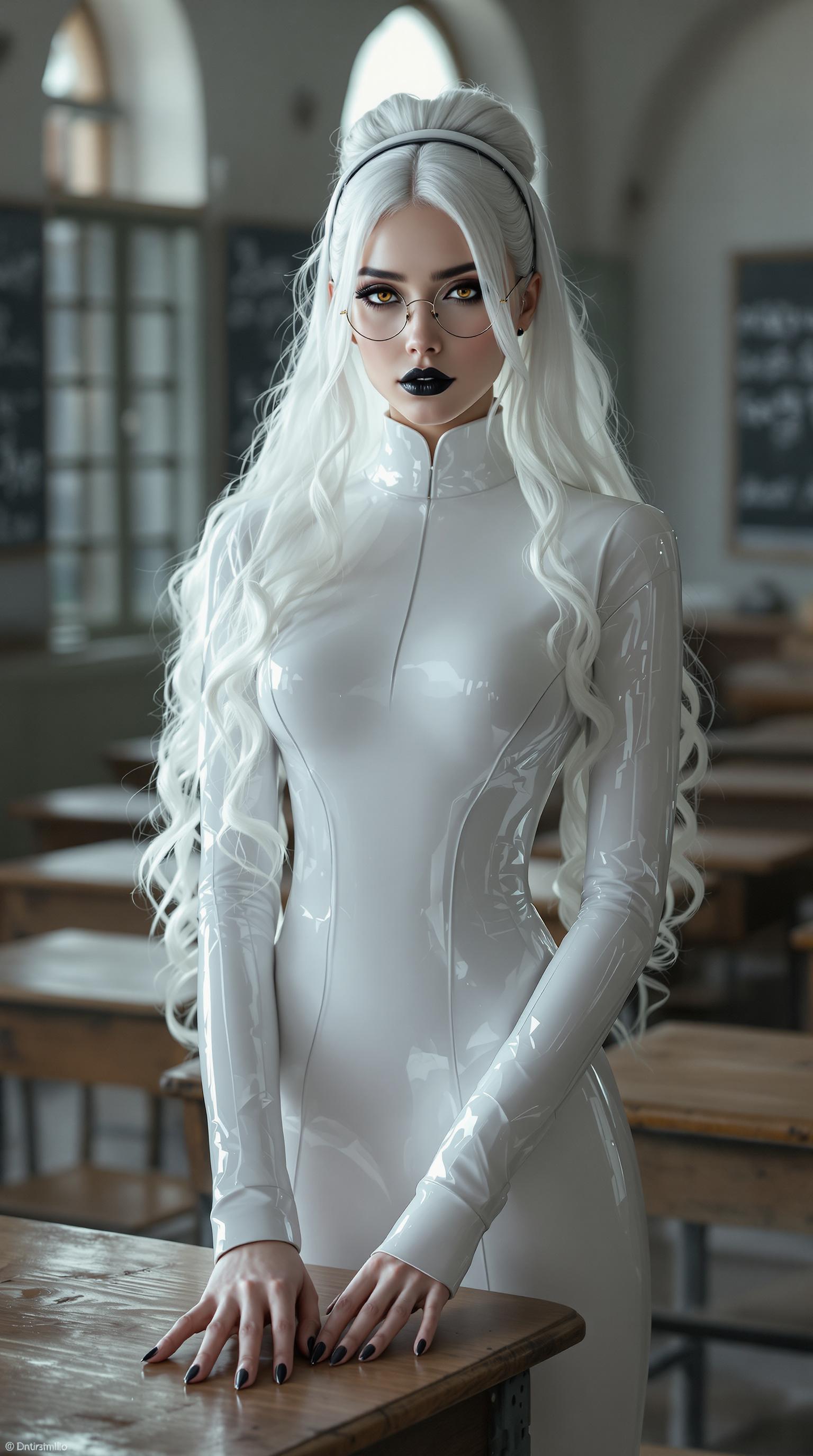
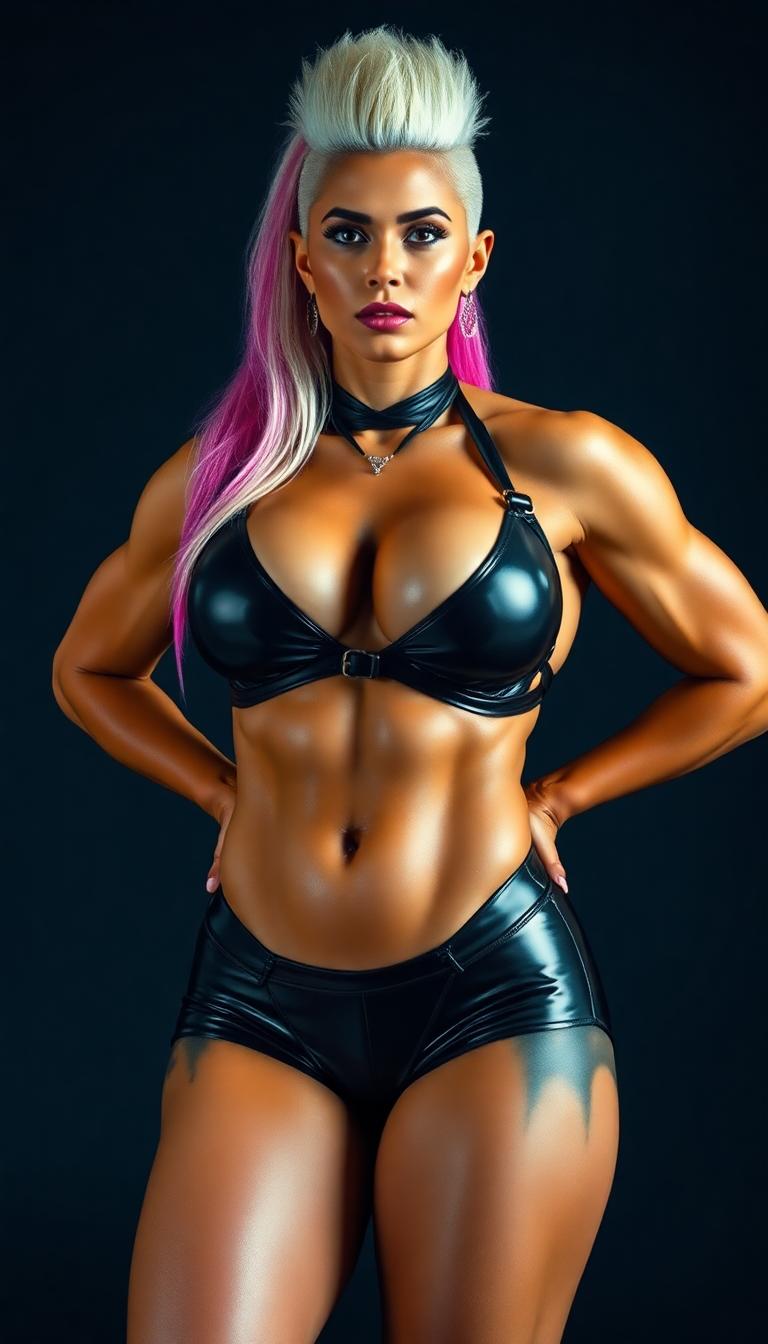
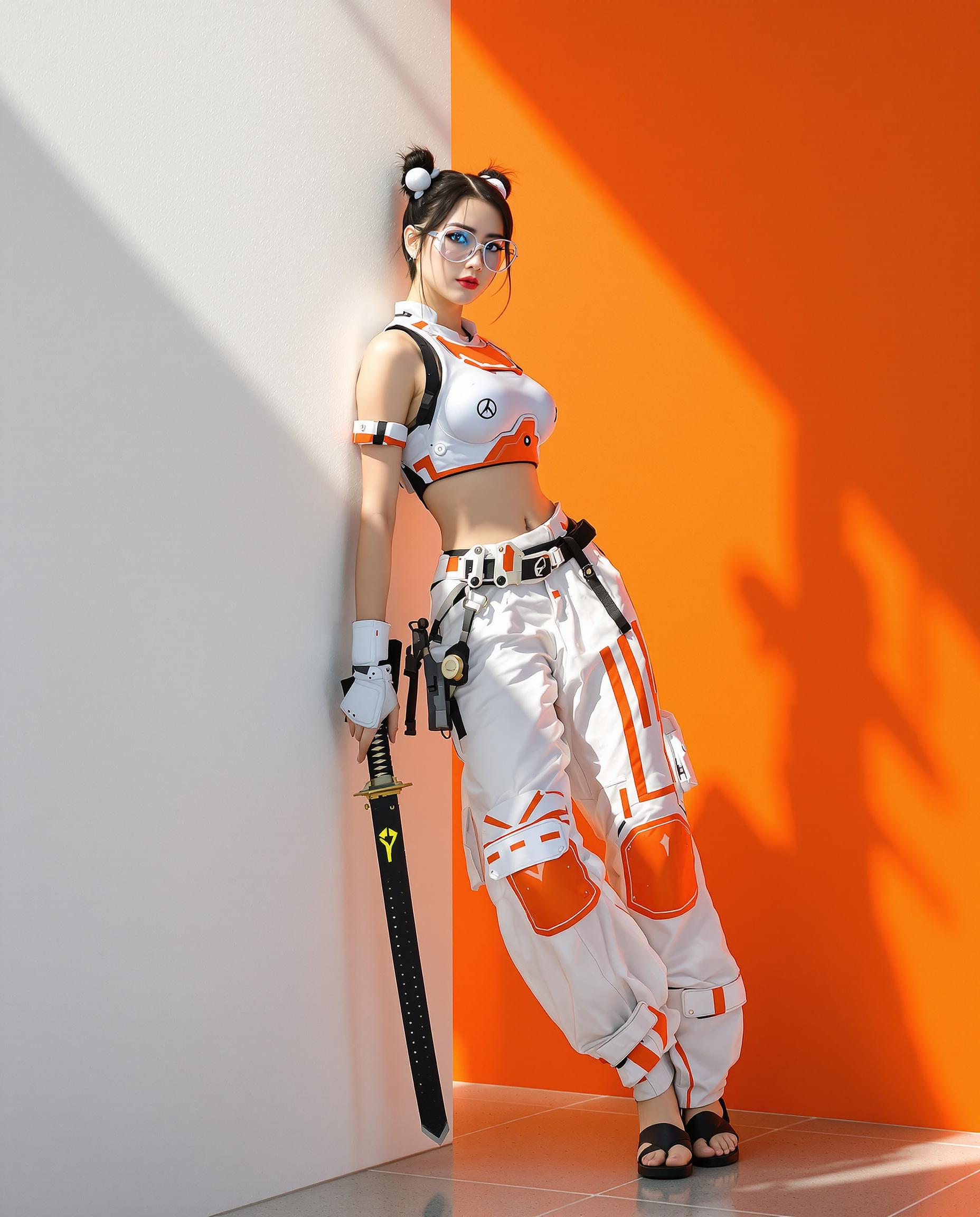
Unlock the full potential of your portraits with Qwen Edit 2512. Whether you're a photographer, designer, or content creator, our AI-powered tools enable you to enhance, retouch, and transform portraits with unparalleled ease and precision. Achieve professional-quality results without the steep learning curve of traditional editing software.

Join over 10,000 satisfied users who have transformed their portraits using Qwen Edit 2512's cutting-edge AI technology.
Why Choose Pixel Dojo for Qwen Edit 2512 portrait edit
Professional-quality results with cutting-edge AI technology
Effortless Enhancements
Automatically improve lighting, skin tones, and overall image quality to make your portraits stand out.
Seamless Background Editing
Easily replace or modify backgrounds to suit your creative vision without compromising image integrity.
Consistent Character Rendering
Maintain facial identity and consistency across multiple edits, ensuring natural and realistic results.
How It Works
Transforming your portraits with Qwen Edit 2512 is simple and intuitive. Follow these steps to achieve stunning results:
Step 1: Upload Your Portrait
Select and upload the portrait you wish to edit. Our platform supports various image formats for your convenience.
Step 2: Describe Your Desired Edits
Enter a detailed description of the changes you want to make, such as 'enhance skin texture' or 'change background to a beach scene.'
Step 3: Generate and Refine
Click 'Generate' to apply the edits. Review the output and make further refinements if necessary to achieve your desired outcome.





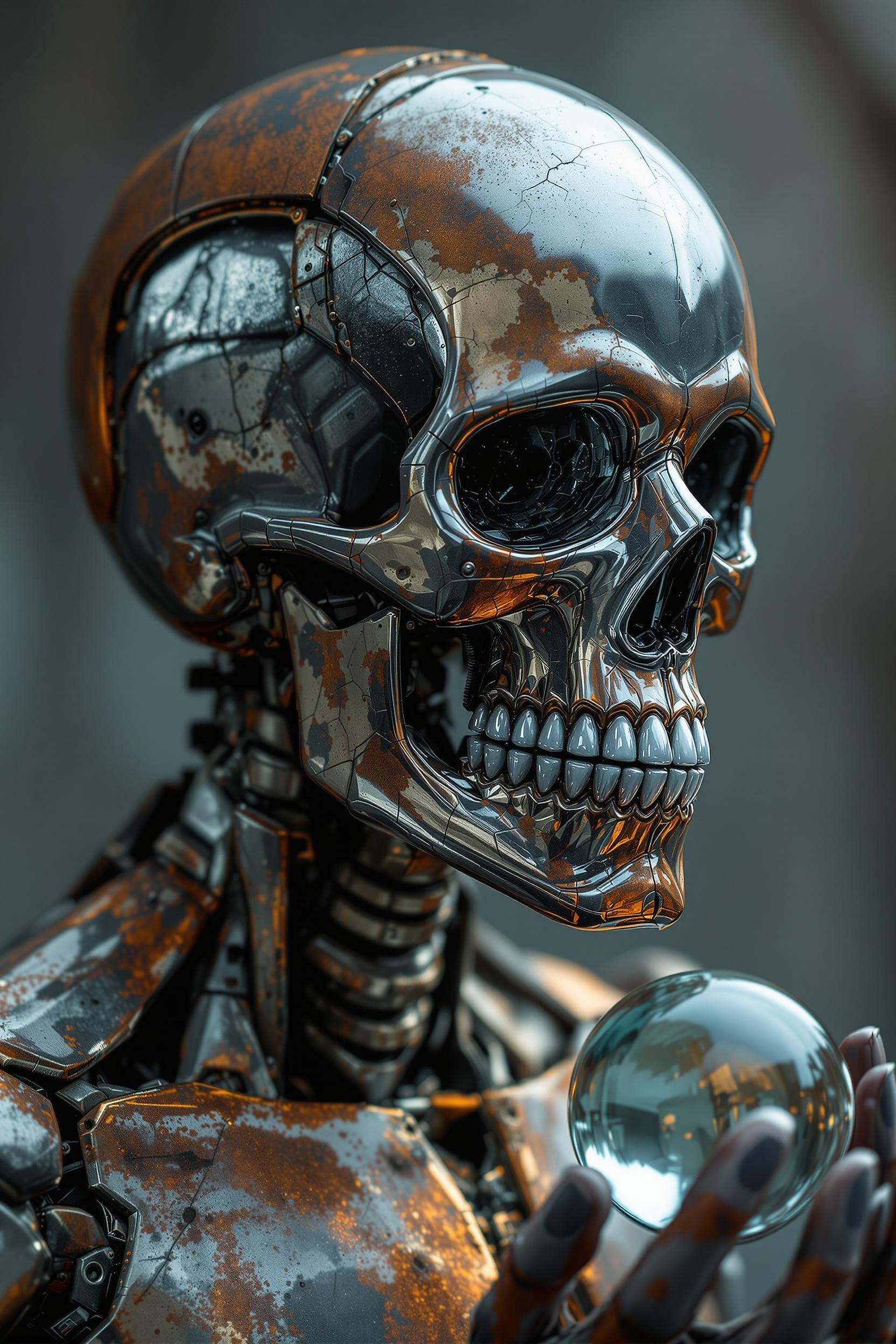

The Pixel Dojo Advantage
Why Qwen Edit 2512 is the superior choice for portrait editing:
| Others | Pixel Dojo |
|---|---|
| Traditional Photo Editing Software | Eliminates the need for extensive manual adjustments, saving time and effort. |
| Generic AI Editing Tools | Offers advanced features like consistent character rendering and precise text editing tailored for portraits. |
| Manual Retouching Services | Provides instant results at a fraction of the cost, with full creative control in your hands. |
Loved by Creators
See what our community says about Qwen Edit 2512 portrait edit
"Qwen Edit 2512 has revolutionized my workflow. I can now deliver high-quality portraits to my clients faster than ever."
Alex Johnson
Professional Photographer
"As a content creator, maintaining consistency across my images is crucial. Qwen Edit 2512 ensures my portraits are always on point."
Samantha Lee
Digital Content Creator
Common Questions
Everything you need to know about Qwen Edit 2512 portrait edit AI generation
How does Qwen Edit 2512 ensure consistent character rendering in portraits?
Qwen Edit 2512 utilizes advanced AI algorithms to maintain facial identity and consistency across multiple edits, ensuring natural and realistic results.
Can I edit multiple portraits simultaneously with Qwen Edit 2512?
Yes, Qwen Edit 2512 supports batch processing, allowing you to edit multiple portraits at once, streamlining your workflow.
Is Qwen Edit 2512 suitable for beginners with no prior editing experience?
Absolutely! Qwen Edit 2512 is designed with an intuitive interface, making it accessible for users of all skill levels to achieve professional-quality edits.
What file formats are supported by Qwen Edit 2512 for portrait editing?
Qwen Edit 2512 supports a wide range of image formats, including JPEG, PNG, and TIFF, providing flexibility for your editing needs.
Can I revert to the original portrait after making edits with Qwen Edit 2512?
Yes, Qwen Edit 2512 allows you to revert to the original image at any time, ensuring you have full control over your edits.
Does Qwen Edit 2512 offer any templates or presets for portrait editing?
Yes, Qwen Edit 2512 provides a variety of templates and presets to help you achieve specific styles and effects effortlessly.