qwen image 2.0 consistent characters AI Generator
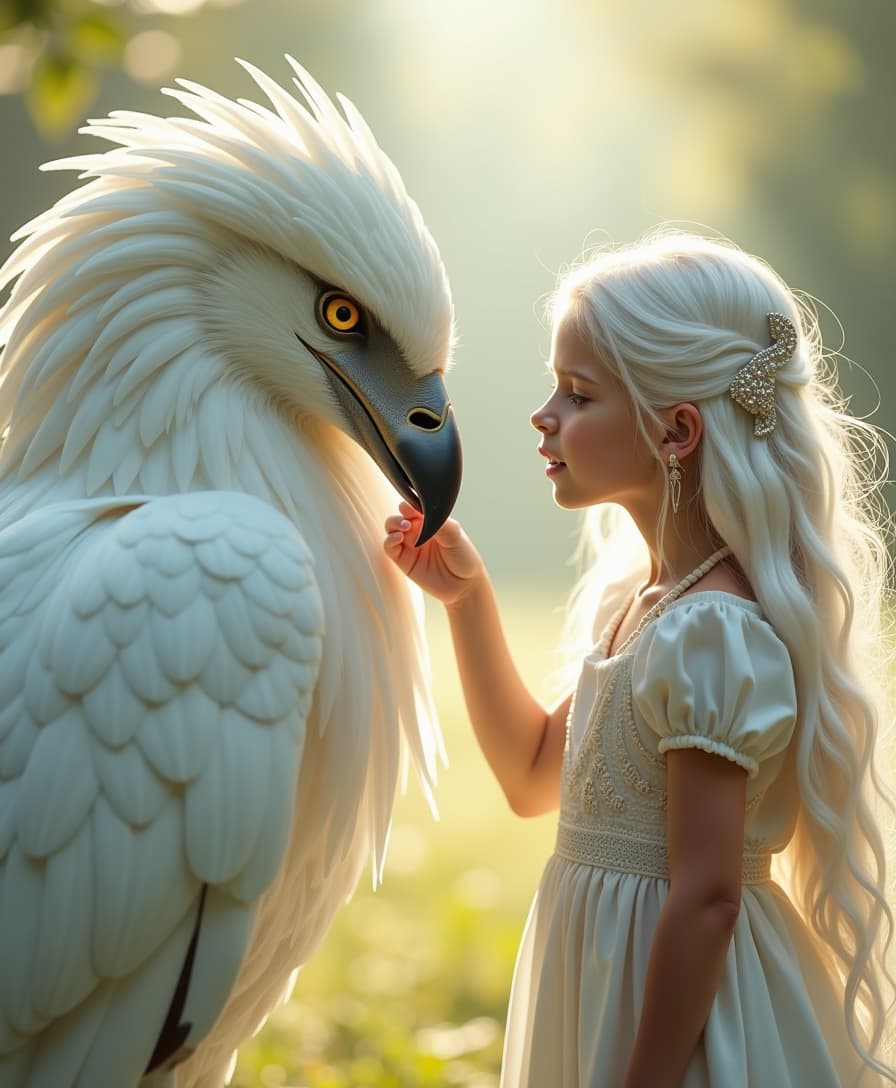
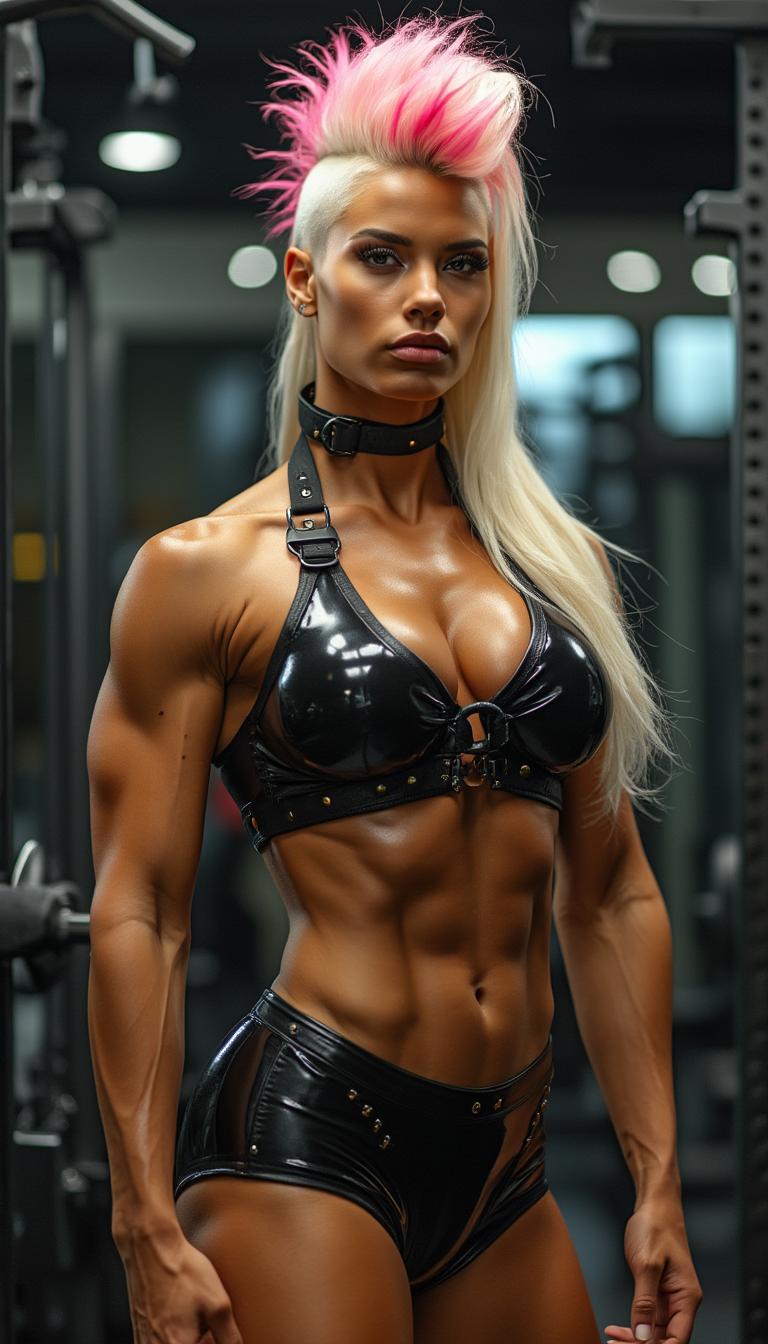
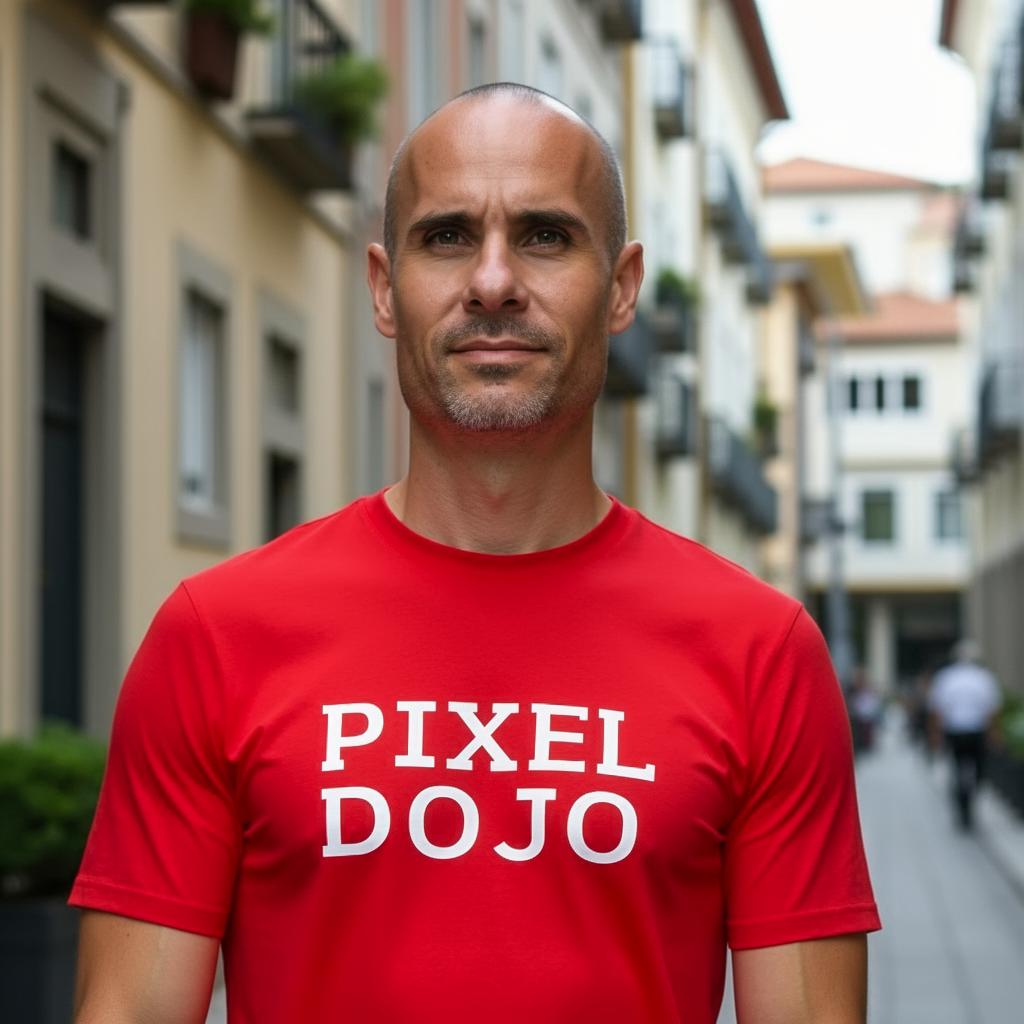
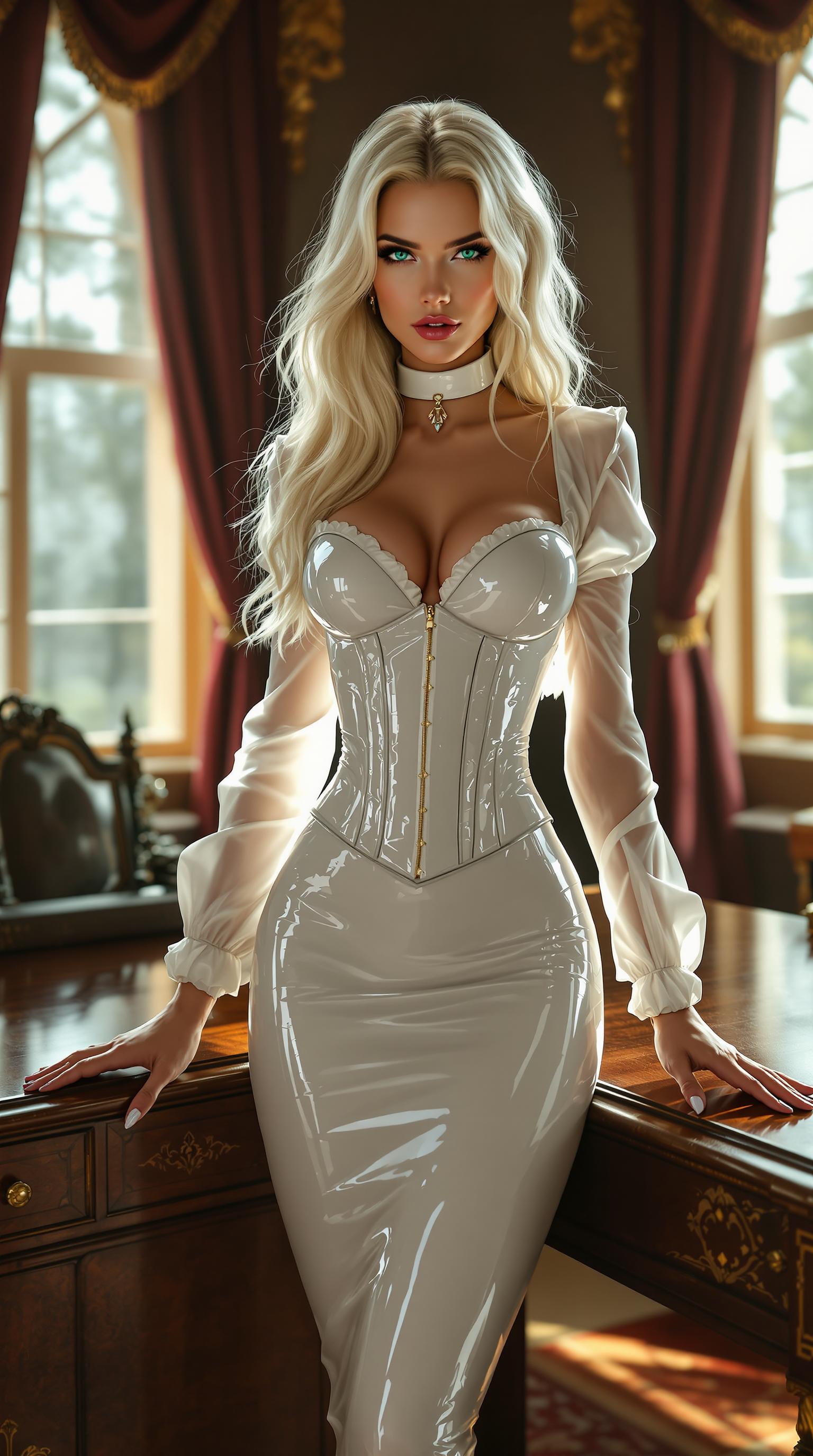
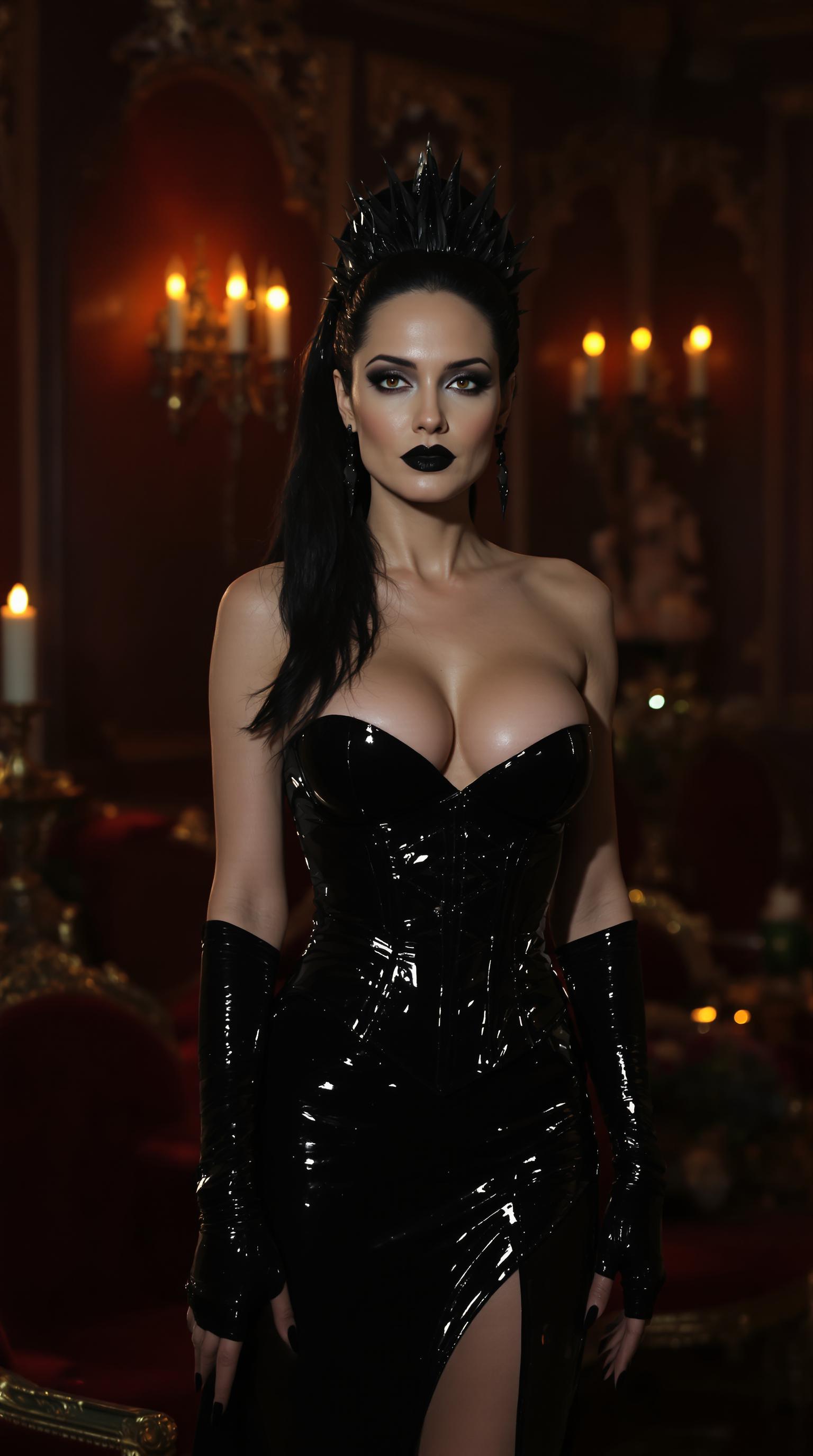
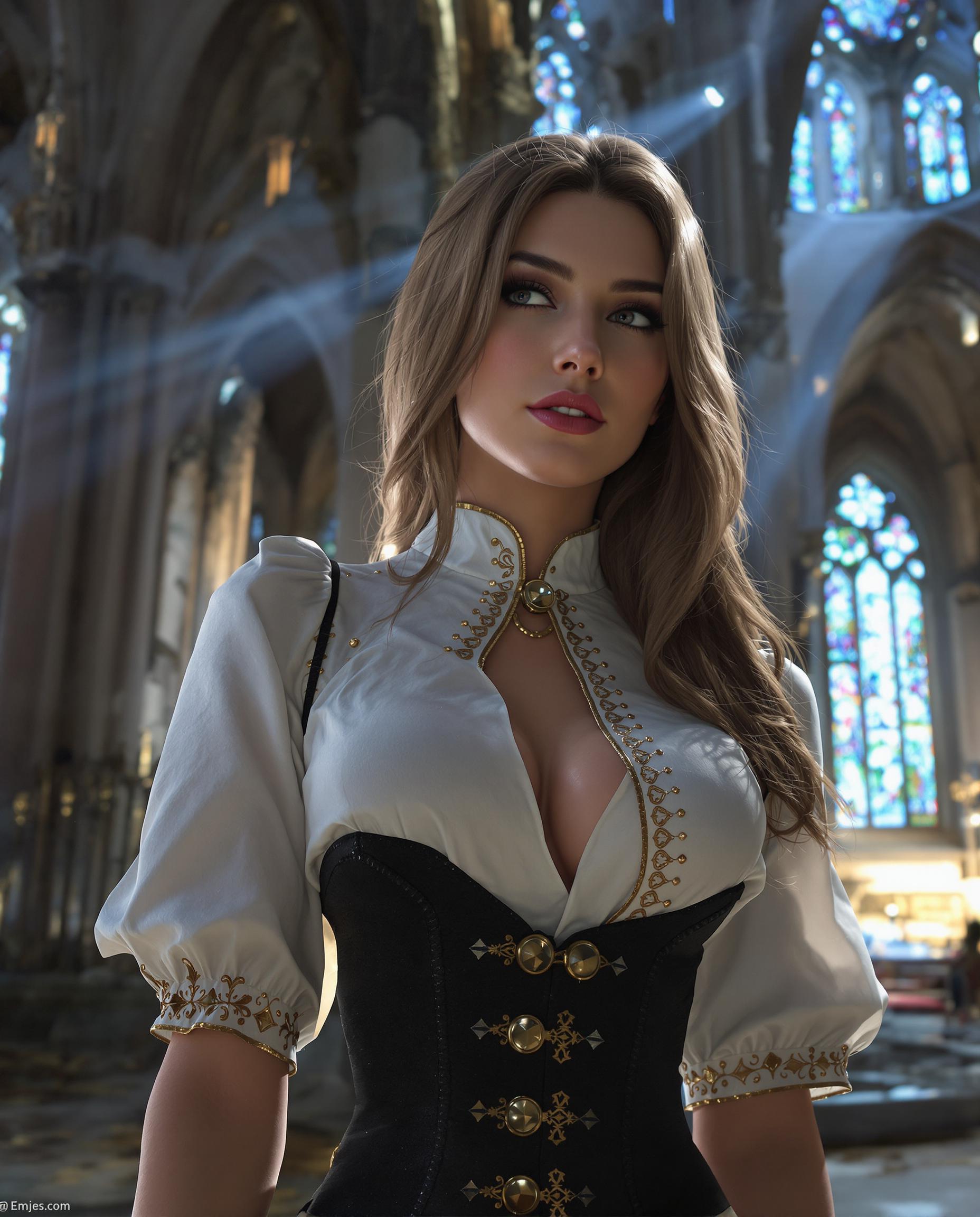
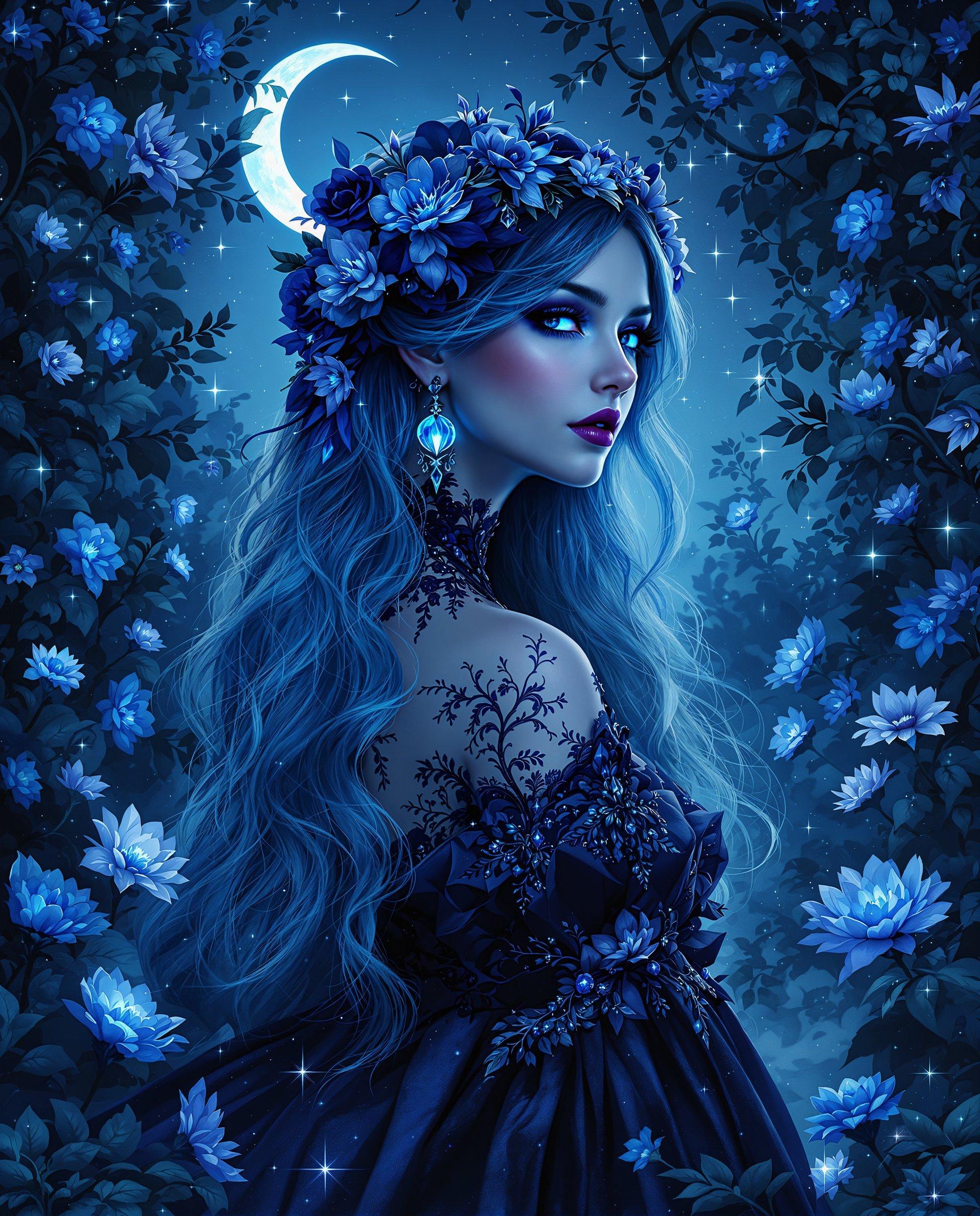
Creating consistent characters across multiple images is crucial for storytelling, branding, and design. With PixelDojo's Qwen Image 2.0, you can effortlessly maintain character identity across various scenes, poses, and expressions, ensuring a cohesive visual narrative without the need for manual adjustments.
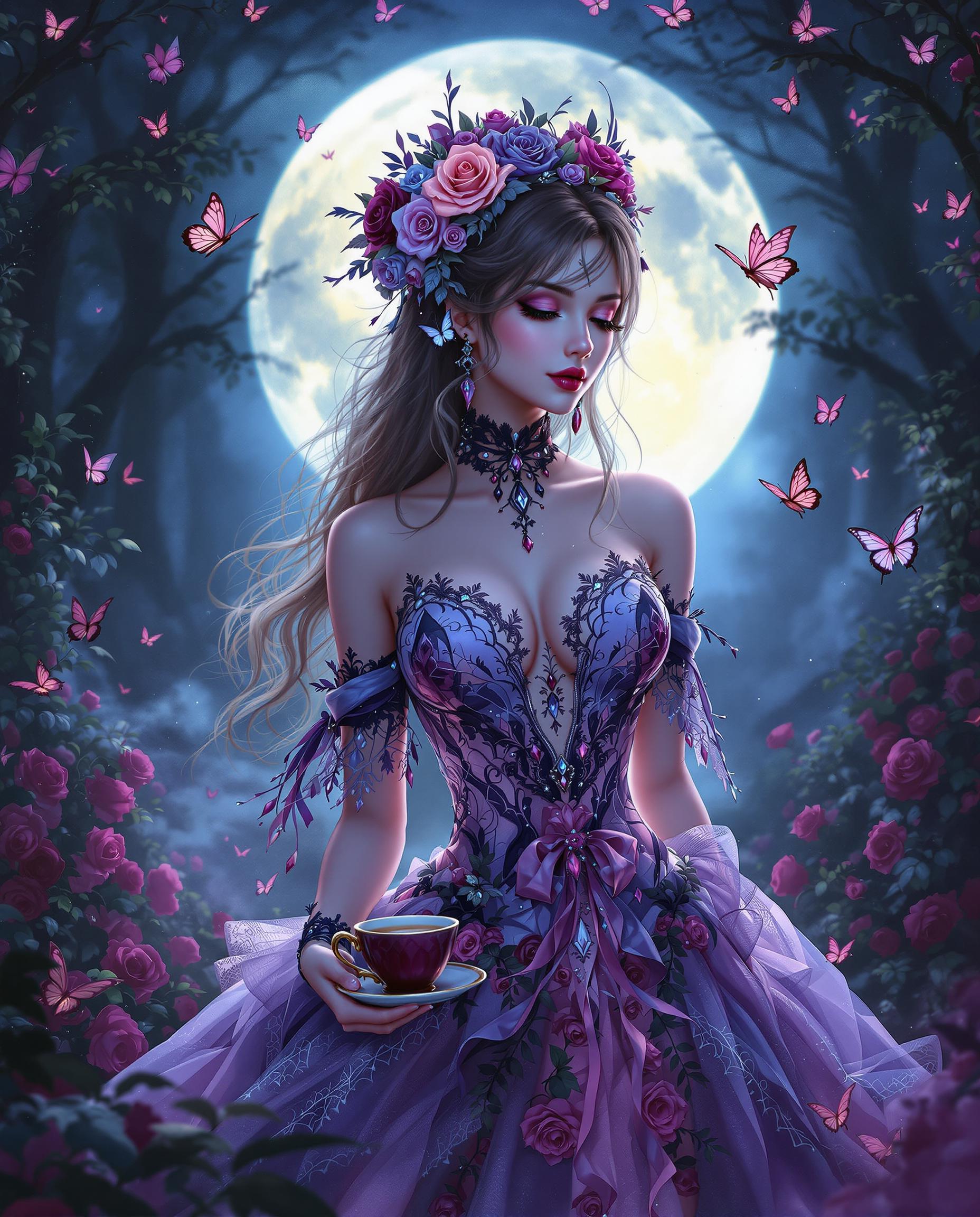
Join thousands of creators who have transformed their workflows with PixelDojo's cutting-edge AI tools, achieving a 95% satisfaction rate and generating over 1 million images to date.
Why Choose Pixel Dojo for qwen image 2.0 consistent characters
Professional-quality results with cutting-edge AI technology
Effortless Character Consistency
Maintain character identity across multiple images without manual adjustments.
Time-Saving Automation
Generate consistent character images quickly, reducing the need for repetitive editing.
Versatile Creative Control
Customize characters with different poses, outfits, and backgrounds while preserving their core features.
How It Works
Creating consistent character images with PixelDojo's Qwen Image 2.0 is simple and intuitive. Follow these steps to bring your characters to life:
Step 1: Choose Your Tool
Select the Qwen Image 2.0 tool from PixelDojo's suite to begin your character creation process.
Step 2: Enter Your Prompt
Describe your character in detail, including appearance, attire, and desired pose to guide the AI.
Step 3: Customize & Download
Review the generated image, make any necessary adjustments, and download the final version.

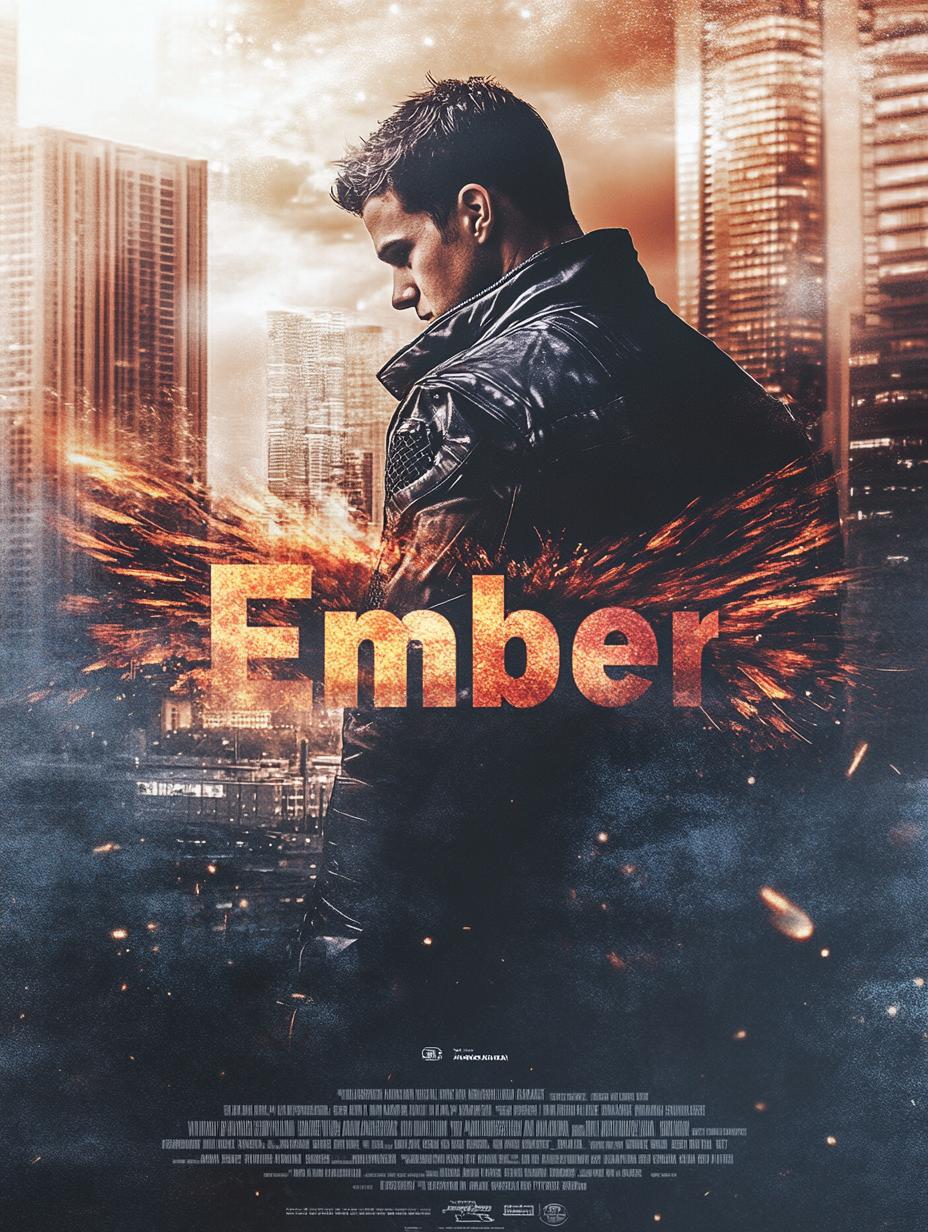
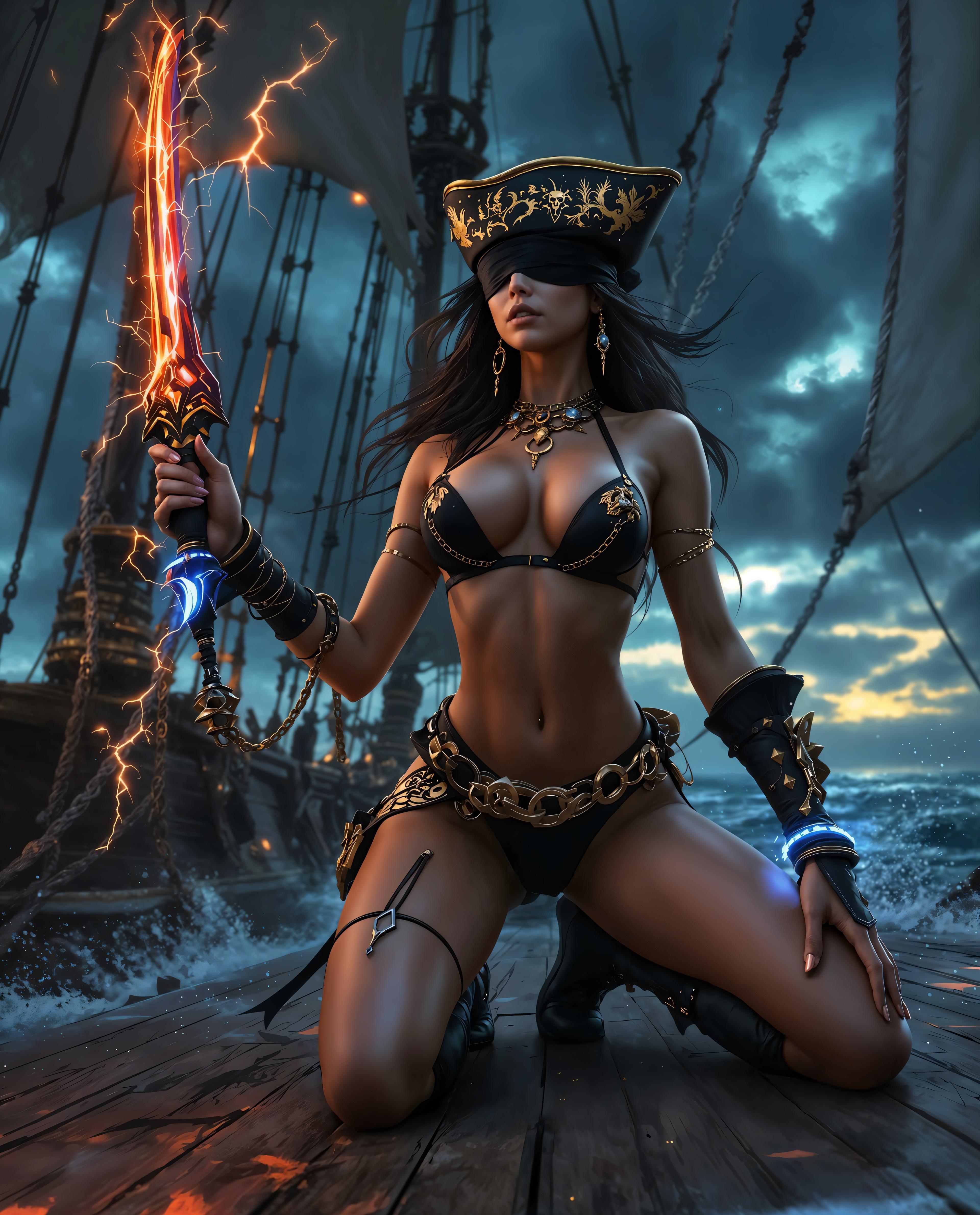

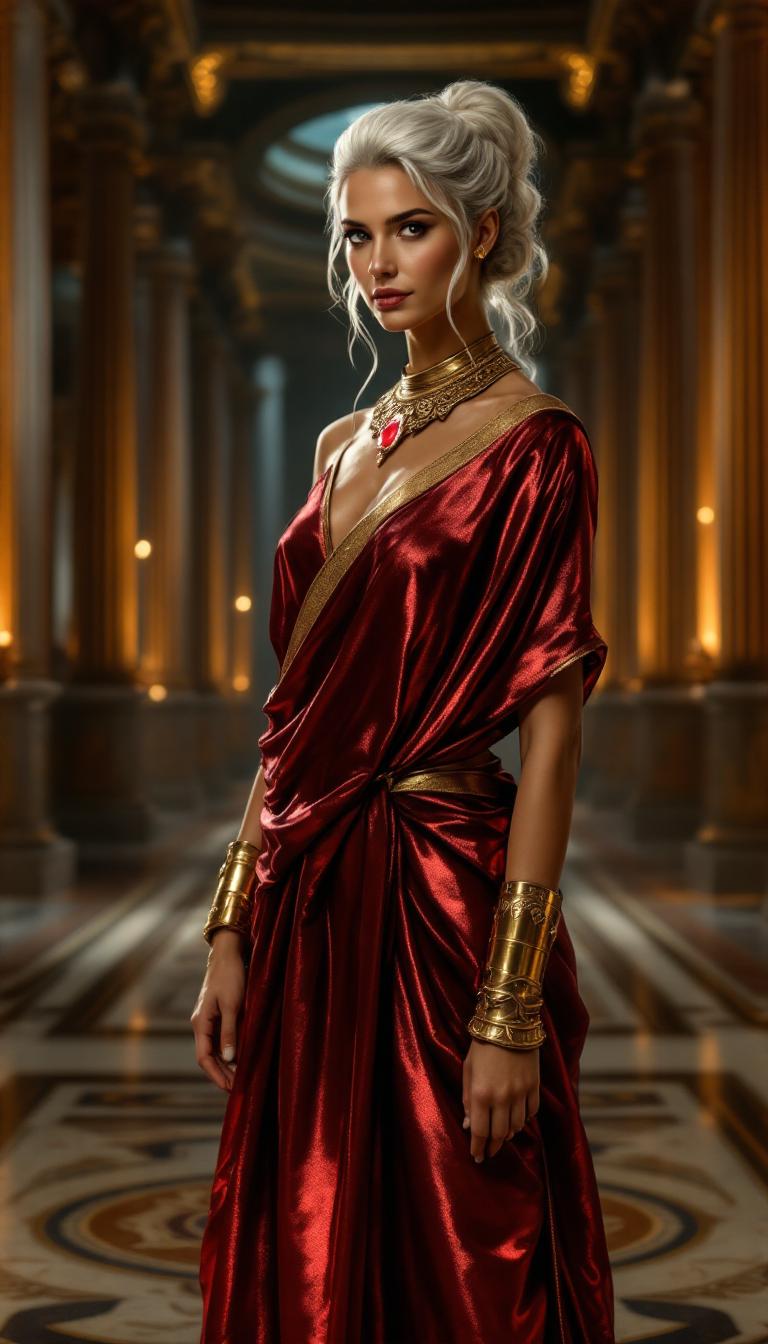
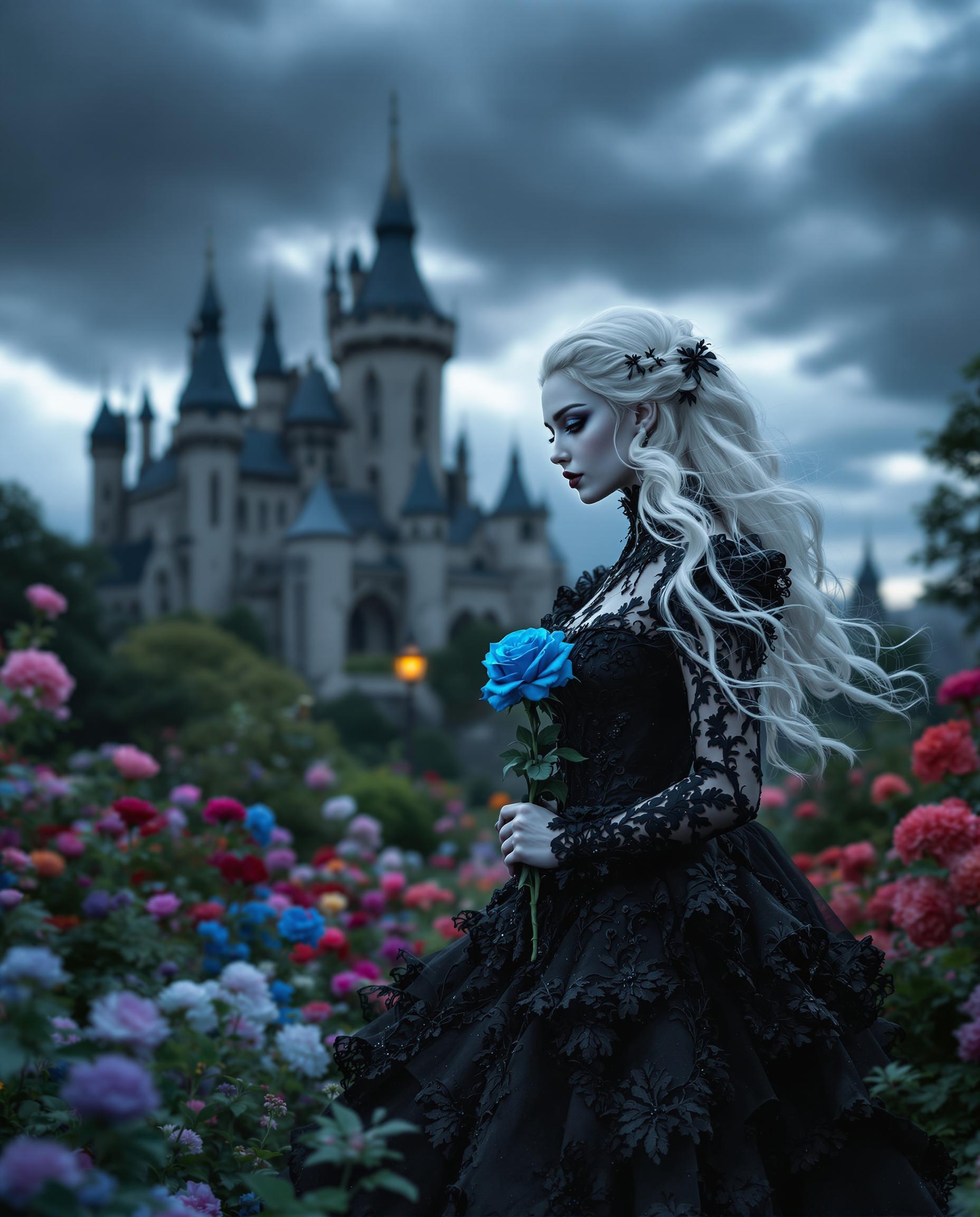
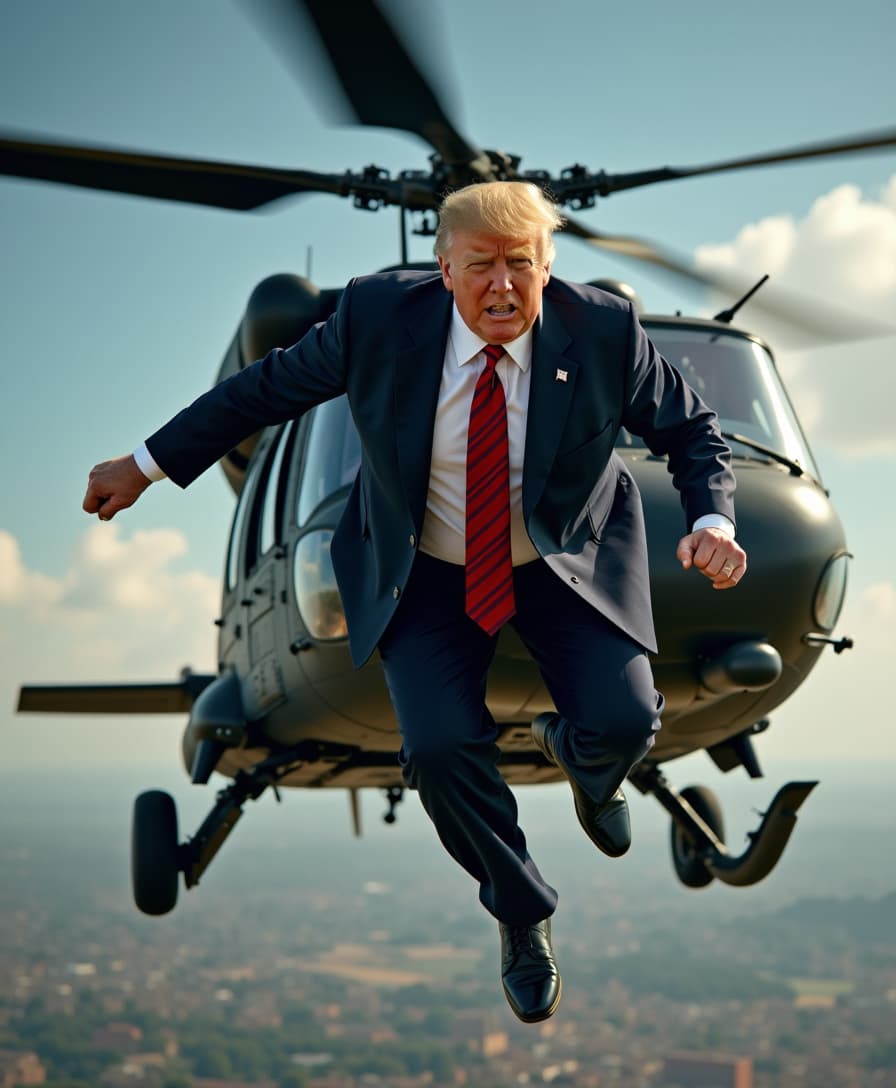


The Pixel Dojo Advantage
Why PixelDojo outperforms other options for consistent character image generation
| Others | Pixel Dojo |
|---|---|
| Traditional character design | Eliminates manual redrawing, saving time and ensuring accuracy. |
| Generic AI tools | Specifically designed for character consistency, reducing identity drift. |
| Manual photo editing | Automates repetitive tasks, allowing focus on creative aspects. |
Loved by Creators
See what our community says about qwen image 2.0 consistent characters
"PixelDojo's Qwen Image 2.0 has revolutionized my character design process, ensuring consistency across all my illustrations."
Alex Johnson
Illustrator
"As a game developer, maintaining character consistency is vital. PixelDojo makes it effortless and efficient."
Maria Lopez
Game Developer
Common Questions
Everything you need to know about qwen image 2.0 consistent characters AI generation
How does Qwen Image 2.0 ensure character consistency?
Qwen Image 2.0 utilizes advanced AI algorithms to analyze and replicate character features across multiple images, maintaining identity and appearance without manual intervention.
Can I customize character poses and backgrounds?
Absolutely! Qwen Image 2.0 allows you to specify different poses, outfits, and backgrounds while preserving the character's core features.
Is there a limit to the number of images I can generate?
PixelDojo offers flexible subscription plans to suit your needs, allowing you to generate as many images as required.
Do I need prior design experience to use Qwen Image 2.0?
No prior design experience is necessary. Qwen Image 2.0 is user-friendly and designed for both beginners and professionals.
How long does it take to generate an image?
Image generation is swift, typically taking only a few seconds per image, depending on complexity.
Can I use the generated images for commercial purposes?
Yes, images created with Qwen Image 2.0 can be used for both personal and commercial projects.