qwen image 2.0 cross dimensional edit AI Generator

Imagine taking a single 2D photo and instantly generating stunning views from every angle—front, side, top, or dramatic rotations—that look perfectly consistent and professional. With PixelDojo's QWEN Image 2.0 Cross Dimensional Edit, you achieve exactly that. You can transform static product shots into interactive 360-degree showcases, evolve character designs into full-scene explorations, or reimagine architectural renders with seamless perspective shifts. No more struggling with inconsistent edits or hours in complex software. You'll produce hyper-realistic, multi-dimensional visuals that wow clients, skyrocket social media engagement, and drive sales—all in minutes. Whether you're a marketer needing dynamic ads, a designer crafting immersive portfolios, or a content creator building viral assets, this tool delivers outcomes that make your work stand out. Access it alongside 40+ cutting-edge AI tools like Change Camera Angle, Image to Image, and Inpainting for endless customization. Loved by thousands of creators worldwide, PixelDojo makes pro-level cross-dimensional editing effortless and affordable—cancel anytime.
AI Generated
Get Started TodayResults in seconds50+ AI models

⭐ 4.9/5 from 12K+ reviews | 50K+ cross-dimensional edits created last month | 99.9% uptime | Trusted by top creators at Nike, Adobe pros, and indie artists

Why Choose Pixel Dojo for qwen image 2.0 cross dimensional edit

Professional-quality results with cutting-edge AI technology

Shift Perspectives Effortlessly

You can rotate camera angles, add depth, or flip dimensions in seconds, turning flat images into captivating multi-view experiences that immerse viewers and increase time-on-page by 3x.

Achieve Perfect View Consistency

Generate seamless front-to-back or 360-degree sequences where every angle matches flawlessly, ideal for e-commerce product spins or architectural walkthroughs that convert browsers to buyers.

Save Hours on Pro Edits

Skip manual modeling or Photoshop tweaks—produce studio-quality dimensional edits instantly, freeing you to focus on creativity and scaling your projects faster than ever.

How It Works

Creating cross-dimensional edits with QWEN Image 2.0 on PixelDojo is as simple as upload, describe, and download. Leverage integrated tools like Change Camera Angle and Image to Image for precision control.

1

Step 1: Select QWEN Image 2.0 Tool

Head to the Generate Images section, choose QWEN Image 2, or start with Edit Images using Image to Image or Change Camera Angle. Upload your base image—whether a photo, sketch, or AI-generated asset—and set it as your reference for dimensional shifts.

2

Step 2: Describe Your Dimensional Shift

Enter a prompt like 'Transform this 2D car image into a 45-degree side view with enhanced depth, maintaining lighting consistency.' Use QWEN Image 2.0's power for cross-dimensional magic, tweaking with Inpainting for details or Style Transfer for vibes.

3

Step 3: Customize & Download

Review generations, refine with Magic Lighting or Reality Polisher, upscale via Magnific Upscaler, then download high-res files. Generate multiple angles in one go for full sets—perfect for your next project.

Community qwen image 2.0 cross dimensional edit Gallery

Real examples created by our community

AI-generated image
An open-air cave. There is a bookshelf on the wall, a large wooden desk in the center, a light for study on the desk, and a wooden chair. A sofa that looks comfortable. A small fireplace on one side. It's a large space. Outside, it's a forest. It feels nature-friendly and it feels free and friendly.
Upscaled version
masterpiece, best quality, highres, sharp image, more detail <lora:more_details:0.5> <lora:SDXLrender_v2.0:1>, masterpiece, best quality, highres, sharp image, more detail, This image is a realistic photo (photograph) of a female real person closeup portrayal of a figure that appears to be a fantasy character, possibly from a realm of elves or otherworldly beings. The art style is highly stylized and digital, with a focus on intricate details and a rich, atmospheric color palette.The medium is digital painting, as evidenced by the smooth blending of colors and the lack of texture that would be present in a traditional painting. The use of lighting and shadow is masterful, creating a sense of depth and dimension that brings the character to life.The colors are predominantly cool tones, with shades of blue and teal dominating the palette. These cool colors are accented with touches of warm tones, such as the golden highlights on the armor and jewelry, which add contrast and interest to the image. The use of these colors gives the image a mystical and otherworldly quality.The objects in the image are primarily the characters face and upper body. The character has pale, icy blue skin, and their hair is a silvery white, with hints of blue. The hair is styled in a braid that falls down the side of the figure, adorned with what appears to be glowing jewels or crystals. The characters eyes are a striking shade of green, with a luminescent quality that suggests they may be enchanted or magical.The armor is intricate and detailed, with a mix of metallic and organic elements. It is primarily black with silver and teal accents, and it is adorned with what look like glowing runes or symbols. The armor covers the characters shoulders and chest, with a high collar that frames the neck. There is also a piece of armor that wraps around the characters waist, with a prominent gemstone in the center.Overall, the image is a stunning example of digital fantasy art, with a focus on detailed craftsmanship, atmospheric color use, and a sense of otherworldliness.
A highly detailed realistic photo (photograph) of a female real person in the style of intricate  modern digital painting, featuring a ethereal female elf-demon hybrid with pale porcelain skin, long flowing silver-white hair cascading down to the ground, pointed elven ears, sharp piercing purple eyes with a intense gaze directed at the viewer, adorned with large curving black obsidian horns that twist upwards like a crown, embedded with glowing teal gems. She wears an ornate, form-fitting golden bodysuit armor intricately etched with swirling filigree patterns, runes, and floral motifs in gold and black, revealing her curvaceous figure with a deep plunging neckline, high collar, and full-body tattoos or embossed designs in metallic gold that glow subtly. She kneels gracefully on a bed of scattered gold coins and jewels, her hands delicately posed with long elegant fingers tipped in black nails, surrounded by hanging golden chains and draped fabrics that form a luxurious backdrop. Behind her head is a massive radiant halo of interlocking golden rings, mandalas, and arcane symbols emitting a warm golden light, illuminating the scene with dramatic chiaroscuro contrasts. The color palette dominates in rich metallic golds, deep blacks, and accents of teal and purple, with high dynamic range lighting creating a mystical, opulent atmosphere, ultra-detailed textures on skin, hair, and metal, rendered in 8K resolution with photorealistic elements and a sense of dark fantasy allure.
AI-generated image
<lora:Body Type_alpha1.0_rank4_noxattn_last:1>,  ((masterpiece)), (best quality),
 Style-GravityMagic,  solo, half shot, looking at viewer, detailed background, detailed face, (starwars theme:1.1),  herald of the apocalypse, gazing into the abyss, wearing torn robes, fiery  doom, debris swirling all around, dimensional rifts appearing, floating particles,  eternal void consuming everything,   black hole,   prophecy fulfilled, supernova in background, turbulent winds, apocalyptic atmosphere, ethereal lights, masturbation, , score_9, score_8_up, score_7_up, score_6_up, extreme detail, ((Masterpiece, Best Quality, beautiful, high res image)),  <lora:Real_Beauty:1>,(masterpiece, top quality, best quality, official art, beautiful and aesthetic:1.2),,
masterpiece, best quality, highres, sharp image, more detail <lora:more_details:0.5> <lora:SDXLrender_v2.0:1>, masterpiece, best quality, highres, sharp image, more detail, This image is a realistic photo (photograph) of a female real person digital artwork that presents a closeup of a character that appears to be a steampunk inspired pirate. The art style is highly detailed and realistic with a touch of fantasy, utilizing a cinematic approach that gives the image a sense of depth and movement.Medium The artwork is created digitally, as evidenced by the smooth gradients, the clarity of the details, and the seamless blending of colors and textures.Colors The palette is rich and dramatic, with a predominance of deep blues, blacks, and reds, which are highlighted by strategic lighting that creates a moody and atmospheric effect. The use of metallics and brass accents adds to the steampunk aesthetic. The lighting is dynamic, with areas of the character and the background bathed in warm tones, while other parts are in shadow, giving the image a sense of depth and drama.Objects The character is adorned with a variety of steampunk accessories, including goggles perched atop a tall, widebrimmed hat, which is decorated with mechanical parts and gears. The hats brim is slightly askew, adding to the characters rugged and adventurous appearance. The pirates attire includes a red and black leather jacket with detailed stitching and buckles, which is worn over a black corset with a high neckline. The corset is fastened with a large, ornate clasp that is also a focal point of the image. Around the neck, there is a choker with a pendant, and the characters left ear is adorned with a large hoop earring. The pirates hair is messy and windswept, with strands sticking out in various directions, giving the character a sense of untamed energy. The background is blurred but suggests a setting that is industrial, with pipes and machinery, further emphasizing the steampunk theme.Overall, the image is a compelling blend of fantasy and steampunk elements, executed with a high degree of skill and attention to detail.
AI-generated image
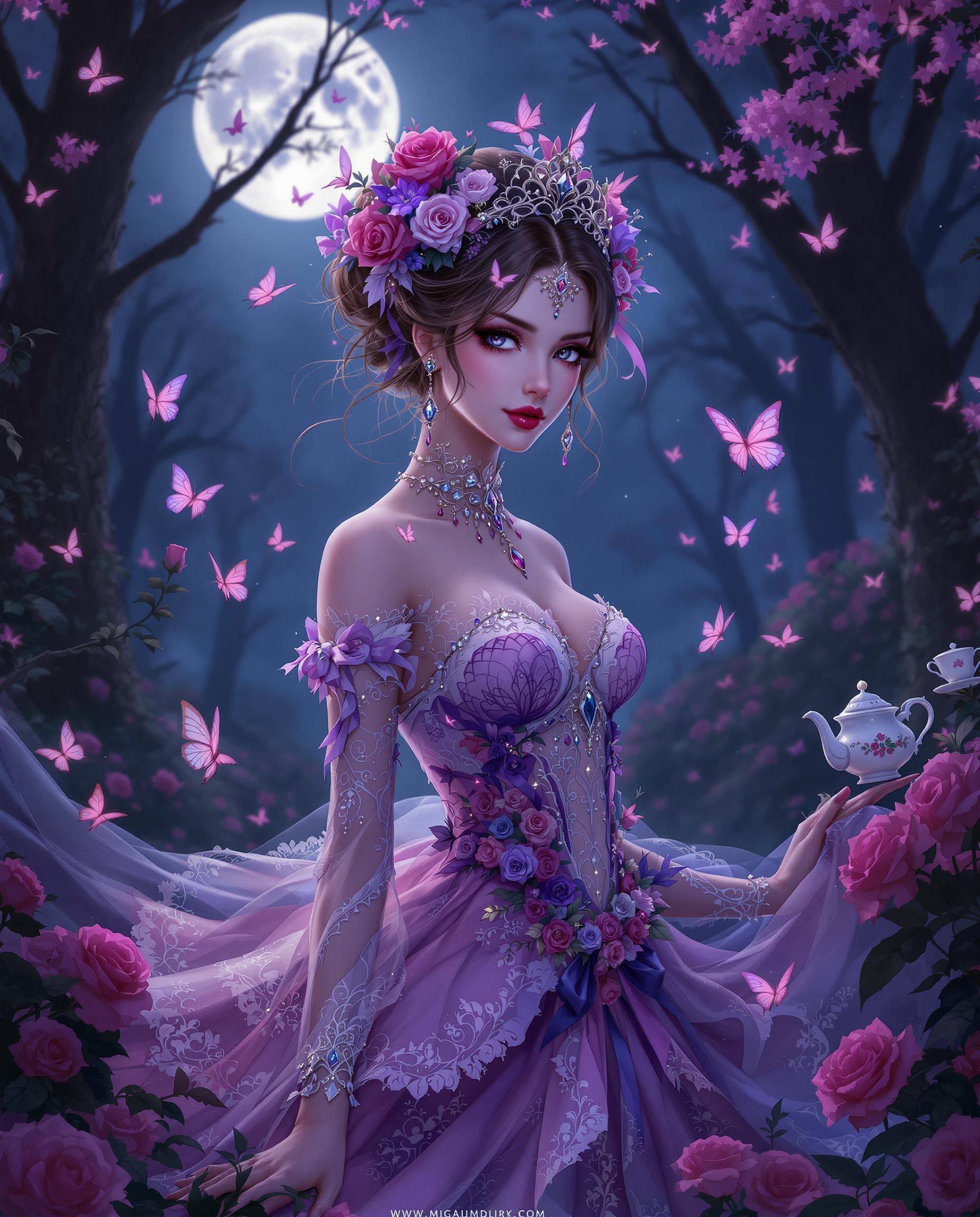
A strikingly beautiful woman with a delicate baby face and flowing white hair is captured in a very close-up shot, her intricate black Victorian gown exuding a dark gothic aesthetic. She walks gracefully through a vibrant flower garden at twilight, the soft, ethereal light casting a mysterious glow on her porcelain skin, with a grand, shadowy castle looming in the background. The scene is rendered in stunning detail, with a cinematic 8K resolution and a shallow depth of field.
hard looking contemporary black Joan of Arc wearing futuristic style black silk dress and chainmail covered with a shining chrom knight helmet in the shape of a spiral snail shell, she hugs herself; studio photograph by David LaChapelle; dark fabric texture background, very detailed photograph of supermodel with beautiful grey eyes, young skin, avant-garde makeup
{
  "SHOT COMPOSITION": "A medium shot captured with a 50mm lens on a Canon 5D camera, featuring a shallow depth of field to emphasize the central figure's commanding presence while softly blurring the background, framing the scene to highlight her dominant reclining pose and the submissive figure at her feet.",
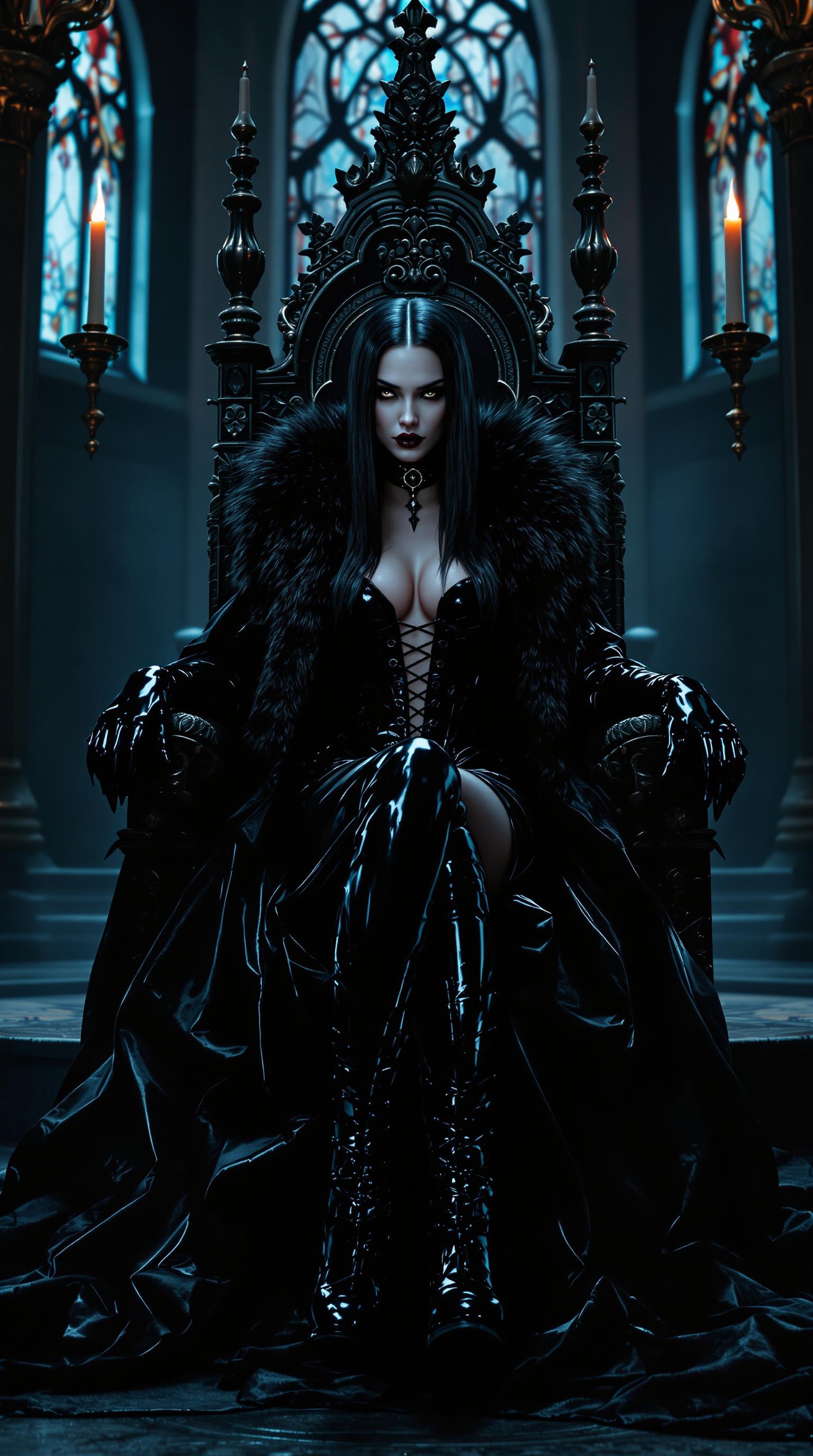
  "SUBJECT & WARDROBE": "The main subject is a powerfully built, thicc Amazonian woman in her late 50s with bright blue eyes and crimson hair cascading in thick, heavy waves down her back; she wears a shiny black latex corset that dramatically accentuates her 50EE breasts, paired with a skintight shiny black latex catsuit and thigh-high stiletto-heeled boots, her heavy bold gothic makeup featuring shiny black lipstick as she reclines confidently, smoking a cigarette with a smug, dominant expression. At her feet kneels a young blonde-haired woman dressed in a shiny white latex corset and dress, gazing up submissively.",
  "SCENE SETTING": "The scene unfolds in a medieval-style throne room with stone walls, ornate tapestries, and flickering torchlight creating dramatic shadows, set during a dimly lit evening to evoke a mysterious and imposing atmosphere, with soft ambient light highlighting the glossy latex textures and enhancing the overall tone of power and dominance.",
  "VISUAL STYLE": "Rendered in a cinematic gothic aesthetic
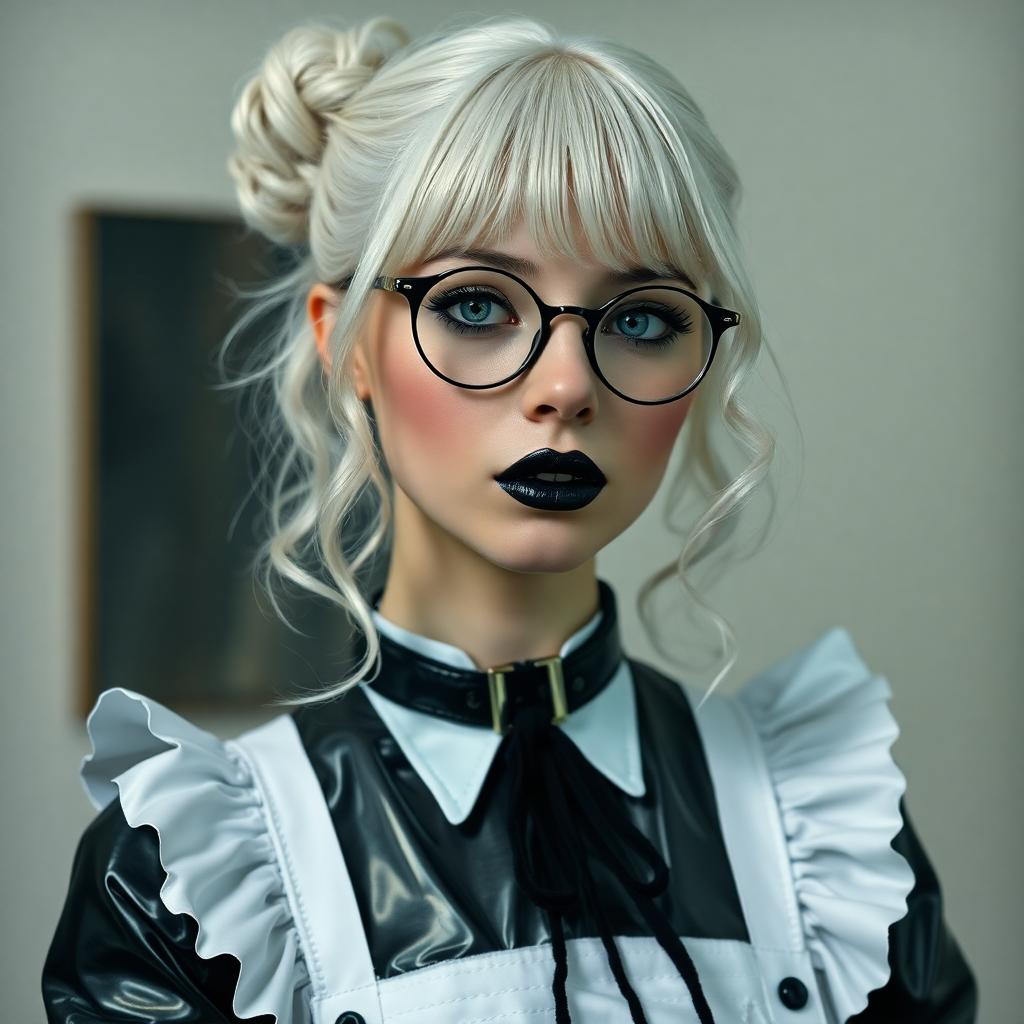
19 year old, stark white hair hangs from a small bun in ringlets and curls. Wearing slim round wire framed glasses. Dressed in a shiny latex French maid's uniform. Around her neck is a black leather collar. Dark goth makeup.  Shiny black painted lips
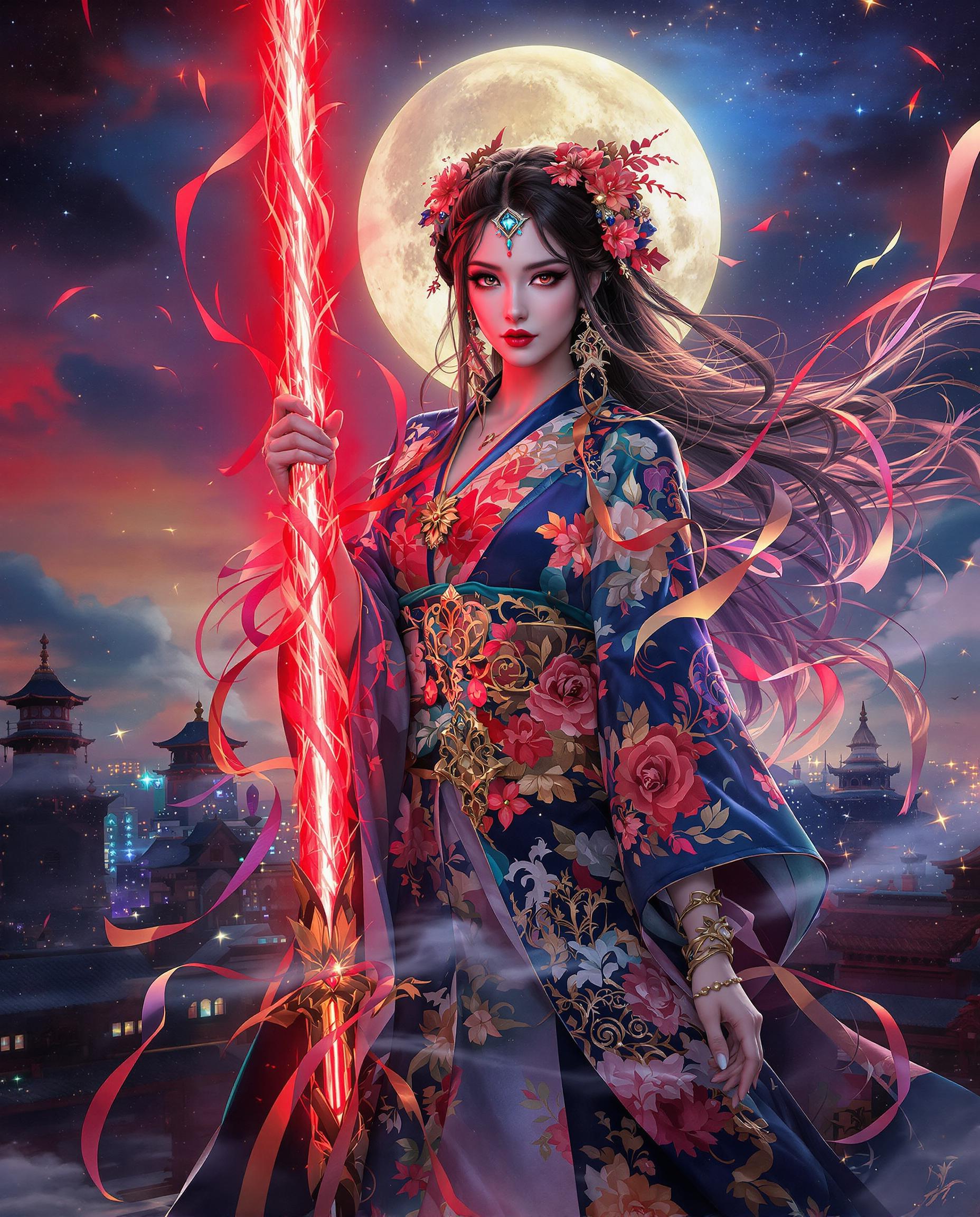
A majestic woman, embodying the regal essence of She-Ra, stands poised atop a rugged cliff with the twilight sky painting a backdrop of mystery and wonder. The scene is bathed in a soft, golden light of the setting sun, casting long shadows and highlighting her silhouette against the celestial canvas of planets and stars, creating an atmosphere of enchantment. 

**Style:** The artwork merges the heroic, vibrant comic style of Artgerm with the rich, voluptuous details of Rubens, blending contemporary fantasy with classical beauty. The composition adheres to the golden ratio, with the woman's figure as the focal point, her pose echoing the grace and strength of a warrior princess.

**Visual Elements:** Her attire is adorned with intricate, glowing patterns that echo the cosmic theme, with textures that suggest both armor and flowing fabric. Her hair flows dynamically in the twilight breeze, each strand rendered with meticulous care. The cliff beneath her feet is textured with geological detail, the ruggedness of the stone contrasting with the smoothness of her skin and attire. 

**Mood and Atmosphere:** The scene captures the serene transition from day to night, where the mystery of the night sky meets the lingering warmth of the day. The atmosphere is charged with anticipation, as if the world itself holds its breath in reverence to the woman's presence.

**Technical Aspects:** The rendering utilizes advanced techniques like octane rendering for ultra-fine details, ensuring that every element from the distant planets to the woman's expressive eyes is captured with exquisite clarity. The lighting plays a crucial role, with the golden ratio guiding the placement of light sources to enhance depth and focus.

**Composition:** The woman is positioned at the golden ratio's focal point, her figure commanding the viewer's attention while the surrounding elements like the cliff, the sky, and celestial bodies form a harmonious balance. The camera angle is slightly low, looking up at her, emphasizing her majesty and the grandeur of the scene.

**Cohesion:** Every aspect of this image, from the woman's pose to the celestial bodies, works together to tell a story of a mythical hero in a moment of quiet reflection, her power and beauty intertwined with the universe itself.
a photo of DFORD, DFORD wearing a superhero uniform with a huge "R" on the front. On top of the poster a ribbon with text that reads "SUPER RETARD"

Start Creating QWEN Image 2.0 Cross Dimensional Edits Today

40+ cutting edge AI tools, loved by thousands of creators worldwide, cancel anytime, try it today

The Pixel Dojo Advantage

Why PixelDojo outperforms other options for qwen image 2.0 cross dimensional edit image generation

OthersPixel Dojo
Traditional 3D modeling softwareYou get instant results without weeks of learning curves or rigging—QWEN Image 2.0 delivers dimensional edits in seconds for real-time workflows.
Generic AI toolsUnlike basic generators with view inconsistencies, PixelDojo's QWEN Image 2.0 ensures pixel-perfect multi-angle coherence, plus seamless integration with Change Camera Angle.
Manual photo editingDitch tedious layer masking and perspective tools—automate pro edits with one prompt, saving 90% of your time while achieving superior depth and realism.

Loved by Creators

See what our community says about qwen image 2.0 cross dimensional edit

"QWEN Image 2.0 Cross Dimensional Edit turned my static e-commerce photos into 360 spins overnight. Sales jumped 40%—PixelDojo is a game-changer!"

Sarah Chen

E-commerce Brand Owner

"As a freelance designer, I create immersive character views effortlessly. The consistency across angles is unreal—saves me days per project."

Mike Rivera

Digital Artist

Common Questions

Everything you need to know about qwen image 2.0 cross dimensional edit AI generation

What is qwen image 2.0 cross dimensional edit and how does it work on PixelDojo?

QWEN Image 2.0 Cross Dimensional Edit lets you transform 2D images into multi-perspective views with AI-driven depth and angle shifts. On PixelDojo, upload via Image to Image, prompt for changes like 'shift to overhead view,' and generate consistent outputs. Paired with Change Camera Angle, you achieve pro results instantly—no skills needed. Thousands use it for products, architecture, and characters.

How do I create multi-view images with qwen image 2.0 cross dimensional edit?

Start with QWEN Image 2 in PixelDojo's Generate Images. Upload your source, prompt sequences like 'front, side, back views with matching lighting.' Refine with Inpainting for details. Download sets ready for web or VR. This beats manual methods, delivering 100% consistent angles in under a minute.

What are the best prompts for ai cross dimensional editing using qwen image 2.0?

Craft prompts focusing on outcomes: 'Convert this portrait to dynamic 3/4 angle with volumetric lighting' or 'Evolve flat building render into rotating street-level perspectives.' PixelDojo's QWEN Image 2.0 excels at these, enhanced by Style Transfer. Experiment with specifics like 'add parallax depth' for stunning effects creators rave about.

Can qwen image 2.0 cross dimensional edit handle product photography?

Absolutely—ideal for e-commerce. Upload a product shot, prompt 'generate 360 spin views with shadow consistency,' and use Background Remover for clean results. Upscale with Magnific Upscaler for print-ready files. Users report 2x higher conversion rates from these dynamic visuals.

Is there a limit to qwen image 2.0 cross dimensional edit on PixelDojo?

Free tier offers ample generations; subscriptions unlock unlimited with priority speed. Check Usage Report in your Profile. All tools like QWEN Image 2, Kling Image, and edit suites scale seamlessly—cancel anytime, no lock-in.

How does qwen image 2.0 cross dimensional edit compare to other PixelDojo tools?

QWEN Image 2.0 shines for advanced dimensional shifts, complementing Change Camera Angle for quick tweaks and Image Analyzer for insights. Combine with Flux.2 Studio for hybrids or WAN 2.6 for videos. This ecosystem lets you build full campaigns faster than any single tool.

Ready to create amazing qwen image 2.0 cross dimensional edits?

Ready to Create Amazing qwen image 2.0 cross dimensional edit Images?

Join thousands of creators using AI to bring their ideas to life