qwen image 2.0 hand drawn poster AI Generator
Imagine turning your wildest poster ideas into authentic hand-drawn masterpieces that grab attention and drive results—without spending hours sketching or hiring expensive artists. With PixelDojo's QWEN Image 2.0, you get precisely that: vibrant, sketch-like posters with bold lines, artistic flair, and perfect composition tailored for promotions, events, social media, and branding. Whether you're a marketer launching a campaign, a small business owner needing eye-catching flyers, or a content creator wanting unique visuals, you'll produce professional-grade hand-drawn posters that feel personally crafted by a top illustrator. Achieve viral engagement, higher click-throughs, and standout designs effortlessly, all powered by cutting-edge AI optimized for intricate hand-drawn poster styles including vintage vibes, modern sketches, and illustrative ads.
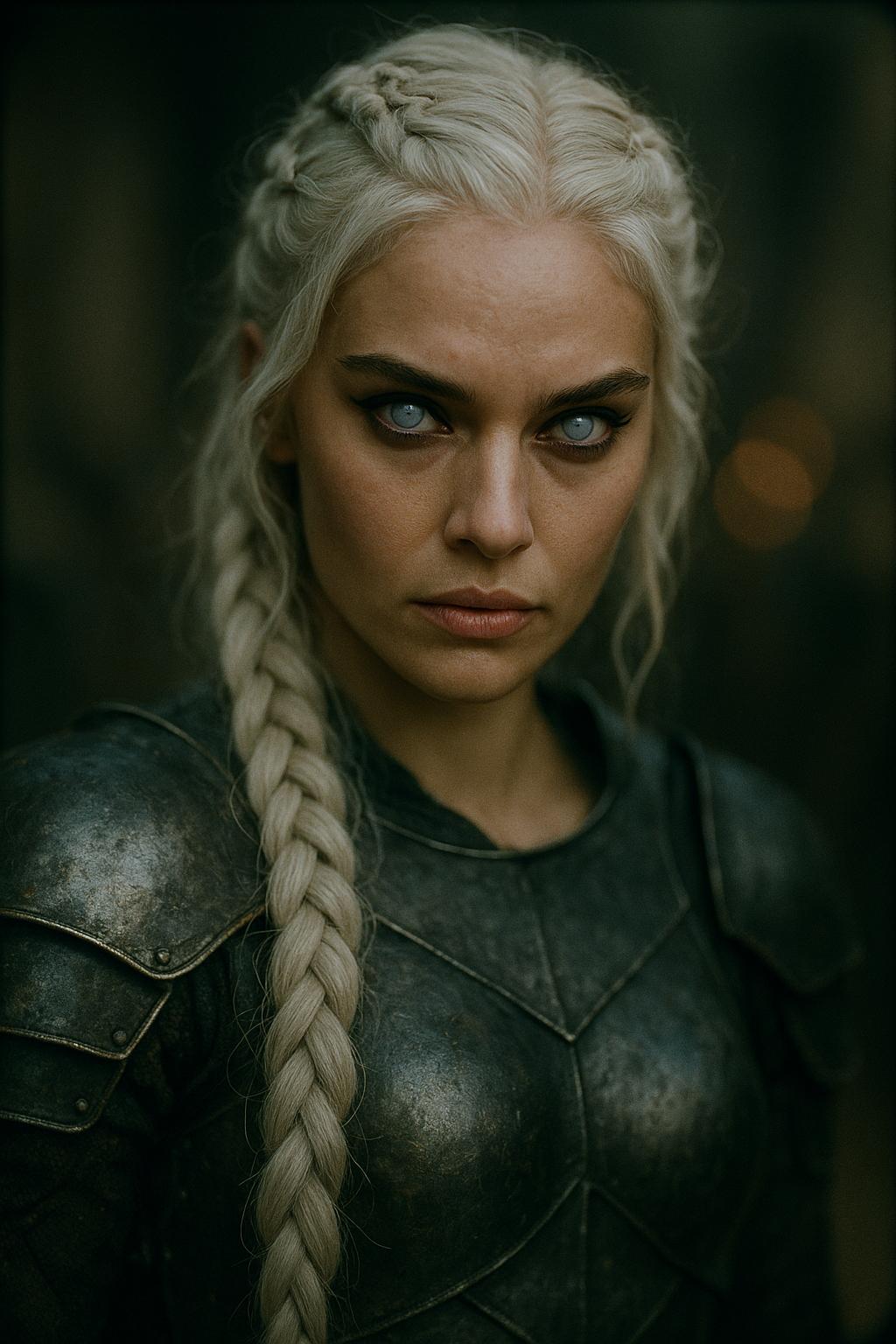
Trusted by 50,000+ creators worldwide | 4.9/5 stars from 12K+ reviews | Over 1M hand-drawn posters generated | Featured in top design communities
Why Choose Pixel Dojo for qwen image 2.0 hand drawn poster
Professional-quality results with cutting-edge AI technology
Captivate Audiences Instantly
Your posters will stand out with authentic hand-drawn charm—think bold ink strokes, whimsical sketches, and textured details that evoke emotion and draw eyes like custom artwork, boosting shares and conversions by up to 3x.
Slash Creation Time to Seconds
Ditch days of manual drawing; generate polished hand-drawn posters in moments, freeing you to focus on strategy while delivering pro results that rival studio artists—perfect for tight deadlines.
Customize Without Limits
Tailor every detail—swap styles from watercolor sketches to gritty line art, integrate your branding, and refine with PixelDojo's editing suite—so your posters perfectly match your vision and message.
How It Works
Creating hand-drawn posters with QWEN Image 2.0 on PixelDojo is dead simple, even if you've never designed before. Follow these 3 steps to go from idea to downloadable masterpiece.
Step 1: Choose Your Tool
Head to the Generate Images section and select QWEN Image 2—PixelDojo's powerhouse for hand-drawn poster styles. It's pre-tuned for sketch aesthetics, bold typography integration, and poster layouts trending in 2024 like retro event flyers and illustrative product ads.
Step 2: Enter Your Prompt
Craft a simple prompt like 'hand drawn poster for summer music festival, vibrant sketch style with bold guitar illustration, retro 70s vibes, event details at bottom'. QWEN Image 2.0 excels at trends like dynamic line work, subtle shading, and balanced compositions—hit generate for instant results.
Step 3: Customize & Download
Refine with PixelDojo tools: use Image to Image for tweaks, Inpainting for details, or Style Transfer for variations. Upscale with Magnific Upscaler for print-ready quality, then download in high-res PNG or JPG—ready for social, print, or web.
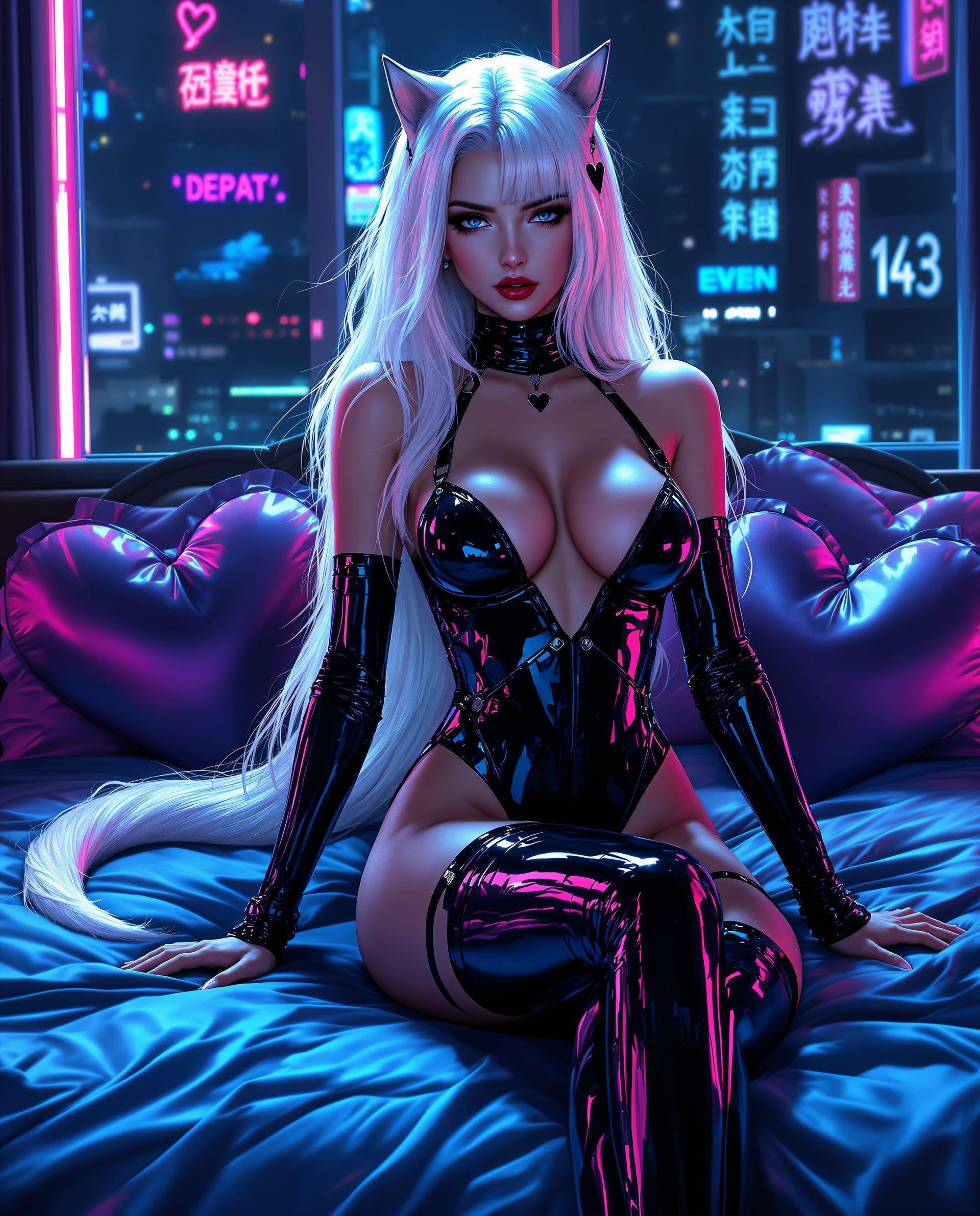

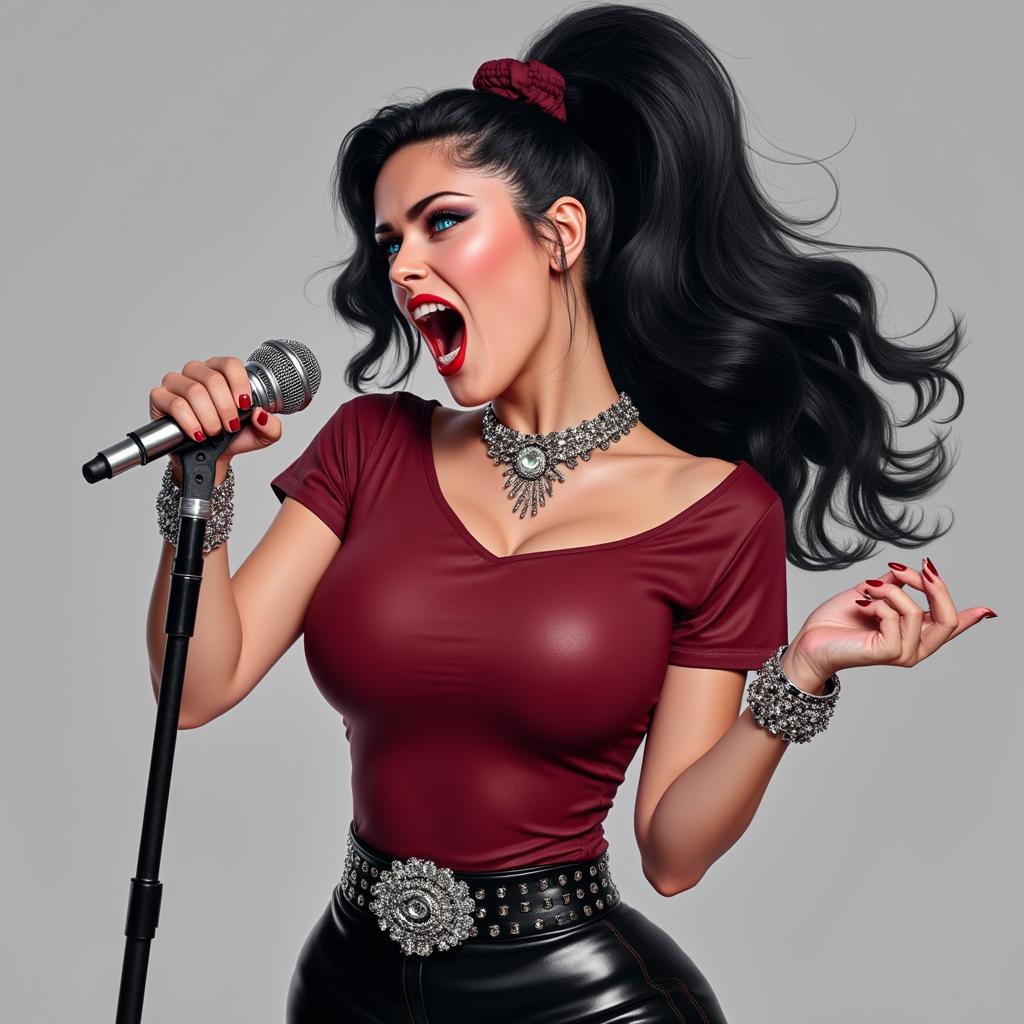


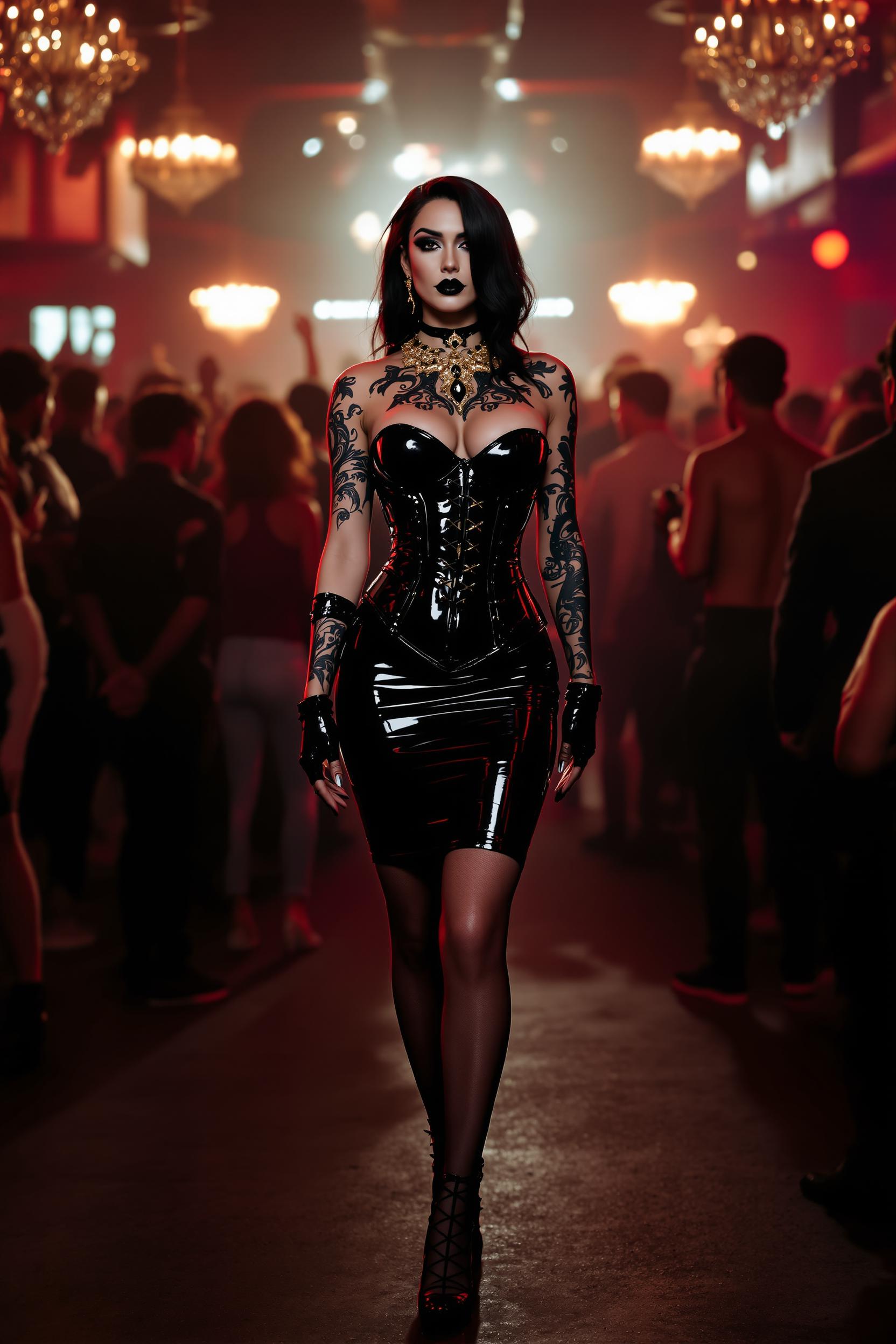


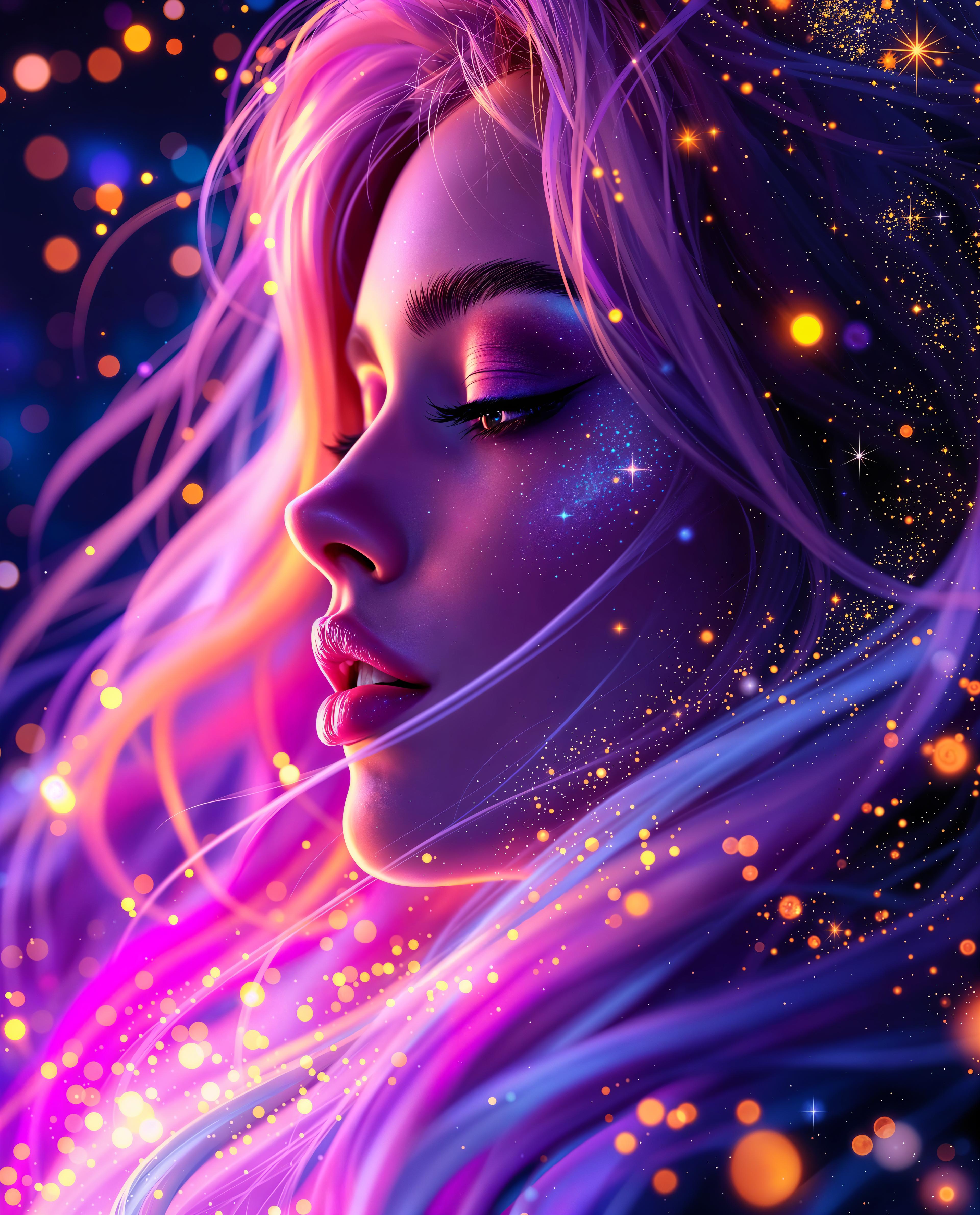
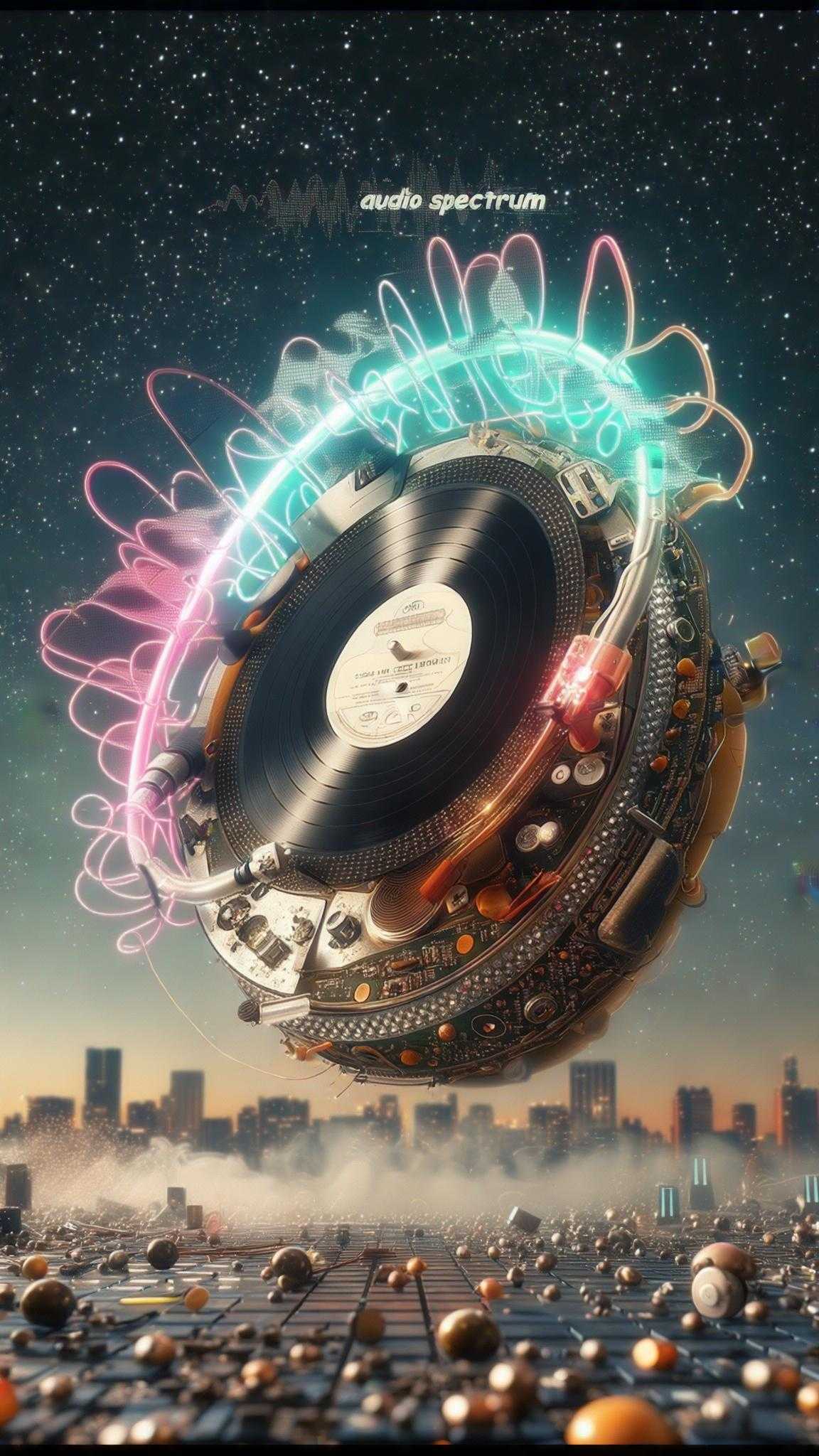
The Pixel Dojo Advantage
Why PixelDojo outperforms other options for qwen image 2.0 hand drawn poster generation
| Others | Pixel Dojo |
|---|---|
| Traditional hand-drawn creation | Hours or days of sketching replaced by seconds of AI magic, with consistent pro quality every time—no artist's block or fatigue. |
| Generic AI tools | QWEN Image 2.0's specialized hand-drawn tuning delivers authentic sketch textures and poster layouts that generics can't match, plus seamless PixelDojo edits. |
| Manual photo editing | Skip Photoshop guesswork; get true hand-drawn effects from scratch, with smart tools like Background Remover and Magic Lighting for flawless results. |
Loved by Creators
See what our community says about qwen image 2.0 hand drawn poster
"QWEN Image 2.0 on PixelDojo transformed my event posters—hand-drawn style looks so authentic, doubled my ticket sales overnight!"
Sarah Jenkins
Event Planner
"Finally, posters that pop with sketch vibes without hiring designers. PixelDojo's tools make customization a breeze—game-changer for my brand."
Mike Rivera
Marketing Director
Common Questions
Everything you need to know about qwen image 2.0 hand drawn poster AI generation
How does QWEN Image 2.0 create realistic hand drawn posters on PixelDojo?
QWEN Image 2.0 uses advanced techniques like variable line thickness, organic stroke patterns, and subtle textures to mimic real pencil or ink sketches, optimized for poster formats. On PixelDojo, you input descriptive prompts focusing on elements like 'bold outlines, cross-hatching shadows, centered illustrative subject'—trending in 2024 for vintage ads and promo flyers. Pair with tools like Recraft V4 for refinements or Flux.2 Studio for hybrid styles, ensuring your posters feel hand-crafted and print-perfect.
What are the best prompts for AI hand drawn poster generation with QWEN Image 2.0?
Top prompts leverage current trends: 'Hand drawn poster for coffee shop opening, watercolor sketch style, steaming mug centerpiece, handwritten text, earthy tones' or 'Vintage hand drawn movie poster, noir sketch aesthetic, dramatic lighting, bold title font'. Specify aspect ratios like 2:3 for vertical posters. PixelDojo's QWEN Image 2 shines with integrated text rendering, avoiding blurs—generate multiples, then edit via Inpainting or Style Transfer for perfection.
Can I use QWEN Image 2.0 hand drawn posters for commercial print projects?
Absolutely—PixelDojo outputs are high-res and commercial-ready. Upscale with Magnific Upscaler or Portrait Upscaler for 4K+ prints. QWEN Image 2.0's detailed line art holds up under magnification, ideal for flyers, billboards, or merch. Thousands of users print daily; use Reality Polisher for crisp edges and Background Remover for clean setups.
How to customize hand drawn style posters after generating with QWEN Image 2?
Post-generation, dive into PixelDojo's suite: Change Camera Angle for dynamic views, Magic Lighting for mood shifts, or Consistent Characters for branded figures. For hand-drawn tweaks, Image to Image refines sketches; add elements via Inpainting. Trends show layering sketch variants with PonyXL for whimsy—export variants quickly for A/B testing your campaigns.
What makes PixelDojo's QWEN Image 2.0 better for sketch poster ai trends?
PixelDojo integrates QWEN Image 2.0 with 40+ tools like Kling Image for motion hints or WAN 2.6 for ultra-fine details, capturing 2024 trends like mixed-media sketches (ink + digital glows). Unlike basics, you get unlimited gens, Usage Reports for tracking, and Subscriptions for scale—creators report 5x faster workflows.
Is there a free trial for QWEN Image 2.0 hand drawn poster generator?
Yes! Start free with PixelDojo—no card needed. Access QWEN Image 2, generate unlimited test posters, and explore edits like Lip Sync for video extensions. Upgrade anytime for pro limits; cancel instantly. Join thousands who've scaled from hobby to pro with our risk-free model.