qwen image 2.0 image editing AI Generator
Unlock the full potential of your images with Qwen Image 2.0's advanced AI editing capabilities. Whether you're a designer, marketer, or content creator, our tools empower you to enhance, modify, and perfect your visuals with ease, delivering professional-grade results without the steep learning curve.
Join over 10,000 satisfied users who have transformed their visuals using Qwen Image 2.0's cutting-edge AI editing tools.
Why Choose Pixel Dojo for qwen image 2.0 image editing
Professional-quality results with cutting-edge AI technology
Effortless Image Enhancement
Achieve professional-quality edits without extensive training, saving time and resources.
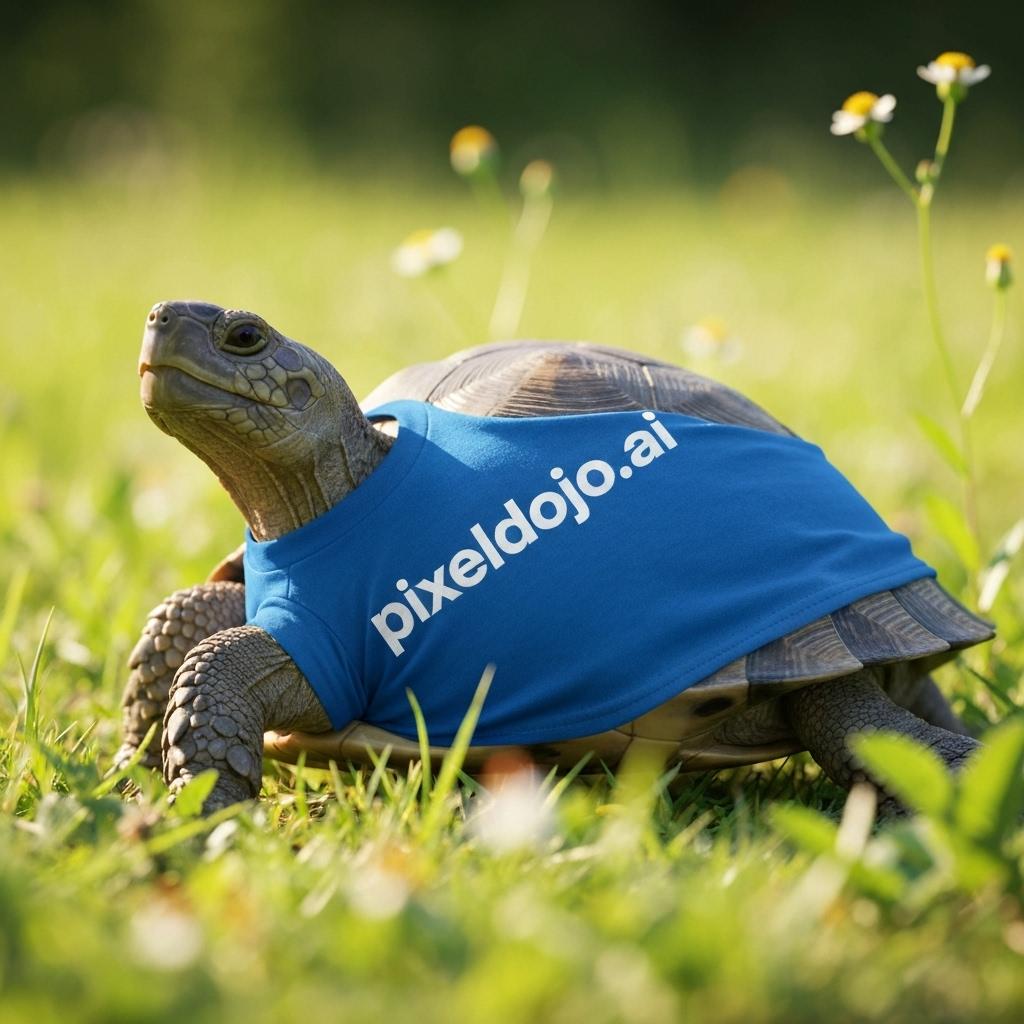
Seamless Text Integration
Add or modify text within images while maintaining perfect typography and layout.
High-Resolution Outputs
Generate and edit images up to 2K resolution, ensuring crisp and detailed visuals.
How It Works
Creating stunning images with Qwen Image 2.0 is a straightforward process:
Step 1: Upload Your Image
Select the image you wish to edit by uploading it to the Qwen Image 2.0 platform.
Step 2: Describe Your Edits
Use natural language to specify the changes you want, such as 'remove background' or 'add text overlay.'
Step 3: Review and Download
Preview the edited image, make any necessary adjustments, and download the final high-resolution result.




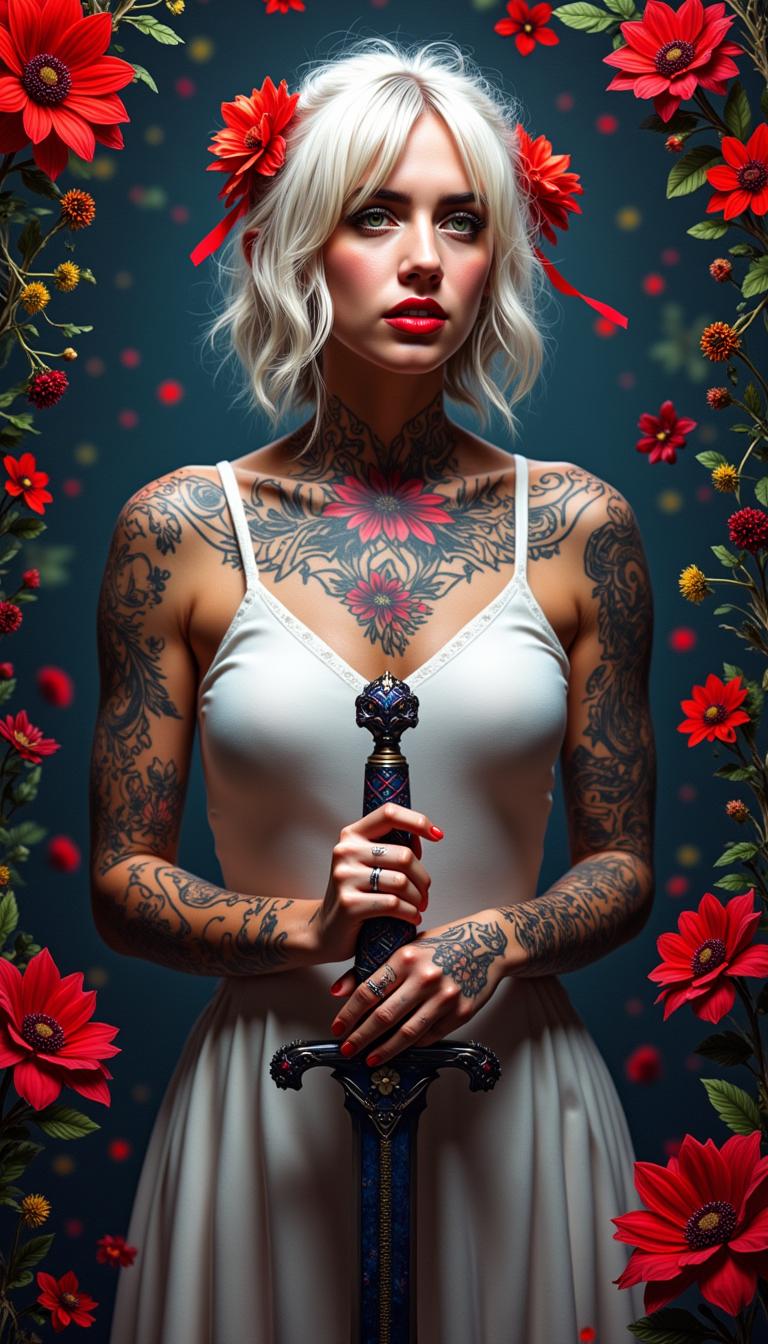
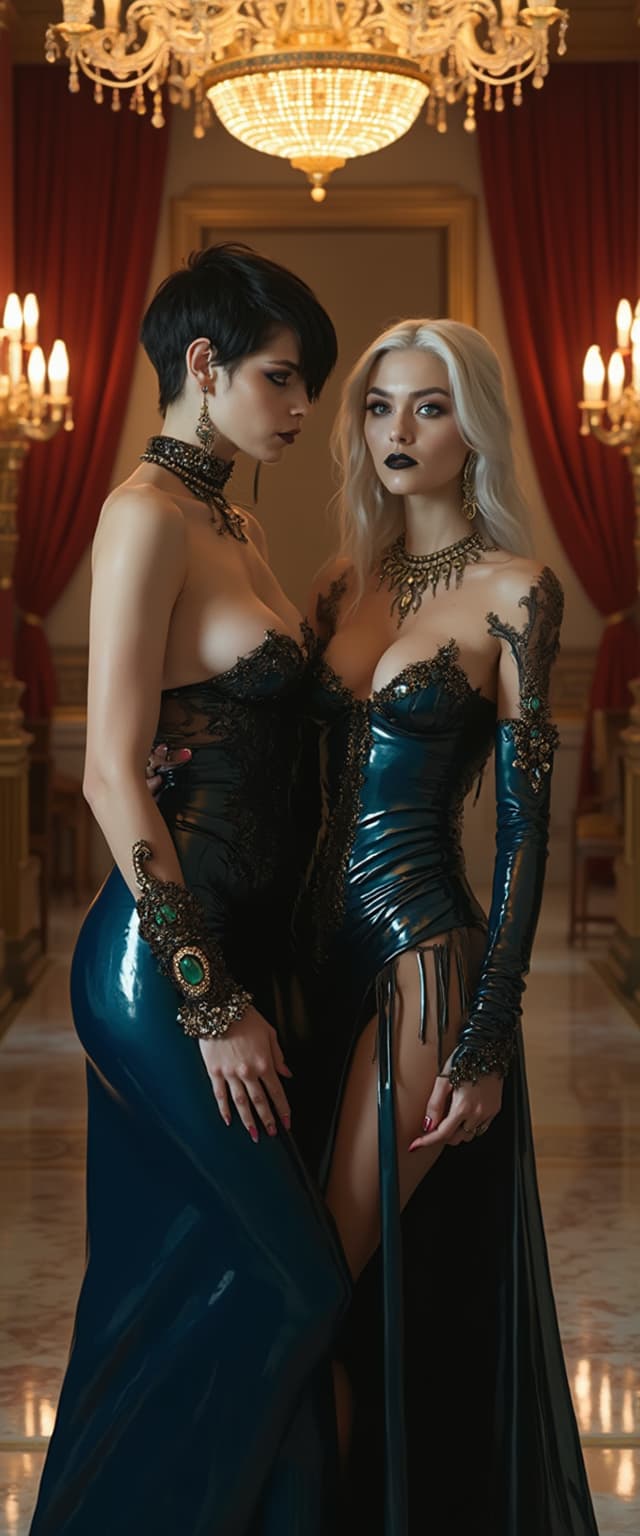
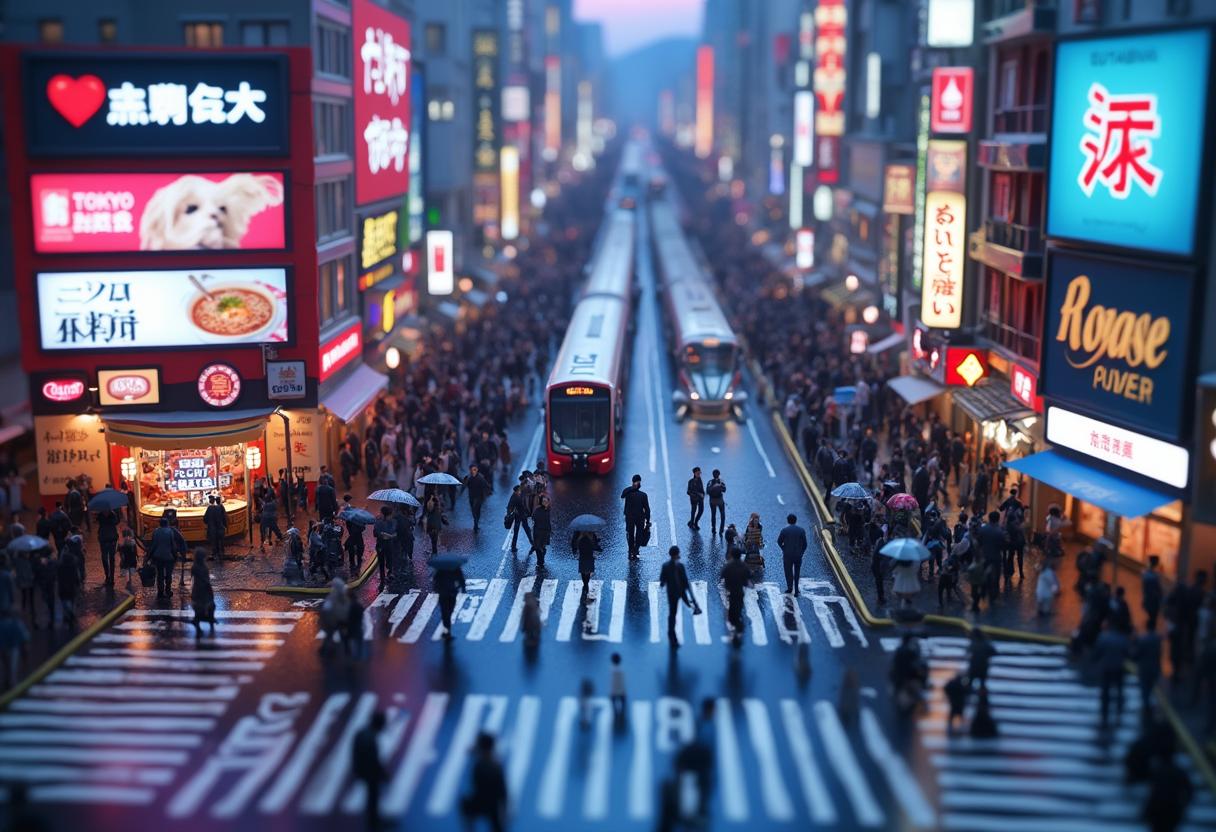
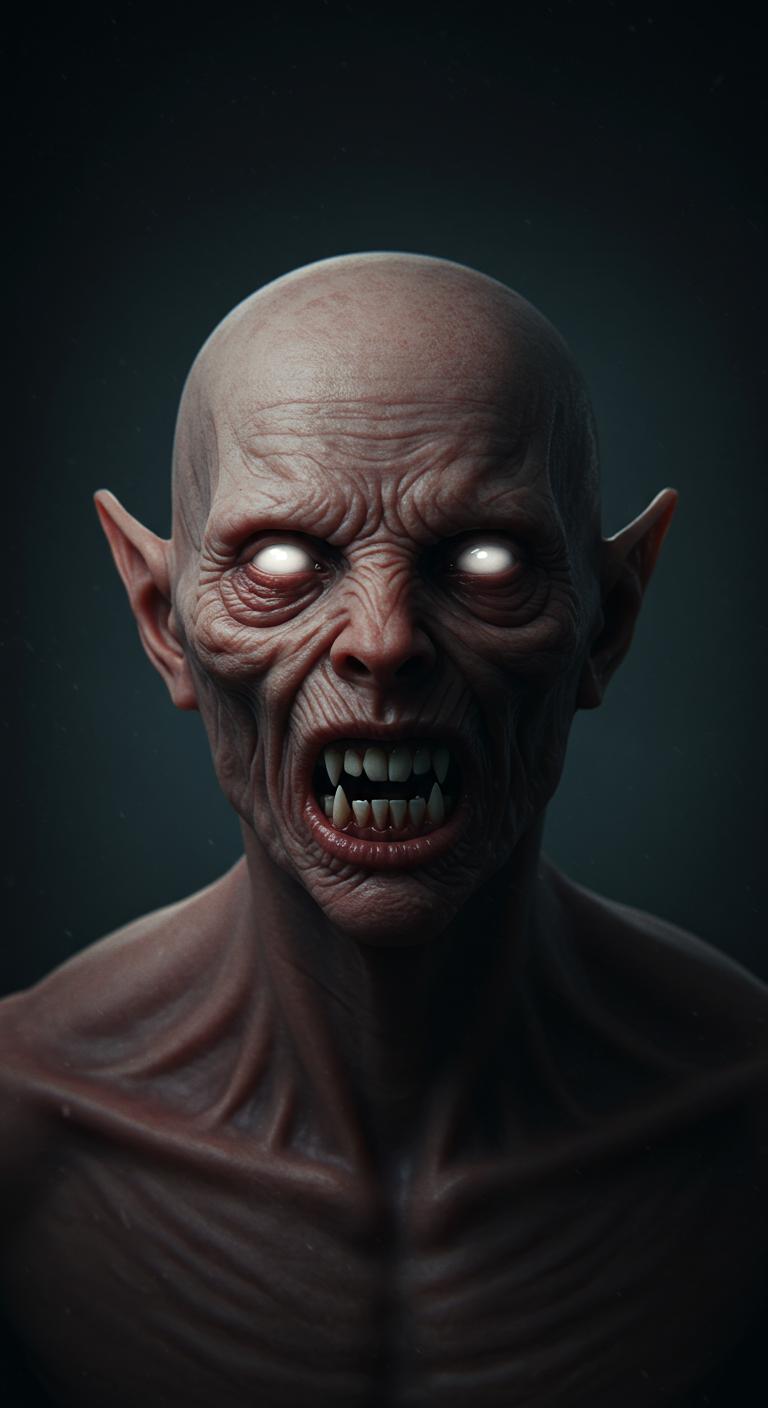

The Pixel Dojo Advantage
Why Qwen Image 2.0 stands out in AI image editing:
| Others | Pixel Dojo |
|---|---|
| Traditional Image Editing Software | Qwen Image 2.0 offers AI-driven automation, reducing manual effort and speeding up the editing process. |
| Generic AI Tools | Our platform provides specialized features like precise text editing and high-resolution outputs tailored for professional use. |
| Manual Photo Editing | Achieve consistent and high-quality results without the need for extensive editing skills or experience. |
Loved by Creators
See what our community says about qwen image 2.0 image editing
"Qwen Image 2.0 has revolutionized our design workflow, allowing us to produce high-quality visuals in record time."
Alex Johnson
Graphic Designer
"The AI editing capabilities are incredibly intuitive and have significantly enhanced our marketing materials."
Samantha Lee
Marketing Manager
Common Questions
Everything you need to know about qwen image 2.0 image editing AI generation
How does Qwen Image 2.0 handle text editing within images?
Qwen Image 2.0 utilizes advanced AI to add, modify, or remove text within images while preserving the original typography and layout, ensuring seamless integration.
Can I edit images in different languages using Qwen Image 2.0?
Yes, Qwen Image 2.0 supports multilingual text editing, allowing you to work with images containing text in various languages.
What image formats are supported for editing?
Qwen Image 2.0 supports common image formats such as JPG, PNG, and WebP, with a maximum file size of 10MB.
Is there a limit to the image resolution I can edit?
You can edit images up to 2K resolution (2048 × 2048 pixels), ensuring high-quality outputs suitable for professional use.
Do I need prior experience in image editing to use Qwen Image 2.0?
No, Qwen Image 2.0 is designed with user-friendliness in mind, allowing individuals without prior editing experience to achieve professional results.
How long does it take to process an image edit?
Processing times typically range from 10 to 30 seconds, depending on the complexity of the edits requested.