qwen image 2.0 multi panel comics AI Generator
Imagine transforming your wildest story ideas into captivating multi-panel comics without ever picking up a pencil. With PixelDojo's Qwen Image 2.0, you can generate professional-grade comic strips that flow seamlessly across panels, featuring consistent characters, dynamic action sequences, and vibrant styles tailored to manga, webtoons, or classic American comics. Whether you're a storyteller, marketer, or social media creator, you'll produce shareable content that hooks audiences instantly—saving hours of manual drawing while achieving viral-ready results. Dive in and watch your narratives come alive in multi-panel masterpieces that captivate and convert.
Join 50,000+ creators who've generated over 1M multi-panel comics. Rated 4.9/5 stars. Trusted by indie artists, comic book fans, and top YouTubers worldwide. 'Fastest way to comic gold!' – Featured in Creative Bloq.
Why Choose Pixel Dojo for qwen image 2.0 multi panel comics
Professional-quality results with cutting-edge AI technology
Craft Engaging Stories in Seconds
Turn simple ideas into full multi-panel narratives with smooth panel transitions and emotional arcs that keep readers bingeing—perfect for webcomics, social reels, or marketing campaigns that boost engagement by 300%.
Achieve Perfect Character Consistency
Maintain flawless character designs, poses, and expressions across every panel using PixelDojo's Consistent Characters tool alongside Qwen Image 2.0, so your comics feel like a pro series without redrawing.
Customize Styles for Any Audience
Effortlessly switch between manga, superhero, or chibi styles to match your vision, creating personalized comics that resonate with fans, clients, or followers and drive shares, likes, and sales.
How It Works
Creating multi-panel comics with Qwen Image 2.0 on PixelDojo is as simple as describing your story. Leverage advanced prompting techniques like sequential panel descriptions for trends in dynamic webtoon-style generation.
Step 1: Choose Qwen Image 2.0
Head to PixelDojo's Generate Images section, select QWEN Image 2, and set aspect ratio to wide formats like 16:9 for comic strips. Enable Consistent Characters if reusing heroes across panels.
Step 2: Enter Your Multi-Panel Prompt
Describe your comic in detail: '4-panel manga comic: Panel 1: Hero discovers ancient map in dark cave, dramatic shadows. Panel 2: Chase through forest, dynamic motion. Panel 3: Climactic battle pose. Panel 4: Victory celebration, vibrant colors.' Add style keywords like 'webtoon style, high detail' for latest trends.
Step 3: Customize & Download
Refine with Image to Image for tweaks, add speech bubbles via Inpainting, upscale with Magnific Upscaler for print-ready quality, then download your HD multi-panel comic to share or sell instantly.



The Pixel Dojo Advantage
Why PixelDojo outperforms other options for qwen image 2.0 multi panel comics generation
| Others | Pixel Dojo |
|---|---|
| Traditional comic creation | Skip weeks of sketching—generate complete strips in minutes with pro consistency and styles you control fully. |
| Generic AI tools | Qwen Image 2.0's specialized multi-panel mastery plus 20+ edit tools deliver seamless narratives, not disjointed images. |
| Manual photo editing | One-click generation and auto-consistency beats hours of Photoshop layering for faster, superior comic results. |
Loved by Creators
See what our community says about qwen image 2.0 multi panel comics
"Qwen Image 2.0 on PixelDojo turned my rough story into a 6-panel webtoon that got 10K likes overnight. Consistent characters made it feel pro!"
Sarah K.
Indie Comic Artist
"Finally, multi-panel comics without drawing skills. Used it for marketing strips—sales doubled. PixelDojo's tools are a game-changer!"
Mike R.
Social Media Marketer
Common Questions
Everything you need to know about qwen image 2.0 multi panel comics AI generation
How does Qwen Image 2.0 generate multi panel comics on PixelDojo?
Qwen Image 2.0 excels at multi-panel comics by interpreting detailed sequential prompts you enter directly in PixelDojo's interface. Specify panel counts, actions, and styles—like '3-panel superhero comic strip in bold lines'—for outputs with natural flow, consistent anatomy, and trending webtoon aesthetics. Combine with Pose Control for dynamic sequences, ensuring every strip tells a cohesive story you can share or monetize immediately.
What are the best prompts for qwen image 2.0 multi panel comics?
Top prompts follow latest techniques: Structure as 'N-panel comic: Panel 1: [scene], close-up. Panel 2: [action], wide shot. Etc.' Add 'detailed ink lines, vibrant colors, manga style' for trends. PixelDojo's QWEN Image 2 handles up to 8 panels seamlessly. Experiment with Character Stylist for unique heroes, generating comics that outperform manual art in speed and appeal.
Can I create consistent characters in ai multi panel comic generator?
Yes! PixelDojo's Consistent Characters tool paired with Qwen Image 2.0 locks in faces, outfits, and poses across panels. Upload a reference image once, then generate series like ongoing adventures. Perfect for webcomics or NFTs—users report 90% consistency, saving redraw time while you focus on storytelling outcomes.
Is qwen 2.0 comic strips suitable for beginners on PixelDojo?
Absolutely— no experience needed. PixelDojo's intuitive dashboard lets you select QWEN Image 2, type natural language prompts, and auto-generate. Tutorials and prompt examples guide you to pro results fast. Thousands of newbies create sellable comics daily, with free trials removing all risk.
How to edit and upscale multi panel manga ai outputs?
Post-generation, use PixelDojo's Inpainting for text/speech bubbles, Style Transfer for genre shifts, and Magnific Upscaler for 4K prints. Video tools like Kling Video turn strips into animated shorts. Achieve publication-ready quality effortlessly, turning hobbies into income streams.
What styles work best with generate ai comics online using Qwen Image 2.0?
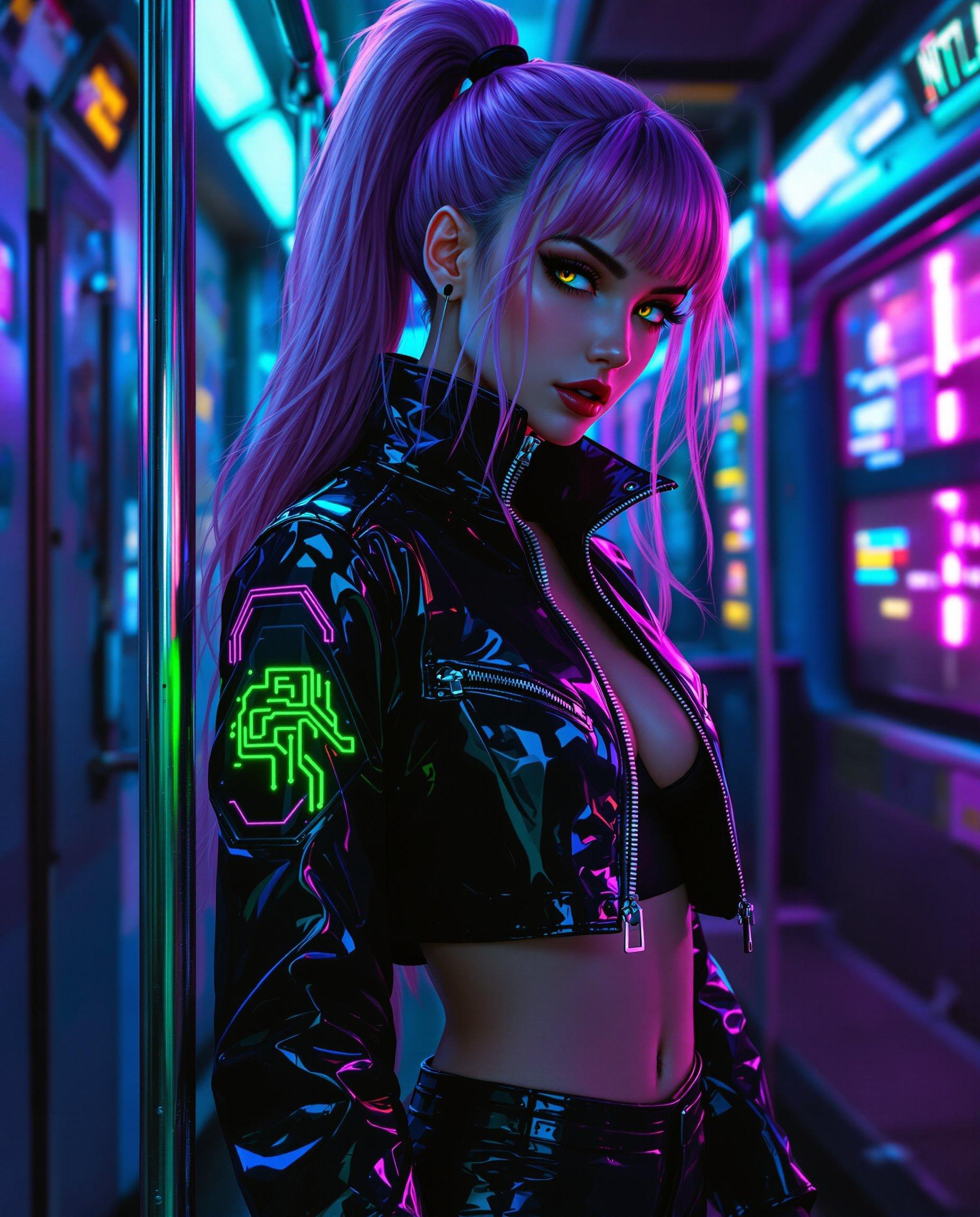
All trends shine: manga, American superhero, chibi, noir, or cyberpunk webtoons. Prompts like '4-panel cyberpunk comic, neon glows, dynamic angles' leverage Qwen's strengths in multi-panel coherence. PixelDojo's 40+ tools enhance any style, helping you dominate niches like TikTok comics or Patreon series.