qwen image 2.0 object addition edit AI Generator
Imagine effortlessly adding new elements to your images—be it products, characters, or design elements—without the need for complex software or technical skills. With PixelDojo's QWEN Image 2.0 Object Addition feature, you can enhance your visuals in minutes, achieving professional-quality results that captivate your audience.
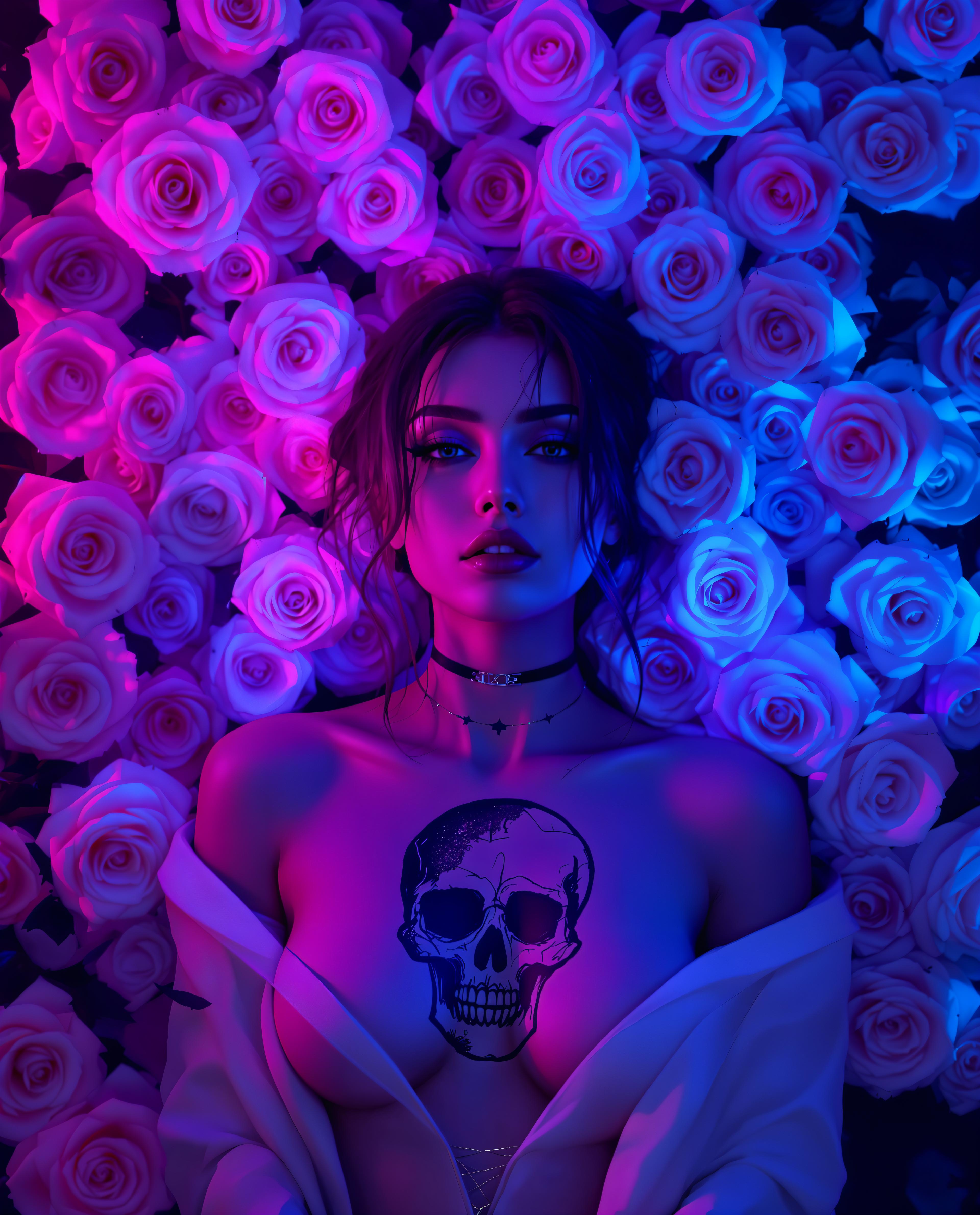
Join over 100,000 creators and professionals worldwide who trust PixelDojo for their AI-powered image editing needs.
Why Choose Pixel Dojo for qwen image 2.0 object addition edit
Professional-quality results with cutting-edge AI technology
Seamless Object Integration
Add objects to your images with precision, ensuring they blend naturally with the existing scene.
Time-Saving Efficiency
Achieve complex edits in minutes, allowing you to focus more on creativity and less on technicalities.
User-Friendly Interface
No prior experience required—our intuitive platform makes professional image editing accessible to everyone.
How It Works
Enhancing your images with new objects is straightforward with PixelDojo's QWEN Image 2.0. Follow these simple steps:
Step 1: Upload Your Image
Select the image you wish to edit by uploading it to the PixelDojo platform.
Step 2: Describe the Object to Add
Use natural language to specify the object you want to add and its desired position within the image.
Step 3: Generate and Download
Click 'Generate' to let the AI process your request. Once satisfied with the result, download your enhanced image.


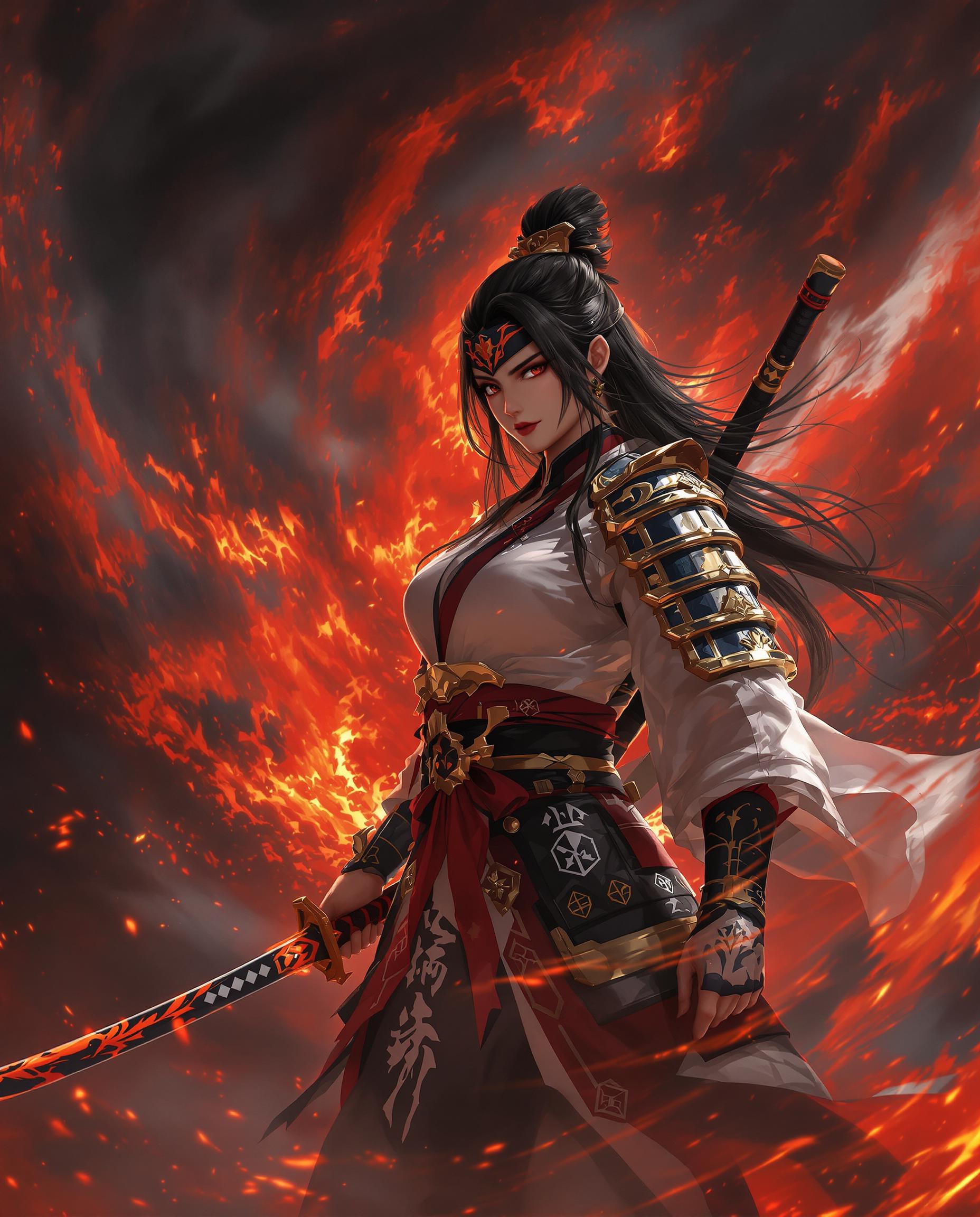
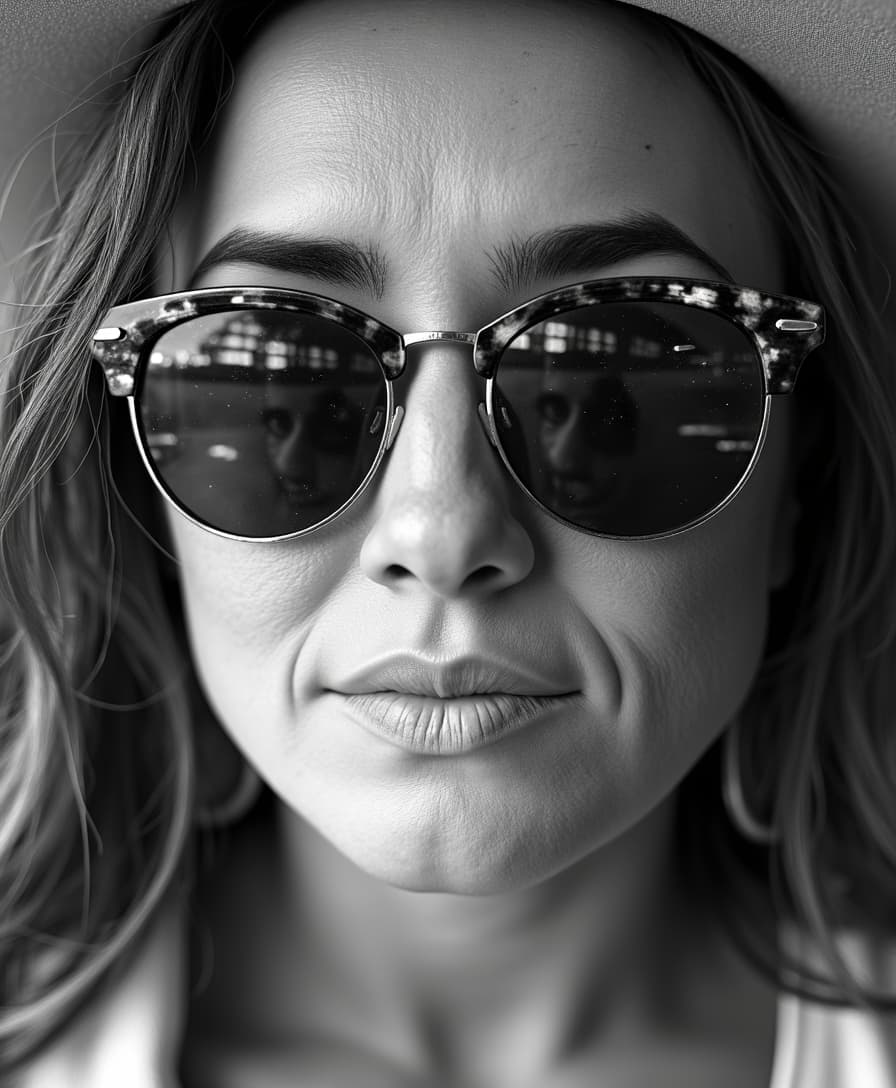
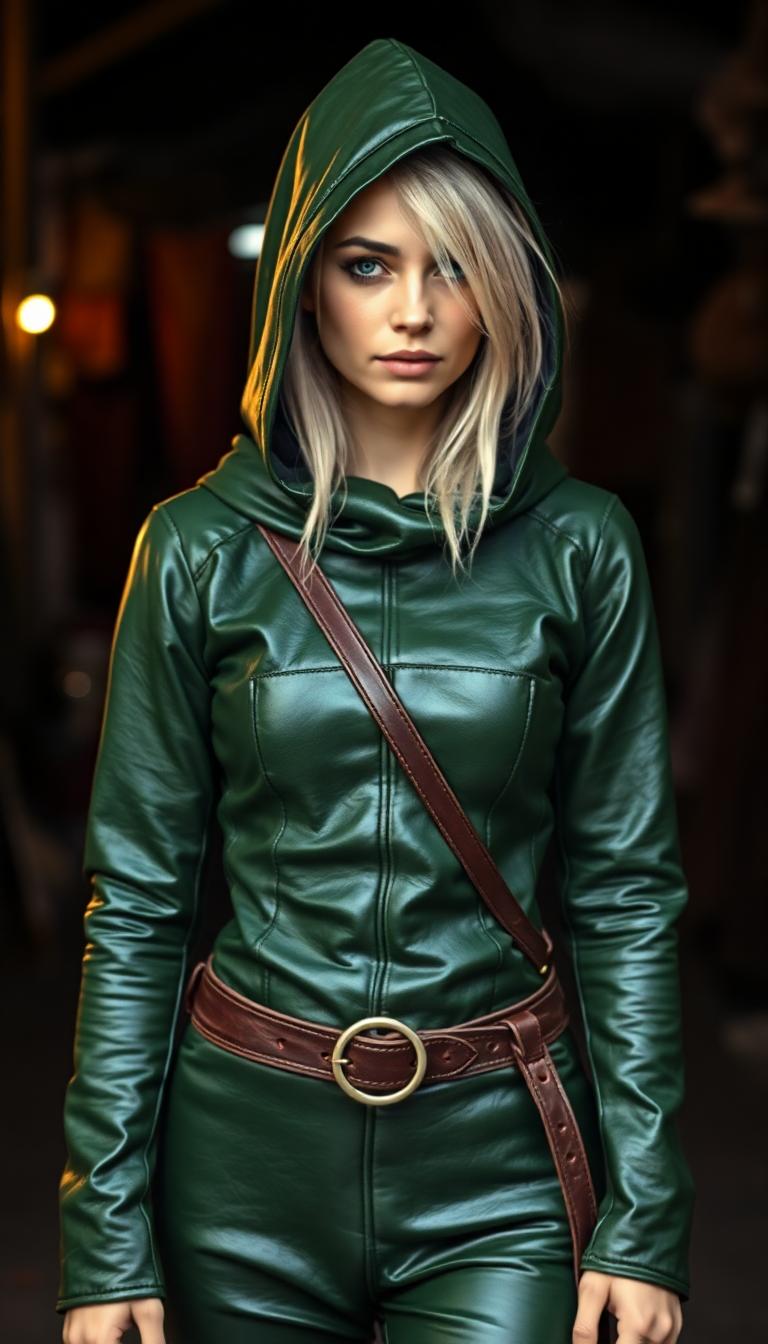

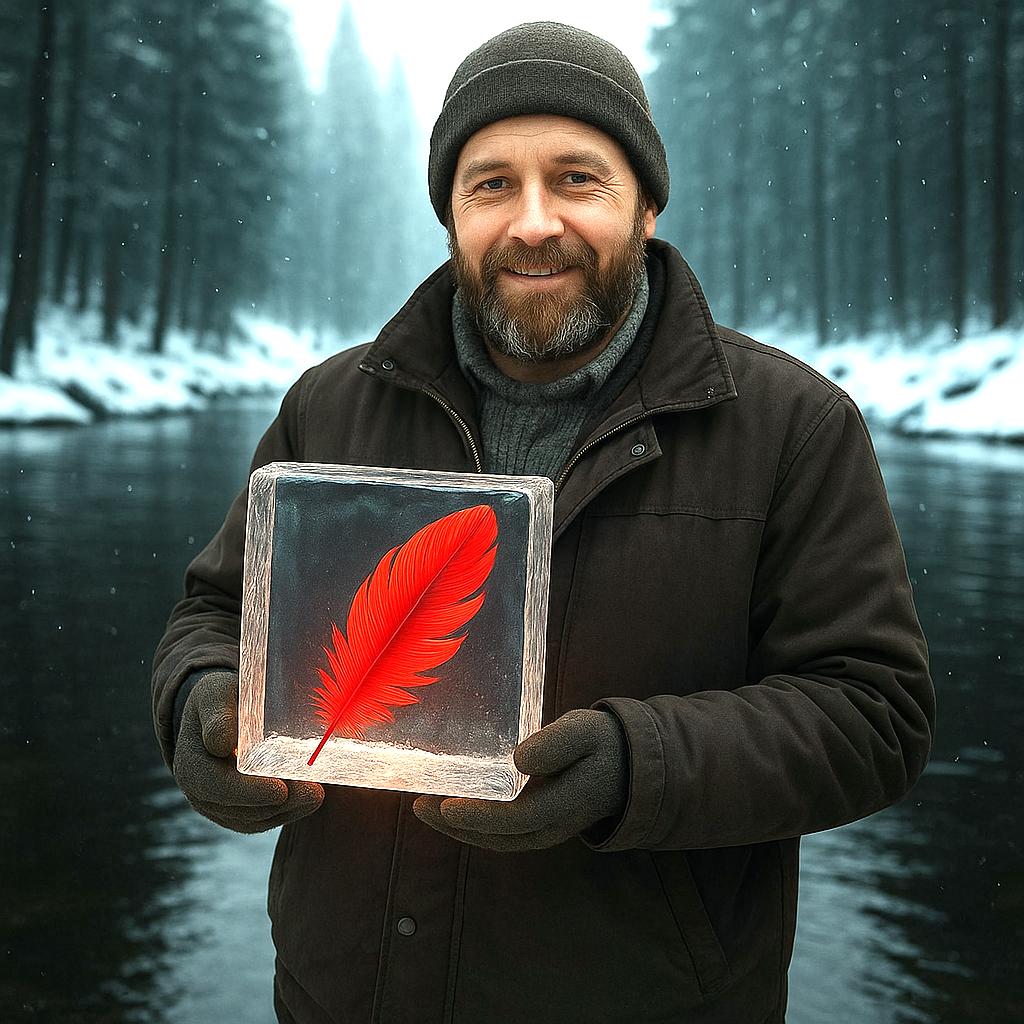




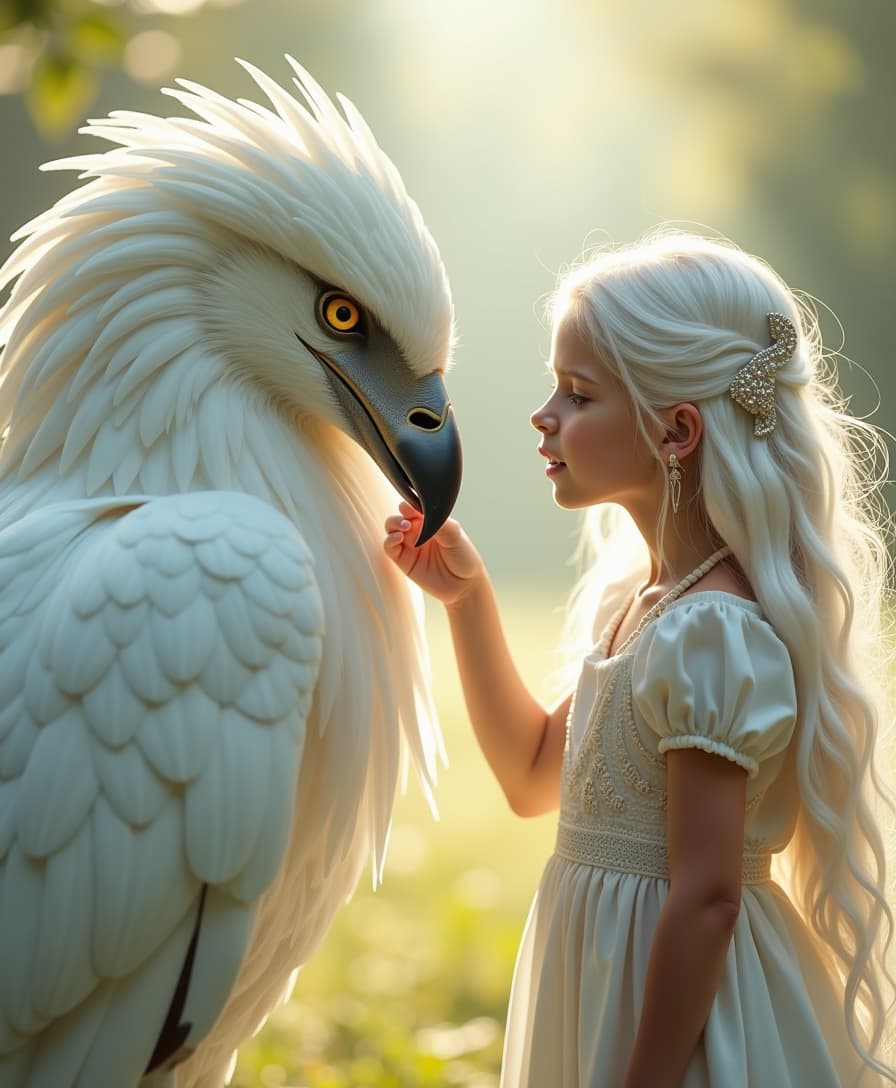



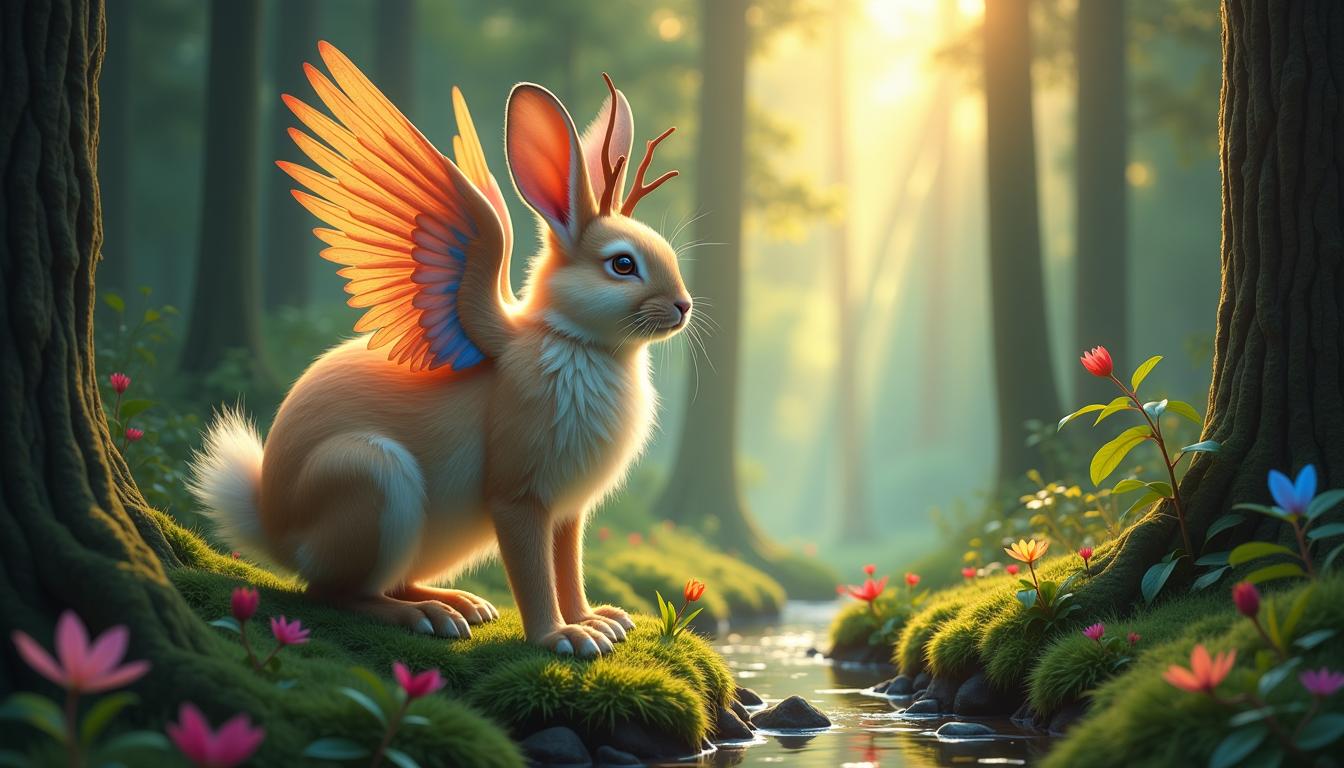
The Pixel Dojo Advantage
Why PixelDojo outperforms other options for object addition in image editing:
| Others | Pixel Dojo |
|---|---|
| Traditional Photo Editing Software | No need for extensive training or technical skills; achieve professional results effortlessly. |
| Generic AI Tools | Tailored specifically for object addition with high precision and natural integration. |
| Manual Editing | Save hours of meticulous work with our AI-powered, time-efficient solution. |
Loved by Creators
See what our community says about qwen image 2.0 object addition edit
"PixelDojo's QWEN Image 2.0 transformed my workflow. Adding objects to images has never been this easy and effective."
Alex Johnson
Graphic Designer
"As a marketer, I need quick turnarounds. PixelDojo delivers high-quality edits in minutes, making my job so much easier."
Samantha Lee
Marketing Manager
Common Questions
Everything you need to know about qwen image 2.0 object addition edit AI generation
How does PixelDojo's QWEN Image 2.0 ensure natural object integration?
Our AI analyzes the existing image context, including lighting and perspective, to seamlessly blend the added object, maintaining a natural appearance.
Do I need prior experience to use PixelDojo's object addition feature?
No, our platform is designed for users of all skill levels. The intuitive interface and natural language prompts make it accessible to everyone.
Can I add multiple objects to a single image?
Yes, you can specify multiple objects in your description, and the AI will integrate them accordingly.
What image formats are supported for uploading?
PixelDojo supports common image formats such as JPG, PNG, and WebP, with a maximum file size of 10MB.
Is there a limit to the number of edits I can perform?
Our subscription plans offer varying levels of usage. Please refer to our pricing page for detailed information.
How long does it take to process an image with added objects?
Processing times typically range from 10 to 30 seconds, depending on the complexity of the edit.