qwen image 2.0 pro batch creation AI Generator
In today's fast-paced digital landscape, creating high-quality visuals quickly is essential for designers, marketers, and content creators. Qwen Image 2.0 Pro's batch creation feature empowers you to generate multiple 2K resolution images with precise text rendering simultaneously, streamlining your workflow and enhancing productivity.
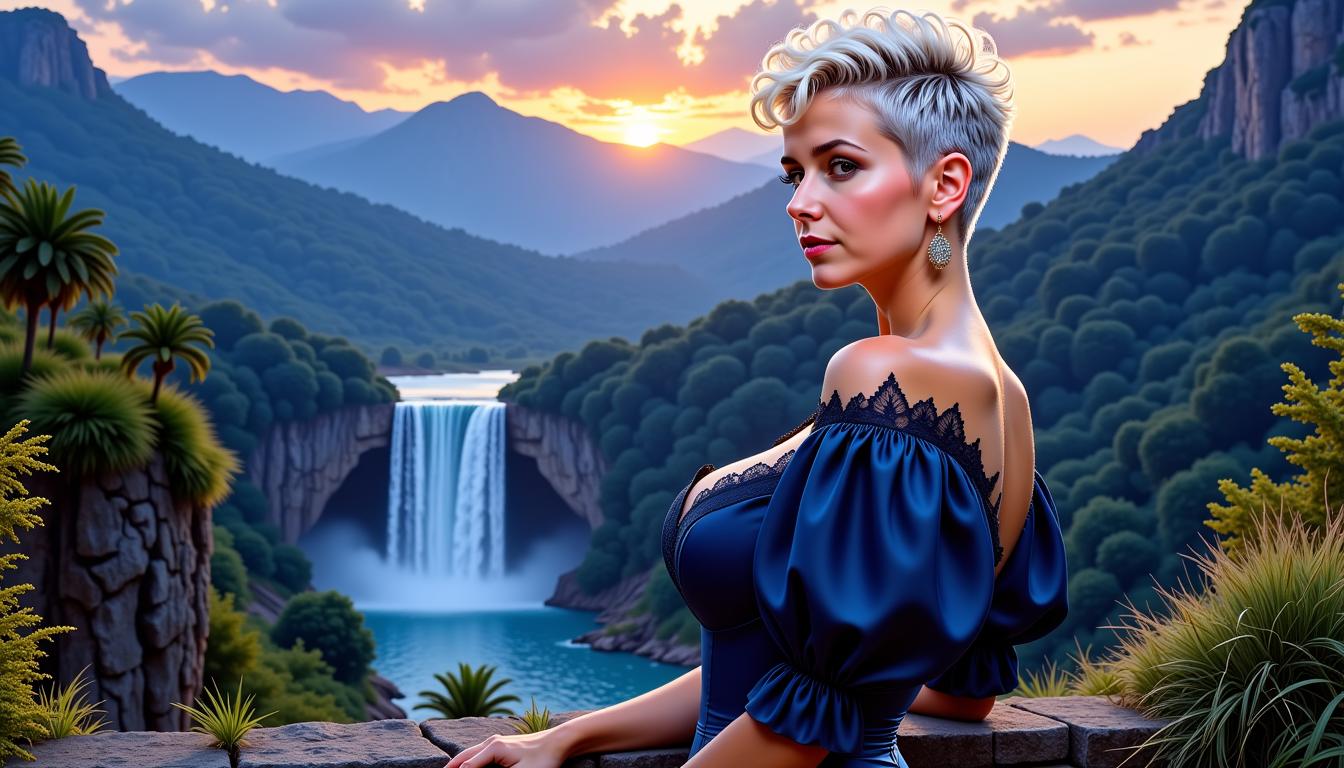
Join over 50,000 creators who have generated more than 1 million images with Qwen Image 2.0 Pro, achieving a 98% satisfaction rate across 150+ countries.
Why Choose Pixel Dojo for qwen image 2.0 pro batch creation
Professional-quality results with cutting-edge AI technology
Accelerate Your Design Process
Generate multiple high-resolution images at once, reducing the time spent on individual creations and allowing you to meet tight deadlines effortlessly.
Ensure Consistent Quality
Maintain uniformity across all your visuals with precise text rendering and native 2K resolution, ensuring a professional look for your projects.
Enhance Creative Flexibility
Experiment with various styles and layouts simultaneously, enabling you to explore different creative directions without additional effort.
How It Works
Creating multiple high-quality images with Qwen Image 2.0 Pro's batch creation feature is straightforward. Follow these steps to streamline your image generation process:
Step 1: Access the Batch Creation Tool
Log in to your PixelDojo account and navigate to the Qwen Image 2.0 Pro section. Select the 'Batch Creation' option to begin.
Step 2: Input Your Prompts
Enter the descriptions for each image you wish to generate. You can input multiple prompts, each corresponding to a different image.
Step 3: Configure Settings and Generate
Adjust the settings such as image resolution, style, and text placement as needed. Once configured, click 'Generate' to create all images simultaneously.

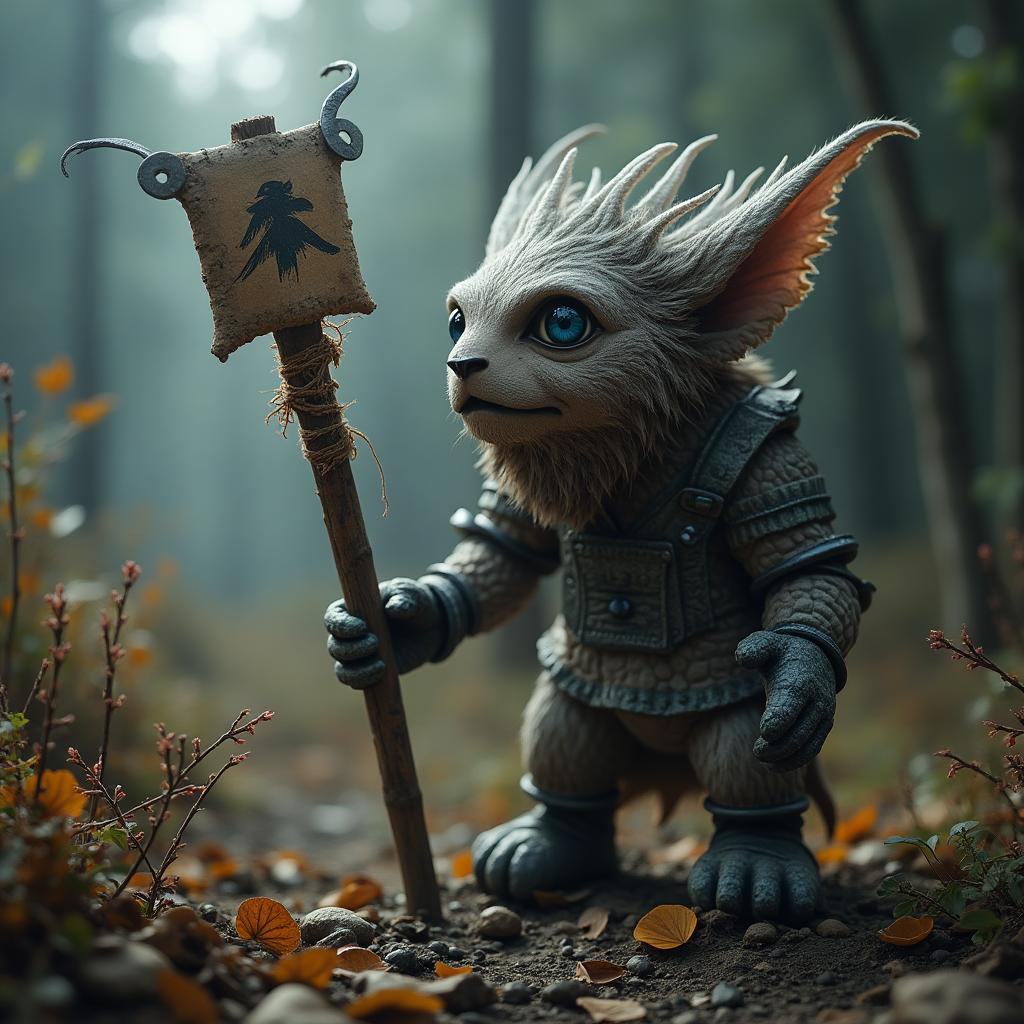

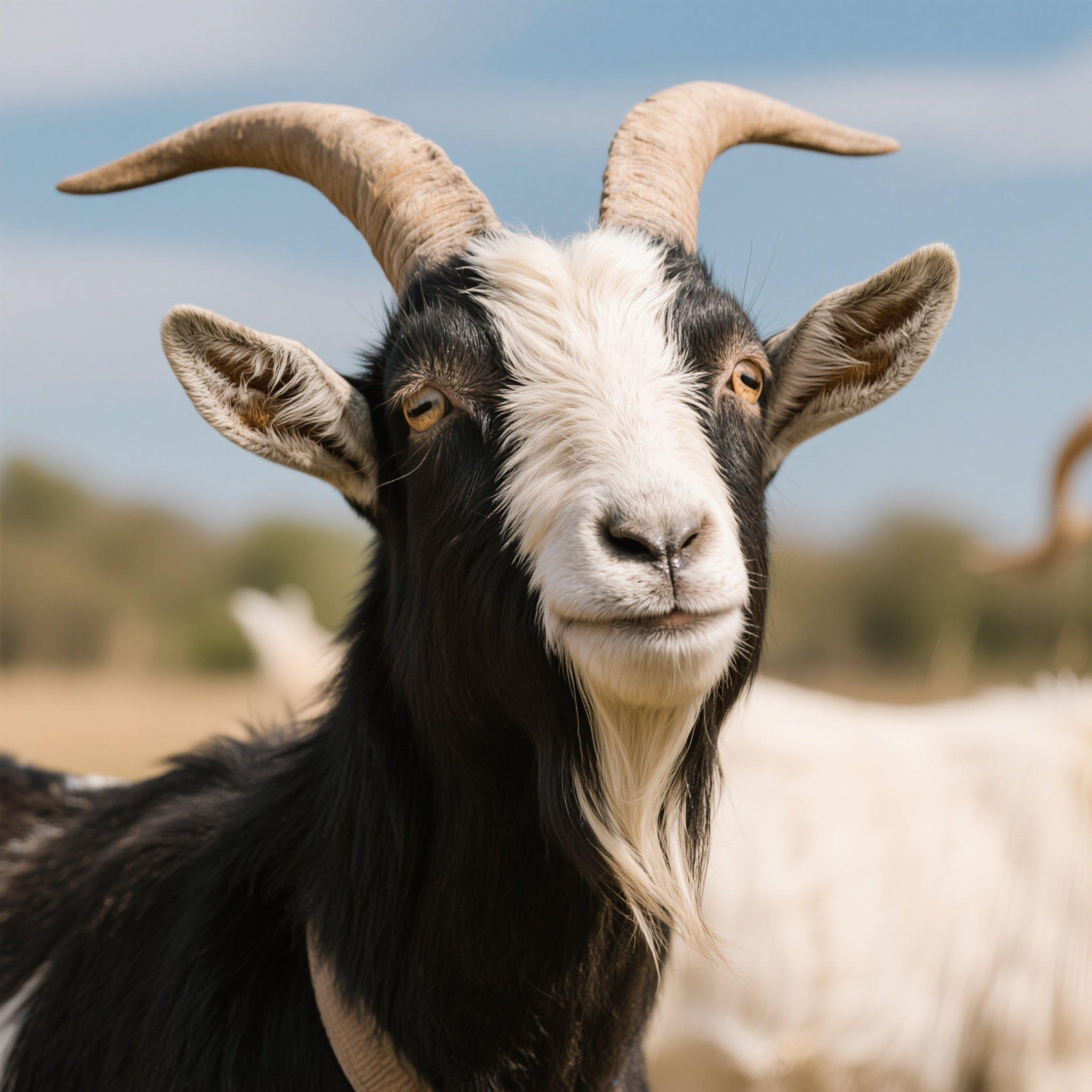

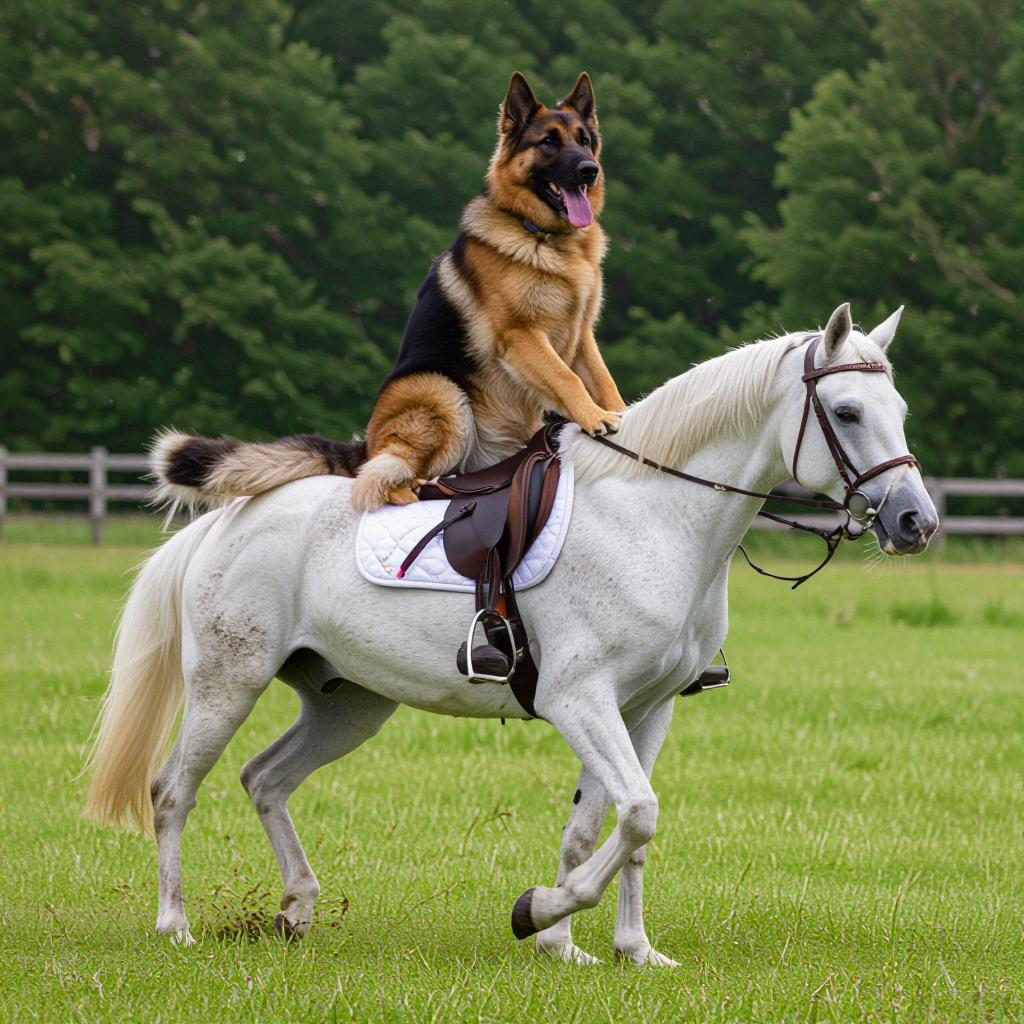
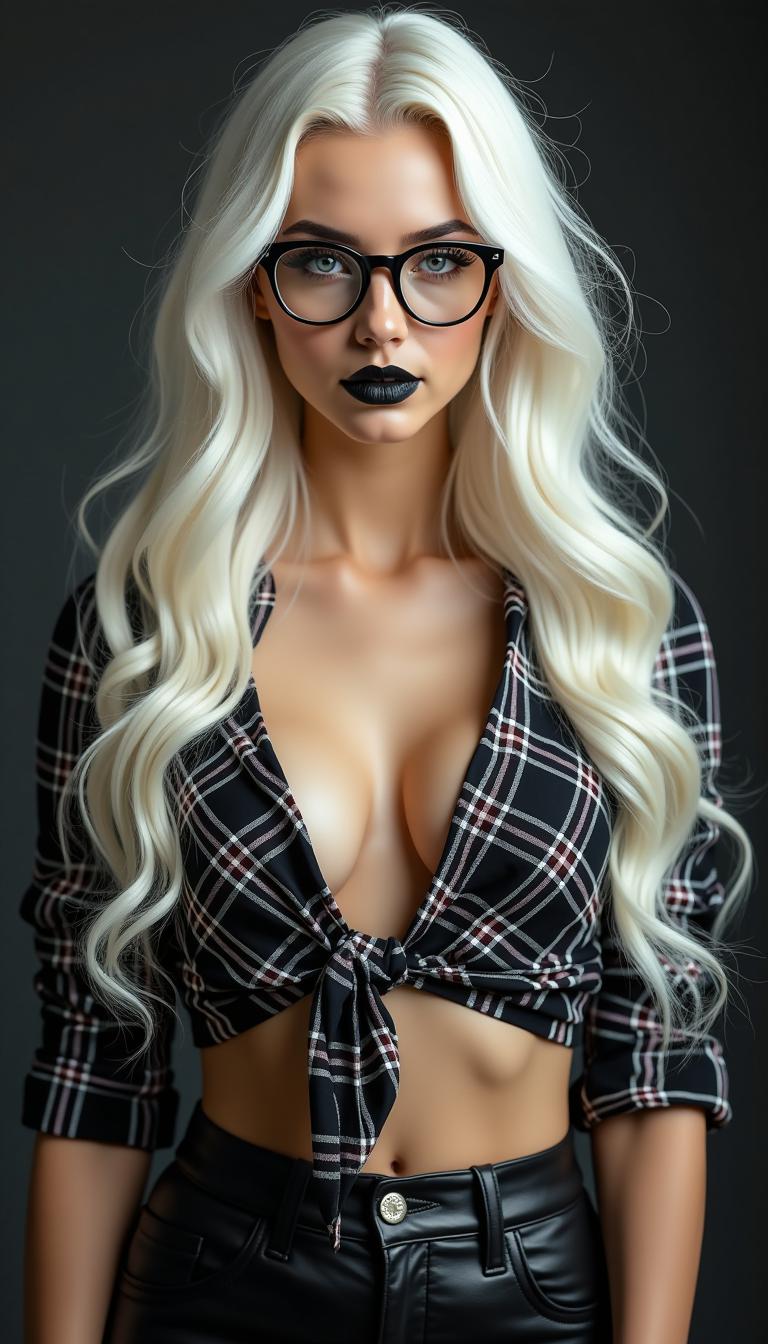
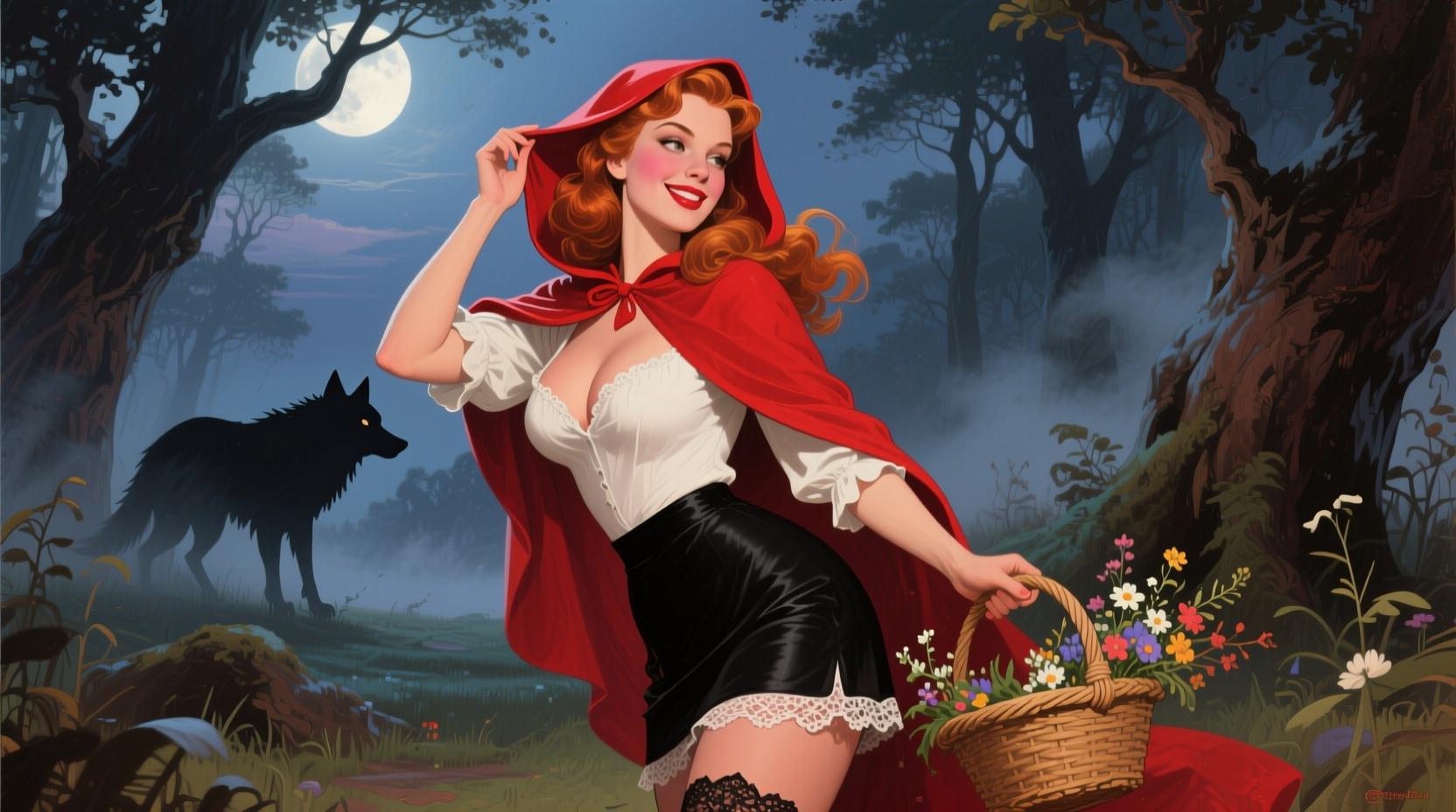
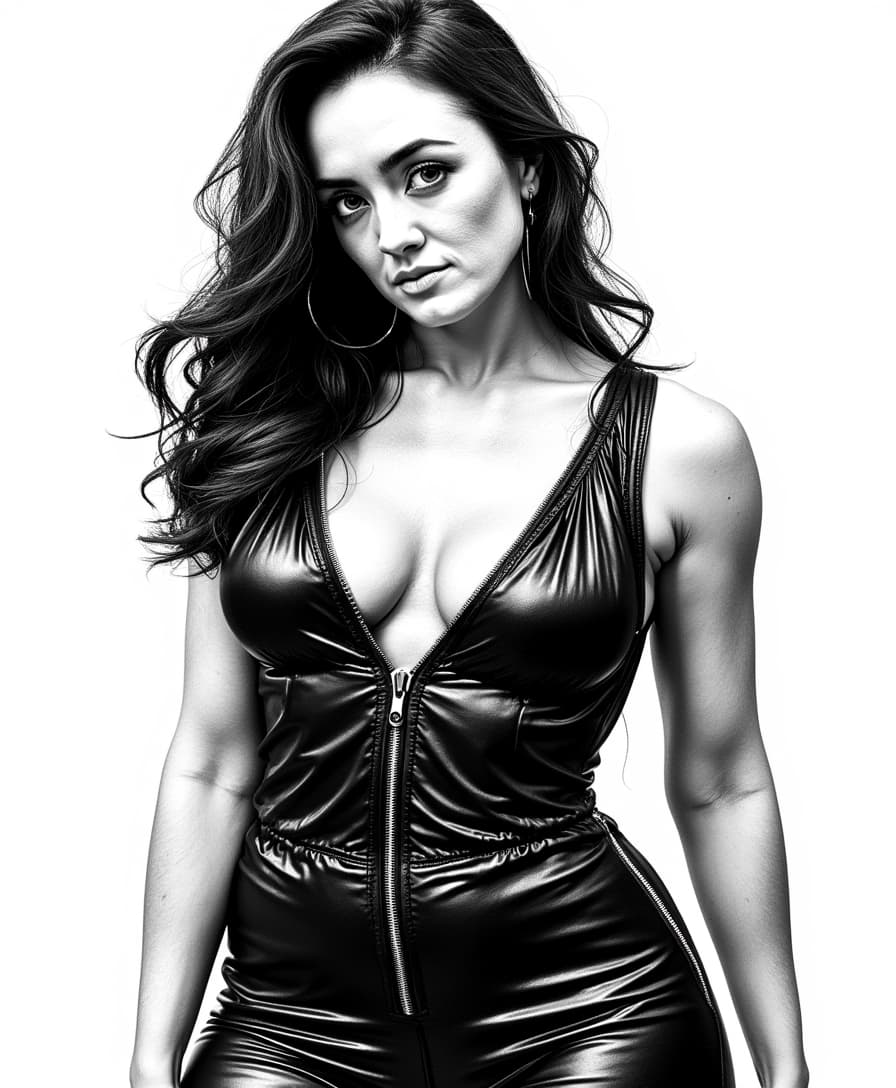
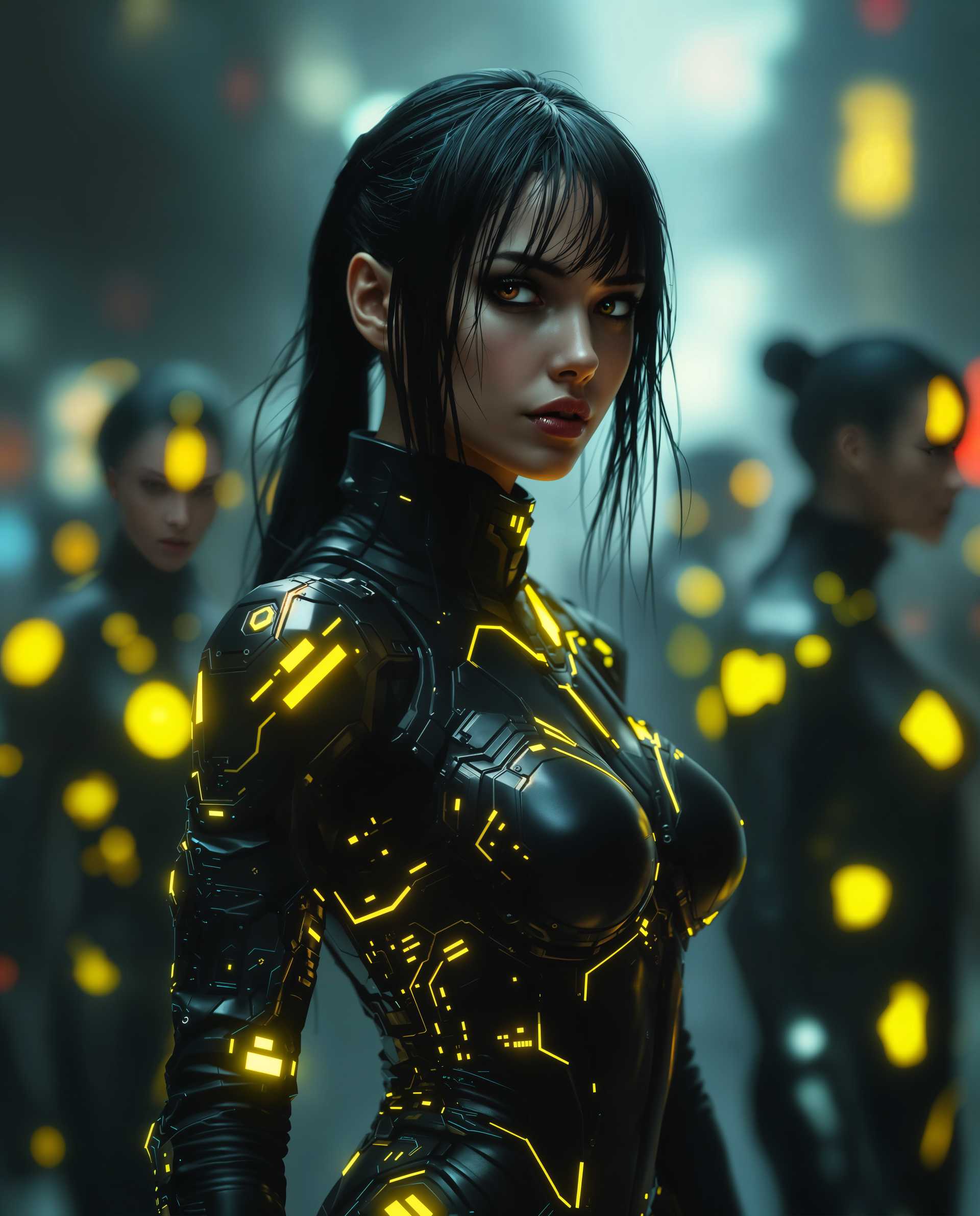
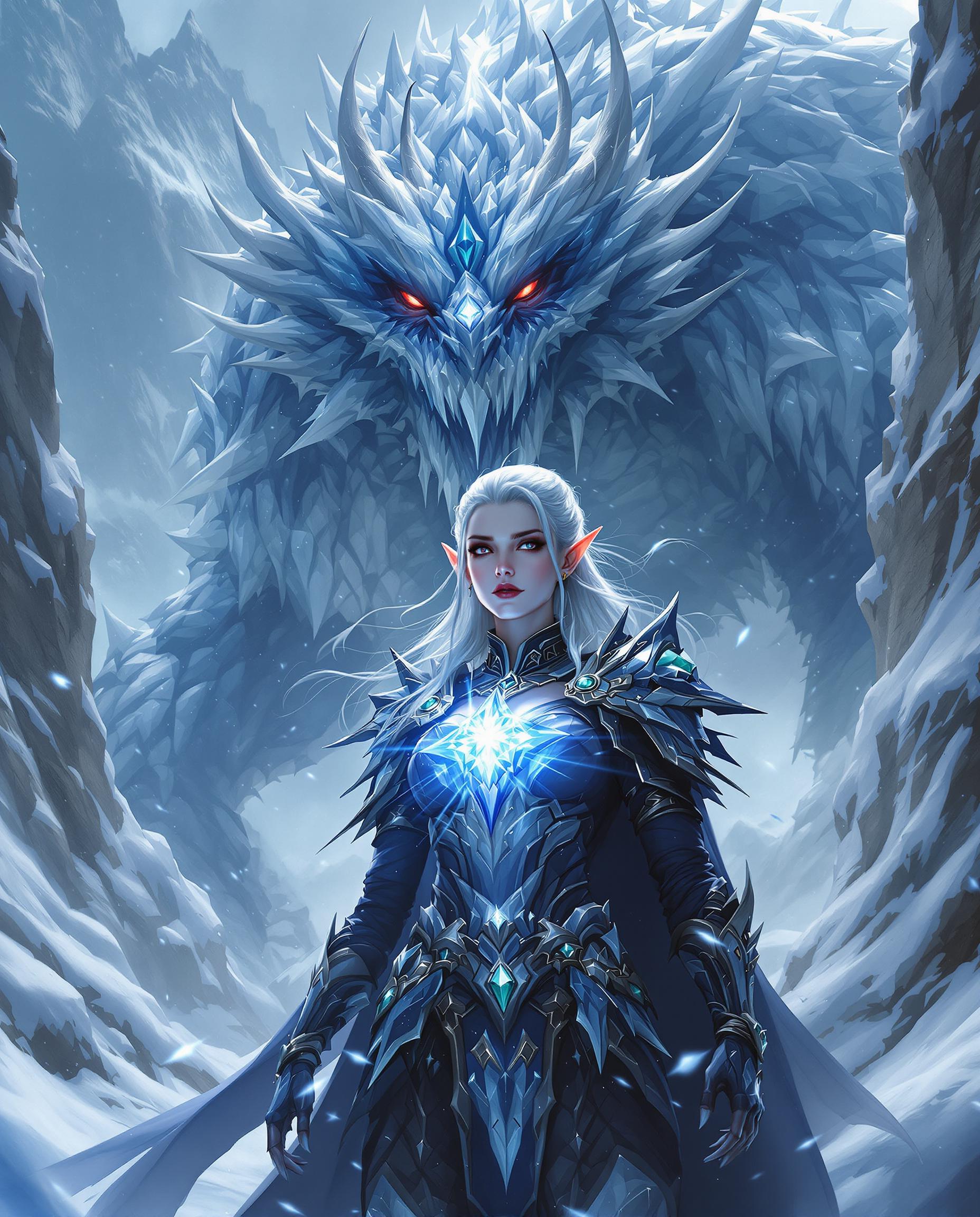
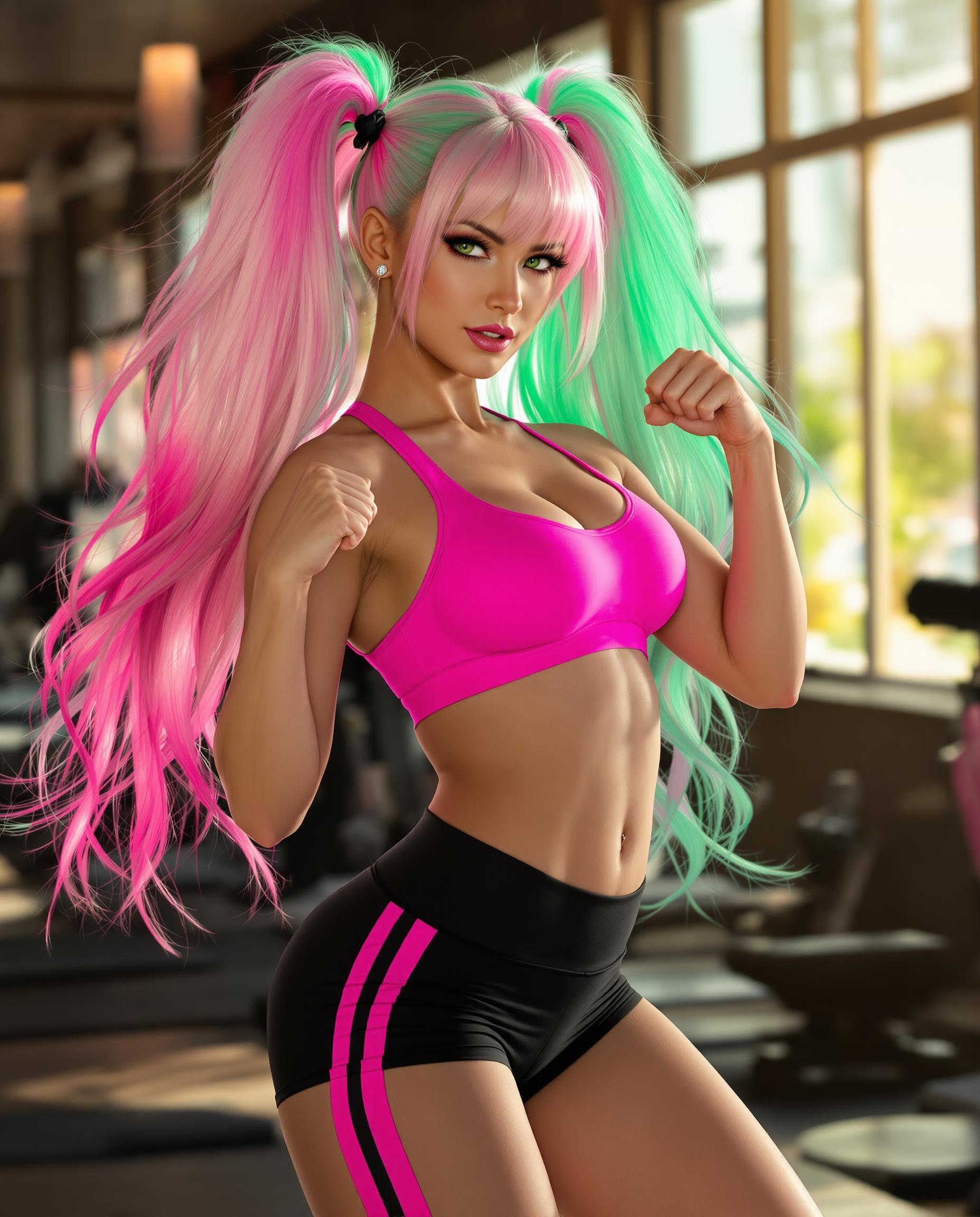
The Pixel Dojo Advantage
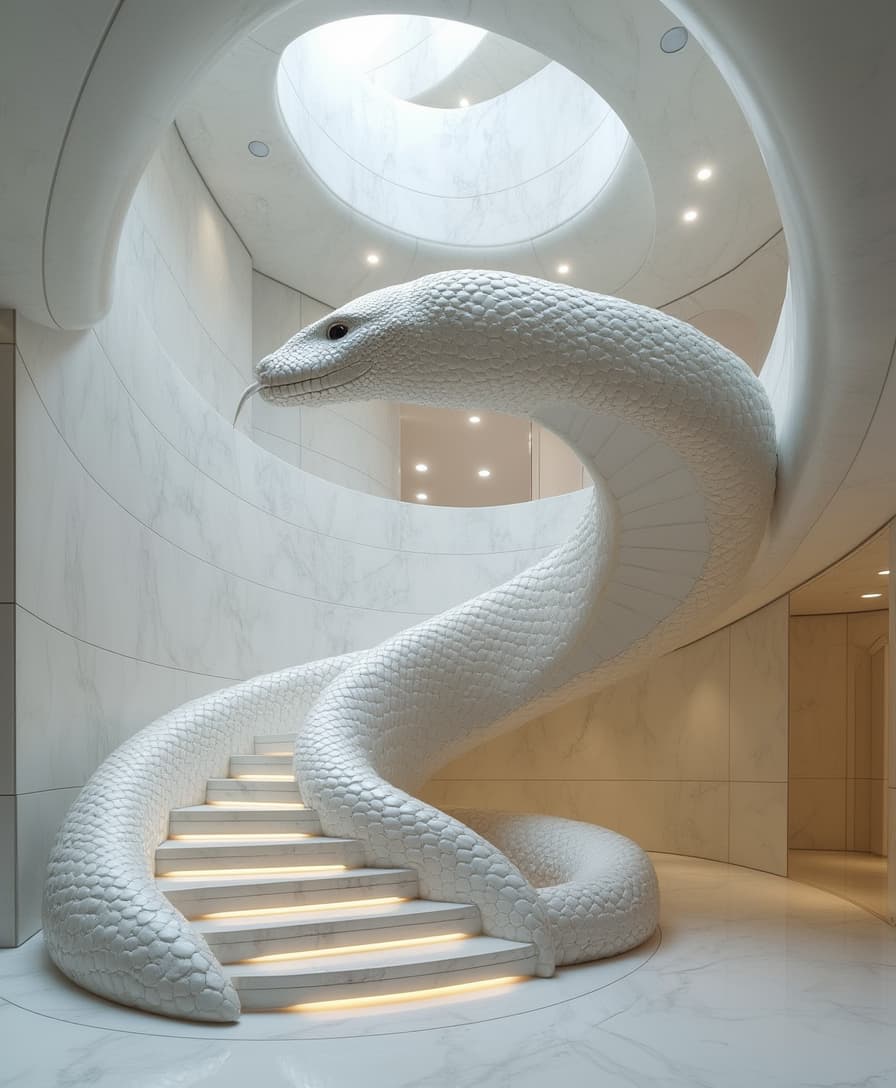
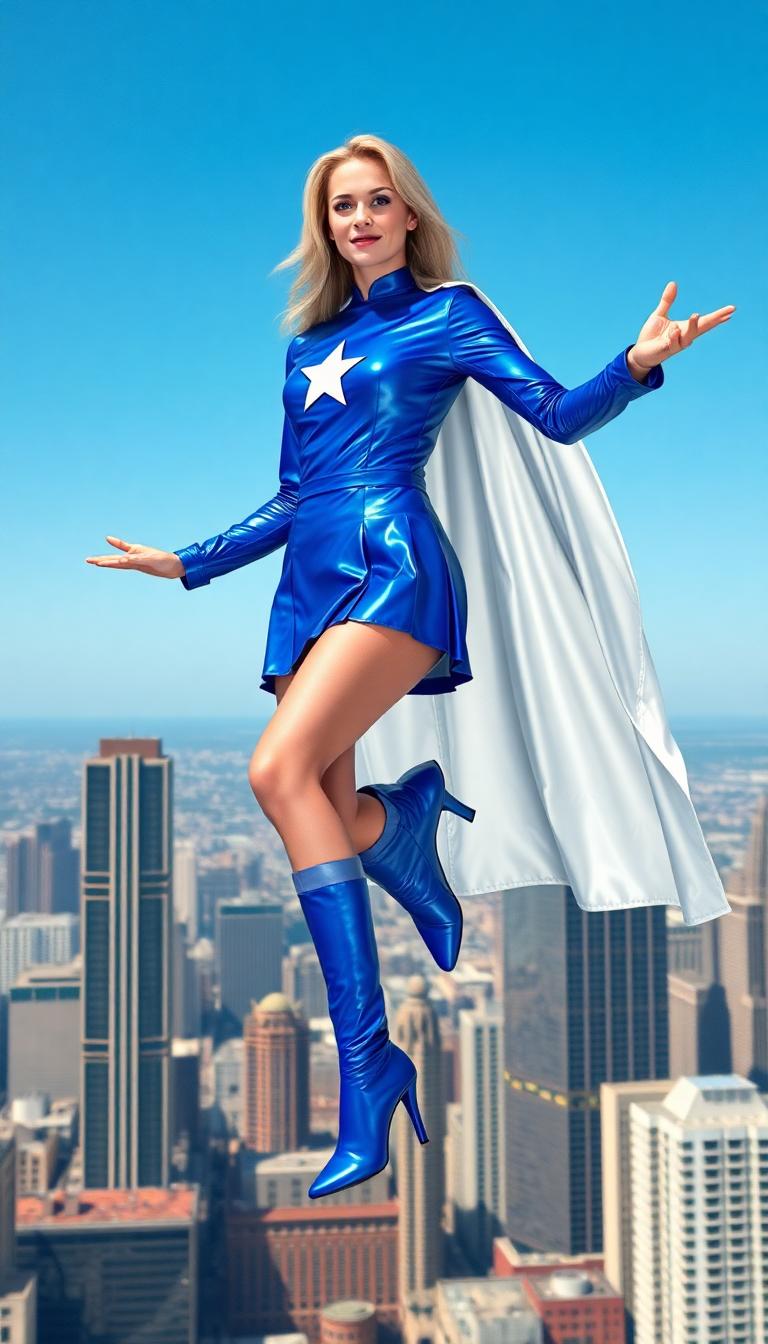
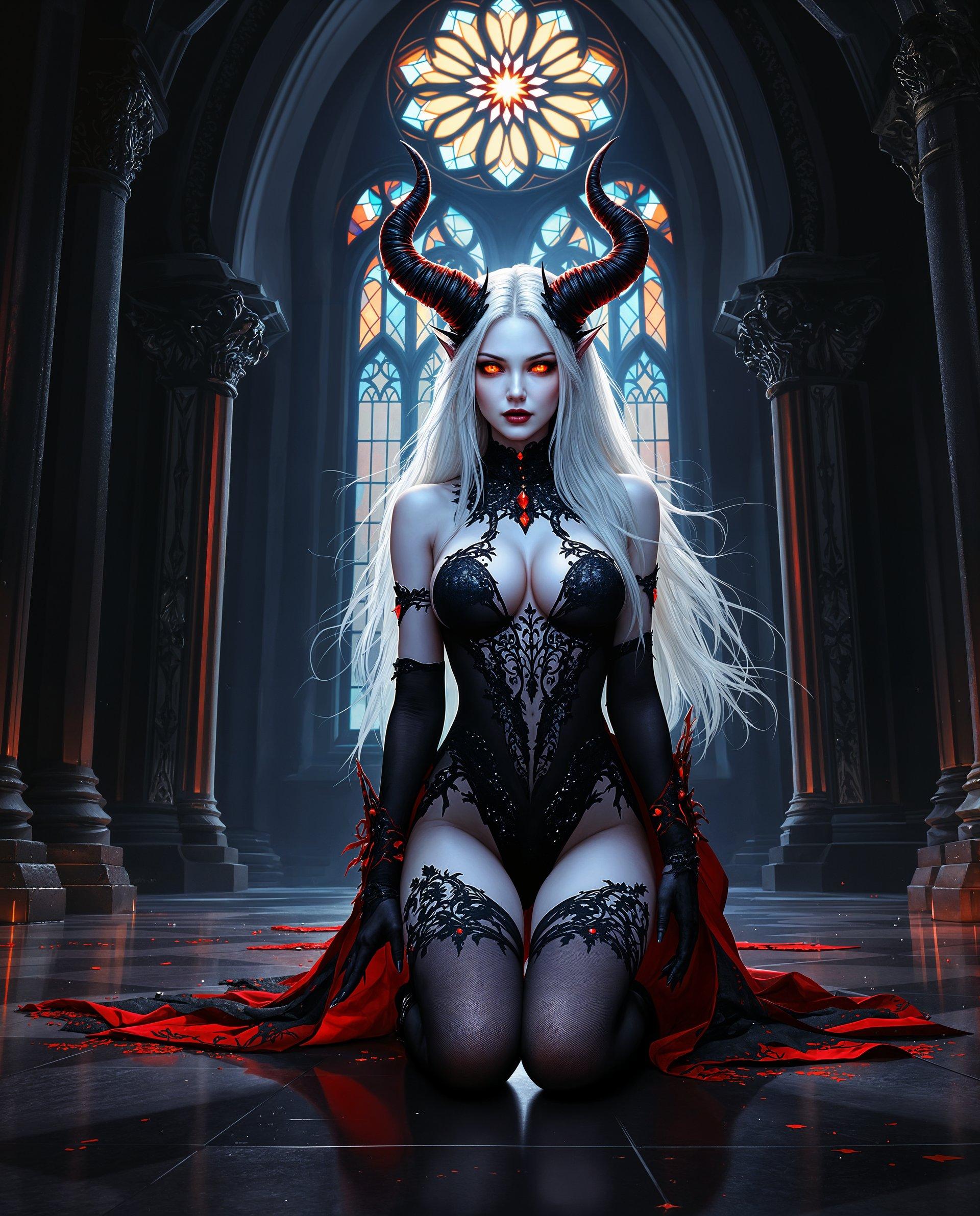
Discover how Qwen Image 2.0 Pro's batch creation feature stands out from other image generation methods:
| Others | Pixel Dojo |
|---|---|
| Traditional Manual Design | Significantly reduces the time and effort required to create multiple images, allowing for faster project completion. |
| Generic AI Tools | Offers superior text rendering and native 2K resolution, ensuring higher quality outputs compared to standard AI image generators. |
| Outsourcing Design Work | Provides a cost-effective solution by eliminating the need for external designers, giving you full control over the creative process. |
Loved by Creators
See what our community says about qwen image 2.0 pro batch creation
"Qwen Image 2.0 Pro's batch creation feature has revolutionized our content production. We can now generate multiple high-quality images in minutes, saving us countless hours."
Sarah Chen
Digital Artist
"The ability to produce consistent, professional images quickly has been a game-changer for our marketing campaigns. Qwen Image 2.0 Pro delivers every time."
Michael Rodriguez
Marketing Director
Common Questions
Everything you need to know about qwen image 2.0 pro batch creation AI generation
How does Qwen Image 2.0 Pro's batch creation feature improve workflow efficiency?
By allowing you to generate multiple images simultaneously, the batch creation feature reduces the time spent on individual image creation, enabling faster project completion and increased productivity.
Can I customize each image in the batch creation process?
Yes, you can input unique prompts and adjust settings for each image, ensuring that every output meets your specific requirements.
What image resolutions are supported in batch creation?
Qwen Image 2.0 Pro supports native 2K resolution (2048x2048 pixels) for all images generated through the batch creation feature, ensuring high-quality outputs suitable for various applications.
Is the batch creation feature suitable for commercial projects?
Absolutely. The high-resolution images produced are ideal for commercial use, including marketing materials, product visuals, and more.
How many images can I generate at once using the batch creation feature?
The number of images you can generate simultaneously depends on your subscription plan. Higher-tier plans offer greater batch processing capabilities to accommodate larger projects.
Do I need advanced technical skills to use the batch creation feature?
No, the batch creation feature is designed with a user-friendly interface that requires no advanced technical knowledge, making it accessible to all users.