qwen image 2.0 pro default model AI Generator
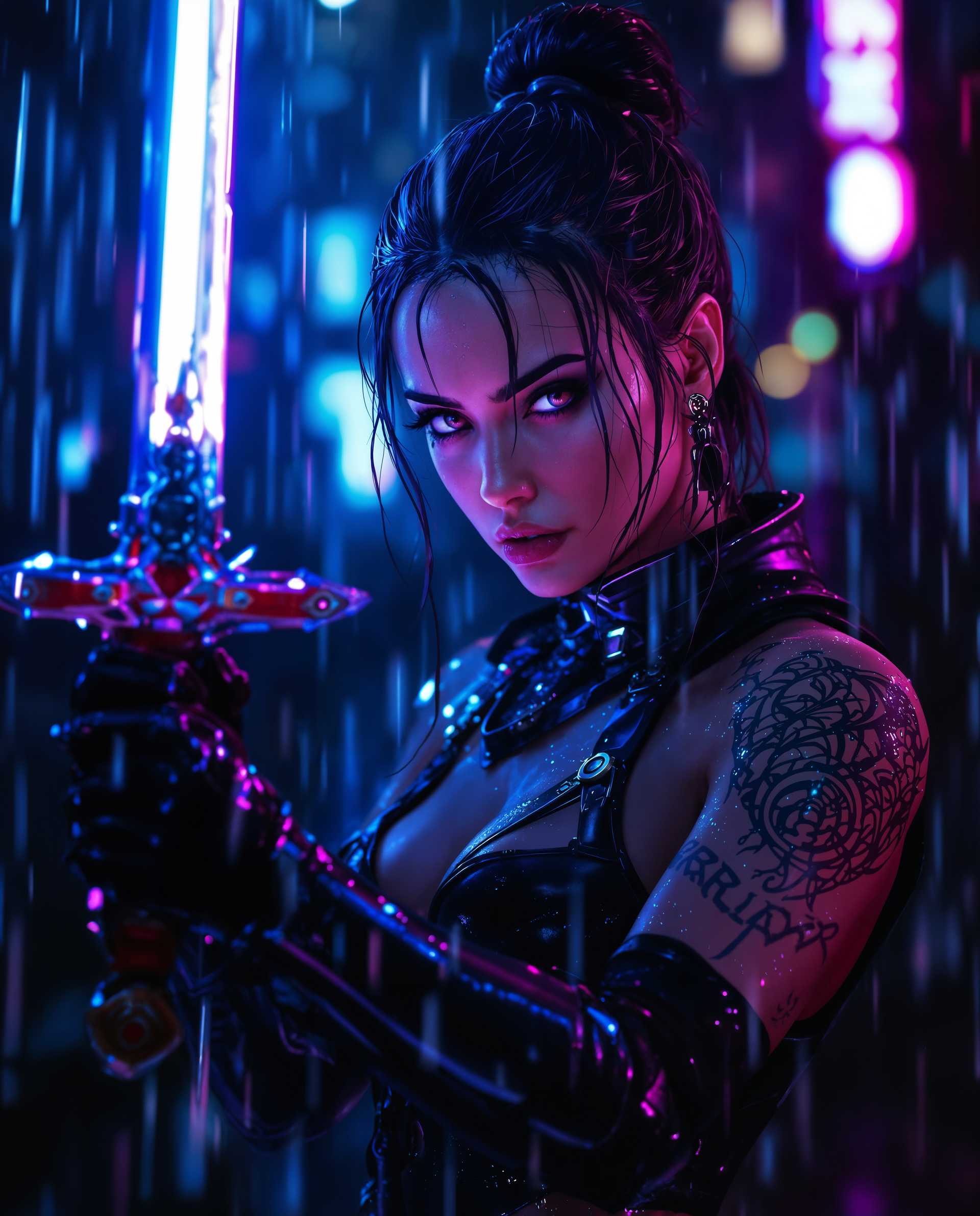
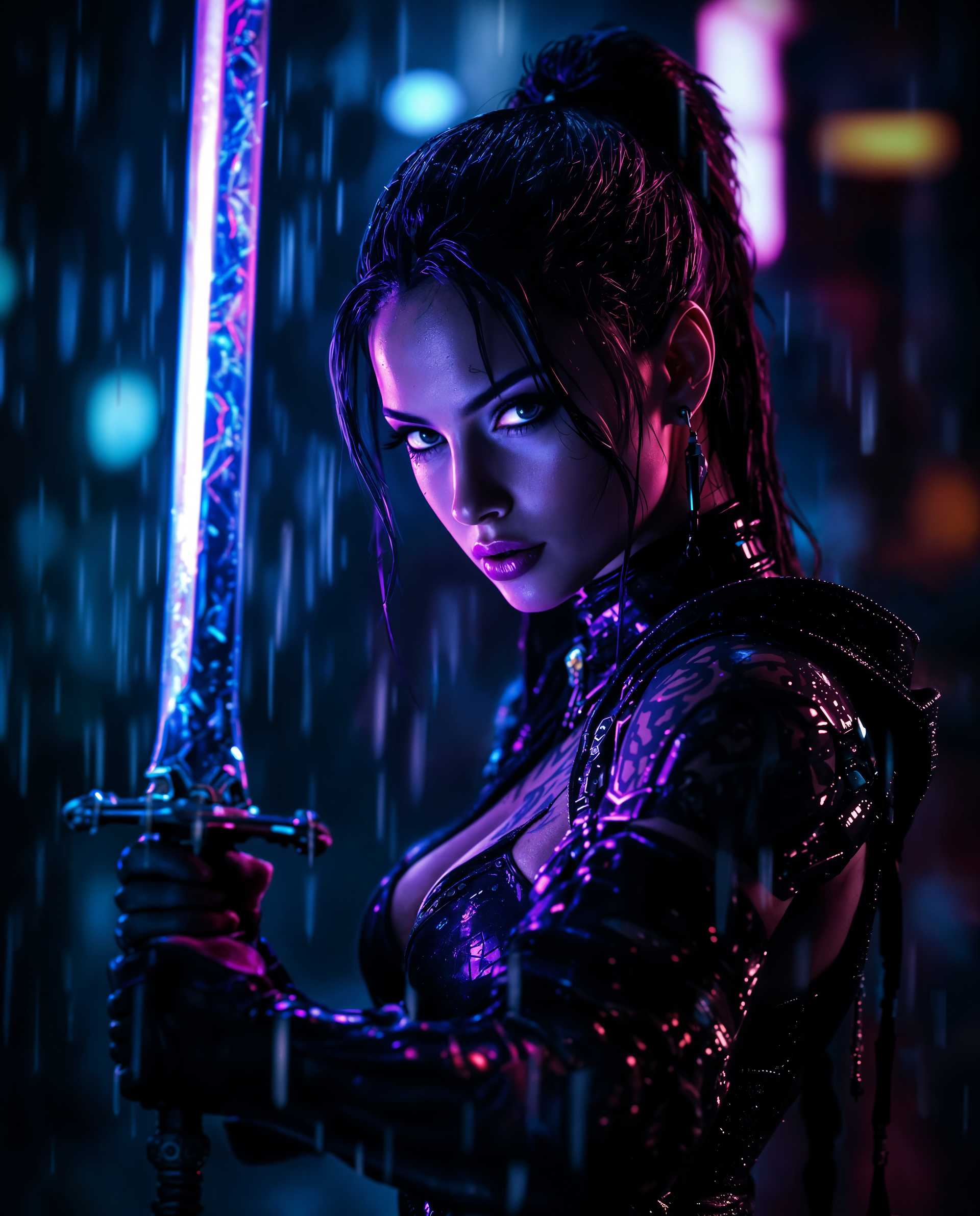
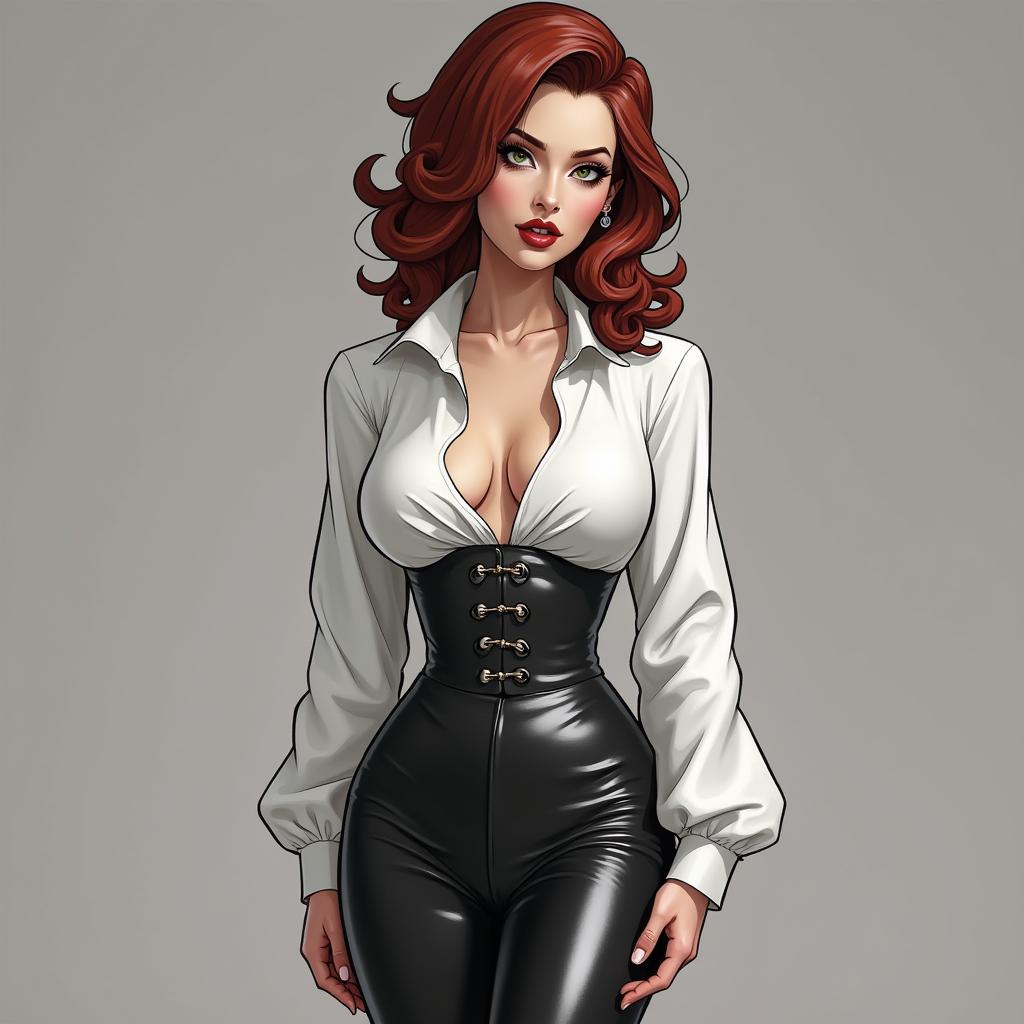
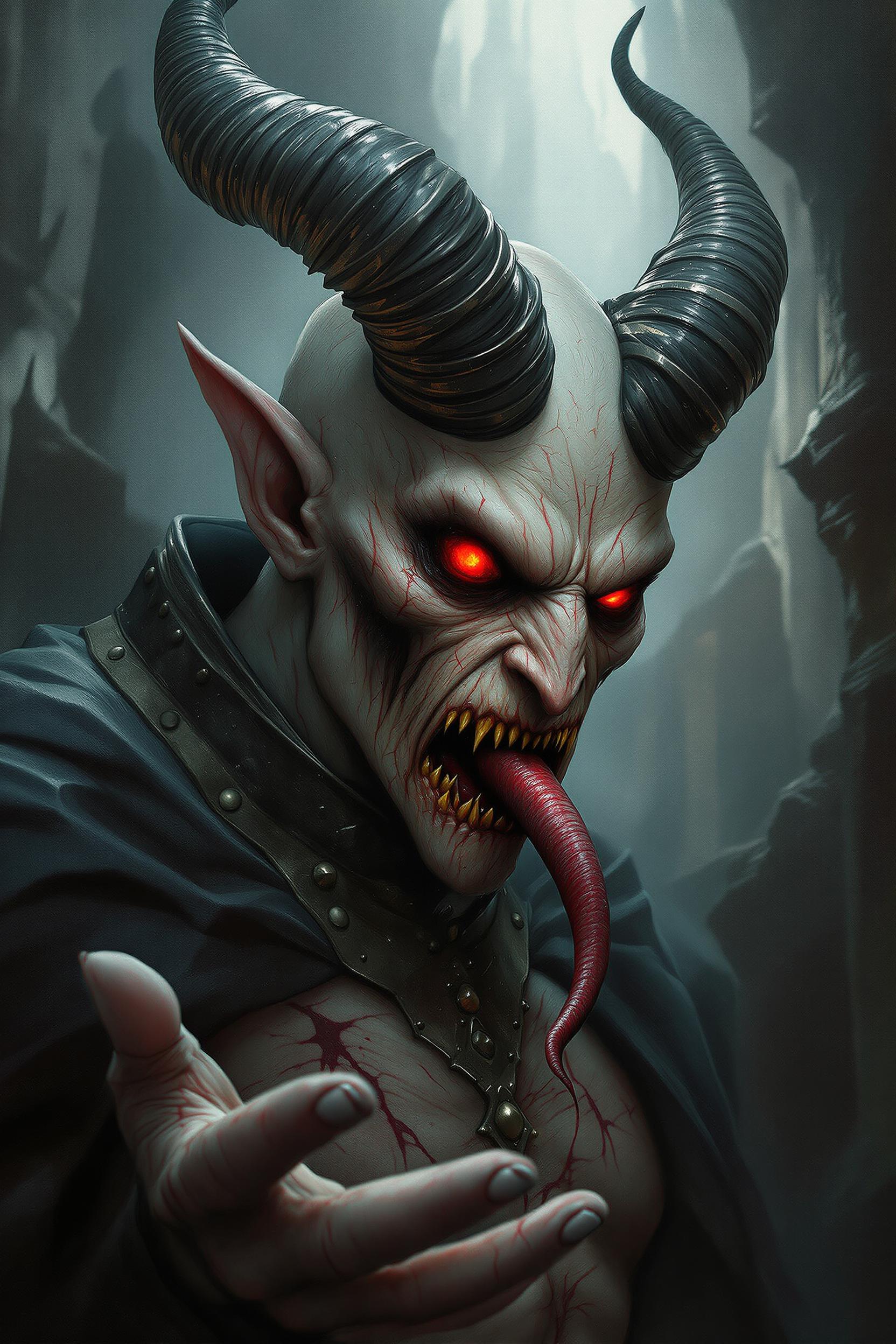
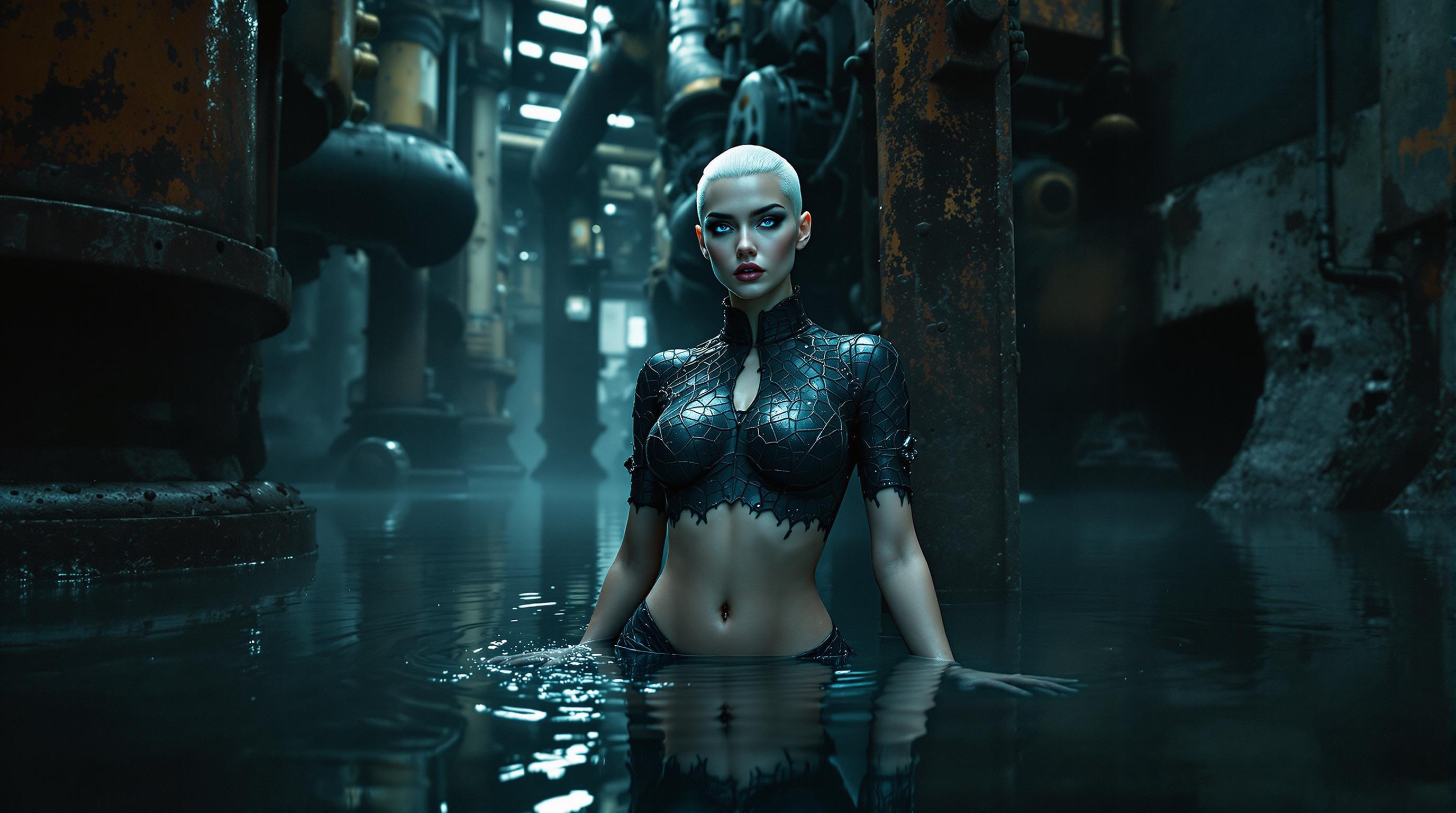
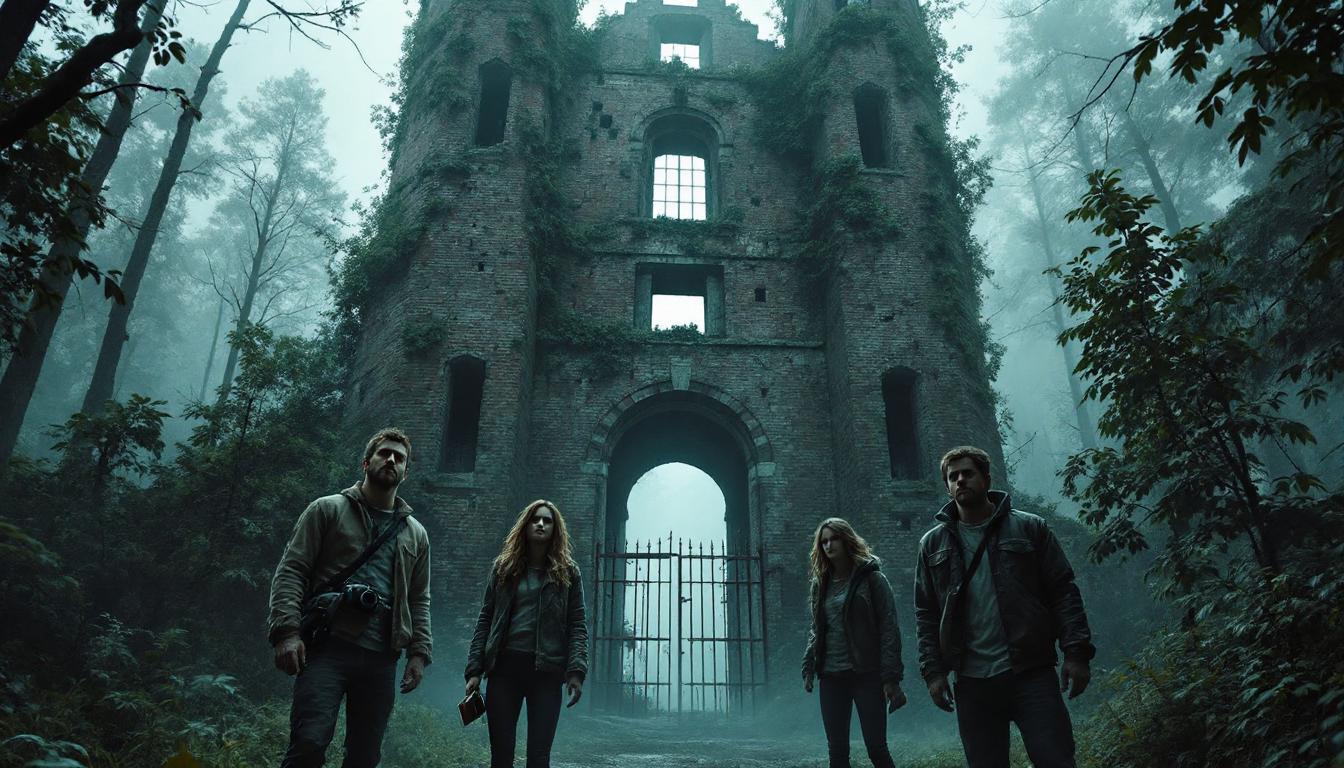
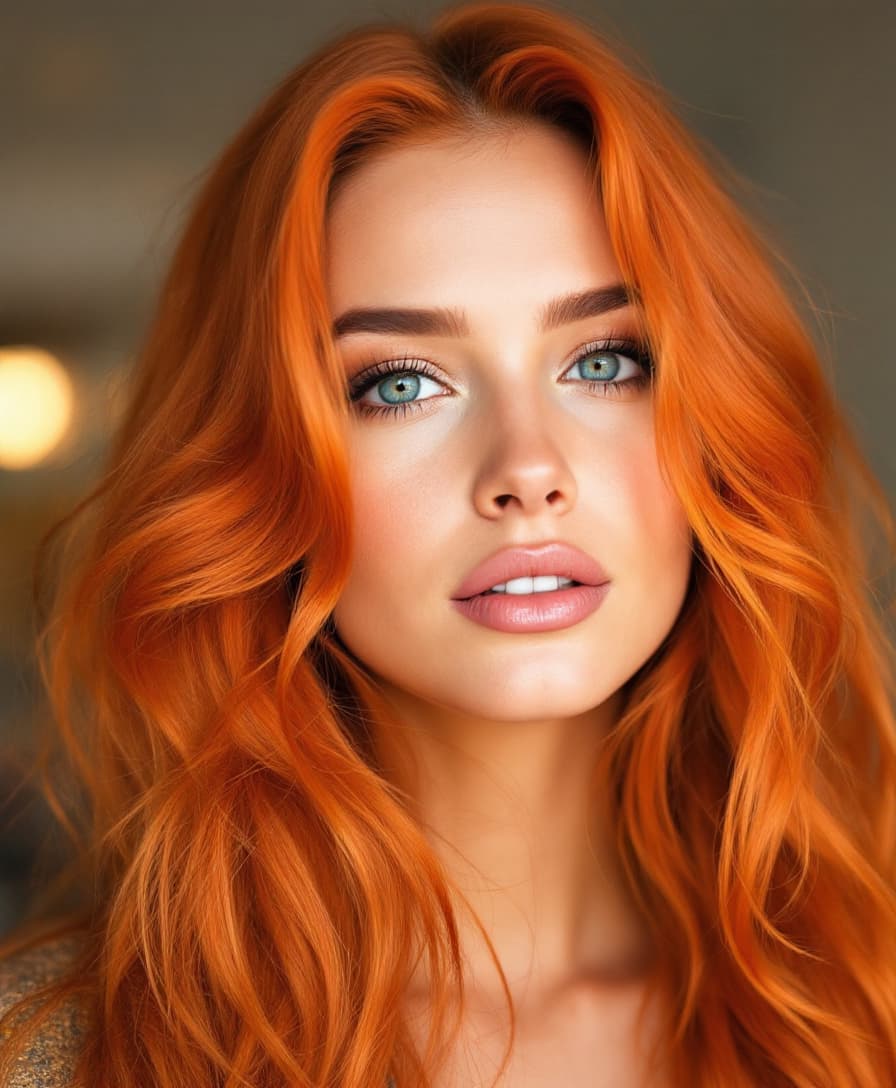
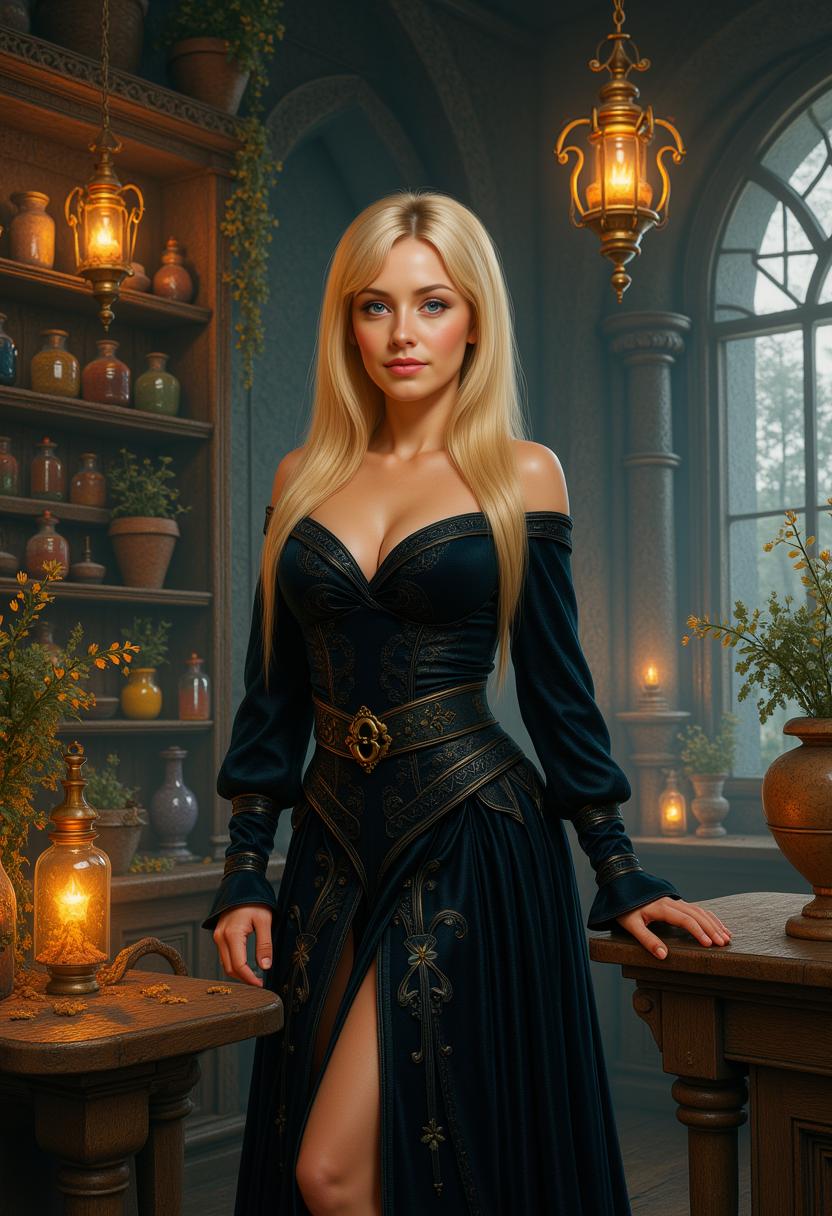
Unlock the full potential of your creativity with Qwen Image 2.0 Pro on PixelDojo. This advanced AI model empowers you to generate photorealistic 2K images and professional infographics with unparalleled ease. Whether you're crafting marketing materials, designing presentations, or exploring artistic concepts, Qwen Image 2.0 Pro transforms your ideas into stunning visuals effortlessly.
Join over 10,000 creators who have enhanced their projects using Qwen Image 2.0 Pro on PixelDojo. Rated 4.8/5 for its exceptional quality and user-friendly interface.
Why Choose Pixel Dojo for qwen image 2.0 pro default model
Professional-quality results with cutting-edge AI technology
Generate High-Resolution Images Instantly
Create native 2K (2048x2048) images that capture intricate details, perfect for professional and personal projects.
Seamless Text Integration
Incorporate precise, pixel-perfect text into your images, ideal for infographics, posters, and presentations.
Unified Generation and Editing
Switch effortlessly between image creation and editing within a single workflow, streamlining your creative process.
How It Works
Creating stunning images with Qwen Image 2.0 Pro on PixelDojo is straightforward. Follow these steps to bring your vision to life:
Step 1: Select Qwen Image 2.0 Pro
Navigate to the 'Generate Images' section on PixelDojo and choose 'Qwen Image 2.0 Pro' from the list of AI tools.
Step 2: Input Your Creative Prompt
Describe the image you envision in detail. Qwen Image 2.0 Pro supports prompts up to 1,000 tokens, allowing for complex and detailed descriptions.
Step 3: Customize and Download
After the image is generated, use the editing tools to make any adjustments. Once satisfied, download your high-resolution image for use.






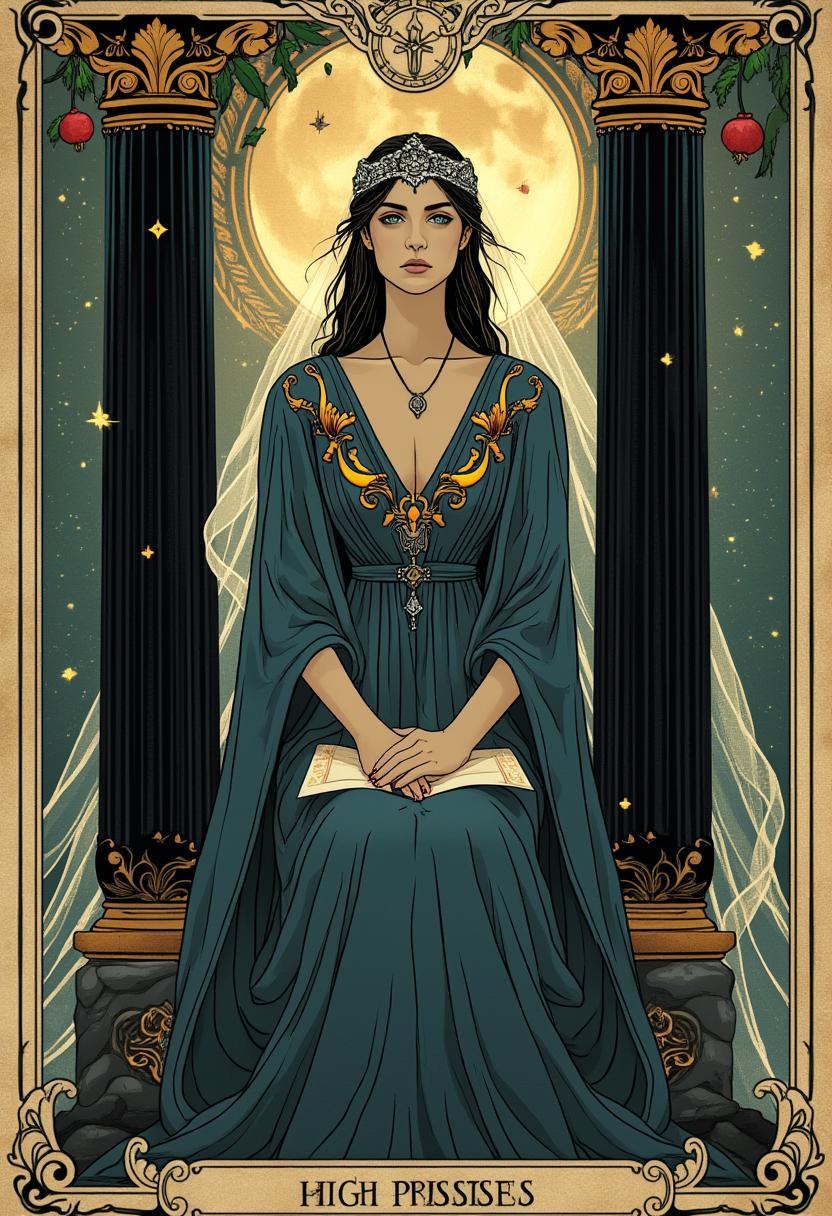

The Pixel Dojo Advantage
Discover why PixelDojo with Qwen Image 2.0 Pro is the superior choice for AI image generation:
| Others | Pixel Dojo |
|---|---|
| Traditional Design Software | Eliminate the steep learning curve and time investment; generate professional images instantly without prior design experience. |
| Generic AI Image Generators | Benefit from native 2K resolution and precise text rendering, features often lacking in other AI tools. |
| Manual Photo Editing | Save hours of meticulous editing; Qwen Image 2.0 Pro automates the creation of complex visuals with ease. |
Loved by Creators
See what our community says about qwen image 2.0 pro default model
"Qwen Image 2.0 Pro on PixelDojo has revolutionized my design process. The 2K resolution and text accuracy are unmatched."
Alex Johnson
Graphic Designer
"As a marketer, creating high-quality visuals quickly is crucial. PixelDojo's Qwen Image 2.0 Pro delivers every time."
Samantha Lee
Marketing Manager
Common Questions
Everything you need to know about qwen image 2.0 pro default model AI generation
How does Qwen Image 2.0 Pro ensure high-quality 2K image generation?
Qwen Image 2.0 Pro utilizes advanced AI algorithms to generate native 2048x2048 resolution images, capturing intricate details and textures for photorealistic results.
Can I add text to images using Qwen Image 2.0 Pro?
Yes, Qwen Image 2.0 Pro supports precise text integration, allowing you to create infographics, posters, and presentations with pixel-perfect typography.
Is it possible to edit images after generation with Qwen Image 2.0 Pro?
Absolutely. Qwen Image 2.0 Pro offers a unified workflow for both image generation and editing, enabling seamless adjustments without switching tools.
Do I need prior design experience to use Qwen Image 2.0 Pro?
No, Qwen Image 2.0 Pro is designed for users of all skill levels. Its intuitive interface allows you to create professional-quality images without any design background.
What types of projects can I create with Qwen Image 2.0 Pro?
You can create a wide range of projects, including marketing materials, social media graphics, presentations, posters, and more, all with high-resolution and precise text rendering.
Is there a limit to the length of prompts I can use?
Qwen Image 2.0 Pro supports prompts up to 1,000 tokens, allowing for detailed and complex descriptions to bring your vision to life.