qwen image 2.0 pro fabric realistic AI Generator
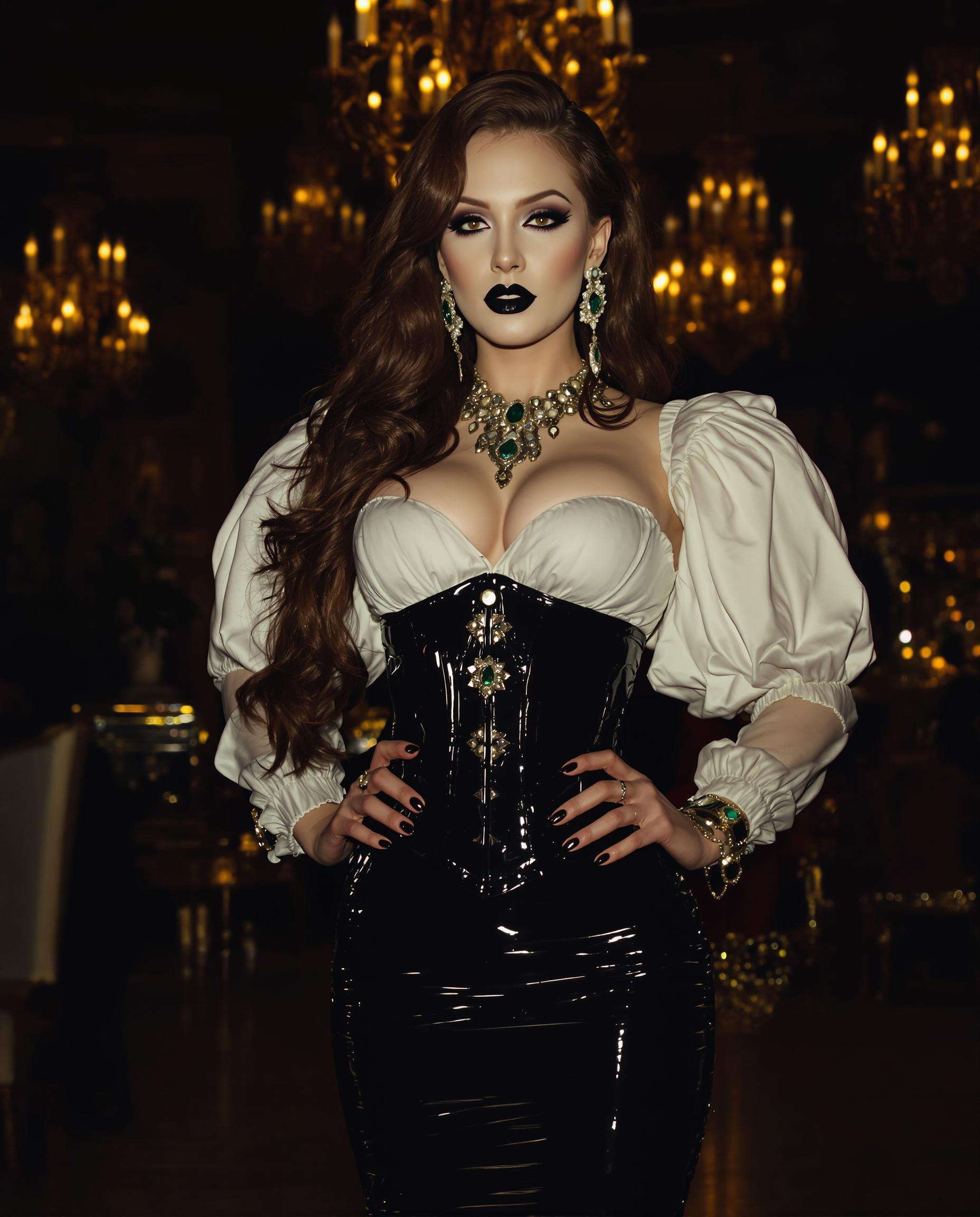
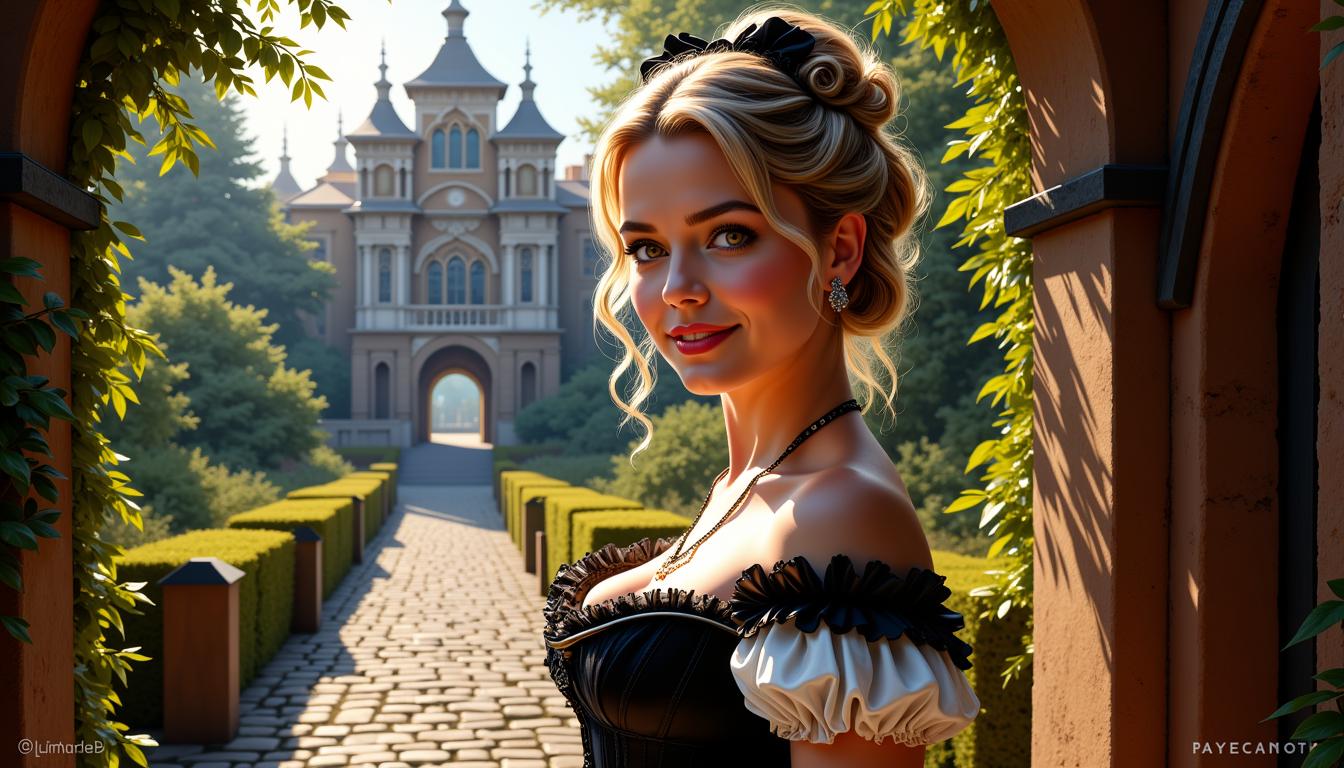
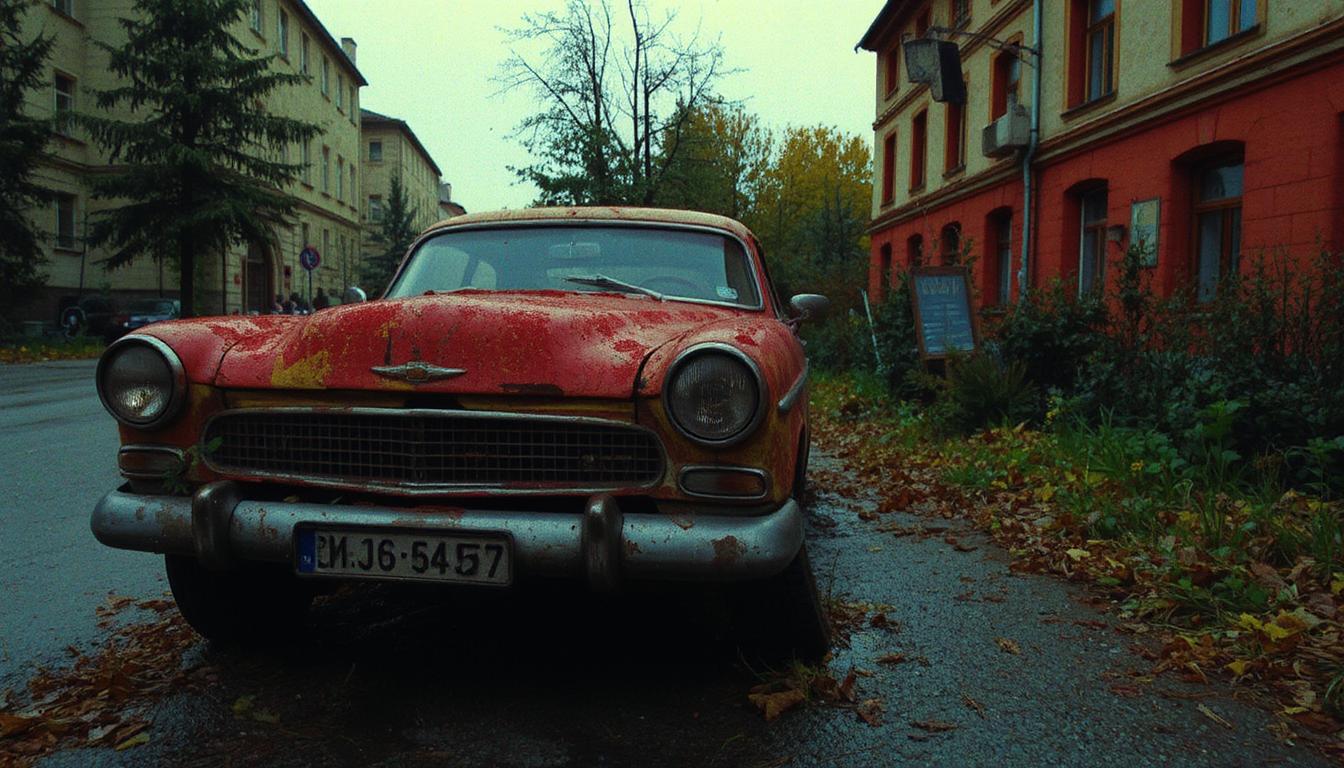
Bring your fabric designs to life with unparalleled realism using Qwen Image 2.0 Pro on PixelDojo. Whether you're a fashion designer, textile artist, or marketer, our AI-powered tool enables you to create high-resolution, photorealistic fabric images effortlessly. Visualize intricate patterns, textures, and materials with stunning accuracy, saving time and resources in your creative process.
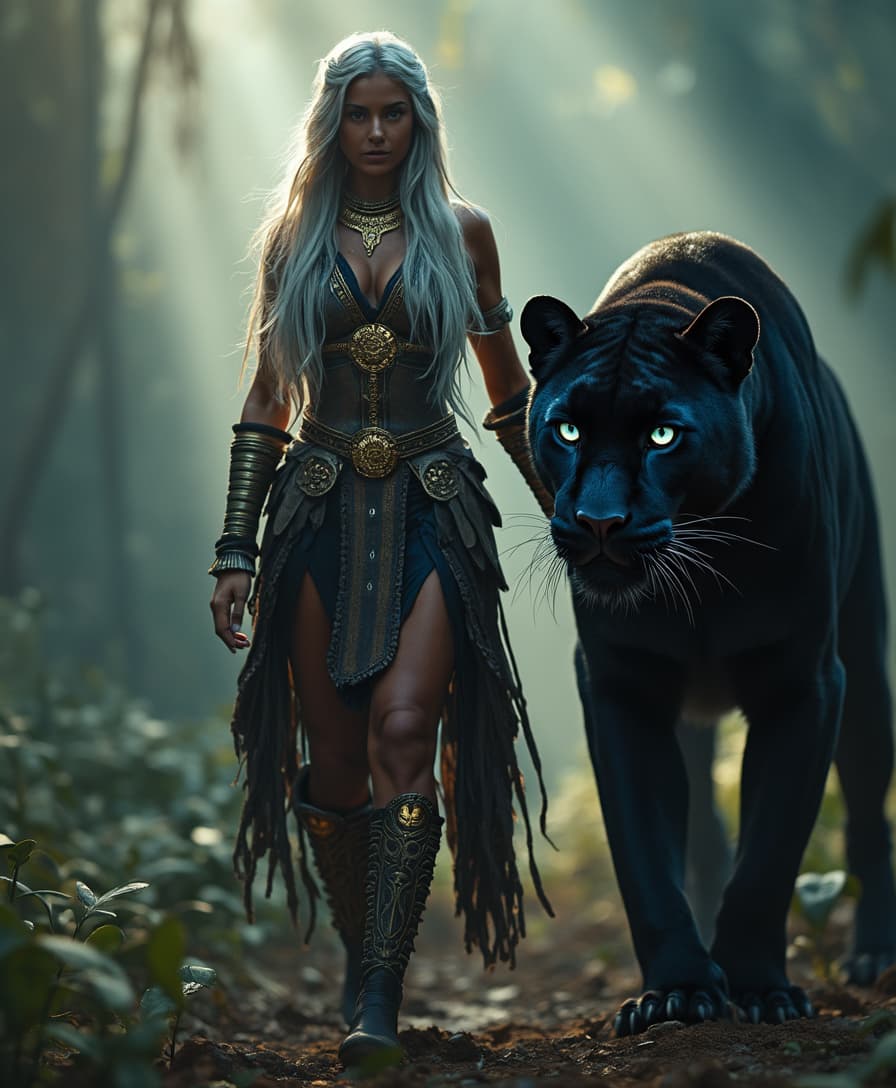
Join over 50,000 creators who have generated more than 1 million images with a 98% satisfaction rate using Qwen Image 2.0 Pro on PixelDojo.
Why Choose Pixel Dojo for qwen image 2.0 pro fabric realistic
Professional-quality results with cutting-edge AI technology
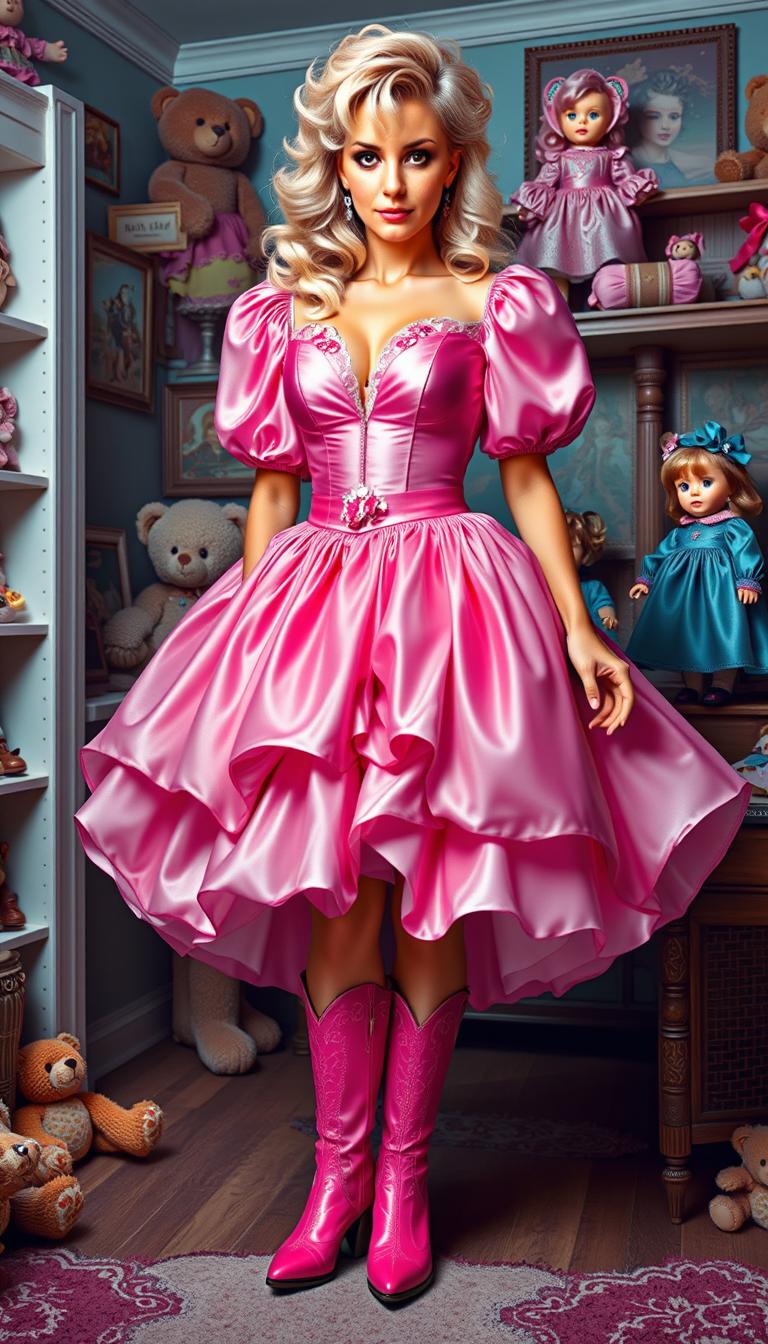
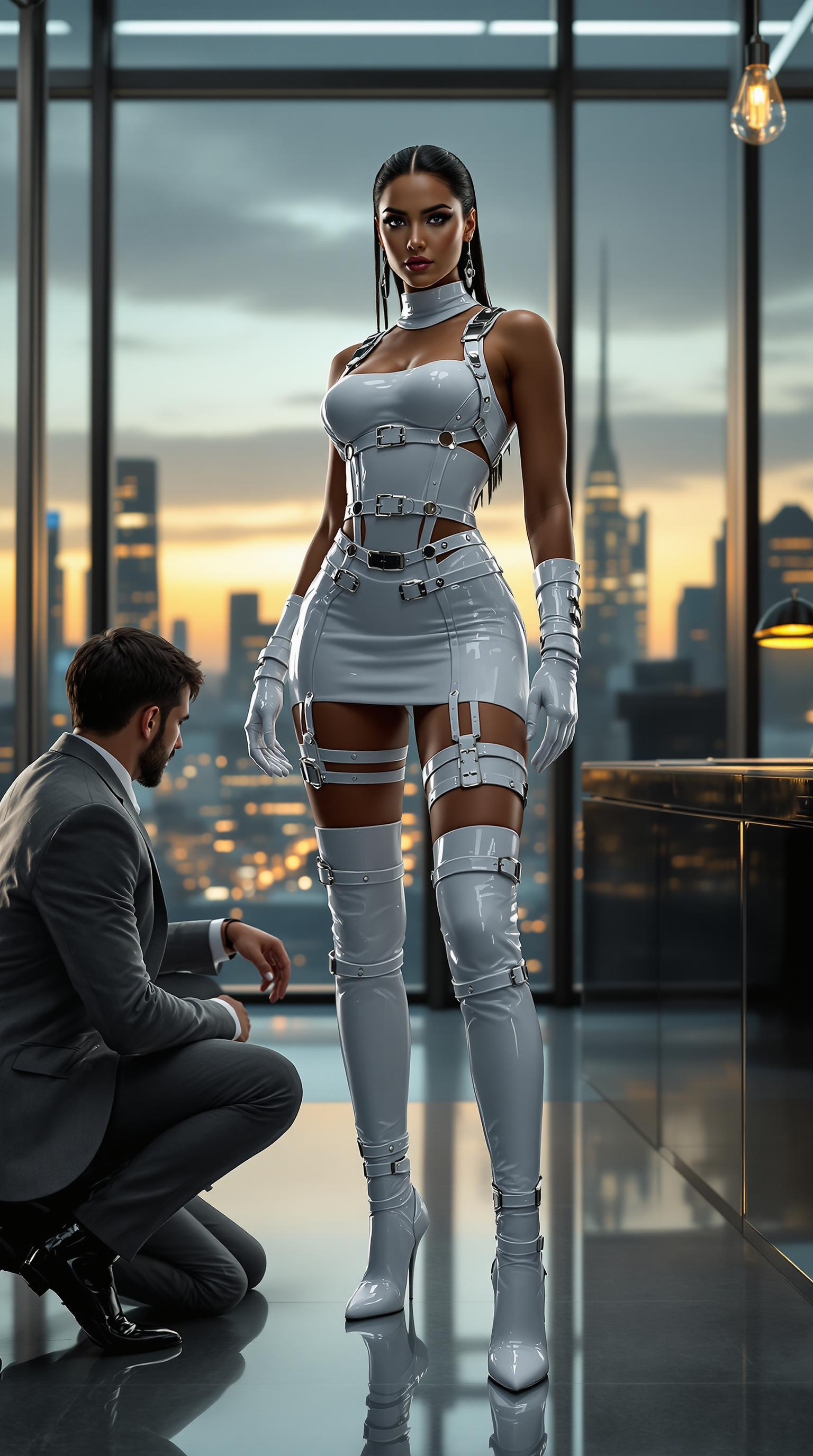
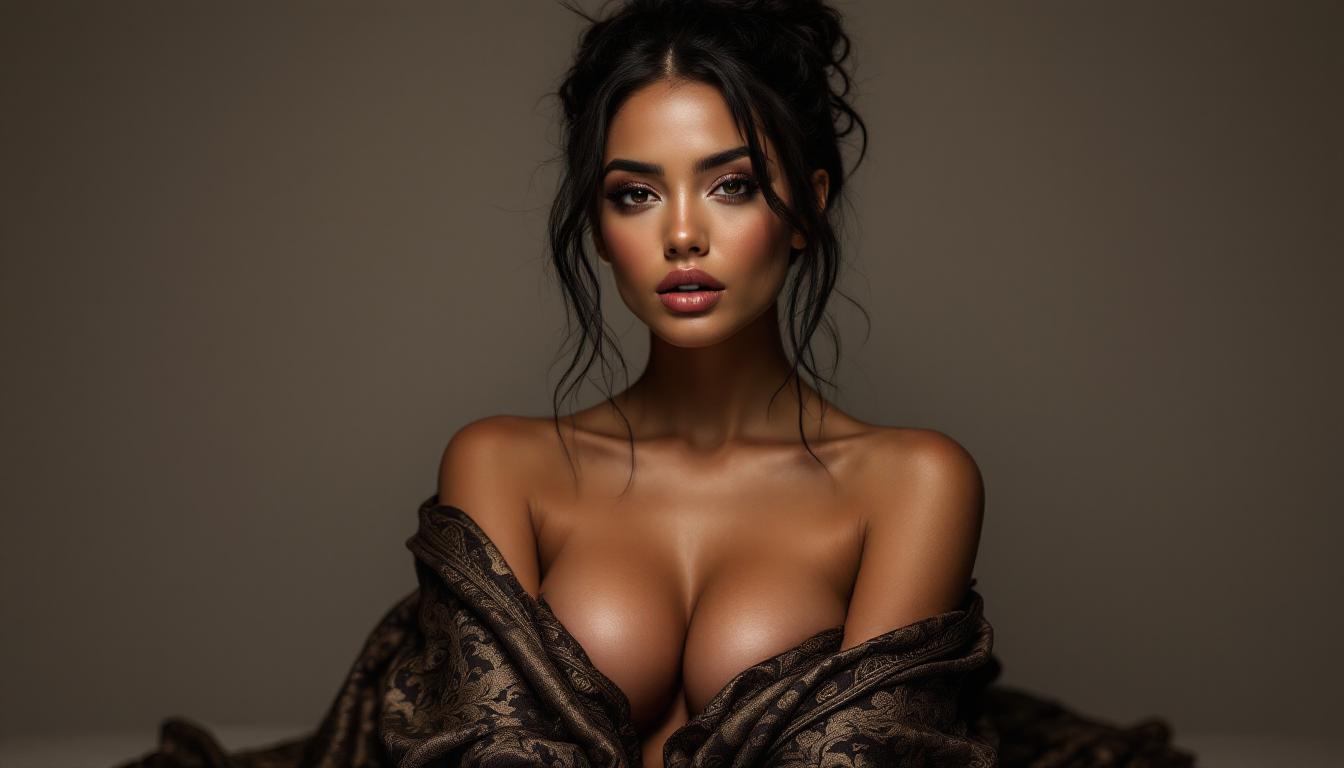
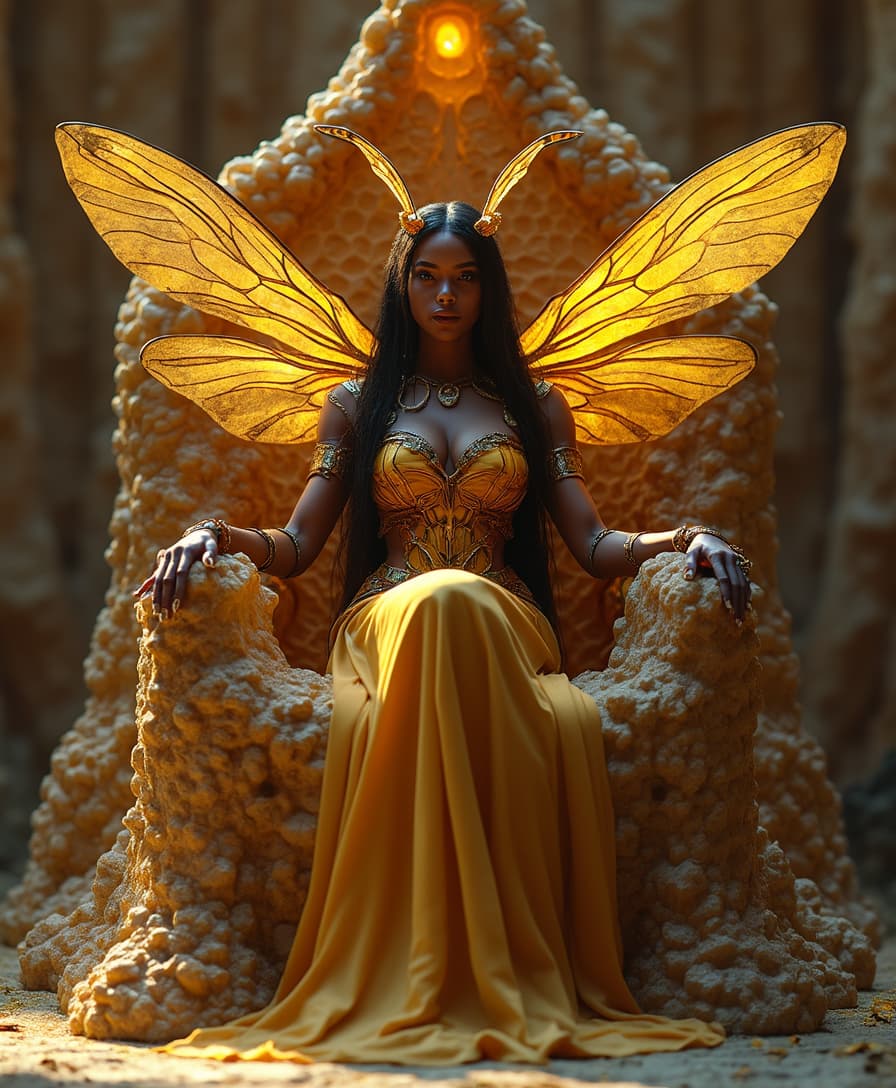
Achieve Photorealistic Fabric Visuals
Generate images that capture the intricate details of fabric textures, patterns, and colors, providing a true-to-life representation of your designs.
Streamline Your Design Process
Quickly visualize and iterate on fabric concepts without the need for physical samples, accelerating your workflow and reducing costs.
Customize with Precision
Utilize advanced prompt capabilities to specify complex layouts, text elements, and design features, ensuring your vision is accurately realized.
How It Works
Creating realistic fabric images with Qwen Image 2.0 Pro on PixelDojo is simple and intuitive. Follow these steps to bring your designs to life:
Step 1: Select Qwen Image 2.0 Pro
Navigate to the 'Generate Images' section on PixelDojo and choose 'Qwen Image 2.0 Pro' from the list of AI tools.
Step 2: Input Your Design Prompt
Describe your desired fabric image in detail, including texture, pattern, color, and any specific elements you want to include.
Step 3: Generate and Refine
Click 'Generate' to create your image. Use the editing tools to make any necessary adjustments to achieve your desired outcome.
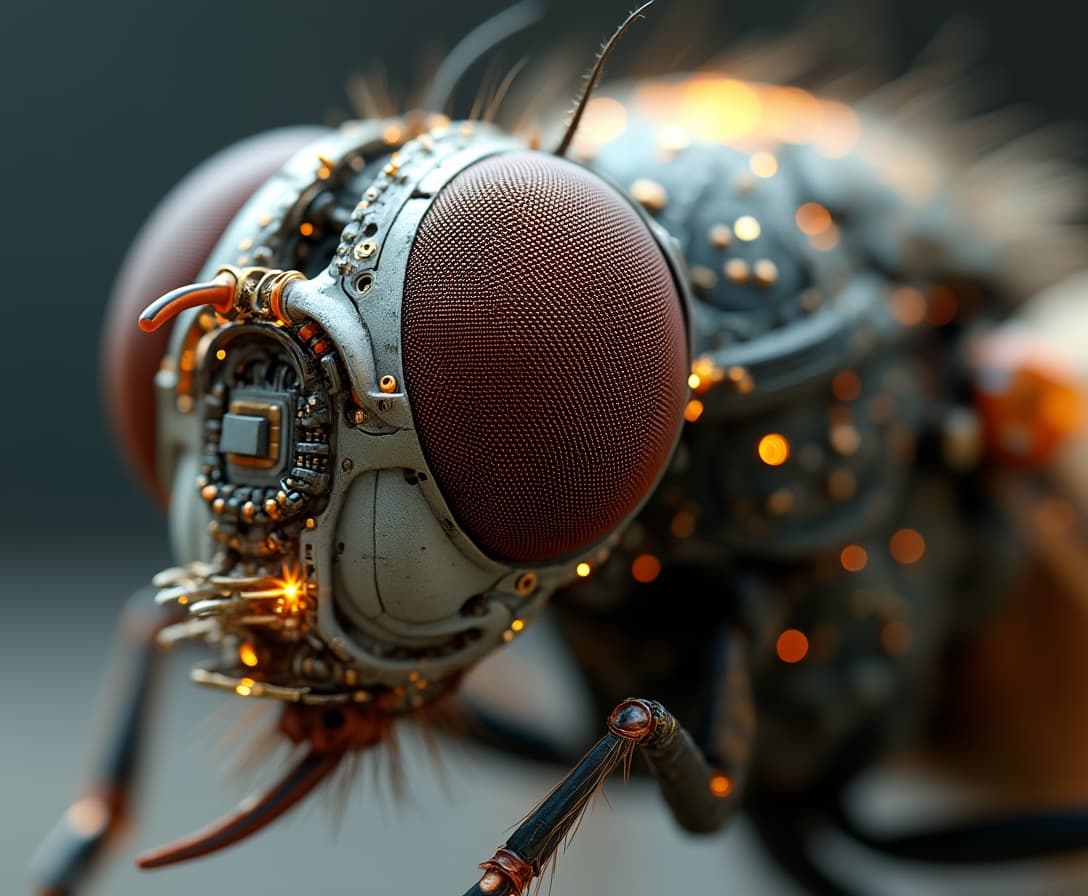
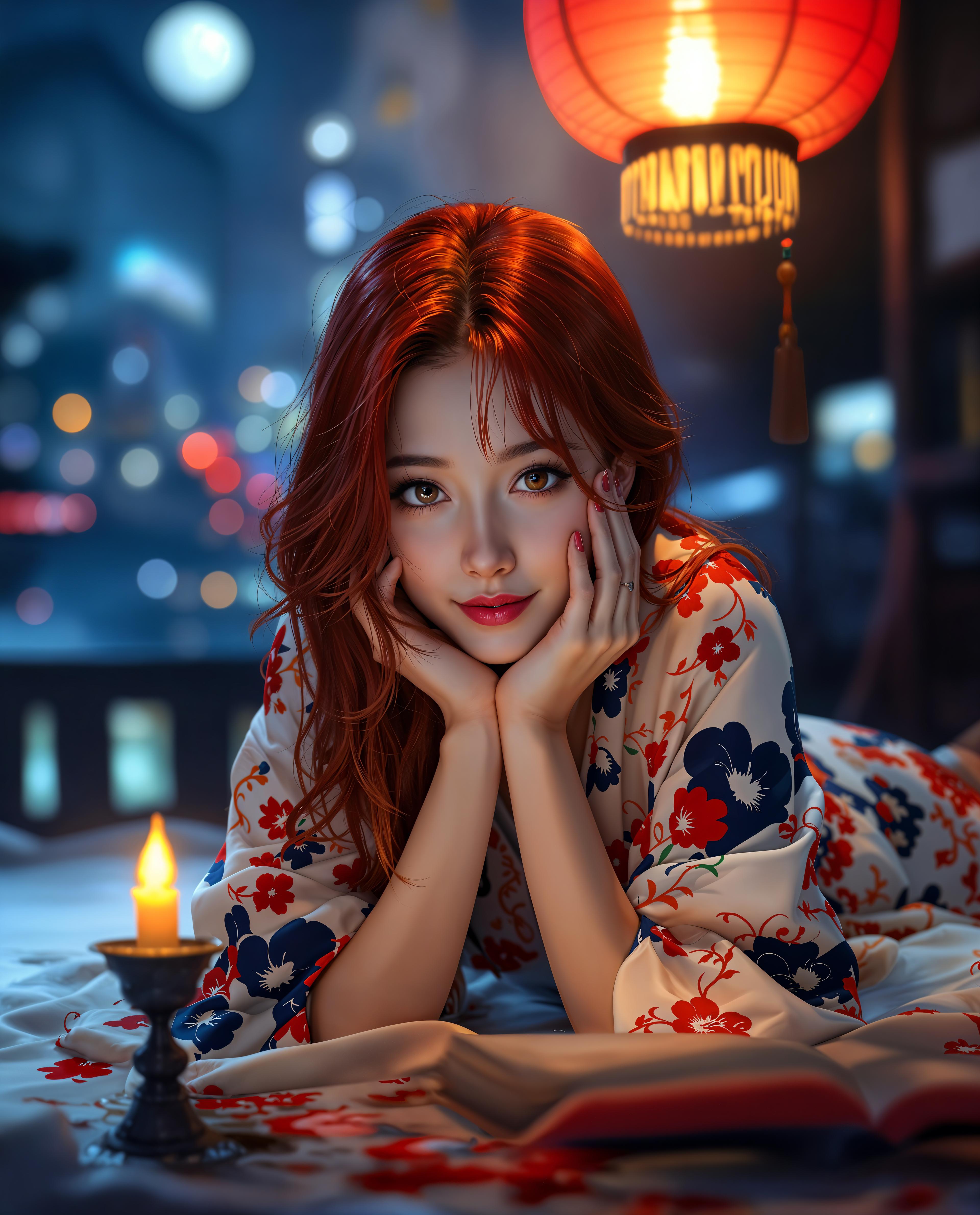
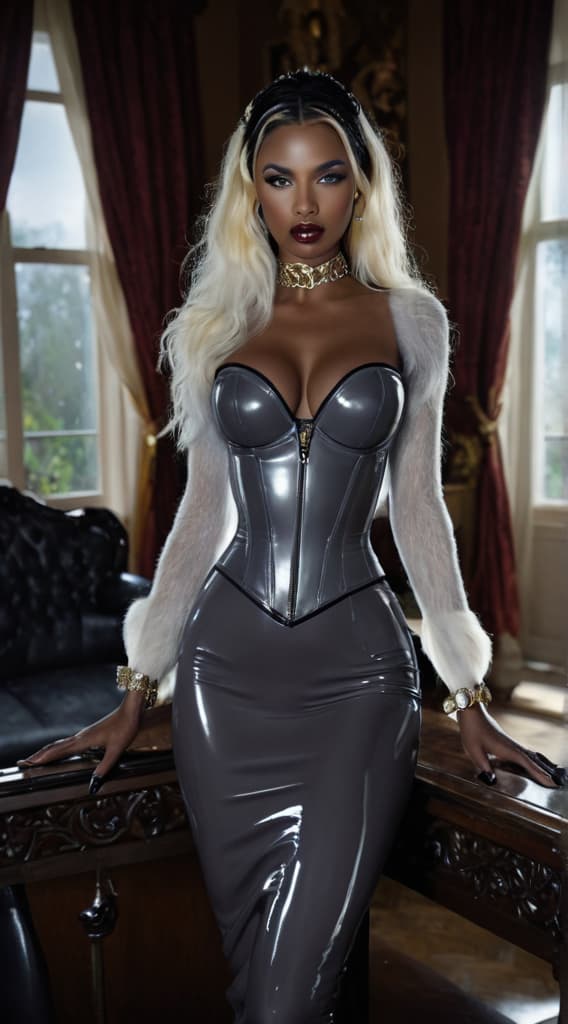





The Pixel Dojo Advantage
Why PixelDojo outperforms other options for realistic fabric image generation:
| Others | Pixel Dojo |
|---|---|
| Traditional Fabric Photography | Eliminate the need for costly photoshoots and physical samples by generating high-quality images digitally. |
| Generic AI Image Generators | Benefit from specialized tools like Qwen Image 2.0 Pro, designed to handle complex fabric textures and patterns with precision. |
| Manual Digital Design | Save time and effort by leveraging AI to generate realistic images, allowing you to focus on creativity and innovation. |
Loved by Creators
See what our community says about qwen image 2.0 pro fabric realistic
"Qwen Image 2.0 Pro has revolutionized how I present my fabric designs. The realism is unparalleled, and the process is incredibly efficient."
Alexandra Lee
Textile Designer
"As a fashion marketer, creating compelling visuals is crucial. PixelDojo's tools have made it easy to generate stunning fabric images that resonate with our audience."
Michael Chen
Marketing Director
Common Questions
Everything you need to know about qwen image 2.0 pro fabric realistic AI generation
How does Qwen Image 2.0 Pro create realistic fabric images?
Qwen Image 2.0 Pro utilizes advanced AI algorithms trained on extensive datasets of fabric textures and patterns, enabling it to generate high-resolution, photorealistic images based on your text prompts.
Can I customize the fabric designs generated by Qwen Image 2.0 Pro?
Absolutely! You can specify detailed prompts to guide the AI in creating designs that match your vision. Additionally, PixelDojo offers editing tools to refine and adjust the generated images as needed.
Is there a limit to the number of images I can generate?
PixelDojo offers various subscription plans to suit different needs. Depending on your plan, you can generate a specific number of images per month. Check our pricing page for more details.
Do I need any prior experience with AI tools to use Qwen Image 2.0 Pro?
No prior experience is necessary. PixelDojo's interface is user-friendly, and we provide tutorials and support to help you get started with ease.
Can I use the images generated for commercial purposes?
Yes, images generated with Qwen Image 2.0 Pro can be used for commercial purposes. Please review our terms of service for specific details regarding usage rights.
What file formats are available for the generated images?
Generated images are available in high-resolution PNG format, suitable for both digital and print applications.