qwen image 2.0 pro thinking mode AI Generator
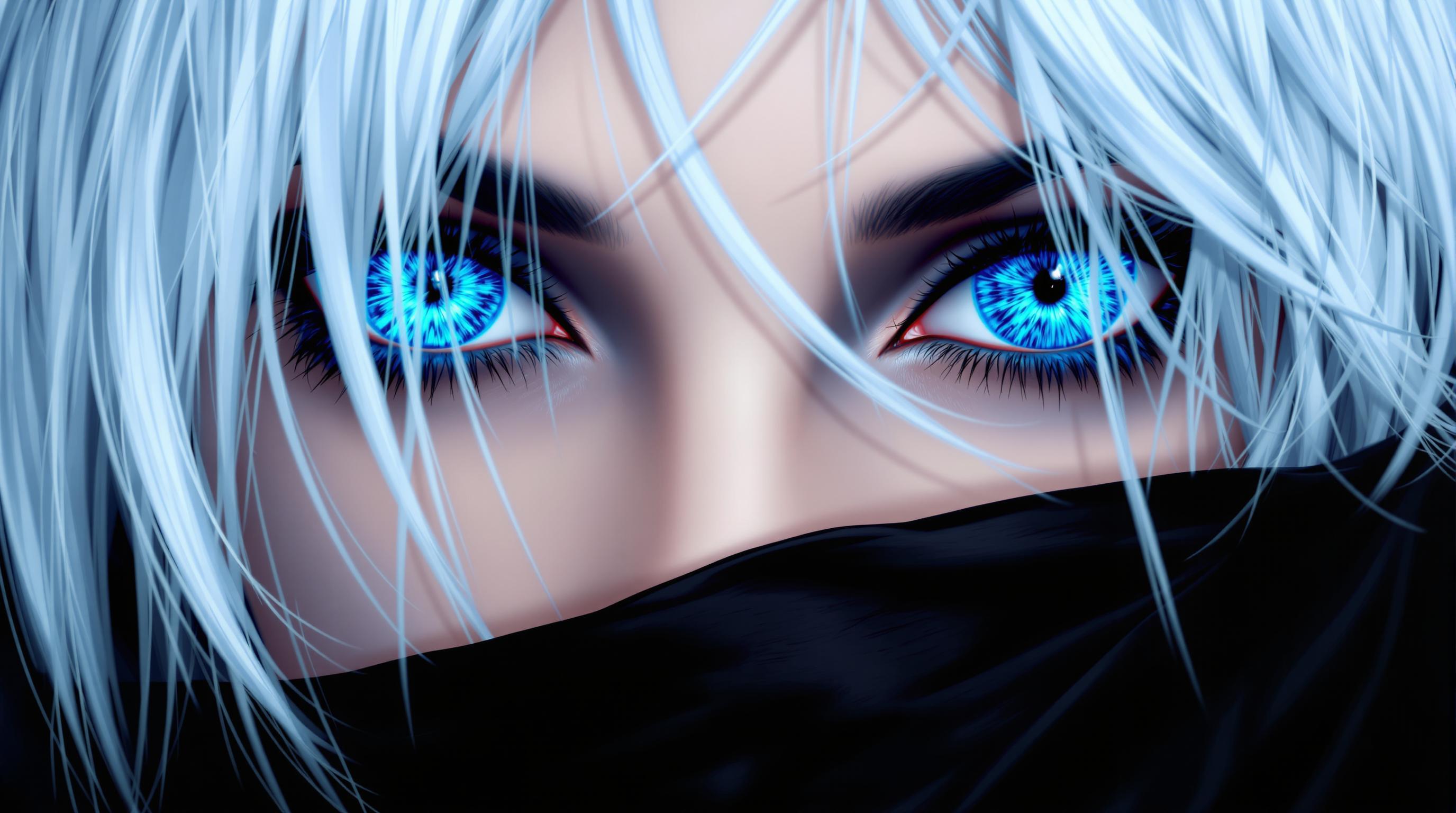
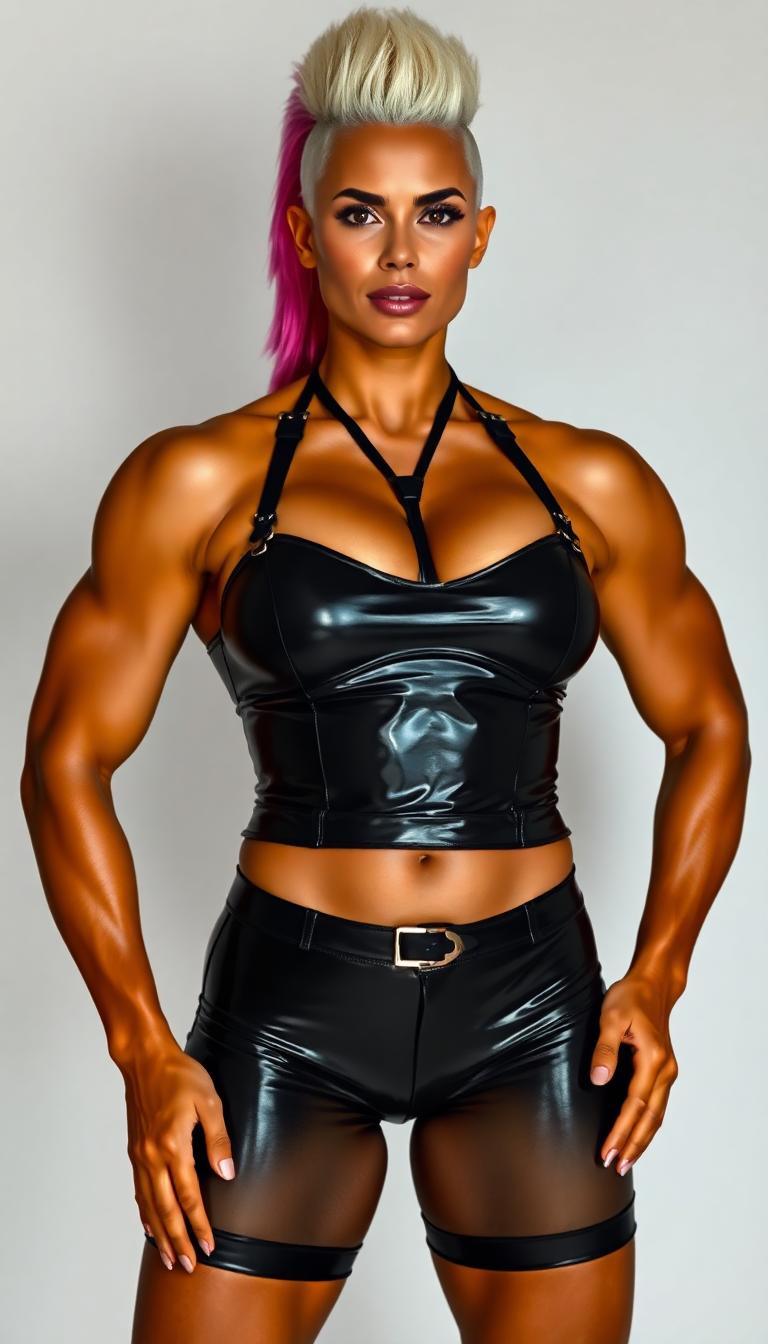
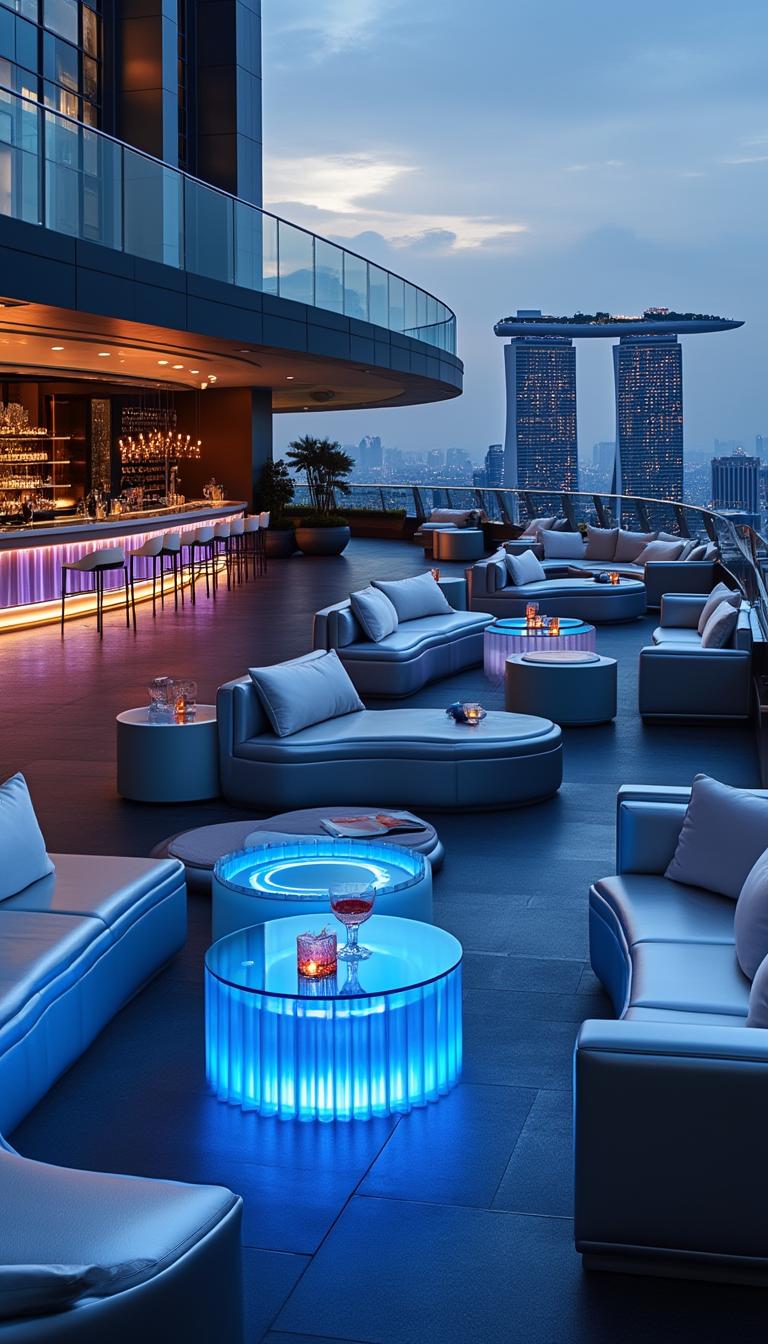
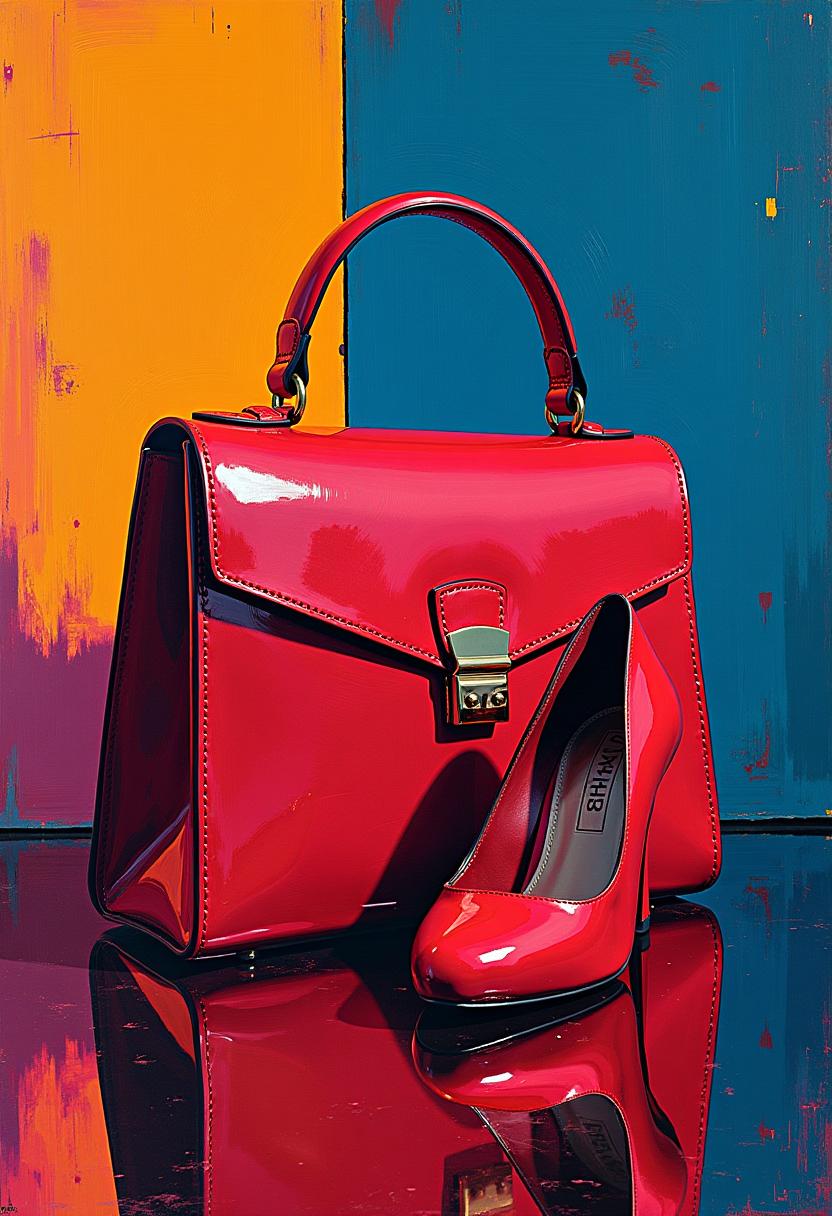
Unlock the full potential of your creative projects with Qwen Image 2.0's Pro Thinking Mode. This advanced feature empowers you to generate and edit high-resolution 2K images with unparalleled precision and realism. Whether you're designing marketing materials, crafting compelling visuals for presentations, or creating stunning digital art, Qwen Image 2.0 provides the tools you need to bring your vision to life effortlessly.

Join thousands of satisfied creators who have transformed their workflows with Qwen Image 2.0. With a 4.8/5 average rating and over 1 million images generated, our platform is trusted by professionals worldwide.
Why Choose Pixel Dojo for qwen image 2.0 pro thinking mode
Professional-quality results with cutting-edge AI technology
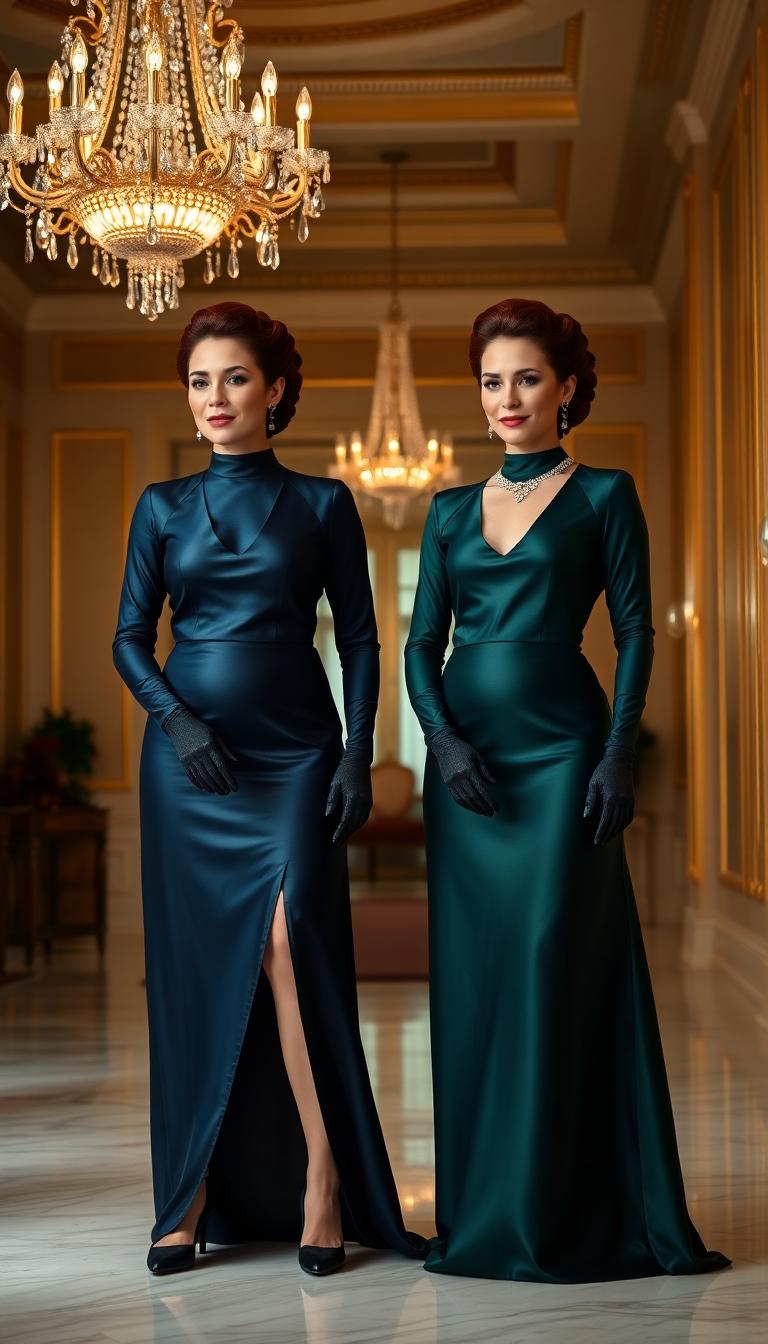
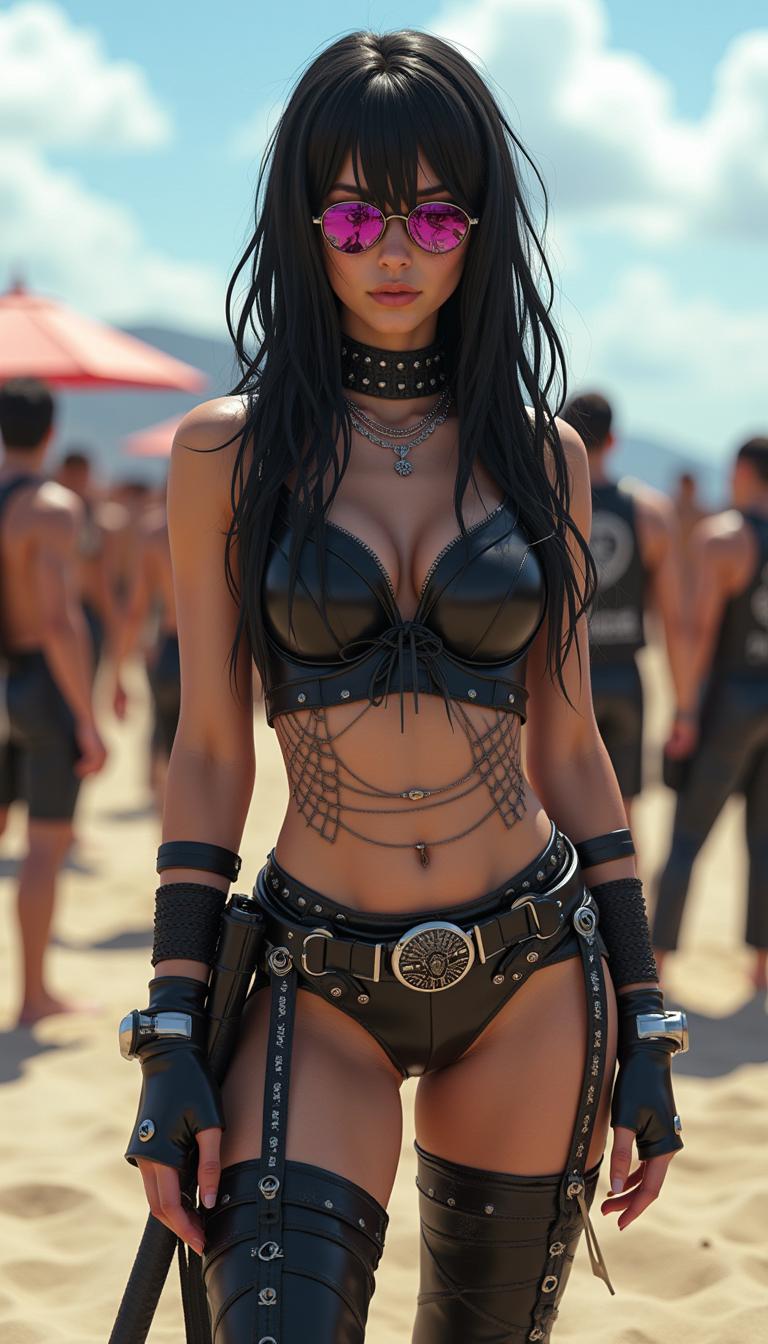
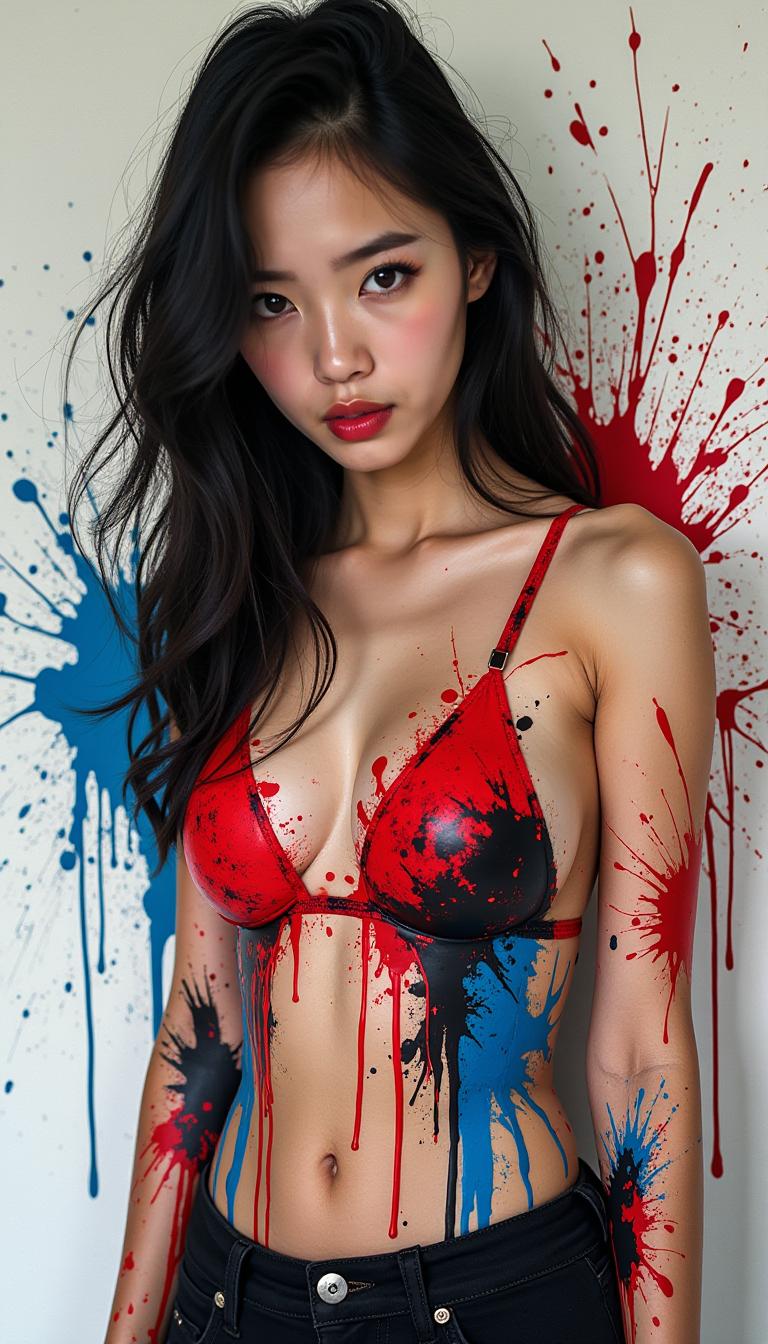
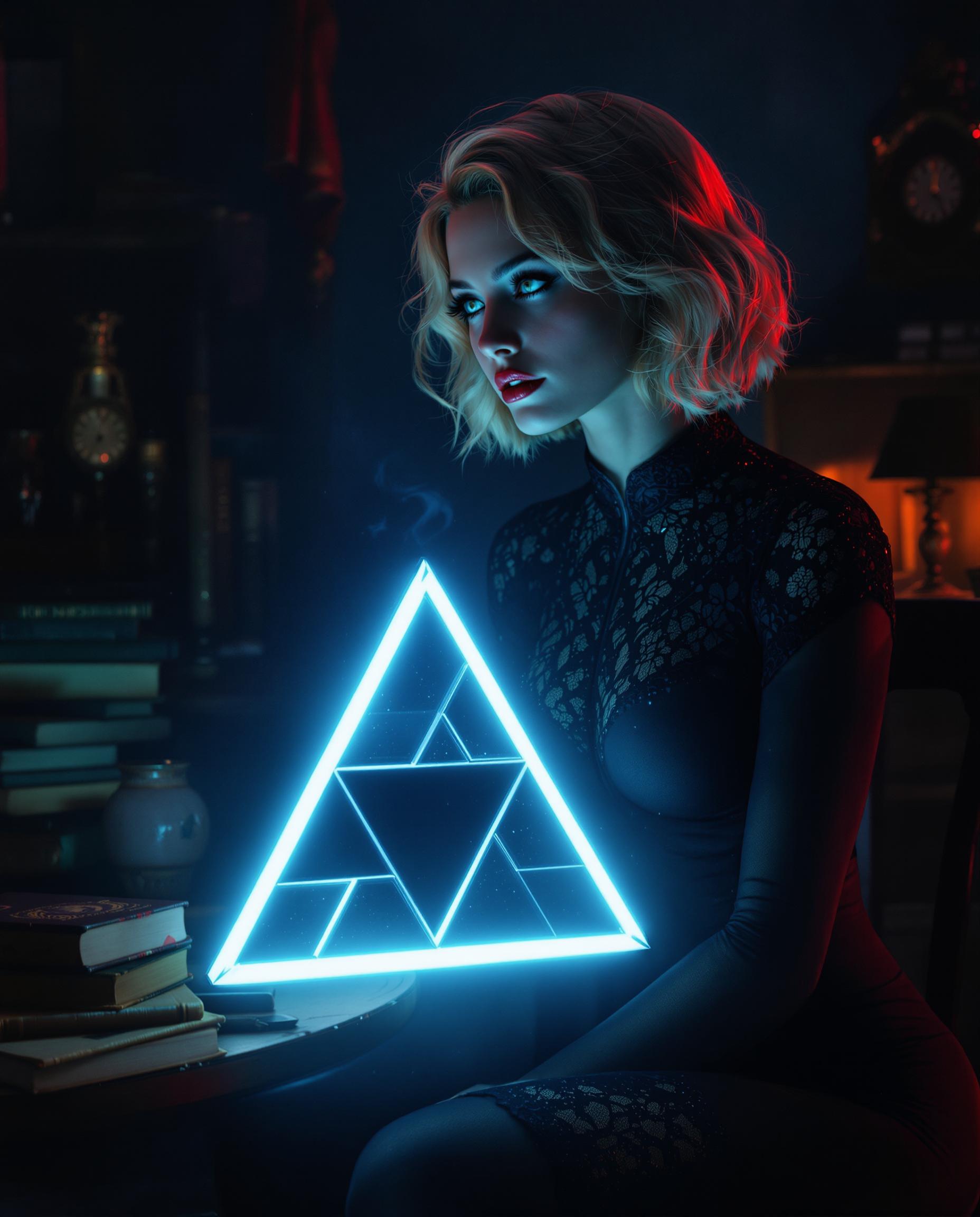
Generate High-Resolution 2K Images
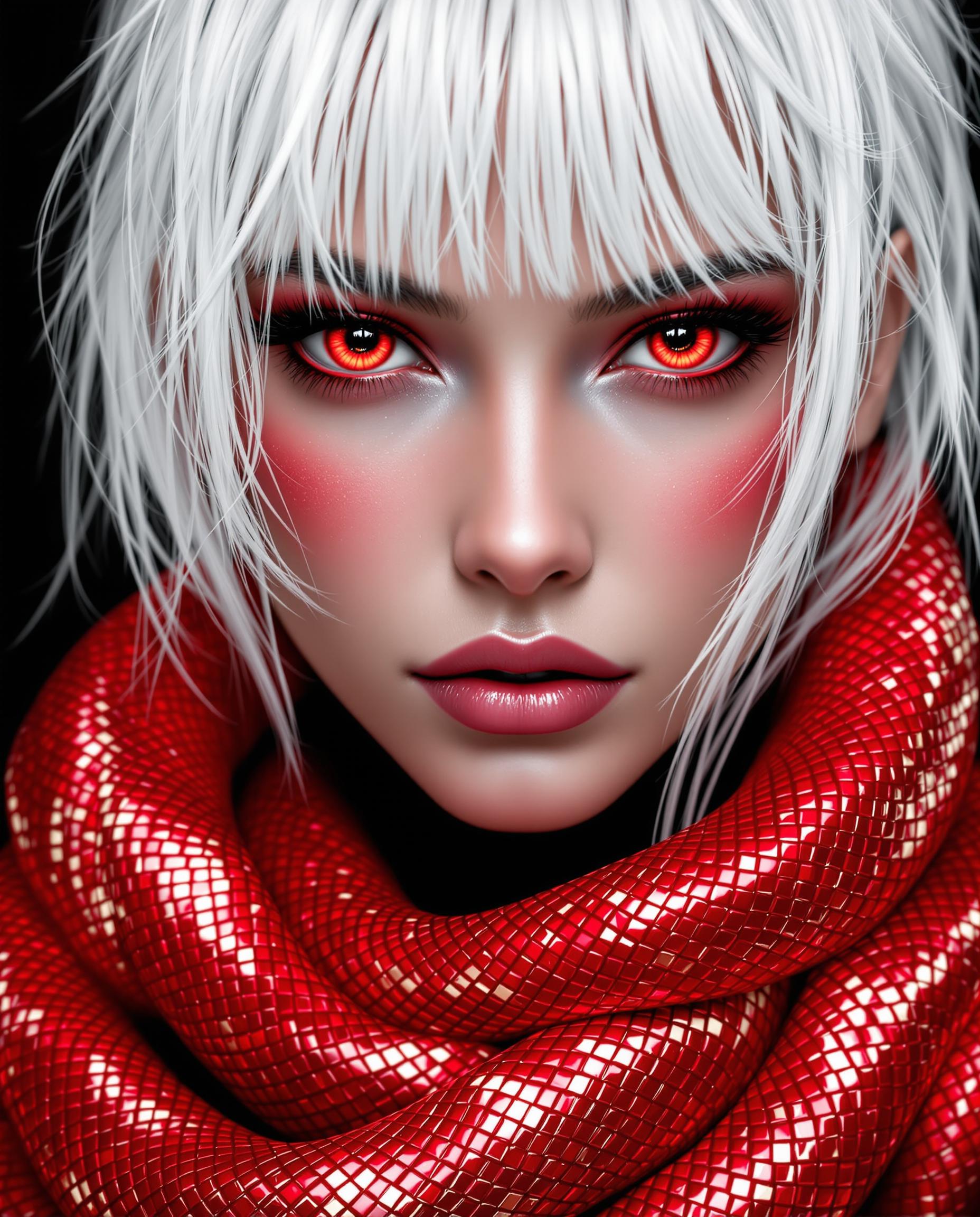
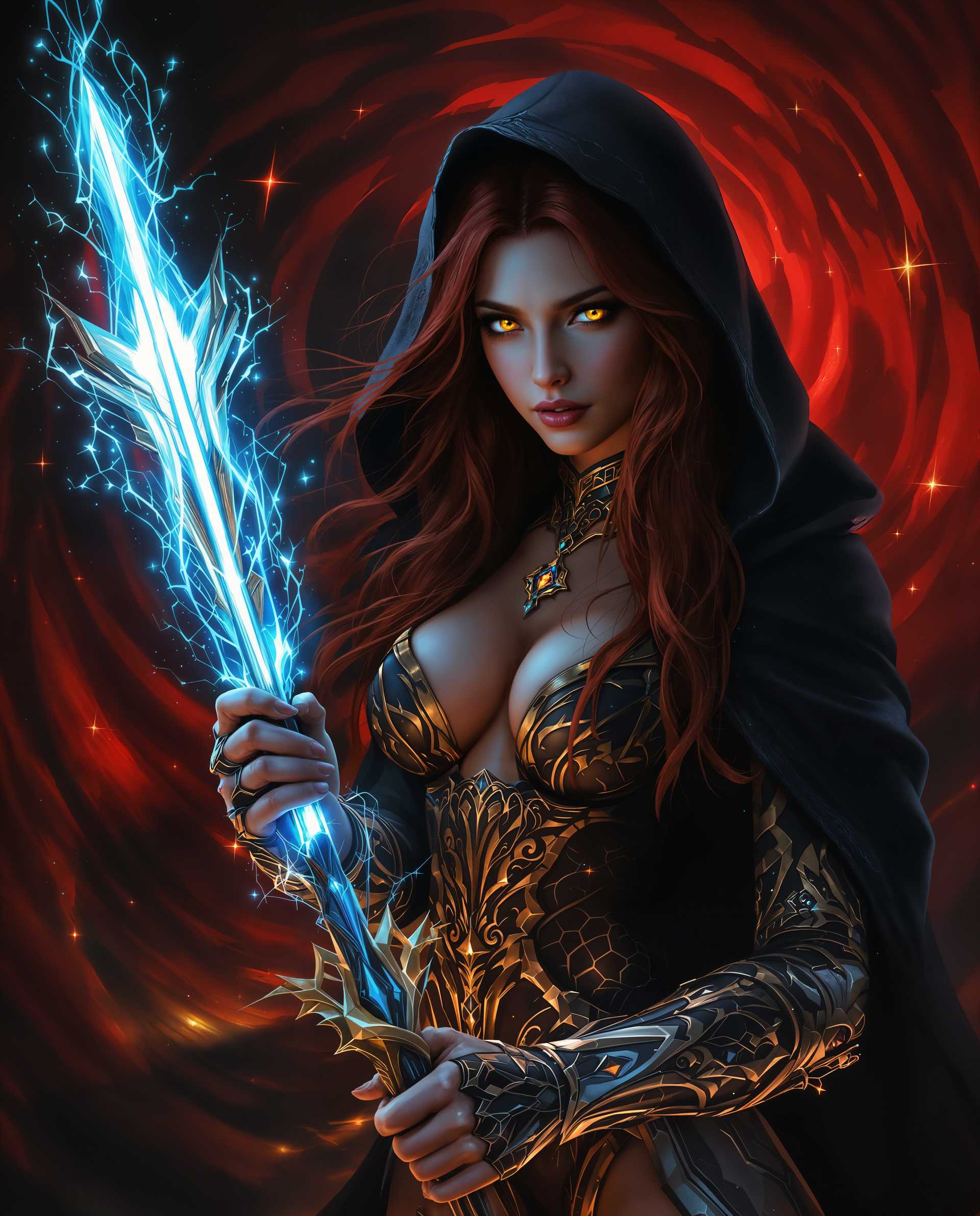
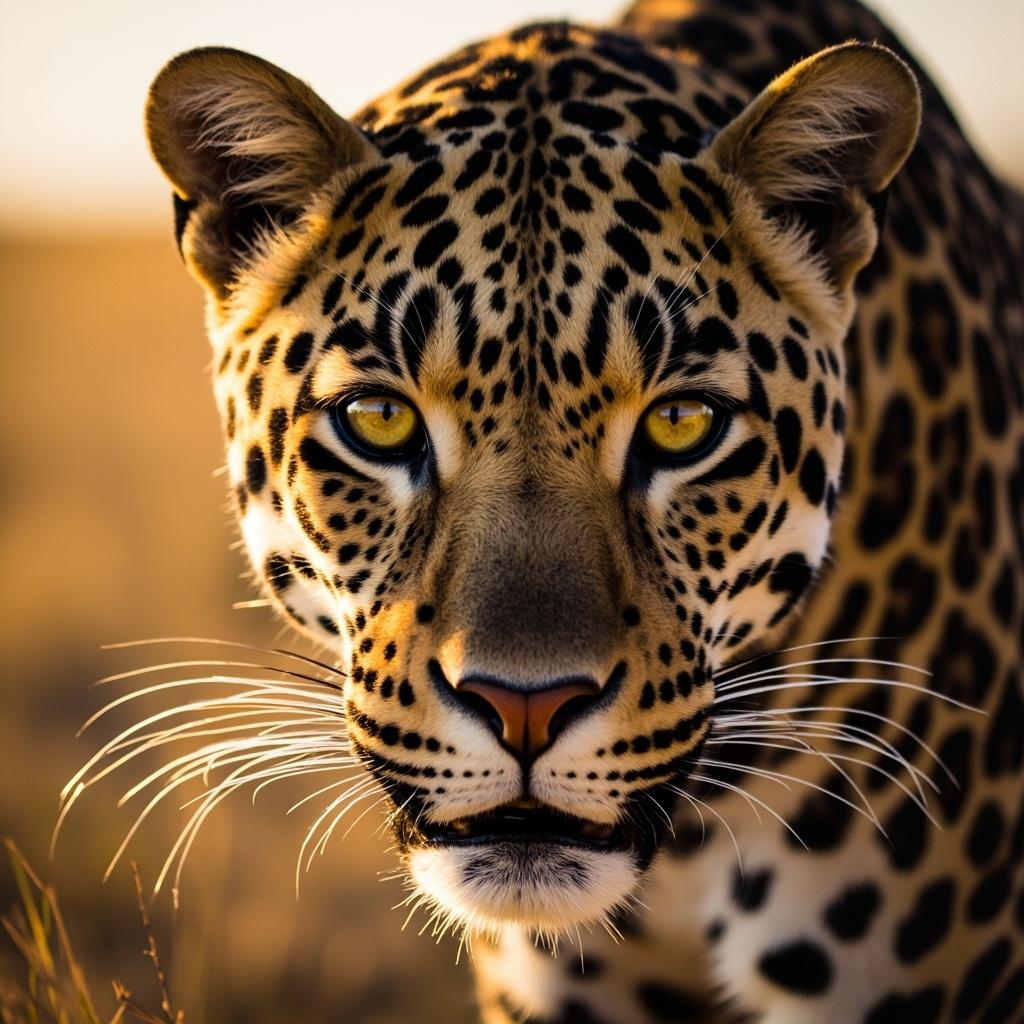
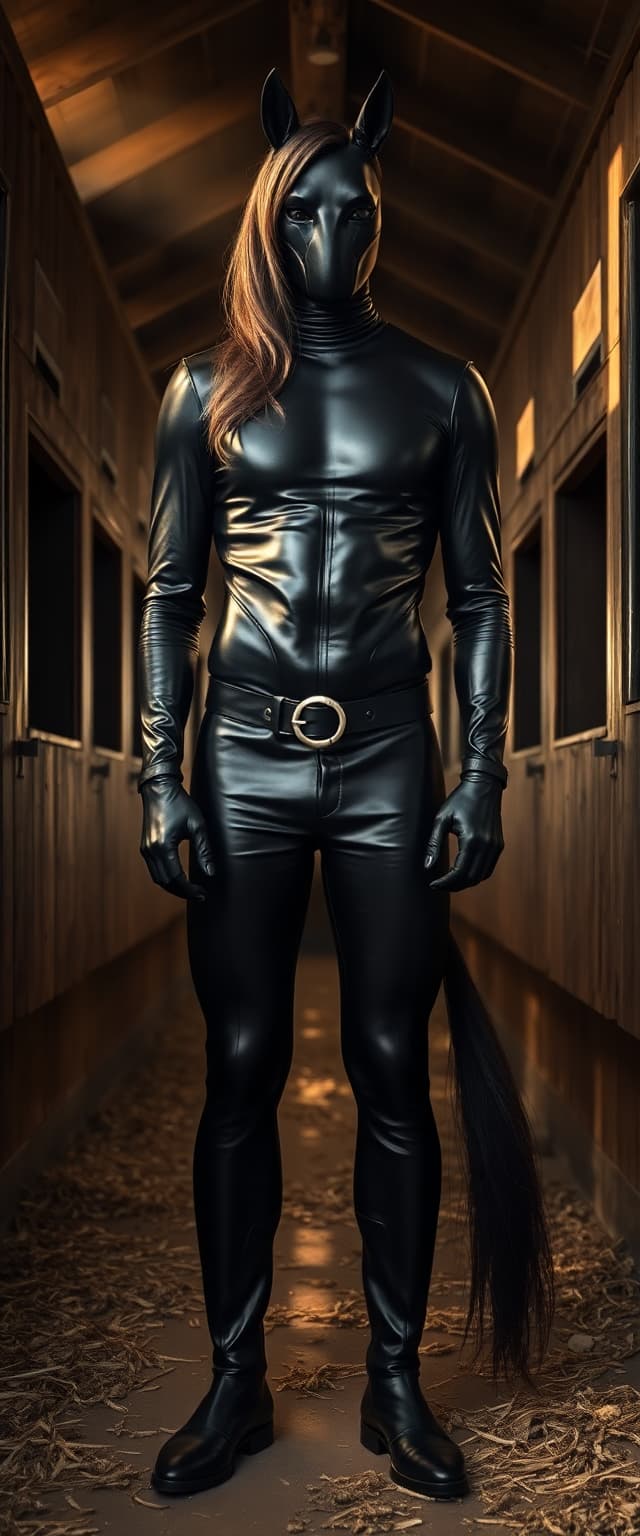
Create photorealistic images with native 2048x2048 resolution, ensuring every detail is crisp and clear.
Seamless Text Integration
Incorporate precise, readable text into your images, perfect for infographics, posters, and presentations.
Unified Generation and Editing
Switch effortlessly between image generation and editing within a single workflow, streamlining your creative process.
How It Works
Creating stunning 2K images with Qwen Image 2.0's Pro Thinking Mode is simple and intuitive. Follow these steps to bring your ideas to life:
Step 1: Choose Your Tool
Select the 'Qwen Image 2.0' tool from the PixelDojo dashboard to access the Pro Thinking Mode features.
Step 2: Enter Your Prompt
Describe your desired image in detail, including subjects, environment, style, and any text elements. For example: 'A modern office with a glass whiteboard displaying the text 'Annual Report' in bold, sans-serif font.'
Step 3: Customize & Download
Review the generated image, make any necessary edits using the integrated editing tools, and download the final high-resolution image.





The Pixel Dojo Advantage
Why PixelDojo outperforms other options for professional 2K image generation:
| Others | Pixel Dojo |
|---|---|
| Traditional Image Editing Software | Eliminate the steep learning curve and time-consuming manual edits with AI-powered automation. |
| Generic AI Image Generators | Achieve higher resolution outputs with precise text rendering and seamless editing capabilities. |
| Stock Image Libraries | Create unique, customized visuals tailored to your specific needs without licensing restrictions. |
Loved by Creators
See what our community says about qwen image 2.0 pro thinking mode
"Qwen Image 2.0's Pro Thinking Mode has revolutionized our design process. The ability to generate high-quality images with integrated text has saved us countless hours."
Alex Johnson
Marketing Director
"As a freelance designer, the seamless editing workflow allows me to deliver top-notch visuals to my clients quickly and efficiently."
Maria Lopez
Graphic Designer
Common Questions
Everything you need to know about qwen image 2.0 pro thinking mode AI generation
How does Qwen Image 2.0's Pro Thinking Mode enhance image generation?
Pro Thinking Mode enables the model to perform step-by-step reasoning, resulting in more accurate and contextually relevant images, especially for complex prompts.
Can I edit images after generating them with Qwen Image 2.0?
Yes, Qwen Image 2.0 offers a unified workflow that allows you to seamlessly switch between image generation and editing within the same platform.
What types of projects can benefit from Qwen Image 2.0?
Qwen Image 2.0 is ideal for creating marketing materials, presentations, digital art, infographics, and any project requiring high-resolution images with precise text integration.
Is there a limit to the length of prompts I can use?
Qwen Image 2.0 supports prompts up to 1,000 tokens, allowing for detailed descriptions and complex scene generation.
How does Qwen Image 2.0 handle text rendering within images?
The model is designed to render text naturally within images, ensuring readability and proper alignment, making it perfect for infographics and posters.
What resolution are the images generated by Qwen Image 2.0?
Qwen Image 2.0 generates images at a native 2K resolution (2048x2048 pixels), providing high-quality, detailed visuals suitable for professional use.