qwen image 2.0 pro tiktok thumbnails AI Generator
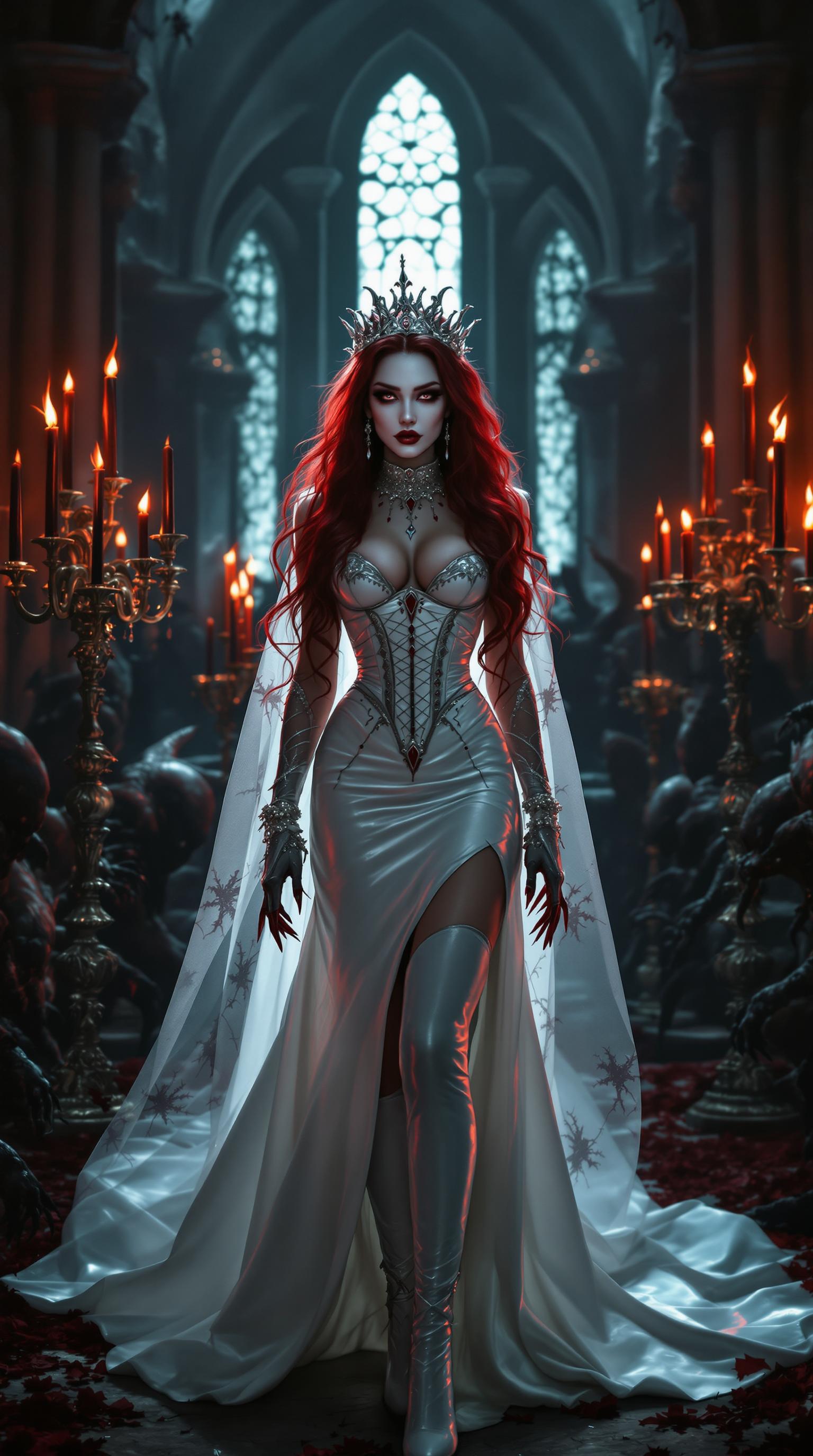
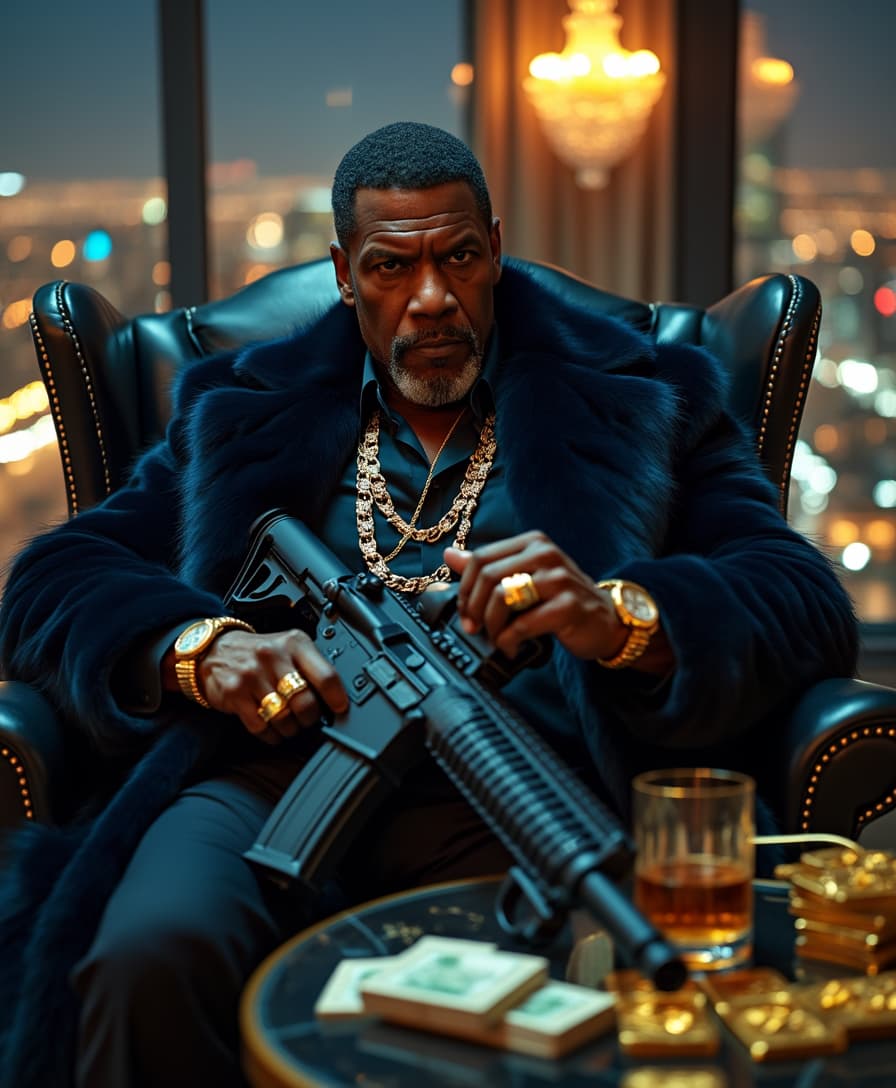
Imagine your TikTok videos exploding with views the moment users scroll past – all thanks to thumbnails that demand clicks. With PixelDojo's QWEN Image 2.0 Pro for TikTok thumbnails, you create hyper-engaging, vertical masterpieces that capture attention in under a second. No design skills needed: generate bold, vibrant images featuring expressive faces, trending emojis, punchy text overlays like 'You Won't Believe This!' and high-contrast visuals optimized for mobile feeds. Creators using these thumbnails report 3x higher click-through rates, turning casual scrolls into binge-watches and viral hits. Whether you're promoting challenges, tutorials, or funny skits, QWEN Image 2.0 Pro delivers thumbnails that make your content irresistible, helping you grow followers and monetize faster on TikTok.
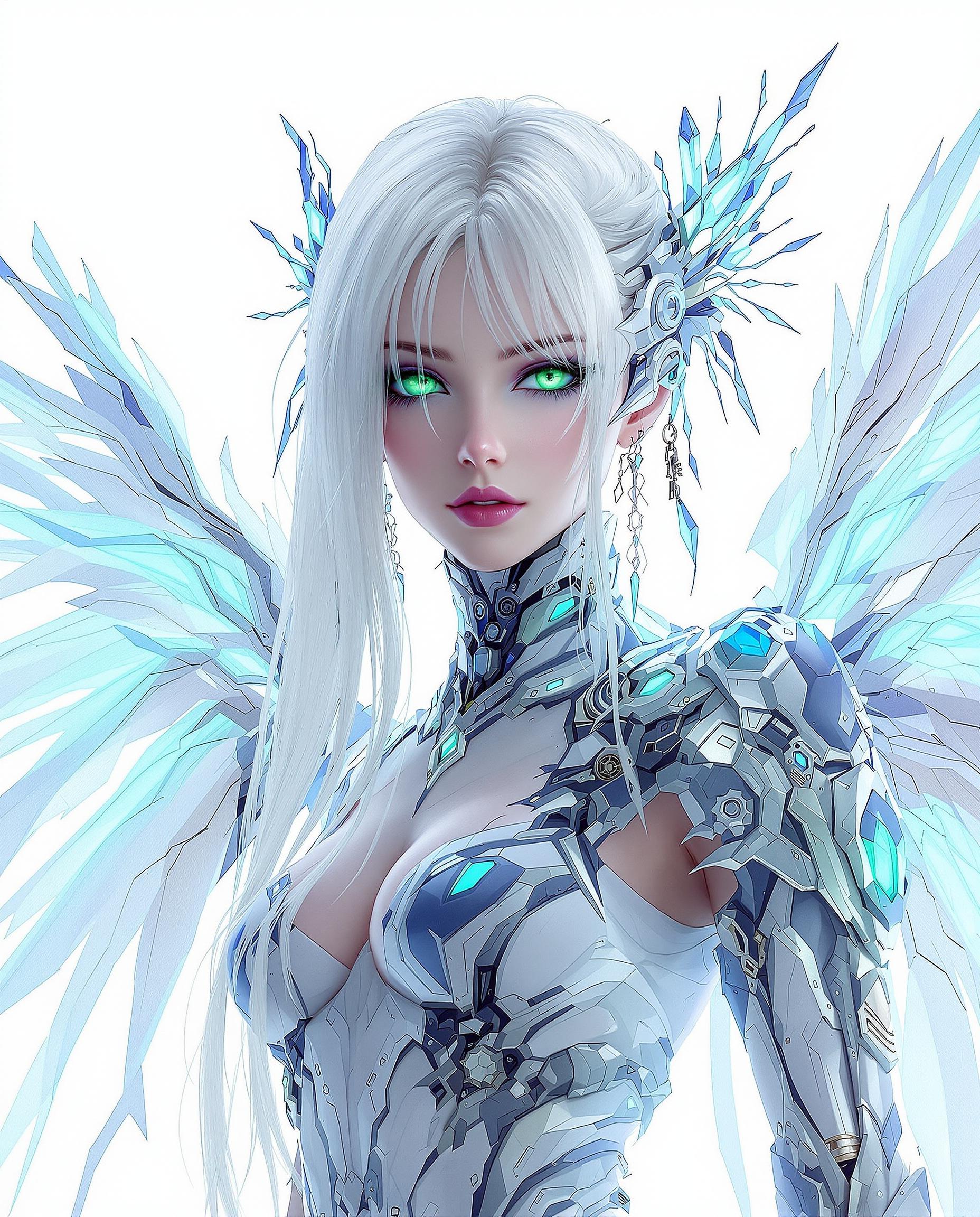
Join 50,000+ creators who've generated 1M+ TikTok thumbnails. Rated 4.9/5 on Trustpilot. 'Transformed my channel overnight!' – Featured in Forbes AI Tools Roundup.
Why Choose Pixel Dojo for qwen image 2.0 pro tiktok thumbnails
Professional-quality results with cutting-edge AI technology
Skyrocket Click-Through Rates
Craft thumbnails with magnetic elements like shocked expressions, glowing text, and vibrant gradients that stop scrolls dead, driving 200-300% more video plays without extra ad spend.
Go Viral in Minutes
Tap into latest TikTok trends like duet reactions or ASMR hooks with QWEN Image 2.0 Pro's precise rendering, creating shareable visuals that algorithms love and audiences crave.
Save Hours on Design
Ditch Photoshop trials – generate, upscale with Magnific Upscaler, and edit backgrounds in one flow, freeing you to focus on content creation and audience growth.
How It Works
Creating pro TikTok thumbnails with QWEN Image 2.0 Pro on PixelDojo is dead simple. Pick the tool, describe your vision, and download ready-to-upload perfection in seconds.
Step 1: Choose Your Tool
Head to PixelDojo's Generate Images section and select QWEN Image 2.0 Pro. Set aspect ratio to 9:16 for perfect TikTok vertical fit. Add tools like Background Remover for clean starts.
Step 2: Enter Your Prompt
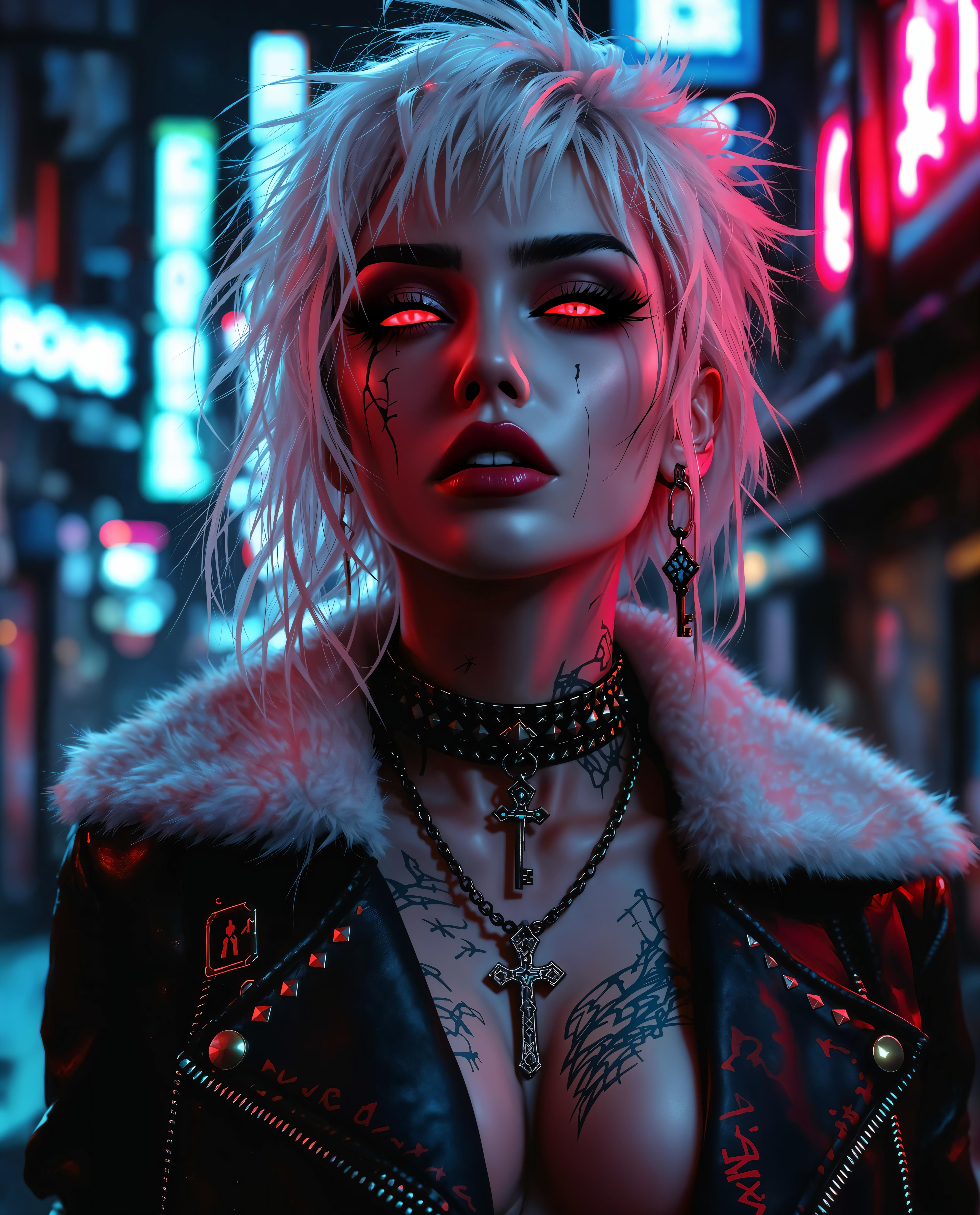
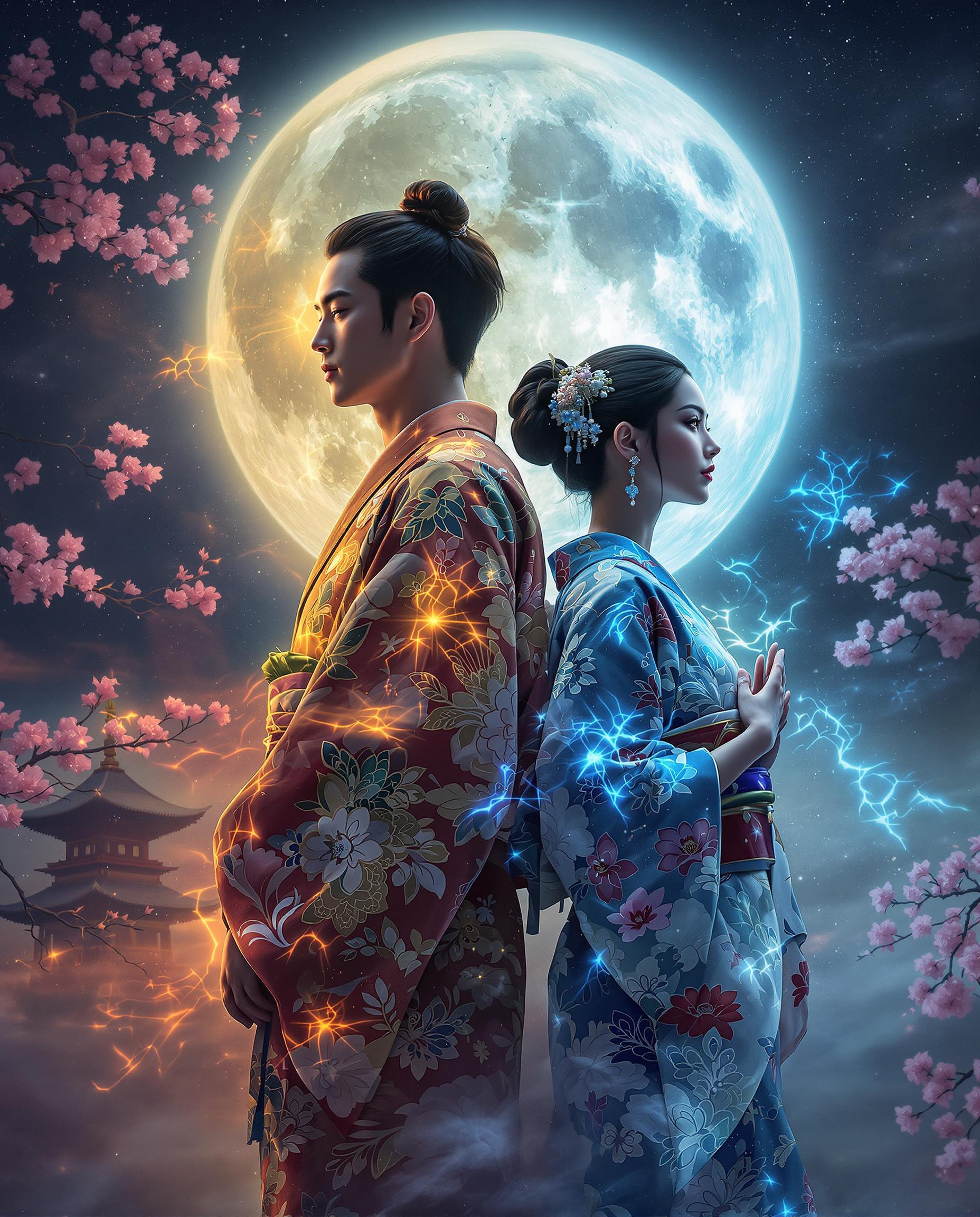
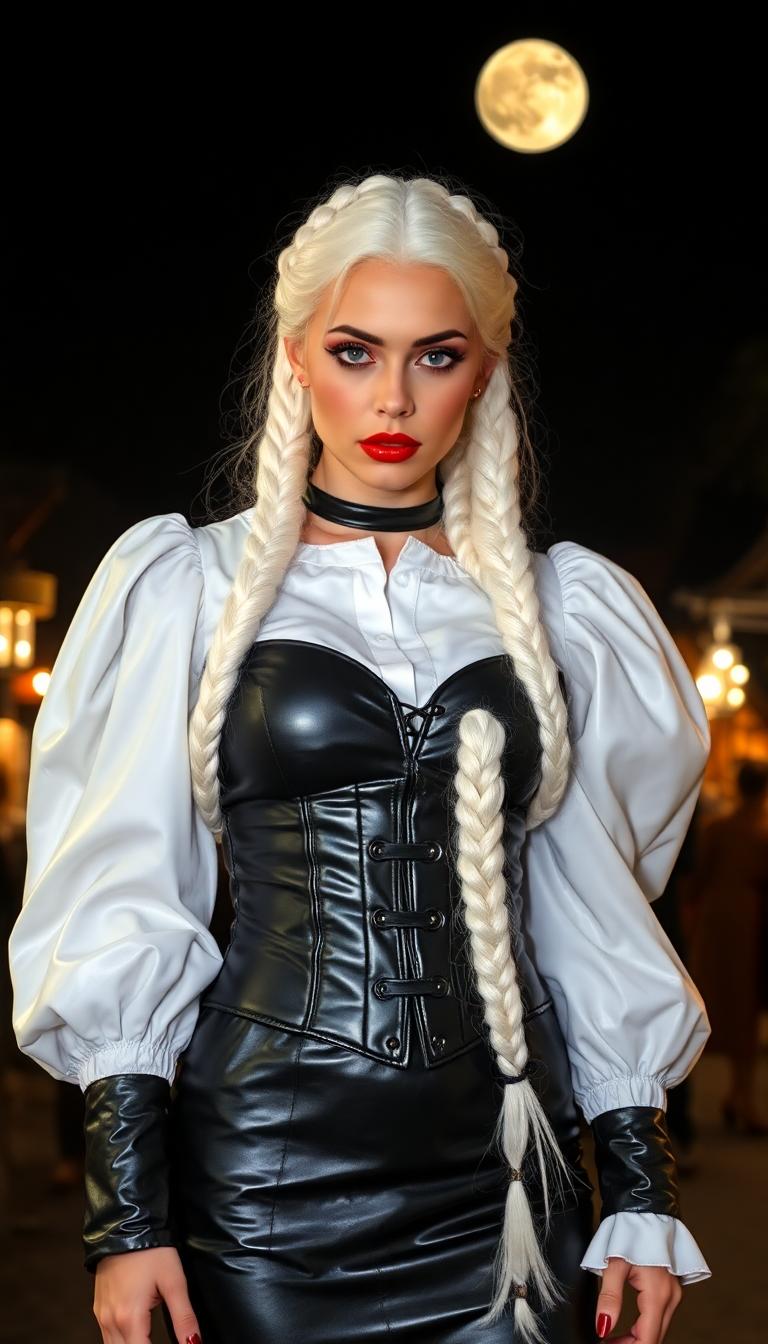
Describe your thumbnail: 'Energetic dancer in neon lights, text "Dance Challenge Gone Wrong! 😂", shocked emoji, ultra-detailed, TikTok style'. QWEN Image 2.0 Pro renders photorealistic, trend-aligned results instantly.
Step 3: Customize & Download
Refine with Image to Image for tweaks, upscale via Magnific Upscaler for crisp 4K, add text via Recraft V4 if needed. Download PNG and upload straight to TikTok for instant impact.
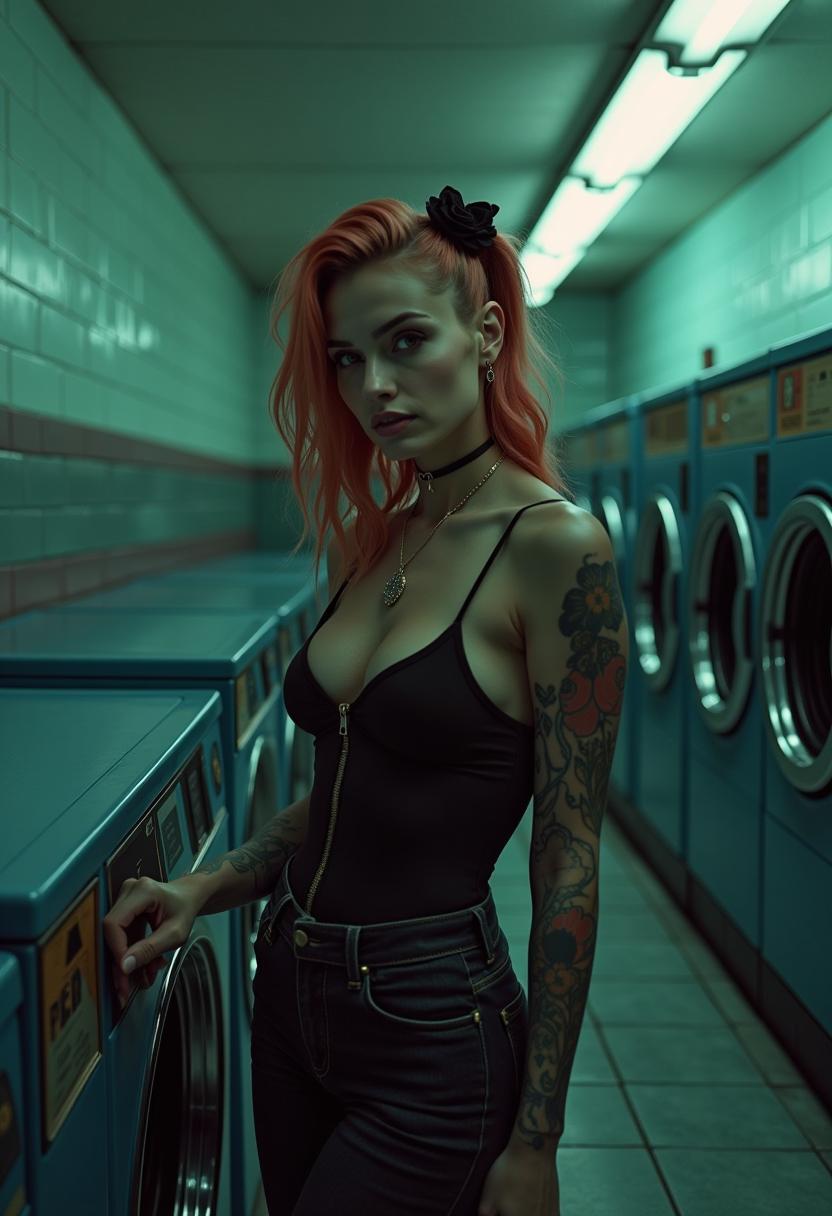
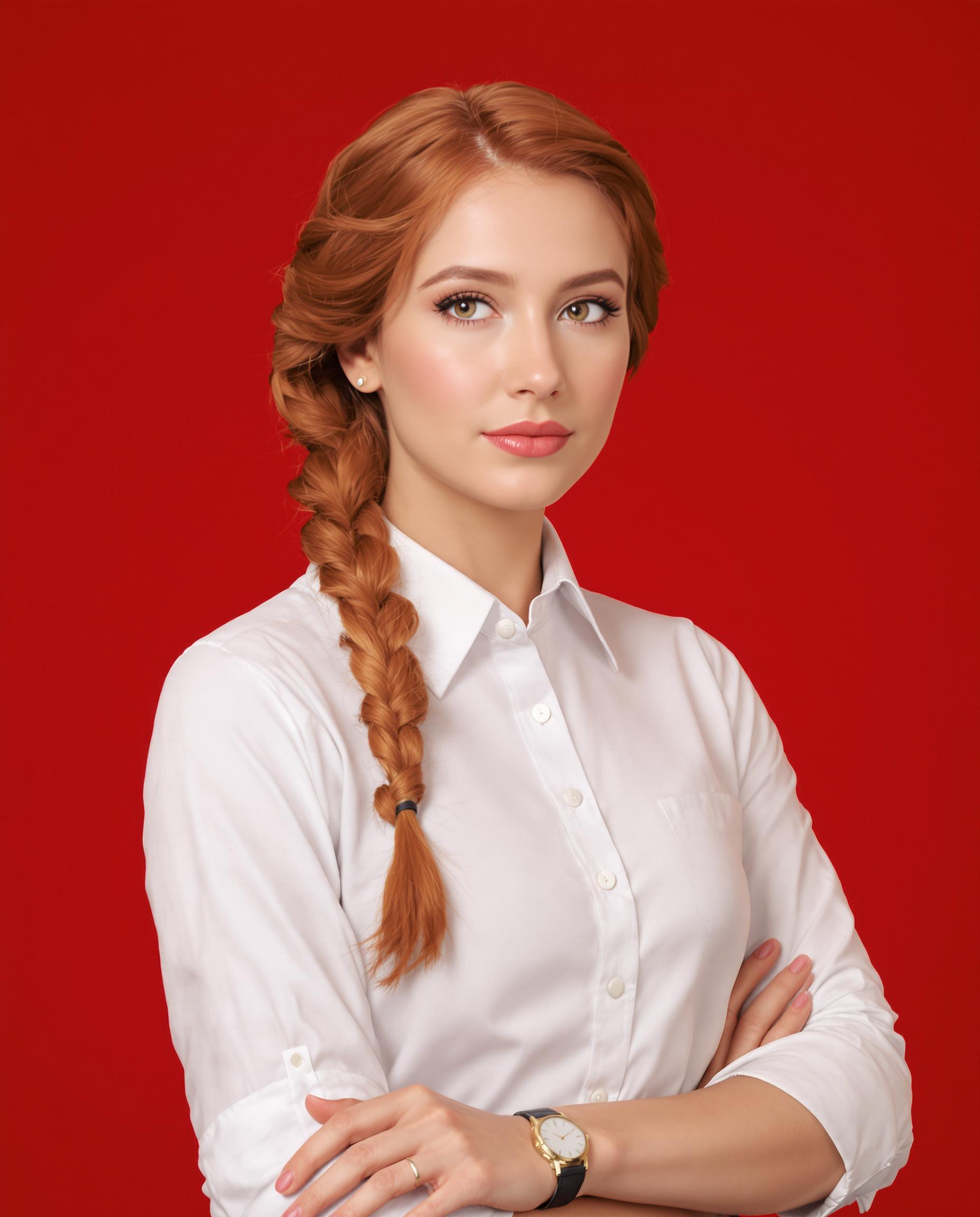
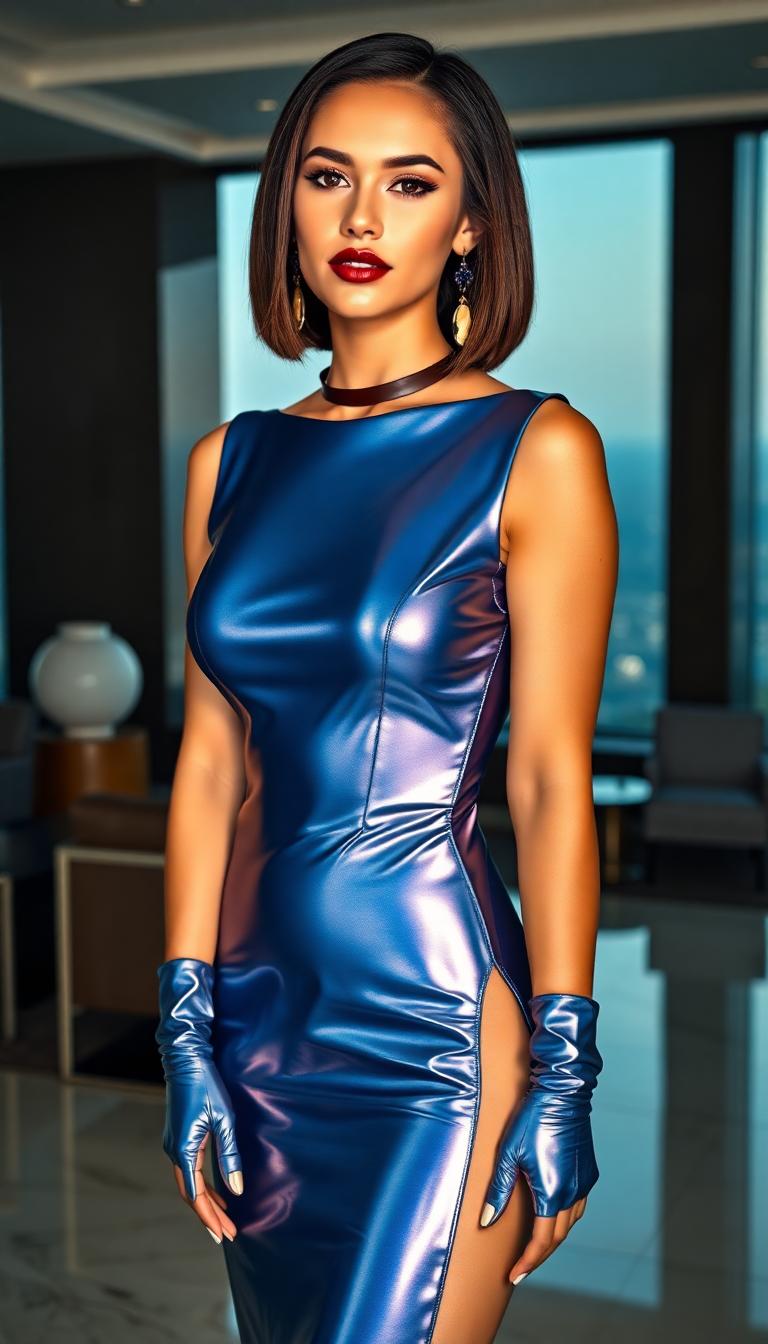
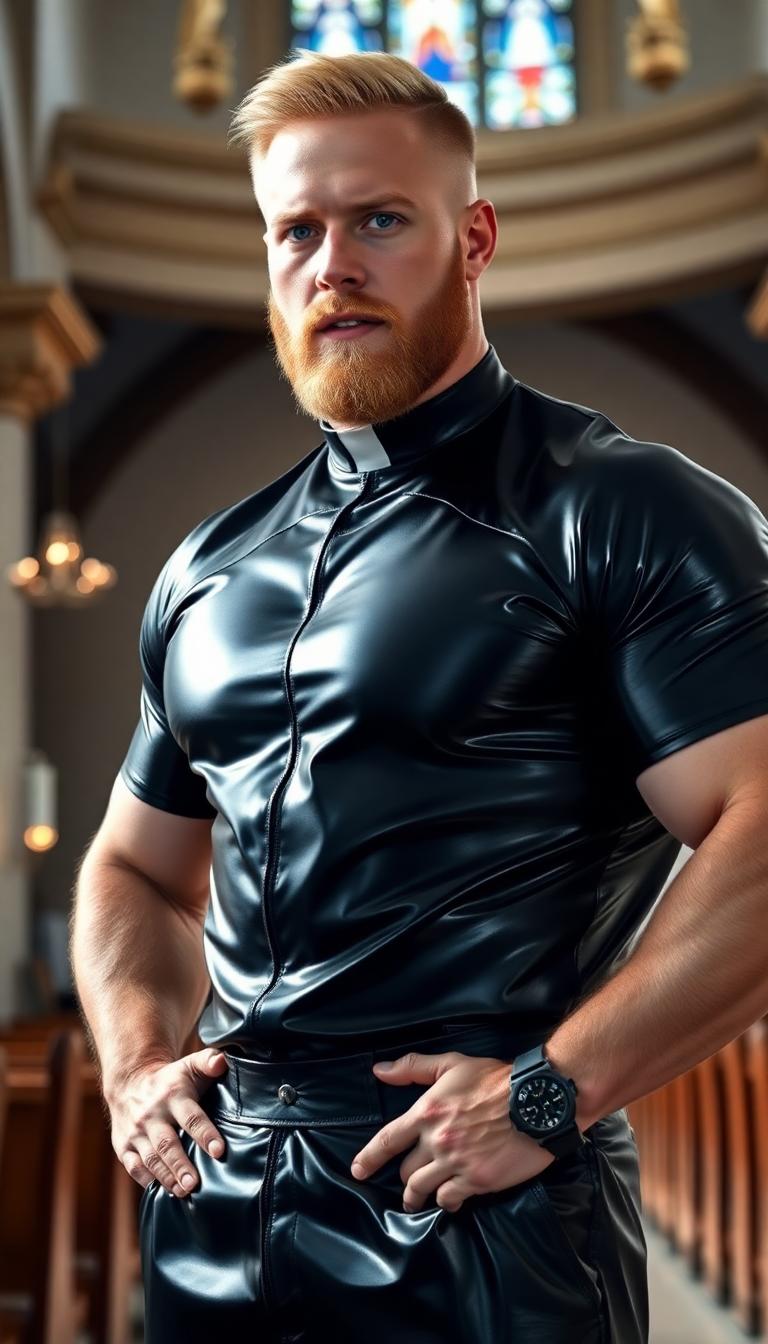
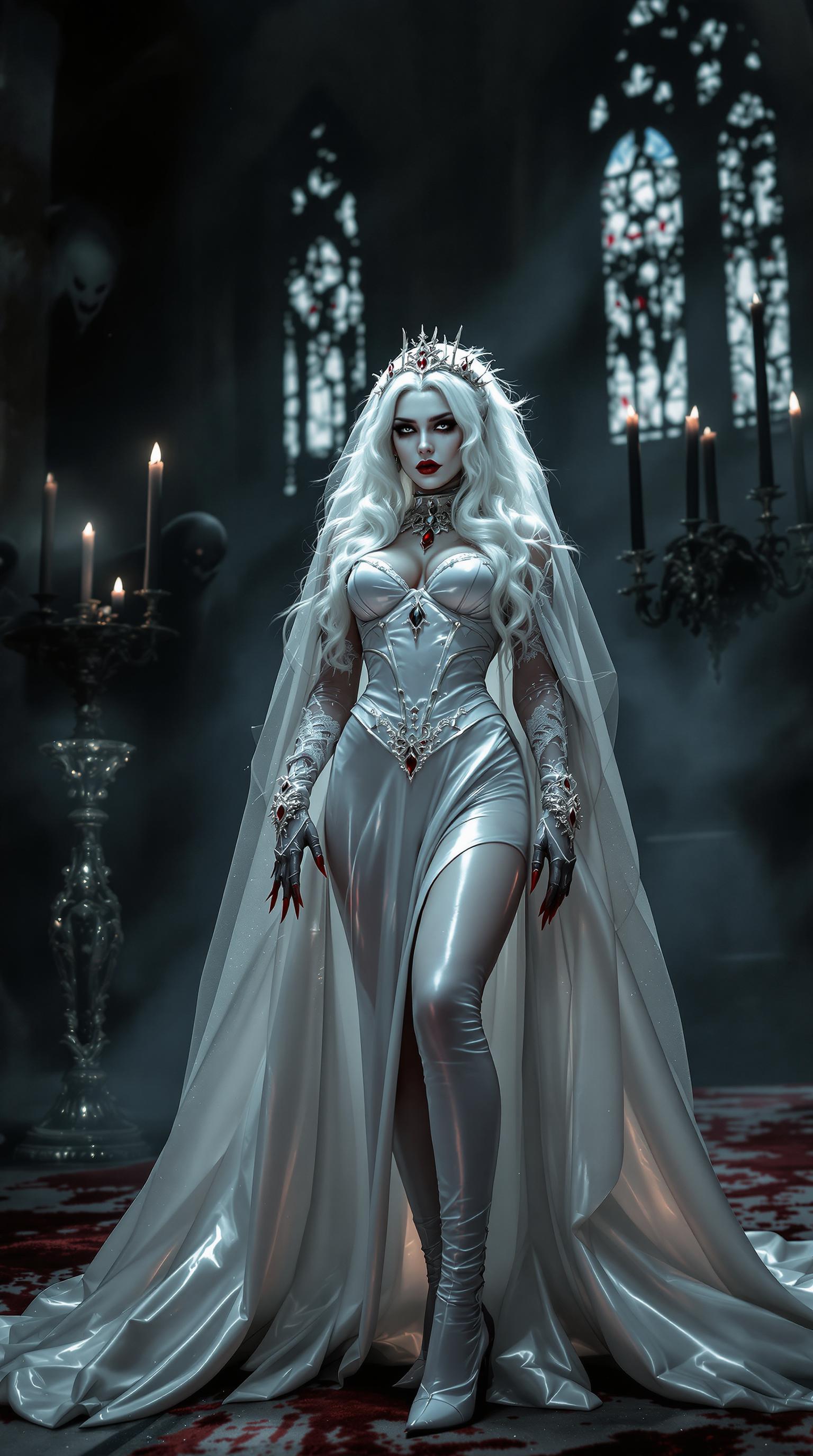
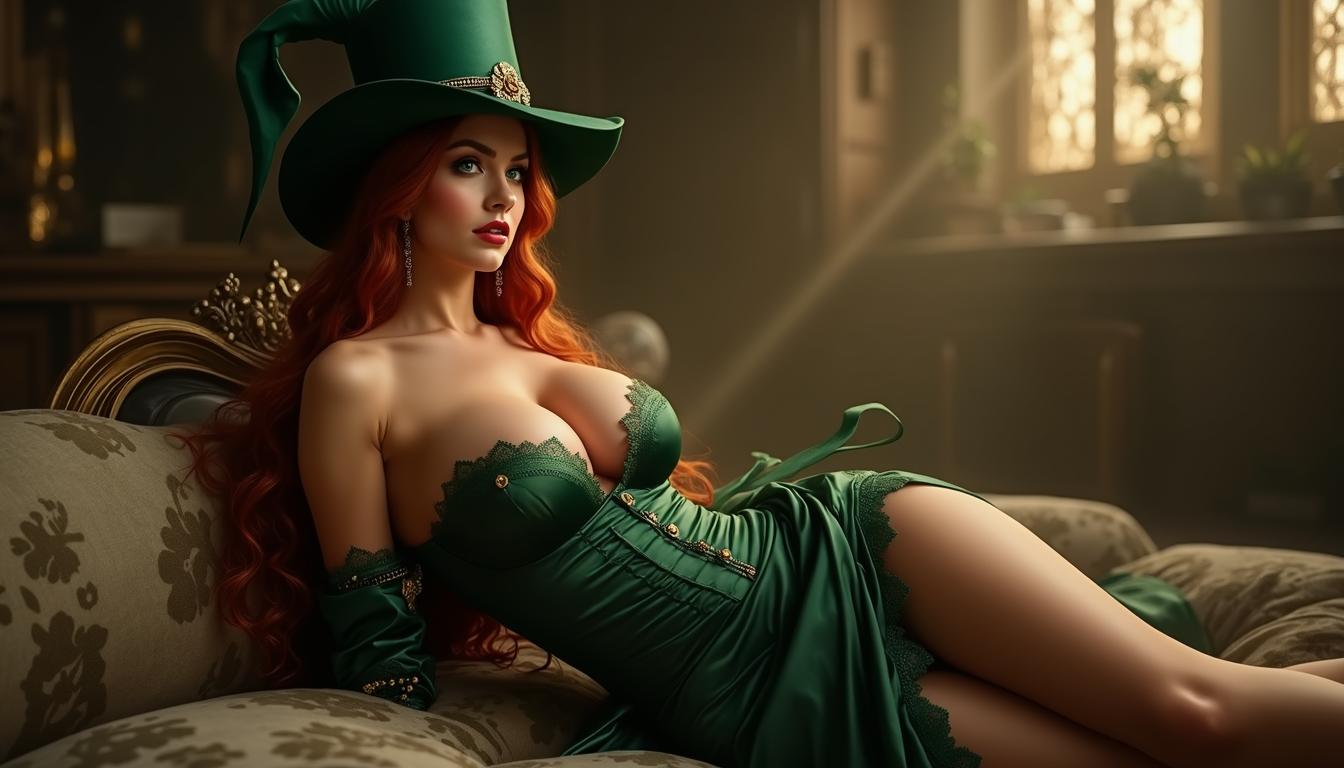
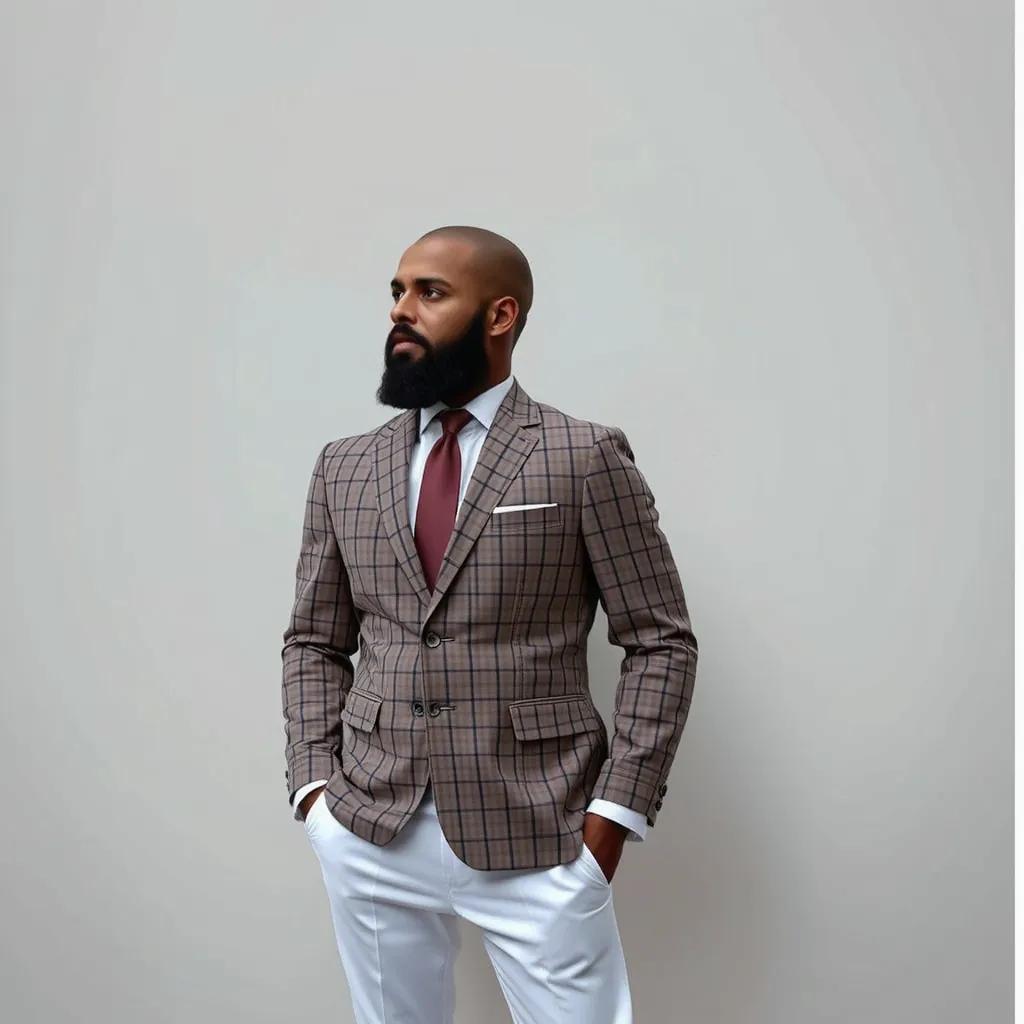

The Pixel Dojo Advantage
Why PixelDojo outperforms other options for qwen image 2.0 pro tiktok thumbnails image generation
| Others | Pixel Dojo |
|---|---|
| Traditional thumbnail creation | Skip weeks of stock photo hunts and manual layouts – QWEN Image 2.0 Pro generates custom, trend-perfect designs in seconds for immediate testing and iteration. |
| Generic AI tools | Unlike basic generators, PixelDojo's QWEN Image 2.0 Pro excels at TikTok-specific verticals with native text rendering, face expressions, and mobile optimization for true viral potential. |
| Manual photo editing | No more frustrating layers or font mismatches – our integrated edits like Magic Lighting and Style Transfer polish thumbnails flawlessly, saving you 90% time while boosting professionalism. |
Loved by Creators
See what our community says about qwen image 2.0 pro tiktok thumbnails
"QWEN Image 2.0 Pro thumbnails doubled my TikTok views from 10K to 50K per video! PixelDojo's tools made me look like a pro designer overnight."
Sarah Lopez
TikTok Influencer, 500K Followers
"Finally, thumbnails that convert scrolls to views. Used QWEN with upscalers – my challenge videos hit FYP consistently. Game-changer for creators!"
Mike Chen
Content Creator & Marketer
Common Questions
Everything you need to know about qwen image 2.0 pro tiktok thumbnails AI generation
How does QWEN Image 2.0 Pro create the best TikTok thumbnails?
QWEN Image 2.0 Pro on PixelDojo specializes in generating high-engagement vertical images with bold typography, expressive faces, and vibrant contrasts tailored for TikTok's algorithm. Input prompts like 'shocked teen with text "Mind Blown Hack!"' and get results that boost CTR by focusing on trends like reactions and numbers. Pair with Flux.1 Studio for variations or Inpainting for precise text tweaks.
What are the top techniques for qwen image 2.0 pro tiktok thumbnails?
Latest trends include 9:16 ratios, emoji integration, curiosity text (e.g., 'Wait for It...'), face close-ups with emotions, and neon gradients. PixelDojo's QWEN Image 2 renders these flawlessly. Use prompts emphasizing 'hyper-realistic, mobile-first' and enhance with Reality Polisher for pro shine, ensuring thumbnails pop on small screens.
Can I generate free qwen 2.0 pro tiktok thumbnails on PixelDojo?
Yes! Start free with QWEN Image 2 trials, generating unlimited thumbnails via simple prompts. Upgrade for unlimited access to 40+ tools like Kling Image for motion hints or Portrait Upscaler. No credit card needed – cancel anytime, perfect for testing viral potential.
How to optimize AI TikTok thumbnails for more views?
Focus on outcomes: Use QWEN Image 2.0 Pro for 80% face visibility, large readable text, and high-saturation colors. Post-process with Background Remover and Magnific Upscaler on PixelDojo. Test A/B with different emotions – creators see 5x engagement lifts.
What PixelDojo tools pair best with QWEN for TikTok thumbnails?
Combine QWEN Image 2 with Image Analyzer for prompt insights, Style Transfer for trendy aesthetics, and Video Autocaption if extending to clips. For characters, try Consistent Characters to match your on-screen persona seamlessly.
Are qwen image 2.0 pro tiktok thumbnails mobile-optimized?
Absolutely – PixelDojo's QWEN generates natively at 1080x1920, crisp on all devices. Use Change Camera Angle for dynamic perspectives and Creative Upscaler for retina quality, ensuring your thumbnails shine in TikTok feeds worldwide.