qwen image 2.0 style transfer AI Generator
Unleash your creativity by transforming ordinary photos into extraordinary artworks with PixelDojo's Qwen Image 2.0 Style Transfer. Whether you're aiming to emulate the brushstrokes of Van Gogh or the bold lines of comic art, our AI-powered tool makes it simple to apply diverse artistic styles to your images, elevating your visual content effortlessly.
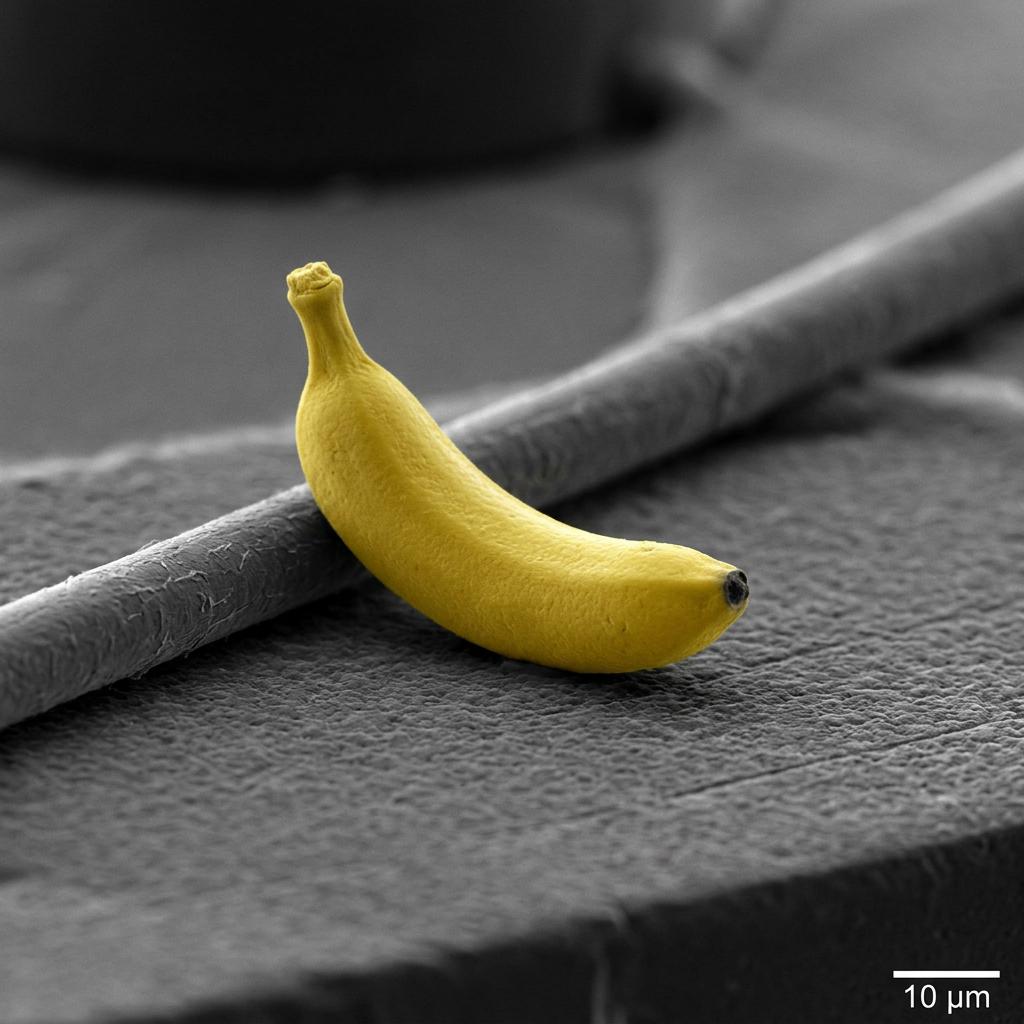
Join over 10,000 satisfied creators who have enhanced their visuals using PixelDojo's AI tools, achieving a 4.8/5 satisfaction rating.
Why Choose Pixel Dojo for qwen image 2.0 style transfer
Professional-quality results with cutting-edge AI technology
Effortless Artistic Transformation
Apply complex artistic styles to your images without any prior design experience.
Time-Saving Automation
Generate stylized images in seconds, streamlining your creative workflow.
Consistent Quality
Maintain high-resolution outputs with precise style application for professional results.
How It Works
Creating stunning stylized images is a breeze with PixelDojo's Qwen Image 2.0 Style Transfer. Follow these simple steps:
Step 1: Select Your Base Image
Upload the image you wish to transform by clicking the 'Upload Image' button on the Qwen Image 2.0 Style Transfer page.
Step 2: Choose a Style
Browse through our curated collection of artistic styles and select the one that best fits your vision.
Step 3: Apply and Download
Click 'Apply Style' to process your image. Once complete, download your newly stylized image.
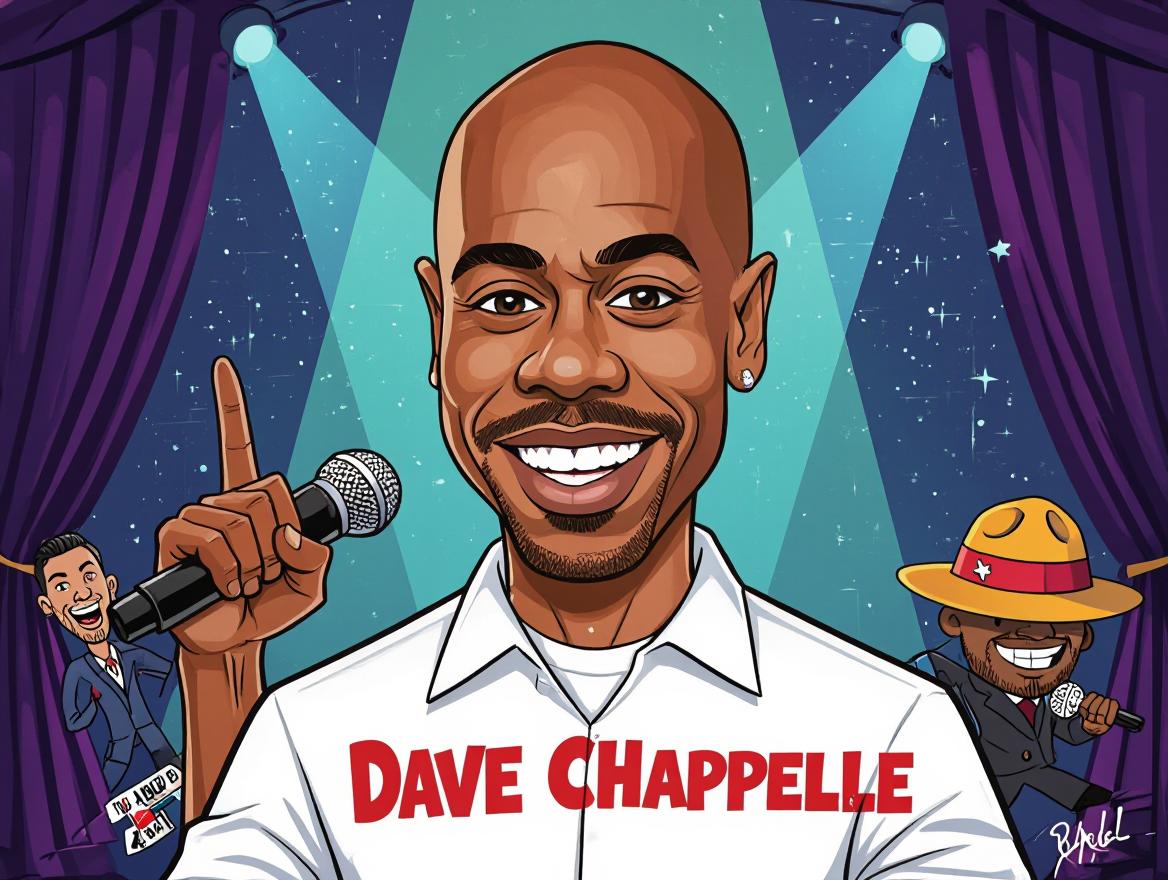
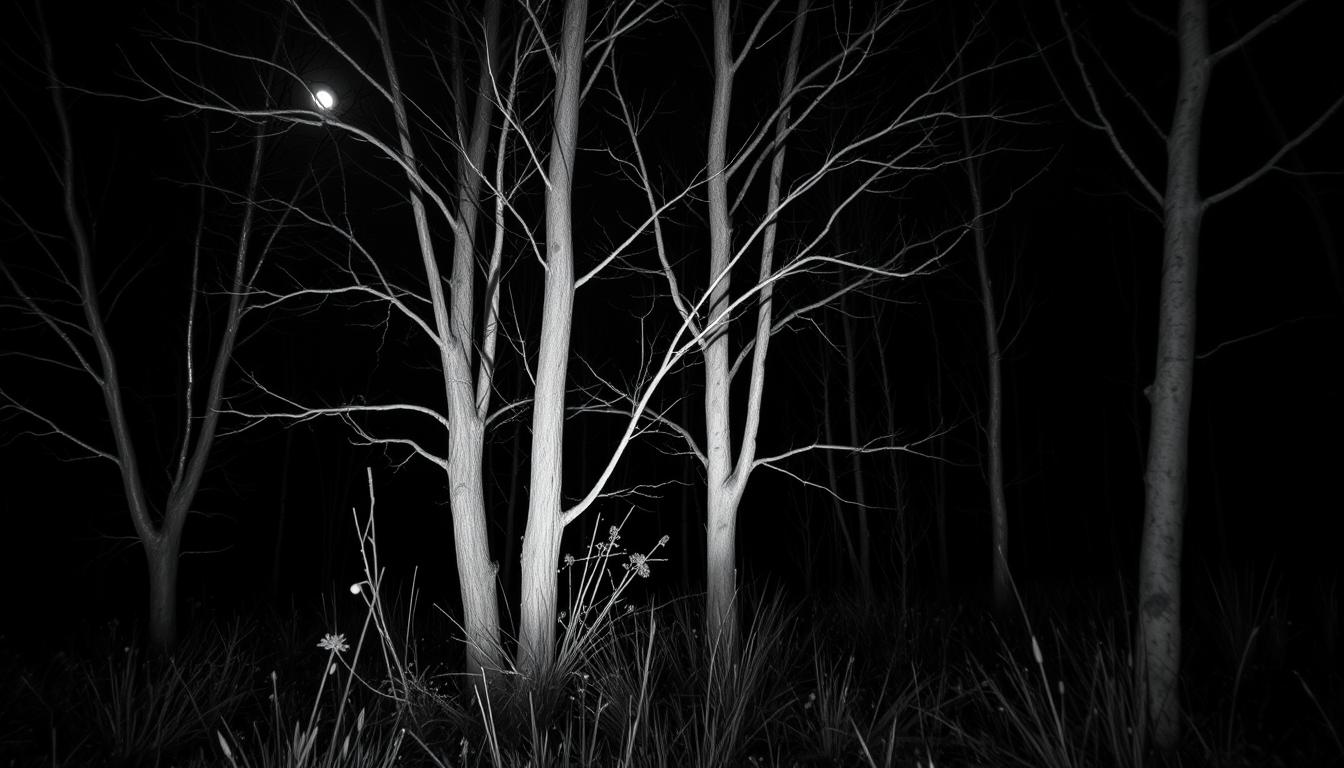

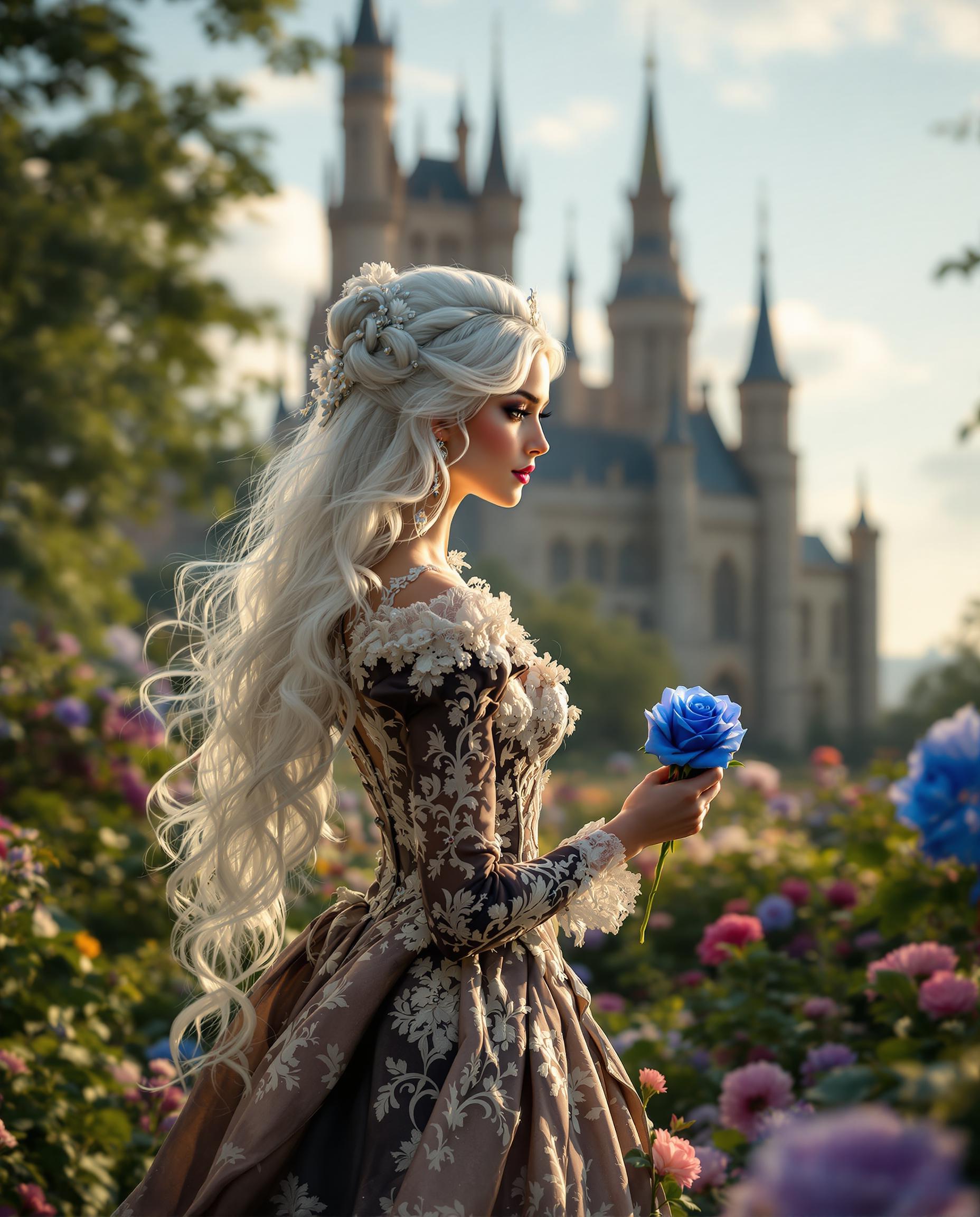
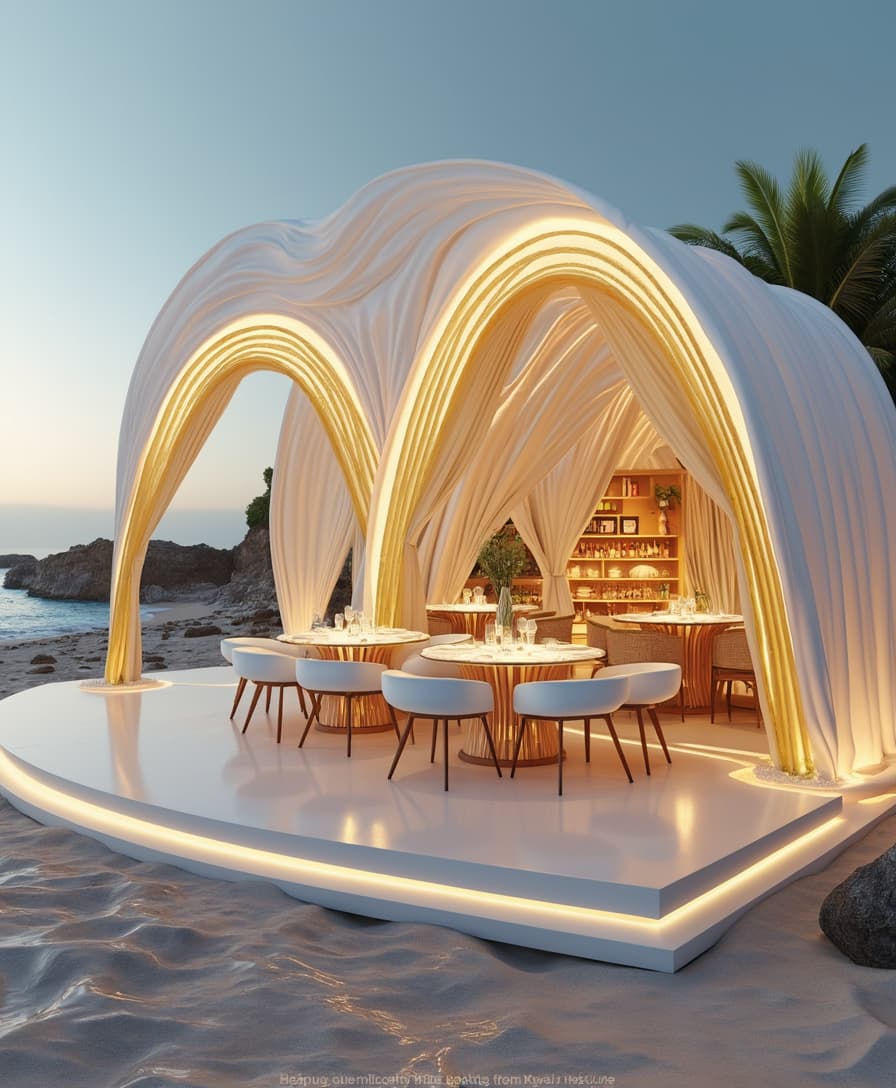
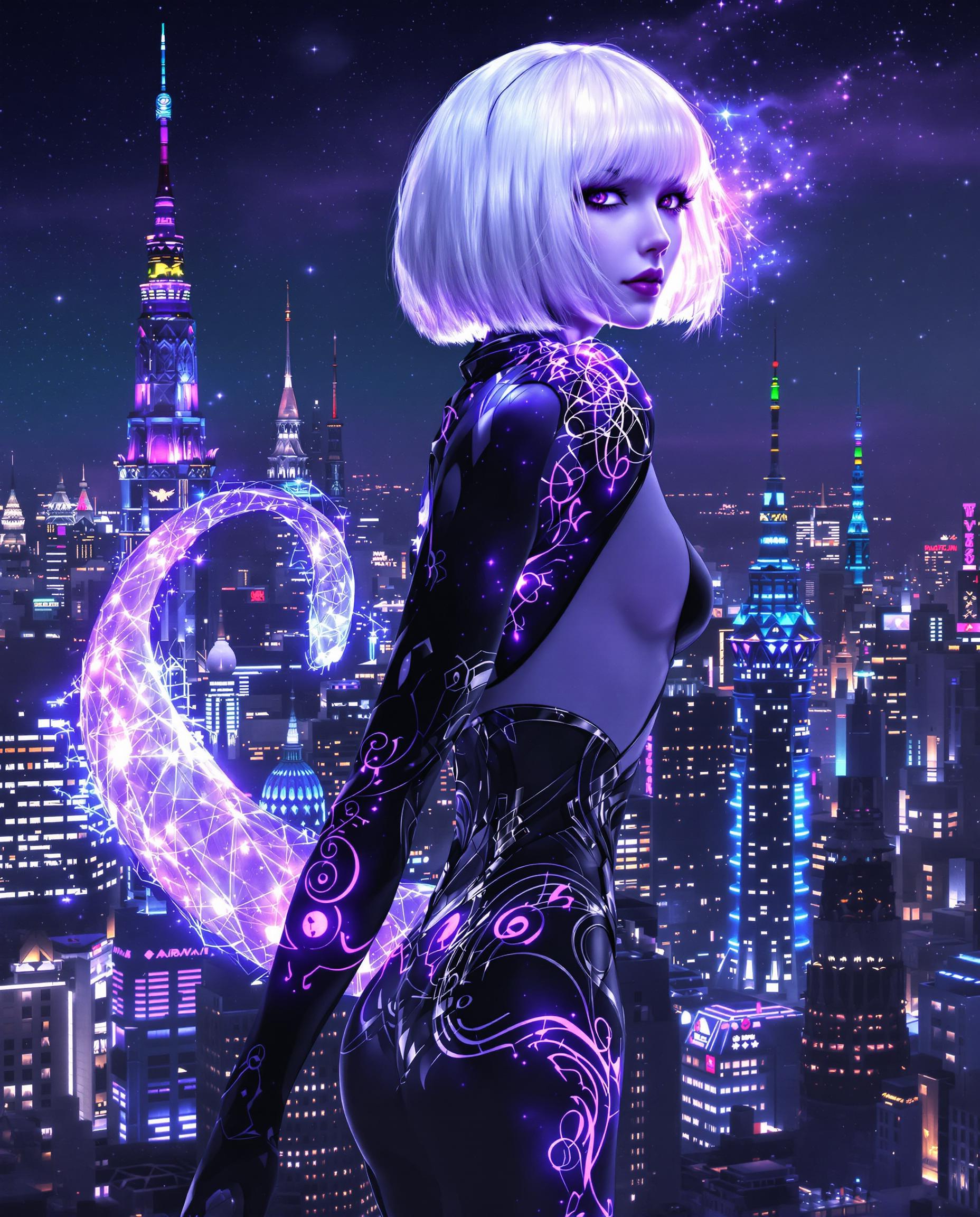
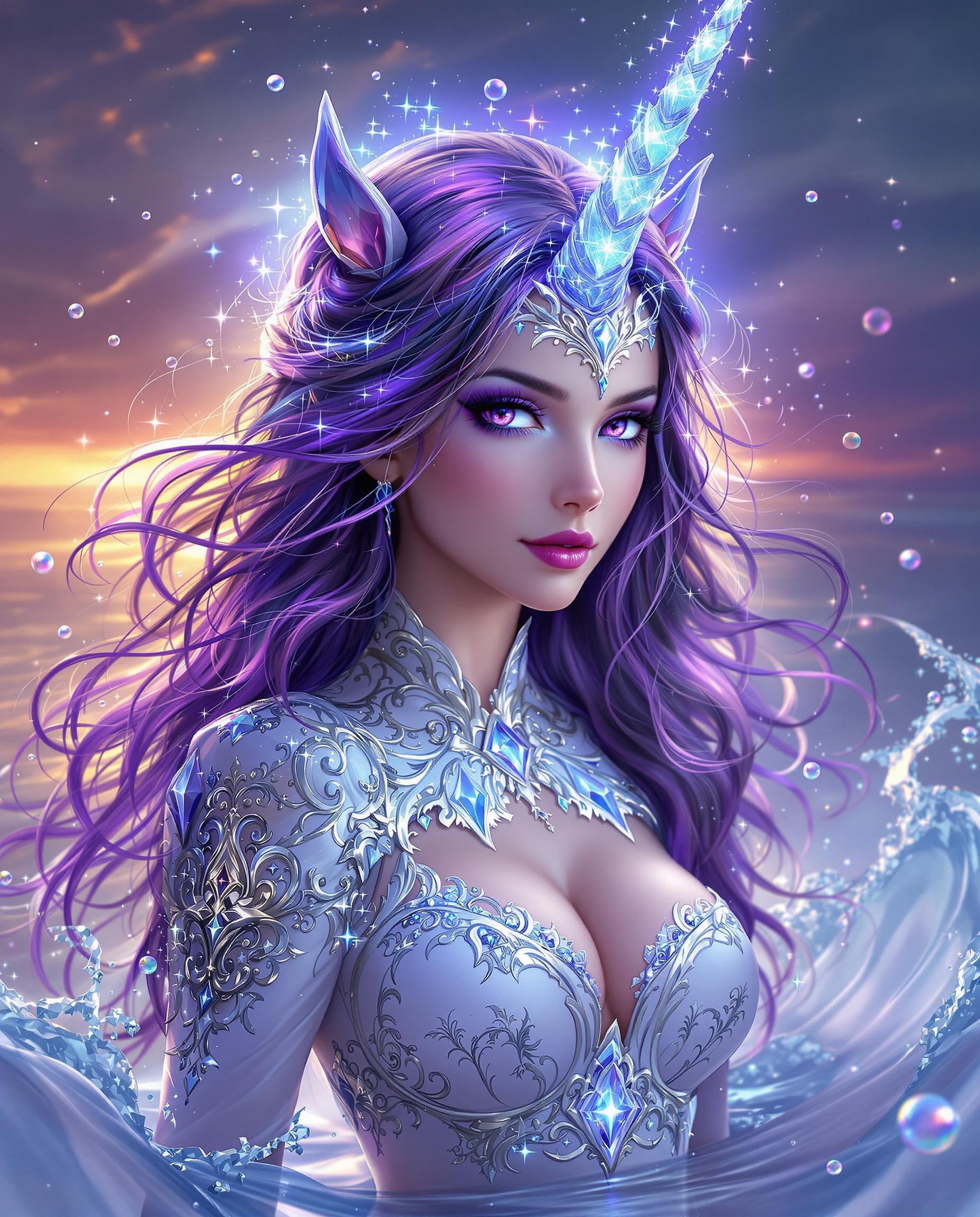
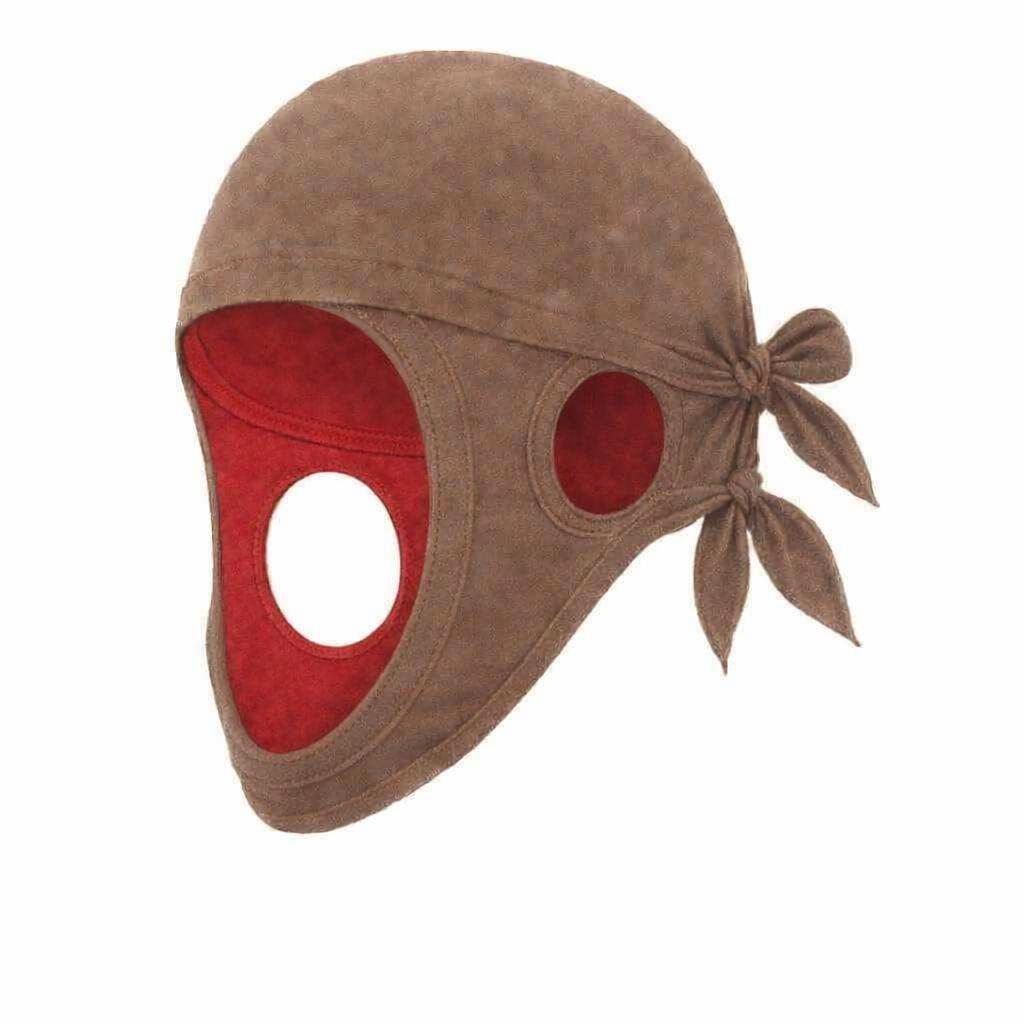

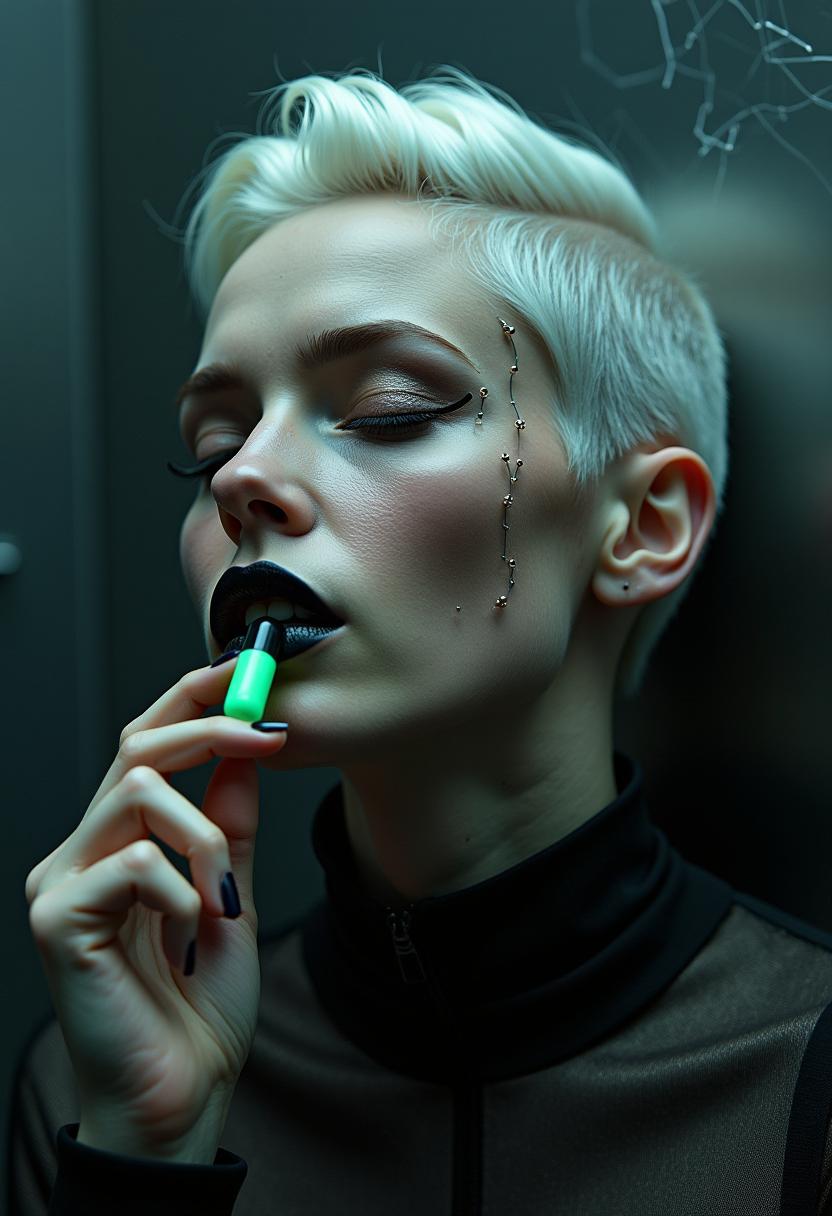

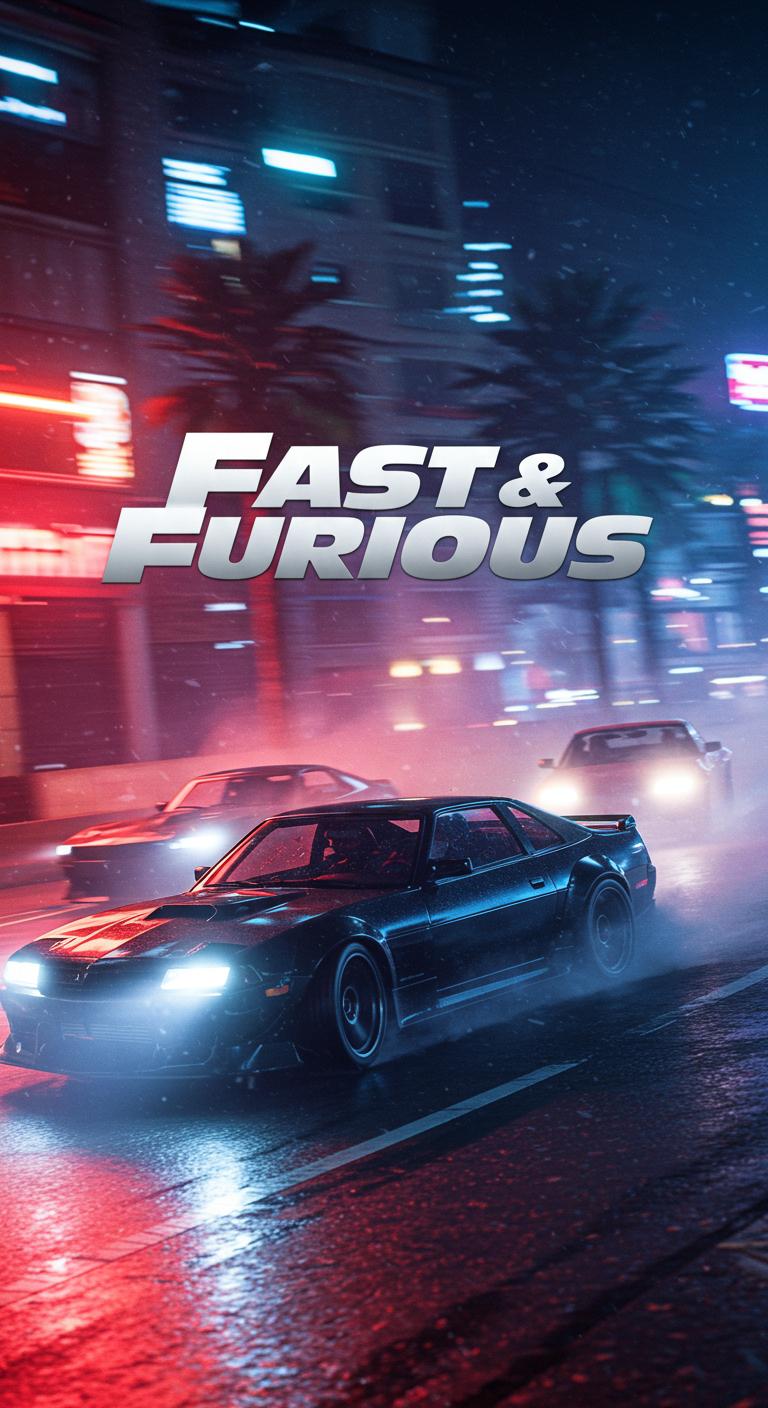
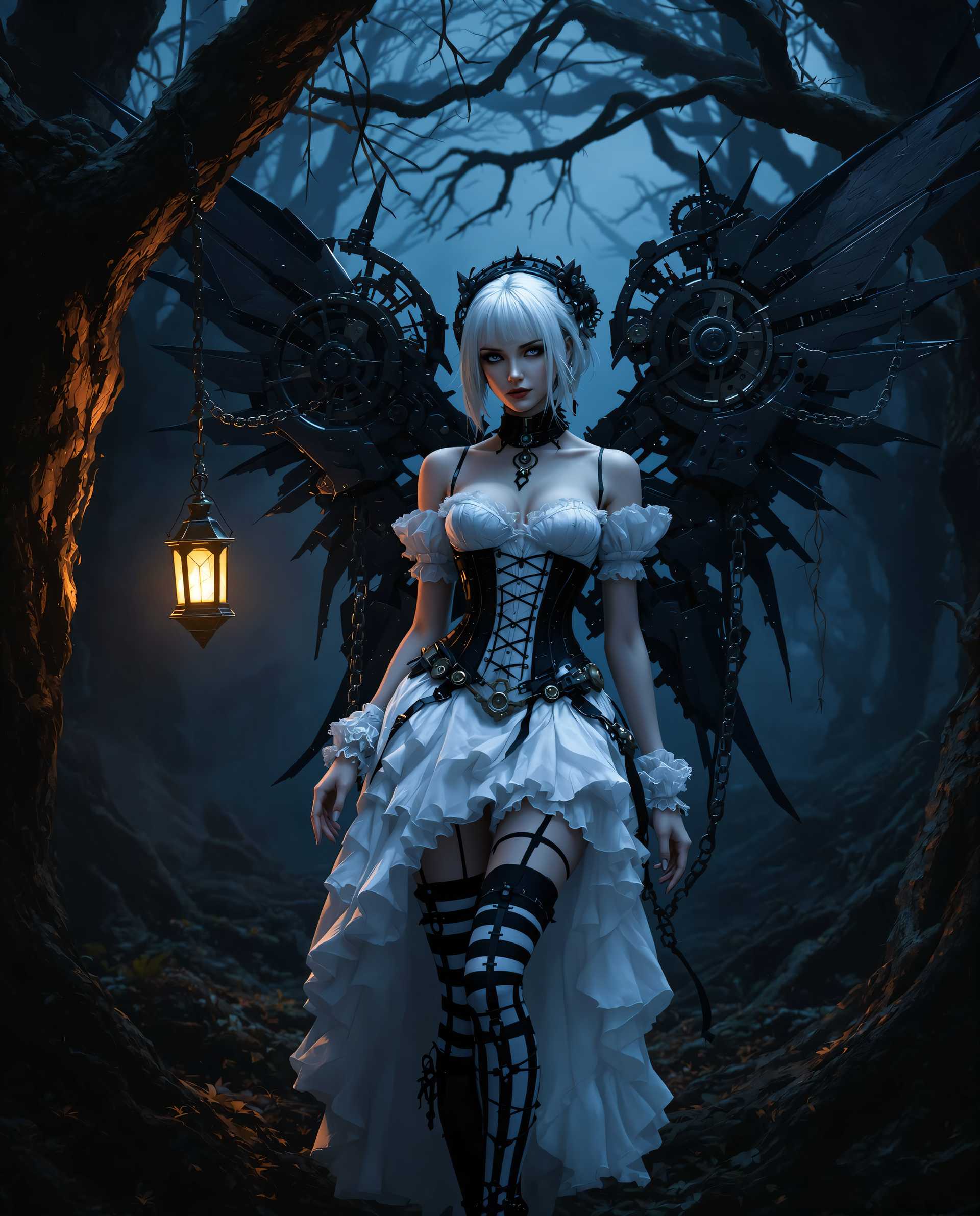

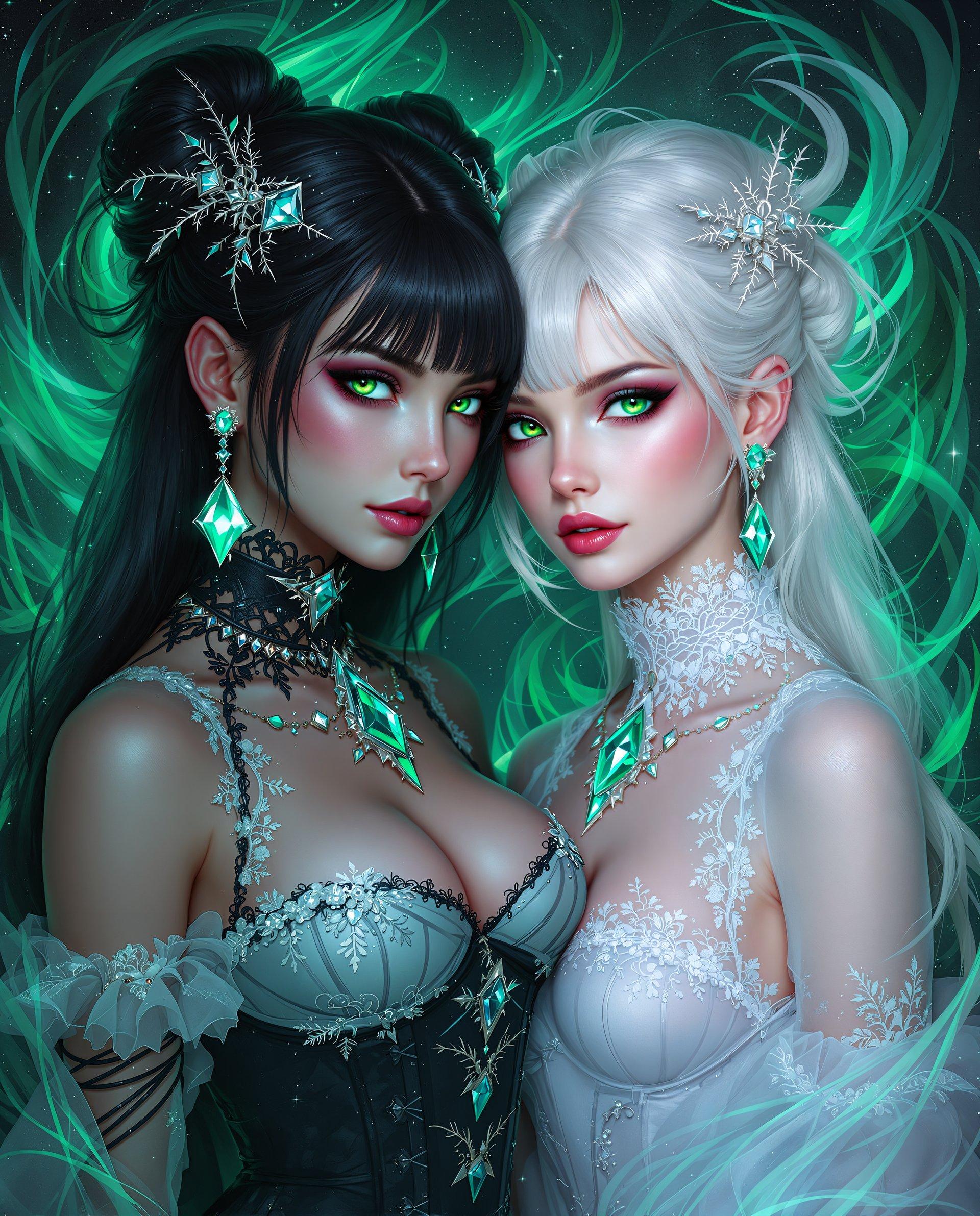
The Pixel Dojo Advantage
Why PixelDojo's Qwen Image 2.0 Style Transfer stands out:
| Others | Pixel Dojo |
|---|---|
| Traditional Manual Editing | Achieve complex style transformations without the need for extensive manual effort or advanced design skills. |
| Generic AI Tools | Experience higher fidelity and more accurate style applications tailored to your specific image content. |
| Outsourcing to Designers | Save time and resources by generating professional-quality stylized images instantly, without external assistance. |
Loved by Creators
See what our community says about qwen image 2.0 style transfer
"PixelDojo's style transfer tool has revolutionized my content creation process. The results are stunning and the process is incredibly user-friendly."
Alex Johnson
Digital Artist
"I was amazed at how quickly I could transform my photos into artworks. PixelDojo's tools are a game-changer for marketers like me."
Samantha Lee
Marketing Specialist
Common Questions
Everything you need to know about qwen image 2.0 style transfer AI generation
How does Qwen Image 2.0 Style Transfer work?
Qwen Image 2.0 utilizes advanced AI algorithms to analyze your base image and apply the selected artistic style, ensuring a seamless and high-quality transformation.
Can I use my own custom styles?
Currently, PixelDojo offers a curated selection of styles. However, we are continually expanding our library and may offer custom style uploads in the future.
Is there a limit to the number of images I can process?
PixelDojo offers various subscription plans to suit different needs, including options with unlimited image processing. Please refer to our pricing page for more details.
What image formats are supported?
Our tool supports common image formats such as JPEG, PNG, and BMP. For optimal results, we recommend using high-resolution images.
How long does it take to process an image?
Processing times may vary depending on the image size and complexity, but most transformations are completed within a few seconds to a minute.
Can I revert to the original image after applying a style?
Yes, your original image remains unchanged. You can always re-upload and apply different styles or revert to the original as needed.