qwen image 2.0 unified model AI Generator
Imagine turning your wildest creative visions into breathtaking, photorealistic images in mere seconds – without needing design skills or expensive software. With PixelDojo's Qwen Image 2.0 unified model, you can generate hyper-detailed visuals that captivate audiences, boost your marketing campaigns, and bring your stories to life. Whether you're crafting product mockups that sell, artistic concepts that inspire, or social media graphics that go viral, Qwen Image 2.0 delivers unmatched clarity and versatility. Access it alongside 40+ cutting-edge AI tools like Flux.2 Studio and Kling Image, all in one platform loved by thousands of creators worldwide. Say goodbye to creative blocks and hello to endless possibilities – start creating images that wow today.

⭐ 4.9/5 from 12,000+ creators | 1M+ images generated with Qwen Image 2.0 | Trusted by marketers, artists & agencies | 'Fastest way to pro visuals' – Featured on Product Hunt
Why Choose Pixel Dojo for qwen image 2.0 unified model
Professional-quality results with cutting-edge AI technology
Achieve Photorealistic Perfection
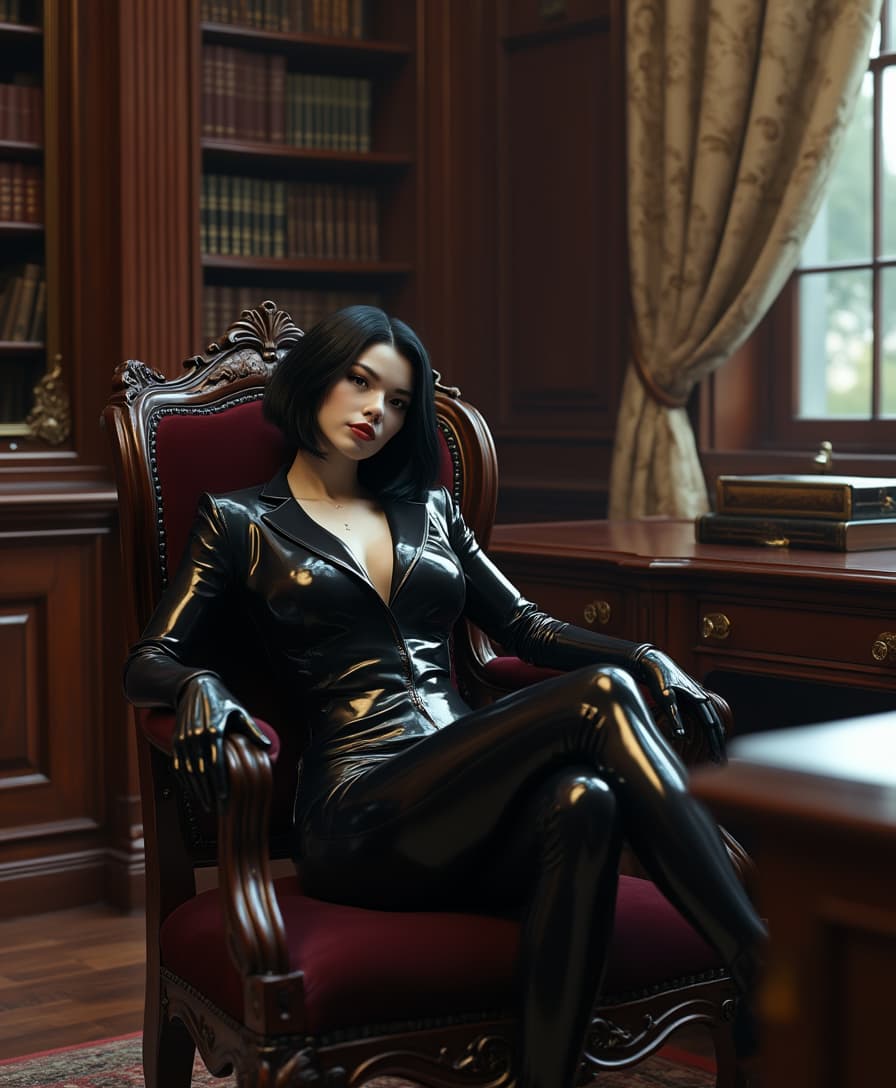
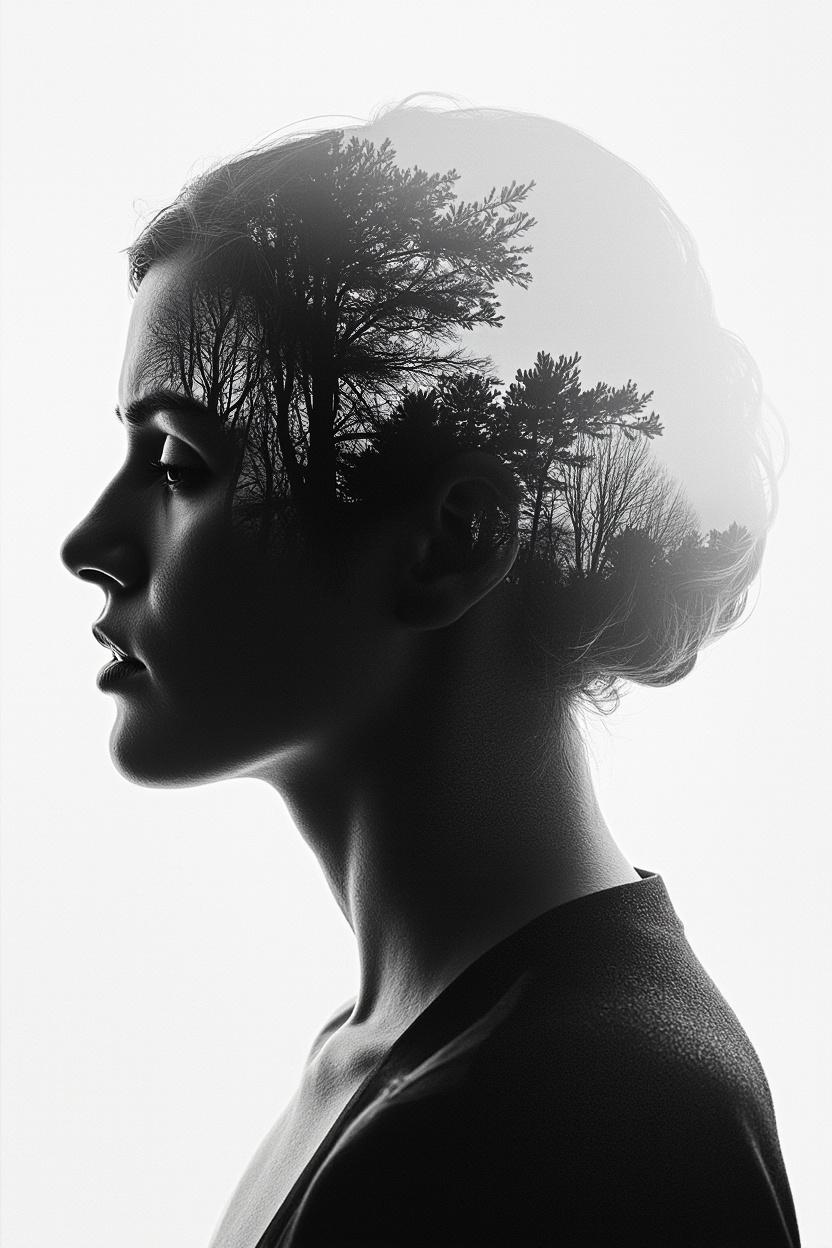
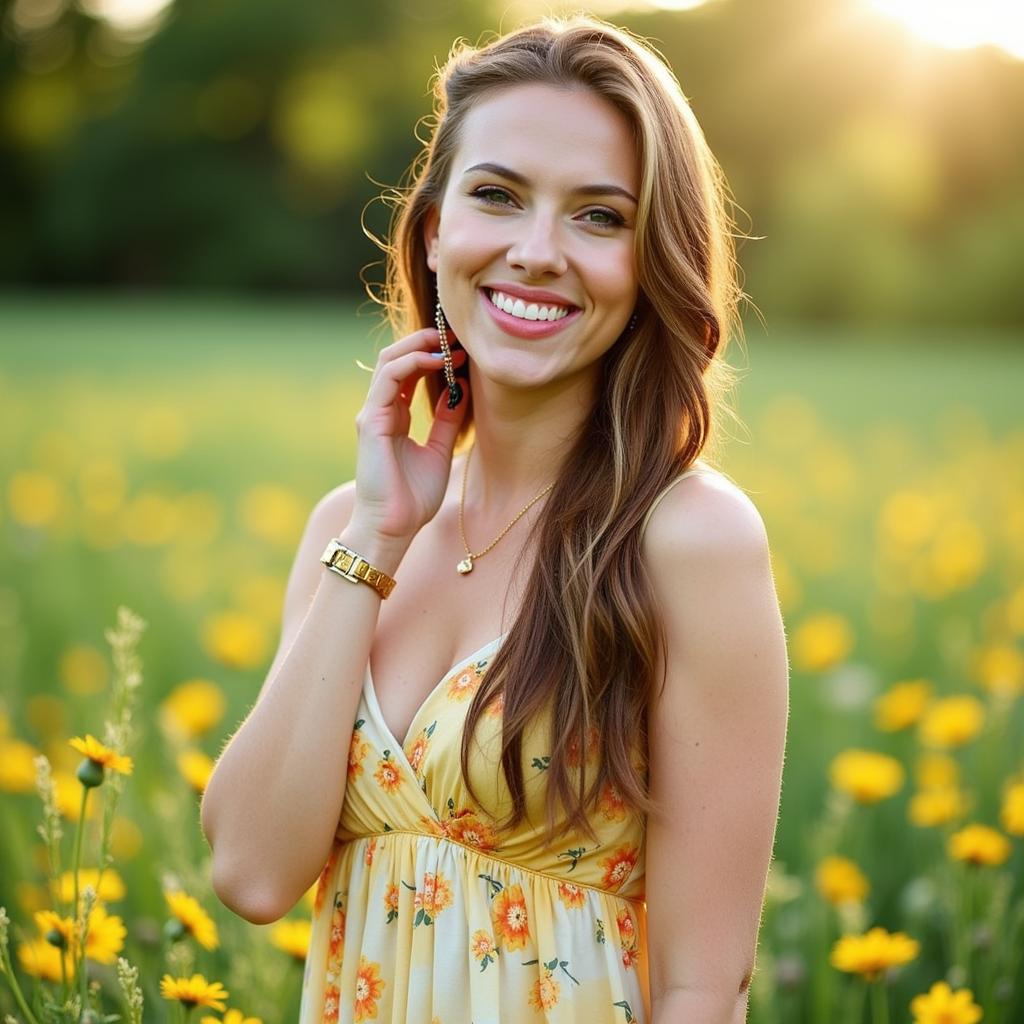
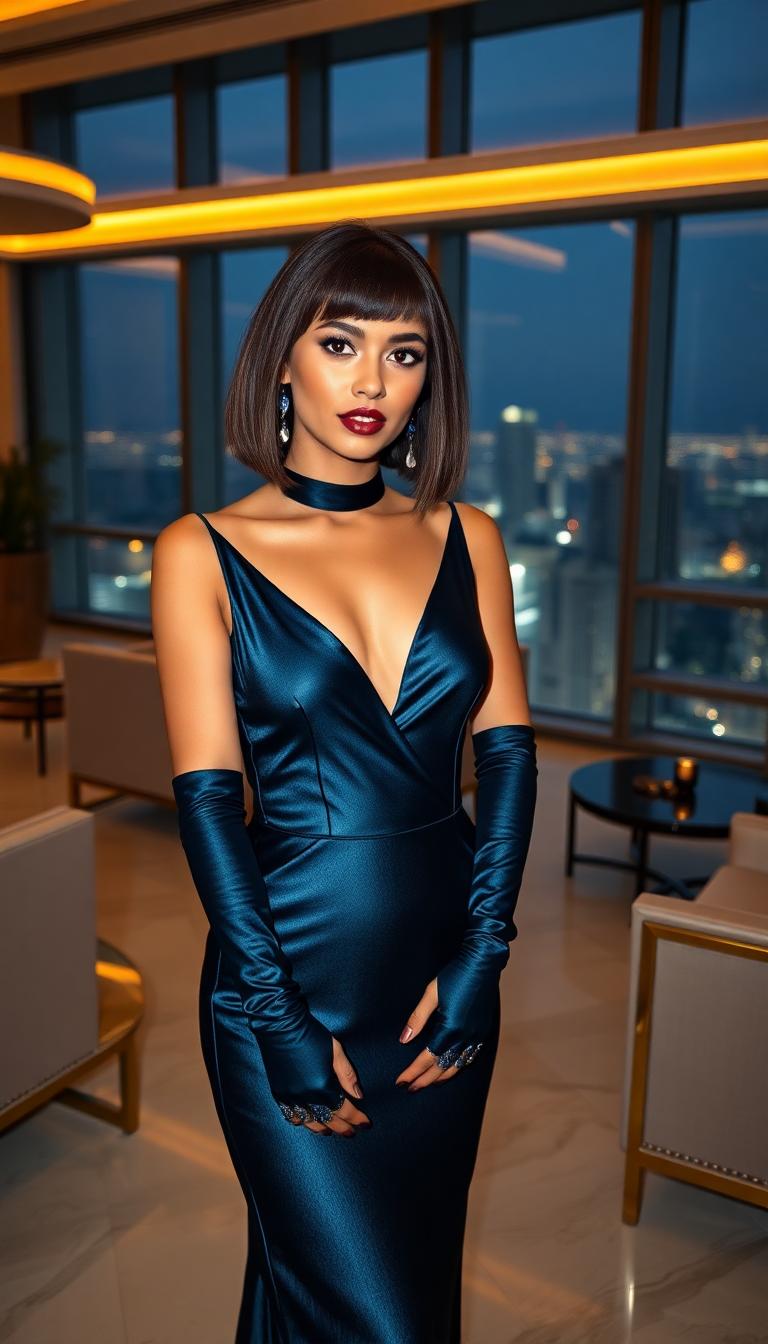
Create images so lifelike they rival professional photography, perfect for e-commerce product shots, real estate visuals, or character designs that feel real. Qwen Image 2.0's unified capabilities ensure every detail – from lighting to textures – pops, helping you captivate viewers and drive conversions without hiring photographers.
Versatile Styles for Any Vision
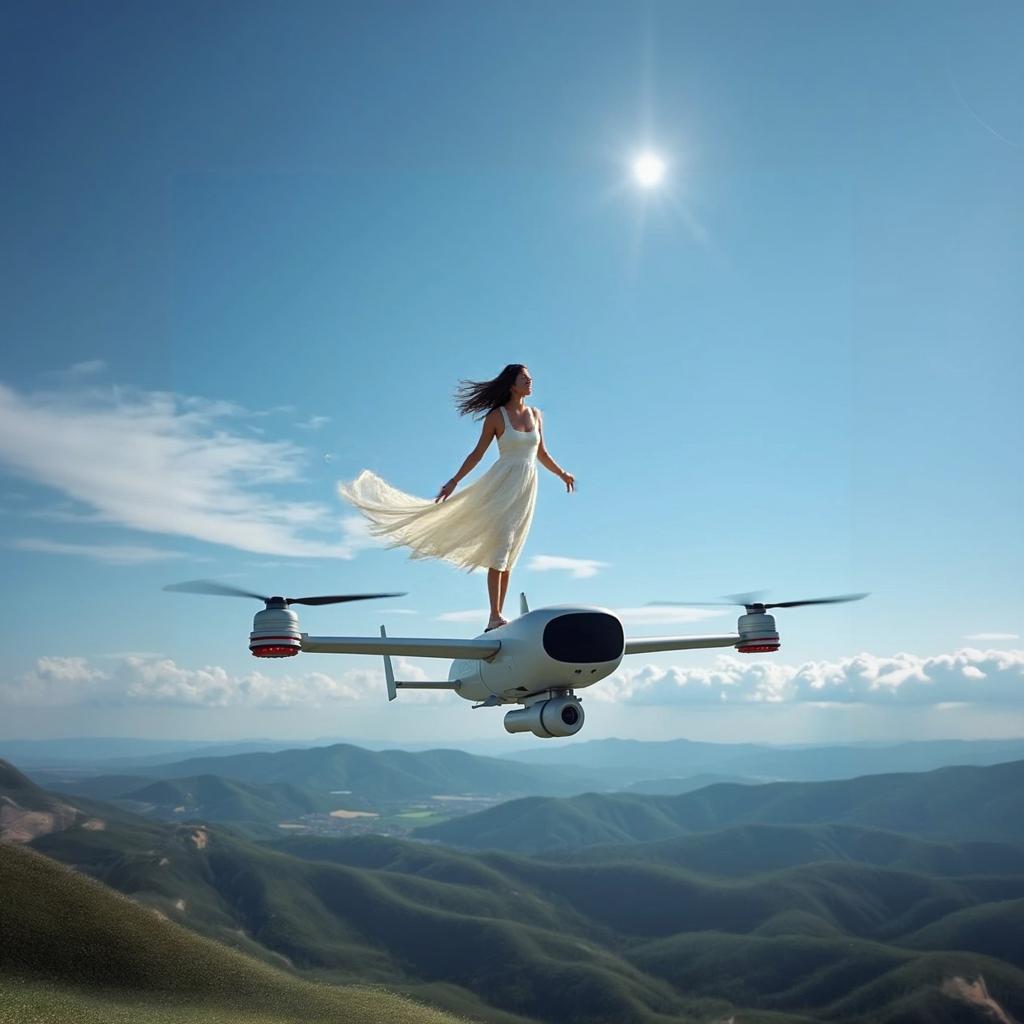
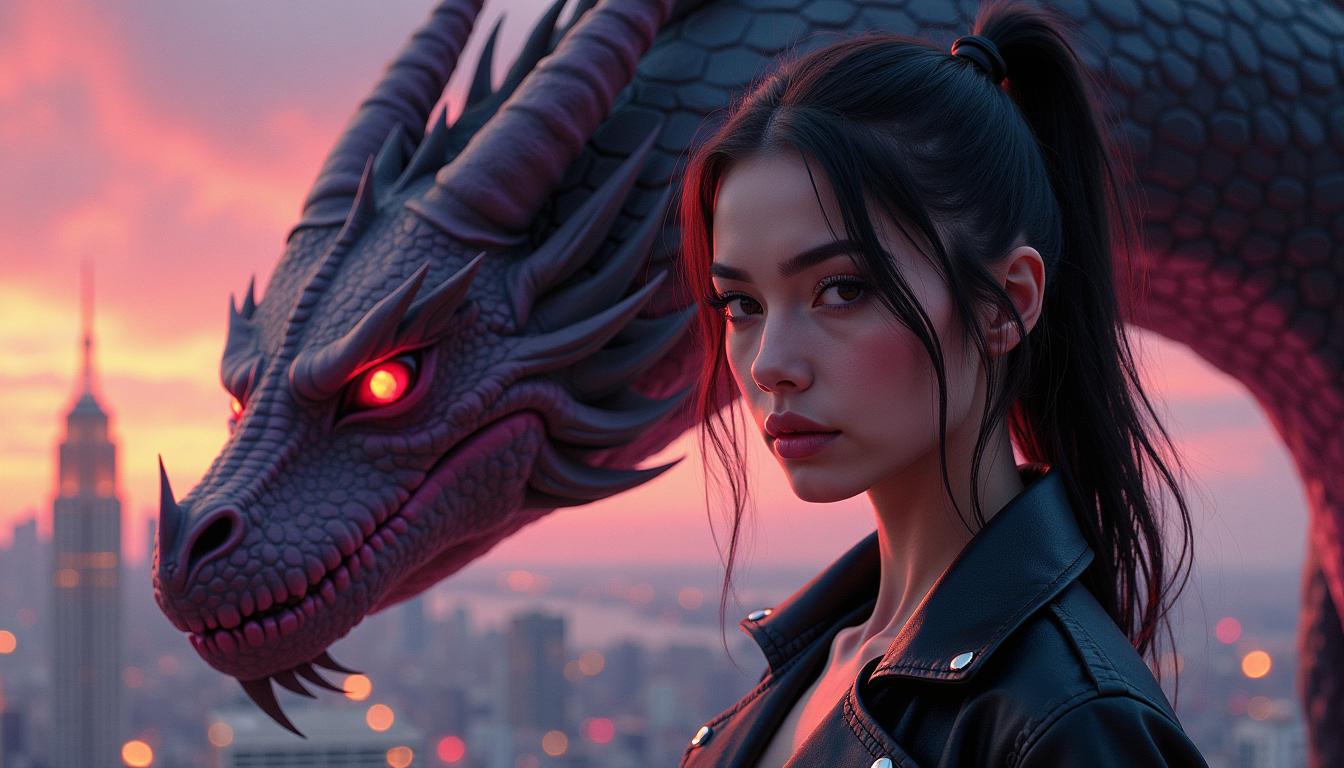
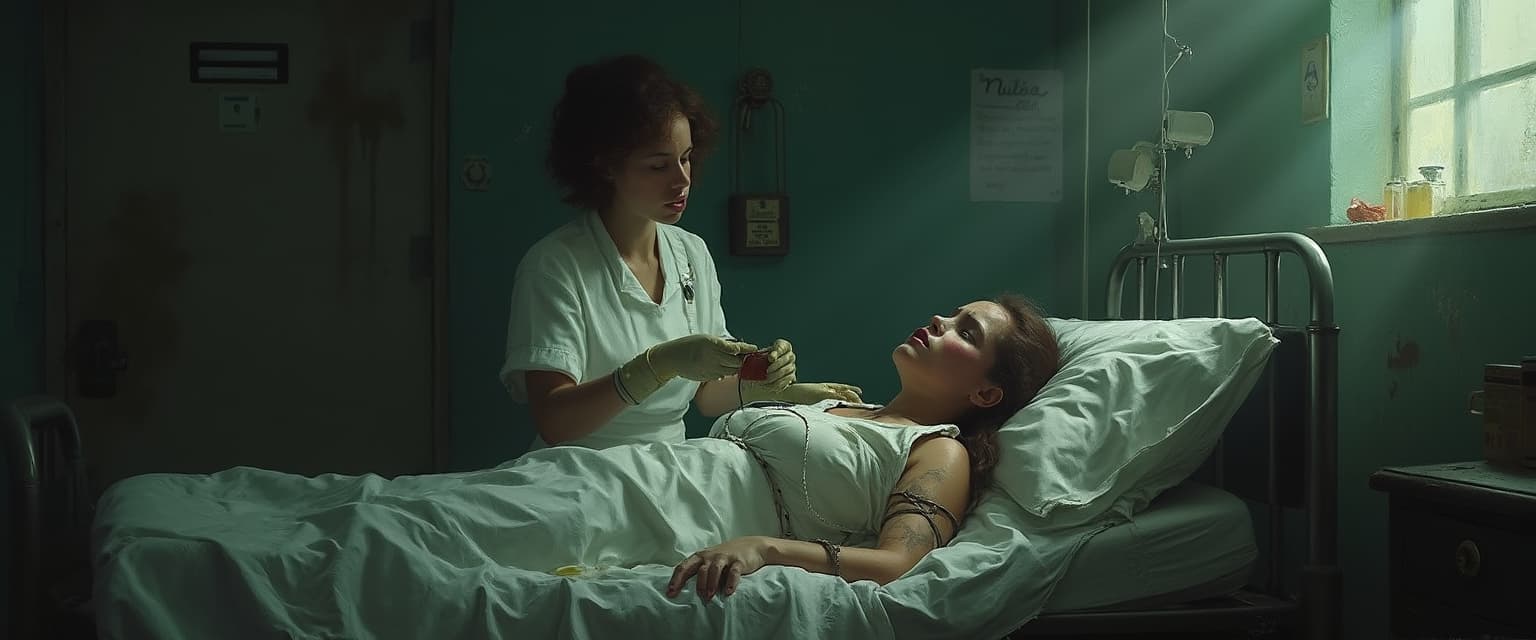
Effortlessly switch between hyper-realistic portraits, surreal art, cinematic scenes, or abstract designs. Tailor outputs to your brand or project needs using PixelDojo's Qwen Image 2 alongside tools like PonyXL or Recraft V4, saving hours of trial-and-error and unlocking creativity you never knew you had.
Lightning-Fast Results, Zero Hassle
Generate high-res images in seconds, iterate endlessly, and download ready-to-use files. Integrate with PixelDojo's editing suite like Inpainting or Upscalers to refine perfection, empowering you to meet tight deadlines and scale your content production like a pro studio.
How It Works
Getting started with Qwen Image 2.0 on PixelDojo is as simple as 1-2-3. No technical expertise required – just your imagination and our intuitive platform.
Step 1: Choose Qwen Image 2.0
Head to PixelDojo's Generate Images section, select 'QWEN Image 2' from our 40+ tools lineup including Flux.2 Studio and Seedream 5 Lite. This unified model is primed for your text-to-image needs, handling everything from photorealism to artistic flair seamlessly.
Step 2: Enter Your Creative Prompt
Type a detailed description like 'hyper-realistic mountain landscape at sunset with dramatic lighting' or use PixelDojo's prompt enhancers. Qwen Image 2.0 interprets nuances perfectly, generating previews instantly so you can refine on the fly.
Step 3: Customize & Download Instantly
Adjust aspect ratios, styles, or strength via simple sliders, then hit generate. Enhance with PixelDojo tools like Magnific Upscaler or Background Remover. Download high-res PNG/JPG files ready for your projects – all in under a minute.



The Pixel Dojo Advantage
Why PixelDojo's Qwen Image 2.0 outperforms other options for unified model image generation
| Others | Pixel Dojo |
|---|---|
| Traditional stock photo creation | Ditch costly shoots and licensing fees – generate custom, on-brand images instantly with Qwen Image 2.0, saving you thousands while delivering unique visuals tailored to your exact needs. |
| Generic AI tools | Get specialized Qwen Image 2.0 power plus 40+ integrated tools like WAN 2.6 and Image Analyzer, for seamless workflows that generic platforms can't match, boosting your efficiency by 10x. |
| Manual photo editing | Skip hours in Photoshop – Qwen Image 2.0 creates flawless results upfront, with one-click edits via Style Transfer or Reality Polisher, freeing you to focus on creativity not tedious tweaks. |
Loved by Creators
See what our community says about qwen image 2.0 unified model
"Qwen Image 2.0 on PixelDojo transformed my e-commerce listings – photoreal product images doubled my sales overnight!"
Sarah Chen
E-commerce Entrepreneur
"As a digital artist, I've never seen such versatile, high-fidelity outputs. Paired with Flux trainers, it's a game-changer for my workflow."
Mike Rivera
Freelance Concept Artist
Common Questions
Everything you need to know about qwen image 2.0 unified model AI generation
What makes Qwen Image 2.0 unified model the best for photorealistic image generation?
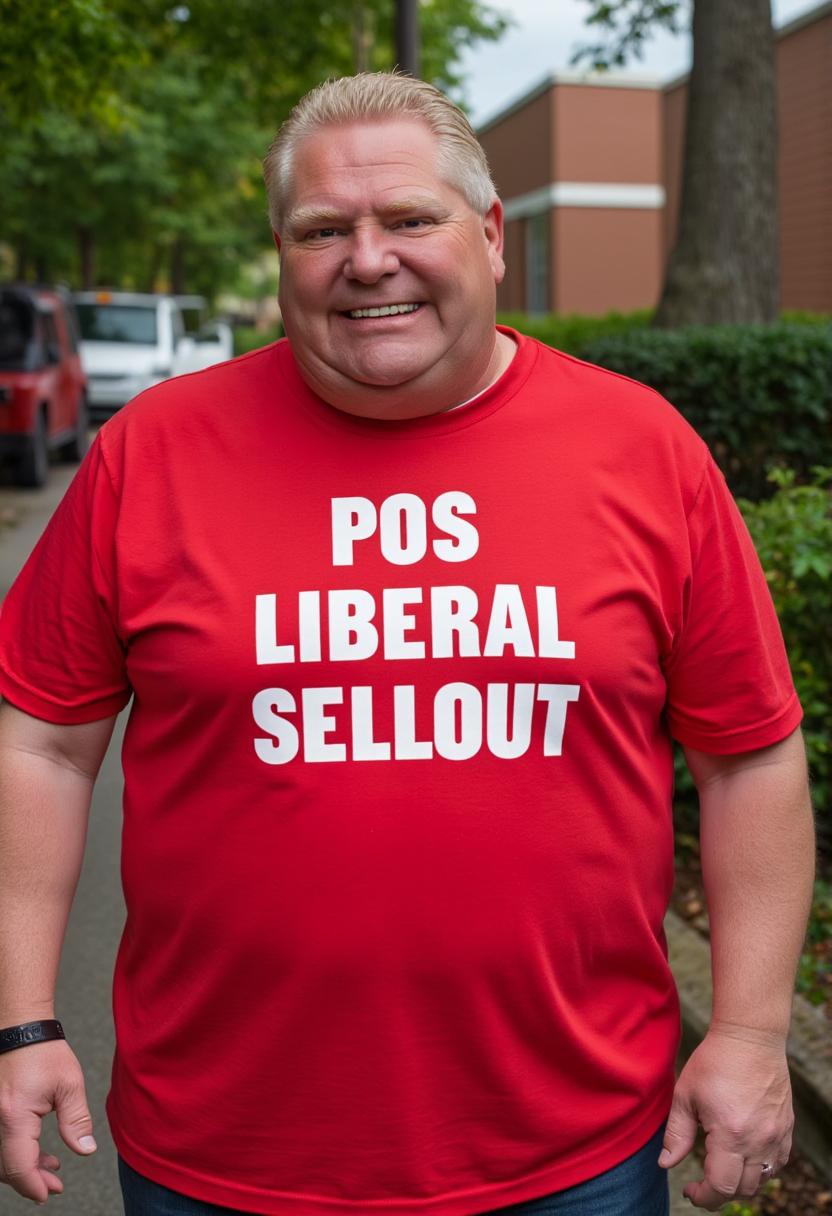
Qwen Image 2.0 excels in delivering hyper-realistic images with intricate details like skin textures, lighting, and environments that feel captured by a pro camera. On PixelDojo, you access this via our QWEN Image 2 tool, integrated with editors like Magic Lighting and Portrait Upscaler. Users create sellable product visuals or avatars in seconds, outperforming basic generators by focusing on unified understanding for accurate, context-aware results every time.
How do I use Qwen Image 2.0 on PixelDojo for artistic styles?
Simply select QWEN Image 2, input prompts like 'surreal dreamscape in Van Gogh style with Qwen Image 2.0 precision,' and generate. Combine with PixelDojo's PonyXL or HiDream for hybrid styles. Our platform's seed control and style transfer ensure consistent, professional art you can upscale or inpaint effortlessly, ideal for NFTs, book covers, or social content.
Can Qwen Image 2.0 generate images for marketing campaigns quickly?
Absolutely – produce campaign-ready banners, ads, or hero images in under 10 seconds per iteration. PixelDojo's Qwen Image 2 pairs with tools like Background Remover and Z Image Turbo for rapid customization. Thousands of marketers use it daily to A/B test visuals, achieving higher engagement without design teams.
What resolution and formats does Qwen Image 2.0 support on PixelDojo?
Generate up to 4K resolutions with Qwen Image 2.0, outputting PNG, JPG, or WebP. Post-generation, use Magnific Upscaler or Creative Upscaler to go beyond native limits. This lets you create print-ready graphics or web-optimized files, all while maintaining Qwen's signature detail fidelity.
Is Qwen Image 2.0 unified model safe for commercial use on PixelDojo?
Yes, all PixelDojo generations, including QWEN Image 2, are royalty-free for commercial purposes. Train custom LoRAs with QWEN Trainer for branded consistency, and edit with Face Swap or Pose Control. Our usage reports track credits transparently, with subscriptions offering unlimited access – cancel anytime.
How does Qwen Image 2.0 compare to other PixelDojo image generators?
Qwen Image 2.0 shines in unified multimodal tasks, blending text-to-image with superior understanding for complex scenes, edging out Flux.1 Studio in photorealism and Kling Image in speed. Mix them via Developer API or ComfyUI for ultimate control, giving you the most versatile toolkit for any project.