qwen-image object insertion AI Generator
Elevate your visual content by seamlessly adding objects to your images with Qwen-Image's advanced AI capabilities. Whether you're a marketer aiming to enhance promotional materials or a designer looking to refine your creations, Qwen-Image empowers you to achieve professional results effortlessly.

Join over 10,000 creators who trust Qwen-Image for their image editing needs. Rated 4.8/5 based on 2,000+ reviews.
Why Choose Pixel Dojo for qwen-image object insertion
Professional-quality results with cutting-edge AI technology
Seamless Object Integration
Add objects to your images without disrupting the original composition, ensuring a natural and cohesive look.
Time-Efficient Editing
Achieve complex edits in minutes, significantly reducing the time spent on manual adjustments.
User-Friendly Interface
Navigate through the editing process with an intuitive interface designed for both beginners and professionals.
How It Works
Adding objects to your images with Qwen-Image is a straightforward process. Follow these steps to enhance your visuals:
Step 1: Select Your Image
Upload the image you wish to edit by clicking on the 'Upload Image' button in the Qwen-Image interface.
Step 2: Define the Object and Placement
Specify the object you want to insert and indicate its desired position within the image using the intuitive placement tools.
Step 3: Generate and Refine
Click 'Generate' to let Qwen-Image process the insertion. Review the result and make any necessary refinements using the editing tools provided.

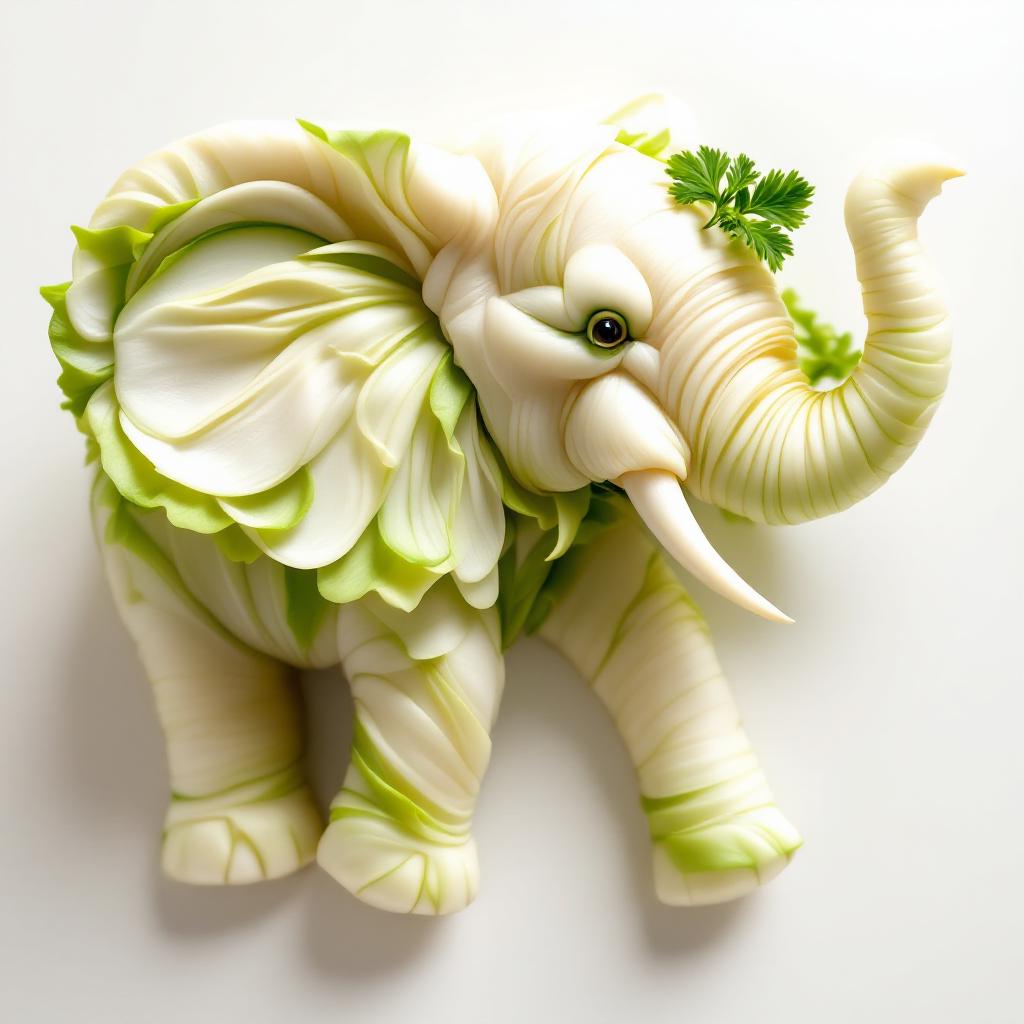




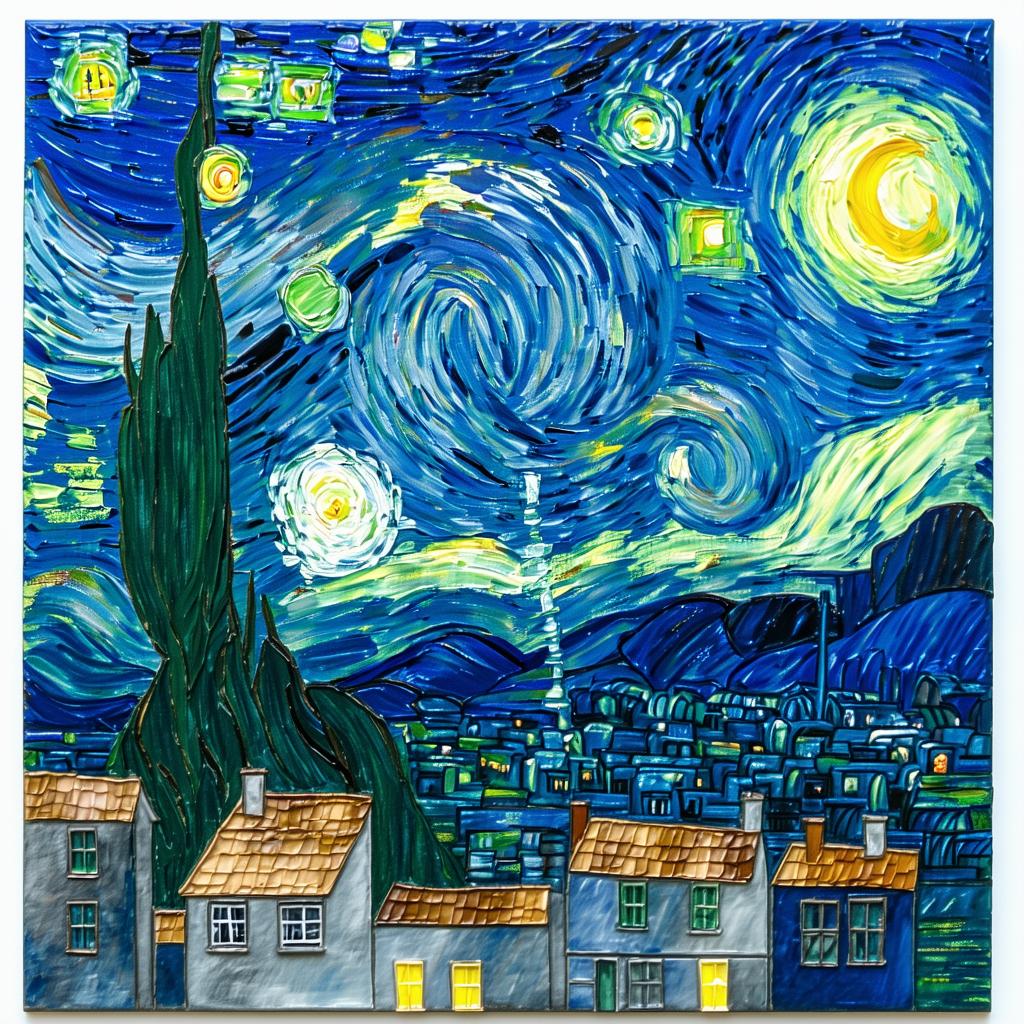



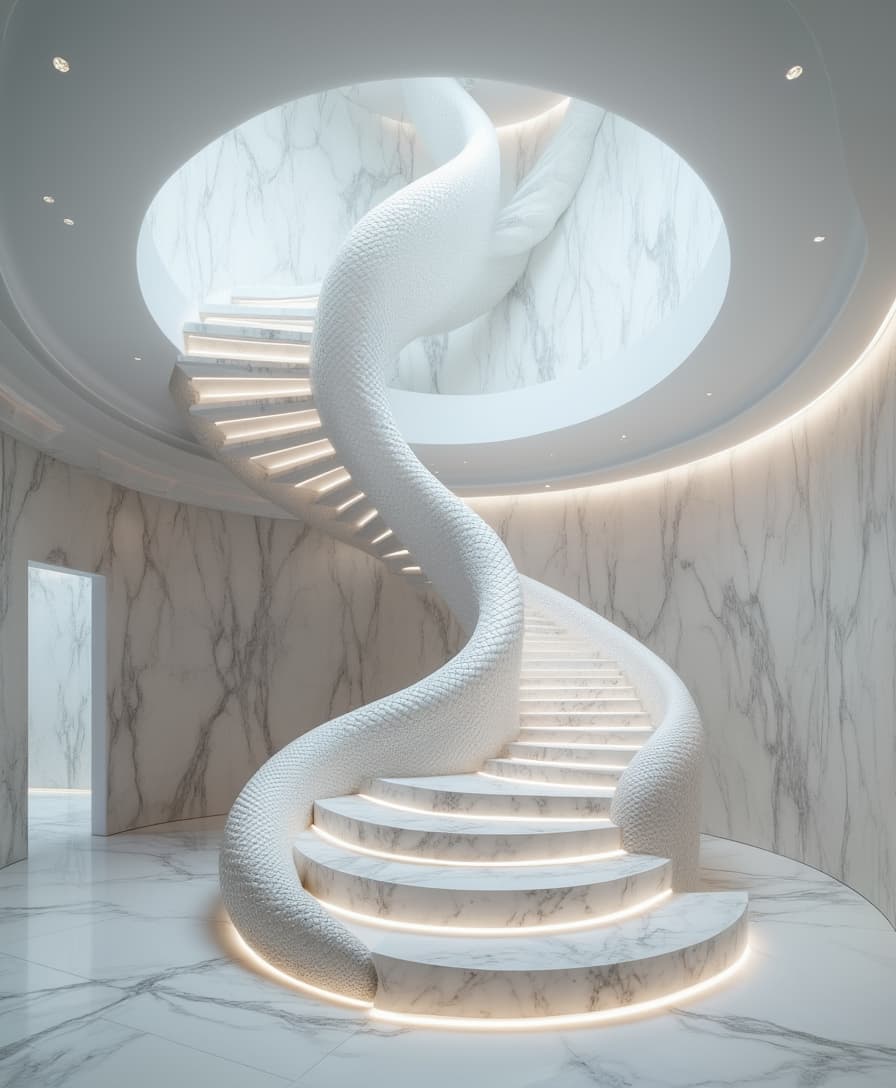
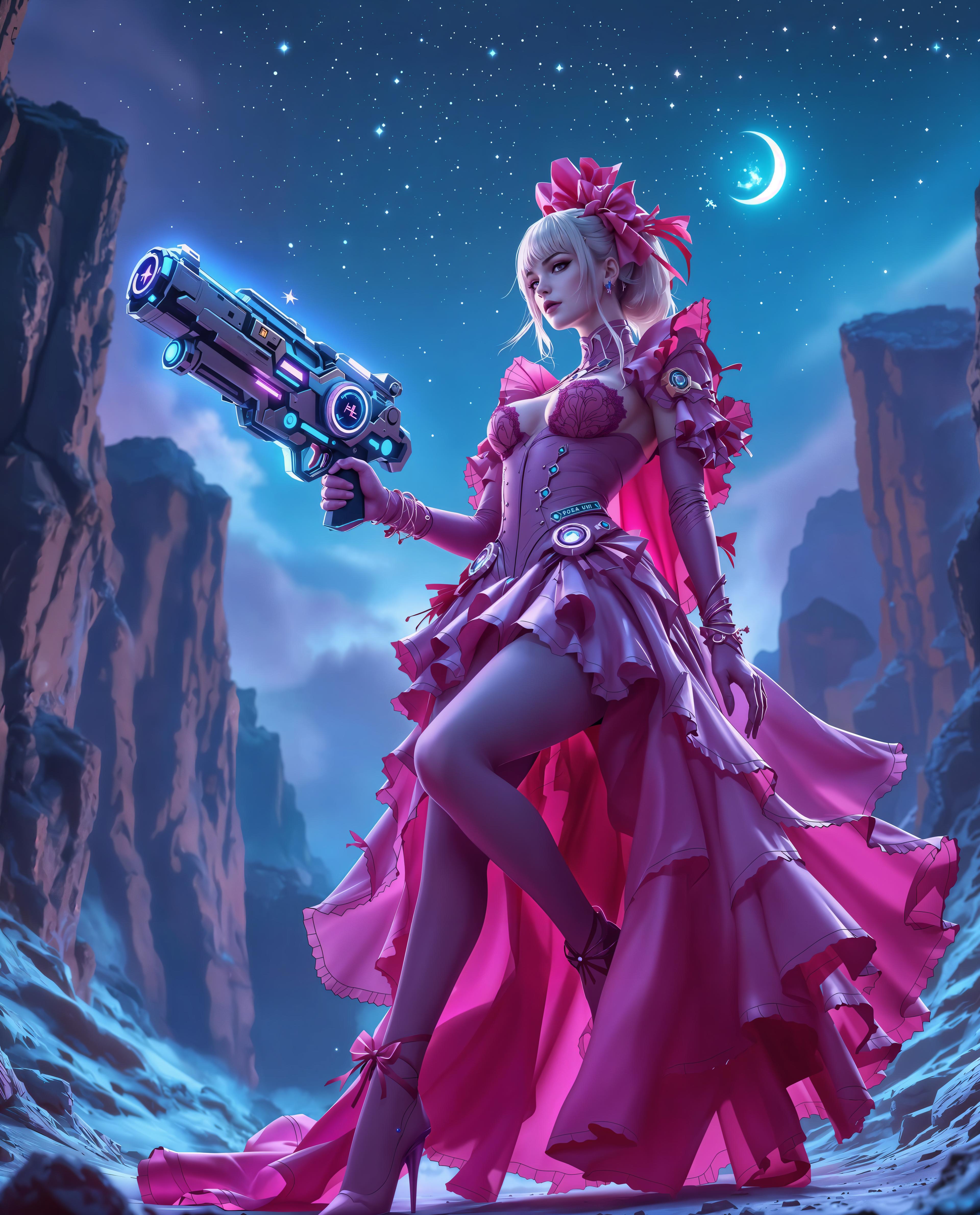




The Pixel Dojo Advantage
Why Qwen-Image is the superior choice for object insertion in images:
| Others | Pixel Dojo |
|---|---|
| Traditional Manual Editing | Eliminates the need for complex manual adjustments, saving time and ensuring precision. |
| Generic AI Tools | Offers specialized object insertion capabilities with superior text rendering and editing precision. |
| Outsourcing to Designers | Provides a cost-effective solution without compromising on quality, giving you full creative control. |
Loved by Creators
See what our community says about qwen-image object insertion
"Qwen-Image has revolutionized our marketing materials. The object insertion feature is intuitive and delivers professional results every time."
Alex Johnson
Marketing Director
"As a freelance designer, Qwen-Image has become an indispensable tool in my workflow. The time saved on edits is invaluable."
Samantha Lee
Graphic Designer
Common Questions
Everything you need to know about qwen-image object insertion AI generation
How does Qwen-Image ensure seamless object insertion?
Qwen-Image utilizes advanced AI algorithms to analyze the original image's composition, lighting, and perspective, ensuring that inserted objects blend naturally without disrupting the scene's integrity.
Can I insert multiple objects into a single image?
Yes, Qwen-Image allows you to insert multiple objects into a single image. You can specify each object's position and make adjustments as needed to achieve your desired outcome.
Is there a limit to the image resolution I can upload?
Qwen-Image supports high-resolution images, allowing you to work with detailed visuals. However, for optimal performance, it's recommended to use images up to 4000x4000 pixels.
Do I need prior design experience to use Qwen-Image?
No, Qwen-Image is designed with a user-friendly interface that caters to both beginners and professionals. The intuitive tools and guided process make it accessible to users of all skill levels.
Can I use Qwen-Image for commercial projects?
Absolutely. Qwen-Image is suitable for both personal and commercial projects, providing you with the flexibility to enhance your visuals for any purpose.
Is there a trial period available for Qwen-Image?
Yes, Qwen-Image offers a free trial period, allowing you to explore its features and capabilities before committing to a subscription.