Qwen Plus watermark control AI Generator
Elevate your AI image creation with Qwen Plus on PixelDojo, offering advanced watermark control to ensure your visuals are both stunning and professionally branded. Whether you're a marketer, designer, or content creator, our tools empower you to produce high-quality images with customizable watermark options, safeguarding your work and enhancing brand recognition.
Join over 10,000 satisfied creators who trust PixelDojo for their AI image generation needs, achieving a 98% satisfaction rate in professional branding and content protection.
Why Choose Pixel Dojo for Qwen Plus watermark control
Professional-quality results with cutting-edge AI technology
Customizable Watermarking
Easily add or remove watermarks to your images, ensuring brand consistency and protection.
High-Quality Image Generation
Produce stunning, high-resolution images tailored to your specifications with Qwen Plus.
User-Friendly Interface
Navigate and utilize advanced features effortlessly, regardless of your technical expertise.
How It Works
Creating professional AI images with customizable watermarks using Qwen Plus on PixelDojo is straightforward. Follow these steps to get started:
Step 1: Select Qwen Plus Tool
Log in to your PixelDojo account and choose the Qwen Plus tool from the 'Create Images' section.
Step 2: Input Your Image Prompt
Enter a detailed description of the image you wish to generate. For example, 'A serene mountain landscape at sunrise.'
Step 3: Configure Watermark Settings
In the settings, choose whether to add a watermark. Customize its position, size, and opacity to align with your branding needs.


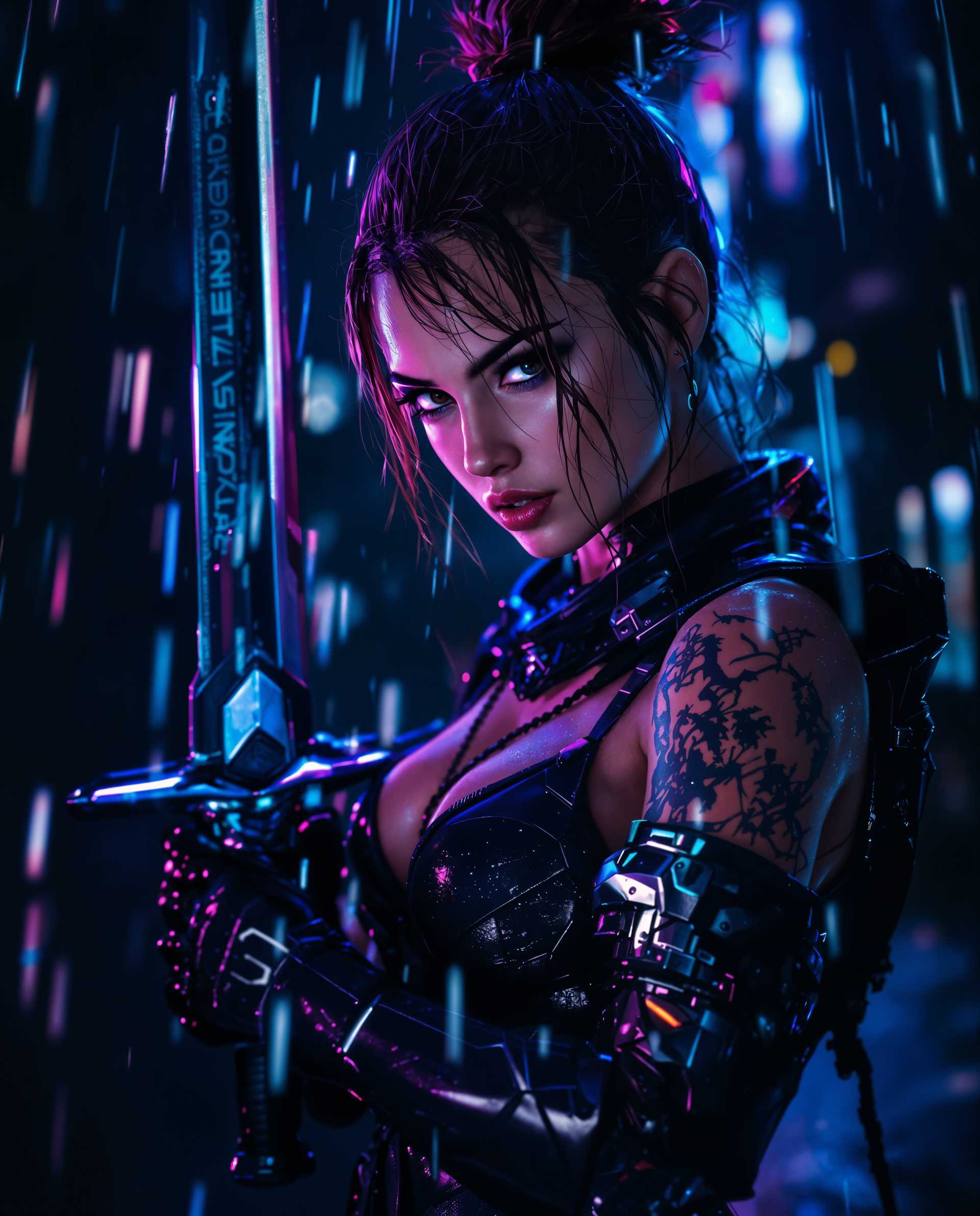







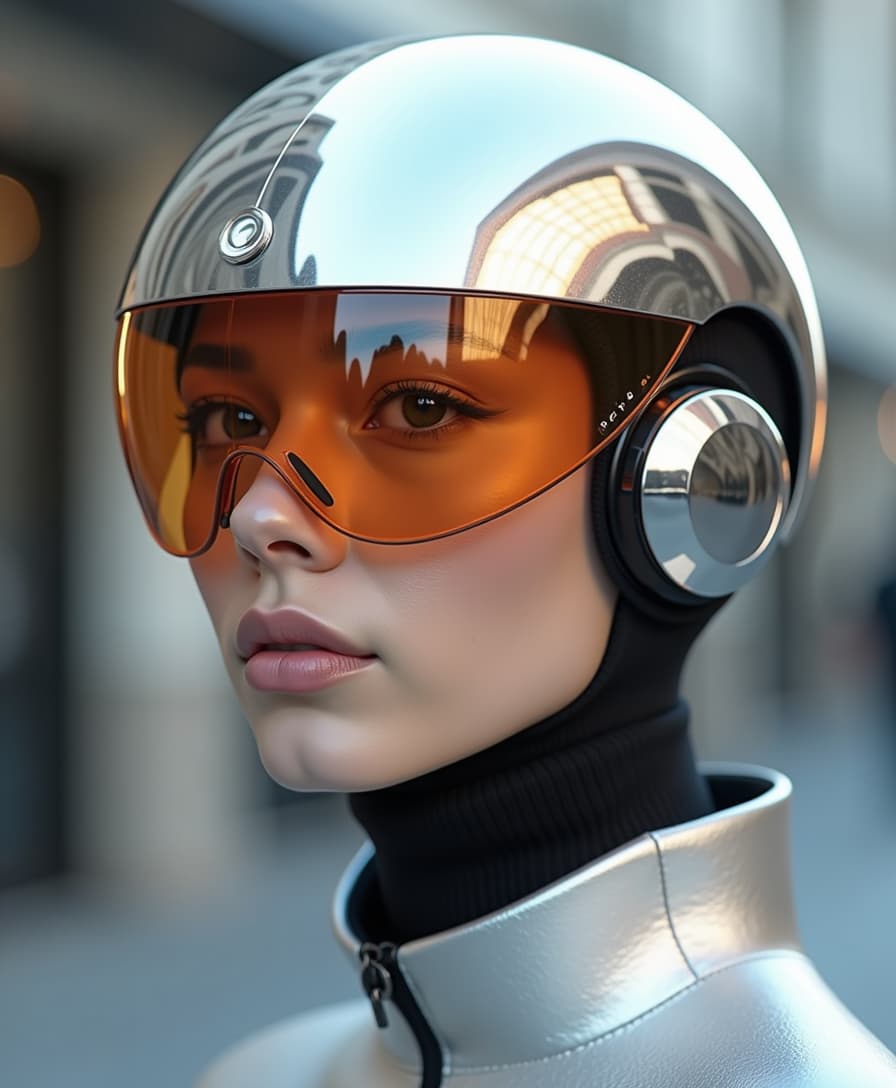





The Pixel Dojo Advantage
Why PixelDojo's Qwen Plus stands out for AI image generation with watermark control:
| Others | Pixel Dojo |
|---|---|
| Traditional Image Editing Software | Automates the watermarking process, saving time and ensuring consistency across images. |
| Generic AI Image Generators | Offers precise control over watermark placement and appearance, enhancing brand integrity. |
| Manual Watermark Addition | Integrates watermarking seamlessly during image generation, eliminating the need for post-processing. |
Loved by Creators
See what our community says about Qwen Plus watermark control
"PixelDojo's Qwen Plus has revolutionized our content creation process. The watermark control ensures our brand is consistently represented across all visuals."
Alex Johnson
Marketing Director
"As a freelance designer, the ability to customize watermarks directly within the image generation process saves me hours of work. PixelDojo is a game-changer!"
Samantha Lee
Graphic Designer
Common Questions
Everything you need to know about Qwen Plus watermark control AI generation
How does Qwen Plus handle watermark control in AI-generated images?
Qwen Plus allows users to add or remove watermarks during the image generation process. You can customize the watermark's position, size, and opacity to align with your branding requirements.
Can I generate images without any watermarks using Qwen Plus?
Yes, Qwen Plus provides the option to generate images without watermarks. Simply disable the watermark feature in the settings before generating your image.
Is there a limit to the number of images I can create with Qwen Plus on PixelDojo?
PixelDojo offers various subscription plans to suit different needs. Depending on your plan, you can generate a specific number of images per month. Please refer to our pricing page for more details.
Can I use Qwen Plus-generated images for commercial purposes?
Yes, images created using Qwen Plus on PixelDojo can be used for commercial purposes. Ensure you comply with our terms of service and any applicable copyright laws.
Do I need any prior experience to use Qwen Plus for image generation?
No prior experience is necessary. Qwen Plus is designed with a user-friendly interface, making it accessible to both beginners and professionals.
How does PixelDojo ensure the quality of AI-generated images?
PixelDojo utilizes advanced AI models and continuous optimization to produce high-quality, high-resolution images that meet professional standards.