realistic ai AI Generator
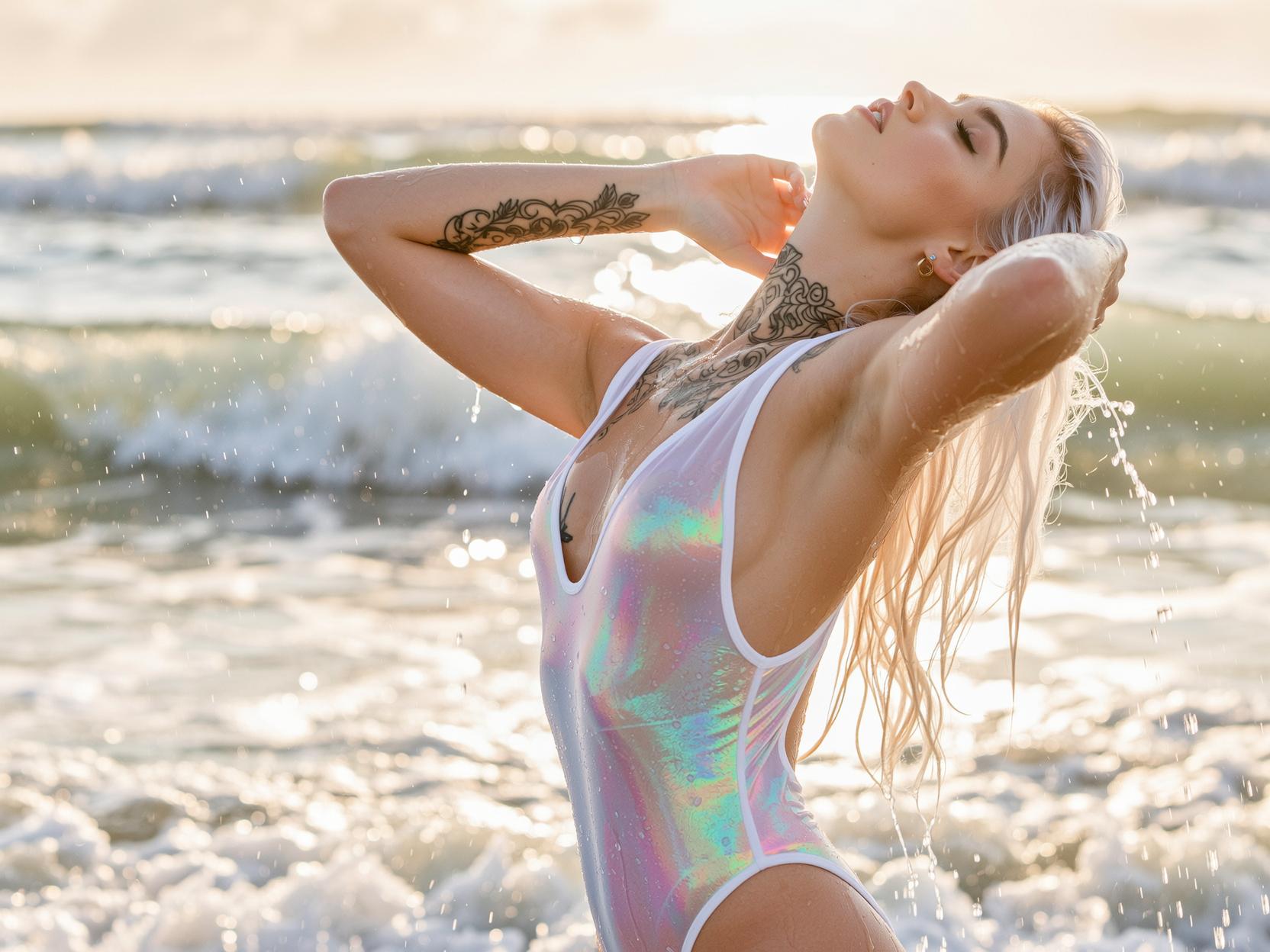
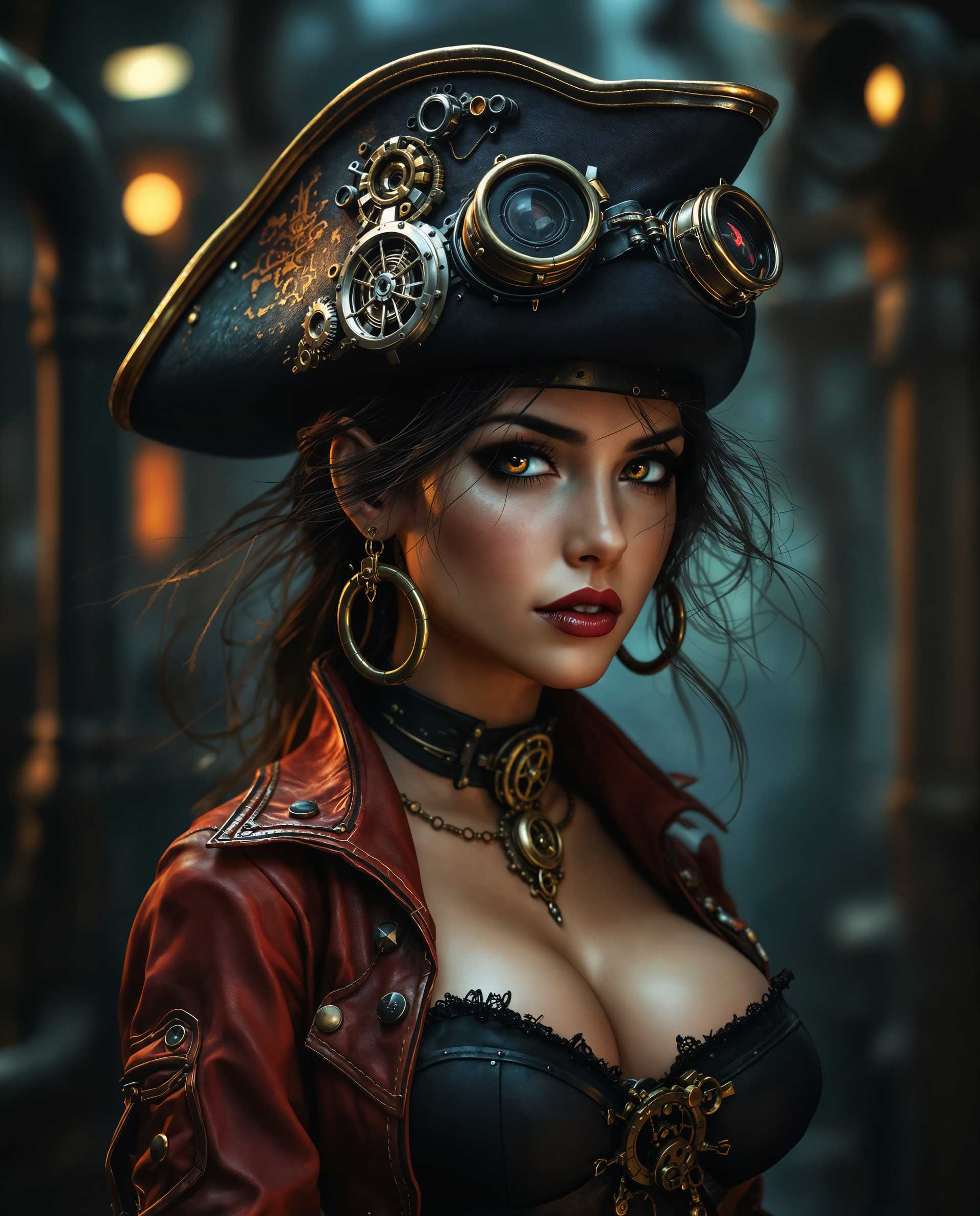
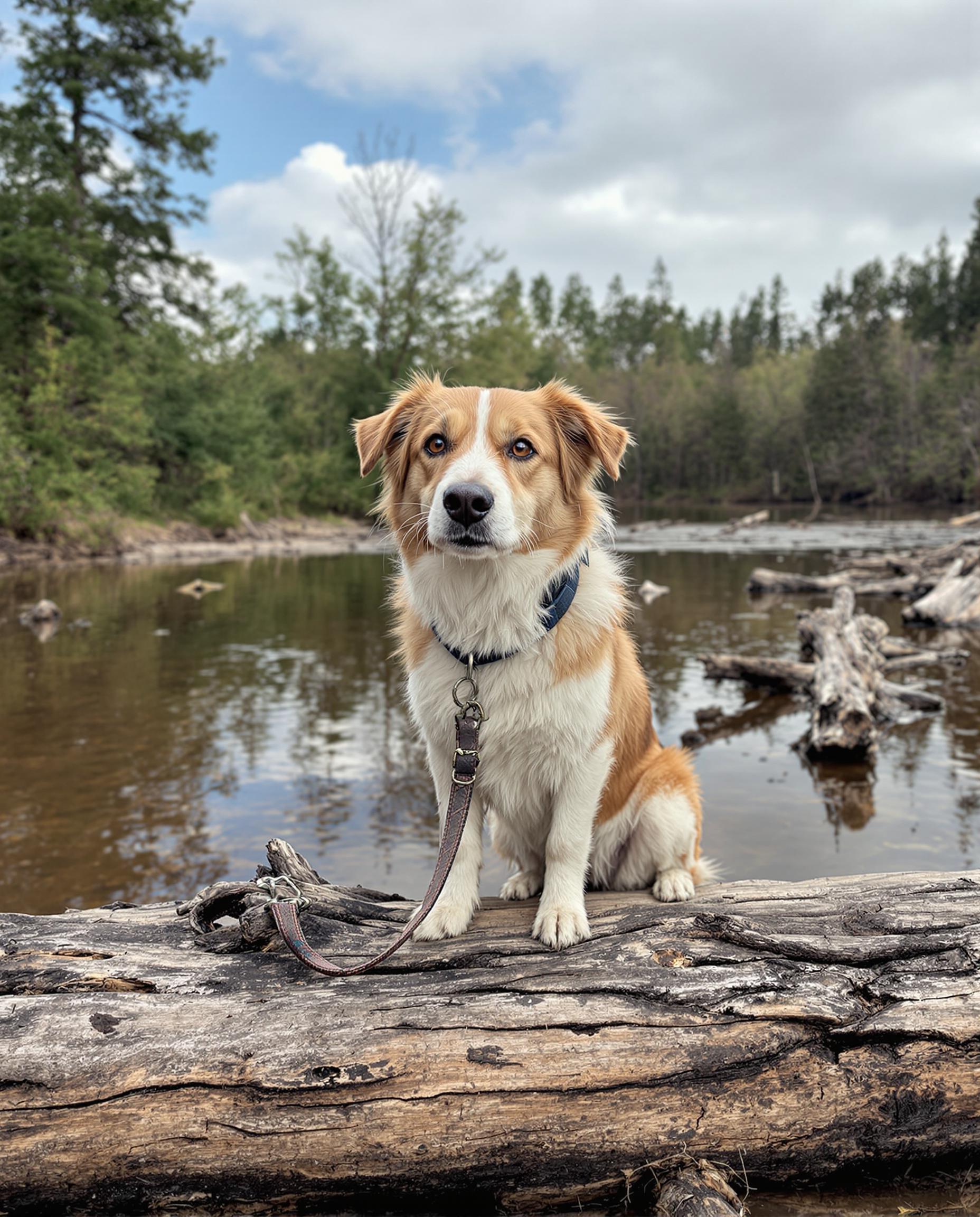
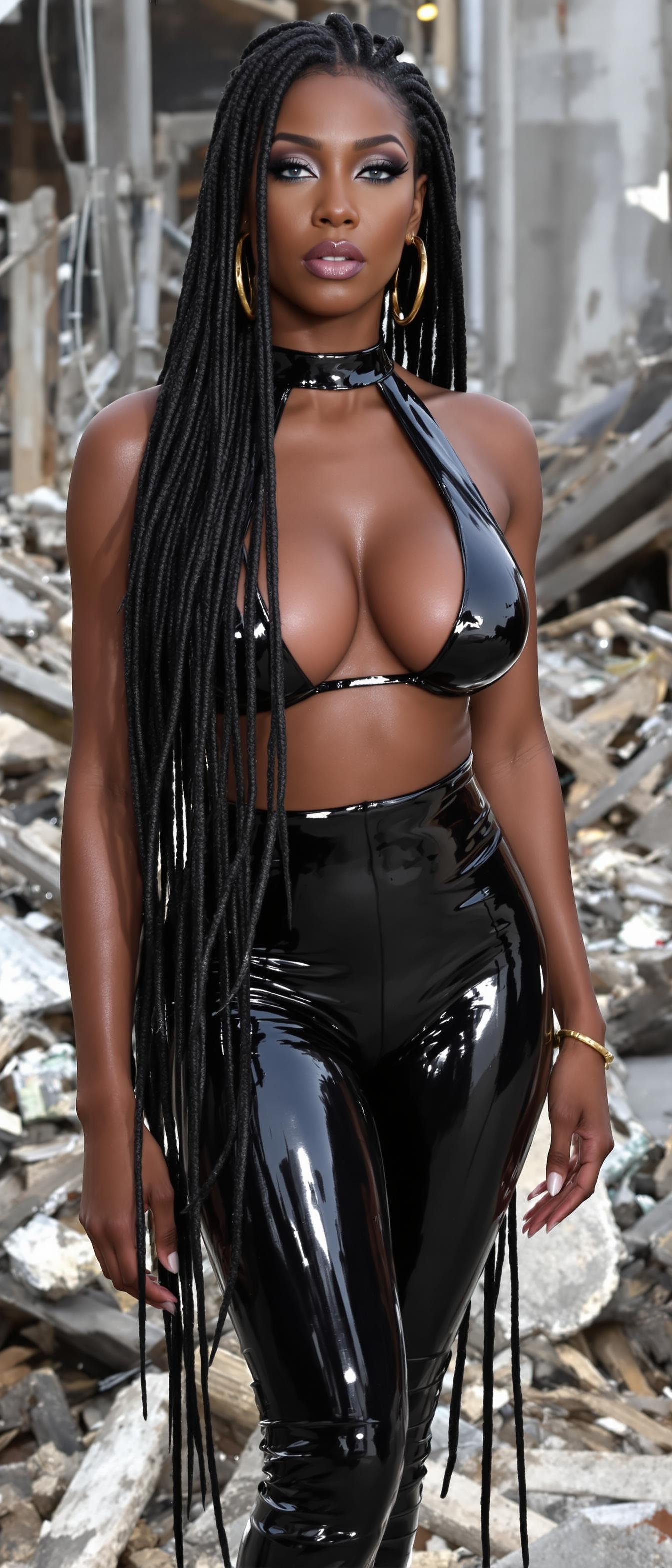
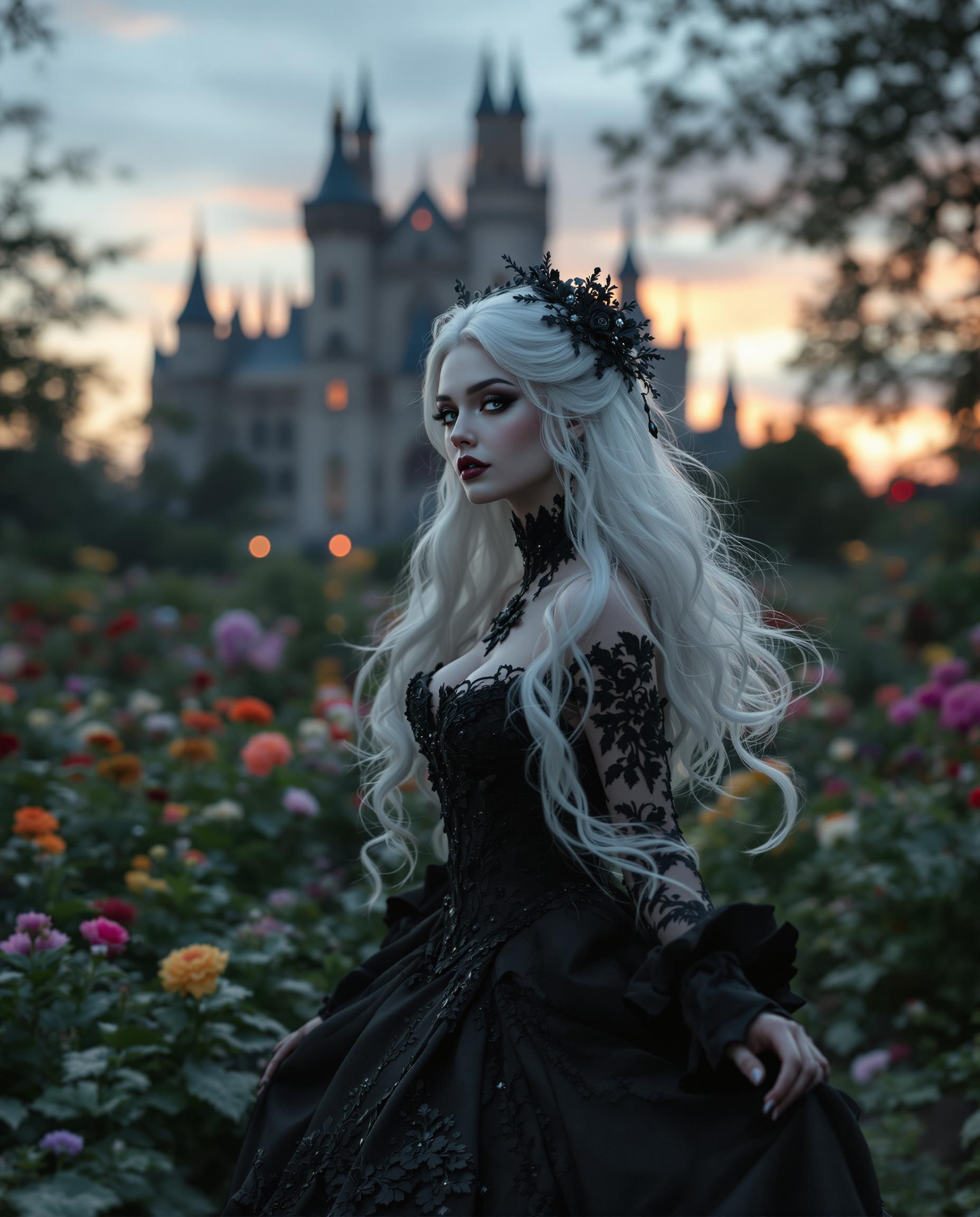
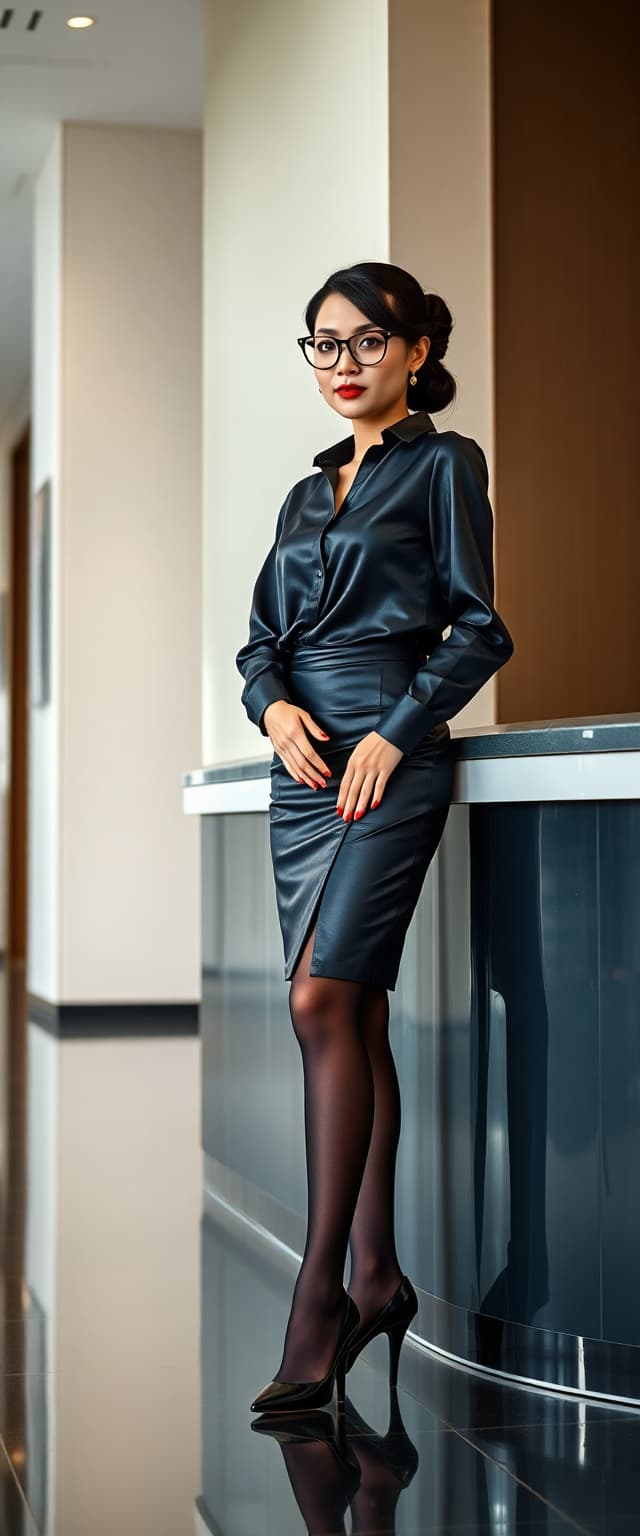
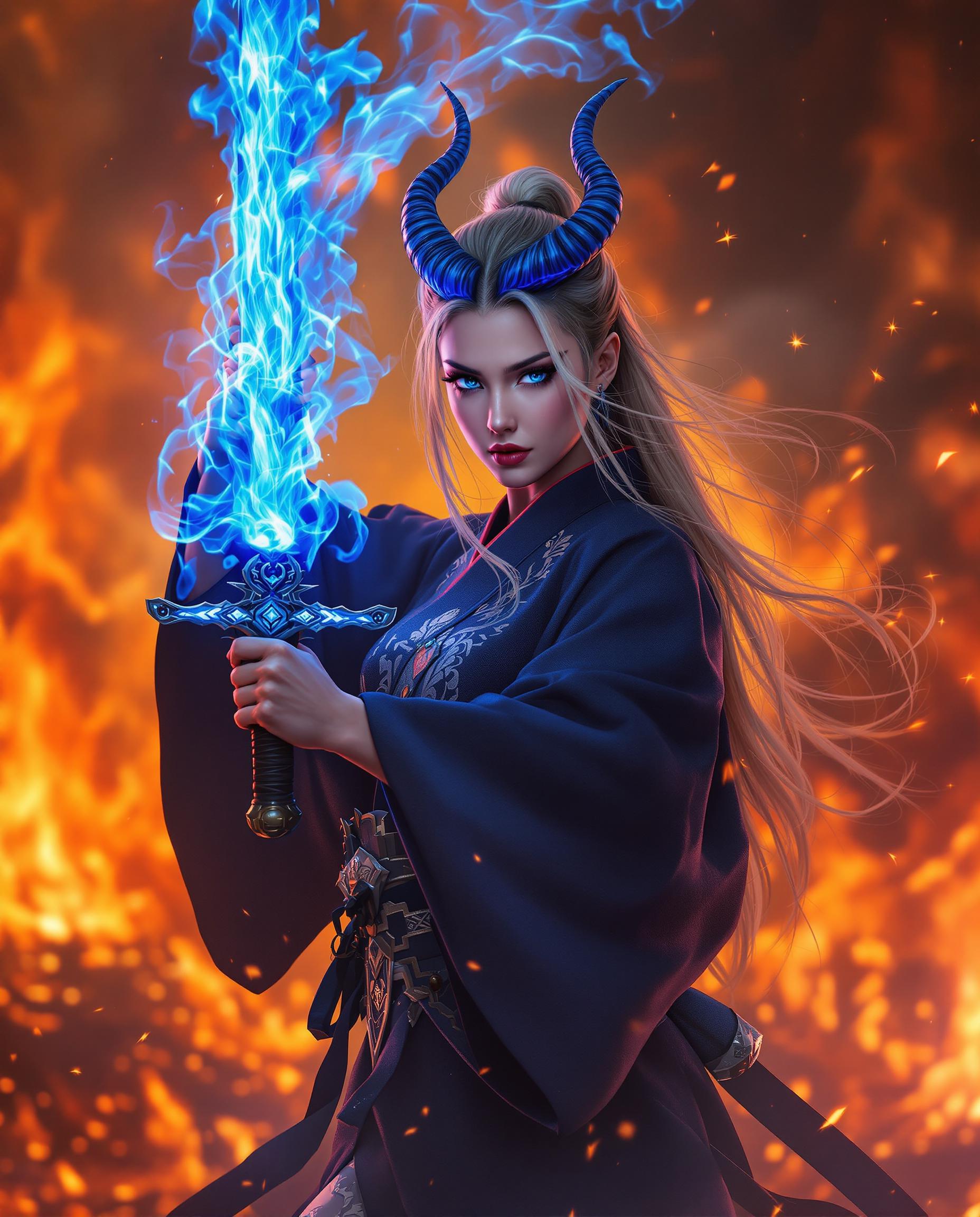
Imagine bringing your creative visions to life with images so realistic they could be mistaken for actual photographs. With PixelDojo's cutting-edge AI tools, you can effortlessly generate photorealistic images that capture every detail and nuance. Whether you're a marketer crafting compelling visuals, a designer developing realistic mockups, or an artist exploring new horizons, PixelDojo empowers you to achieve stunning results without the need for expensive equipment or extensive training.
Join over 50,000 creators who trust PixelDojo. Rated 4.8★ by professionals. Used in 120+ ad campaigns. Featured in design awards, magazines, and storefronts.
Why Choose Pixel Dojo for realistic ai
Professional-quality results with cutting-edge AI technology
Effortless High-Quality Image Creation
Generate stunning, high-resolution images in seconds, eliminating the need for costly photoshoots or complex software.
Versatile Applications
Create realistic portraits, product shots, and cinematic scenes tailored to your specific needs, enhancing your marketing and design projects.
User-Friendly Interface
Navigate through an intuitive platform that makes image generation accessible to both beginners and professionals.
How It Works
Creating realistic AI images with PixelDojo is a straightforward process. Follow these steps to transform your ideas into lifelike visuals:
Step 1: Choose Your Tool
Select from PixelDojo's suite of advanced AI models designed for photorealistic image generation, such as Imagen 4, Seedream 4, Google Nano Banana, and SDXL.
Step 2: Enter Your Prompt
Input a detailed description of the image you wish to create. Be specific about the subject, setting, lighting, and any other elements to guide the AI effectively.
Step 3: Customize & Download
Adjust settings such as realism scale and lighting options to fine-tune your image. Once satisfied, download the high-resolution result for your use.




The Pixel Dojo Advantage
Why PixelDojo outperforms other options for realistic AI image generation
| Others | Pixel Dojo |
|---|---|
| Traditional Photography | Eliminates the need for expensive equipment and lengthy editing processes, delivering high-quality images instantly. |
| Generic AI Tools | Offers specialized models tailored for photorealistic results, ensuring superior image quality and detail. |
| Manual Photo Editing | Simplifies the creation process with intuitive tools, reducing the time and effort required to achieve realistic images. |
Loved by Creators
See what our community says about realistic ai
"PixelDojo has revolutionized our marketing visuals. The realistic images we can generate in minutes have significantly boosted our campaign engagement."
Alex Johnson
Marketing Director
"As a designer, PixelDojo's AI tools have become indispensable. The ability to create lifelike mockups quickly has streamlined our workflow tremendously."
Samantha Lee
Graphic Designer
Common Questions
Everything you need to know about realistic ai AI generation
How can I create realistic AI images with PixelDojo?
To create realistic AI images, select one of PixelDojo's specialized models like Imagen 4 or SDXL, input a detailed description of your desired image, adjust settings to fine-tune the output, and download the high-resolution result.
What types of images can I generate with PixelDojo's AI tools?
PixelDojo's AI tools allow you to generate a wide range of images, including realistic portraits, product shots, cinematic scenes, and more, tailored to your specific needs.
Do I need any prior experience to use PixelDojo's AI image generator?
No prior experience is necessary. PixelDojo's user-friendly interface makes it accessible for both beginners and professionals to create realistic AI images effortlessly.
Can I customize the generated images to fit my project requirements?
Yes, you can adjust various settings such as realism scale and lighting options to fine-tune the generated images, ensuring they meet your specific project requirements.
Is there a limit to the number of images I can generate with PixelDojo?
PixelDojo offers flexible subscription plans to suit different needs. Depending on your plan, you can generate a varying number of images. Please refer to our subscription details for more information.
How does PixelDojo ensure the quality of the generated images?
PixelDojo utilizes advanced AI models and continuous refinement processes to ensure high-quality, photorealistic images that meet professional standards.