realistic ai photo AI Generator
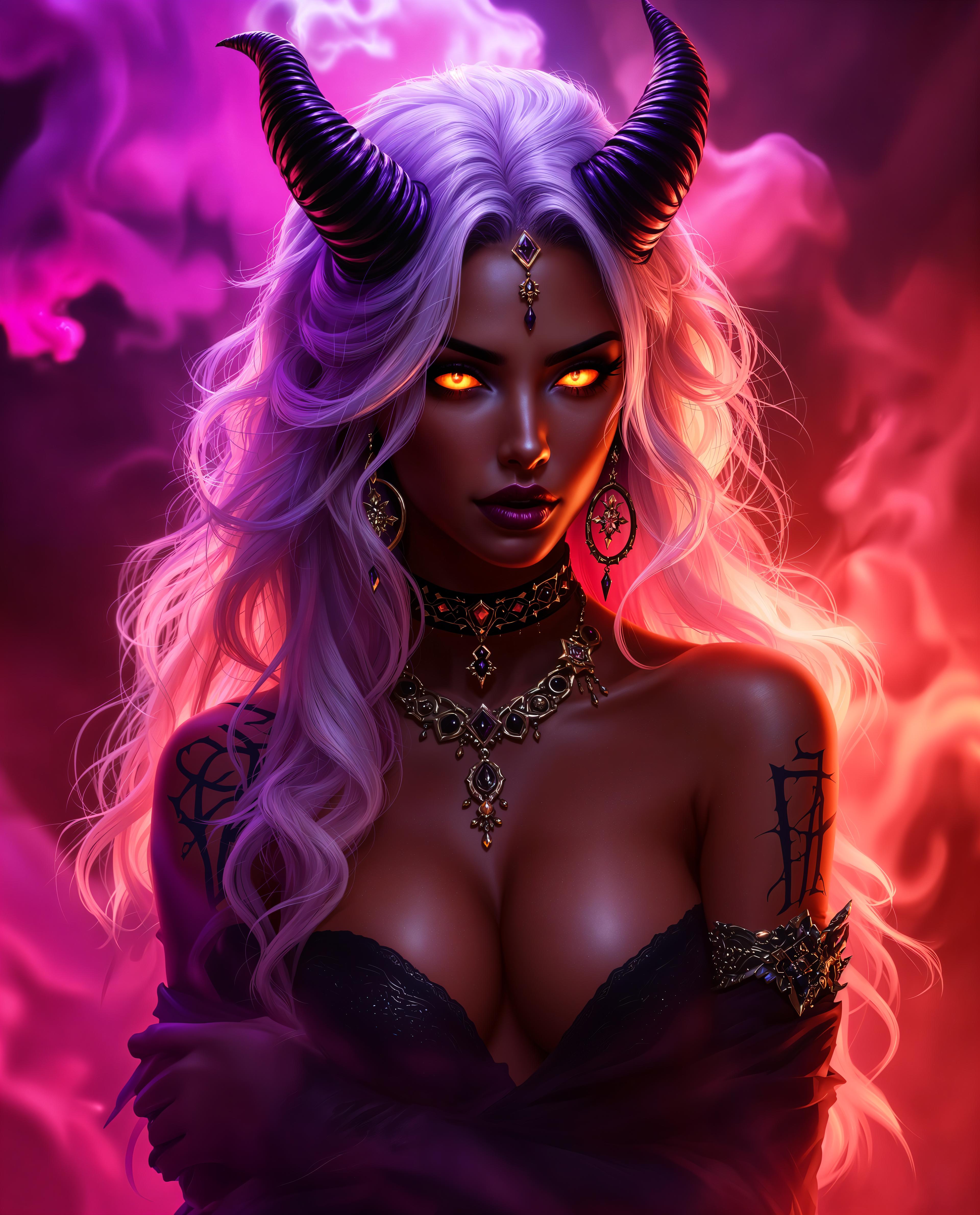
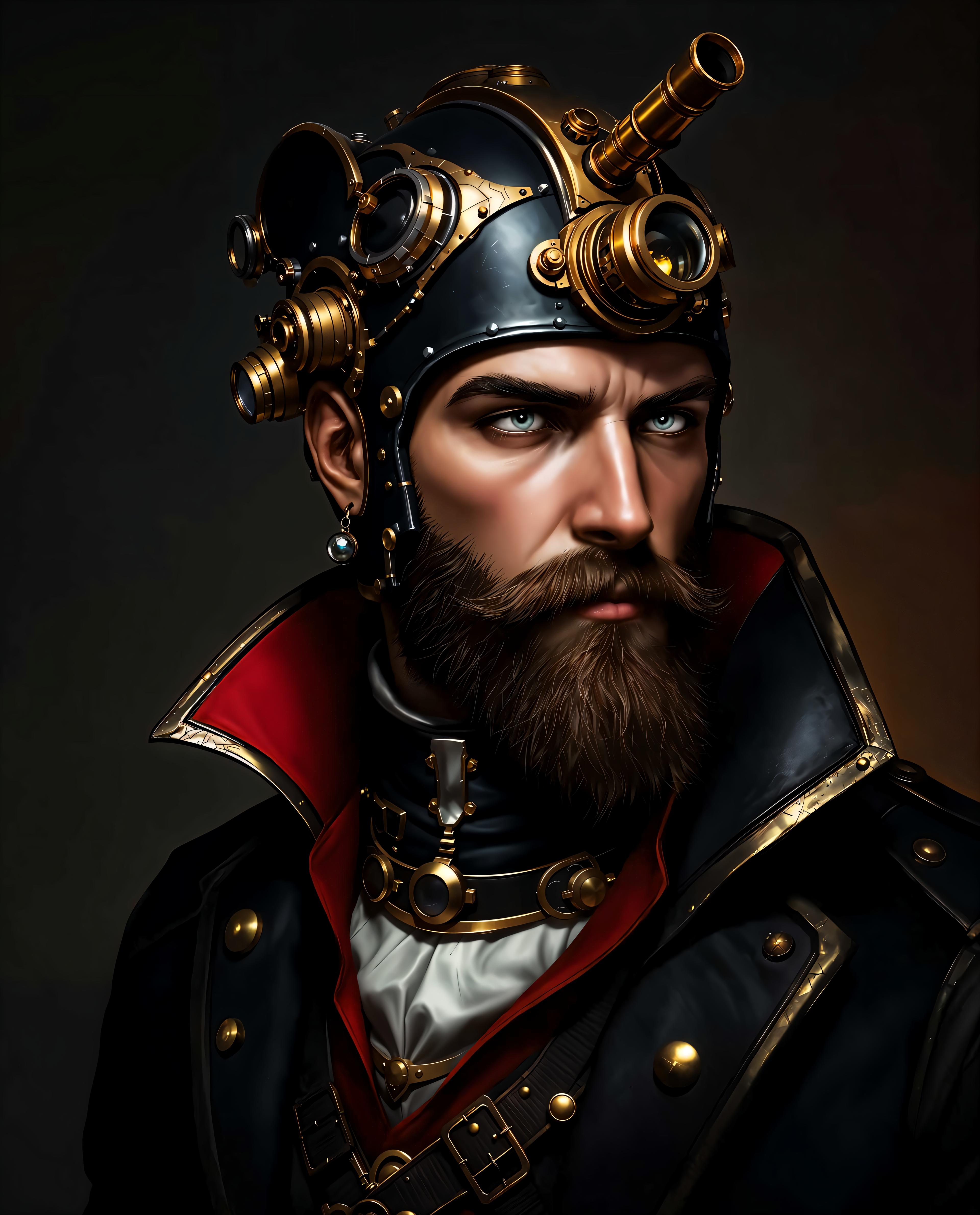
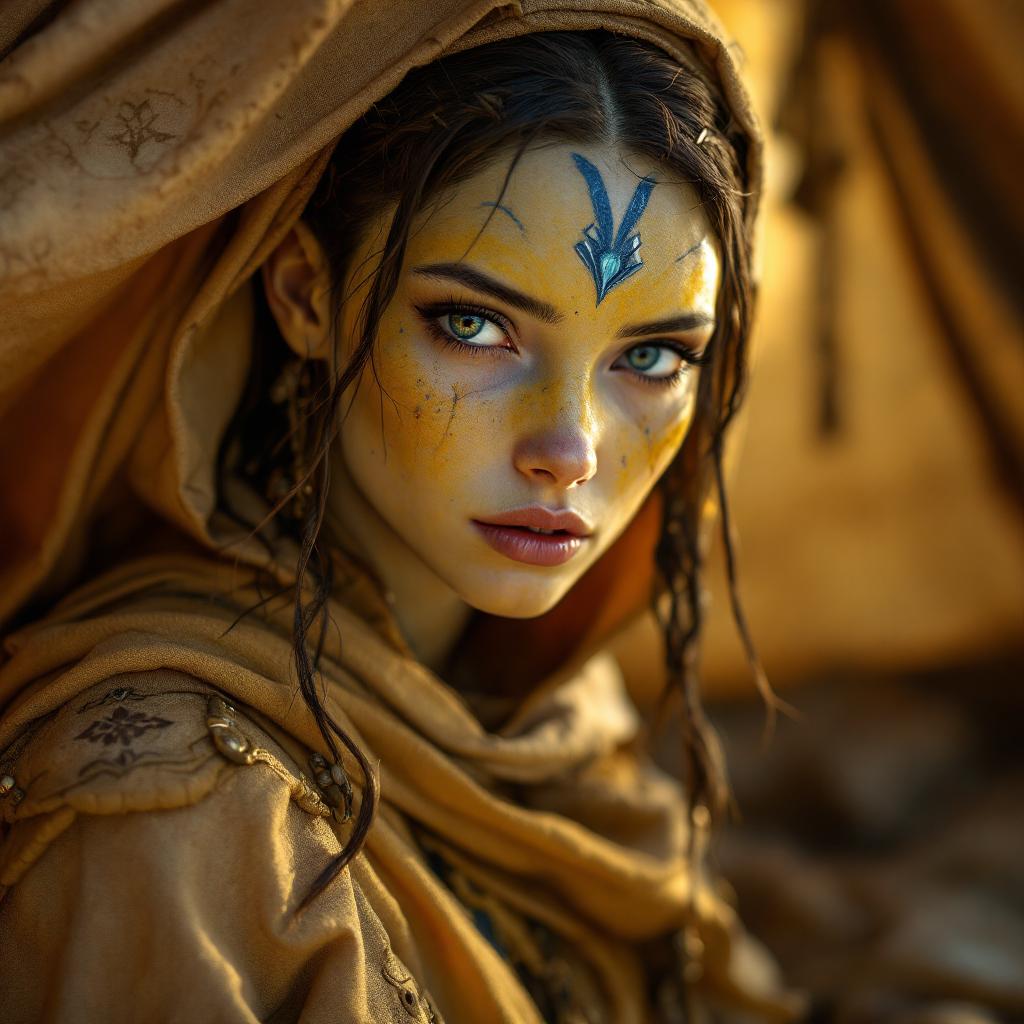
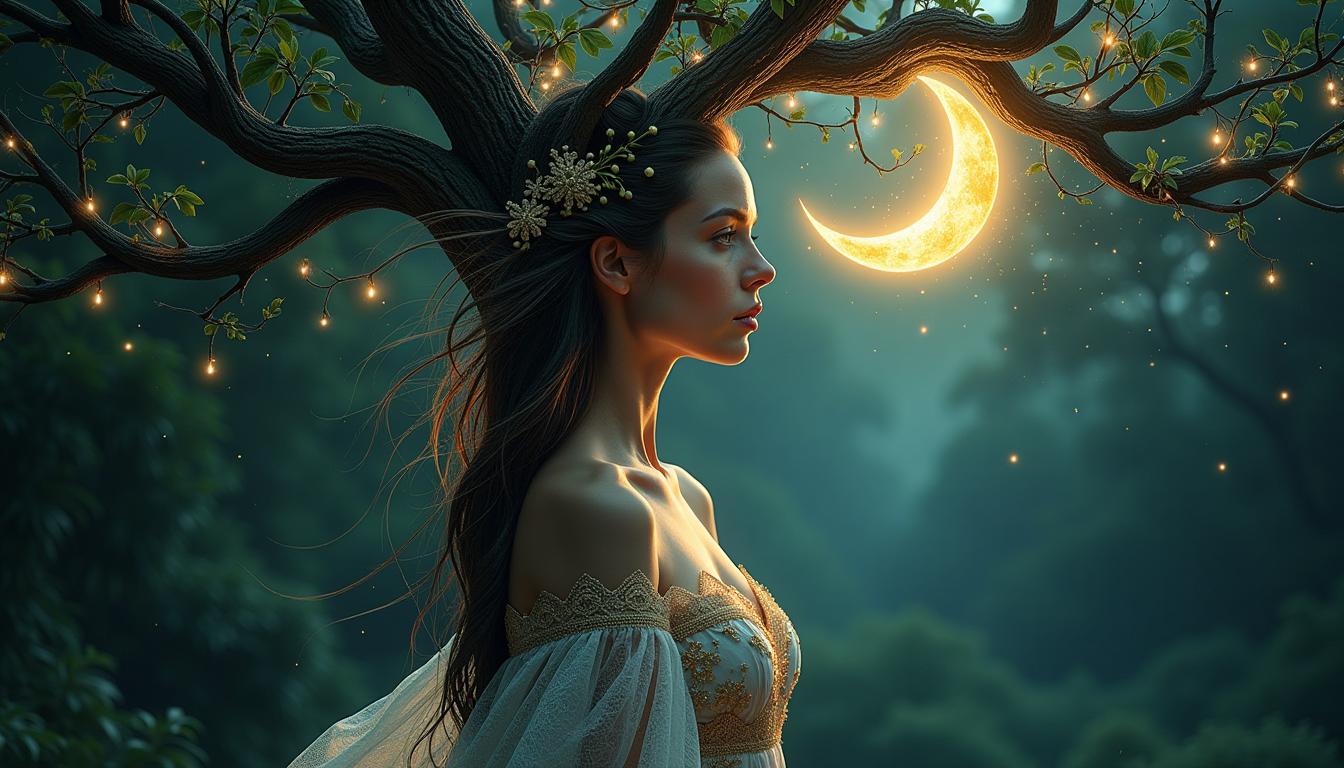
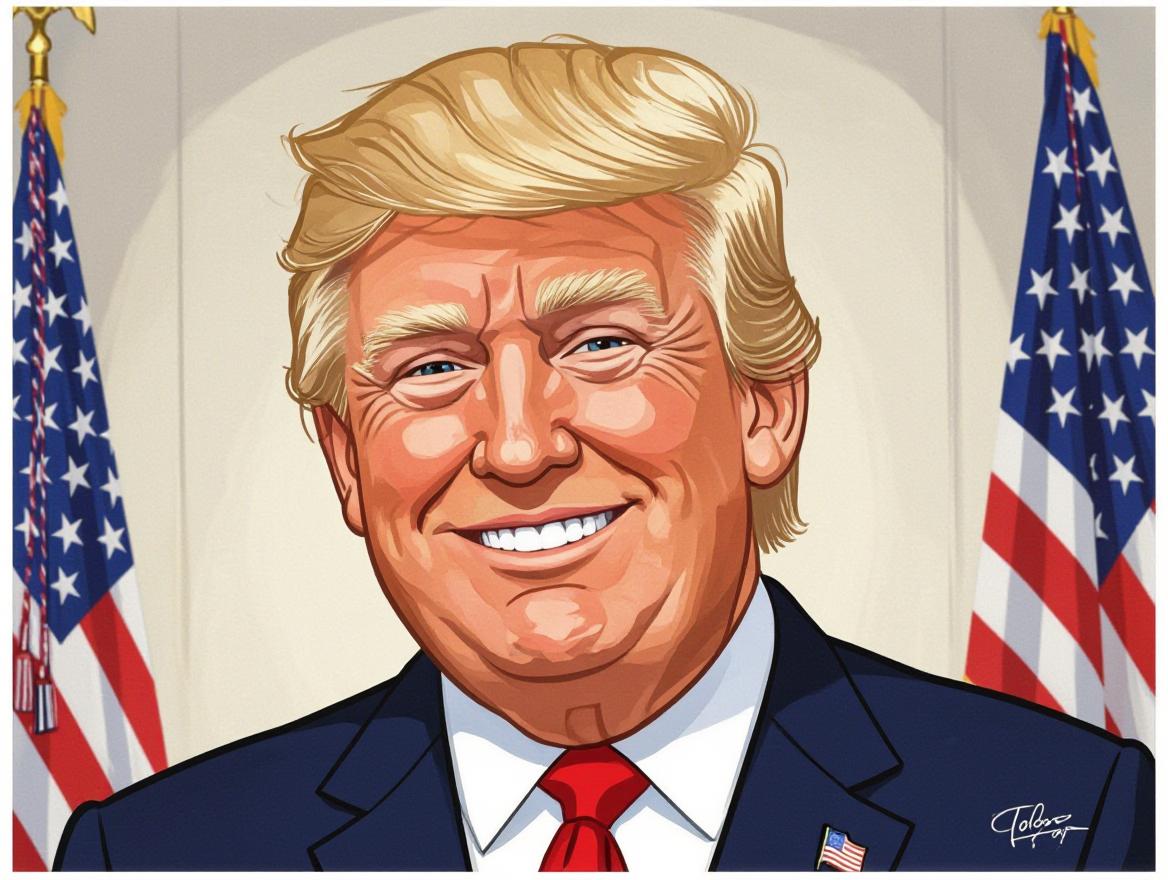
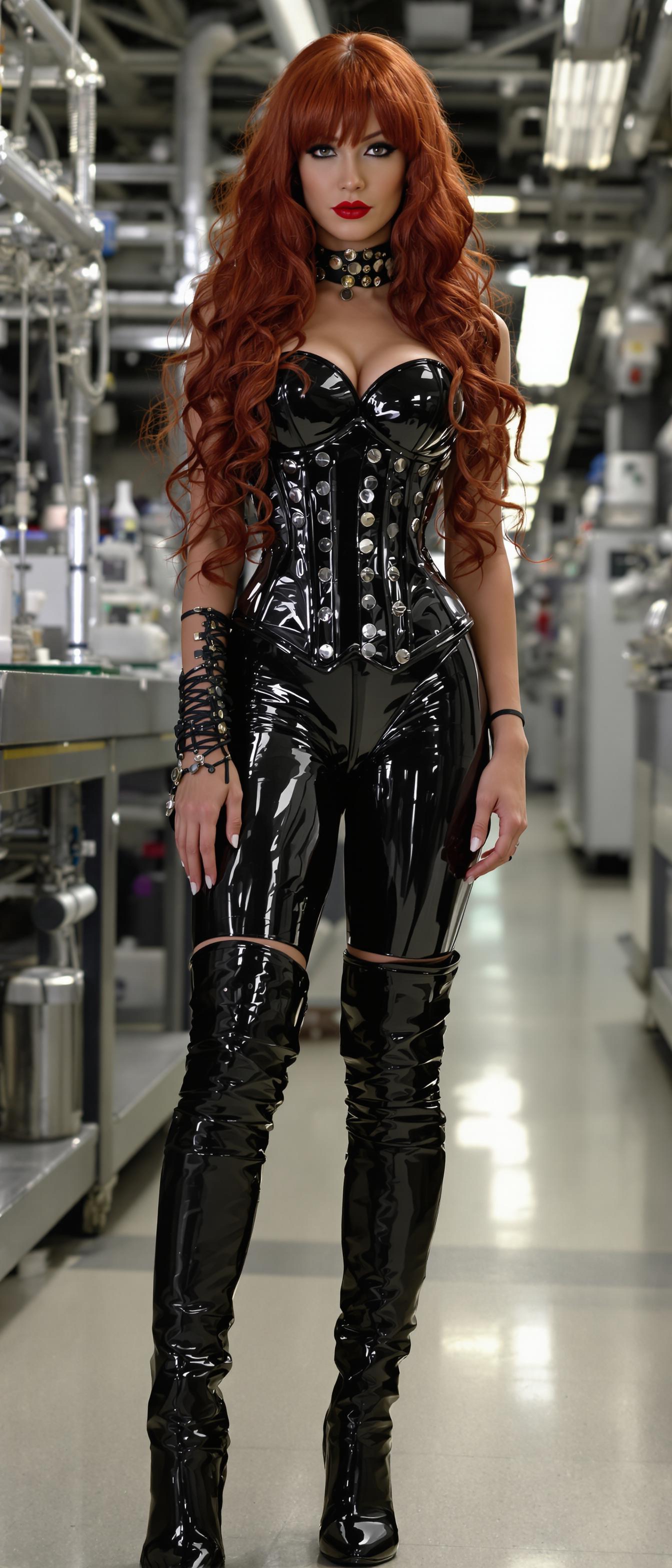
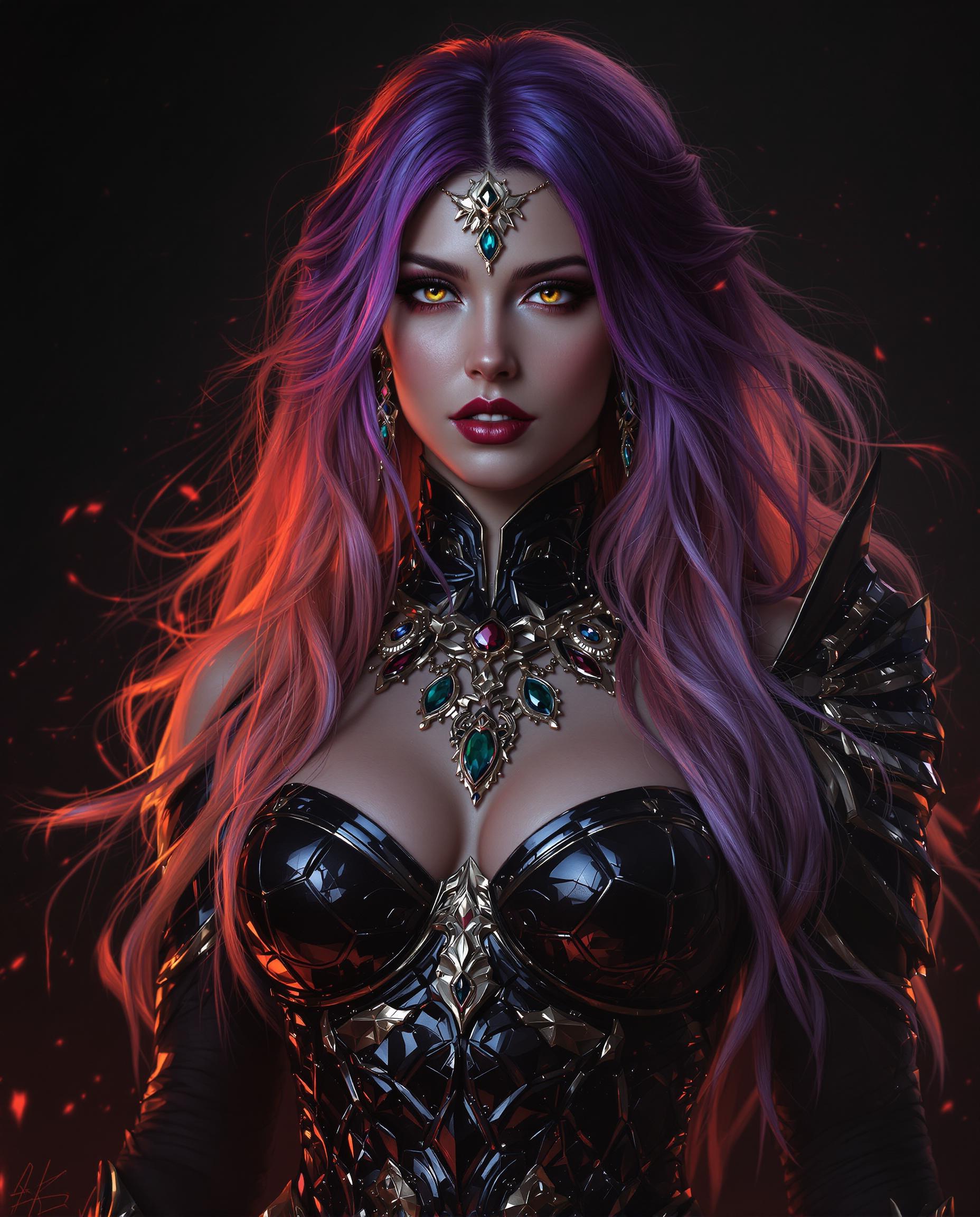
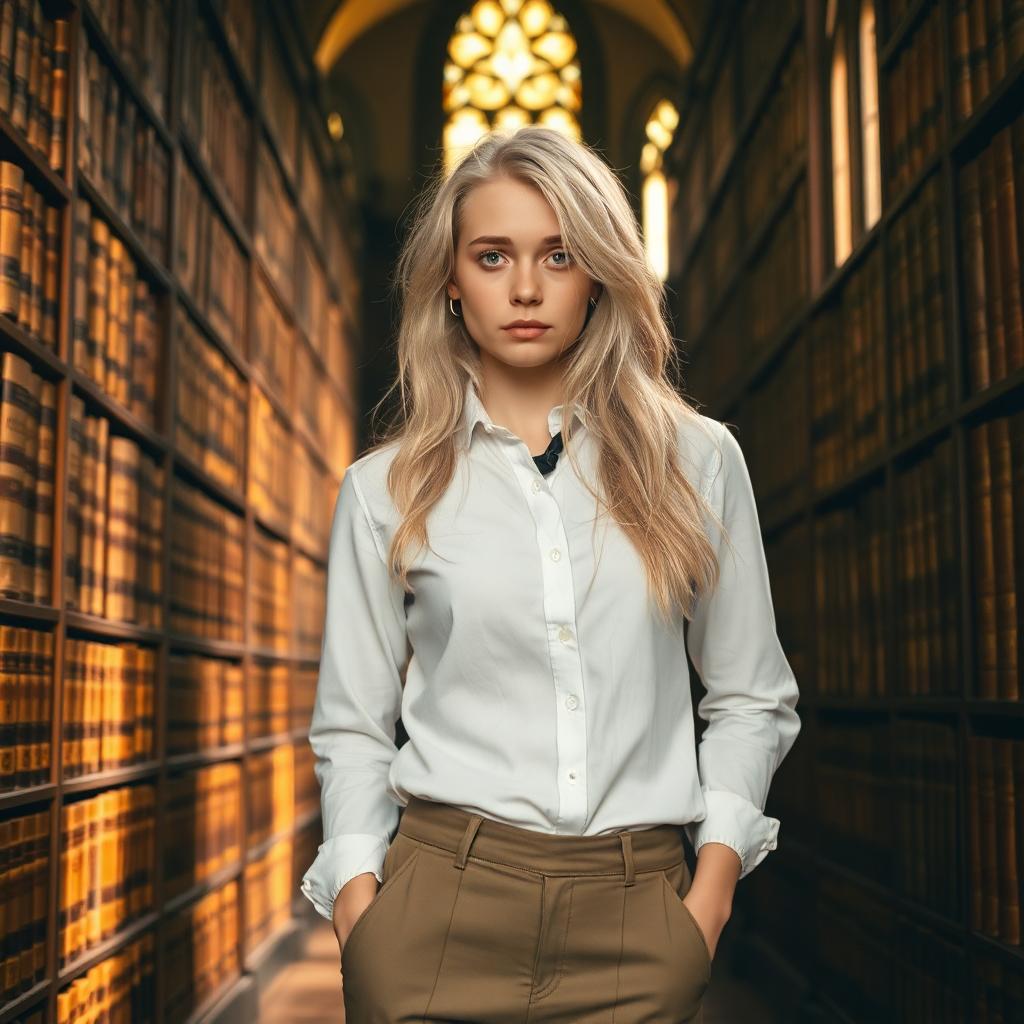
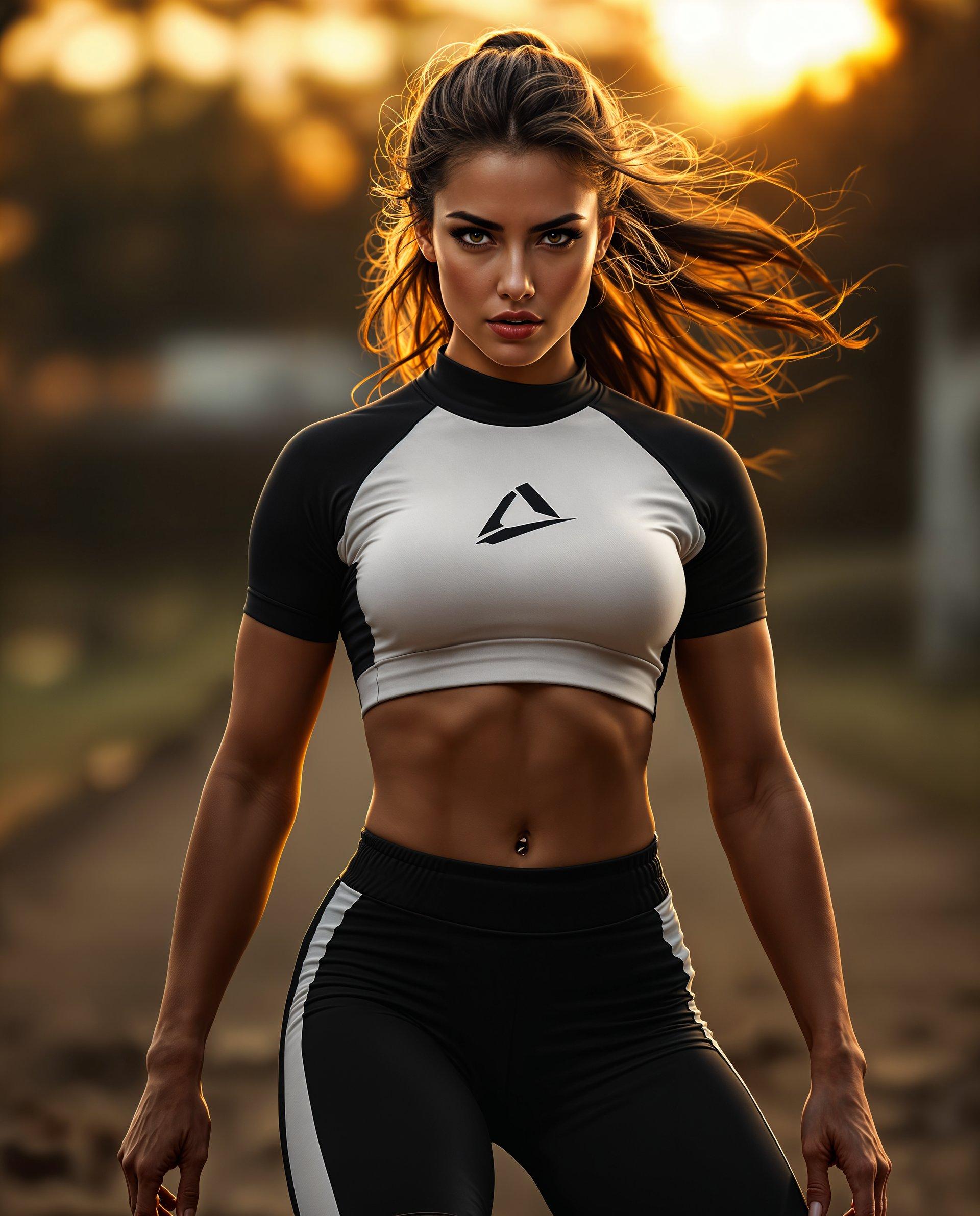
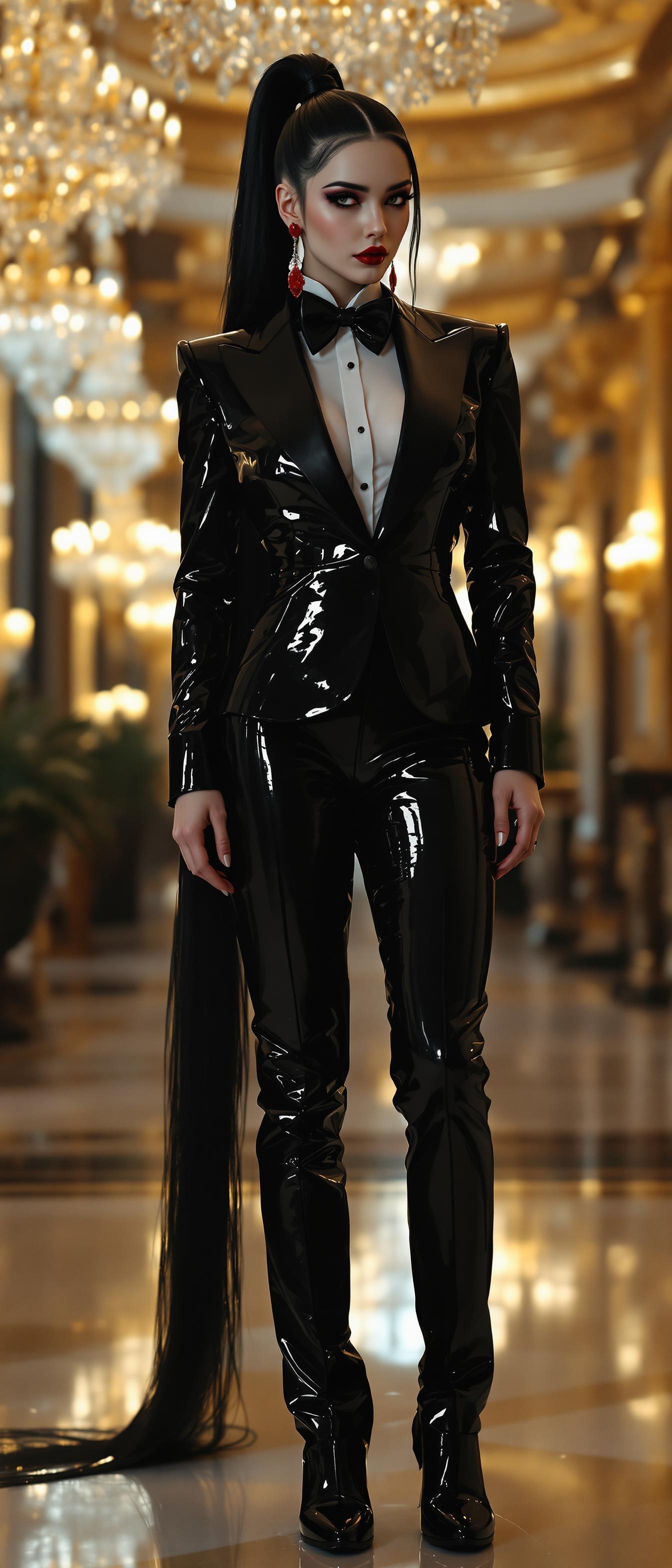
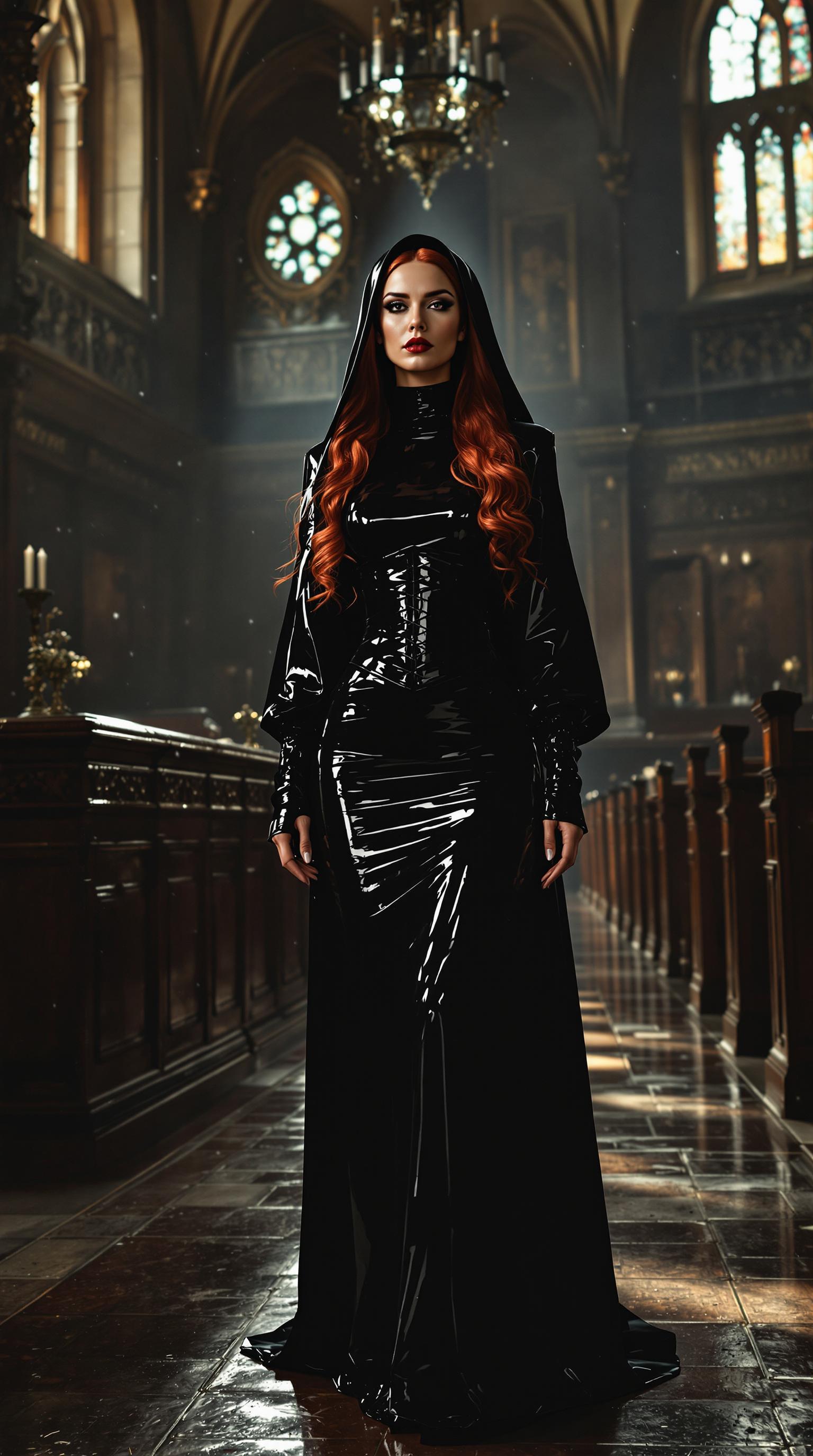
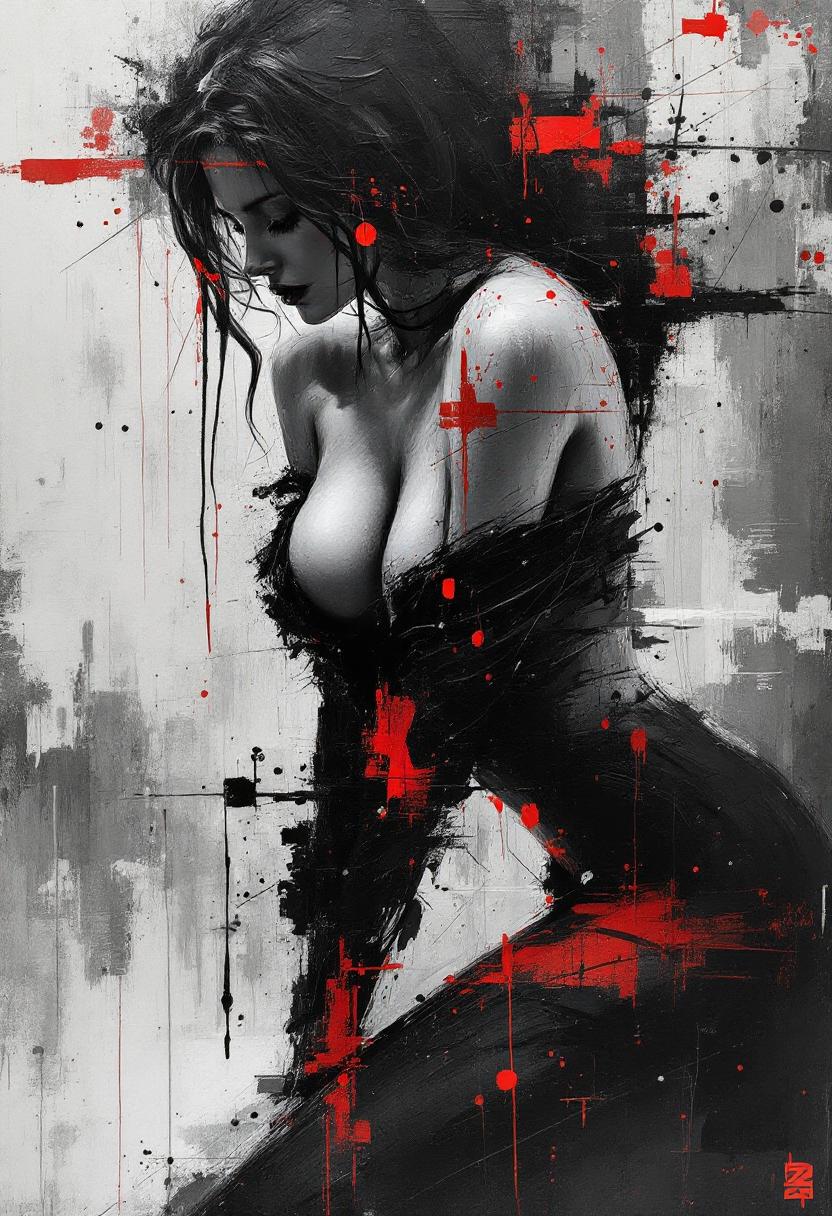
Imagine bringing your creative visions to life with images so realistic, they blur the line between AI-generated and actual photographs. With PixelDojo's suite of advanced AI tools, you can effortlessly create photorealistic images that captivate and engage your audience. Whether you're a marketer seeking compelling visuals, a designer in need of high-quality assets, or an artist exploring new mediums, PixelDojo empowers you to achieve stunning results without the complexities of traditional photography.
Join over 50,000 creators who have generated more than 2 million images with PixelDojo, achieving an average rating of 4.9 out of 5 for our realistic AI photo generation capabilities.
Why Choose Pixel Dojo for realistic ai photo
Professional-quality results with cutting-edge AI technology
Effortless Photorealism
Generate high-quality, lifelike images in seconds, eliminating the need for costly photo shoots or complex editing.
Unlimited Creative Possibilities
Bring any concept to life, from realistic portraits to detailed product images, without the constraints of traditional photography.
Time and Cost Efficiency
Save valuable time and resources by creating professional-grade images instantly, streamlining your creative workflow.
How It Works
Creating realistic AI photos with PixelDojo is a straightforward process. Follow these steps to transform your ideas into stunning images:
Step 1: Choose Your Tool
Select from PixelDojo's specialized tools designed for realistic image generation, such as ImagineArt 1.0, Dreamina 3.1, or HiDream.
Step 2: Enter Your Prompt
Provide a detailed description of the image you envision. For example, 'A high-resolution portrait of a smiling woman under soft natural lighting.'
Step 3: Customize & Download
Adjust settings like lighting and realism to fine-tune your image. Once satisfied, download your high-resolution, photorealistic image.


The Pixel Dojo Advantage
Discover how PixelDojo stands out in realistic AI photo generation:
| Others | Pixel Dojo |
|---|---|
| Traditional Photography | Eliminates the need for expensive equipment and lengthy photo shoots, delivering instant results. |
| Generic AI Tools | Offers specialized tools tailored for photorealism, ensuring higher quality and more accurate images. |
| Manual Photo Editing | Automates the creation process, saving time and reducing the complexity of achieving realistic results. |
Loved by Creators
See what our community says about realistic ai photo
"PixelDojo's tools have revolutionized our marketing visuals. The realism is unparalleled, and the ease of use is a game-changer."
Sarah Martinez
Marketing Director at Digital Agency
"As a designer, PixelDojo allows me to quickly generate high-quality images that meet my clients' needs without the hassle of traditional methods."
James Wilson
Freelance Designer
Common Questions
Everything you need to know about realistic ai photo AI generation
How does PixelDojo create realistic AI photos?
PixelDojo utilizes advanced AI models trained on vast datasets to generate images with lifelike details, natural lighting, and realistic textures, ensuring high-quality photorealistic results.
Can I use PixelDojo's images for commercial purposes?
Yes, images generated with PixelDojo can be used for commercial projects, including marketing materials, advertisements, and product visuals, providing flexibility for various applications.
Do I need prior experience to use PixelDojo's tools?
No prior experience is necessary. PixelDojo's user-friendly interface and intuitive tools make it accessible for users of all skill levels to create realistic AI photos effortlessly.
What types of images can I create with PixelDojo?
You can generate a wide range of images, including realistic portraits, product shots, landscapes, and more, catering to diverse creative needs and industries.
How long does it take to generate an image?
PixelDojo's advanced AI tools can generate high-quality, realistic images in seconds, significantly reducing the time compared to traditional methods.
Is there a limit to the number of images I can create?
PixelDojo offers flexible subscription plans to suit different needs, allowing you to create as many images as your plan permits, with options to upgrade as required.