runway gen-2 image to video AI Generator

Imagine transforming your favorite photos into dynamic, engaging videos without any prior experience. With PixelDojo's AI-powered tools, you can effortlessly animate static images, creating captivating content for social media, presentations, or personal projects. Our intuitive platform empowers you to bring your visuals to life, enhancing storytelling and audience engagement.

AI Generated
Get Started TodayResults in seconds50+ AI models

Join over 10,000 creators who have generated more than 500,000 videos using PixelDojo's AI tools. Rated 4.8/5 based on 2,000+ reviews.

Why Choose Pixel Dojo for runway gen-2 image to video

Professional-quality results with cutting-edge AI technology

Effortless Animation

Convert static images into dynamic videos in just a few clicks, no technical skills required.

Time-Saving

Generate high-quality videos in minutes, streamlining your content creation process.

Versatile Applications

Create engaging content for social media, marketing campaigns, educational materials, and more.

How It Works

Creating animated videos from your images is simple with PixelDojo. Follow these steps to get started:

1

Step 1: Choose Your Tool

Log in to your PixelDojo account and select the 'Image to Video' tool from the 'Animate' category.

2

Step 2: Upload Your Image

Click 'Upload Image' to select the static image you wish to animate. Ensure the image is clear and high-quality for optimal results.

3

Step 3: Customize Animation Settings

Adjust animation parameters such as motion intensity, direction, and duration to suit your preferences.

Community runway gen-2 image to video Gallery

Real examples created by our community

masterpiece, best quality, highres, sharp image, more detail, masterpiece, best quality, highres, sharp image, more detail <lora:more_details:0.5> <lora:SDXLrender_v2.0:1>
Portrait series with neutral background
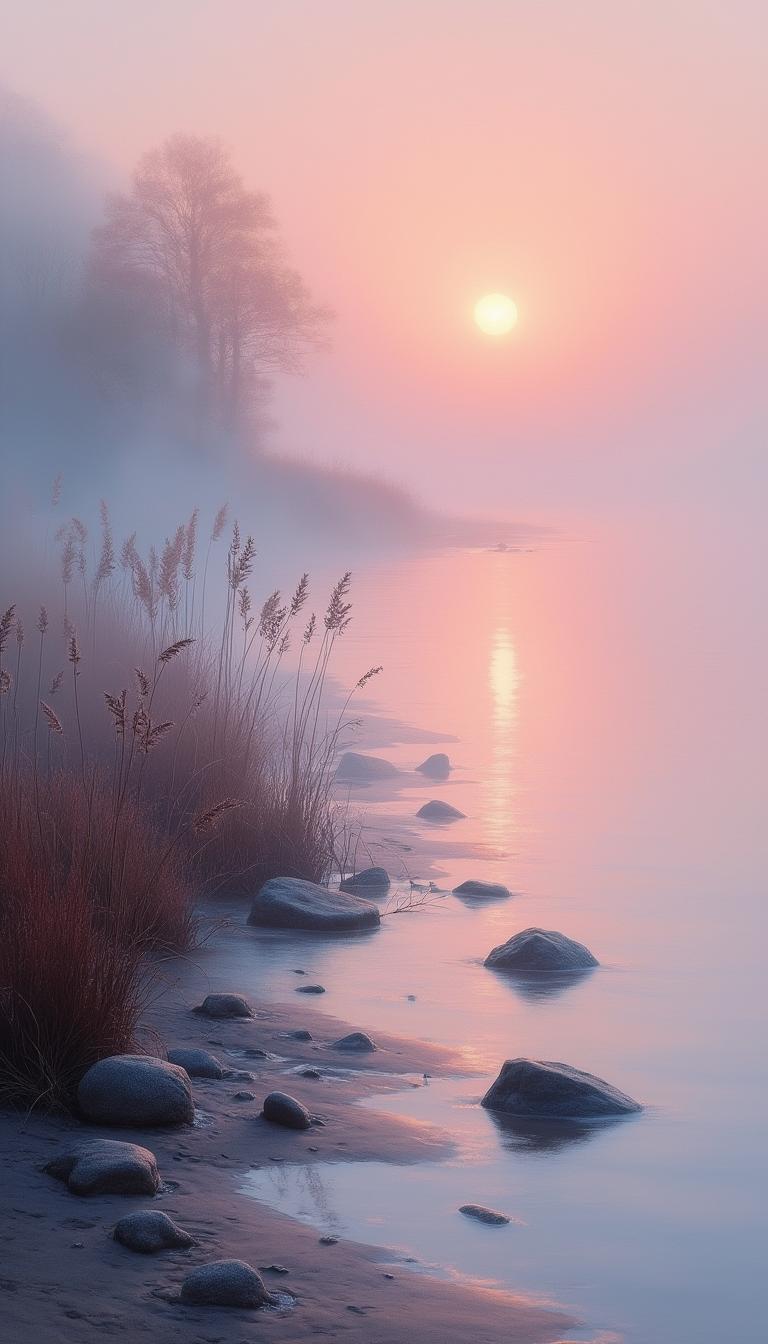
A gently pink sunset bathes the landscape in a soft, ethereal light, shrouded in thick mist. Along the sea shore, clusters of reeds and scattered stones emerge from the haze, their shapes merging in a subtle sfumato effect. With high detail and resolution, this image captures the serene beauty of the scene, emphasizing the peaceful atmosphere and the calm stillness of the water. This painting evokes a sense of tranquility and contemplation, inviting viewers to immerse themselves in the quiet elegance of the moment.
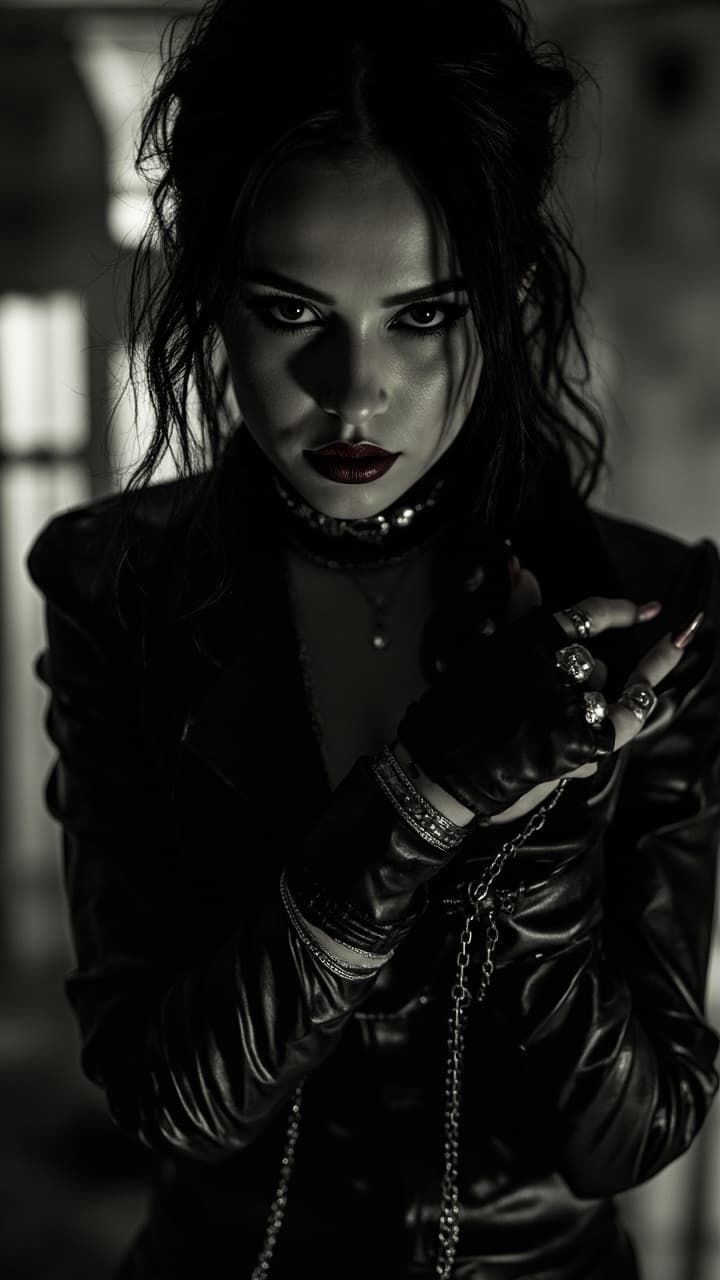
Centered, Noir poster, full body shot from head to toe of stunning escort girl in a leather outfit, gothic punk, Chiaroscuro, nearly black and white with red lips, Gothic fantasy, rings, bracelets, necklaces, chains, massive jewelry, leather outfit, an image in the artistic style of Frank Miller and Robert Rodriguez, professional photography, magnificent, alluring and attractive image, a combination of dark fantasies and gangsters, long loose hair, UHD, perfect body and eyes, wide-open pupils, sharp gaze, dark lips, light teasing smile, perfect, strict, flawless face, makeup, gloomy fantasy, overly detailed. , centered, wide angle lens, panoramic,
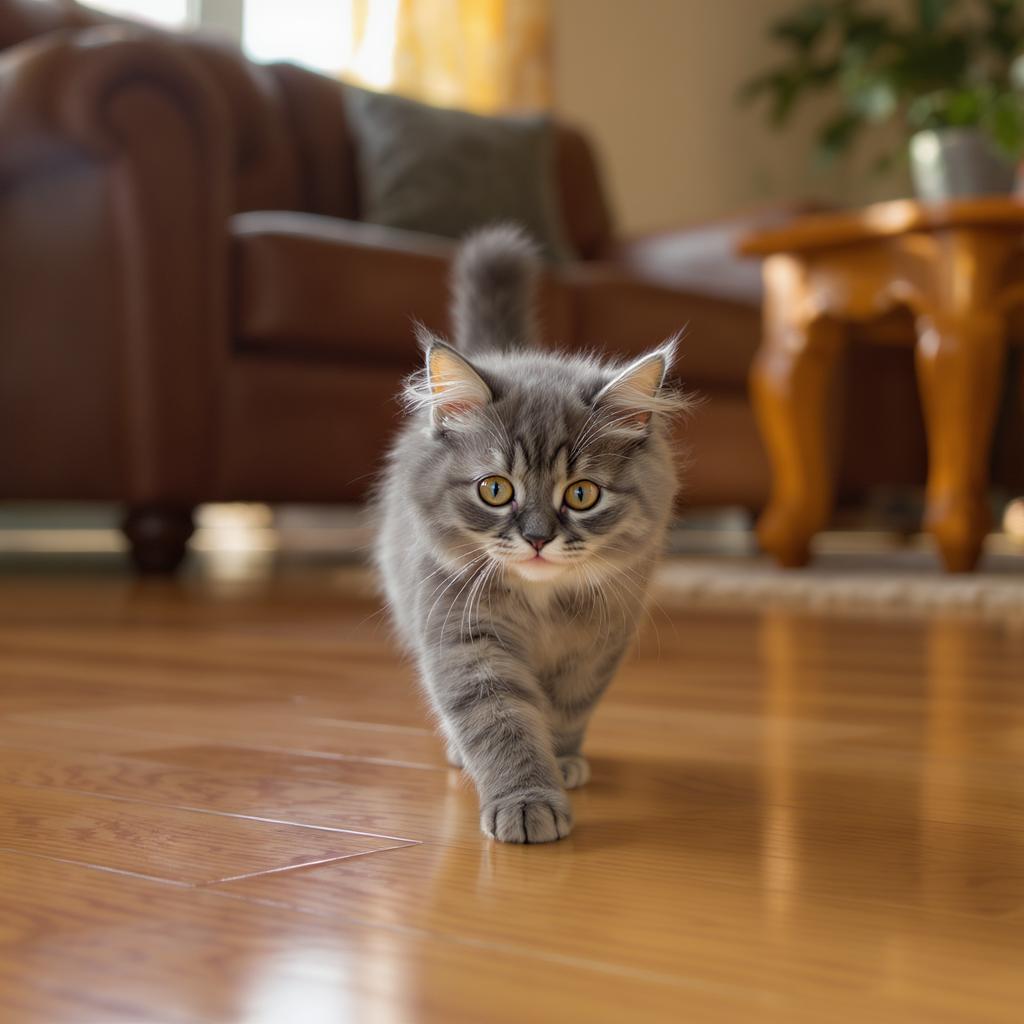
a cute cat walking.
a photo of a purple ninja turtle holding a sign that says HiDream on PixelDojo.ai
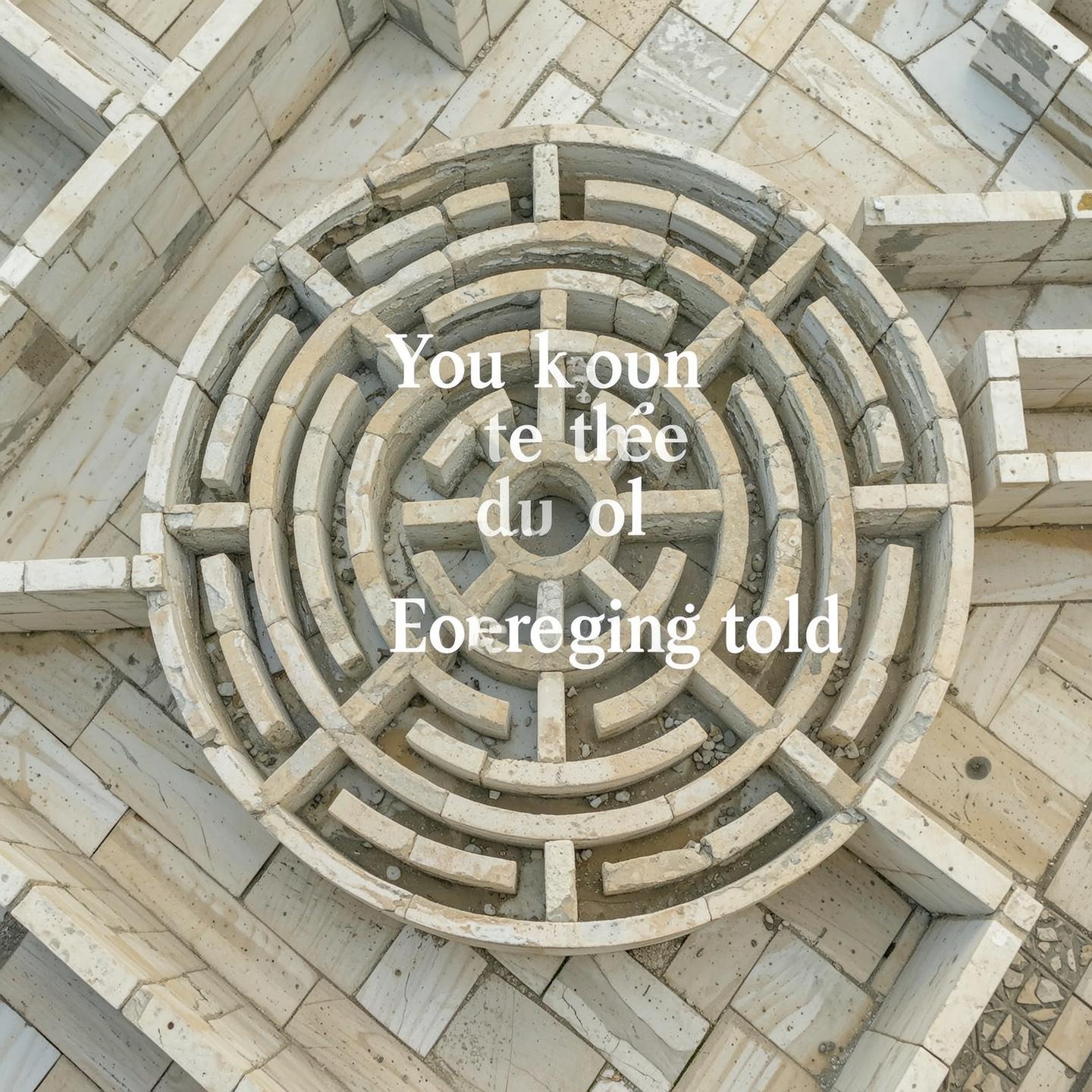
You’re too young to be old.
You don’t need to be told
You want to see things as they are.
You know exactly what I do
Everything
~~~

I am a guide to the Labyrinth
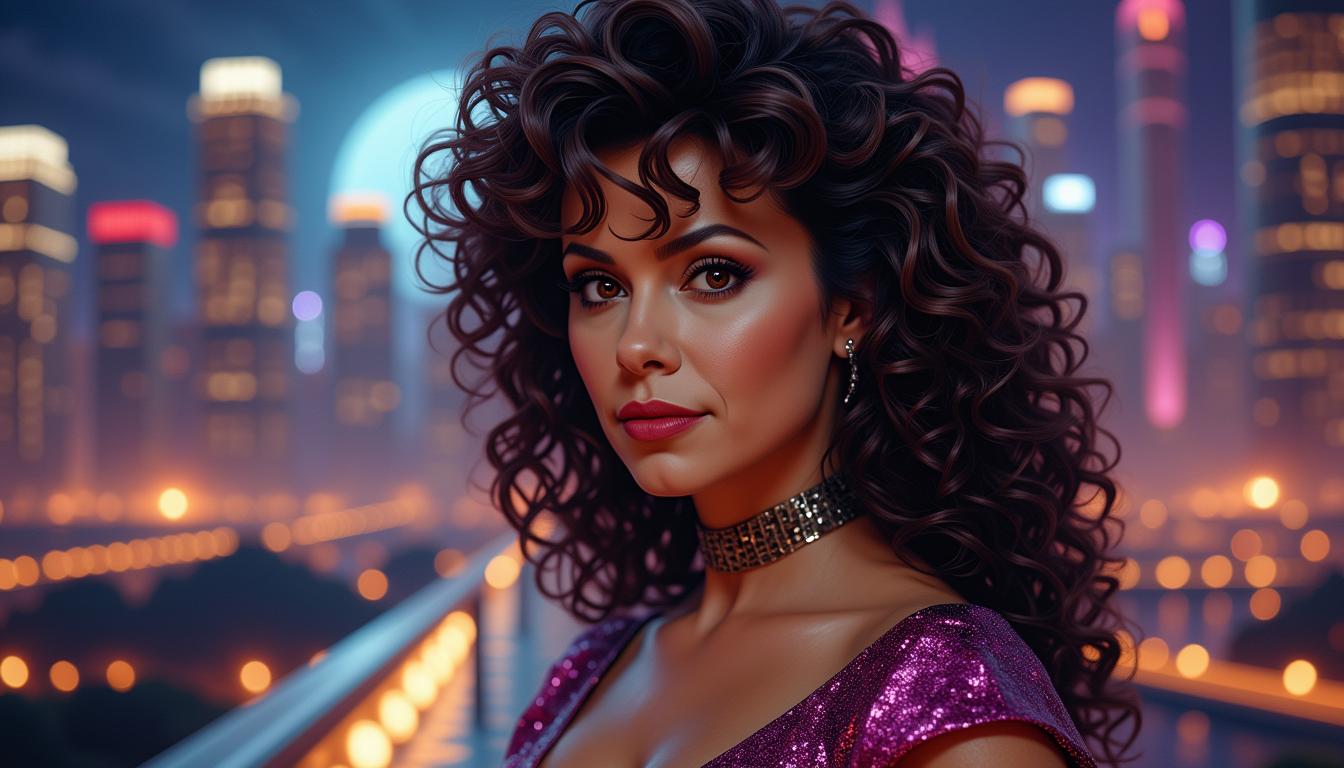
AM-LoRa-Zip6, Amazing upper portrait of comic character Crystalia Amaquelin aka Crystal, looks like a fusion of Kate Beckinsale and Demi Moore,  beautiful face and aura, breathtaking 80s curly permed hair with bangs, amazing hero dress, looking at you, perfect centered, amazing view to a big future ship as background, night mood, 8K, Canon 90D, atmospheric. Photorealistic, photorealism, perfect realistic art, smooth, aftereffects, sharp focus, hi - res, ultra intricate detail, ultra realistic detail, 4K, HDR gloomy, choker style colar, detailed face, magic fantasy, wow effect
Create a image of a cute furry beaver wearing a sweater with a maple leaf, he is holding a sign above his head that reads "CANADA IS NOT A SERIOUS COUNTRY" 3d white lettering, background a oil refinery
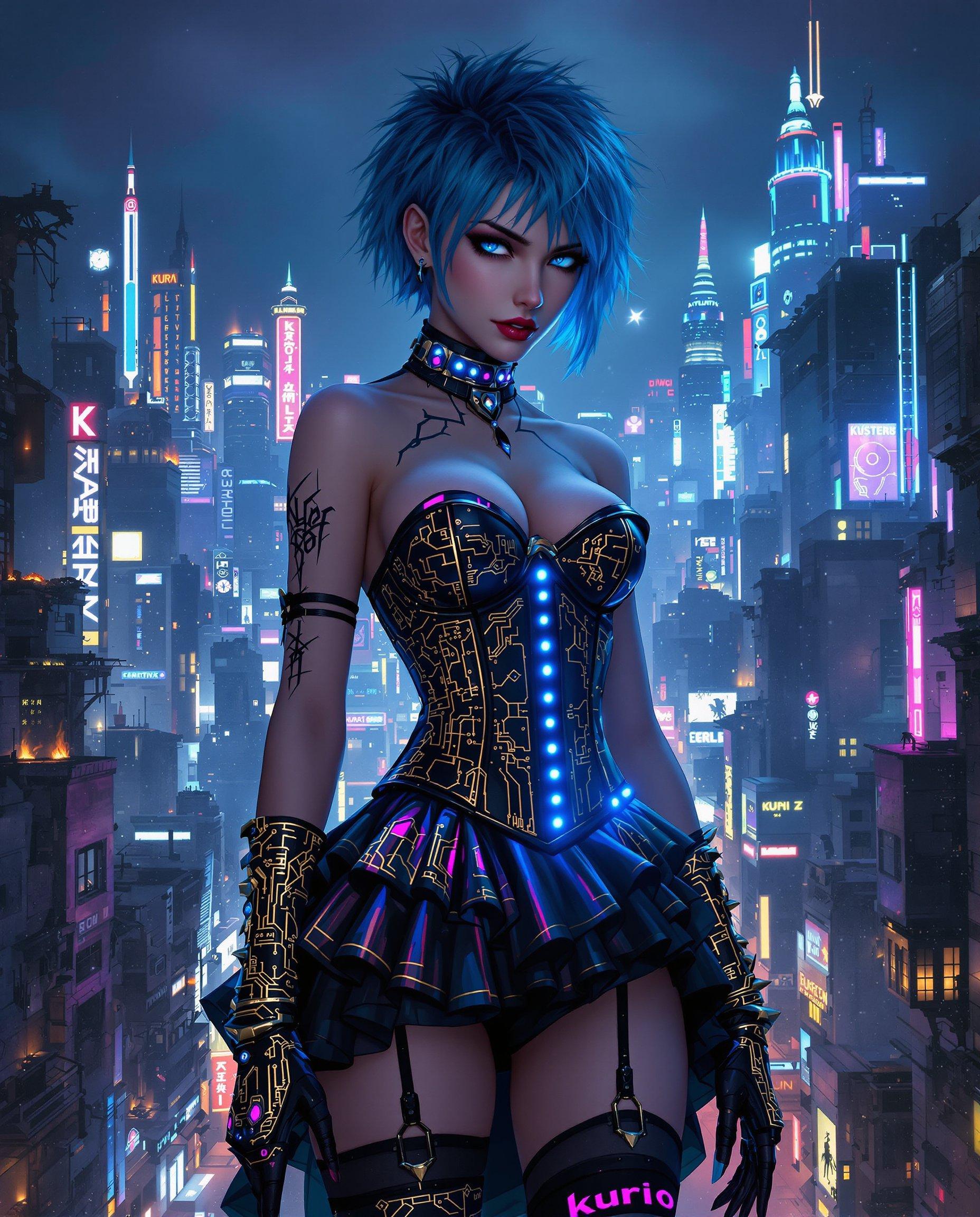
masterpiece, best quality, highres, sharp image, more detail <lora:more_details:0.5> <lora:SDXLrender_v2.0:1>, Create a highly detailed digital painting in a cyberpunk style, capturing the essence of a futuristic, nocturnal urban landscape. The image should feature:

**Subject**: A female figure with short, spiky hair dyed an unnatural color like electric blue or neon pink, and piercing blue eyes. Her attire should blend gothic and futuristic elements, showcasing:
- A corset-style top with intricate gold and black patterns, reminiscent of circuit boards.
- A ruffled skirt made of metallic fabric with LED lights embedded, creating a shimmering effect.
- Thigh-high stockings with holographic patterns, and gloves that extend to the elbows with similar designs.

**Setting**: 
- **Background**: A sprawling cityscape at night, with towering skyscrapers. The skyline should include:
  - Neon signs glowing in various colors, particularly blues, purples, and pinks.
  - Some buildings are dilapidated, showing signs of decay with parts collapsing or on fire, adding to the dystopian atmosphere.
  - A mix of old and new architecture, where ancient structures are adorned with modern, high-tech elements.
- **Lighting**: Utilize chiaroscuro lighting with deep shadows and bright highlights from neon lights, street lamps, and occasional fire outbreaks, creating a stark contrast that enhances the cyberpunk aesthetic.

**Mood and Atmosphere**:
- The overall mood should evoke mystery, intrigue, and a hint of melancholy. 
- The scene should feel alive with the chaos of urban life at night, yet there's an underlying sense of solitude and reflection.

**Visual Elements**:
- **Colors**: Predominantly blues, blacks, and dark purples, with gold and white highlights for contrast. Use vibrant colors sparingly to highlight key elements like the woman's outfit and important city features.
- **Textures**: Incorporate textures that reflect the theme - smooth, metallic surfaces alongside rough, decaying concrete or brickwork.
- **Details**: Pay attention to small details like the tattoo on her left arm, "Kuroi" in kanji, and the intricate designs on her clothing. The city should have small, hidden details like drones, flying cars, or graffiti.

**Composition**:
- **Framing**: Use a medium close-up shot of the woman, with the cityscape sprawling behind her, creating depth. The woman should be slightly off-center, allowing for the dynamic cityscape to balance the composition.
- **Angle**: A slight low-angle perspective to give the woman a commanding presence against the backdrop of the city.

**Technical Aspects**:
- Employ techniques like motion blur for fast-moving elements in the city
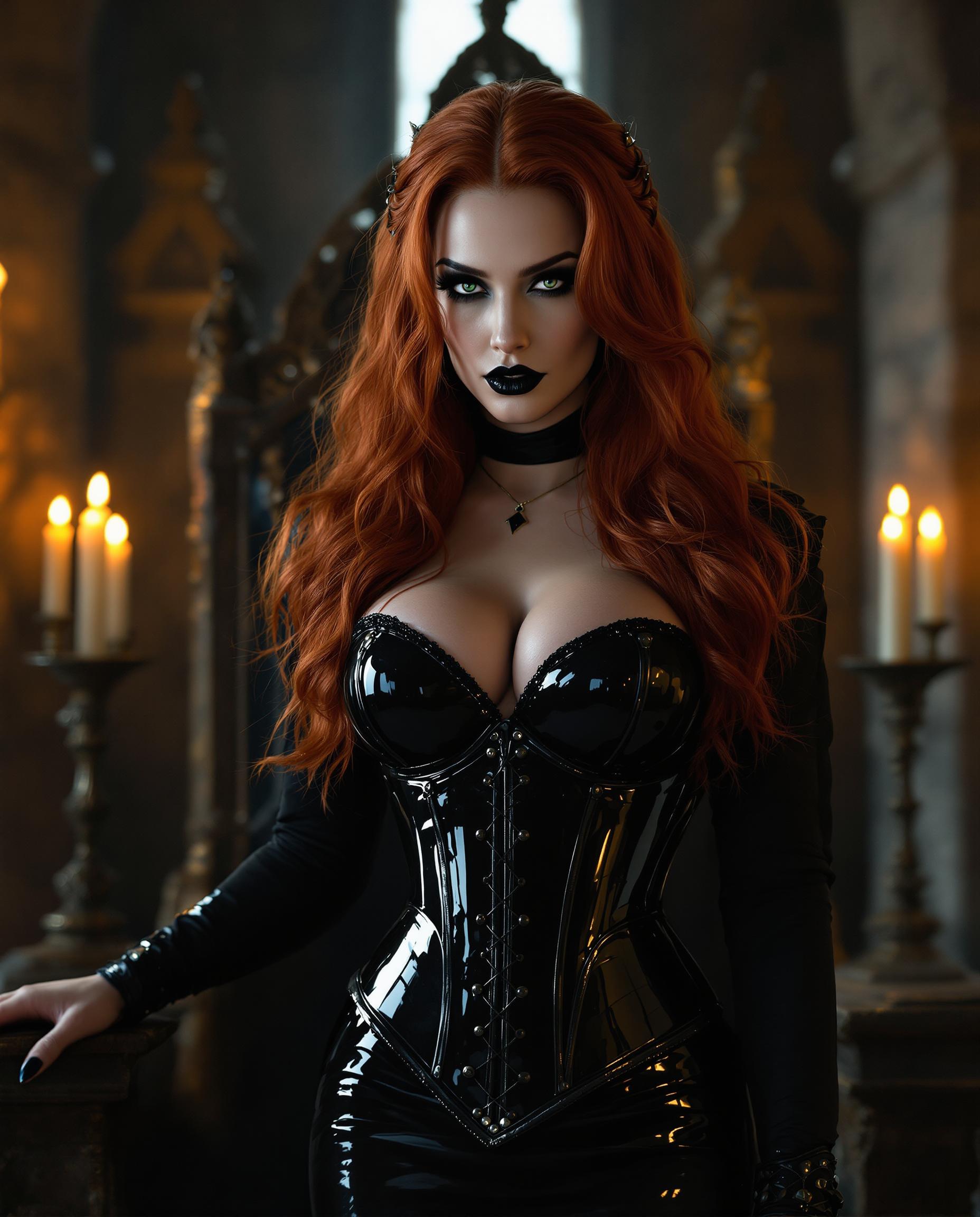
A poised pale vampire queen with auburn red hair cascading in thick heavy waves around her shoulders stands regally in a dimly lit medieval throne room, her dark black makeup accentuating piercing eyes, shiny black lips, and nails. She wears a shiny black latex knee-length pencil skirt, a black silk blouse, and a tight shiny black latex corset embracing her large 44DD breasts, captured in photorealistic detail with dramatic candlelight casting long shadows on ancient stone walls, high-resolution cinematic style.
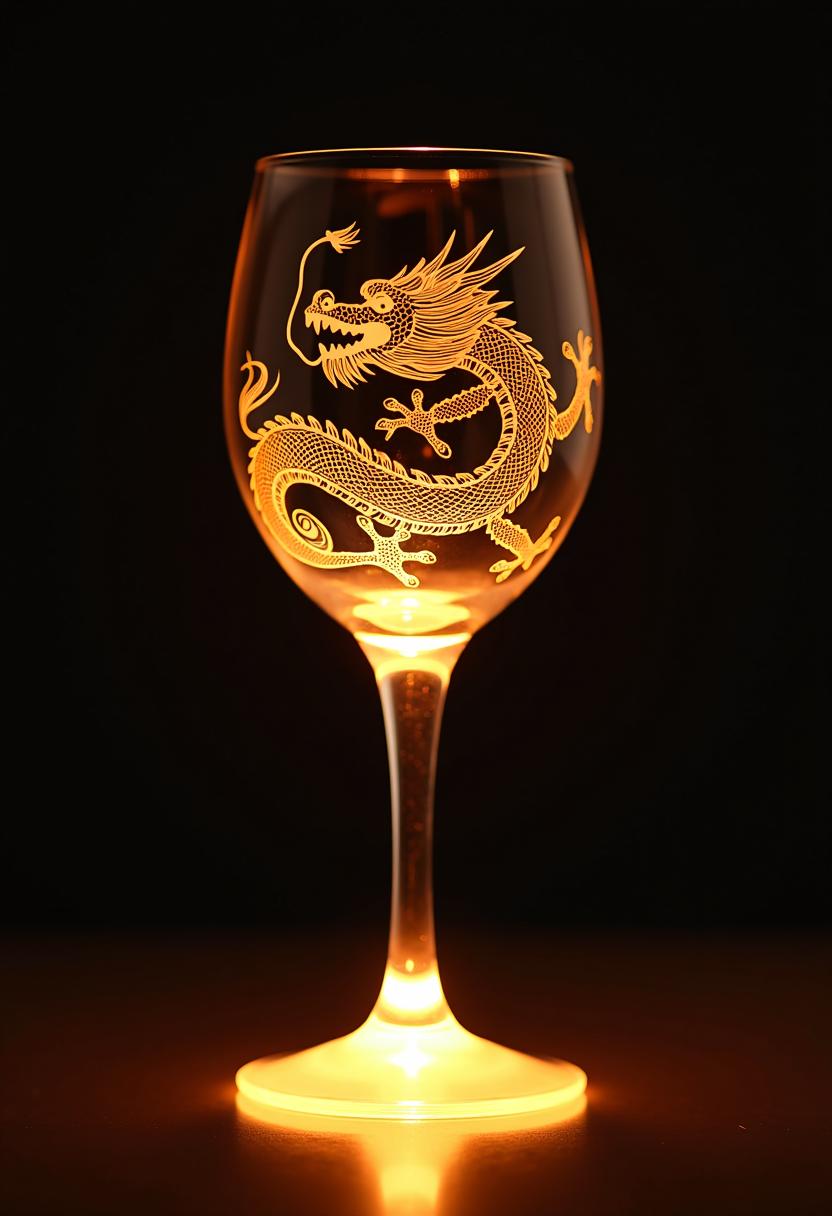
This image features a closeup of a wine glass showcasing an intricate and skillfully crafted dragon design. The dragon is depicted in a dynamic and somewhat menacing pose, with its mouth open as if roaring or breathing fire, and its tail coiled around its body. The dragons scales are finely detailed, with a realistic texture that gives the glass a threedimensional appearance.The medium used to create the dragon design is not immediately apparent, but it appears to be a form of etching or engraving, as the lines are sharp and precise. The glass itself seems to be made of a clear or lightly tinted material, allowing the light to pass through and highlight the dragons silhouette and the fine lines of the scales.The colors in the image are primarily warm and golden, with the dragon appearing to be a shade of amber or gold. The background is dark, which serves to accentuate the luminosity and glow of the dragon design. The light source seems to be coming from below the glass, as indicated by the bright halo effect around the base of the stem and the subtle glow emanating from the dragons body.The objects in the image are limited to the wine glass and the dragon design. The wine glass itself is not the focus of the image, but serves as a canvas for the dragons image. The glass is placed on a flat surface, and the lighting casts a reflection on the glass, which adds depth and dimension to the overall composition.The art style in the image is reminiscent of traditional East Asian dragon motifs, with a focus on the dragons form and the intricate details of its scales and claws. The style is somewhat stylized, with exaggerated features that give the dragon a mythical and powerful presence. The overall effect is one of elegance and mystique, with the dragon appearing both fierce and majestic.
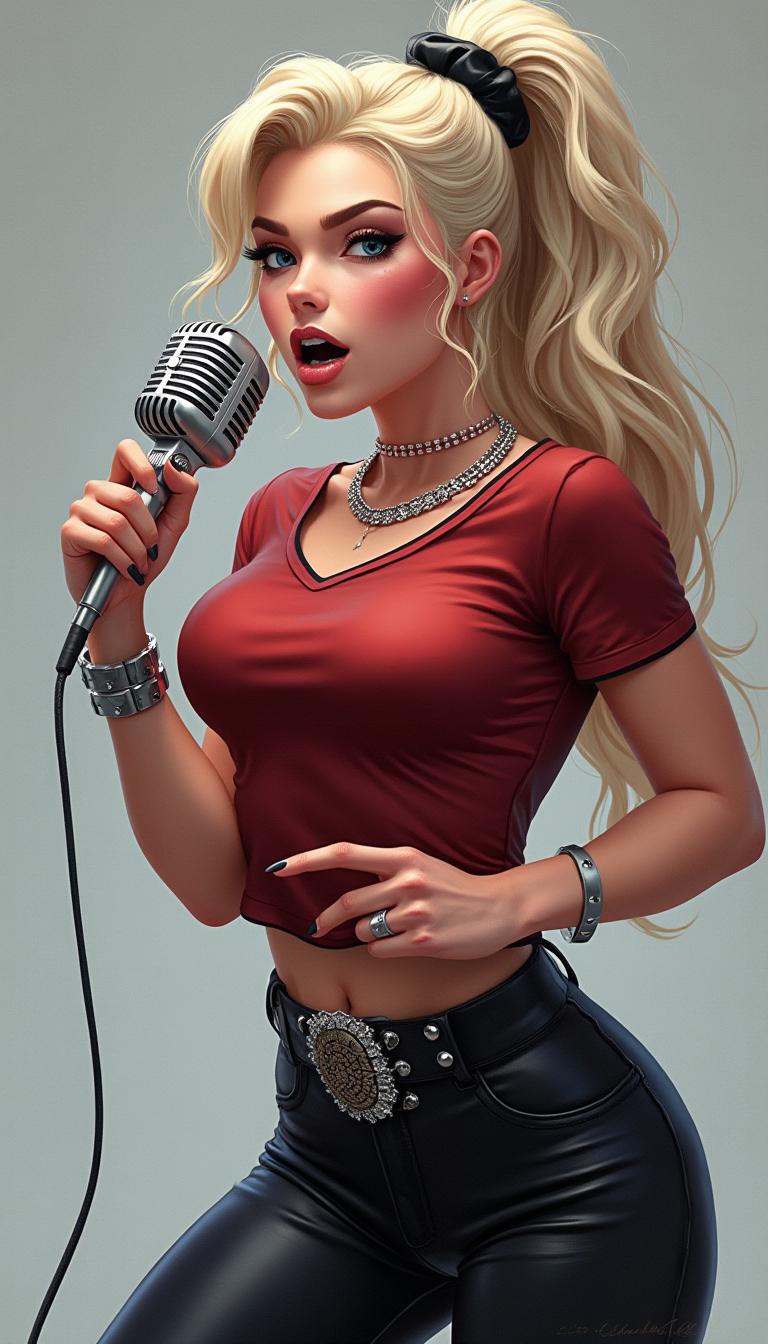
A stunning digital illustration in a hyper-realistic yet stylized pin-up  style, modern featuring a fierce young woman with long platinum blonde hair tied in a high ponytail with a black scrunchie, her hair flowing dynamically with soft waves and highlights. She has intense blue eyes with heavy black eyeliner and mascara, arched eyebrows, full red lips parted in a passionate scream or song, sharp cheekbones, and fair skin with subtle blush and gloss. She's gripping a classic silver vintage microphone with black ridges in her right hand, pointing dramatically with her left index finger, nails painted black. She's dressed in a fitted dark red short-sleeved t-shirt tucked into high-waisted black leather pants with a wide studded silver belt, a sparkling diamond choker necklace, and multiple silver bracelets on her wrists. The pose is dynamic and energetic, leaning slightly forward as if performing on stage, with soft volumetric lighting casting gentle shadows and highlights on her form, against a smooth gradient gray-white studio background. High detail in textures like the shiny leather, metallic microphone, and glossy hair, vibrant colors with cool tones dominating, high contrast, 8k resolution, ultra-detailed, cinematic composition.
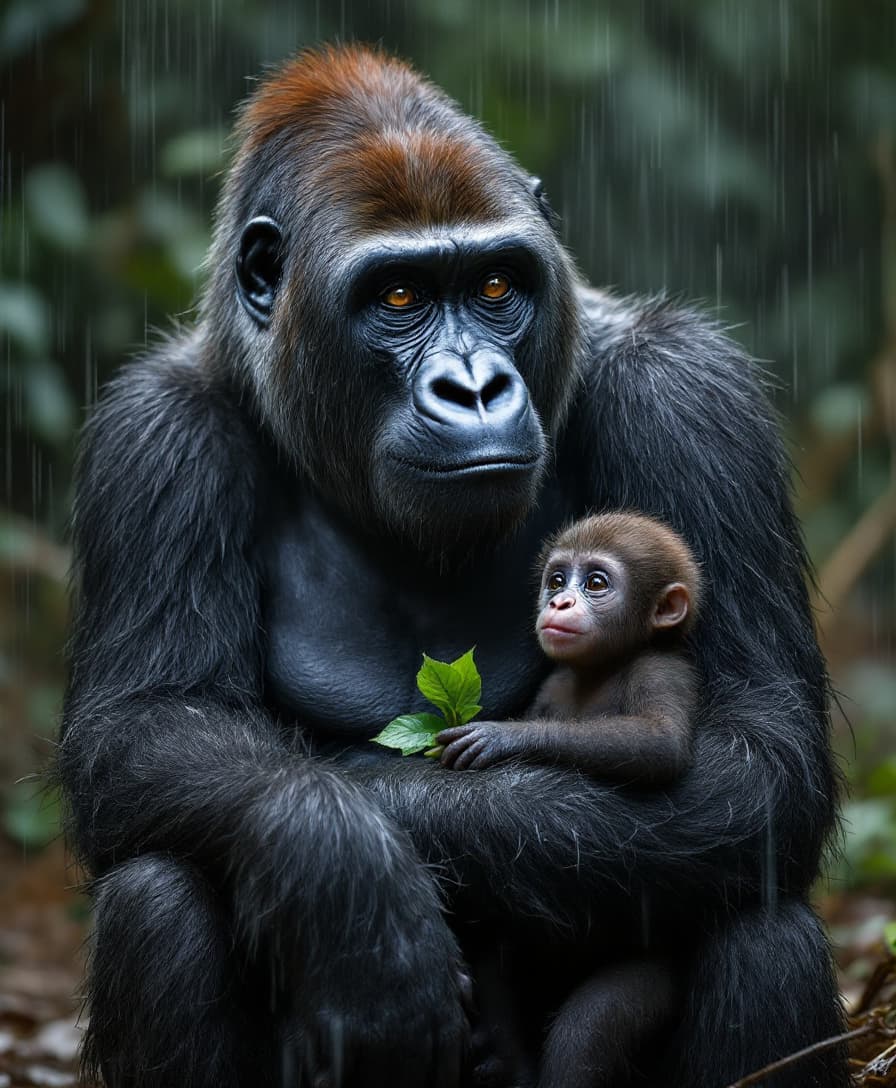
 "Silverback with Baby in Rain"

Subject:

    A silverback gorilla sitting with its young cradled protectively under its arm. Rain pours gently down, soaking their dark fur. The adult looks up with calm, patient eyes—serene, deeply knowing. The baby peers out, clutching a green leaf with wide eyes.

Textures:

    Coarse, matted fur wet with rain; water beading on their faces; thick skin like worn leather; tiny soft fingers wrapped around the adult’s knuckle.

Lighting:

    Rainy, diffused jungle light. Cool tones from foliage, but warm bounce from nearby mud. Mist and shadow play gently over the forms.

Camera Settings:

        Lens: 135mm

        Aperture: f/2.0

        ISO: 1000

        Shutter Speed: 1/500

        White Balance: Cloudy, slight desaturation in post for realism

Emotion:

    Protection. That sacred, ancient kind of love that needs no language.

Start Creating Animated Videos Today

Access 40+ cutting-edge AI tools, loved by thousands of creators worldwide. Cancel anytime. Try it today.

The Pixel Dojo Advantage

Why PixelDojo is the superior choice for image-to-video conversion:

OthersPixel Dojo
Traditional Animation SoftwareNo need for complex software or animation skills; create videos effortlessly.
Generic AI ToolsTailored specifically for image-to-video conversion with customizable settings.
Manual Video EditingSave hours of editing time with automated, high-quality video generation.

Loved by Creators

See what our community says about runway gen-2 image to video

"PixelDojo transformed my static images into engaging videos effortlessly. It's a game-changer for my social media content."

Alex Johnson

Content Creator

"As a marketer, PixelDojo's image-to-video tool has streamlined our campaign creation process, saving us time and resources."

Samantha Lee

Marketing Manager

Common Questions

Everything you need to know about runway gen-2 image to video AI generation

How does PixelDojo's image-to-video tool work?

Our AI analyzes your static image and applies motion effects based on your selected settings, generating a dynamic video output.

Do I need any animation experience to use this tool?

No, PixelDojo is designed for users of all skill levels. Our intuitive interface makes it easy to create videos without prior experience.

Can I customize the animation effects?

Yes, you can adjust motion intensity, direction, and duration to achieve your desired animation style.

What file formats are supported for upload?

PixelDojo supports common image formats such as JPEG, PNG, and BMP for upload.

Is there a limit to the number of videos I can create?

With a subscription, you have unlimited access to create as many videos as you need.

Can I use the generated videos for commercial purposes?

Yes, videos created with PixelDojo can be used for both personal and commercial projects.

Ready to Animate Your Images?

Ready to Create Amazing runway gen-2 image to video Images?

Join thousands of creators using AI to bring their ideas to life