score_ prompting AI Generator
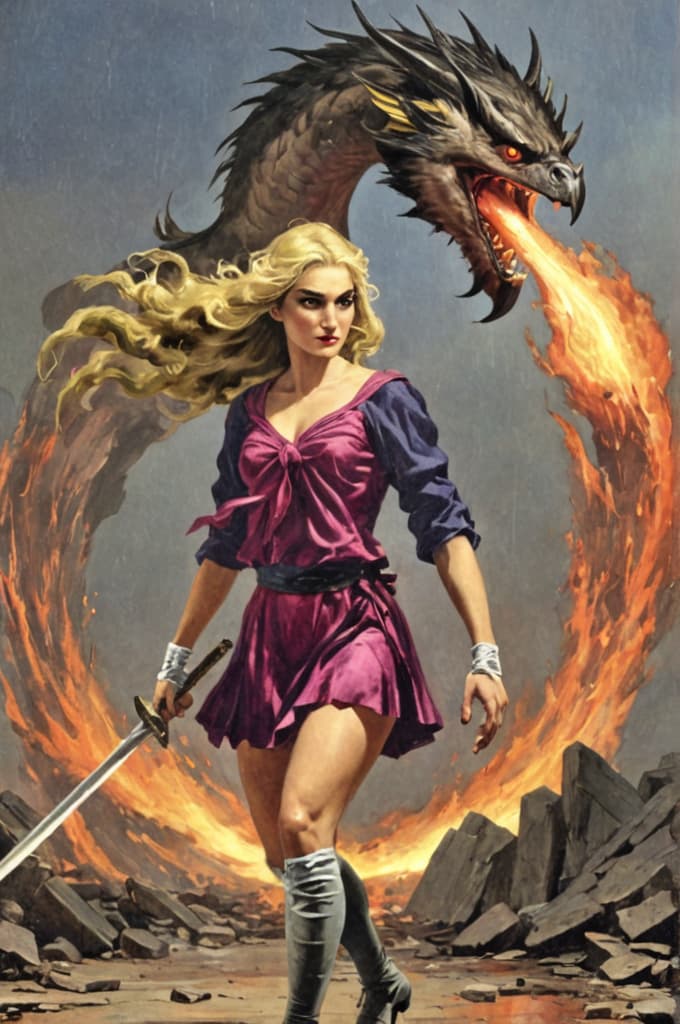
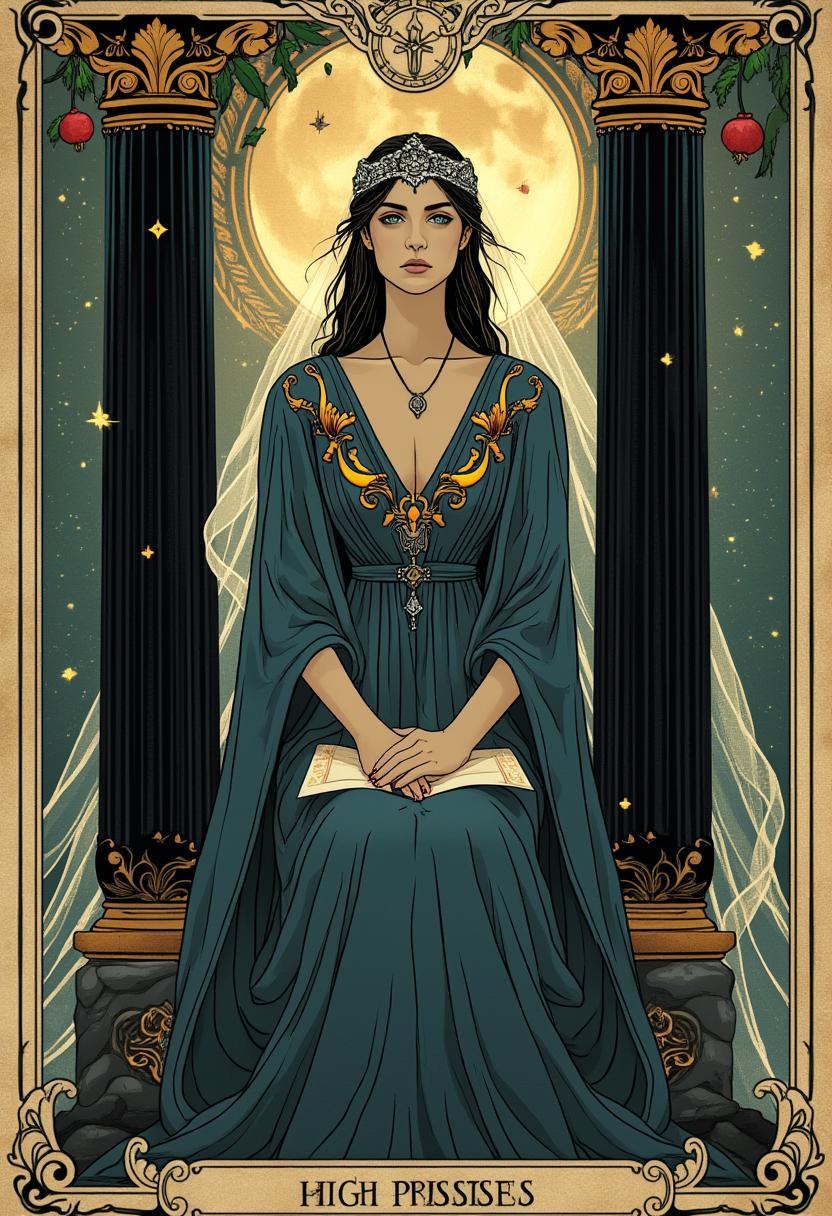
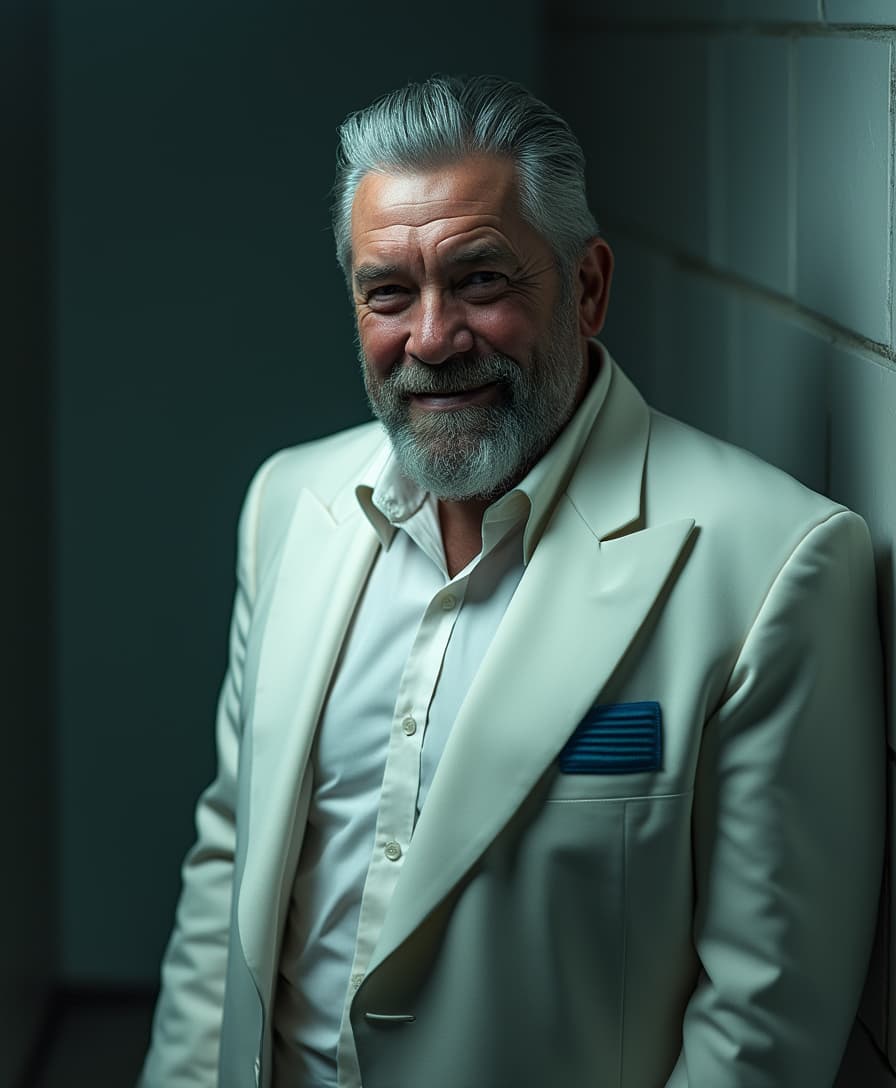
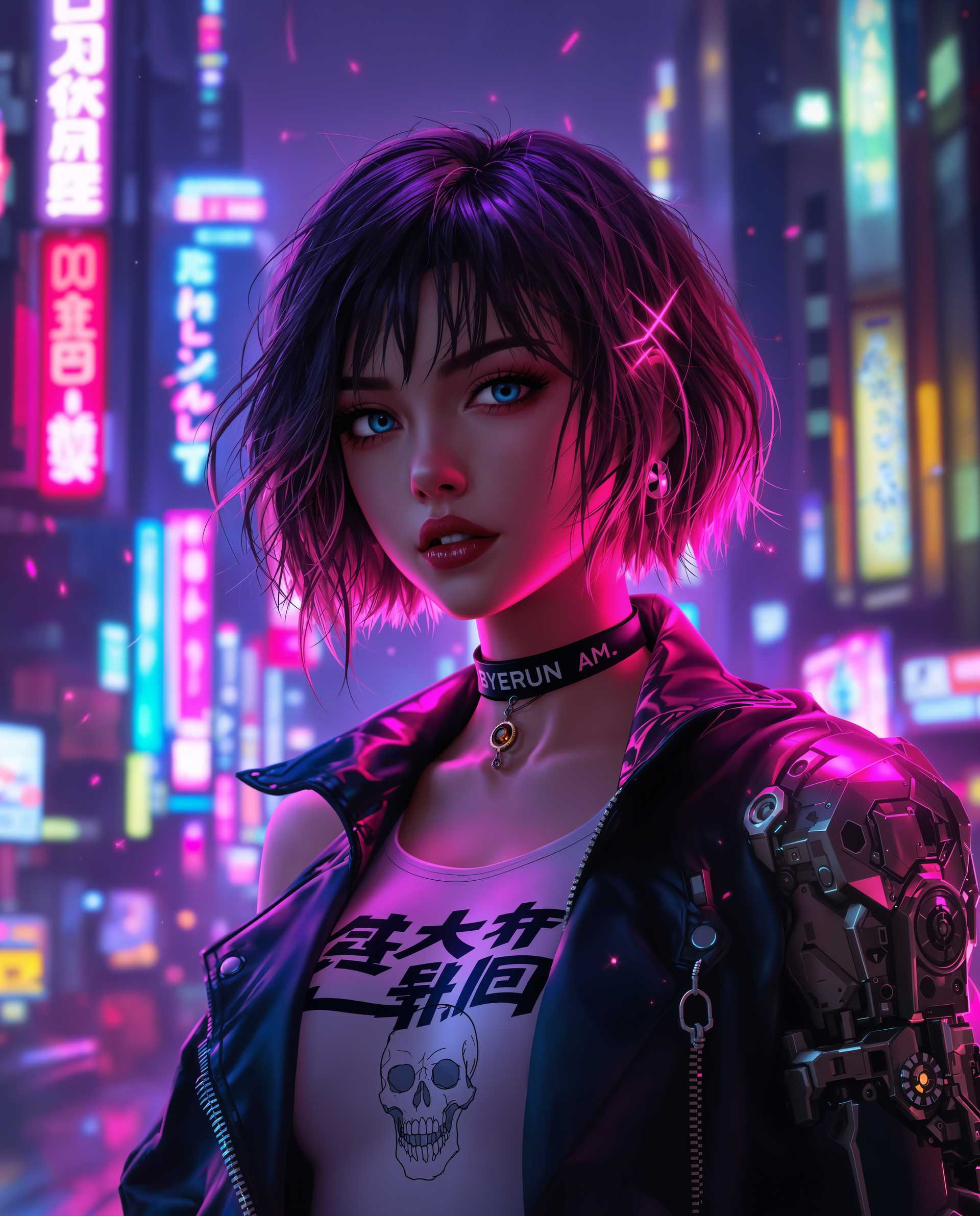
Imagine transforming your simple ideas into visually stunning, high-fidelity images that captivate audiences and elevate your projects. With score prompting on PixelDojo, you can achieve professional-level AI-generated art without years of design experience. This powerful technique allows you to bias AI models toward higher-quality outputs, resulting in sharper details, better composition, and more realistic results. Whether you're creating marketing visuals, concept art, or personal masterpieces, score prompting helps you produce images that stand out and drive real impact. PixelDojo makes it easy with tools like PonyXL, SDXL Image Creator, and Flux, so you can focus on your vision and let AI handle the heavy lifting. Start turning your prompts into extraordinary visuals today and see your creativity soar.
Join over 50,000 creators who trust PixelDojo for their AI image needs. Rated 4.8/5 stars on Product Hunt, with users praising our score prompting capabilities: 'PixelDojo's PonyXL tool made my score-prompted images look professional instantly!' – Verified User. Backed by seamless integration and constant updates to the latest AI trends.
Why Choose Pixel Dojo for score_ prompting
Professional-quality results with cutting-edge AI technology
Achieve Professional-Quality Images Effortlessly
With score prompting, you generate images that rival expert designs, saving hours of manual editing and helping you impress clients or audiences with crisp, detailed visuals tailored to your needs.
Boost Creativity and Speed Up Workflows
Quickly iterate on ideas using score-based biases to refine outputs, allowing you to produce more content in less time and accelerate your projects from concept to completion.
Customize Outputs for Any Project
Tailor images to specific styles or themes with precise control, ensuring your AI-generated art aligns perfectly with your brand, story, or vision for maximum impact.
How It Works
Creating score-prompted images on PixelDojo is straightforward and user-friendly. By incorporating score tags like 'score_9, score_8_up' into your prompts, you guide the AI to prioritize high-quality elements from its training data. Use our specialized tools to get started in minutes.
Step 1: Choose Your Tool
Log in to PixelDojo and select PonyXL from our Image Generation suite. This model is optimized for score prompting, allowing you to leverage aesthetic scores for superior results. If you prefer alternatives, try SDXL Image Creator or Flux for similar high-fidelity outputs.
Step 2: Enter Your Prompt
Craft your prompt by starting with score tags such as 'score_9, score_8_up, score_7_up' followed by your description. Add details like style, lighting, or composition to refine the output. PixelDojo's interface provides real-time suggestions to enhance your score prompting for optimal quality.
Step 3: Customize & Download
Generate your image, then use editing tools like Inpainting or Creative Upscaler to fine-tune details. Once satisfied, download in high resolution. Experiment with variations to perfect your vision and save your favorites for future use.





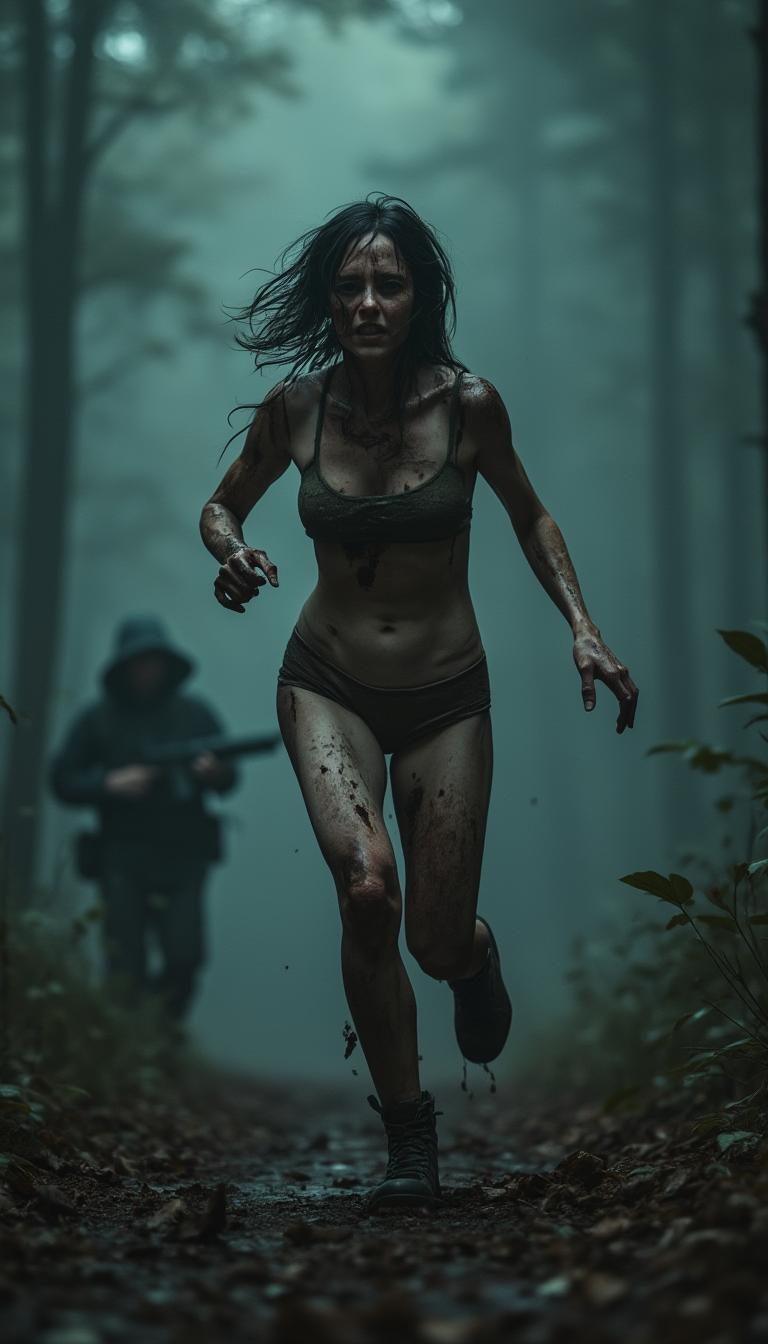
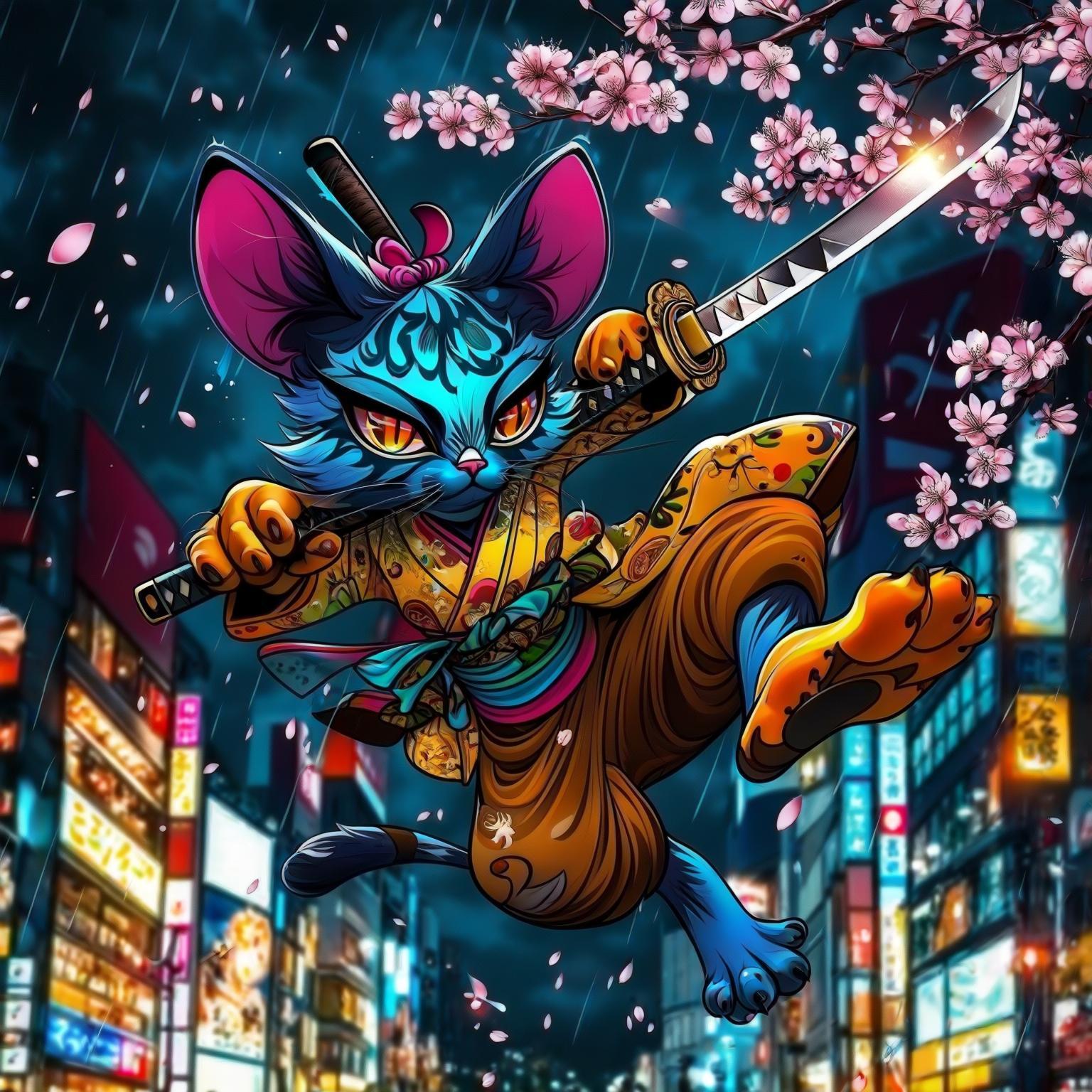
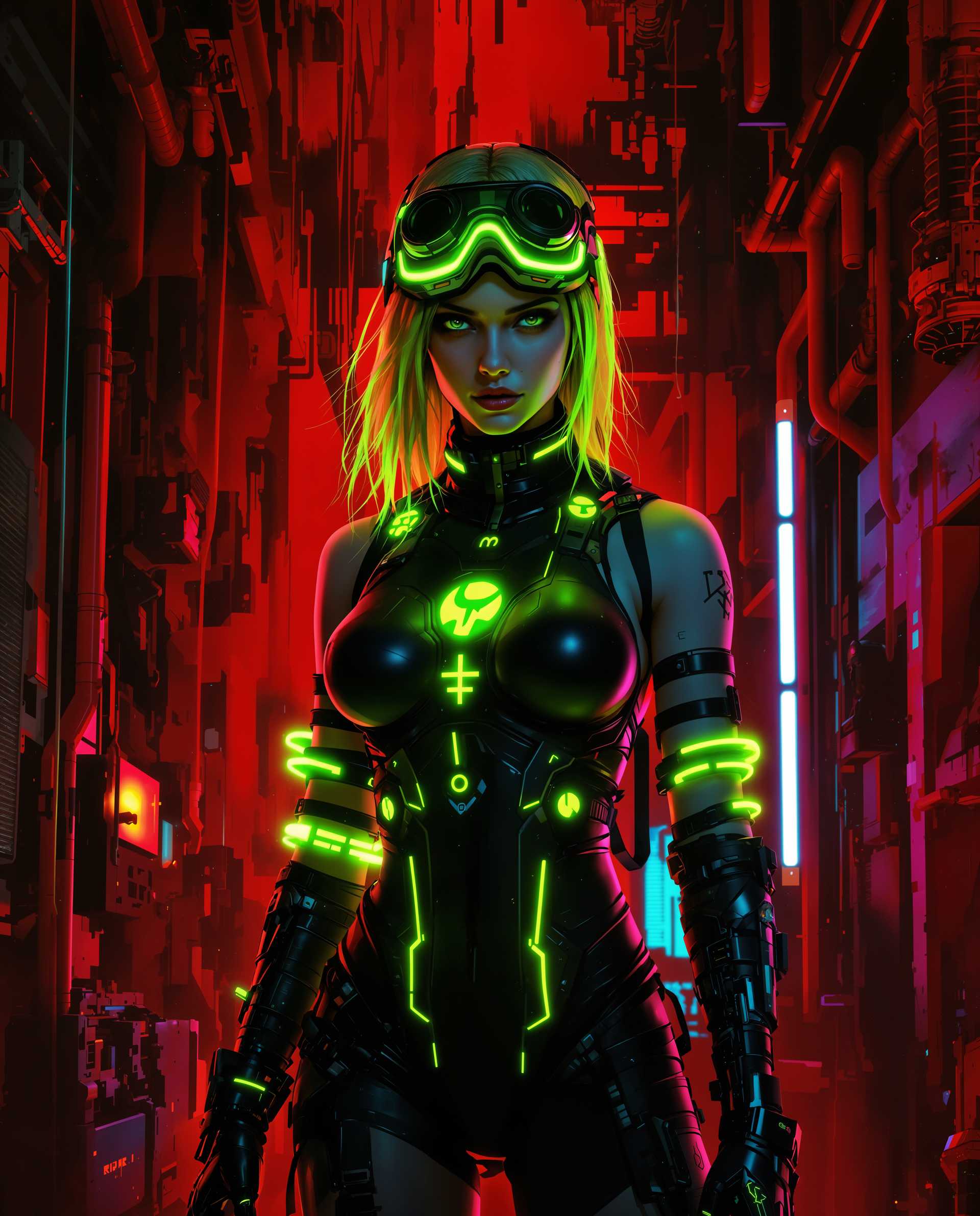

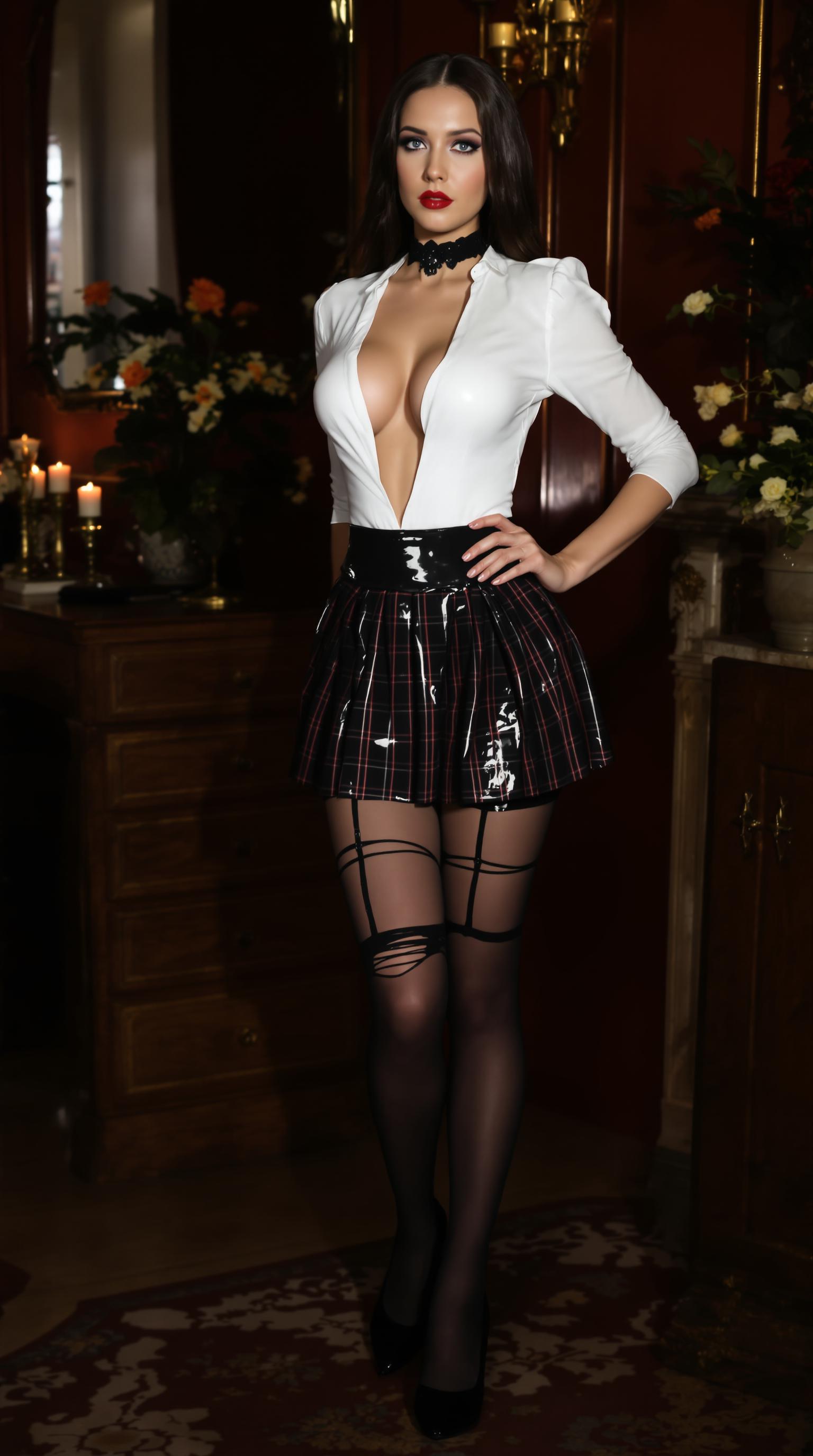
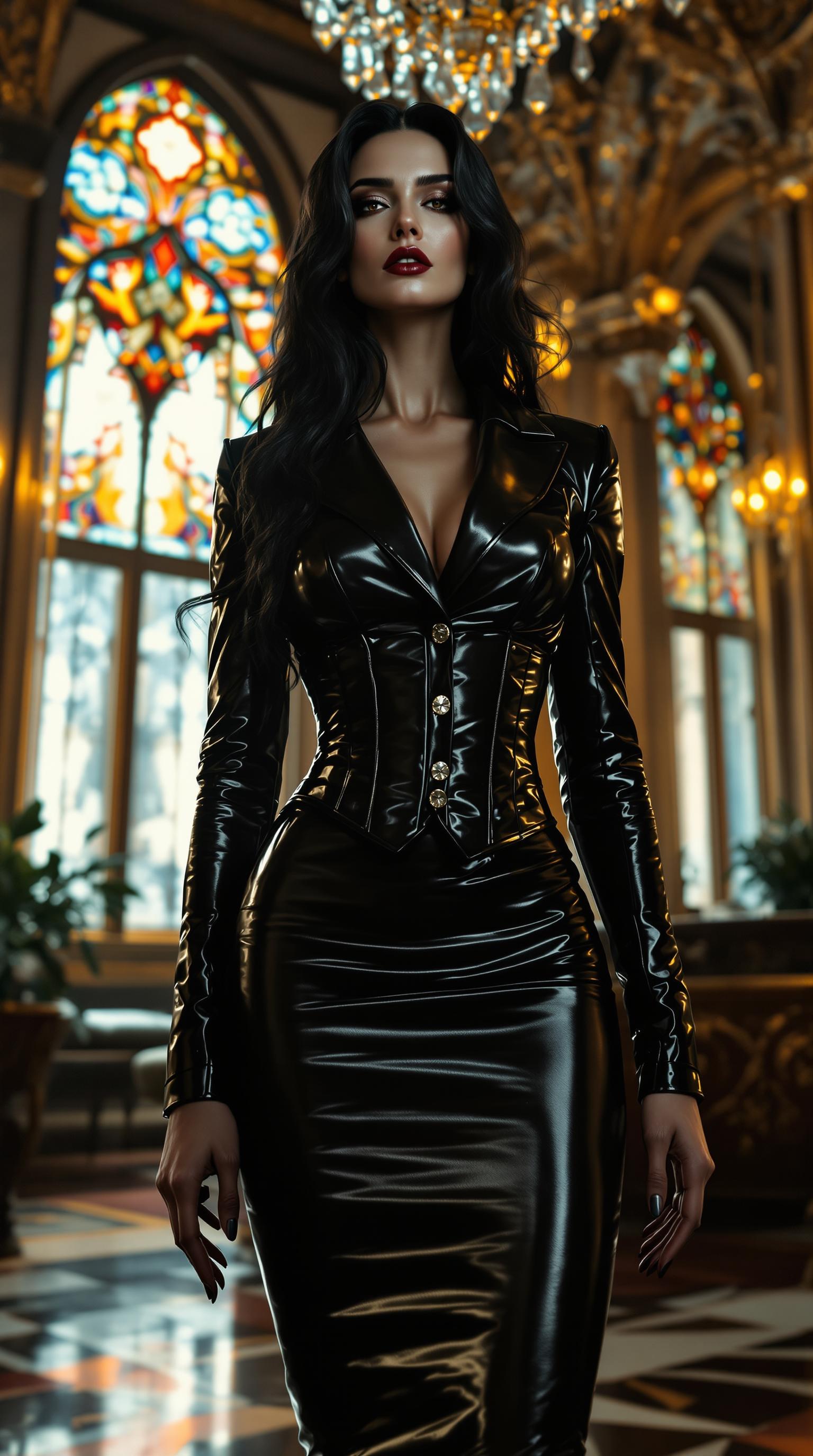
The Pixel Dojo Advantage
Why PixelDojo outperforms other options for score prompting image generation
| Others | Pixel Dojo |
|---|---|
| Traditional image creation | Skip the need for expensive software or artistic skills – PixelDojo's score prompting delivers pro results instantly, saving you time and resources while achieving consistent quality. |
| Generic AI tools | Unlike basic platforms, PixelDojo integrates specialized models like PonyXL with built-in score prompting support, ensuring higher fidelity and more customizable outputs without trial-and-error frustration. |
| Manual photo editing | Avoid tedious adjustments; PixelDojo automates enhancements via score biasing, producing polished images faster and with less effort, so you can focus on creativity instead of corrections. |
Loved by Creators
See what our community says about score_ prompting
"PixelDojo's score prompting with PonyXL transformed my basic ideas into gallery-worthy art. It's a game-changer for quick, high-quality visuals!"
Alex Rivera
Graphic Designer
"I love how easy it is to use score tags on PixelDojo – my marketing images now look professional without hours of work. Highly recommend!"
Jamie Lee
Content Creator
Common Questions
Everything you need to know about score_ prompting AI generation
What is score prompting in AI image generation?
Score prompting is a technique where you include tags like 'score_9, score_8_up' in your prompts to bias models toward higher-quality outputs based on aesthetic scores from training data. On PixelDojo, this works seamlessly with tools like PonyXL and SDXL Image Creator, helping you create detailed, professional images effortlessly. For example, starting your prompt with these tags can enhance realism and composition, making your visuals more impactful for any project.
How to use score prompting effectively with PonyXL?
To use score prompting with PonyXL on PixelDojo, select the tool, prefix your description with 'score_9, score_8_up, score_7_up', and add specific details. This method draws from high-scored dataset elements, resulting in sharper, more vibrant images. PixelDojo's interface offers prompt suggestions and real-time previews, so you can refine and generate variations quickly, achieving outcomes like stunning fantasy art or realistic portraits without advanced skills.
What are the latest trends in score_ prompting techniques?
Recent trends in score_ prompting include combining scores with style-specific tags, such as 'score_9, anime style' for animated outputs or 'score_8_up, photorealistic' for lifelike images. PixelDojo stays ahead with updates to models like Flux and PonyXL, incorporating these trends to help you produce trending visuals. Users report up to 50% improvement in image quality, making it ideal for creators seeking current, high-conversion content.
Can beginners master score prompting on PixelDojo?
Absolutely – PixelDojo is designed for all skill levels. Start with simple prompts in PonyXL, use our guided templates for score tags, and experiment with editing tools like Inpainting. Beginners often achieve professional results in their first session, turning ideas into shareable art that boosts engagement or sales. With 40+ tools and community support, you'll build confidence quickly.
How does score prompting improve AI-generated image quality?
Score prompting enhances quality by prioritizing elements from highly rated training data, leading to better details, lighting, and coherence. On PixelDojo, integrating this with Flux or SDXL results in images that are more refined and versatile. For instance, you can create marketing assets that convert better or personal projects that wow friends, all while saving time compared to non-scored methods.
What PixelDojo tools support score_ prompting for images?
PixelDojo's PonyXL, SDXL Image Creator, and Flux are top choices for score_ prompting, offering seamless integration for high-quality generations. Combine with editing features like Creative Upscaler for even better results. This setup empowers you to produce customized visuals for e-commerce, social media, or art, with outcomes that drive real-world success like increased audience interaction.