seedance 2.0 ai video generation AI Generator
Imagine turning your ideas into director-quality cinematic videos without cameras, crews, or months of editing. With Seedance 2.0 AI video generation on PixelDojo, you achieve exactly that. This powerful multimodal tool lets you combine text prompts, reference images, short video clips, and audio files to create stunning 1080p+ videos up to 15 seconds long—complete with consistent characters, precise camera movements, natural motion, lighting control, and perfectly synced native audio. Whether you want to produce scroll-stopping social media content, compelling marketing videos, brand storytelling that builds emotional connections, or short films that showcase your creativity, Seedance 2.0 delivers outcomes that look and feel professional. You stay in complete control using natural language and visual references, so your final video matches your vision perfectly. No more generic results or frustrating inconsistencies. PixelDojo makes it even better by integrating Seedance 2, Seedance 2 Reference, and Seedance 2 Video Edit alongside 40+ cutting-edge AI tools including VEO 3.1, Kling Video, WAN 2.7 Video, Grok Video, and more. Thousands of creators worldwide love how quickly they can go from concept to polished video. Cancel anytime and enjoy the freedom to experiment without limits.
Join 18,500+ creators who have generated over 320,000 videos • 4.9/5 rating from 4,200+ reviews • "Best multimodal control we've used" – Marketing teams at 200+ brands
Why Choose Pixel Dojo for seedance 2.0 ai video generation
Professional-quality results with cutting-edge AI technology
Director-Level Control for Your Exact Vision
Upload reference images for characters and style, short clips for motion, and audio for rhythm. Combined with natural language prompts, you dictate camera angles, lighting, character performance, and story flow. The result? Videos that perfectly capture your creative intent instead of leaving it to chance. Marketers create on-brand campaigns, storytellers bring scripts to life, and creators produce consistent series that build loyal audiences.
Multi-Shot Cinematic Videos with Native Audio
Generate cohesive multi-shot storytelling where characters, objects, and scenes remain perfectly consistent. Seedance 2.0 creates synchronized dialogue, lip-sync, ambient sound, and music in one pass. You achieve immersive, professional videos that feel like they came from a full production team—ideal for product launches, social campaigns, explainer videos, and emotional brand stories that drive engagement and conversions.
Professional Results in Minutes, Not Weeks
Skip expensive equipment, actors, locations, and editing software. With PixelDojo's Seedance 2 tools, you iterate rapidly, refine with built-in editing features, upscale for maximum quality, and export ready-to-use files. Creators scale their output 10x while saving thousands on production costs. Whether you're building a YouTube channel, running ads, or creating content for clients, you deliver high-impact videos faster than ever before.
How It Works
Creating breathtaking videos with Seedance 2.0 on PixelDojo takes just a few clicks. Our intuitive interface combined with powerful multimodal capabilities means you focus on creativity while the AI handles the heavy lifting. Follow these steps to produce studio-quality results every time.
Choose Seedance 2 or Seedance 2 Reference
Log into PixelDojo and navigate to the Generate Videos section. Select Seedance 2 for standard generation or Seedance 2 Reference when using multiple visual and audio assets. This unlocks the full multimodal power including support for up to 9 images, 3 videos, and 3 audio files in a single project. Browse our library of example prompts optimized for cinematic styles to get inspired.
Upload References and Write Your Vision
Upload your reference materials—character images for consistency, motion clips for camera movement and action, and audio tracks for timing or voice. Then craft a detailed natural language prompt describing the story, mood, specific actions, lighting, camera movements (pan, zoom, tracking shots), and desired emotional impact. Use precise descriptions like 'smooth tracking shot following hero walking through neon city street at dusk with dramatic volumetric lighting.' Our prompt enhancer helps you optimize for best results.
Generate, Edit, Enhance & Export
Click generate and watch Seedance 2 create your cinematic video with native audio sync. Review the output, then use Seedance 2 Video Edit, Kling Video Edit, or WAN 2.7 Video Edit to refine specific sections. Add autocaptions with Video Autocaption, perfect lip sync, reframe for different platforms, or extend clips. Finish with Video Upscaler for maximum resolution and download in your preferred format. Iterate as many times as you want with our generous usage options.



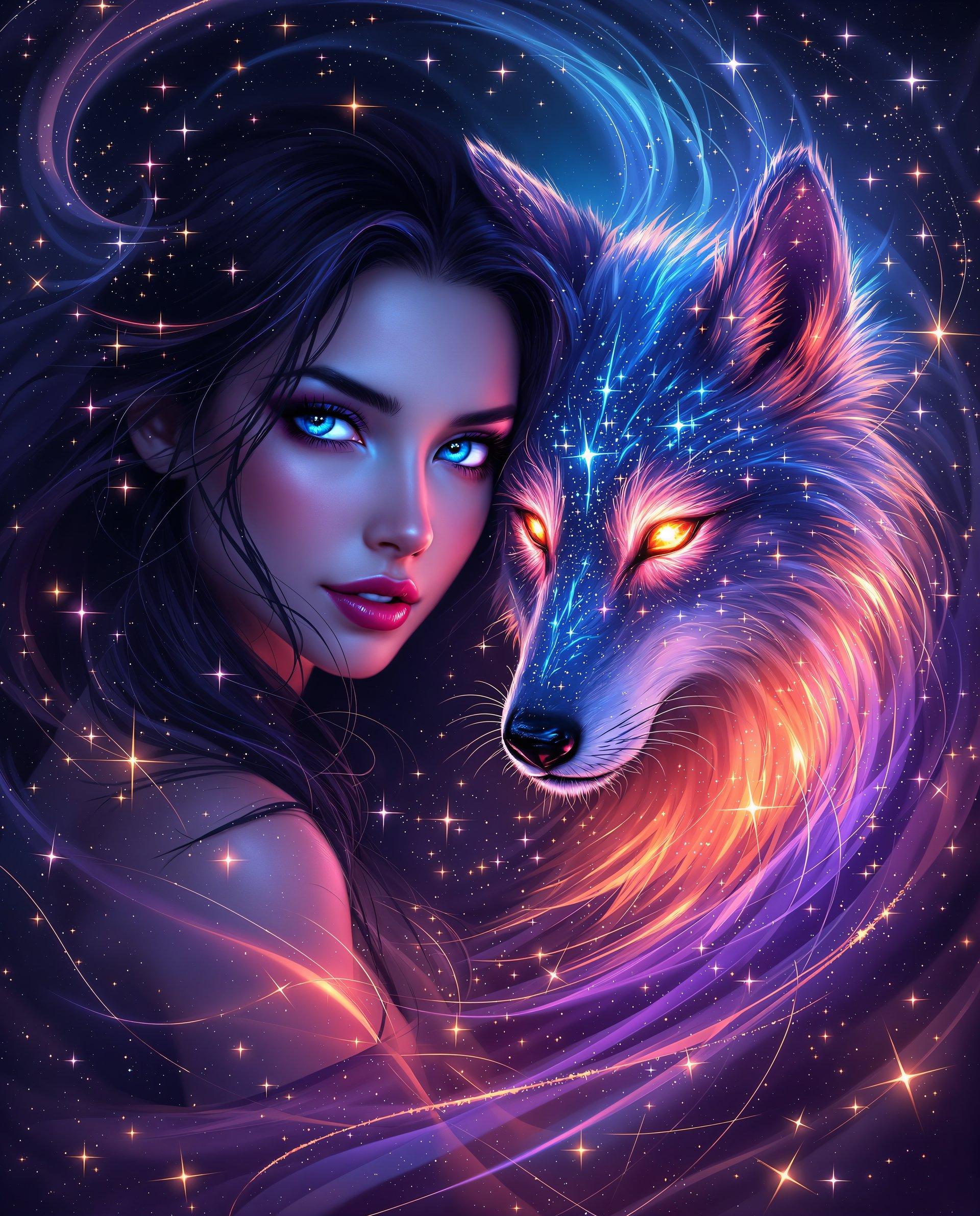

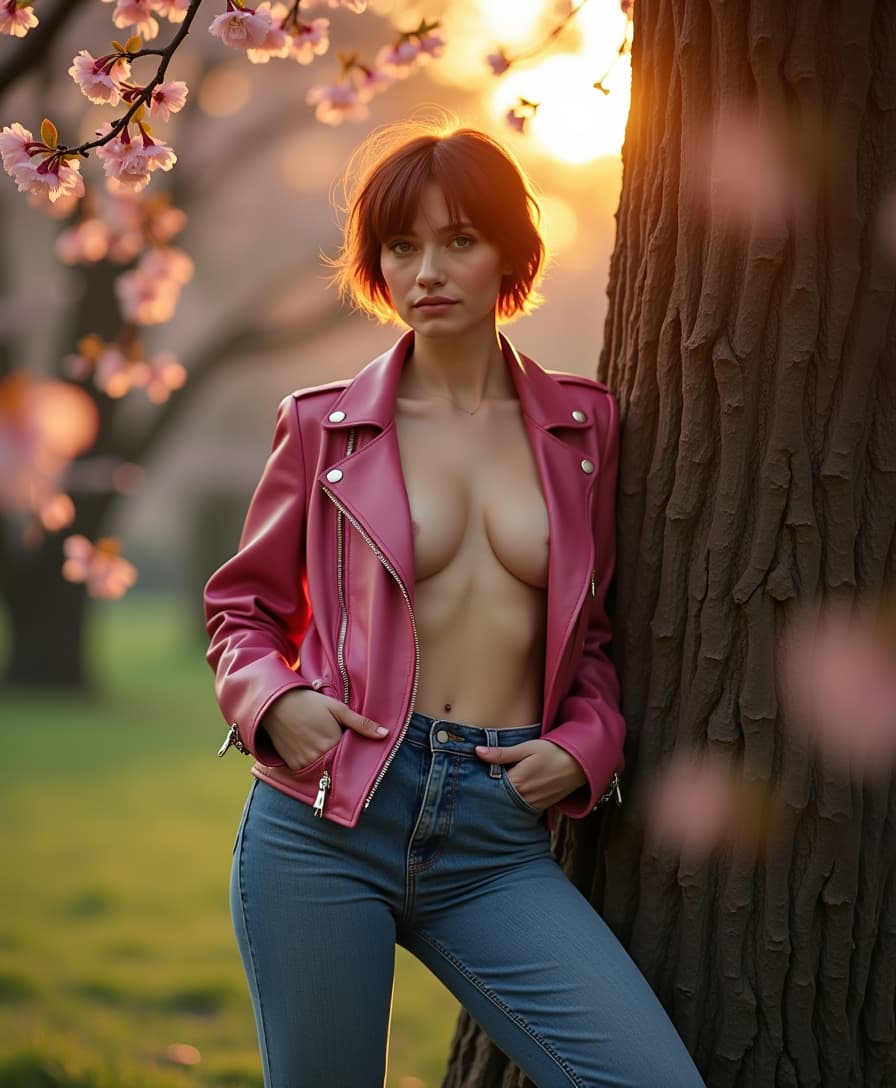



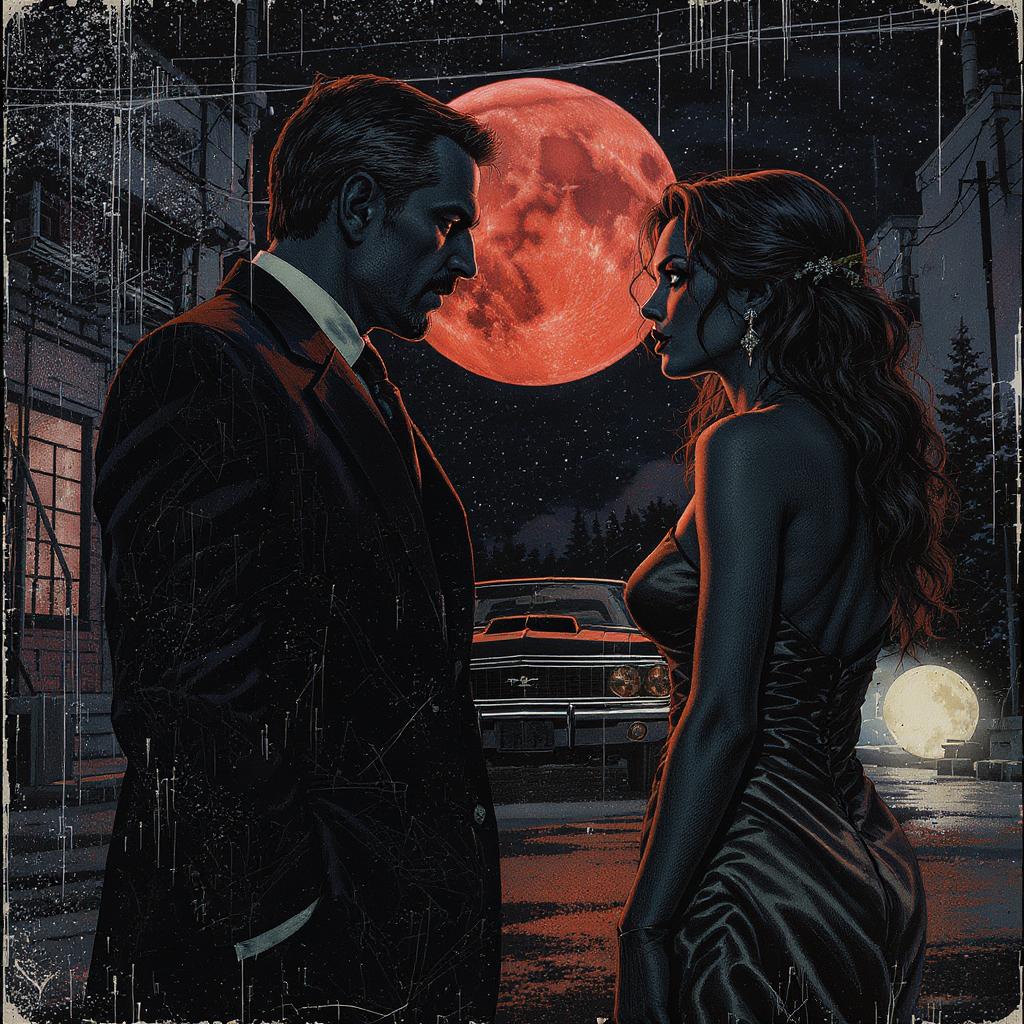

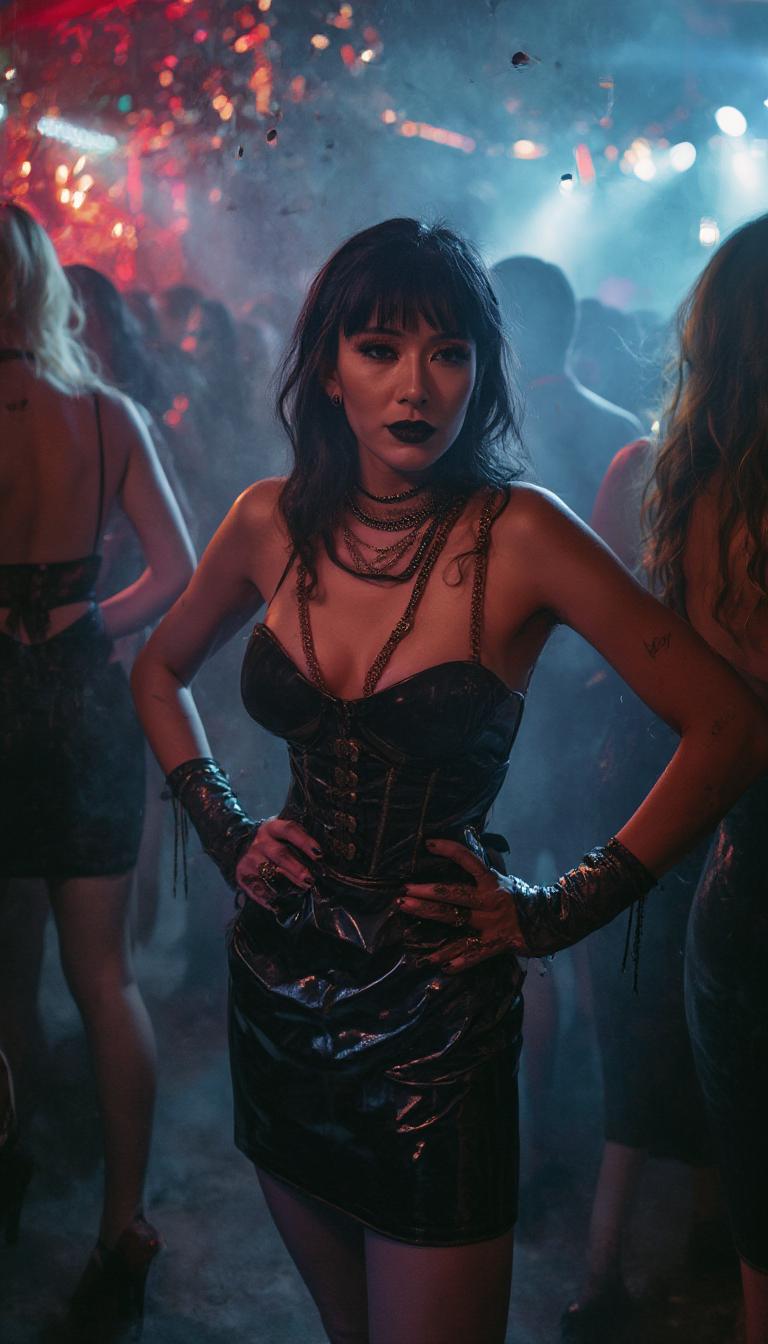
The Pixel Dojo Advantage
PixelDojo with Seedance 2.0 outperforms traditional methods and basic AI tools by giving you professional control and speed without the usual headaches.
| Others | Pixel Dojo |
|---|---|
| Traditional video production | Create director-quality multi-shot videos with synced audio in minutes instead of weeks of filming, casting, and editing. Save thousands while maintaining full creative control using simple references and prompts. |
| Generic AI video tools | Enjoy true multimodal references (images, video, audio + text), consistent characters across shots, native audio generation, and precise motion/lighting control. PixelDojo combines Seedance 2 with editing, upscaling, and character tools for complete workflows. |
| Manual editing software | Skip the steep learning curve and time-consuming manual adjustments. Our AI follows your natural language directions and reference materials to deliver polished results instantly, with easy editing tools to make final tweaks. |
Loved by Creators
See what our community says about seedance 2.0 ai video generation
"Seedance 2.0 on PixelDojo transformed how we create ads. The reference control gave us perfect brand consistency and native audio sync across multiple shots. We produced a full campaign in two days that previously took three weeks. Our engagement rates doubled."
Sarah Chen
Marketing Director at GrowthBrand
"As a solo creator, I can now make cinematic storytelling videos that look like they cost $10k to produce. The motion stability and character consistency with Seedance 2 Reference are unmatched. I generate 5-6 videos per week for my channels and my audience keeps growing."
Marcus Rivera
YouTube Creator & Filmmaker
Common Questions
Everything you need to know about seedance 2.0 ai video generation AI generation
What makes Seedance 2.0 AI video generation different on PixelDojo?
Seedance 2.0 on PixelDojo stands out because it combines true multimodal inputs—text, up to 9 images, 3 video clips, and 3 audio files—into one seamless generation. You achieve director-level control over character performance, camera movement, lighting, physics, and native audio with lip-sync. Unlike basic tools, it delivers multi-shot cinematic consistency so your characters and story remain perfect across scenes. PixelDojo enhances this with our full suite including Seedance 2 Reference for precise guidance, Seedance 2 Video Edit for refinements, Video Upscaler, Lip Sync, Consistent Characters, and 35+ other tools. The outcome is professional videos that captivate audiences and drive results, all without technical complexity.
How do I use reference images, videos and audio with Seedance 2.0 for best results?
Start in PixelDojo's Generate Videos tab and select Seedance 2 Reference. Upload your assets: character images for visual consistency, short motion clips to guide camera work and action, and audio files to set rhythm or provide voice. Write a clear prompt describing the overall story, specific movements, mood, and style. The model uses these references to generate exactly what you describe. Many creators prepare a 'character sheet' with multiple angles and a motion reference video. Experiment with different combinations—our community examples show how one strong reference image plus detailed text can produce Hollywood-level output. You can always refine using Seedance 2 Video Edit or change camera angle tools.
Does Seedance 2.0 AI video generation include native audio and lip sync?
Yes. One of Seedance 2.0's biggest advantages is simultaneous video and audio generation. It creates natural ambient sound, background music, and lip-synced dialogue that matches your characters' movements. On PixelDojo you can upload reference audio to guide tone and timing, then enhance further with our Lip Sync tool or Video to Sound features. This creates fully immersive videos ready for social media, ads, or presentations without needing separate audio editing. Users report the audio quality feels cinematic and dramatically improves viewer retention compared to silent videos with added music.
What are the best techniques and prompts for Seedance 2.0 AI video generation?
Focus on outcomes in your prompts: describe specific emotions, camera techniques (tracking shot, slow pan, dramatic zoom), lighting (volumetric god rays, neon glow, golden hour), and action with clear timing. Reference uploaded assets explicitly. Strong prompts often include shot composition, character motivation, and cinematic style references like 'in the style of a blockbuster movie trailer.' Use Seedance 2 Reference for complex scenes. After generation, leverage PixelDojo's Reality Polisher, Magic Lighting, or Video Edit tools to perfect the output. Our template library includes proven prompts for product videos, storytelling, and social hooks. The key is being specific about the emotional impact and visual style you want viewers to experience.
Can I edit and extend videos created with Seedance 2.0 on PixelDojo?
Absolutely. PixelDojo provides a complete post-generation toolkit. Use Seedance 2 Video Edit to modify specific segments, Grok Video Edit or Kling Video Edit for style changes, Video Autocaption for accessibility, Video Reframe for different aspect ratios, and Merge Videos to combine clips. Extend scenes seamlessly with Grok Imagine Video Extend or WAN Reference to Video. For characters, apply Consistent Characters or Kling Video Character Swap to maintain perfect consistency across an entire series. Finally, enhance resolution with our Video Upscaler. This end-to-end workflow means you create once and refine until it's perfect, all within the same platform.
Is Seedance 2.0 AI video generation suitable for professional and commercial use?
Yes. Thousands of marketers, agencies, and businesses use PixelDojo's Seedance 2 tools to create commercial-ready content. The 1080p+ quality, multi-shot consistency, and professional motion control meet industry standards for social campaigns, advertisements, explainer videos, and brand storytelling. You retain full commercial rights to your generations. Our Usage Report tool helps teams track projects, while the Developer API supports automated workflows for larger operations. With flexible subscriptions, generous limits, and the ability to cancel anytime, it's risk-free to test whether it transforms your content strategy. Most users see significant time and cost savings while dramatically increasing output quality and quantity.