seedream 4 image to image AI Generator
Unlock the full potential of your images with Seedream 4's cutting-edge AI image-to-image tools. Whether you're looking to enhance, edit, or completely transform your visuals, Seedream 4 empowers you to achieve professional-grade results effortlessly. Say goodbye to complex editing software and hello to intuitive, AI-driven creativity.

Join over 10,000 satisfied creators who have transformed their visuals using Seedream 4's AI technology. Rated 4.8/5 based on 500+ reviews.
Why Choose Pixel Dojo for seedream 4 image to image
Professional-quality results with cutting-edge AI technology
Effortless Image Transformation
Achieve stunning visual enhancements without the need for technical expertise.
Rapid Processing Speeds
Generate high-resolution images in just seconds, streamlining your creative workflow.
Versatile Editing Capabilities
From style transfers to object replacements, explore a wide range of editing options.
How It Works
Transforming your images with Seedream 4 is a straightforward process. Follow these simple steps to bring your creative visions to life:
Step 1: Upload Your Image
Select and upload the image you wish to transform. Seedream 4 supports various formats, including JPG and PNG.
Step 2: Enter Your Transformation Prompt
Describe the changes you want to apply using natural language. For example, 'Change the sky to a sunset scene.'
Step 3: Generate and Download
Click 'Generate' to process your image. Once complete, download your transformed image ready for use.




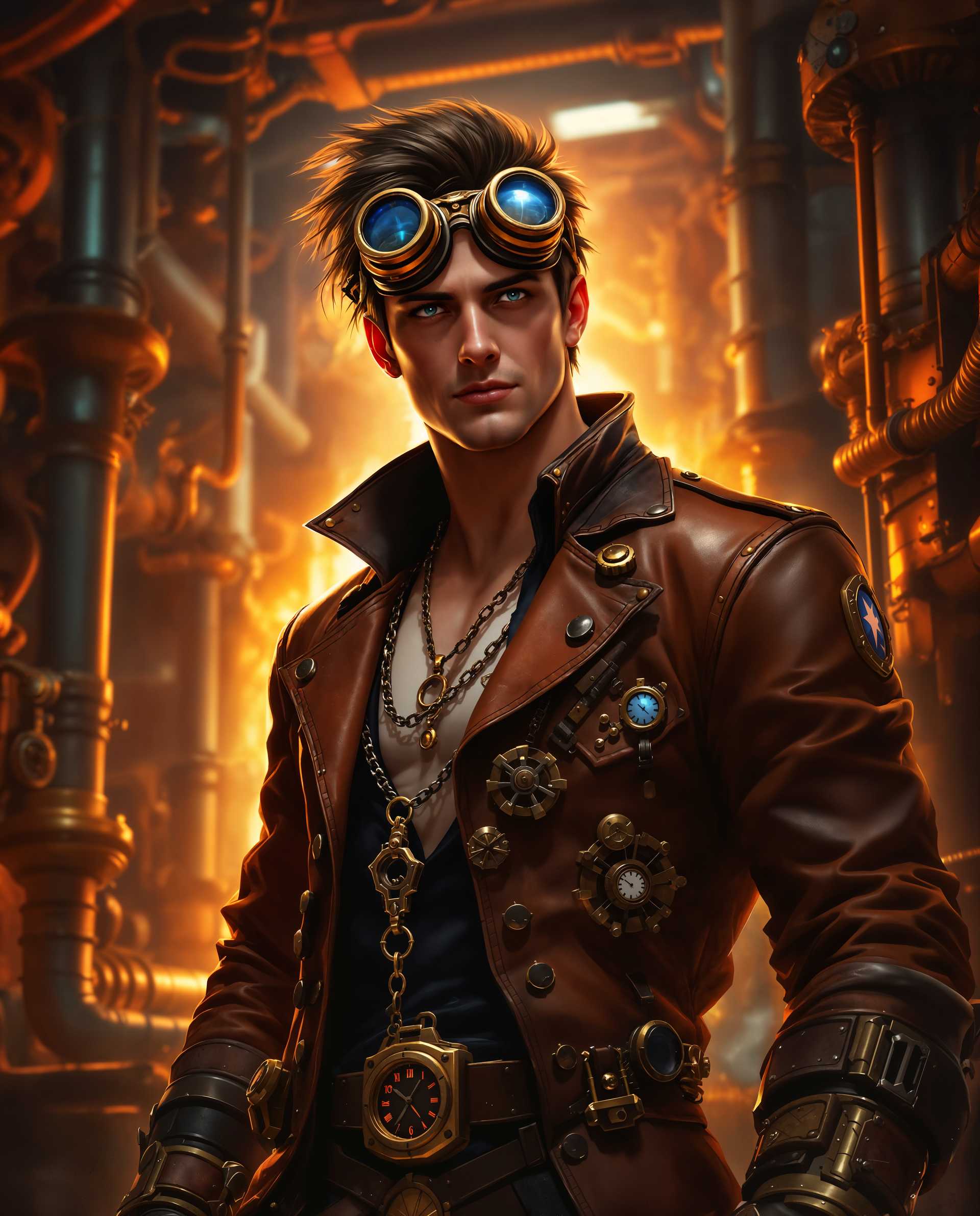
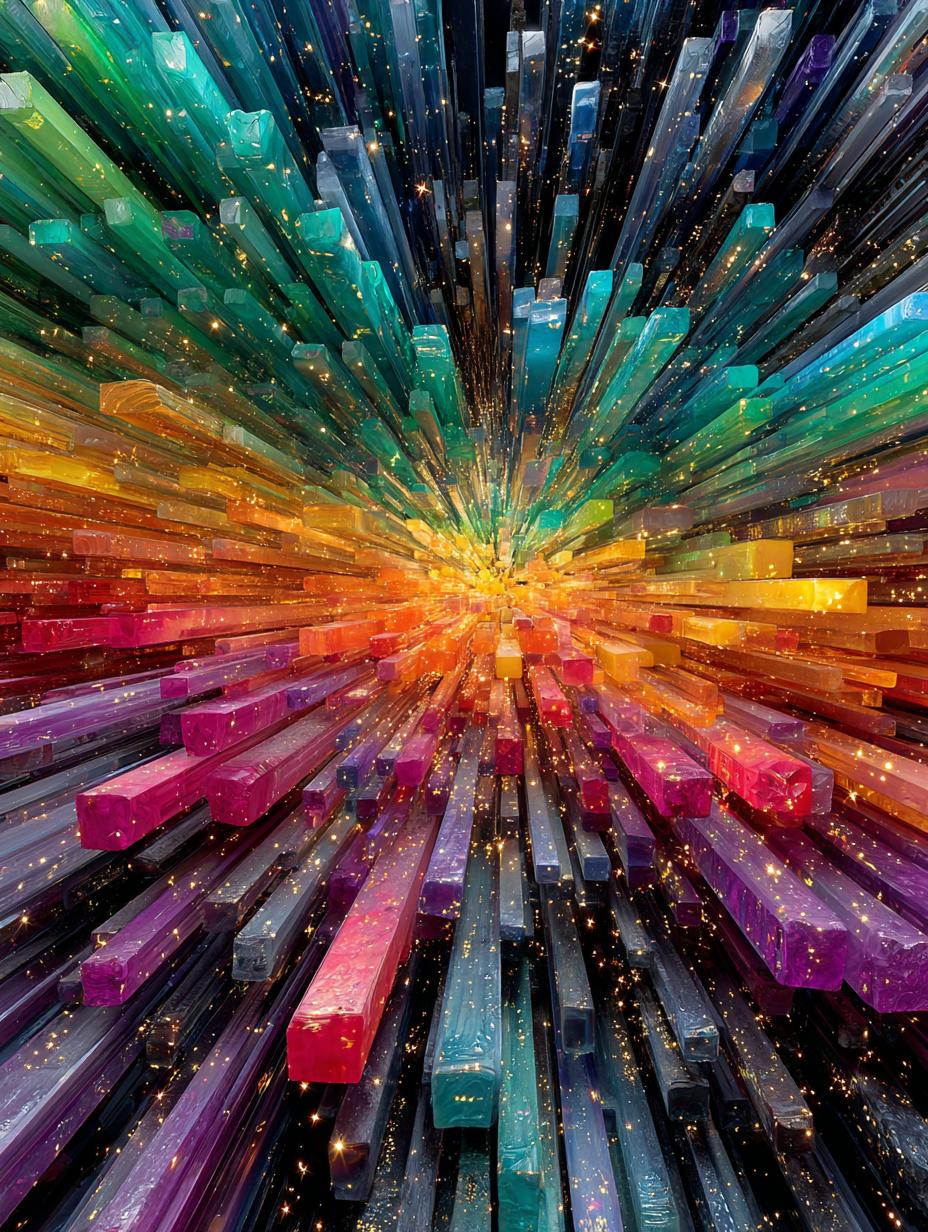




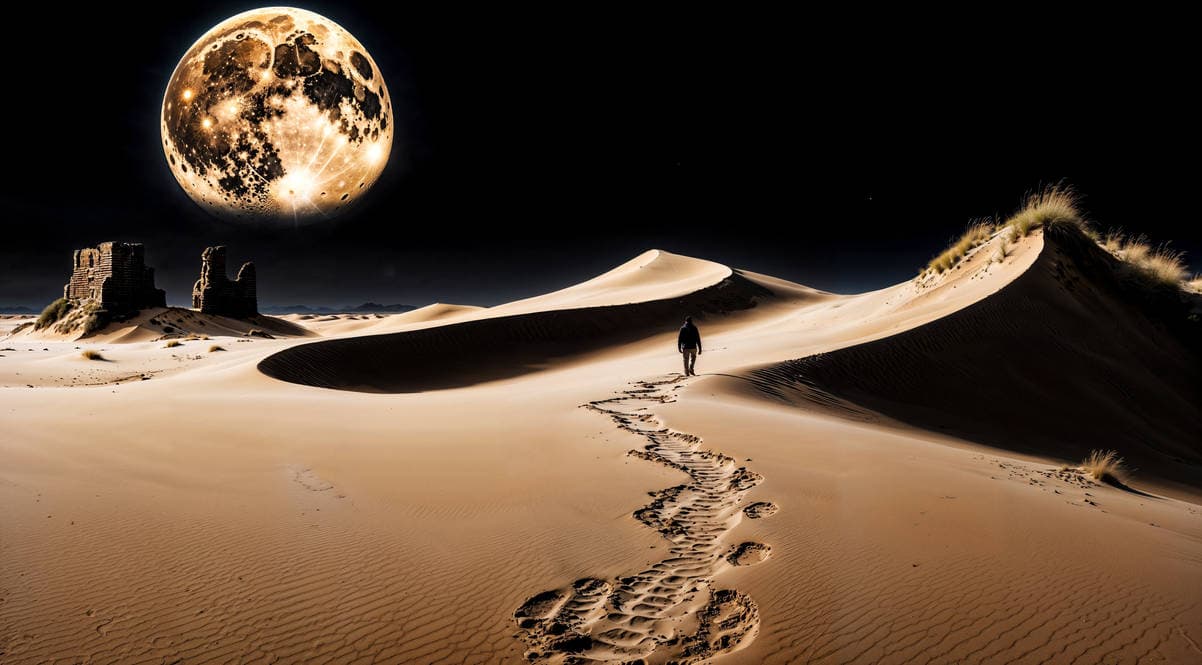

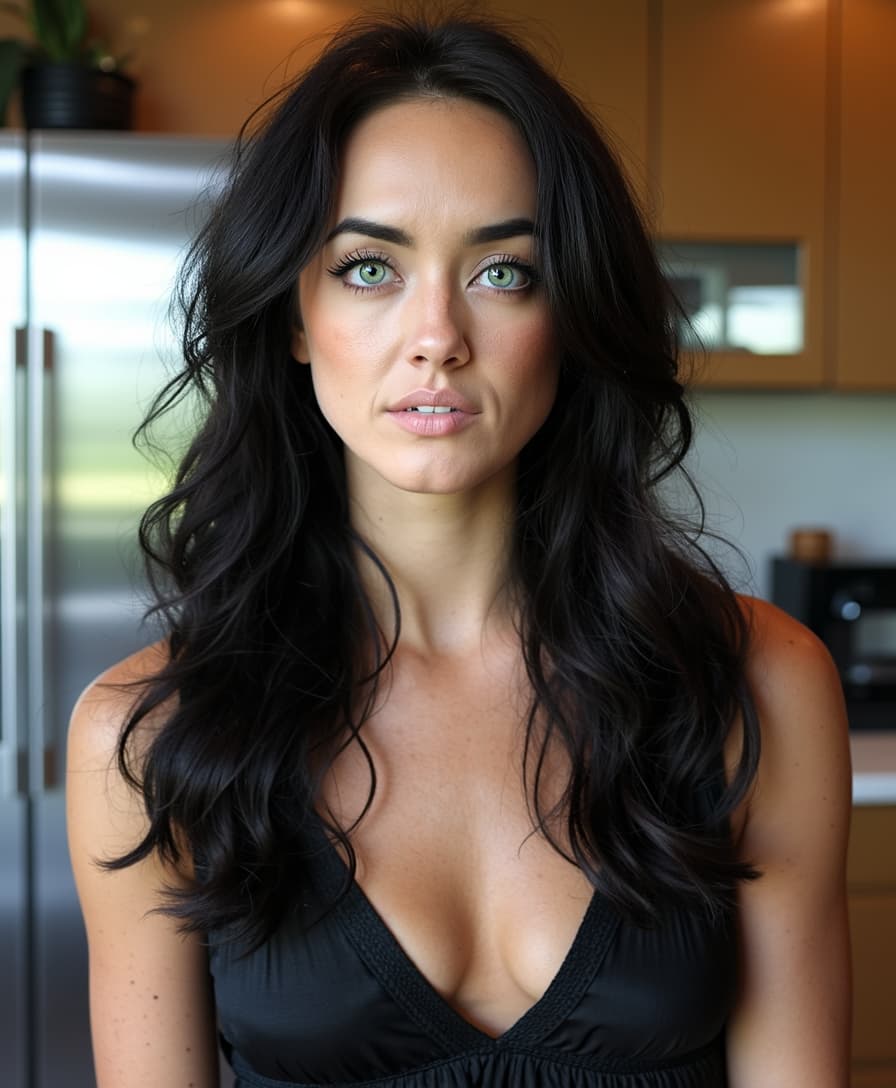
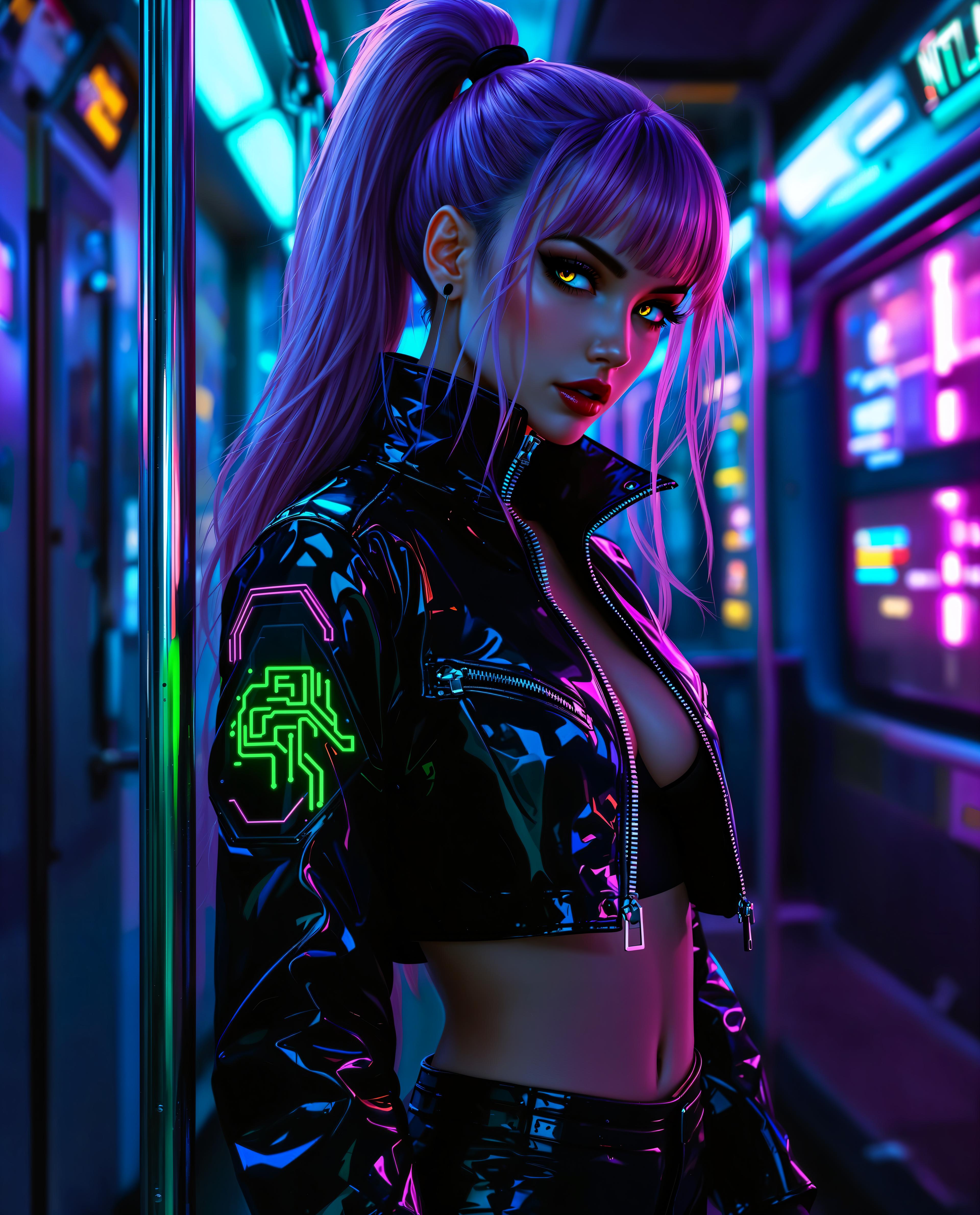
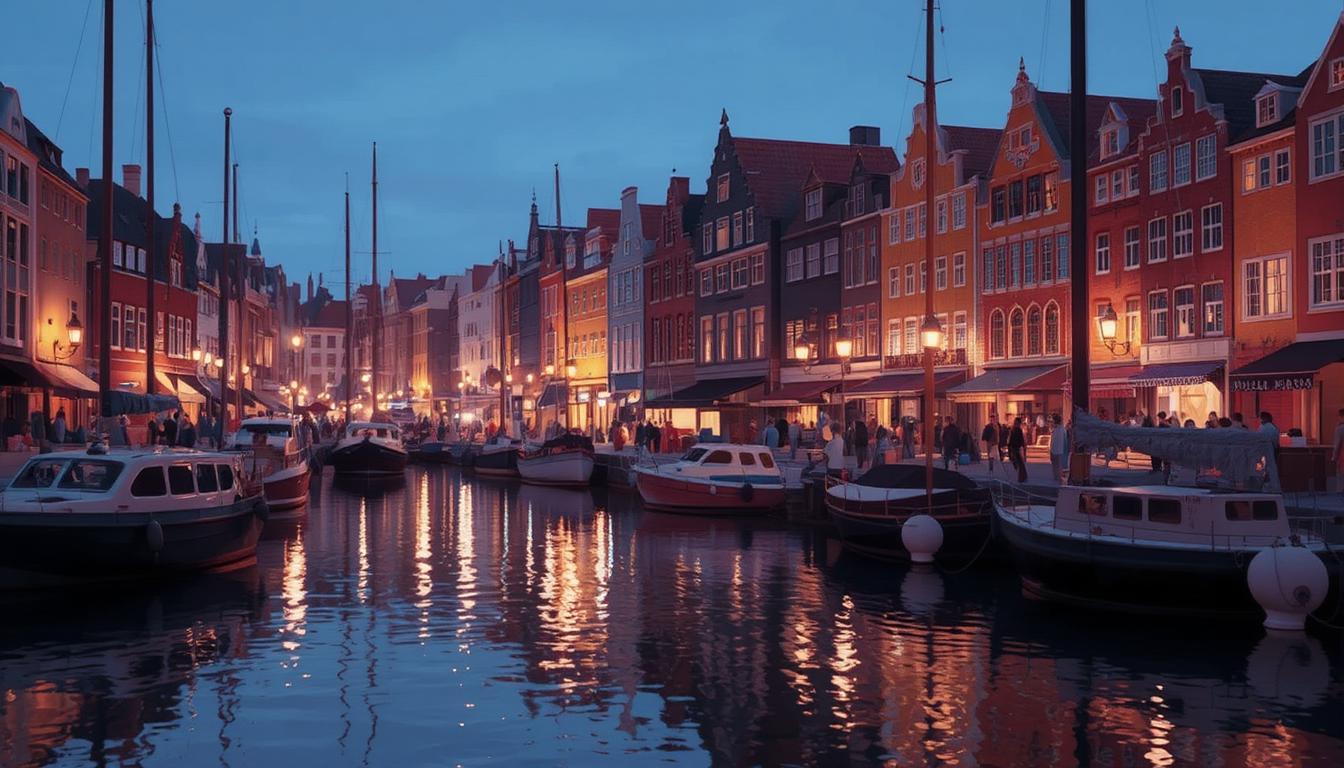


The Pixel Dojo Advantage
Why choose Seedream 4 for your image transformation needs? Here's how we stand out:
| Others | Pixel Dojo |
|---|---|
| Traditional Image Editing Software | No steep learning curves or expensive licenses; achieve professional results with simple prompts. |
| Generic AI Tools | Seedream 4 offers faster processing times and more precise transformations tailored to your prompts. |
| Manual Photo Editing | Save hours of manual work by leveraging AI to handle complex edits in seconds. |
Loved by Creators
See what our community says about seedream 4 image to image
"Seedream 4 has revolutionized my design process. The AI transformations are incredibly accurate and save me so much time."
Alex Johnson
Graphic Designer
"As a content creator, Seedream 4 allows me to produce high-quality visuals without needing advanced editing skills. It's a game-changer!"
Maria Lopez
Content Creator
Common Questions
Everything you need to know about seedream 4 image to image AI generation
How does Seedream 4's AI image-to-image transformation work?
Seedream 4 utilizes advanced AI algorithms to interpret your prompts and apply the desired transformations to your uploaded images, delivering high-quality results in seconds.
Can I use Seedream 4 for commercial projects?
Absolutely! Seedream 4 is designed to produce professional-grade images suitable for both personal and commercial use.
What file formats does Seedream 4 support for uploads?
Seedream 4 supports various image formats, including JPG and PNG, ensuring compatibility with most standard image files.
Is there a limit to the number of images I can transform?
Seedream 4 offers flexible plans to suit different needs. While there may be limits based on your subscription, our plans are designed to accommodate both casual users and professionals.
How long does it take to process an image transformation?
Thanks to our optimized AI models, most transformations are completed in just a few seconds, allowing for rapid iteration and creativity.
Do I need any prior experience with image editing to use Seedream 4?
Not at all! Seedream 4 is designed with user-friendliness in mind, enabling anyone to achieve stunning image transformations without prior editing experience.