seedream 4 multi reference generation AI Generator
Unlock the full potential of your creative projects with Seedream 4's multi-reference generation. This advanced AI tool allows you to produce high-quality, consistent images by leveraging multiple reference inputs, ensuring your visuals align perfectly with your vision.

Join thousands of creators who have enhanced their workflows with Seedream 4, achieving faster turnaround times and superior image quality.
Why Choose Pixel Dojo for seedream 4 multi reference generation
Professional-quality results with cutting-edge AI technology
Consistent Visual Identity
Maintain a uniform style across all your images by utilizing multiple references, ensuring brand consistency and professional appeal.
Efficient Workflow
Generate multiple images simultaneously, reducing production time and increasing efficiency in your creative process.
Enhanced Creative Control
Incorporate specific elements from various references to create unique, customized visuals that align with your project's requirements.
How It Works
Creating images with Seedream 4's multi-reference generation is a straightforward process that empowers you to bring your ideas to life with precision.
Step 1: Select Your References
Choose up to six reference images that embody the style, elements, or themes you wish to incorporate into your new creation.
Step 2: Input Your Prompt
Craft a detailed text prompt describing the desired outcome, specifying aspects like composition, color scheme, and mood.
Step 3: Generate and Refine
Click 'Generate' to produce your image. Review the output and make any necessary adjustments to achieve the perfect result.

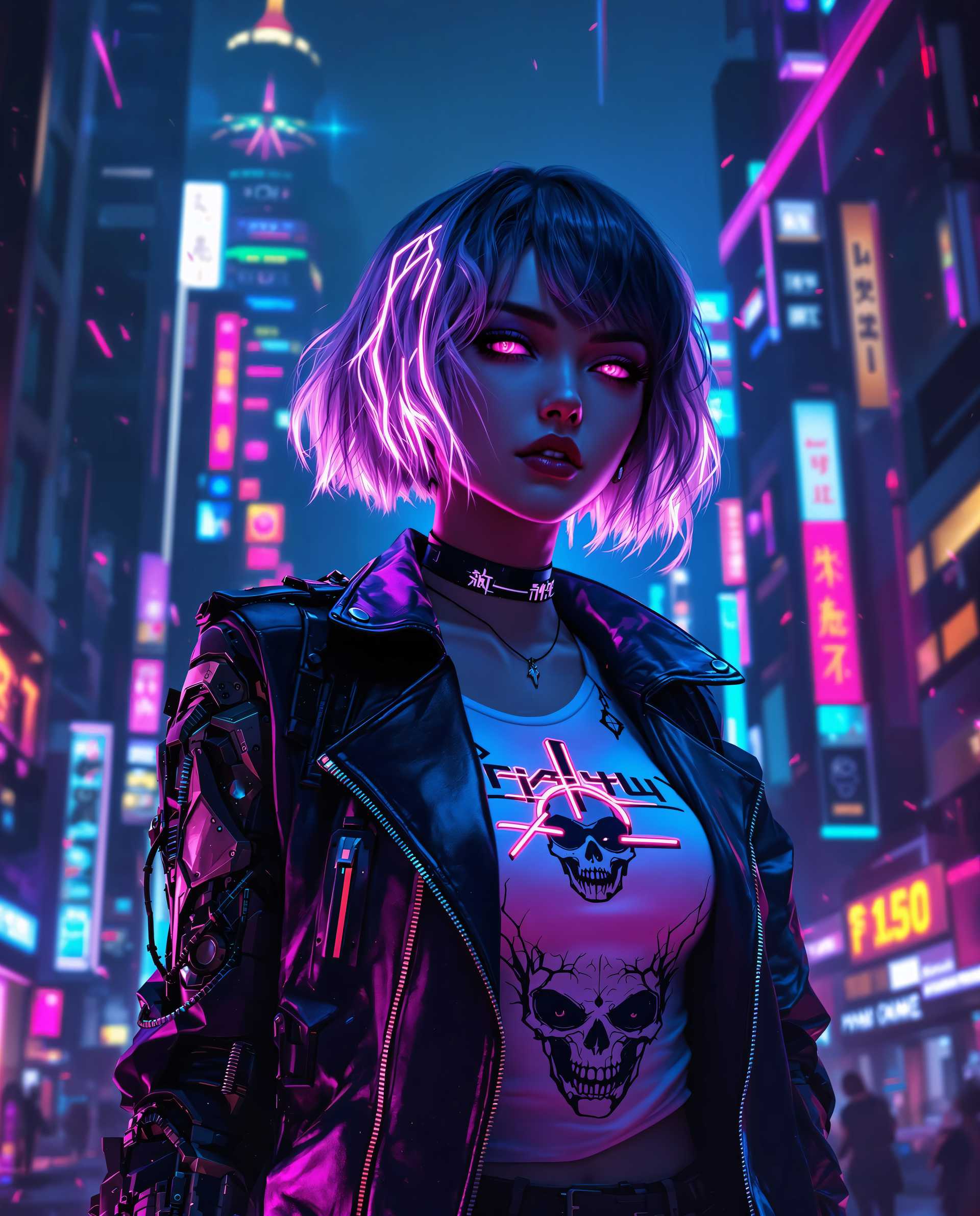

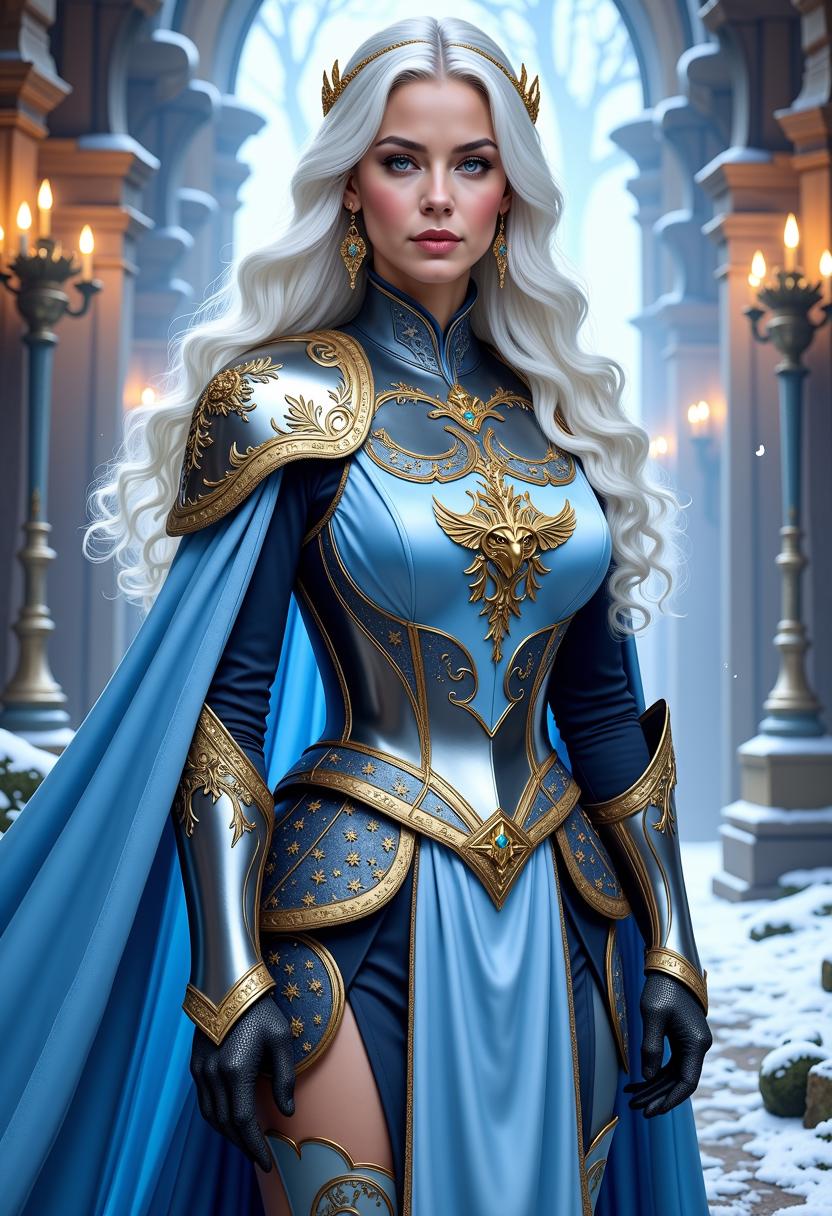

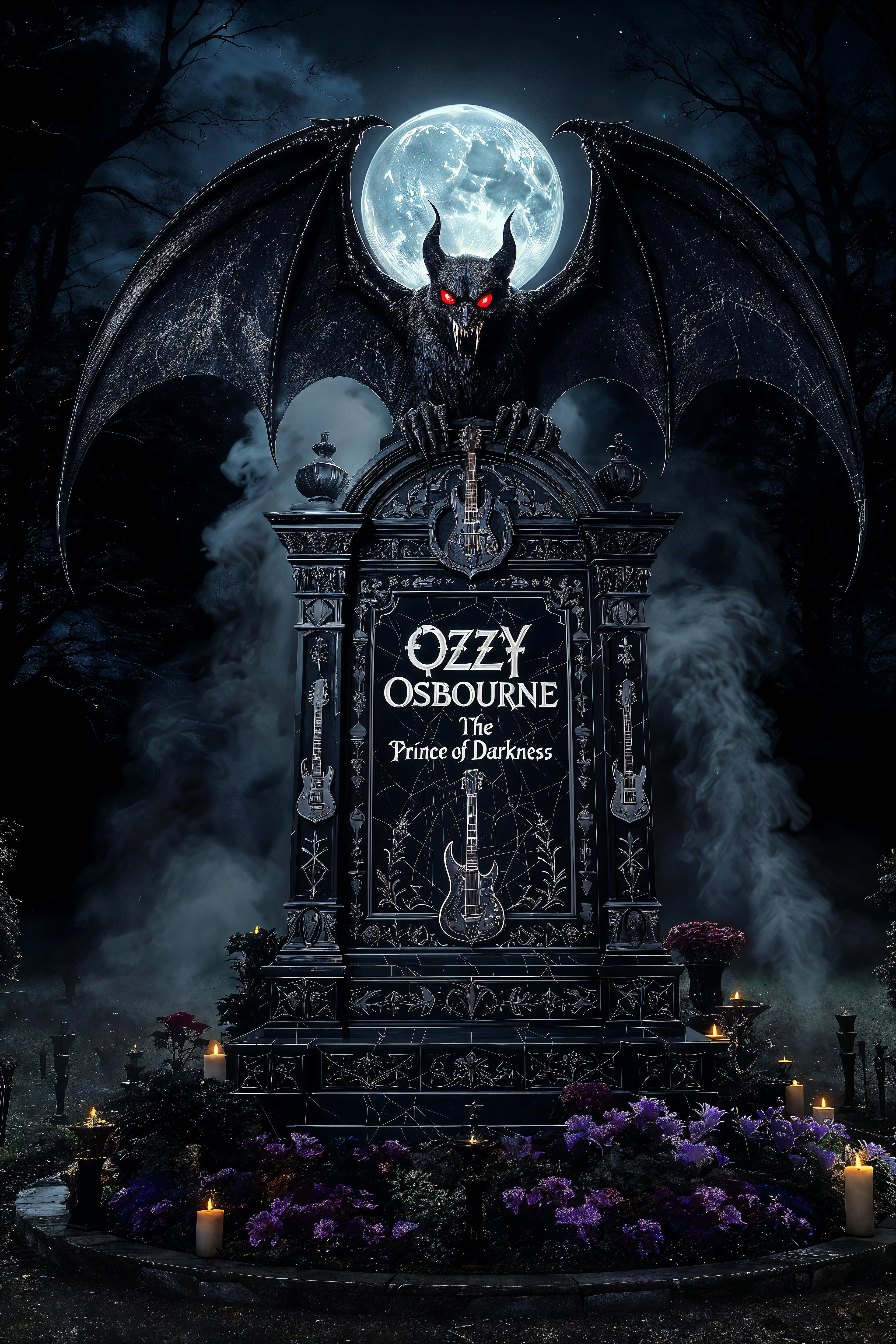
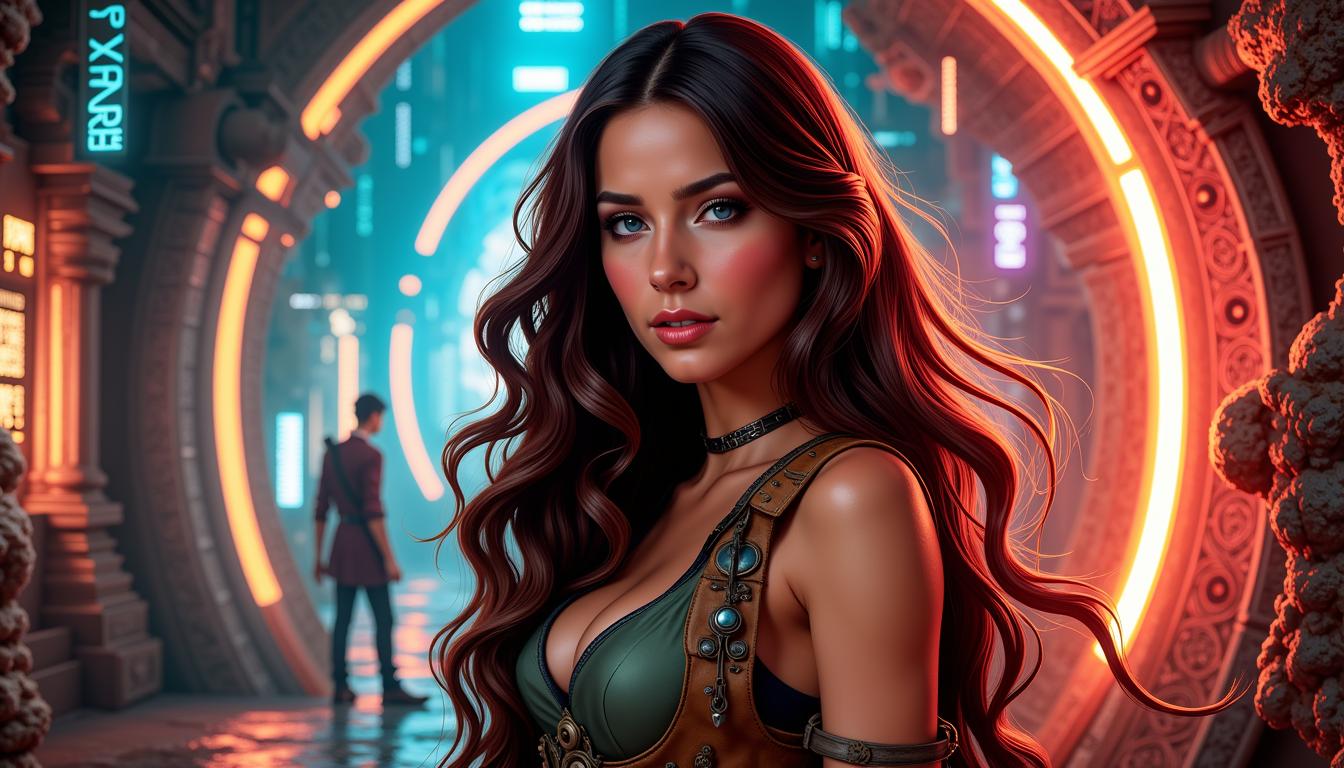

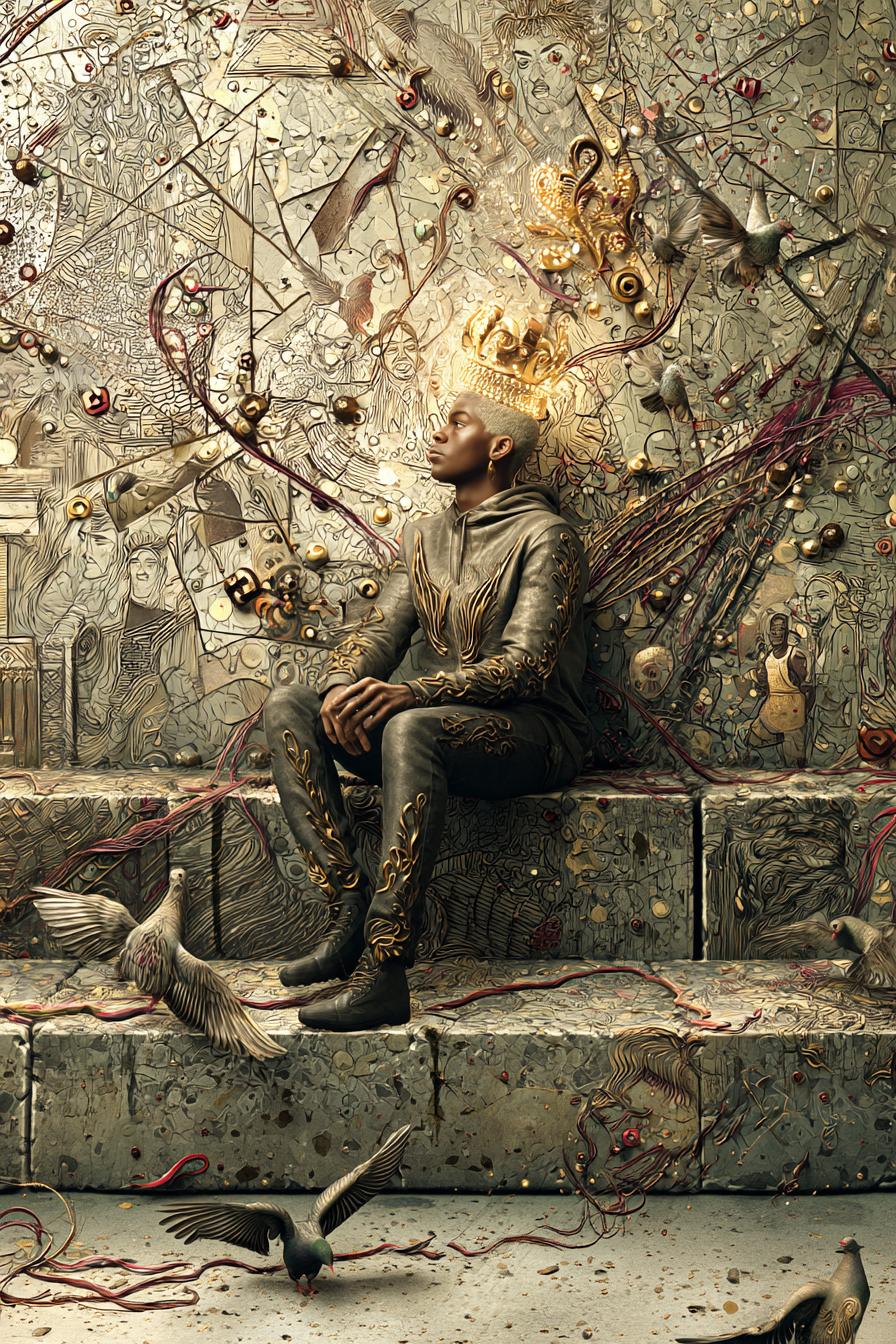
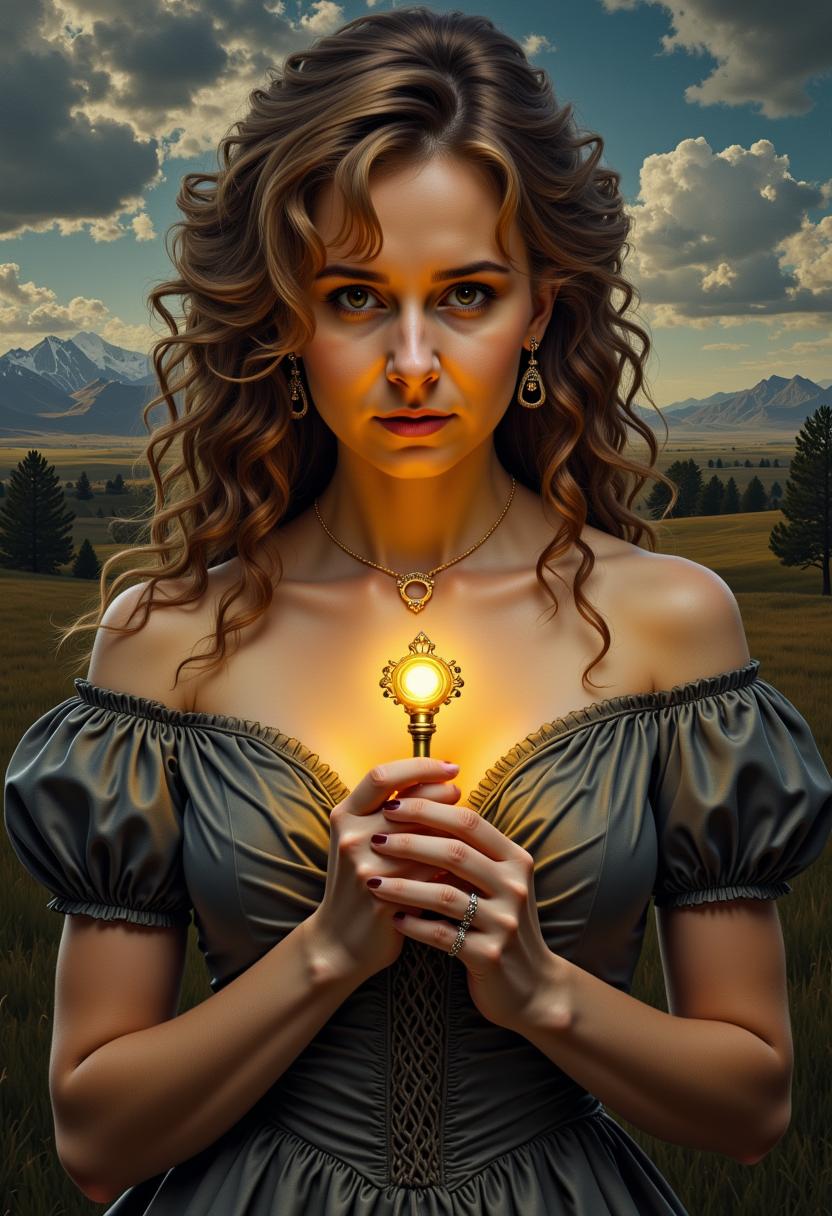



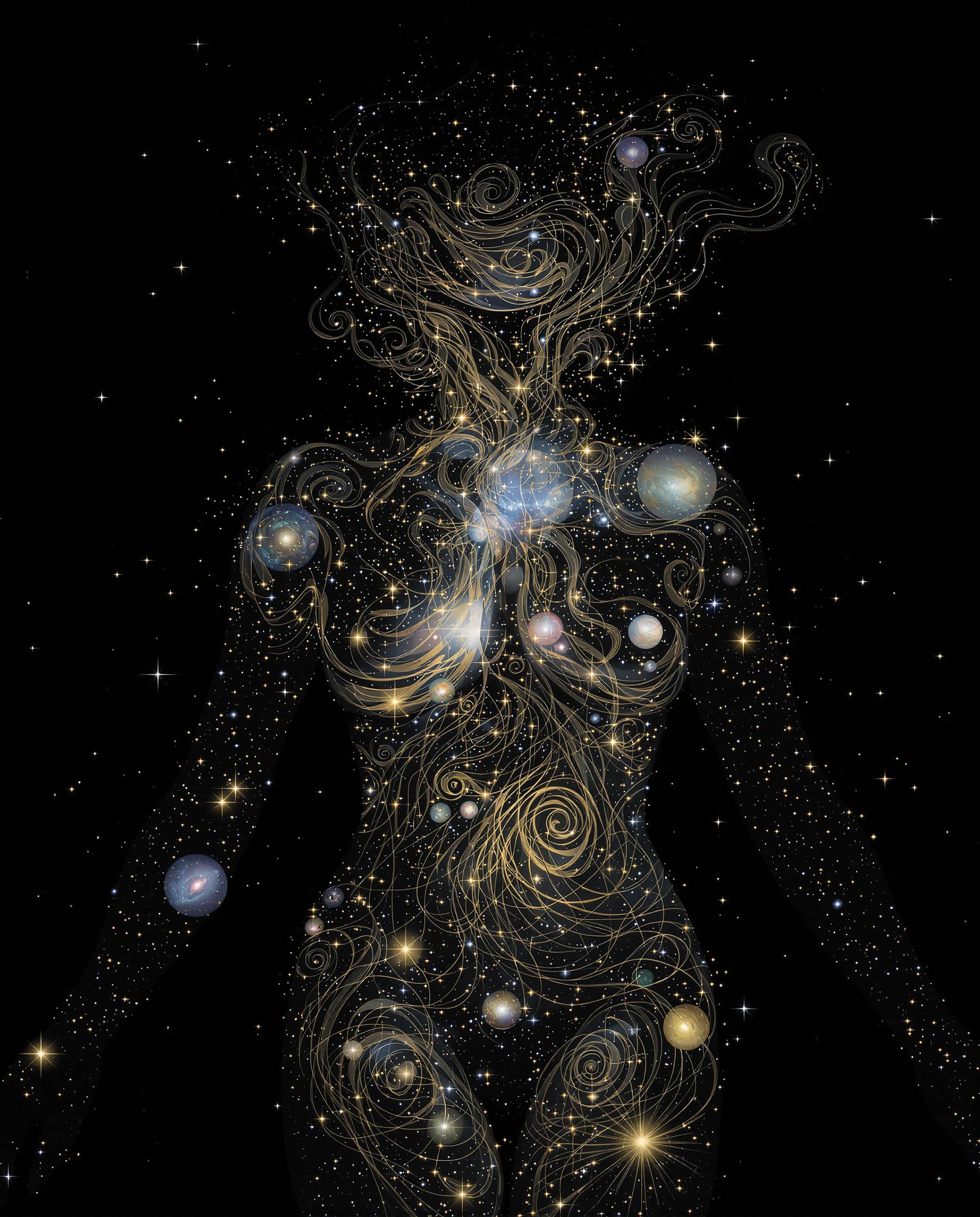
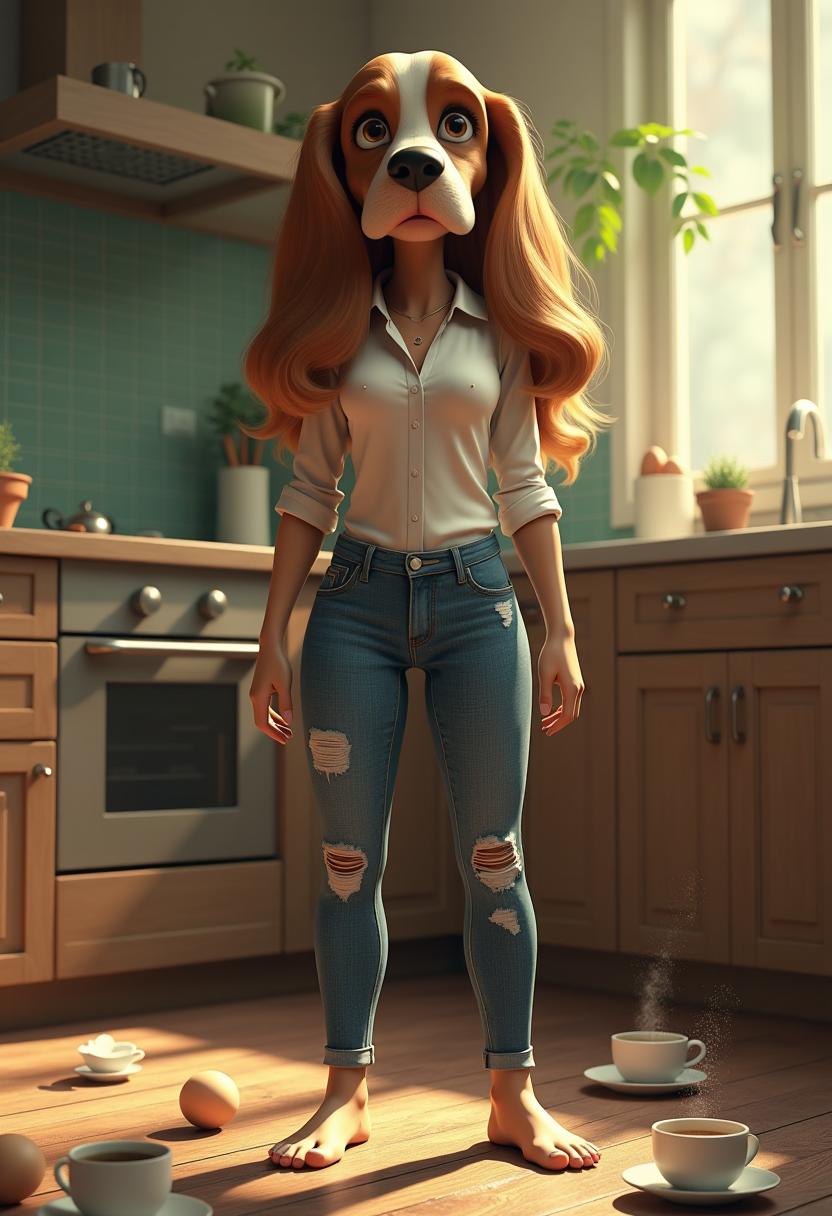
The Pixel Dojo Advantage
Why Seedream 4's multi-reference generation stands out in the realm of AI image creation.
| Others | Pixel Dojo |
|---|---|
| Traditional Image Editing | Eliminates the need for manual adjustments by automating the integration of multiple references into a cohesive image. |
| Single-Reference AI Tools | Offers enhanced control and consistency by allowing multiple references, unlike tools limited to a single input. |
| Manual Design Processes | Significantly reduces the time and effort required to achieve consistent visual styles across multiple images. |
Loved by Creators
See what our community says about seedream 4 multi reference generation
"Seedream 4's multi-reference generation has revolutionized our design process, enabling us to produce consistent, high-quality images in record time."
Alex Johnson
Creative Director
"The ability to use multiple references has given us unparalleled control over our visuals, ensuring our brand identity remains strong across all platforms."
Maria Lopez
Marketing Manager
Common Questions
Everything you need to know about seedream 4 multi reference generation AI generation
How does Seedream 4's multi-reference generation enhance image consistency?
By allowing up to six reference images, Seedream 4 ensures that generated images maintain a consistent style and theme, aligning perfectly with your project's requirements.
Can I use Seedream 4 for commercial projects?
Yes, Seedream 4 produces high-resolution images suitable for commercial use, making it ideal for marketing materials, product designs, and more.
Is there a limit to the number of images I can generate simultaneously?
Seedream 4 supports batch generation, allowing you to create multiple images at once, streamlining your workflow and increasing efficiency.
Do I need technical skills to use Seedream 4?
No, Seedream 4 is designed with an intuitive interface that makes it accessible to users of all skill levels, enabling anyone to create professional-quality images.
How fast is the image generation process with Seedream 4?
Seedream 4 can generate 2K resolution images in approximately 1.8 seconds, significantly reducing the time required for image creation.
Can I edit existing images using Seedream 4?
Yes, Seedream 4 offers advanced image editing capabilities, allowing you to modify existing images with precision using natural language prompts.