storyboard camera shots AI Generator
Crafting compelling storyboards is essential for visual storytelling, but it can be time-consuming and require artistic skills. With PixelDojo's AI-powered tools, you can effortlessly generate precise storyboard camera shots, ensuring visual consistency and streamlining your pre-production process. Focus on bringing your creative vision to life without the hassle of manual drawing.
Join over 10,000 creators who have enhanced their storyboarding process with PixelDojo's AI tools, achieving a 50% reduction in pre-production time.
Why Choose Pixel Dojo for storyboard camera shots
Professional-quality results with cutting-edge AI technology
Effortless Storyboard Creation
Generate detailed storyboard camera shots quickly, saving hours of manual work.
Consistent Visuals Across Scenes
Maintain character and scene consistency throughout your storyboard, enhancing storytelling clarity.
Enhanced Creative Control
Customize camera angles, shot types, and scene elements to match your unique vision.
How It Works
Creating professional storyboard camera shots with PixelDojo is simple and intuitive. Follow these steps to bring your storyboards to life:
Step 1: Select the 'Generate Images' Tool
Navigate to PixelDojo's 'Generate Images' section and choose a tool like 'Flux.2 Studio' or 'SDXL' to begin creating your storyboard images.
Step 2: Input Your Scene Description
Enter a detailed description of your scene, including characters, setting, and desired camera angles. For example, 'A close-up shot of a detective examining a clue in a dimly lit room.'
Step 3: Generate and Refine Your Shots
Click 'Generate' to create your storyboard image. Use the 'Edit Images' tools like 'Change Camera Angle' or 'Inpainting' to adjust and refine the shot as needed.


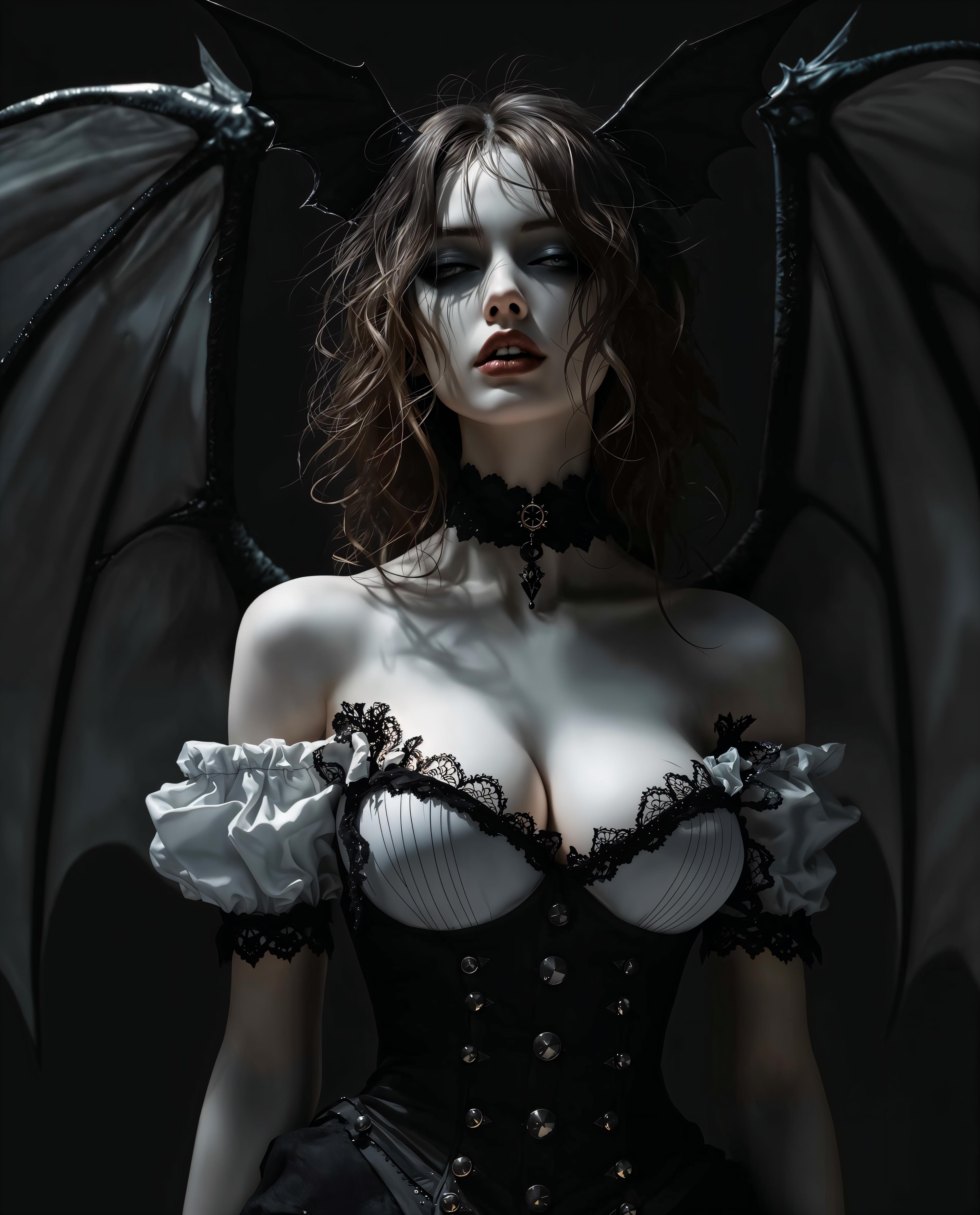
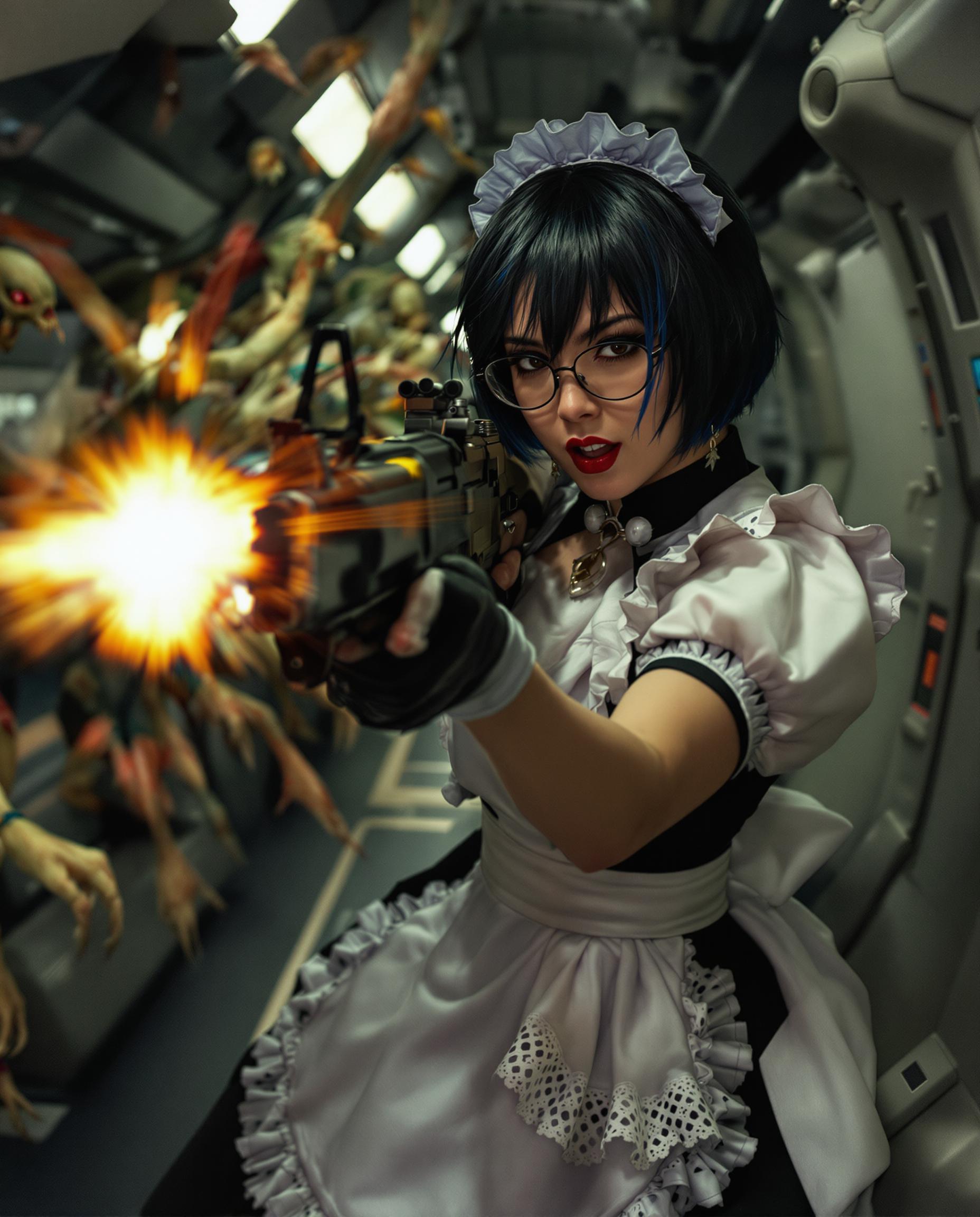
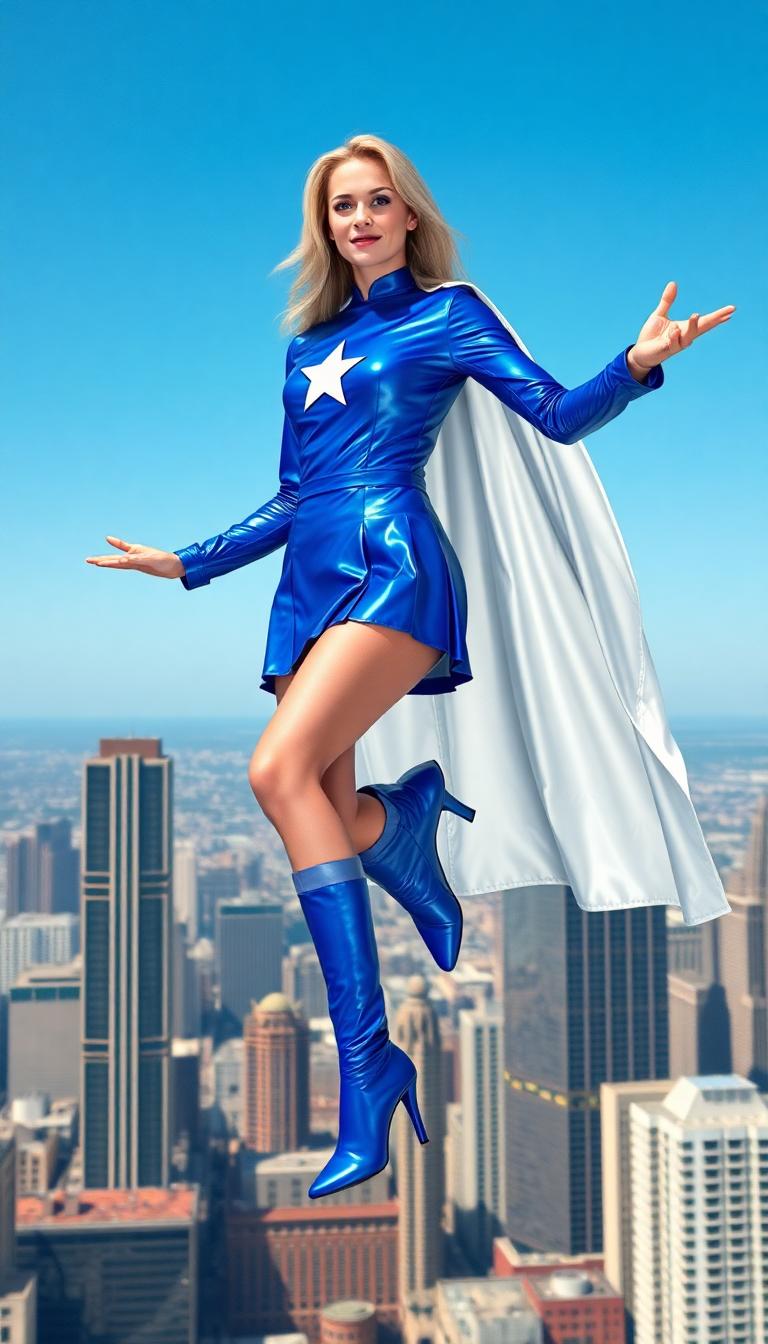
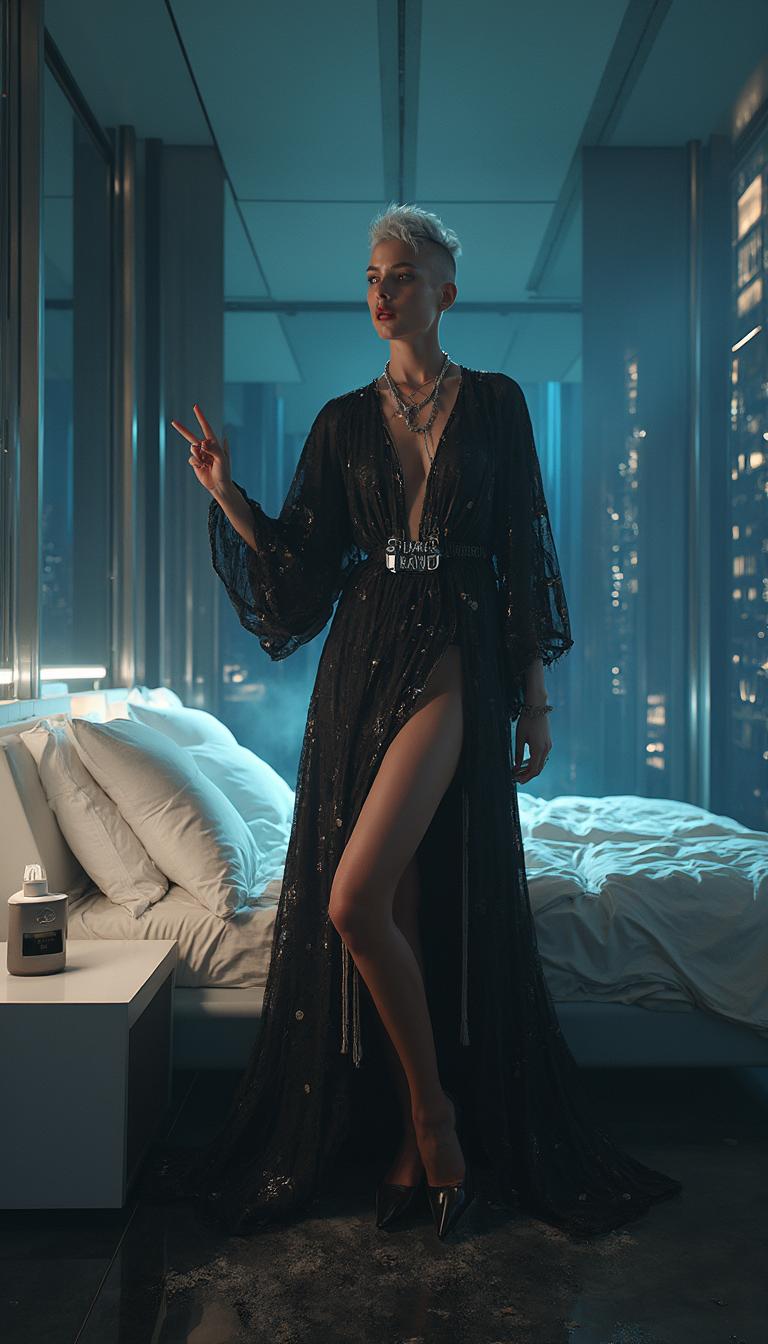


The Pixel Dojo Advantage
Why PixelDojo is the superior choice for generating storyboard camera shots:
| Others | Pixel Dojo |
|---|---|
| Traditional Hand-Drawn Storyboards | Eliminate the need for manual drawing skills and reduce creation time by over 50%. |
| Generic AI Image Generators | Tailored specifically for storyboard creation, offering tools like 'Change Camera Angle' and 'Inpainting' for precise adjustments. |
| Manual Photo Editing | Streamline the process with AI-driven tools that automatically adjust lighting, angles, and composition, ensuring consistency across shots. |
Loved by Creators
See what our community says about storyboard camera shots
"PixelDojo revolutionized our pre-production process. We can now create detailed storyboards in a fraction of the time."
Alex Johnson
Film Director
"The AI tools provided by PixelDojo ensure our storyboards are visually consistent, enhancing our storytelling clarity."
Maria Lopez
Storyboard Artist
Common Questions
Everything you need to know about storyboard camera shots AI generation
How does PixelDojo ensure consistency in storyboard camera shots?
PixelDojo's AI tools, such as 'Consistent Characters' and 'Change Camera Angle,' maintain visual consistency by standardizing character appearances and camera perspectives across all shots.
Can I customize camera angles and shot types with PixelDojo?
Absolutely. PixelDojo offers tools like 'Change Camera Angle' and 'Style Transfer' that allow you to adjust camera perspectives and apply specific visual styles to match your creative vision.
Is PixelDojo suitable for beginners without artistic skills?
Yes, PixelDojo is designed to be user-friendly, enabling creators of all skill levels to generate professional-quality storyboard camera shots without prior artistic experience.
What file formats can I export my storyboard images in?
PixelDojo supports various export formats, including JPEG, PNG, and PDF, allowing you to integrate your storyboard images seamlessly into your production workflow.
Does PixelDojo offer collaboration features for teams?
Yes, PixelDojo provides collaborative tools that enable team members to work together on storyboards, share feedback, and make real-time edits, enhancing team productivity.
How does PixelDojo handle different art styles in storyboards?
With tools like 'Style Transfer,' PixelDojo allows you to apply various artistic styles to your storyboard images, ensuring they align with your project's aesthetic requirements.