turn your photo into anime AI Generator
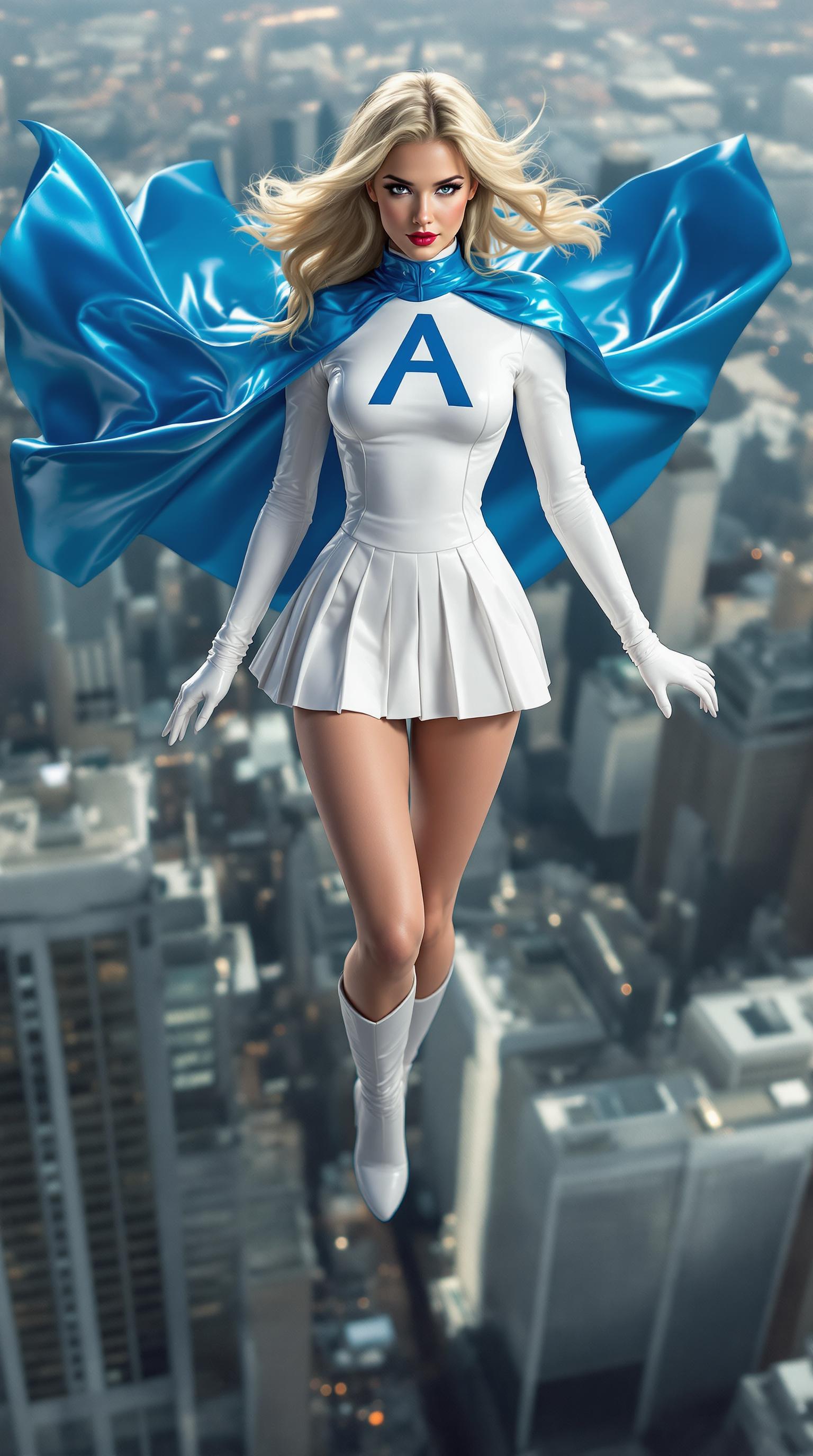
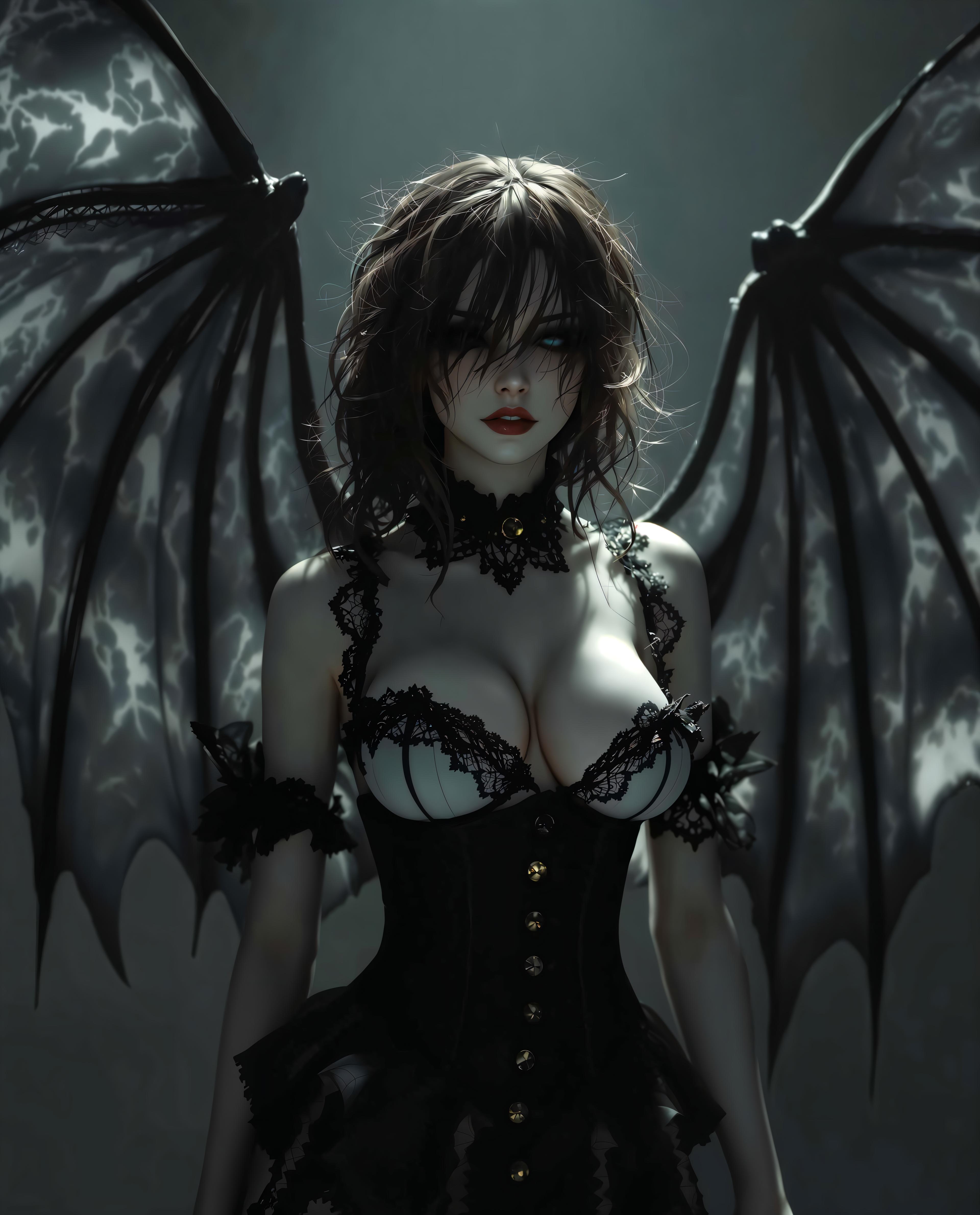
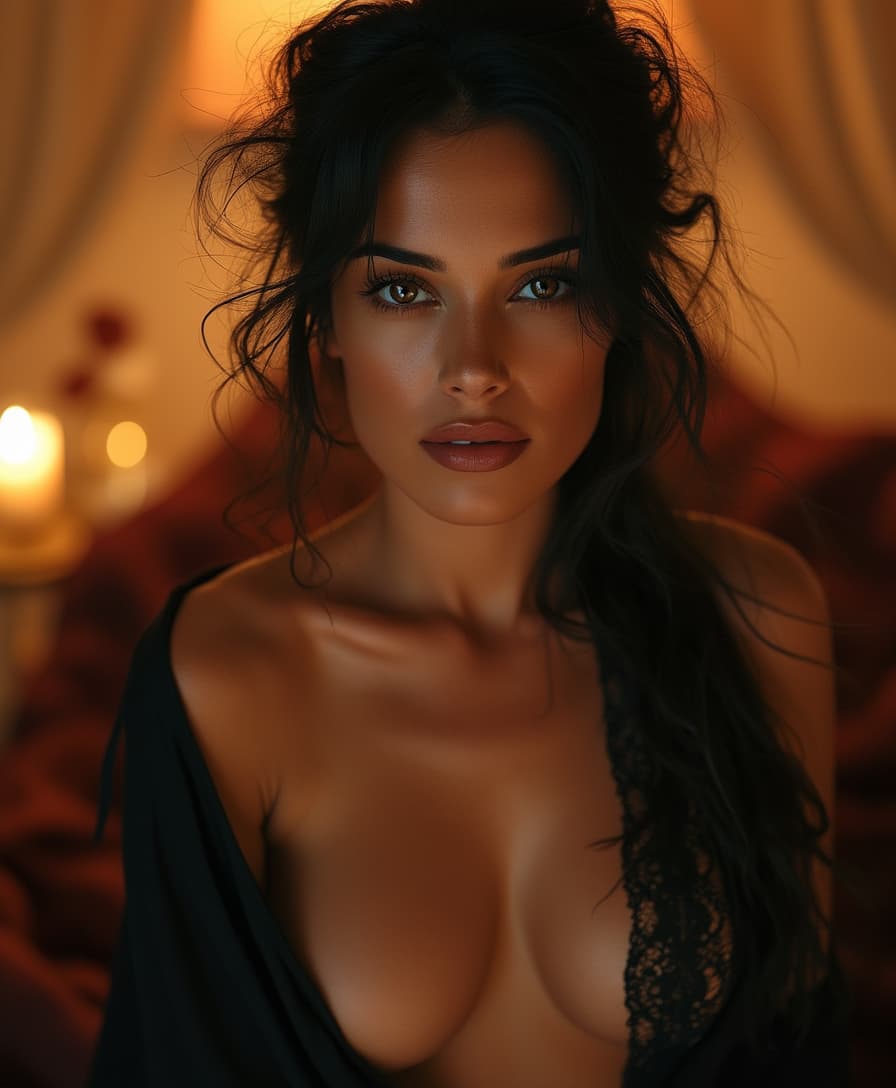
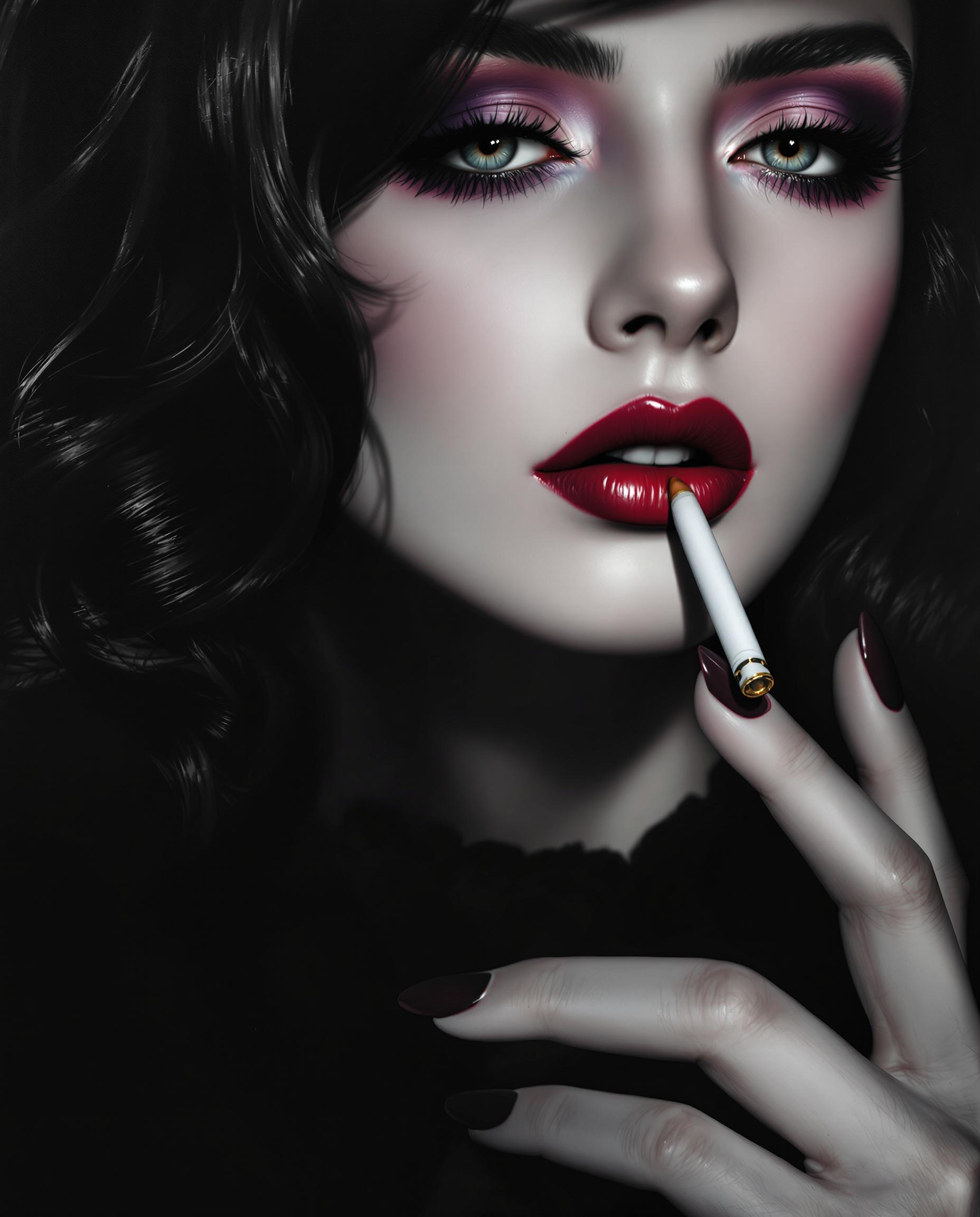
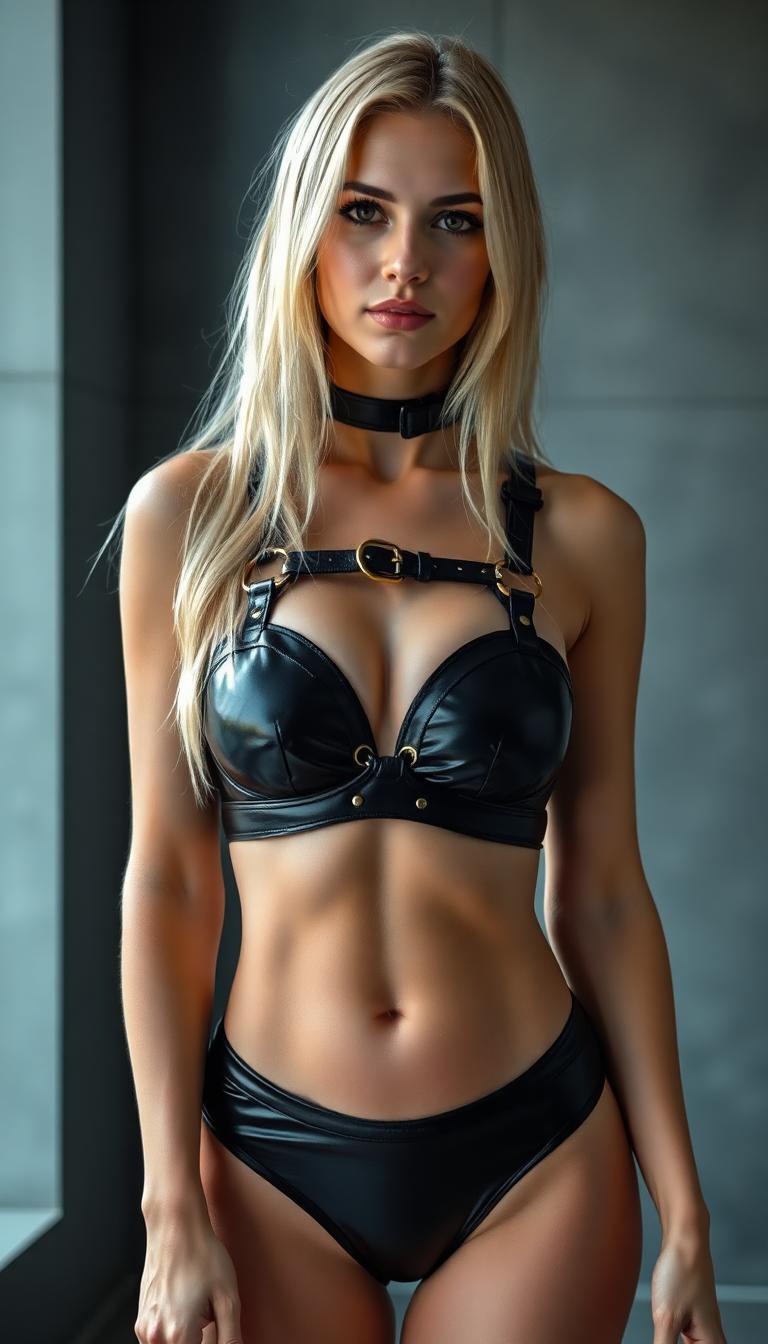
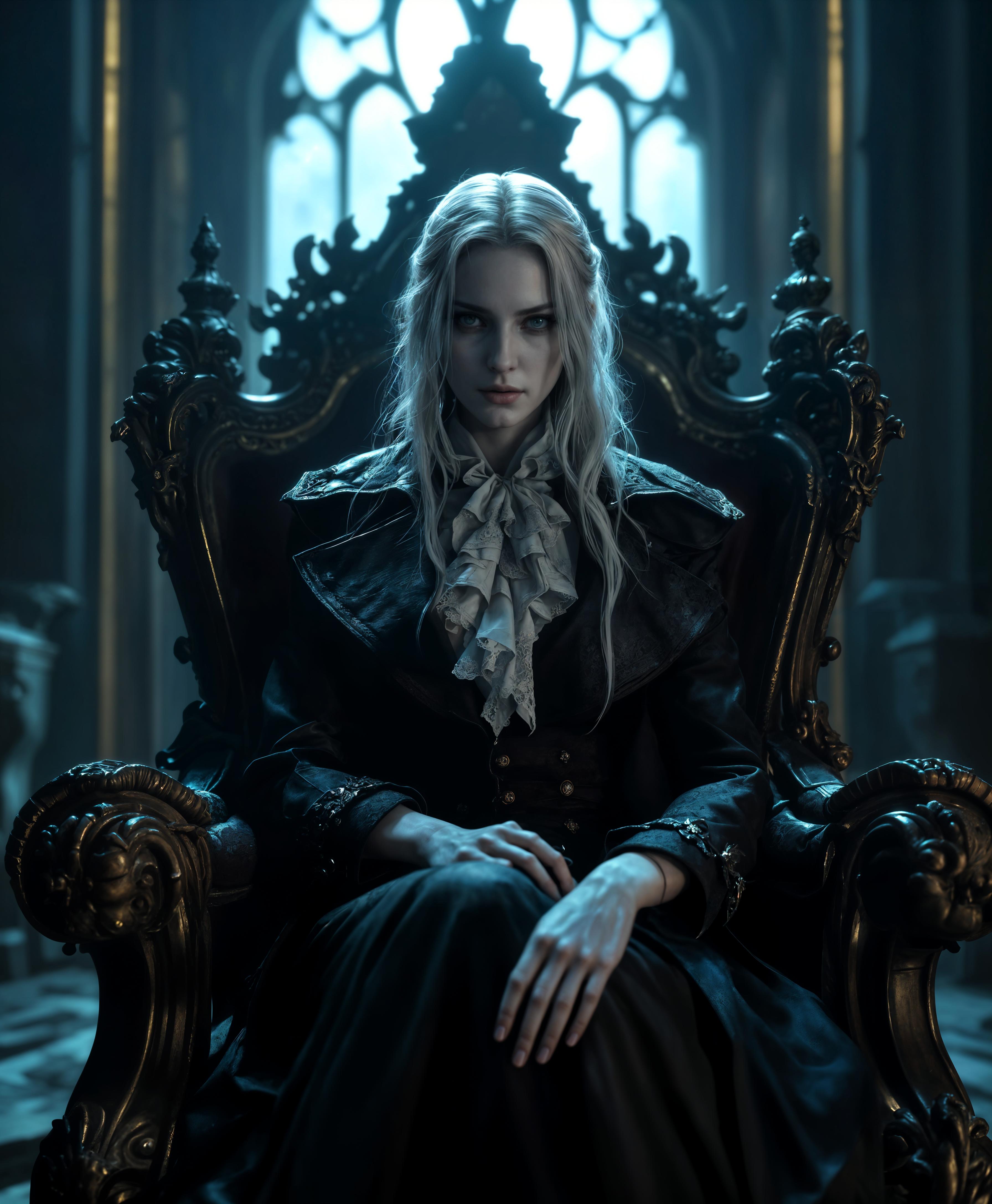
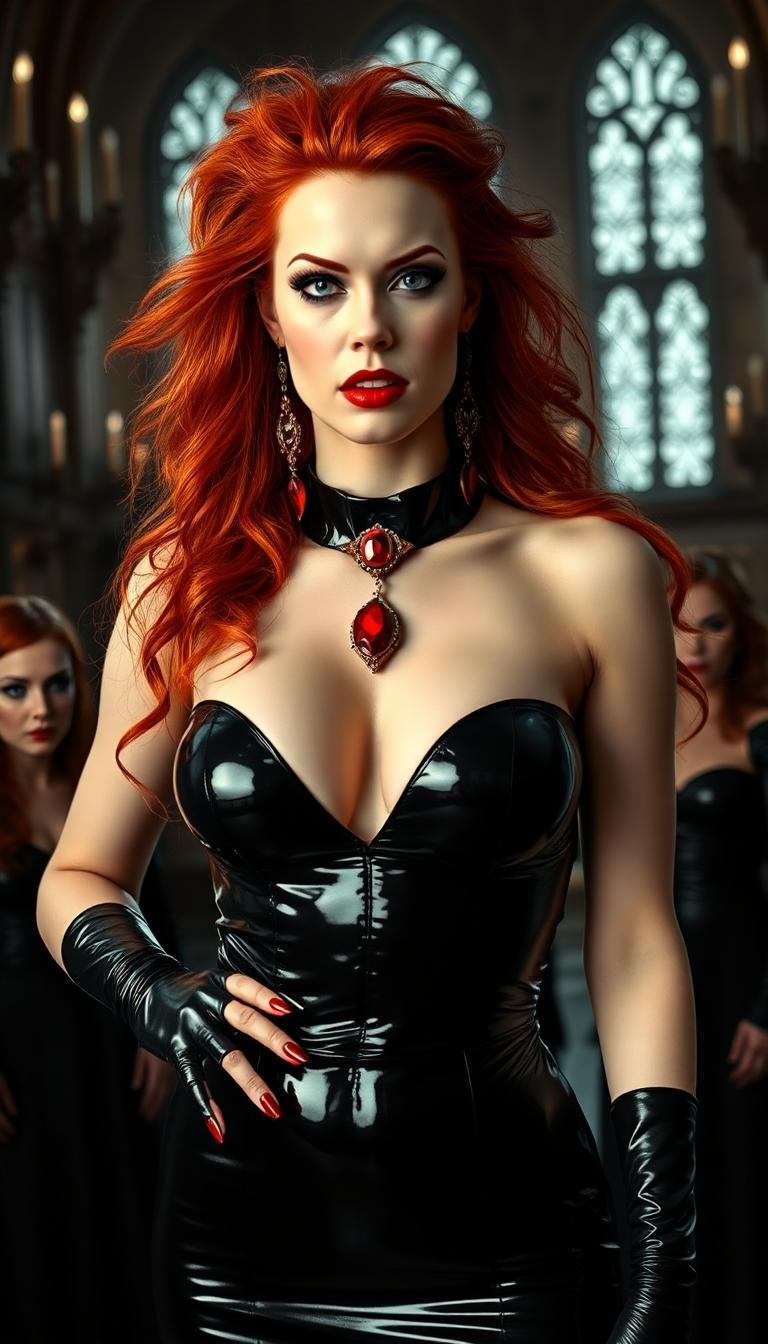
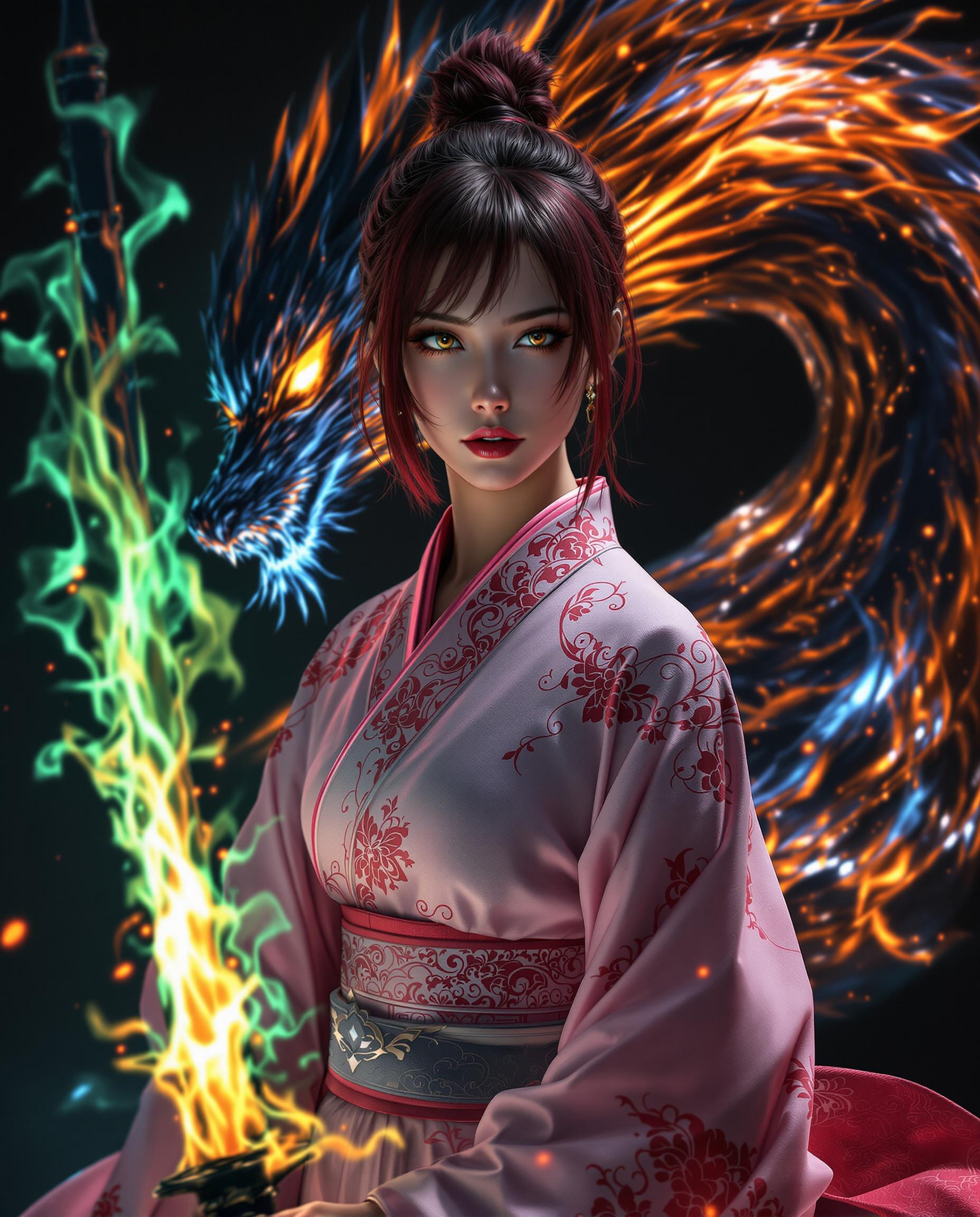
Ever wondered how you'd look as an anime character? With PixelDojo's cutting-edge AI tools, you can effortlessly transform your photos into captivating anime-style images. Whether you're looking to create a unique profile picture, design personalized gifts, or simply explore your creativity, PixelDojo makes it easy and fun.
Join over 10,000 satisfied users who have transformed their photos into anime art with PixelDojo's AI tools.
Why Choose Pixel Dojo for turn your photo into anime
Professional-quality results with cutting-edge AI technology
Effortless Transformation
Convert your photos into anime art with just a few clicks, no design skills needed.
Diverse Anime Styles
Choose from a variety of anime styles to match your personal aesthetic.
High-Quality Results
Generate high-resolution anime images suitable for printing or sharing online.
How It Works
Creating anime-style images with PixelDojo is simple and straightforward. Follow these steps to bring your photos to life:
Step 1: Choose Your Tool
Select the 'Image to Image' tool from PixelDojo's suite of AI applications.
Step 2: Upload Your Photo
Click on the upload button and select the photo you wish to transform into anime style.
Step 3: Select Anime Style
Choose your preferred anime style from the available options to apply to your photo.
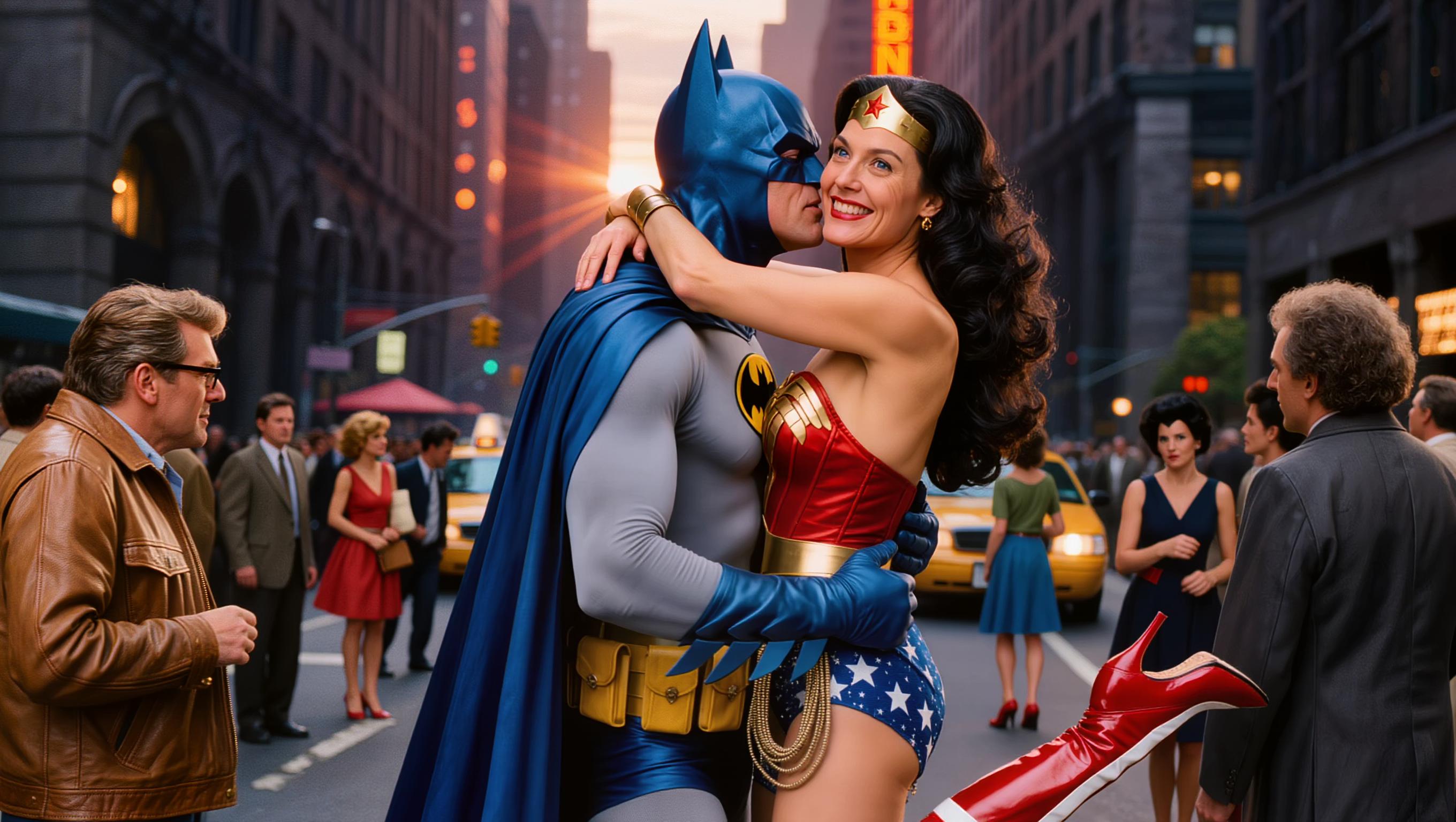
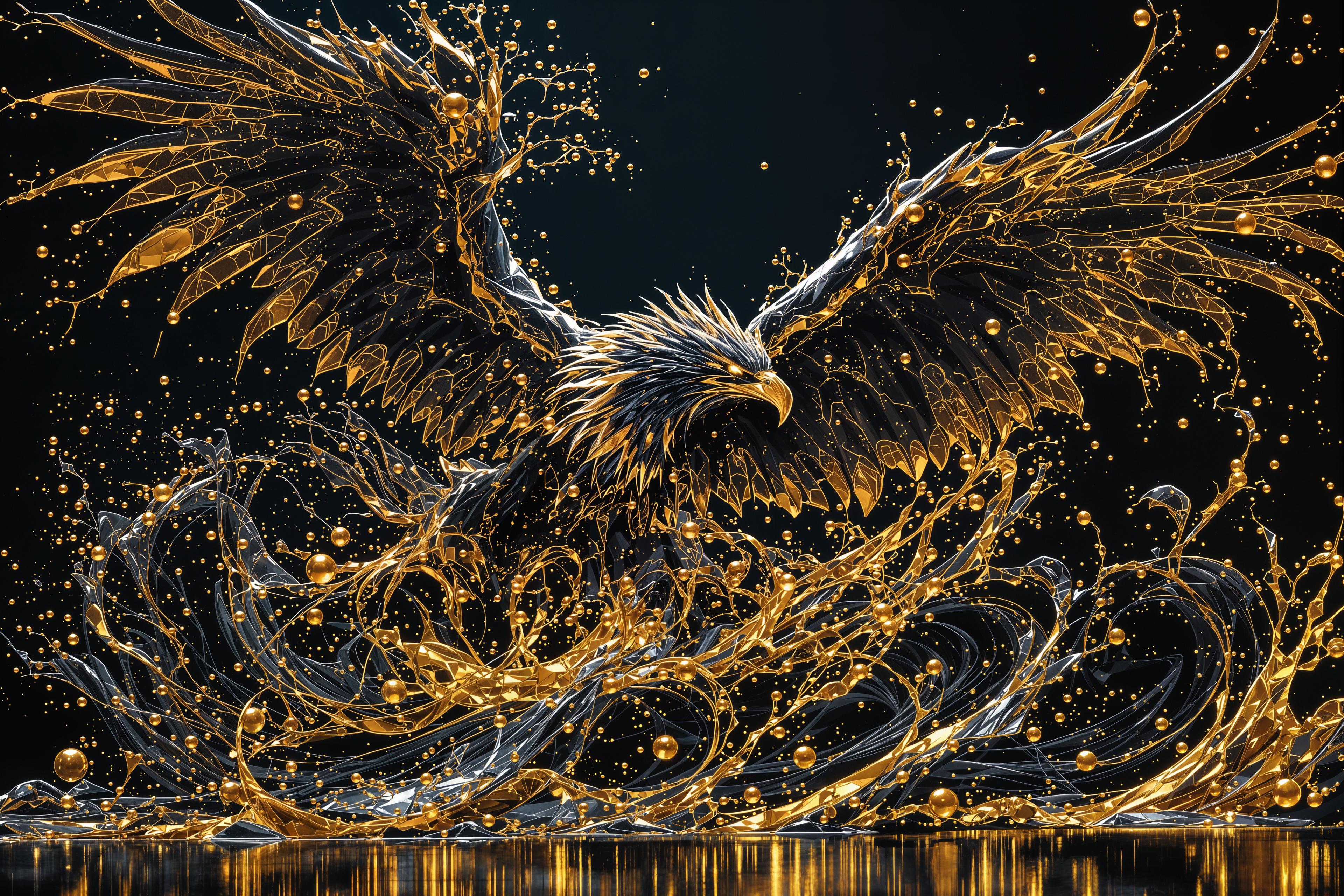
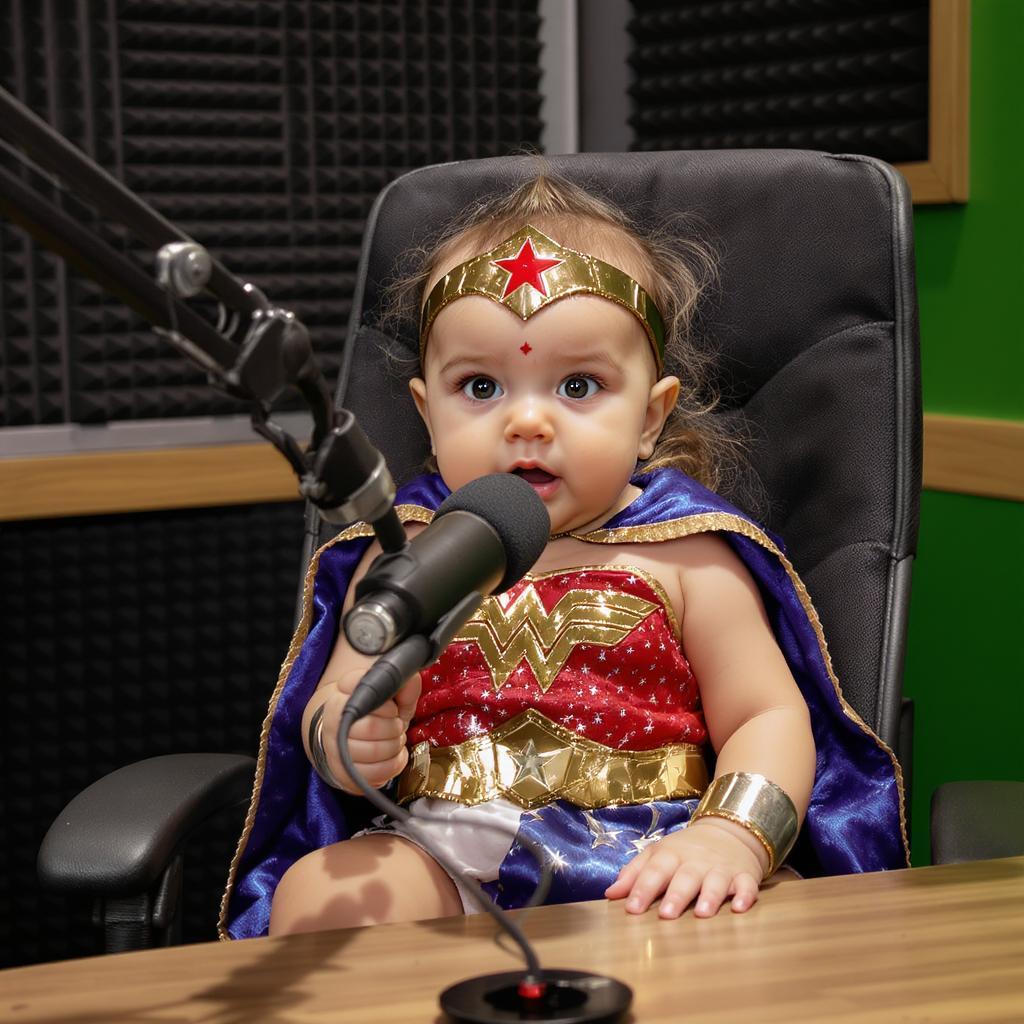
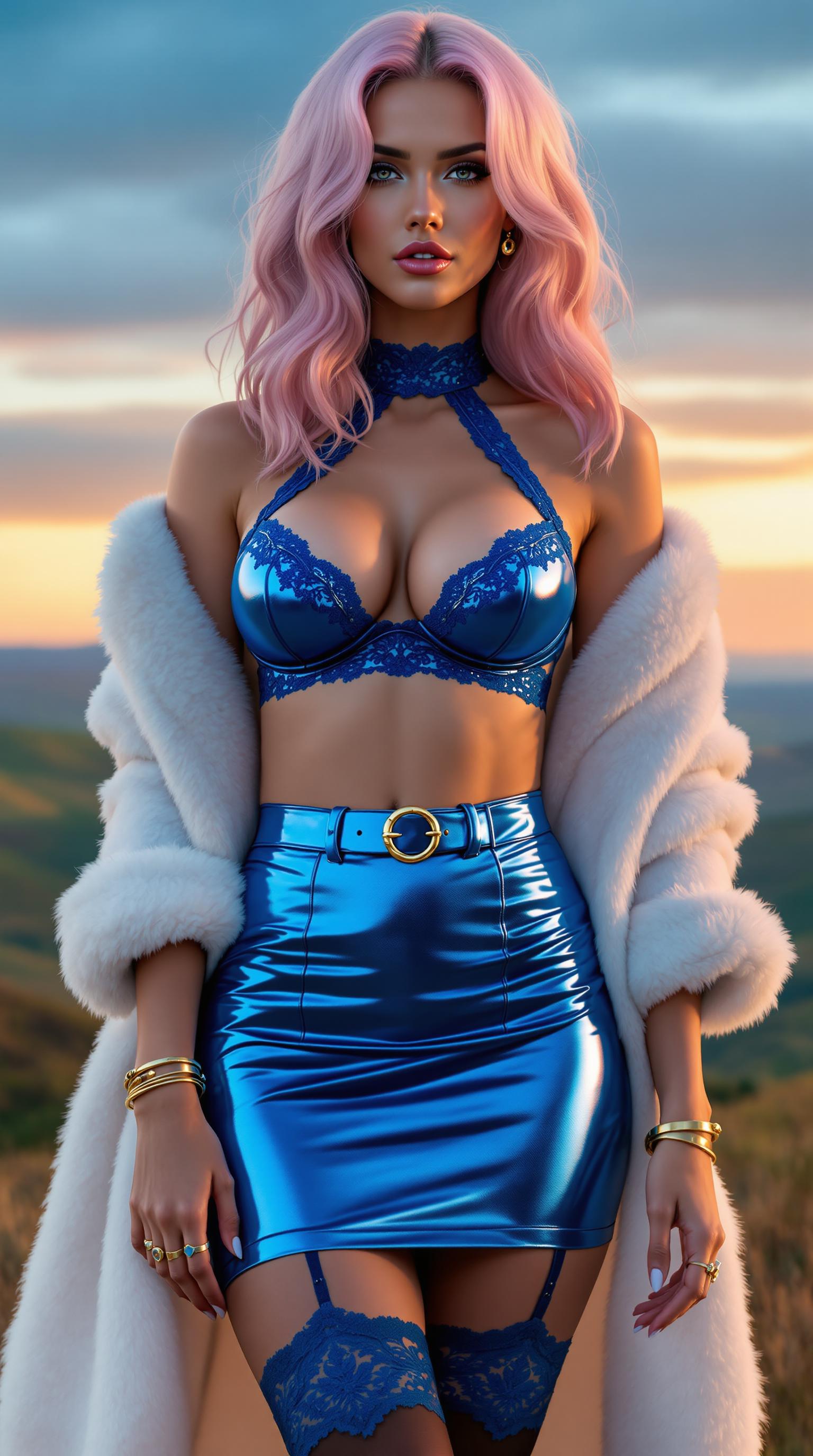
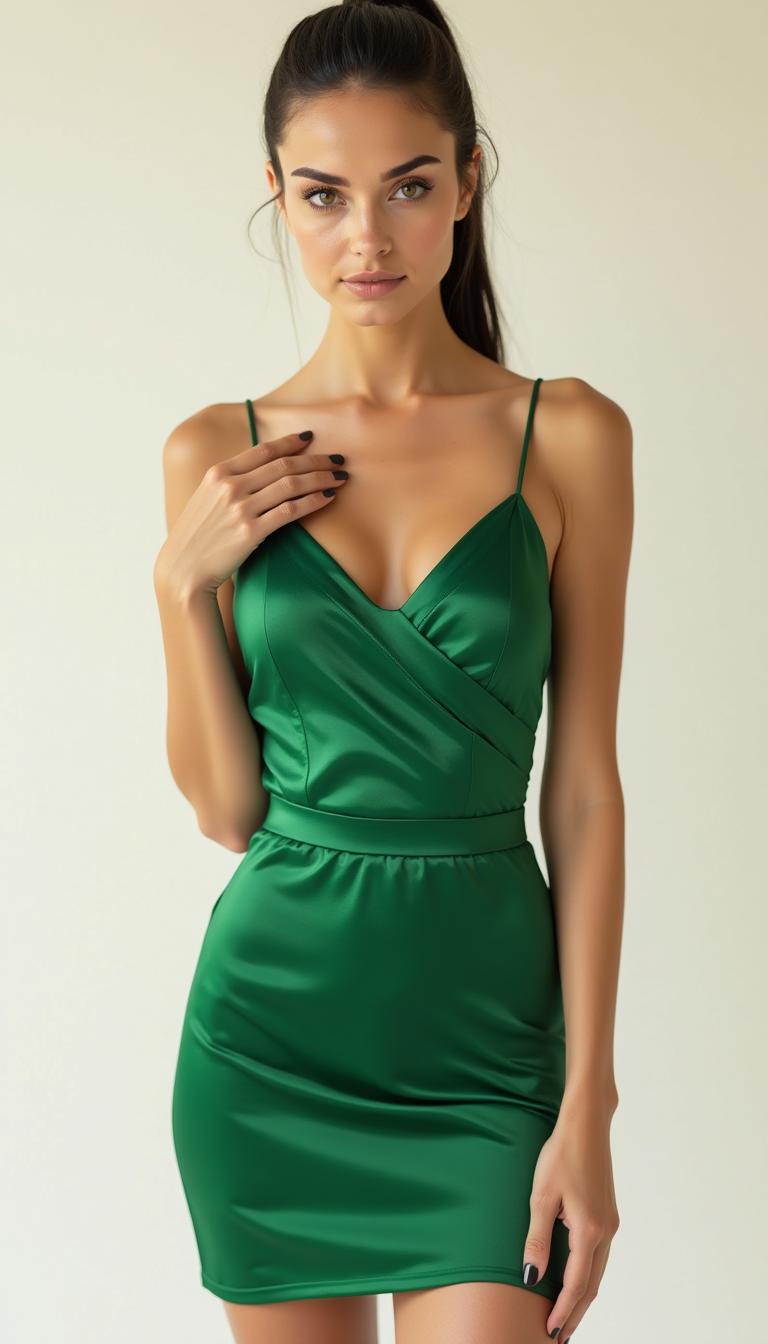

The Pixel Dojo Advantage
Why PixelDojo is the superior choice for transforming photos into anime art:
| Others | Pixel Dojo |
|---|---|
| Traditional Photo Editing | No need for manual editing skills; our AI handles the transformation seamlessly. |
| Generic AI Tools | Access to a wide range of anime styles and customization options tailored to your preferences. |
| Manual Drawing | Save time and effort by generating high-quality anime images instantly. |
Loved by Creators
See what our community says about turn your photo into anime
"PixelDojo made it incredibly easy to turn my photos into anime art. The results are stunning!"
Alex Johnson
Digital Artist
"I love the variety of anime styles available. PixelDojo has truly unlocked my creativity."
Samantha Lee
Content Creator
Common Questions
Everything you need to know about turn your photo into anime AI generation
How can I turn my photo into anime using PixelDojo?
Simply use our 'Image to Image' tool: upload your photo, select your desired anime style, and let our AI do the rest.
Do I need any design skills to use PixelDojo's anime converter?
No, PixelDojo is designed for users of all skill levels. Our AI handles the transformation process for you.
Can I choose different anime styles for my photos?
Yes, PixelDojo offers a variety of anime styles to suit your preferences.
Is there a limit to how many photos I can convert to anime?
PixelDojo offers flexible subscription plans to accommodate your needs. Check our pricing page for more details.
Can I use the anime images I create for commercial purposes?
Yes, images created with PixelDojo can be used for both personal and commercial projects.
Is my data secure when using PixelDojo?
Absolutely. We prioritize your privacy and ensure that your data is securely processed and stored.