veo 2 camera AI Generator
Imagine bringing your creative visions to life with videos that exhibit cinematic quality and realism. With PixelDojo's integration of Google's Veo 2 Camera, you can effortlessly transform your ideas into high-resolution videos, achieving professional-grade results without the need for expensive equipment or extensive experience.
Join thousands of creators who have elevated their content using PixelDojo's Veo 2 Camera, achieving over 1 million stunning videos generated to date.
Why Choose Pixel Dojo for veo 2 camera
Professional-quality results with cutting-edge AI technology
Achieve Cinematic Quality Effortlessly
Generate videos with up to 4K resolution, capturing intricate details and lifelike motion that rival professional productions.
Exercise Creative Control
Utilize advanced camera controls to specify shot types, movements, and lighting, tailoring each video to your unique vision.
Streamline Your Workflow
Produce high-quality videos quickly and efficiently, reducing the time and resources typically required for video production.
How It Works
Creating stunning videos with Veo 2 Camera is a straightforward process. Follow these steps to bring your ideas to life:
Step 1: Select Veo 2 Camera
Navigate to PixelDojo's video generation tools and choose Veo 2 Camera as your preferred model.
Step 2: Input Your Creative Prompt
Describe your desired scene in detail, including elements like setting, characters, actions, and specific camera movements.
Step 3: Customize and Generate
Adjust parameters such as resolution and duration, then initiate the generation process to create your video.


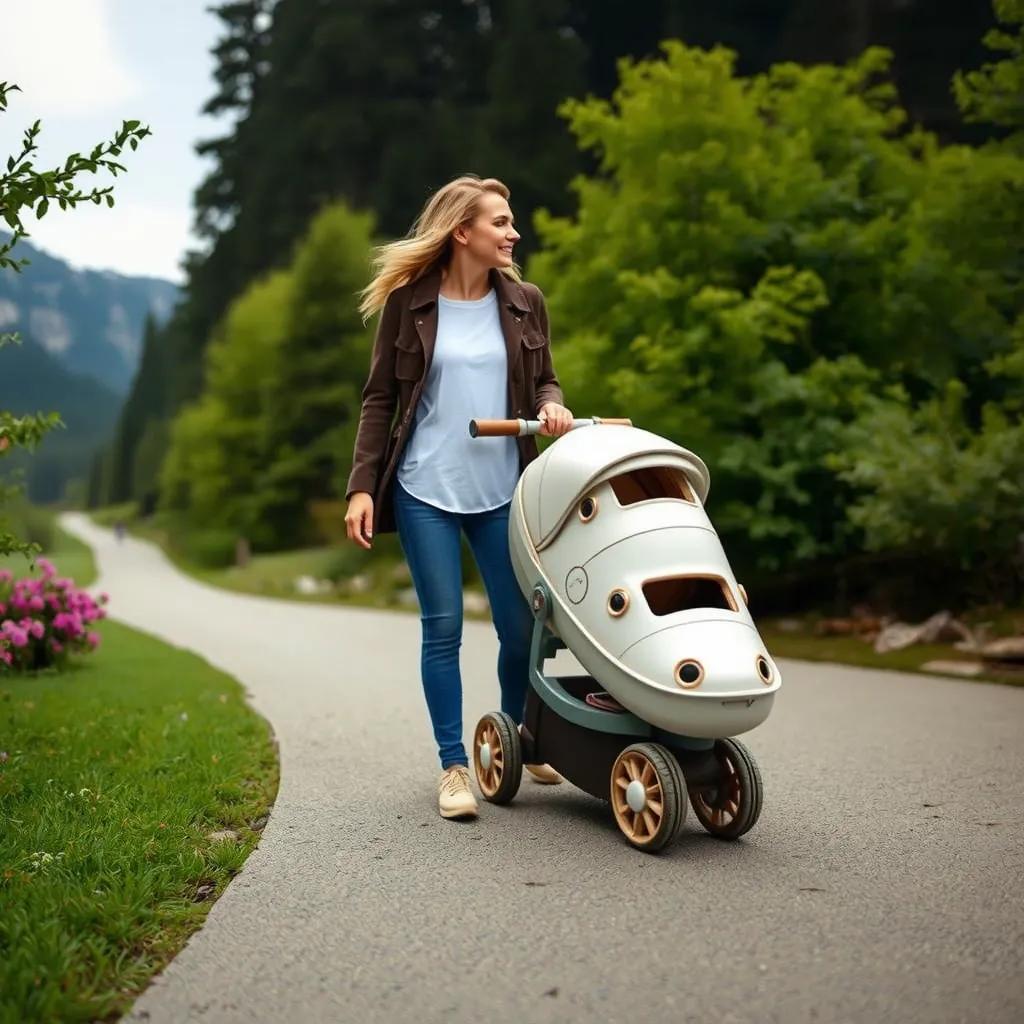
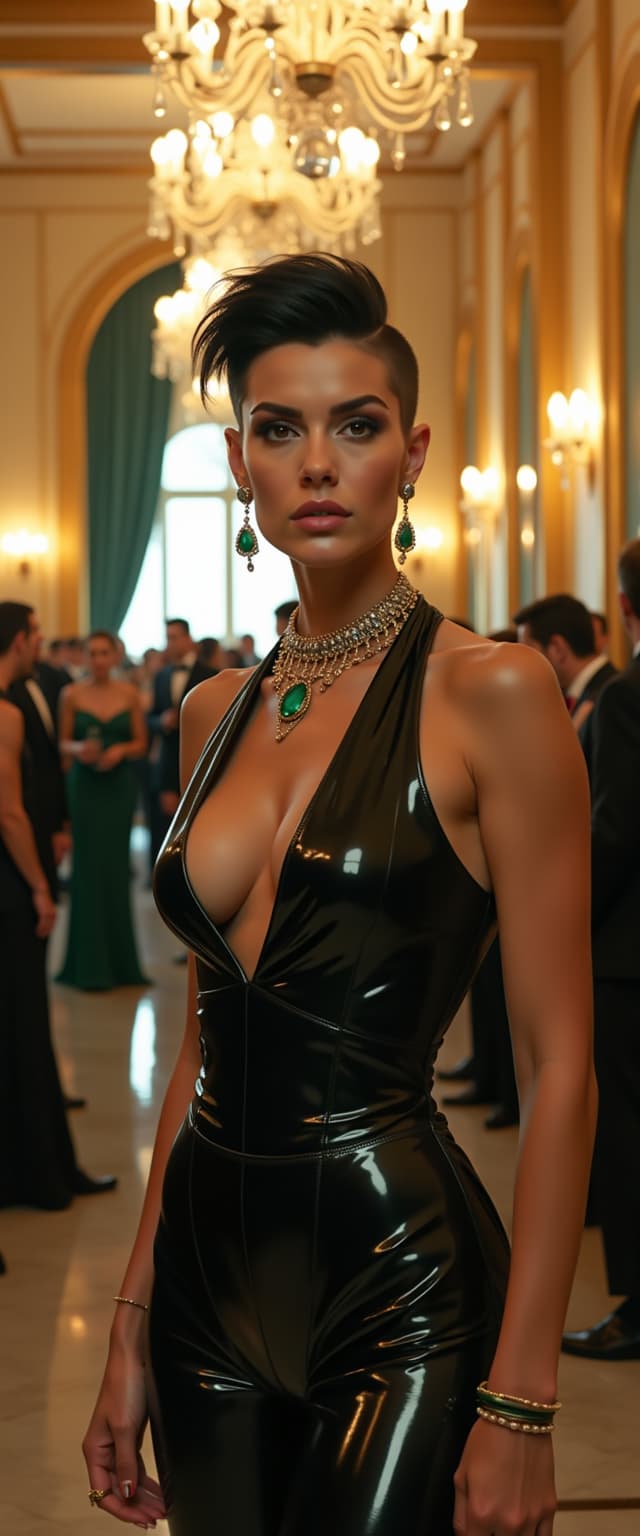


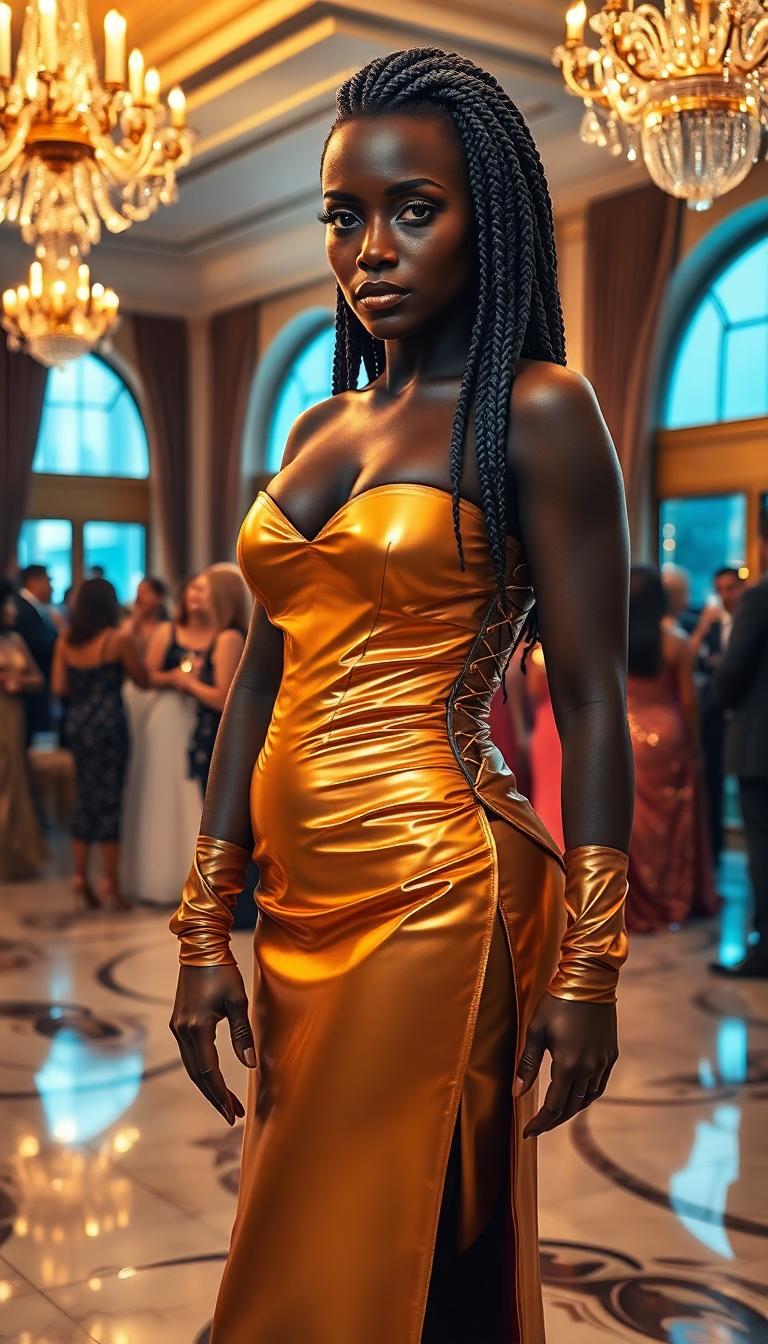
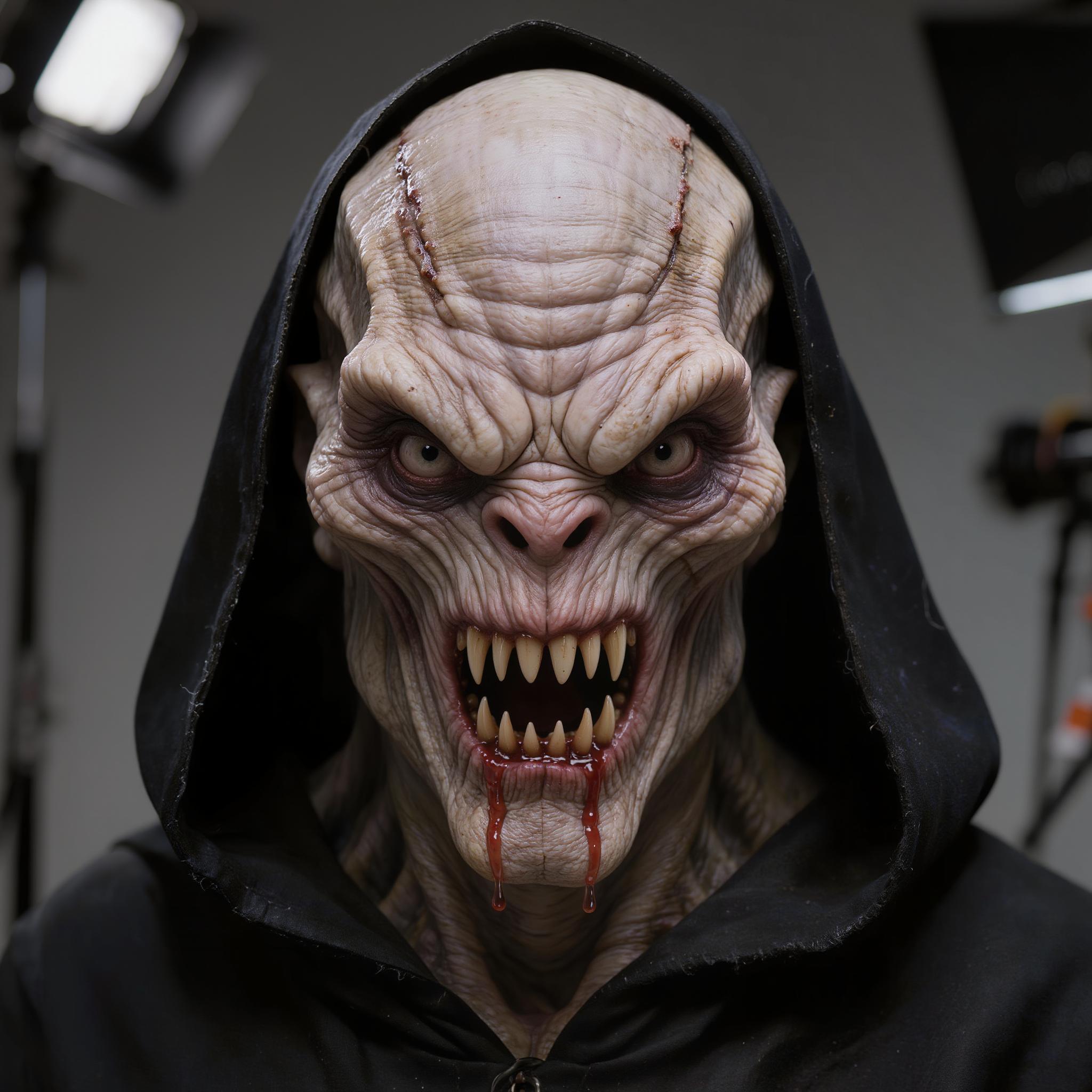


The Pixel Dojo Advantage
Discover how PixelDojo's Veo 2 Camera stands out in AI video generation:
| Others | Pixel Dojo |
|---|---|
| Traditional Video Production | Eliminate the need for costly equipment and extensive production teams, reducing both time and expenses. |
| Generic AI Video Tools | Benefit from advanced camera controls and high-resolution outputs that surpass standard AI video generators. |
| Manual Video Editing | Automate complex editing tasks, allowing for rapid iteration and experimentation without technical expertise. |
Loved by Creators
See what our community says about veo 2 camera
"PixelDojo's Veo 2 Camera transformed my content creation process. The quality and ease of use are unparalleled."
Alex Johnson
Content Creator
"As a filmmaker, the creative control and realism offered by Veo 2 Camera have been game-changers for my projects."
Maria Lopez
Independent Filmmaker
Common Questions
Everything you need to know about veo 2 camera AI generation
How does PixelDojo's Veo 2 Camera enhance AI video generation?
Veo 2 Camera integrates advanced AI capabilities to produce high-resolution videos with realistic motion and detailed visuals, offering users unparalleled creative control.
Can I specify camera movements and shot types with Veo 2 Camera?
Yes, Veo 2 Camera allows you to define precise camera movements, shot types, and lighting conditions to tailor each video to your creative vision.
Is Veo 2 Camera suitable for beginners in video production?
Absolutely. Veo 2 Camera's intuitive interface and automated processes make it accessible for users of all skill levels, enabling the creation of professional-quality videos without prior experience.
What output resolutions are available with Veo 2 Camera?
Veo 2 Camera supports video generation up to 4K resolution, ensuring your content meets the highest quality standards.
How does Veo 2 Camera handle complex scenes and physics?
Veo 2 Camera has an improved understanding of real-world physics and human movement, resulting in videos with natural motion and realistic interactions.
Can I use Veo 2 Camera for commercial projects?
Yes, videos generated with Veo 2 Camera can be used for commercial purposes, providing a cost-effective solution for high-quality content creation.