veo 3 ai video AI Generator
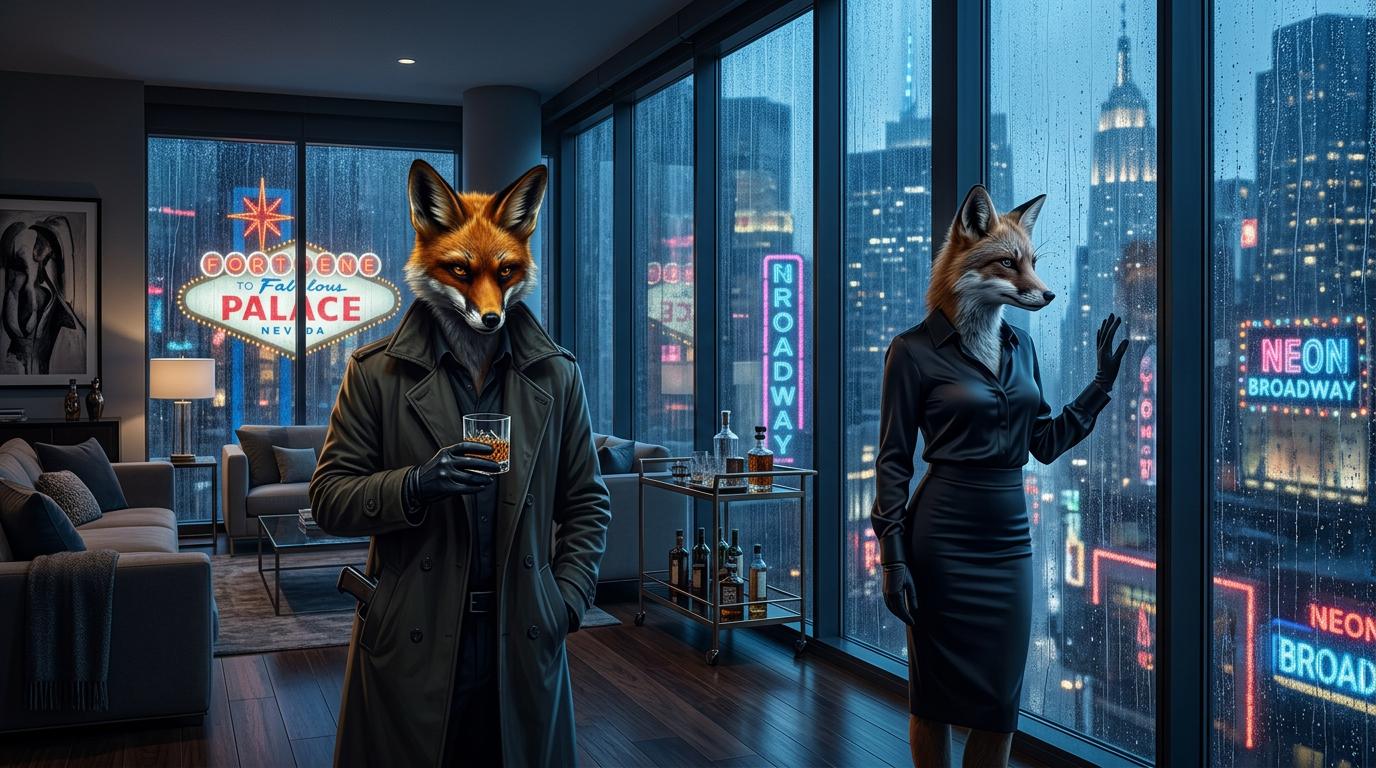
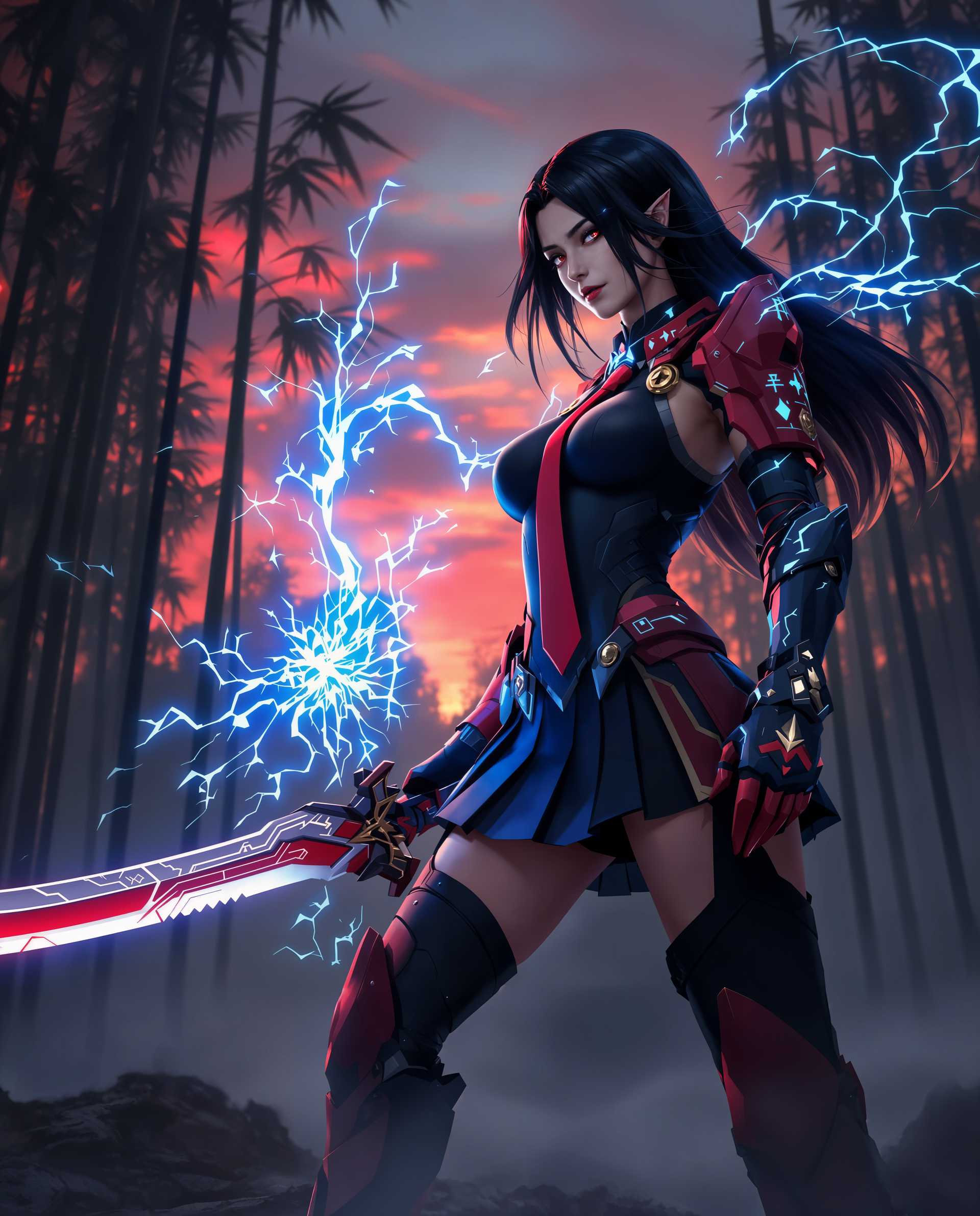
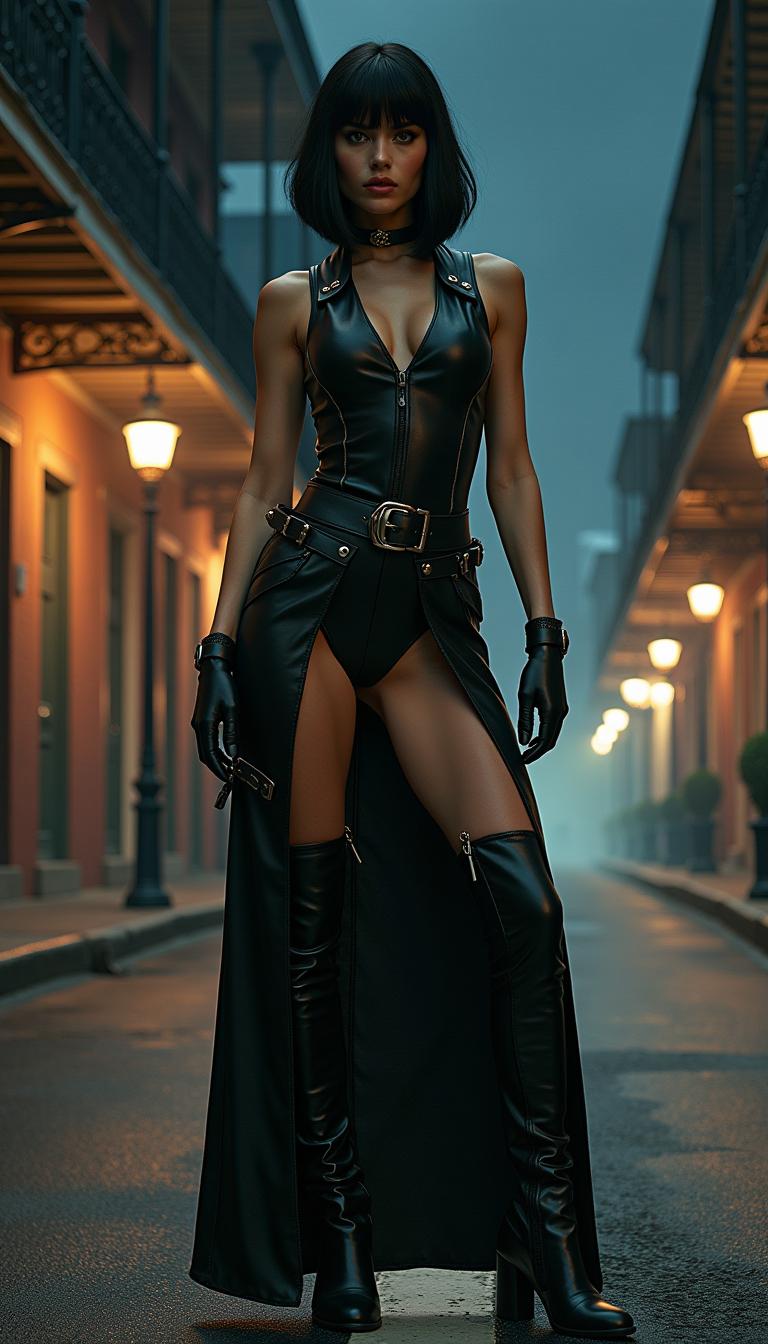
Imagine bringing your creative visions to life with cinematic-quality videos, all generated from simple text prompts. With PixelDojo's Veo 3 AI video generator, you can effortlessly create 4K videos complete with synchronized audio, including dialogue, sound effects, and ambient noise. Whether you're a filmmaker, marketer, or content creator, Veo 3 empowers you to produce professional-grade videos without the need for extensive resources or technical expertise.
Join thousands of creators who have generated over 70 million videos using Veo 3, achieving unparalleled realism and creative freedom.
Why Choose Pixel Dojo for veo 3 ai video
Professional-quality results with cutting-edge AI technology
Effortless Video Creation
Generate high-quality videos from simple text prompts, eliminating the need for complex editing software.
Synchronized Audio Integration
Enhance viewer engagement with videos that include perfectly synchronized dialogue, sound effects, and ambient sounds.
High-Resolution Output
Produce stunning 4K videos that capture every detail, ensuring your content stands out.
How It Works
Creating cinematic AI videos with Veo 3 is a straightforward process that unleashes your creativity.
Step 1: Choose Your Tool
Select the Veo 3 AI video generator from PixelDojo's suite of tools to begin your video creation journey.
Step 2: Enter Your Prompt
Describe your desired scene in detail, including visual elements and audio cues, to guide the AI in generating your video.
Step 3: Customize & Download
Review the generated video, make any necessary adjustments, and download the final product ready for use.






The Pixel Dojo Advantage
Why PixelDojo outperforms other options for AI video generation
| Others | Pixel Dojo |
|---|---|
| Traditional Video Production | Eliminate the need for expensive equipment and extensive editing, saving time and resources. |
| Generic AI Tools | Benefit from synchronized audio integration and high-resolution output that generic tools lack. |
| Manual Editing | Automate the video creation process, reducing manual effort and accelerating production timelines. |
Loved by Creators
See what our community says about veo 3 ai video
"PixelDojo's Veo 3 transformed our content strategy, allowing us to produce high-quality videos effortlessly."
Alex Johnson
Marketing Director
"The synchronized audio feature is a game-changer, making our videos more engaging and professional."
Samantha Lee
Content Creator
Common Questions
Everything you need to know about veo 3 ai video AI generation
How does Veo 3 AI video generation work?
Veo 3 utilizes advanced AI algorithms to interpret your text prompts, generating 4K videos with synchronized audio, including dialogue and sound effects.
Can I customize the generated videos?
Yes, after the initial generation, you can review and make adjustments to ensure the final video aligns with your vision.
What types of prompts work best with Veo 3?
Detailed descriptions that include visual elements, actions, and audio cues yield the most accurate and engaging videos.
Is there a limit to the video length I can generate?
Currently, Veo 3 supports video generation up to 8 seconds in length, ideal for short-form content and previews.
Do I need technical skills to use Veo 3?
No, Veo 3 is designed for ease of use, allowing anyone to create professional-quality videos without prior experience.
How does Veo 3 ensure audio synchronization?
Veo 3's AI models generate audio and visual components simultaneously, ensuring perfect synchronization between dialogue, sound effects, and visuals.