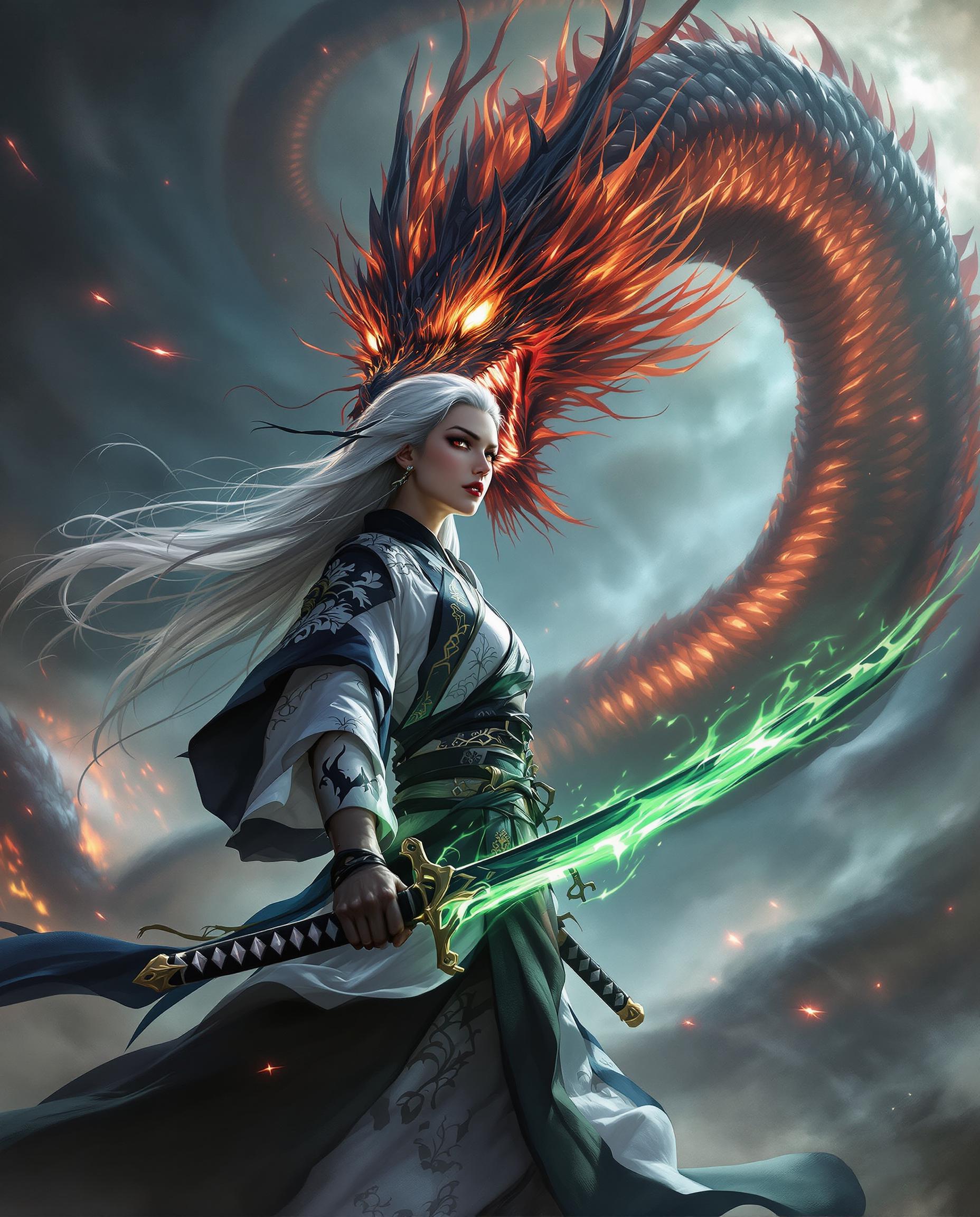
veo 3.1 audio pixel dojo AI Generator

Imagine turning your creative visions into dynamic videos where sound and visuals blend seamlessly, captivating your audience and elevating your storytelling. With PixelDojo's Veo 3.1 Audio tools, you can achieve professional-grade results without needing expensive equipment or advanced skills. Whether you're producing engaging social media clips, immersive marketing videos, or artistic soundscapes, PixelDojo empowers you to create high-quality Veo 3.1 audio content that stands out. Experience the joy of effortless creation and watch your ideas come alive with synchronized audio and stunning visuals, all powered by cutting-edge AI.

AI Generated
Get Started TodayResults in seconds50+ AI models

Join over 50,000 creators who have generated millions of videos on PixelDojo. Rated 4.9/5 on Trustpilot with testimonials praising our Veo 3.1 Audio integration for its speed and realism. Featured in top tech blogs for revolutionizing audio-video AI generation.

Why Choose Pixel Dojo for veo 3.1 audio pixel dojo

Professional-quality results with cutting-edge AI technology

Seamless Audio-Visual Sync

Achieve perfectly timed soundtracks that enhance your videos, making your content more engaging and professional without manual editing hassles.

Rapid Content Creation

Produce high-quality Veo 3.1 audio videos in minutes, saving hours of work and allowing you to focus on scaling your creative projects or business.

Customizable Professional Results

Tailor every element to your vision, resulting in unique videos that captivate audiences and boost your online presence or brand impact.

How It Works

Creating Veo 3.1 audio videos on PixelDojo is straightforward and user-friendly, letting you focus on your creativity while our AI handles the complexity.

1

Step 1: Choose Your Tool

Log in to PixelDojo and select VEO 3.1 from the video generation tools. For audio integration, pair it with OVI (Audio+Video) or WAN Sound to Video to incorporate sound elements right from the start.

2

Step 2: Enter Your Prompt

Describe your video scene and audio needs in the prompt field. For example, input details like 'a serene forest walk with ambient bird sounds and soft music' to generate synced Veo 3.1 audio content.

3

Step 3: Customize & Download

Refine your output using tools like Lip Sync or Video Autocaption for added polish, then download your high-resolution Veo 3.1 audio video ready for sharing or publishing.

Community veo 3.1 audio pixel dojo Gallery

Real examples created by our community

Loading video...
Loading video...
Loading video...
Loading video...
Loading video...
Loading video...
Loading video...
Loading video...
Loading video...
Loading video...
Loading video...
Loading video...
Loading video...
Loading video...
Loading video...
This image is a realistic photo (photograph) of a female real person digital artwork that exudes a cyberpunk vibe, characterized by its futuristic and neonlit aesthetic. The art style is highly stylized with a focus on sharp lines and a threedimensional quality, achieved through the use of lighting and shadow.The medium appears to be digital painting, as evidenced by the smooth gradients and seamless blending of colors. The image is rich in texture, from the glossy sheen of the armor to the softness of the hair.The colors are predominantly purples and blues, with neon accents that add to the cyberpunk feel. The purple tones range from deep violet to lighter lavender, creating a moody and atmospheric effect. The blues are cool and electric, with neon pink and cyan highlights that pop against the darker background.The objects in the image include1. A figure with a cybernetic arm, which is sleek and metallic, with glowing blue details that suggest advanced technology.2. Feathered wings that extend from the figures back, giving the appearance of a bird. The wings are detailed with a gradient of purples and blues, with neon blue highlights that shimmer.3. A futuristic cityscape in the background, with towering skyscrapers and neon signs. The city is bathed in a purple and blue light, with streaks of red and yellow, adding to the cyberpunk ambiance.4. A bird in flight, with its wings spread wide, is silhouetted against the cityscape. It has a similar neon glow to the wings of the figure, reinforcing the cyberpunk theme.Overall, the image is a striking visual representation of a cyberpunk world, blending elements of technology, fantasy, and urban nightscapes.
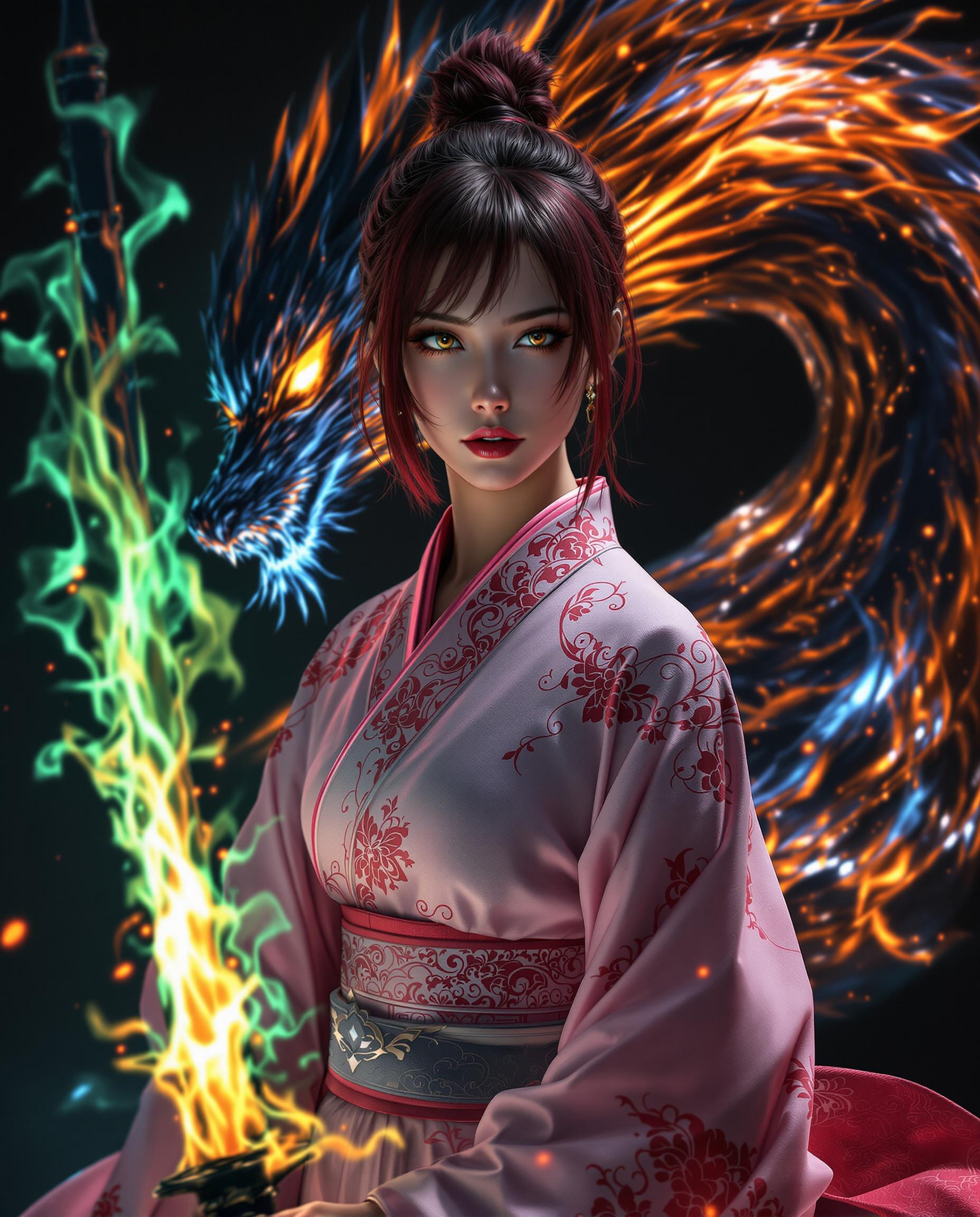
A portrait photo of Marilyn Monroe, in this image is a 3D rendered digital artwork, showcasing a character that appears to be a stylized female warrior. The art style is reminiscent of anime with a touch of fantasy, characterized by its nice proportions, smooth curves, and detailed textures.The medium is digital, as evidenced by the clean lines and the absence of brush strokes or traditional painting techniques. The lighting and shadows are well rendered, creating a realistic and dramatic effect.The colors in the image are primarily dark and muted, with a focus on black, white, and shades of gray. The characters outfit is predominantly black with some white and gold accents, which add a touch of contrast and highlight the details of the clothing. The stockings and undergarments are a translucent black, which adds a sense of depth and realism to the characters legs.The objects in the image include the characters outfit, which consists of a corset style bodice with lace detailing, long sleeves with sheer fabric, and a thigh high slit. The character is wearing thigh high stockings with lace detailing and black high heels. In her right hand, she holds a katana with a white blade and a black hilt, which is a common symbol of samurai warriors.The background is a solid dark gray, which serves to emphasize the character and the intricate details of her outfit and weapon. The lighting in the image is focused on the character, casting a soft shadow behind her and highlighting the textures of her clothing and the katana.Overall, the image exudes a sense of drama and intensity, with a strong emphasis on the characters readiness for battle and her confident, yet mysterious demeanor.
This is a realistic photo (photograph) of a female real person digitally created image that showcases a closeup of a person with a striking resemblance to a character from a fantasy or science fiction setting. The person has large, expressive green eyes with long, dark lashes and a hint of green in the irises, which match the green of the snake they are holding. The hair is dark, with bangs that are slightly wet, giving the hair a glossy appearance and a sense of movement. The snake is wrapped around the persons neck and shoulders, with its head resting on the persons collarbone. The snake is a realistic depiction, with scales that shimmer in the light, and its eyes are wide open, reflecting a sense of alertness or curiosity. The texture of the snakes scales is intricate, and the way the light plays across them gives the image a three dimensional quality. The art style is highly detailed and lifelike, with a focus on the interplay of light and shadow to create a sense of depth and realism. The medium appears to be a digital painting, given the smooth blending of colors and the lack of brush strokes. The colors in the image are primarily shades of green, with the persons skin appearing to be a soft, warm tone that contrasts with the coolness of the snake. The background is dark and nondescript, with a gradient of black and gray that fades into darkness, ensuring that the focus remains on the person and the snake. There is a watermark in the bottom right corner that reads Brainstorm AI, indicating that the image was created using artificial intelligence. Overall, the image is a compelling blend of fantasy and realism, with a strong emphasis on the interplay between human and animal, and the use of color and light to create a sense of drama and intensity.

Start Creating Veo 3.1 Audio Videos Today

40+ cutting edge AI tools, loved by thousands of creators worldwide, cancel anytime, try it today

The Pixel Dojo Advantage

Why PixelDojo outperforms other options for Veo 3.1 audio video generation

OthersPixel Dojo
Traditional video productionSkip costly studios and long editing sessions – generate synced audio videos instantly with professional quality.
Generic AI toolsAccess specialized Veo 3.1 integration with audio tools like OVI for superior synchronization and customization.
Manual audio editingAutomate sound integration to save time and achieve flawless results without technical expertise.

Loved by Creators

See what our community says about veo 3.1 audio pixel dojo

"PixelDojo's Veo 3.1 Audio tools transformed my content creation – now I produce engaging videos with perfect sound in no time!"

Alex Rivera

Content Creator

"The seamless audio sync in Veo 3.1 on PixelDojo has elevated my marketing videos, impressing clients and boosting engagement."

Jordan Lee

Digital Marketer

Common Questions

Everything you need to know about veo 3.1 audio pixel dojo AI generation

How does Veo 3.1 audio integration work in PixelDojo?

PixelDojo's Veo 3.1 combines advanced video generation with audio tools like OVI (Audio+Video) and WAN Sound to Video, allowing you to create videos where sound and visuals are perfectly synced. Simply input your prompt, and the AI handles the integration, delivering immersive results ready for your projects.

Can I customize audio in Veo 3.1 videos on PixelDojo?

Absolutely! Use PixelDojo's Text To Music or Text To Speech to generate custom soundtracks, then integrate them via Lip Sync or Video Autocaption for personalized Veo 3.1 audio videos that match your creative vision.

What are the benefits of using Veo 3.1 audio for content creators?

With PixelDojo, Veo 3.1 audio lets you produce professional videos quickly, enhancing engagement and saving time. Creators love how it turns simple ideas into captivating content, ideal for social media, ads, or storytelling.

Is Veo 3.1 audio generation free on PixelDojo?

PixelDojo offers a free tier to try Veo 3.1 audio tools, with premium subscriptions unlocking unlimited generations, higher resolutions, and advanced features like custom model training for even better results.

How to generate high-quality Veo 3.1 audio videos?

Start by selecting VEO 3.1 in PixelDojo, craft a detailed prompt including audio elements, and use editing tools like Video Upscaler for polish. This ensures your videos are crisp, synced, and ready to impress.

What makes PixelDojo's Veo 3.1 audio better than alternatives?

PixelDojo stands out with 40+ integrated tools, including seamless audio-video fusion via OVI and WAN Sound to Video, providing faster, more customizable outputs loved by thousands for their realism and ease.

Ready to create amazing Veo 3.1 audio videos?

Ready to Create Amazing veo 3.1 audio pixel dojo Images?

Join thousands of creators using AI to bring their ideas to life