veo 3.1 first last frame AI Generator
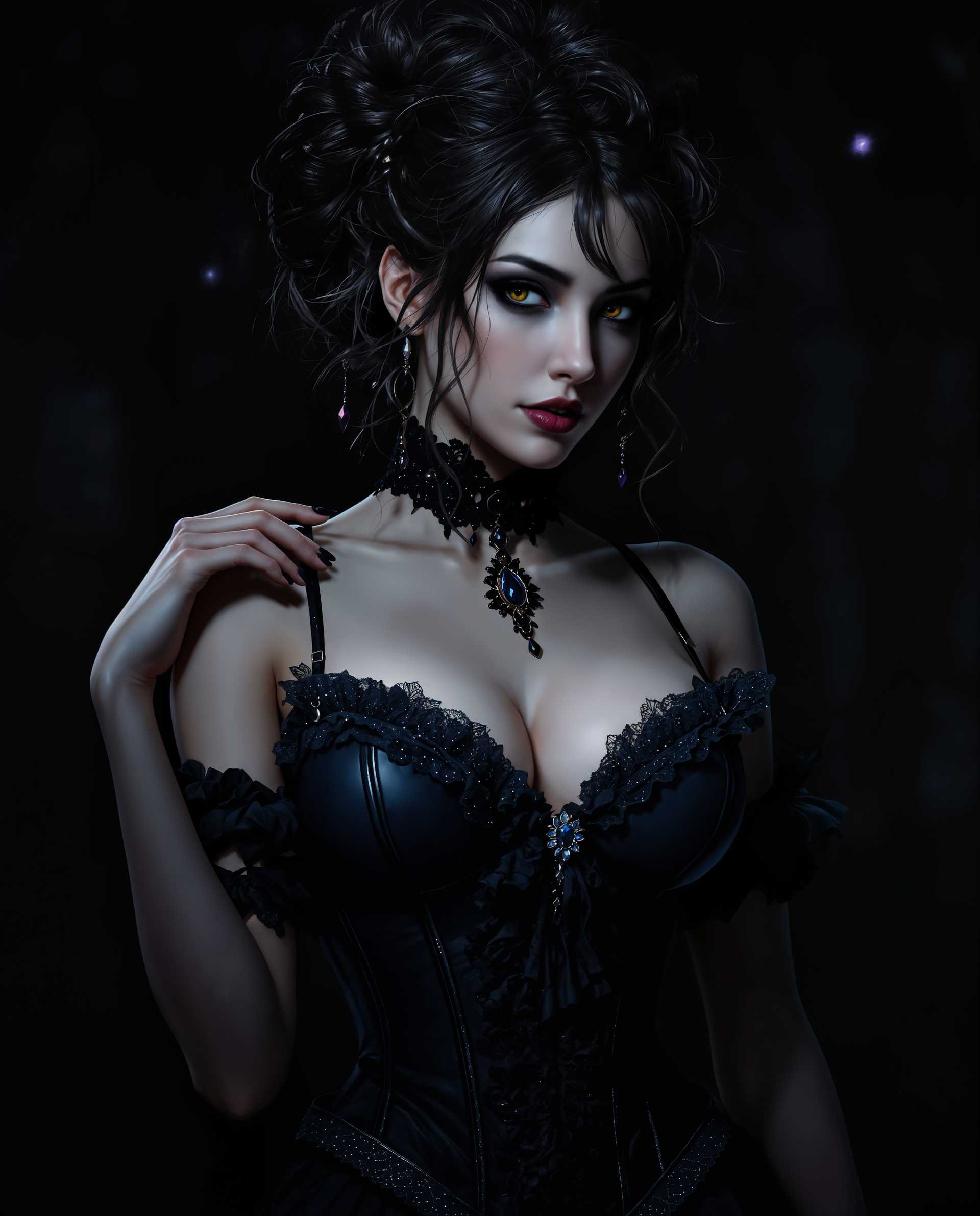
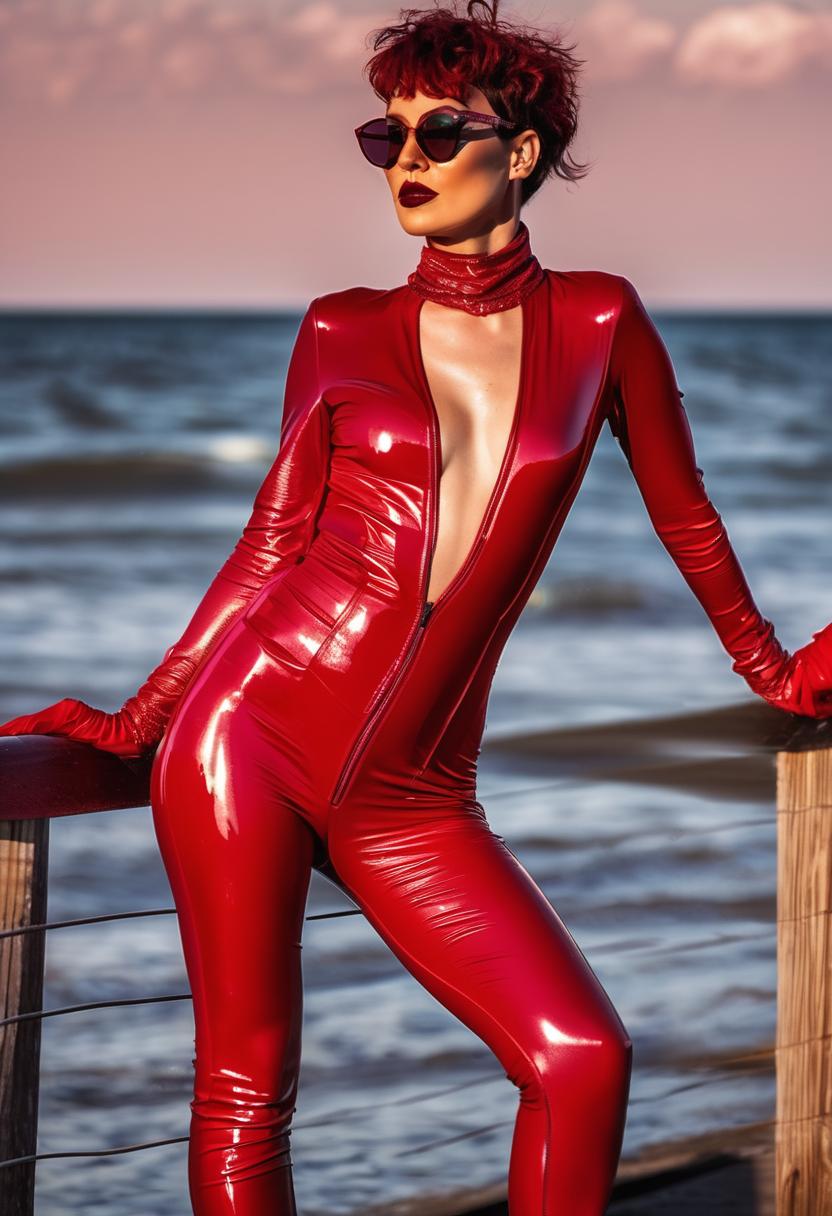
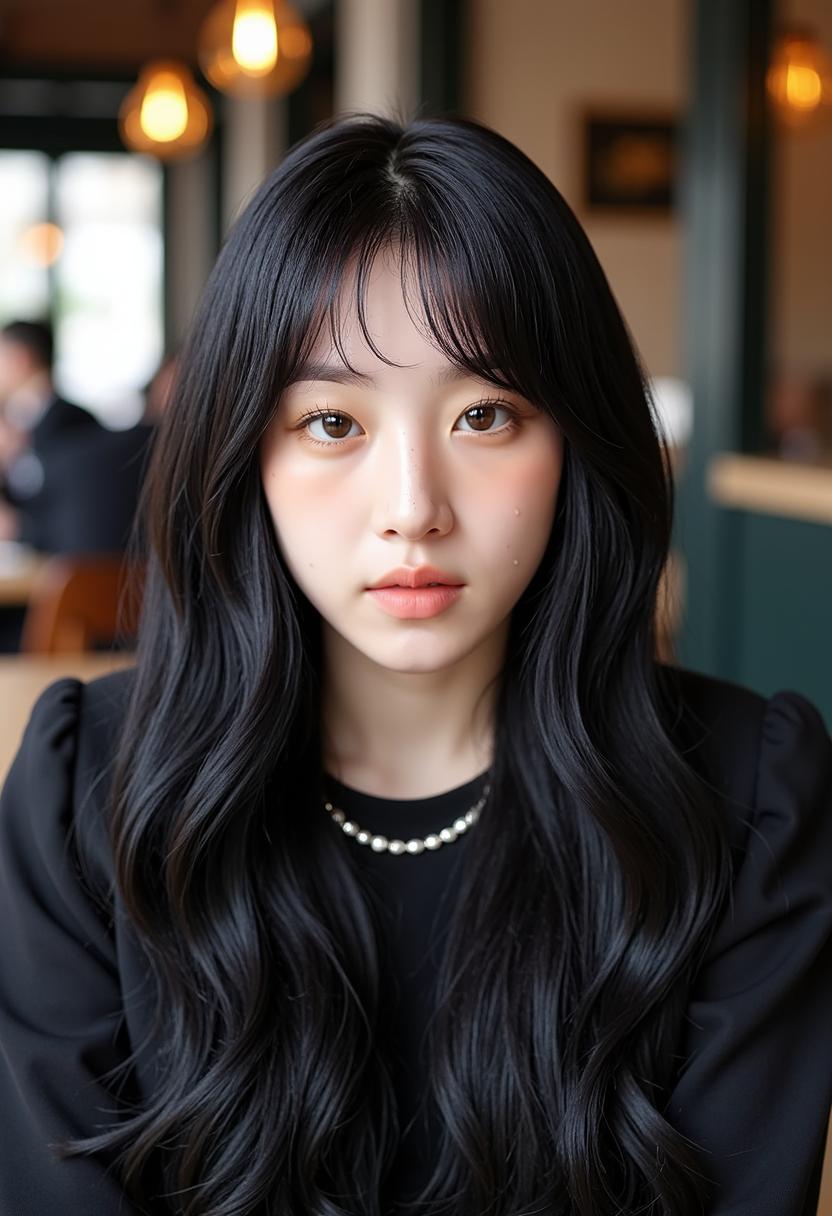
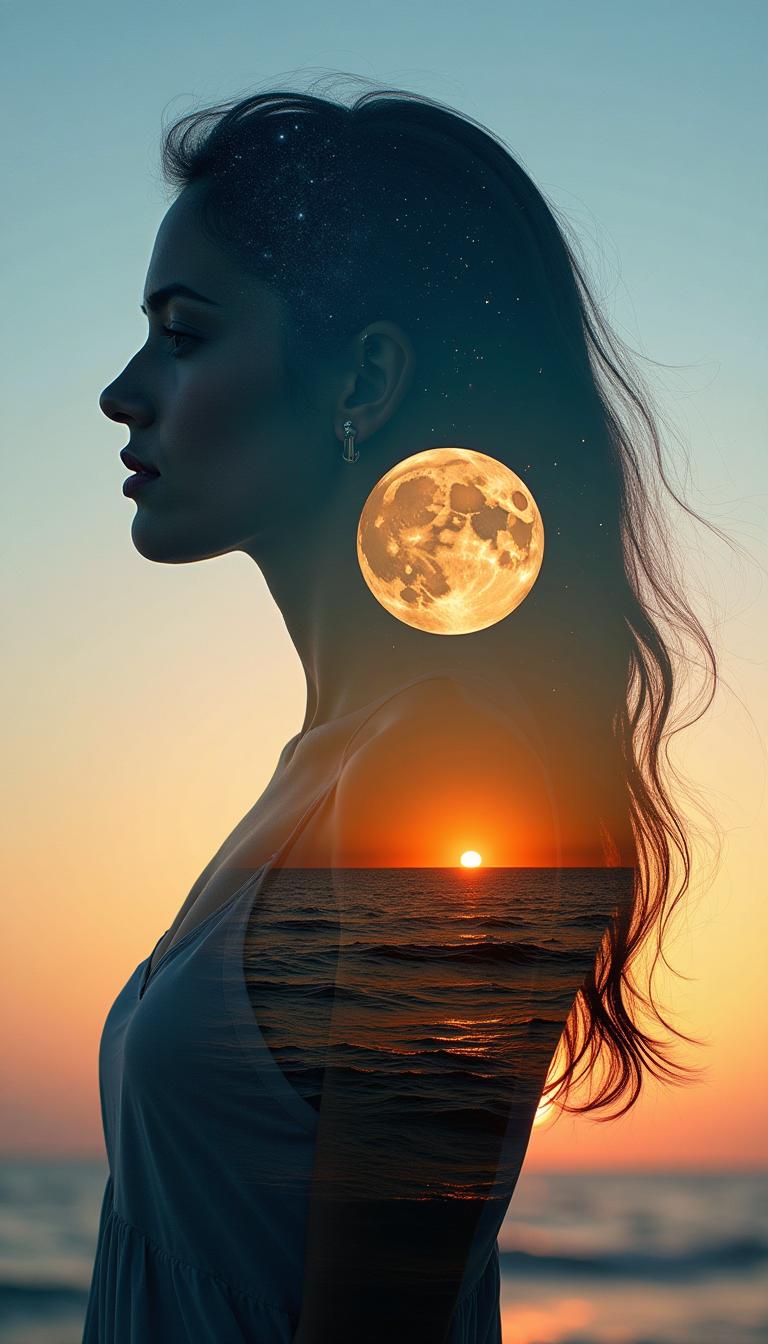
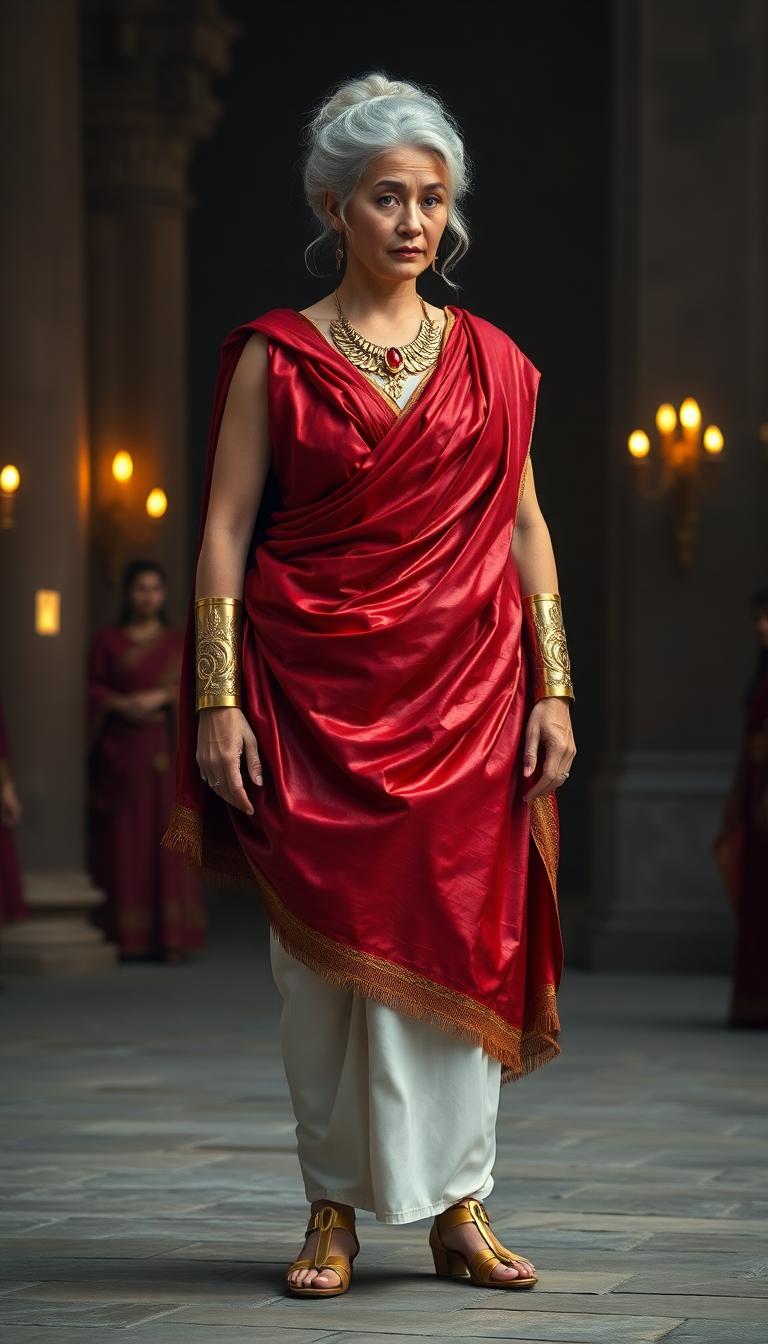
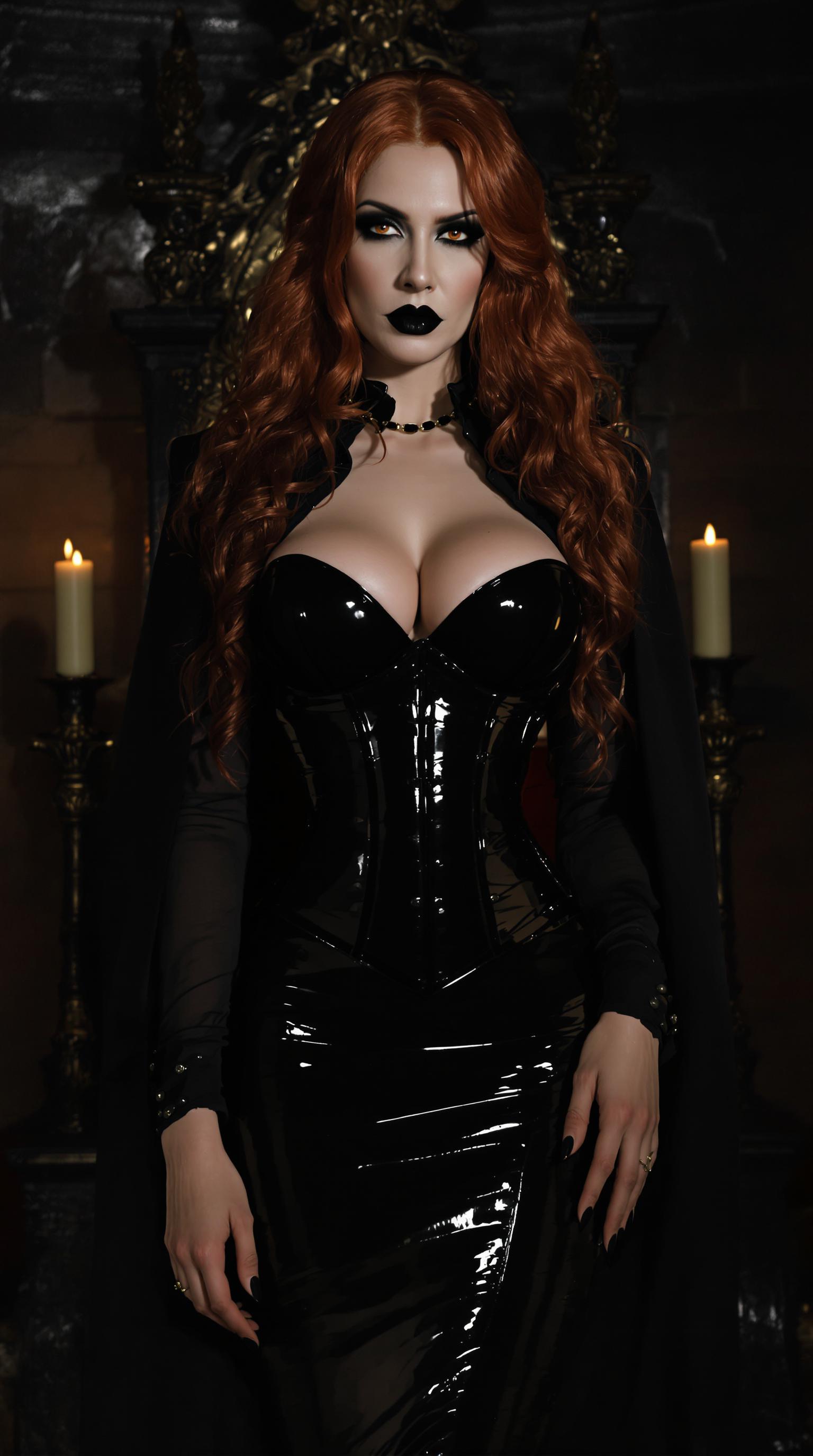
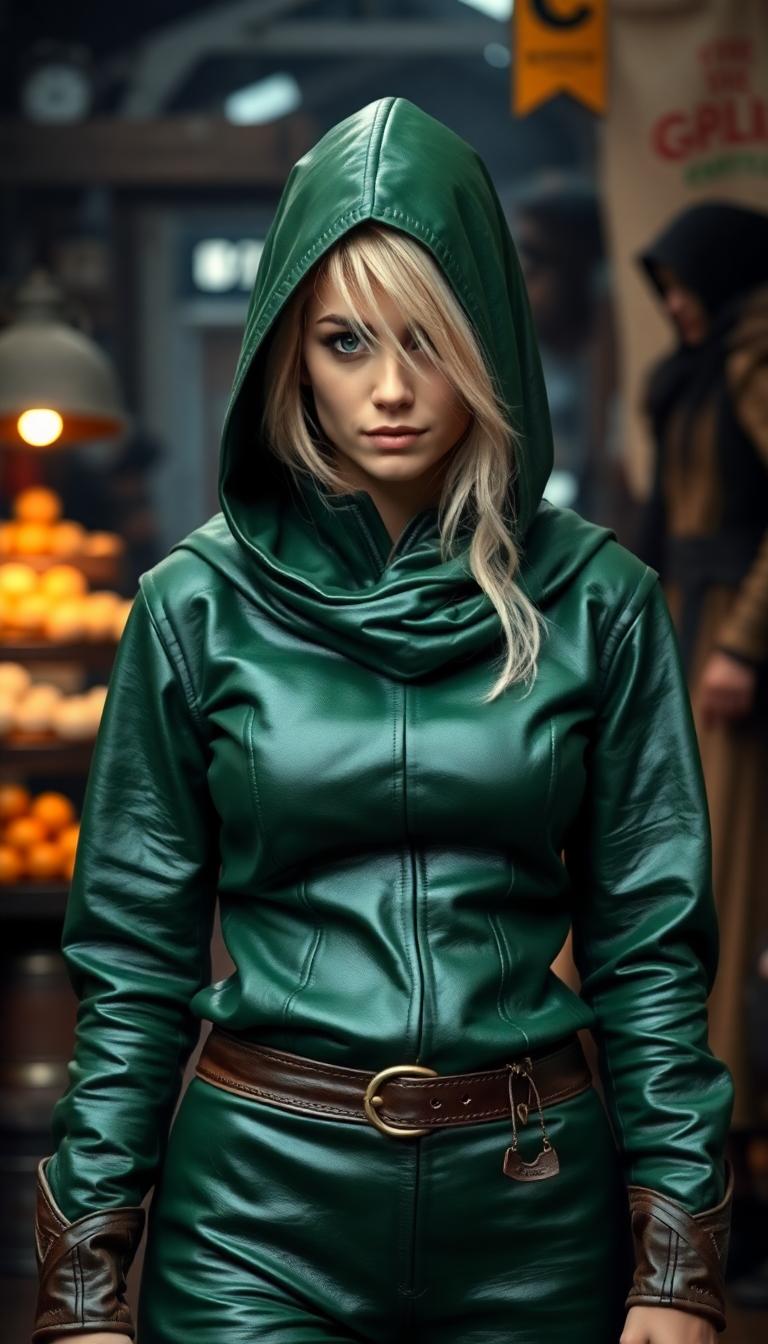
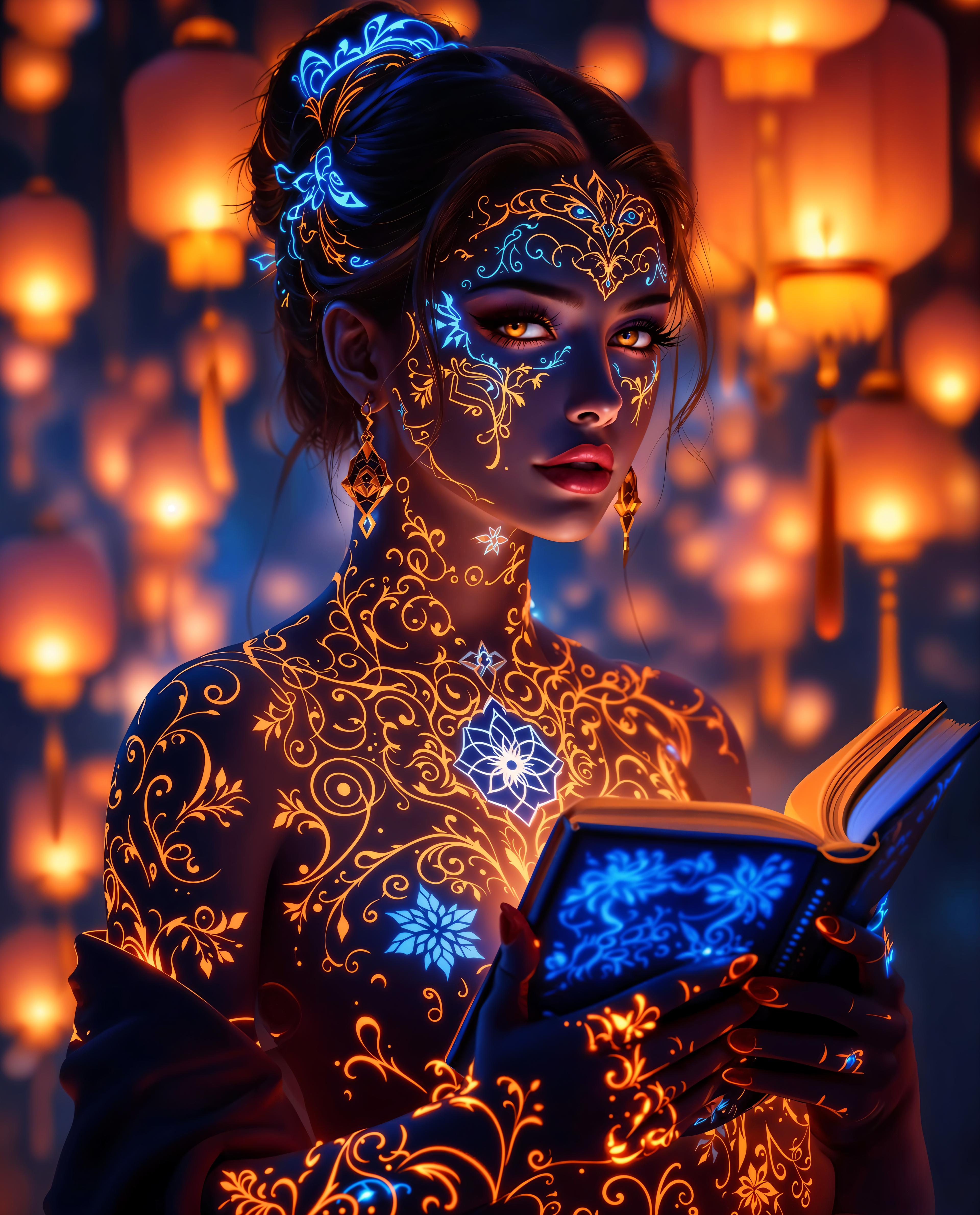
Imagine bringing your static images to life, creating dynamic videos that captivate your audience. With PixelDojo's Veo 3.1, you can seamlessly transform your photos into engaging videos, enhancing your storytelling and visual content effortlessly.
Join over 10,000 creators who have transformed their images into stunning videos using PixelDojo's Veo 3.1. Rated 4.8/5 by our satisfied users.
Why Choose Pixel Dojo for veo 3.1 first last frame
Professional-quality results with cutting-edge AI technology
Effortless Image-to-Video Conversion
Turn your static images into dynamic videos with just a few clicks, saving time and effort.
Professional-Quality Outputs
Generate high-definition videos that maintain the quality and integrity of your original images.
Enhanced Storytelling
Create compelling narratives by animating your images, making your content more engaging and memorable.
How It Works
Creating videos from your images is simple with PixelDojo's Veo 3.1. Follow these steps to get started:
Step 1: Upload Your Images
Select the images you want to transform into a video. You can choose a single image or multiple images to create a sequence.
Step 2: Customize Your Video
Use the intuitive interface to set the duration, transitions, and any additional effects to enhance your video.
Step 3: Generate and Download
Click 'Generate' to create your video. Once processed, you can preview and download the final output.


The Pixel Dojo Advantage
Why PixelDojo's Veo 3.1 is the Best Choice for Image-to-Video Conversion
| Others | Pixel Dojo |
|---|---|
| Traditional Video Editing Software | Simplifies the process, eliminating the need for complex editing skills. |
| Generic AI Tools | Specifically designed for image-to-video conversion, ensuring optimal results. |
| Manual Animation Techniques | Automates the animation process, saving time and resources. |
Loved by Creators
See what our community says about veo 3.1 first last frame
"PixelDojo's Veo 3.1 transformed my photography portfolio into an engaging video showcase. The process was seamless and the results were stunning."
Alex Johnson
Professional Photographer
"As a content creator, Veo 3.1 has been a game-changer. I can now create dynamic videos from my images without any technical hassle."
Maria Lopez
Content Creator
Common Questions
Everything you need to know about veo 3.1 first last frame AI generation
How does PixelDojo's Veo 3.1 convert images into videos?
Veo 3.1 uses advanced AI algorithms to analyze your images and generate smooth, high-quality video sequences, bringing your static images to life.
Can I customize the duration and effects of the generated video?
Yes, Veo 3.1 allows you to set the duration, choose transitions, and apply various effects to tailor the video to your preferences.
Is there a limit to the number of images I can use?
You can use a single image or multiple images to create your video. The platform supports various sequences to suit your storytelling needs.
What formats are supported for the input images?
Veo 3.1 supports common image formats such as JPEG, PNG, and GIF, ensuring compatibility with your existing files.
How long does it take to generate a video?
The processing time depends on the complexity and length of the video, but Veo 3.1 is optimized for quick generation, typically taking just a few minutes.
Is there a free trial available?
Yes, PixelDojo offers a free trial for Veo 3.1, allowing you to explore its features and capabilities before committing to a subscription.