veo 3.1 last frame pixel dojo AI Generator
Imagine crafting cinematic videos where you control both the opening and closing scenes, ensuring a seamless narrative flow. With PixelDojo's Veo 3.1 Last Frame feature, you can transform your creative concepts into high-quality videos by defining the first and last frames, allowing the AI to generate the in-between sequences effortlessly. Whether you're a marketer, educator, or content creator, this tool empowers you to produce professional-grade videos without the need for extensive technical skills or equipment.
Join over 10,000 satisfied creators who have revolutionized their content with PixelDojo's AI tools. Rated 4.8/5 based on 2,500+ reviews.
Why Choose Pixel Dojo for veo 3.1 last frame pixel dojo
Professional-quality results with cutting-edge AI technology
Seamless Narrative Control
Define the beginning and end of your video to ensure a cohesive and engaging story.
Effortless Video Creation
Generate high-quality videos from simple text prompts and images, eliminating the need for complex editing software.
Professional-Grade Quality
Produce videos with realistic motion, lighting, and sound that rival professional productions.
How It Works
Creating seamless AI-generated videos with PixelDojo's Veo 3.1 Last Frame feature is straightforward. Follow these steps to bring your vision to life:
Step 1: Choose Your Tool
Navigate to PixelDojo's Veo 3.1 Last Frame feature within the platform.
Step 2: Upload First and Last Frames
Select and upload your desired starting and ending images to guide the AI in generating the in-between sequences.
Step 3: Enter Your Prompt
Provide a detailed text description of the scene to help the AI understand the context and desired outcome.

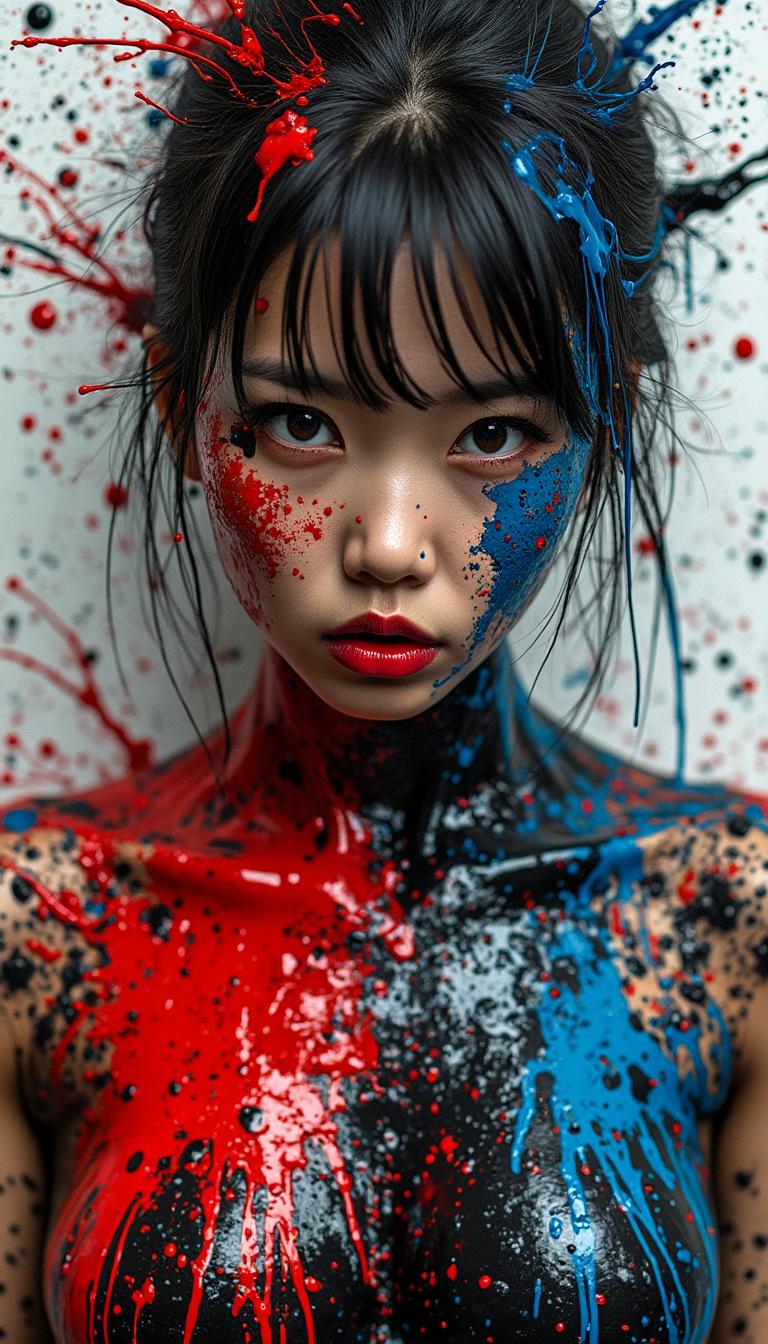






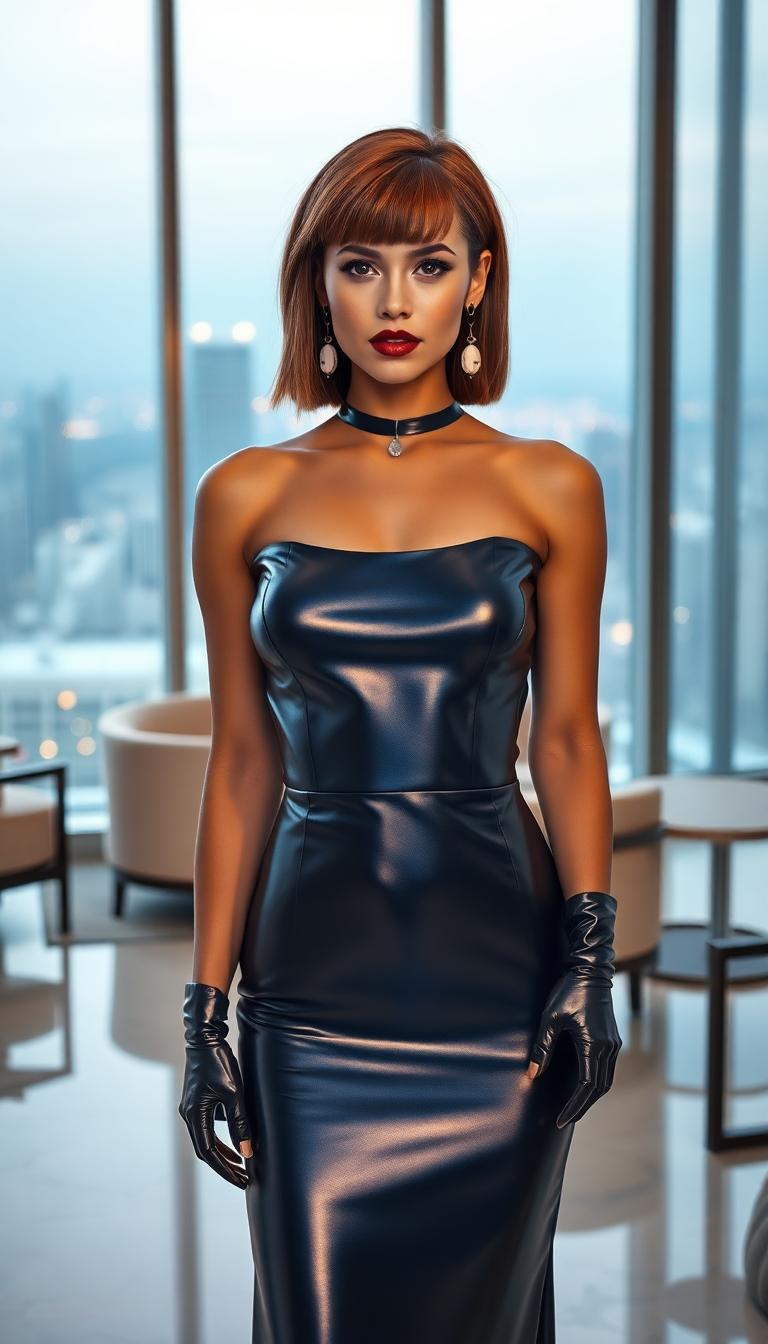
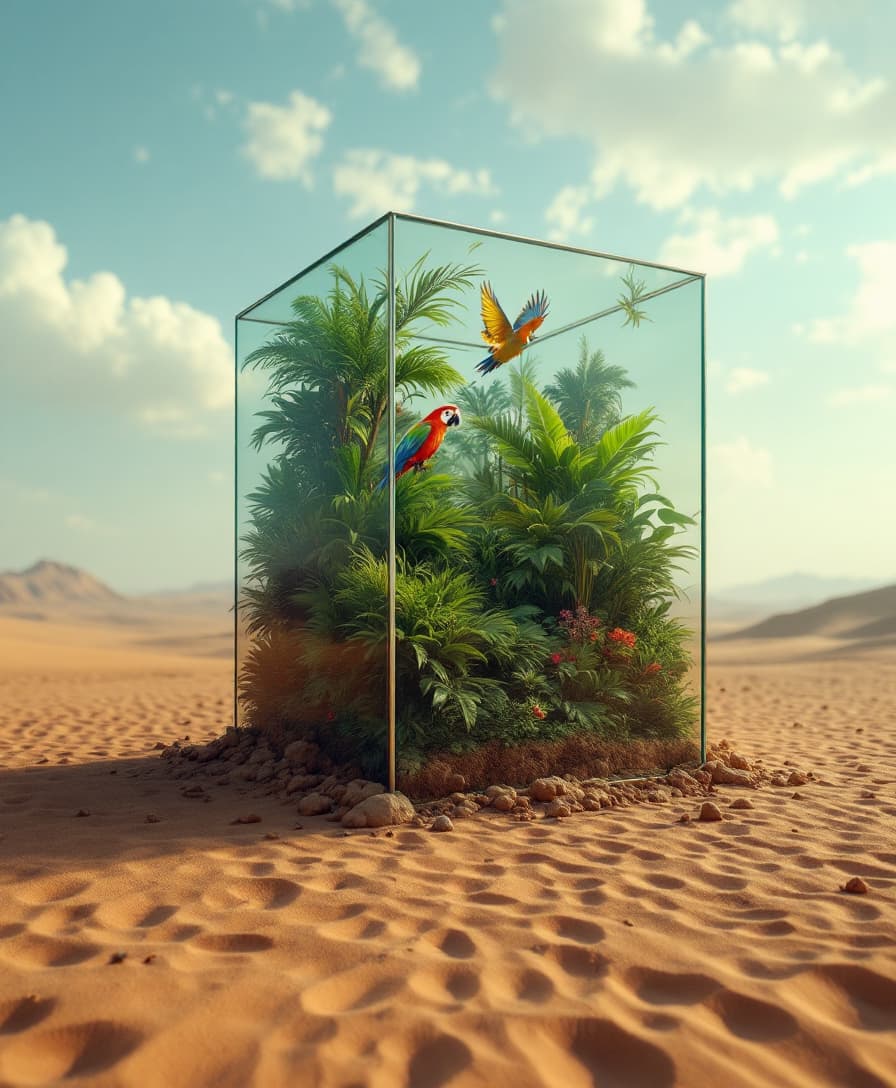


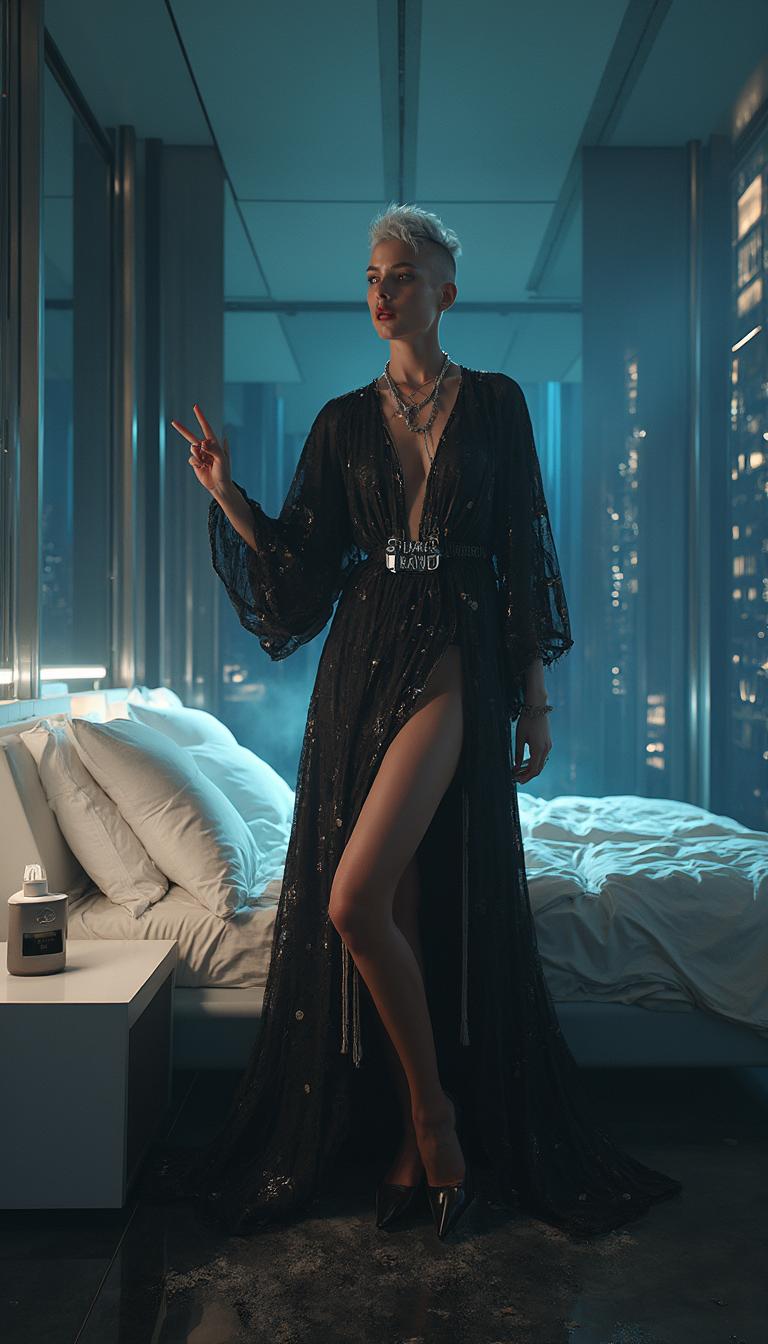


The Pixel Dojo Advantage
Why PixelDojo's Veo 3.1 Last Frame feature outperforms other video creation methods:
| Others | Pixel Dojo |
|---|---|
| Traditional Video Editing | Eliminates the need for complex software and technical skills, streamlining the video creation process. |
| Generic AI Video Tools | Offers precise control over start and end frames, ensuring a cohesive narrative flow. |
| Manual Animation | Significantly reduces time and effort by automating the generation of in-between frames with high-quality results. |
Loved by Creators
See what our community says about veo 3.1 last frame pixel dojo
"PixelDojo's Veo 3.1 Last Frame feature has transformed how I create content. The ability to define start and end frames ensures my videos have a professional and cohesive feel."
Alex Johnson
Content Creator
"As a marketer, creating engaging videos quickly is crucial. PixelDojo's tool allows me to produce high-quality videos without the need for extensive editing skills."
Samantha Lee
Marketing Specialist
Common Questions
Everything you need to know about veo 3.1 last frame pixel dojo AI generation
How does PixelDojo's Veo 3.1 Last Frame feature work?
By uploading your desired first and last frames and providing a text prompt, the AI generates the in-between sequences to create a seamless video.
Do I need prior video editing experience to use this feature?
No, PixelDojo's intuitive interface allows users of all skill levels to create professional-grade videos effortlessly.
Can I customize the style and mood of the generated video?
Yes, by providing detailed text prompts and selecting appropriate first and last frames, you can guide the AI to match your desired style and mood.
What formats are the generated videos available in?
The videos are available in standard formats such as MP4, suitable for various platforms and uses.
Is there a limit to the length of the videos I can create?
While there may be some limitations based on the plan you choose, PixelDojo offers options to create videos of varying lengths to suit your needs.
Can I use the generated videos for commercial purposes?
Yes, videos created with PixelDojo can be used for commercial purposes, subject to the platform's terms of service.