veo 3.1 last frame support AI Generator
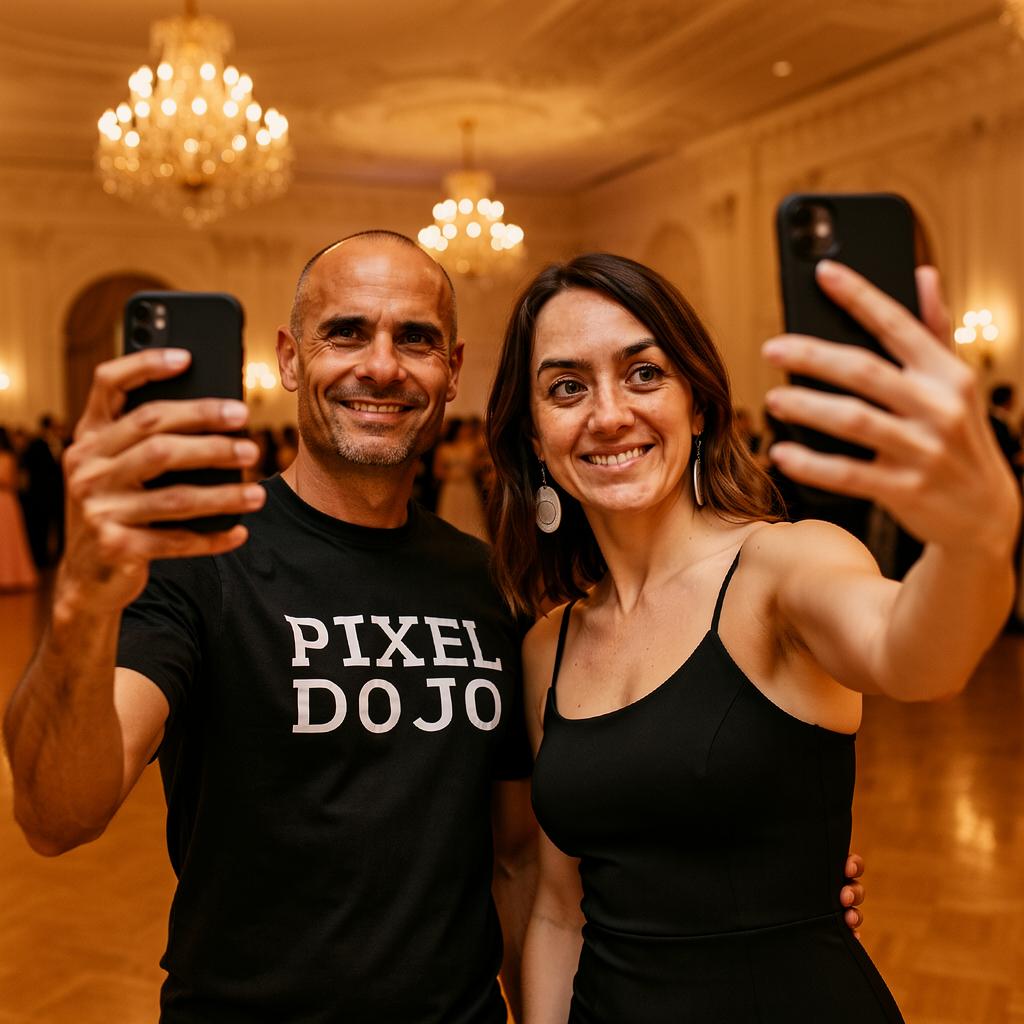
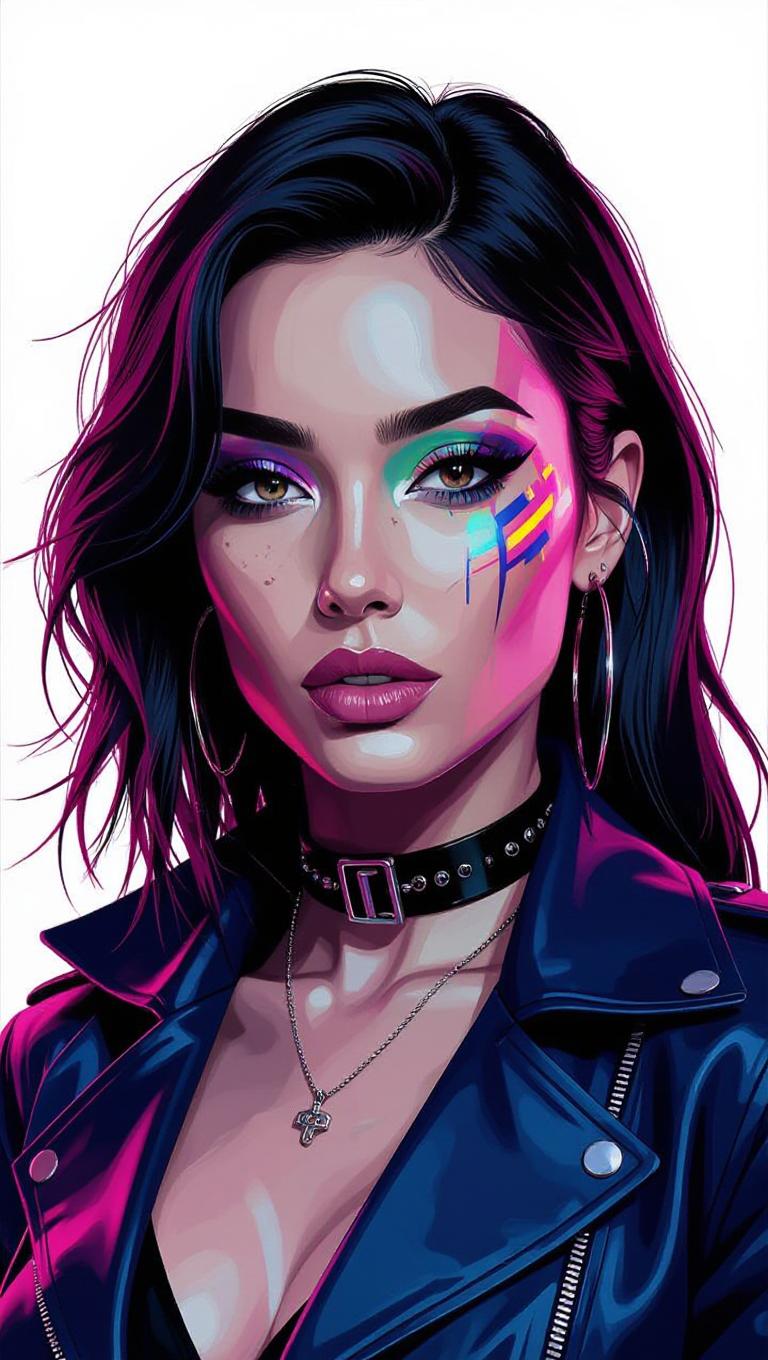
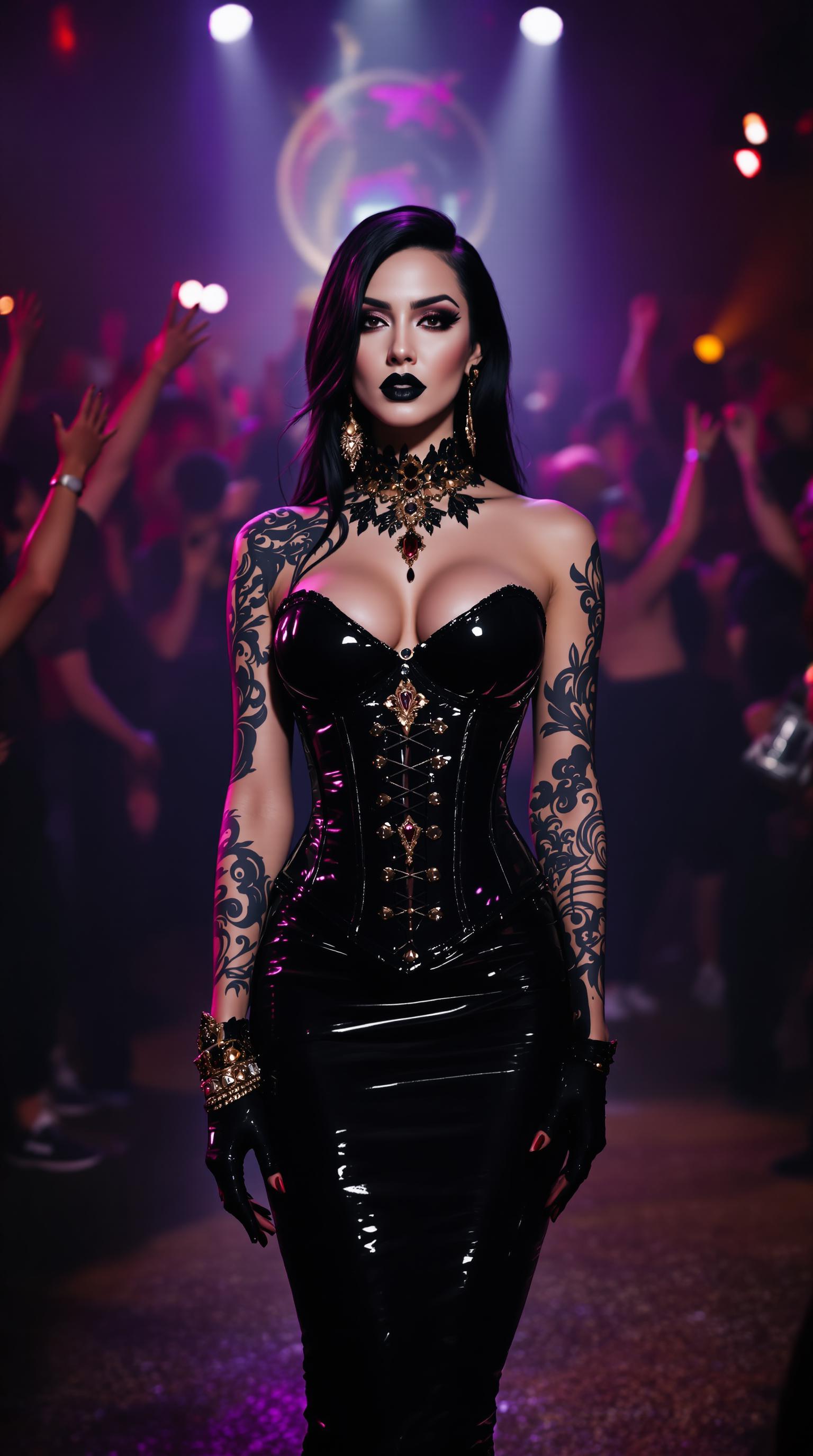
Transform your static images into dynamic, engaging videos effortlessly with PixelDojo's VEO 3.1 Last Frame Support. Whether you're a content creator, marketer, or hobbyist, our cutting-edge AI tools enable you to produce professional-quality videos that captivate your audience.
Join over 10,000 creators who have generated more than 500,000 videos using PixelDojo's AI tools. Rated 4.8/5 by our satisfied users.
Why Choose Pixel Dojo for veo 3.1 last frame support
Professional-quality results with cutting-edge AI technology
Effortless Image-to-Video Conversion
Convert your images into captivating videos without any technical expertise.
Seamless Transitions
Achieve smooth and natural transitions between frames for a professional look.
Time-Saving Automation
Automate the video creation process, allowing you to focus on your creative vision.
How It Works
Creating stunning videos from your images is simple with PixelDojo's VEO 3.1 Last Frame Support. Follow these steps to get started:
Step 1: Select Your Images
Choose the starting and ending images that you want to transform into a video.
Step 2: Input Your Prompt
Provide a brief description or prompt to guide the AI in generating the video.
Step 3: Generate and Download
Click 'Generate' to create your video, then download the final product once it's ready.

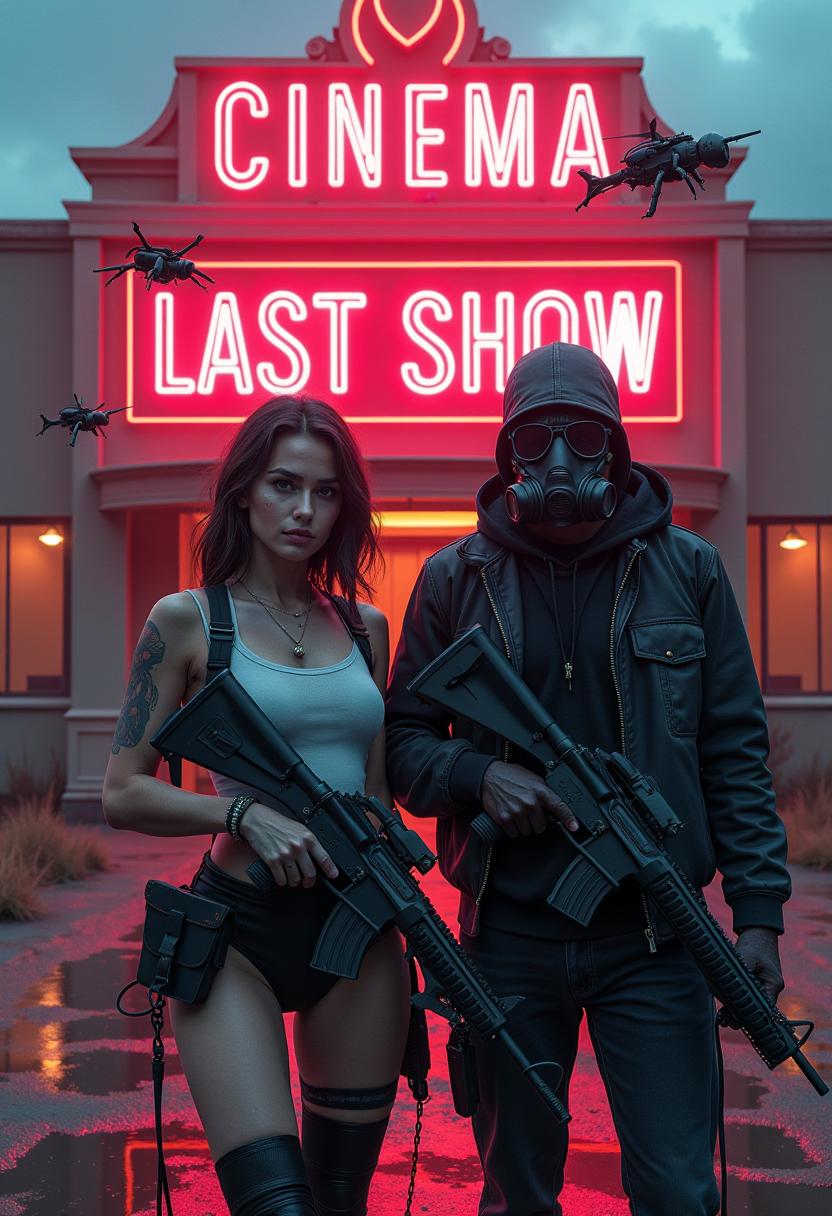
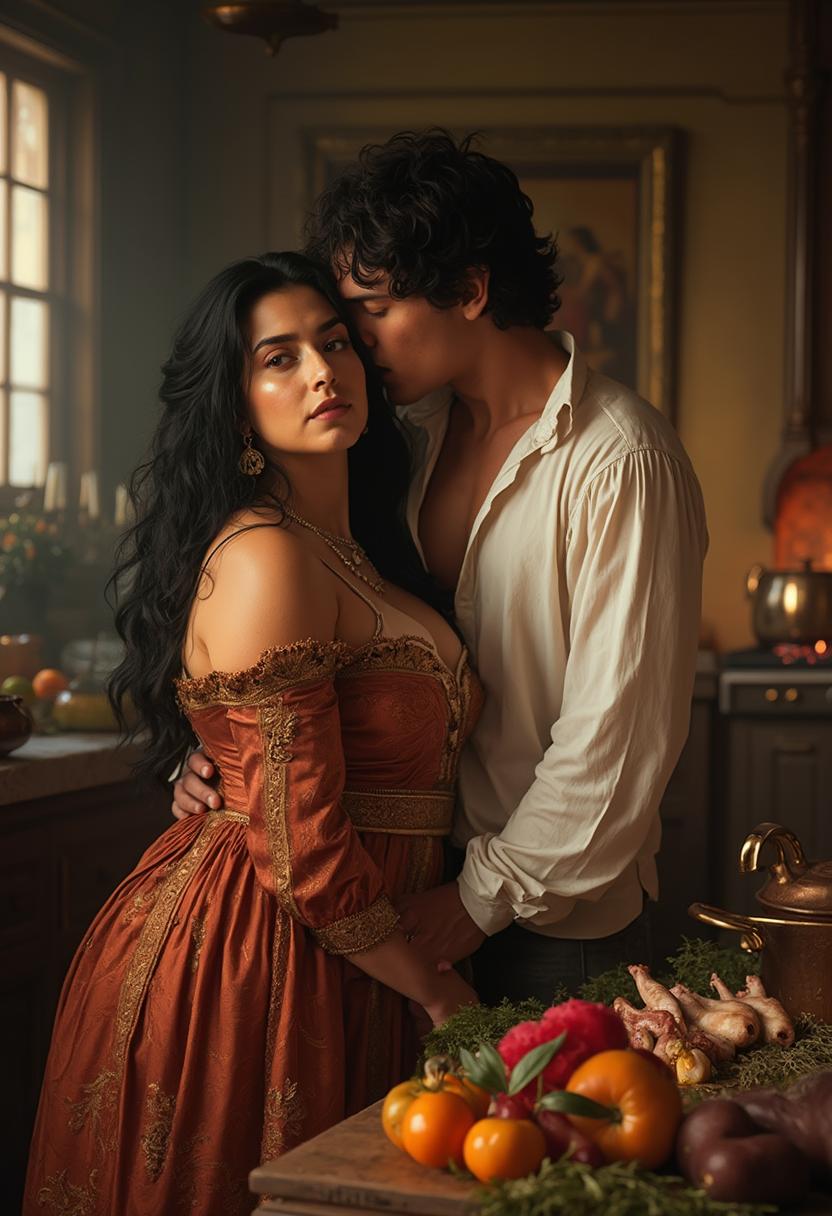
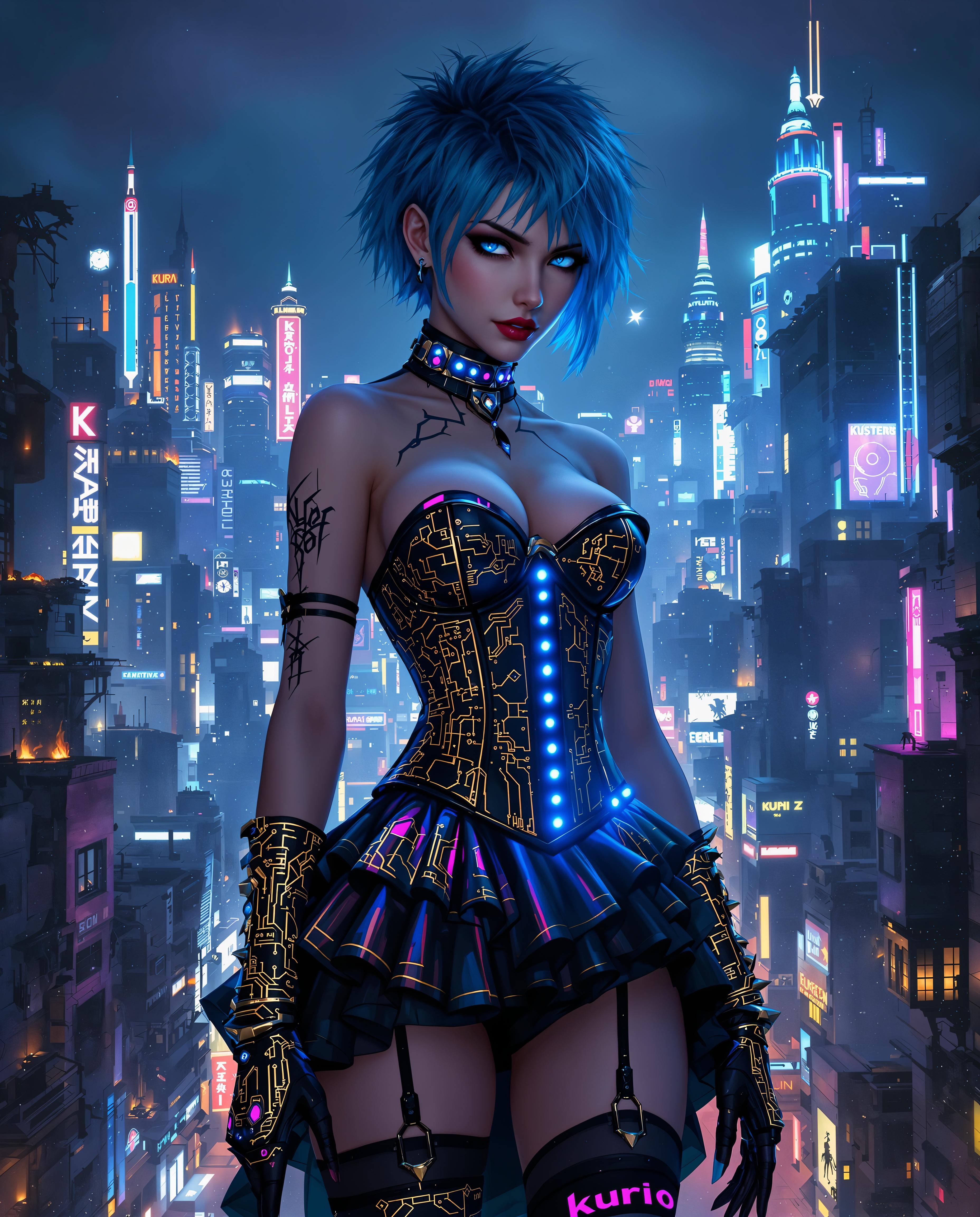
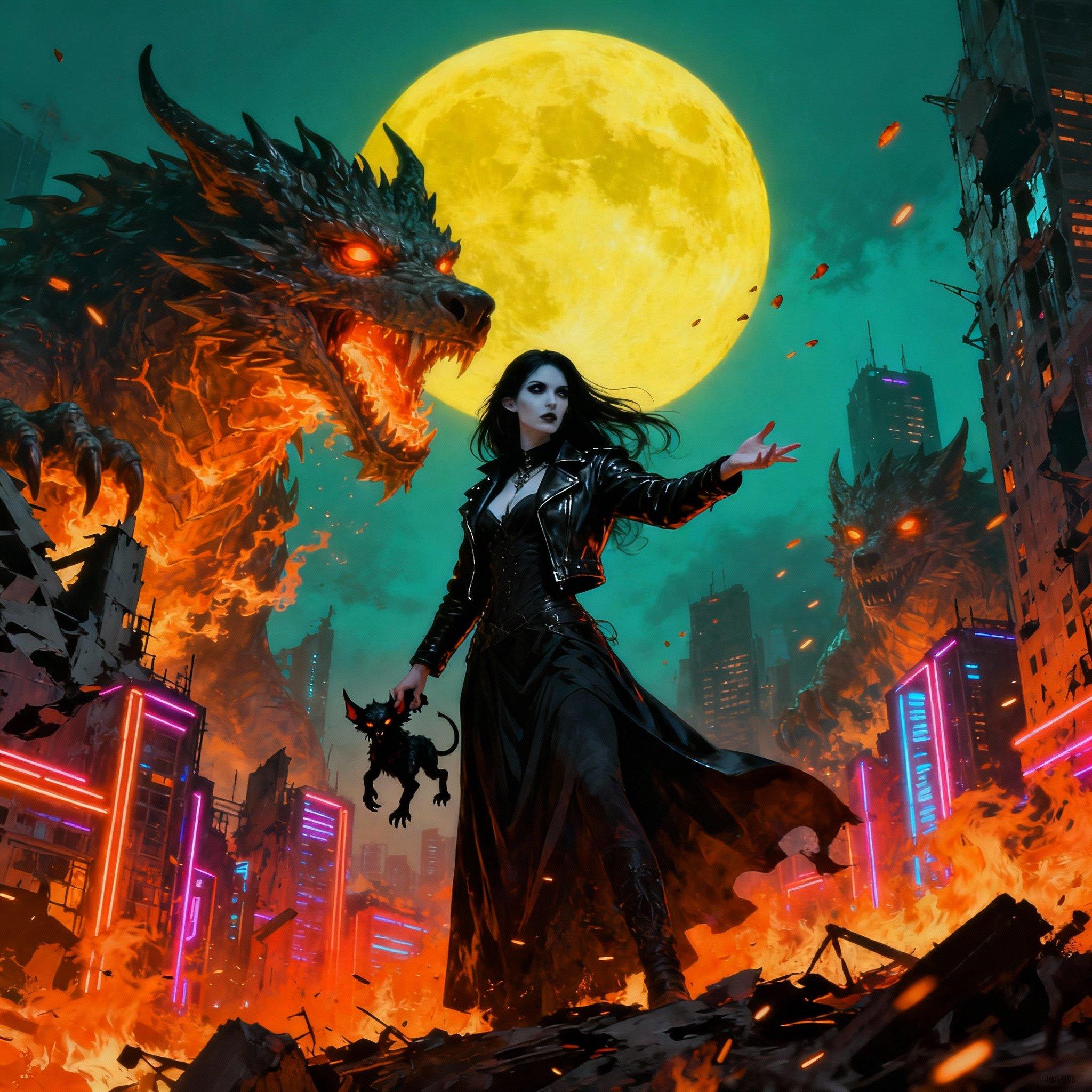
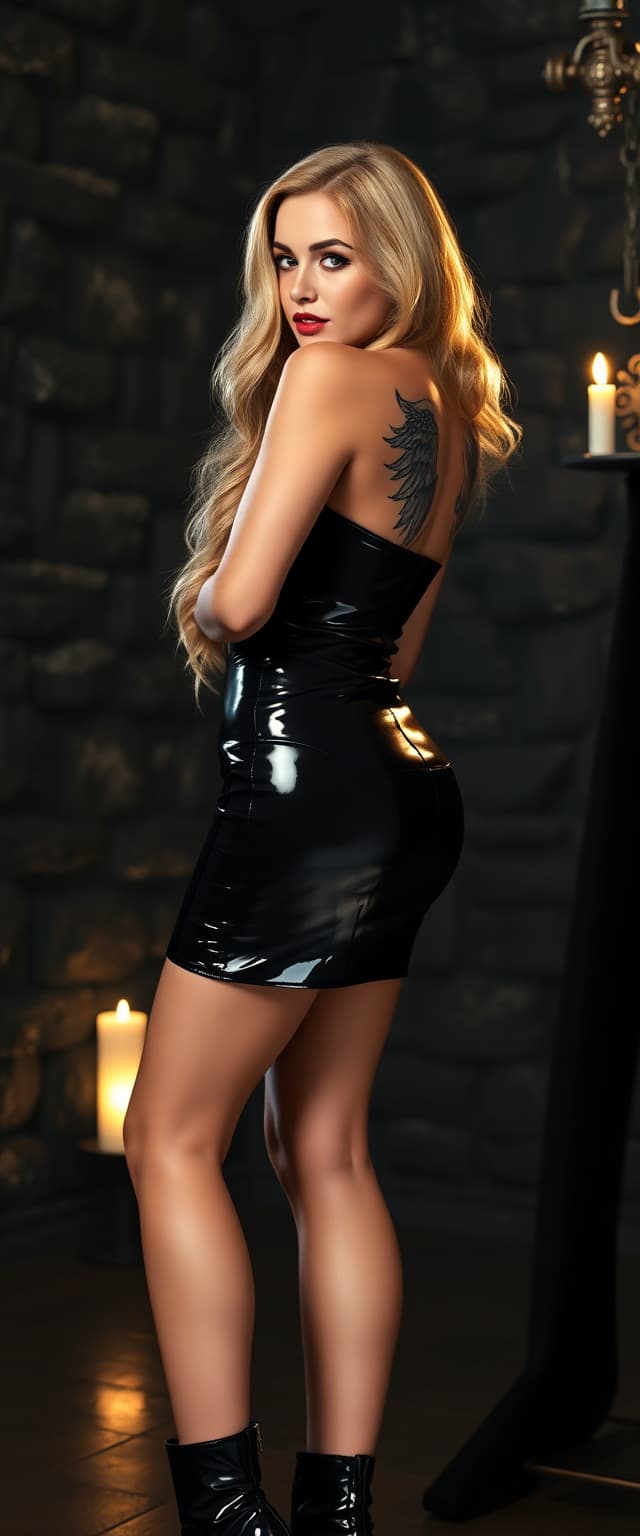
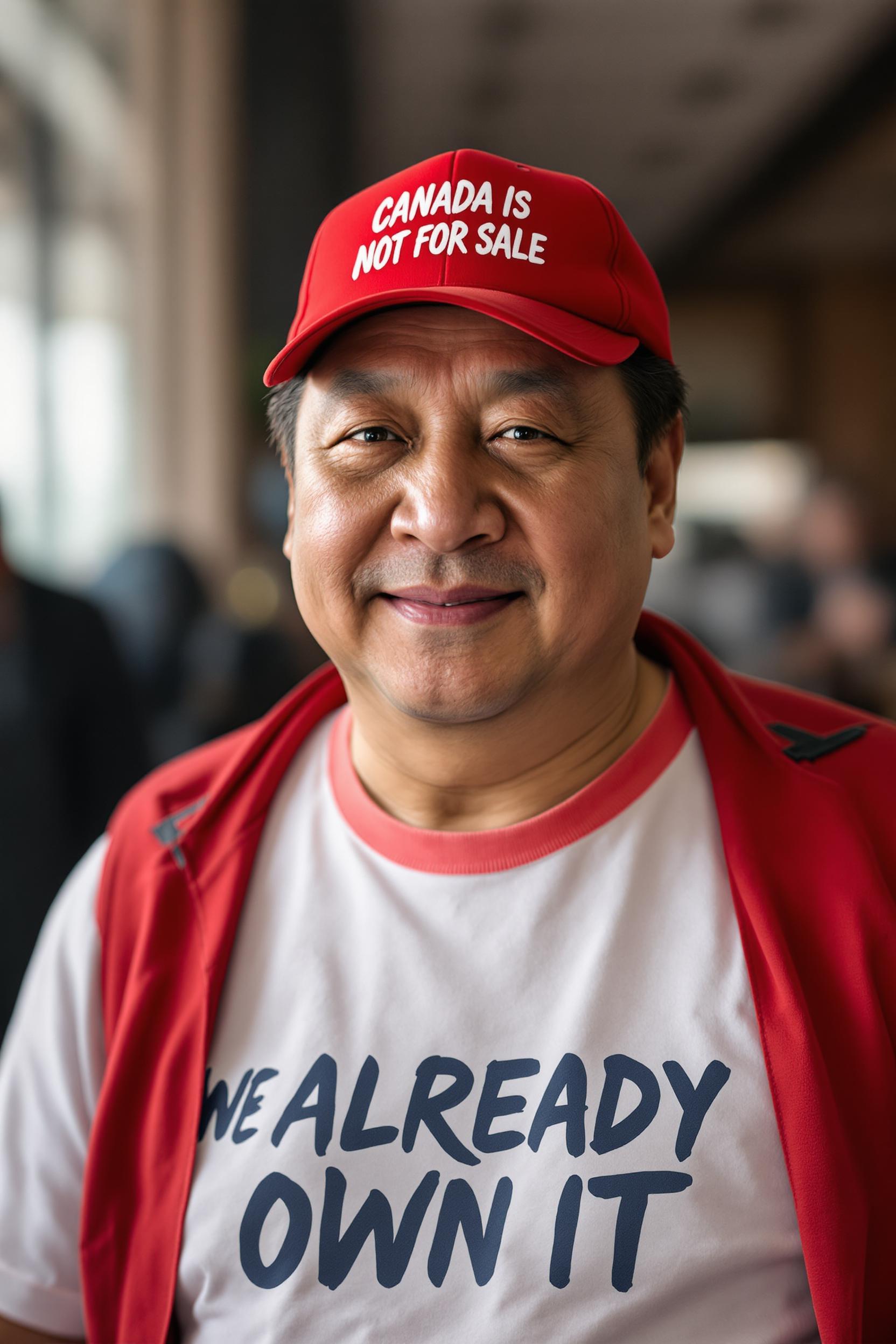
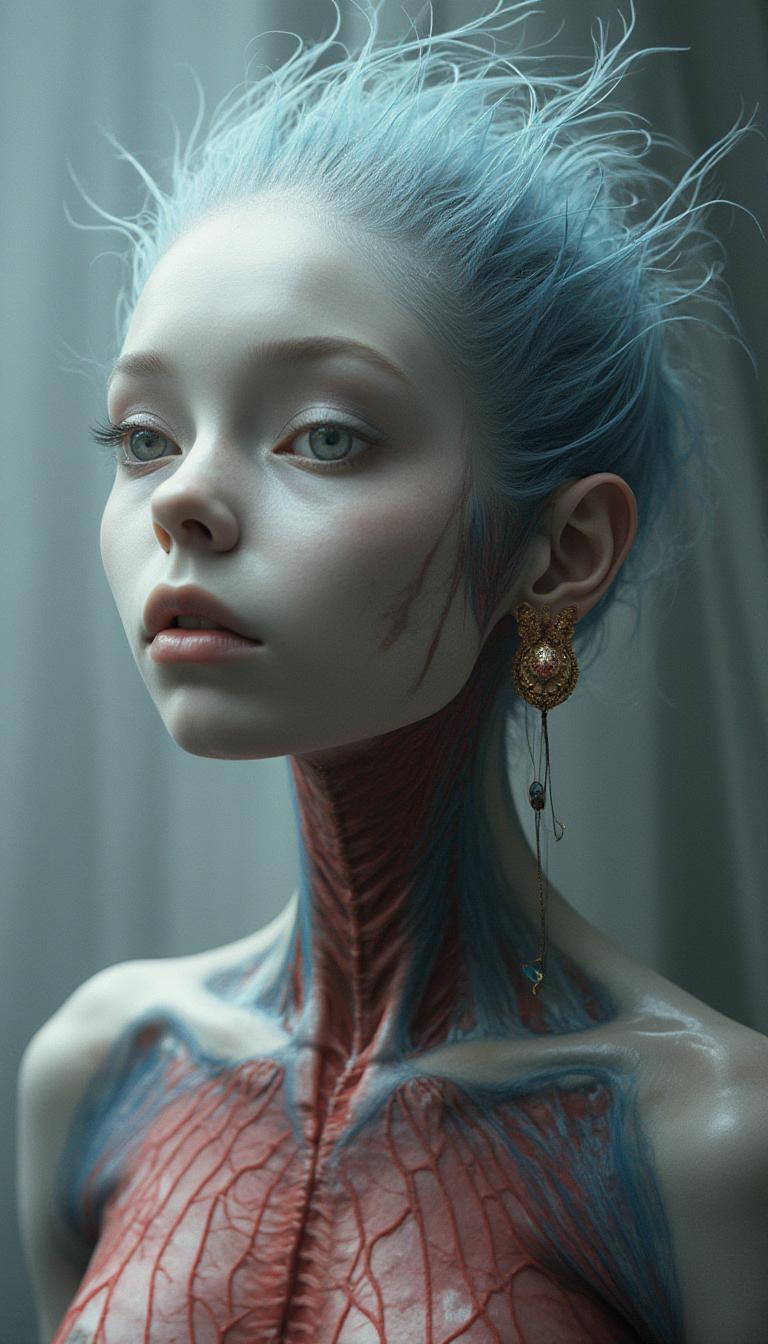
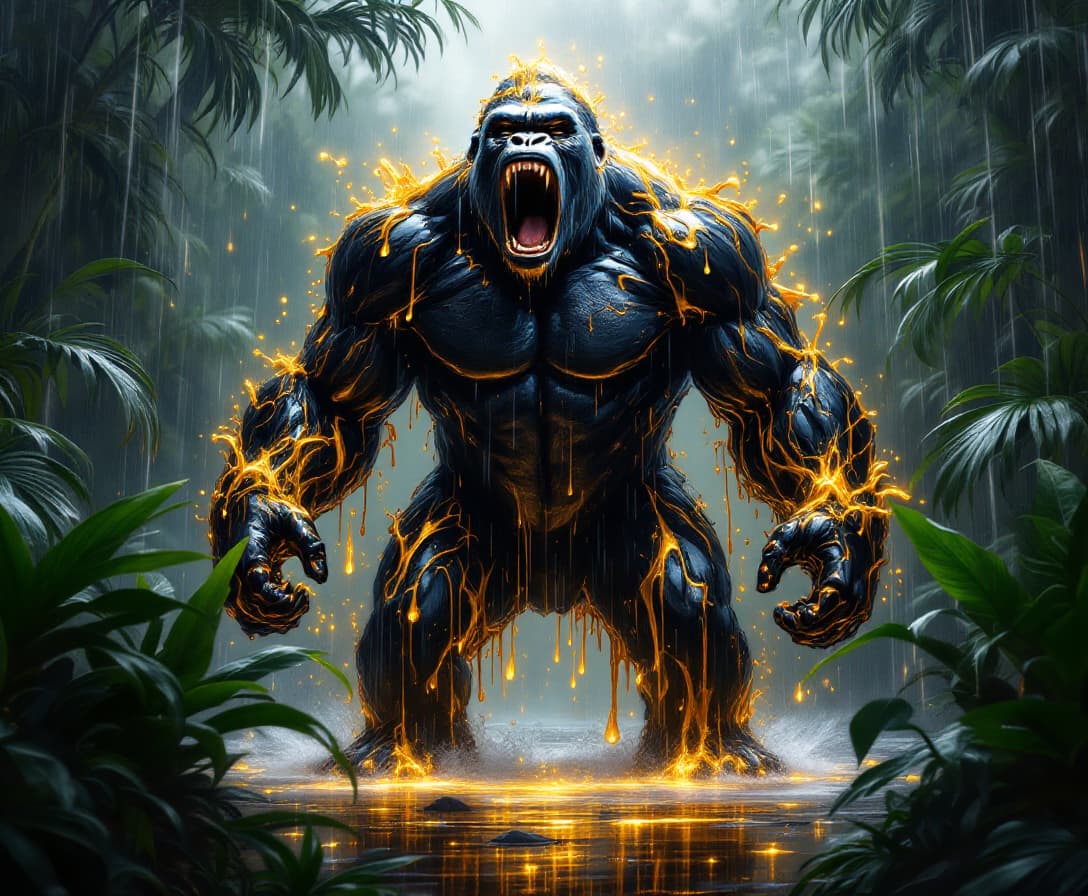
![VS-LoRA-Zip2 looks like Marilyn Monroe [white hair Beauty], a blend of Artgerm and Rubens style [very detailed painting in the tradition of Hudson River School], beauty short "Italian hairstyle" of the 50s, clad in a stunning 1950s pink dress, looking at you, against a dramatic landscape of Hereafter bathed in the magic glow of twilight, stunning Hereafter landscape, victorian villa, forrest, Dream-View, Lake, backlighting, soft shadows, vibrant skyline, intricate fabric textures, hyper-detailed, golden hour ambiance, ultra realistic, wow effect](https://cdn.pixeldojo.ai/cdn-cgi/image/f=auto,q=75,w=3840/pixeldojo/generated-images/1755085292881-yjnmfg6m7.png)
The Pixel Dojo Advantage
Why PixelDojo outperforms other options for AI video generation:
| Others | Pixel Dojo |
|---|---|
| Traditional Video Editing | No need for complex software or technical skills; create videos effortlessly. |
| Generic AI Tools | Specialized features like Last Frame Support ensure higher quality and more control. |
| Manual Animation | Save hours of work with automated processes that deliver professional results. |
Loved by Creators
See what our community says about veo 3.1 last frame support
"PixelDojo's VEO 3.1 made it incredibly easy to turn my photos into engaging videos. The results were stunning!"
Alex Johnson
Content Creator
"As a marketer, creating videos was always time-consuming. PixelDojo streamlined the process and delivered high-quality outputs."
Samantha Lee
Digital Marketer
Common Questions
Everything you need to know about veo 3.1 last frame support AI generation
How does VEO 3.1 Last Frame Support enhance video creation?
VEO 3.1 Last Frame Support allows you to define the starting and ending frames of your video, ensuring smooth transitions and a cohesive narrative.
Do I need prior video editing experience to use PixelDojo?
No, PixelDojo is designed for users of all skill levels. Our intuitive interface makes video creation accessible to everyone.
Can I customize the generated videos?
Yes, you can provide prompts and select specific images to guide the AI, resulting in videos that align with your creative vision.
What formats are the generated videos available in?
The videos are available in standard formats compatible with most platforms, ensuring easy sharing and distribution.
Is there a limit to the number of videos I can create?
PixelDojo offers various subscription plans to suit your needs, with options for unlimited video creation.
How long does it take to generate a video?
The generation time depends on the complexity of your input, but most videos are ready within minutes.