veo 3.1 reference images pixel dojo AI Generator
Transform your static images into captivating videos effortlessly with PixelDojo's integration of VEO 3.1's reference image feature. Whether you're a marketer aiming to enhance product presentations or a content creator seeking dynamic visuals, our platform empowers you to produce high-quality videos that engage and inspire.
Join over 50,000 creators who have generated more than 100,000 videos using PixelDojo's advanced AI tools. Experience the simplicity and quality that have earned us a 4.8/5 user rating.
Why Choose Pixel Dojo for veo 3.1 reference images pixel dojo
Professional-quality results with cutting-edge AI technology
Effortless Image-to-Video Conversion
Seamlessly transform your static images into dynamic videos, adding motion and life to your visuals.
High-Quality Output
Generate up to 30-second videos in 1080p resolution with synchronized audio, ensuring professional-grade results.
User-Friendly Interface
Navigate through the video creation process with an intuitive platform designed for both beginners and professionals.
How It Works
Creating dynamic videos from your images is straightforward with PixelDojo's VEO 3.1 integration. Follow these simple steps:
Step 1: Upload Your Image
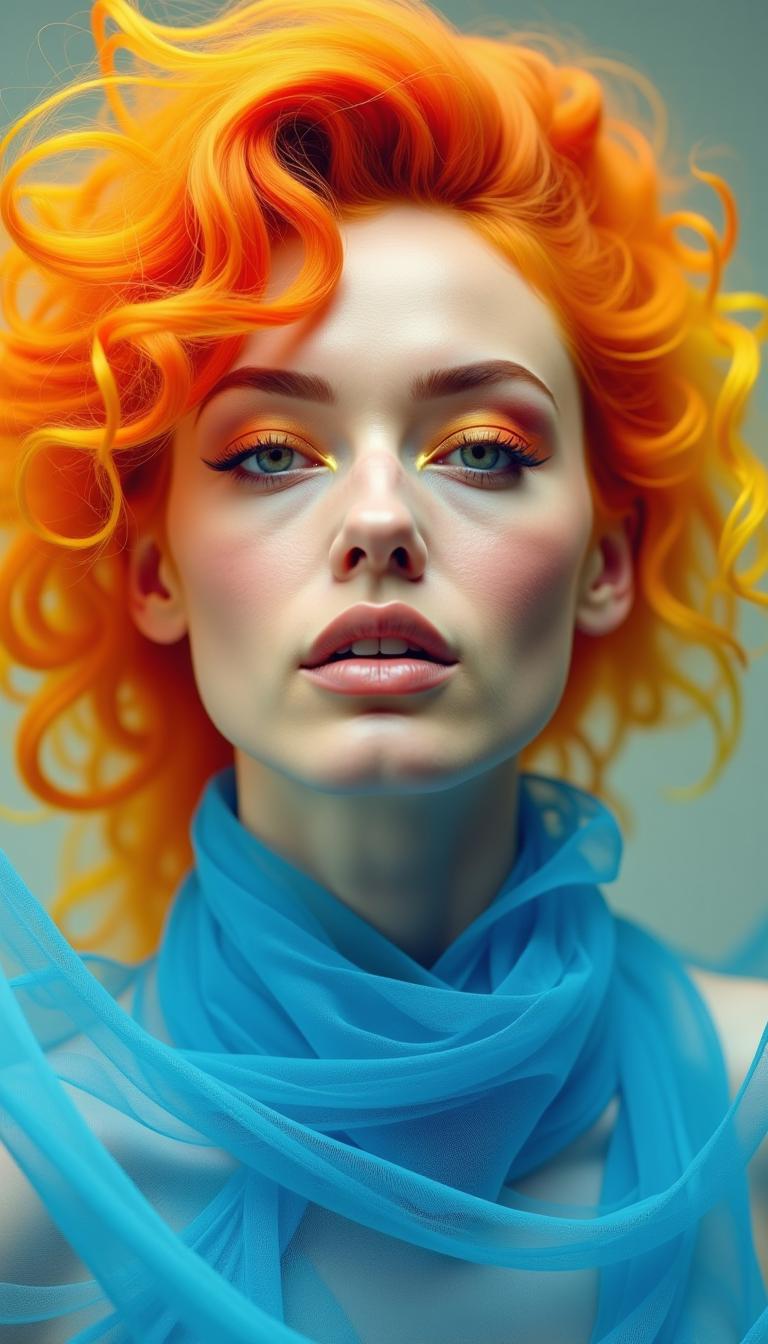
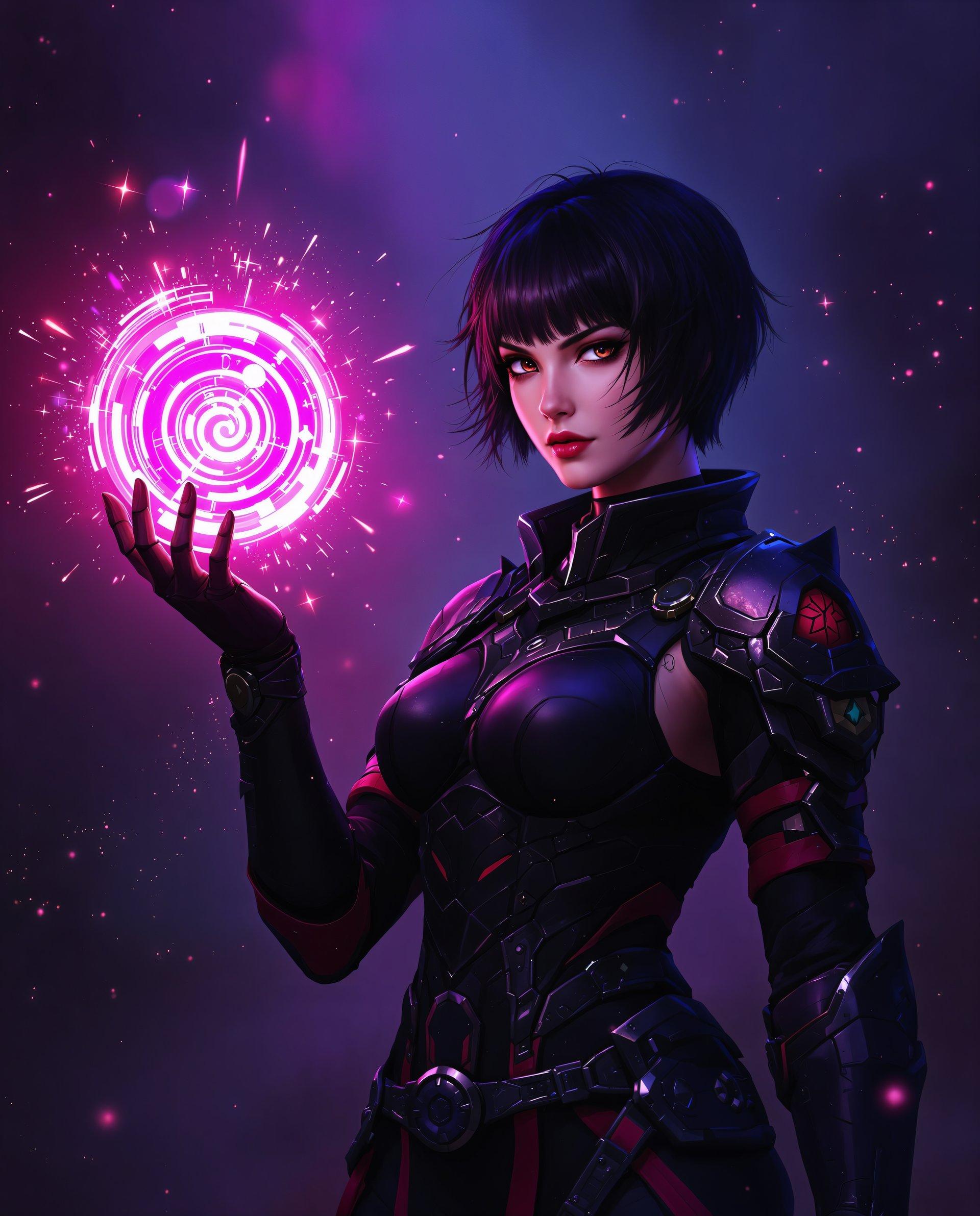
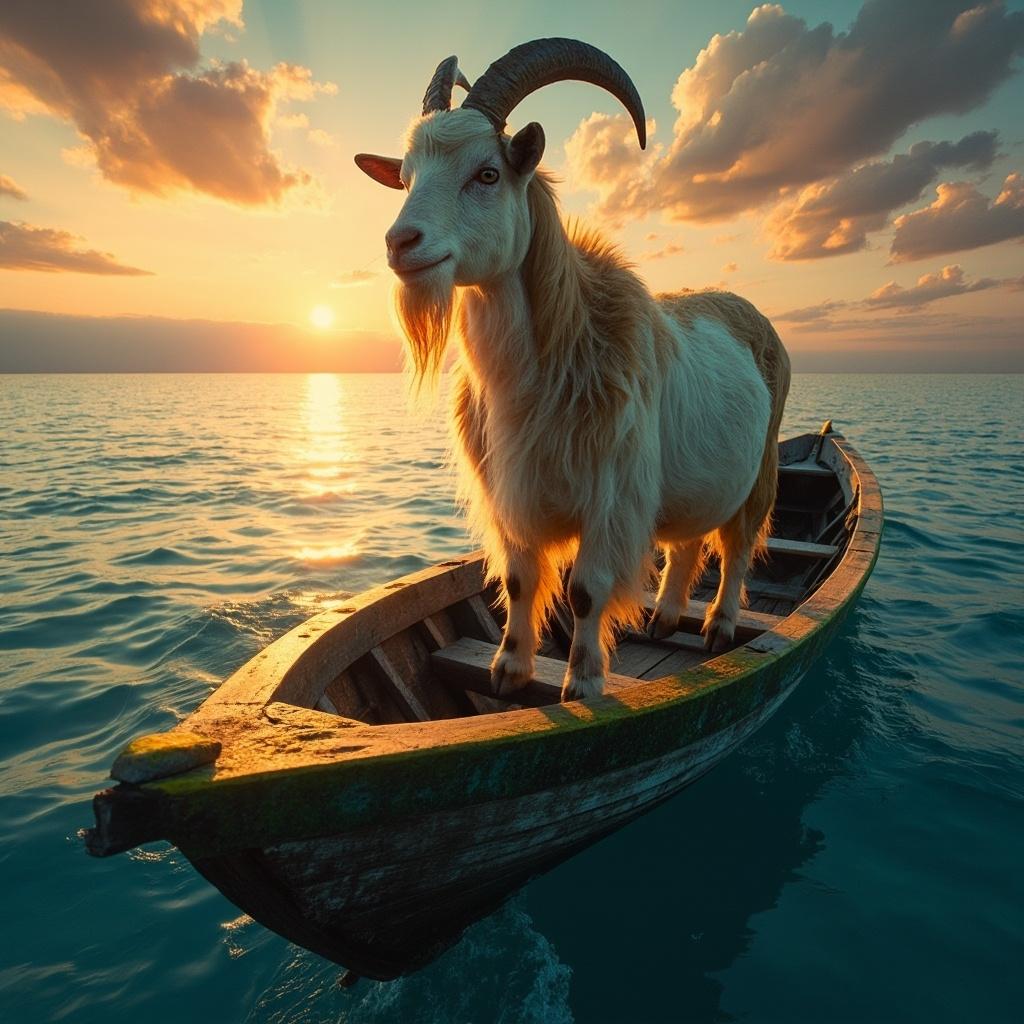
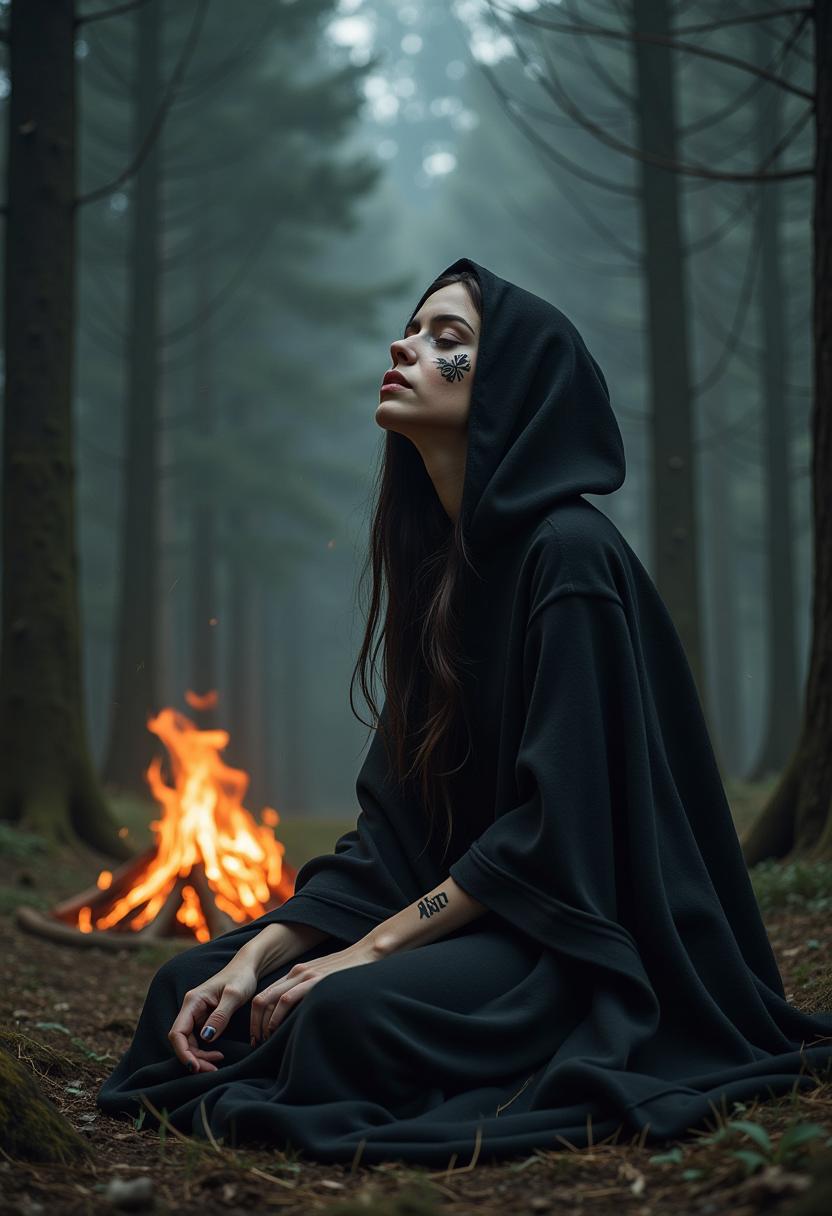
Select the 'Image to Video' option and upload the static image you wish to animate.
Step 2: Enter Your Motion Prompt
Describe the desired movement or action you want to apply to your image. For example, 'A woman walks on the beach and says: Have you heard? VEO 3.1 is now available on PixelDojo!'
Step 3: Generate and Download
Click 'Generate Video' to let the AI process your input. Once completed, preview and download your dynamic video.


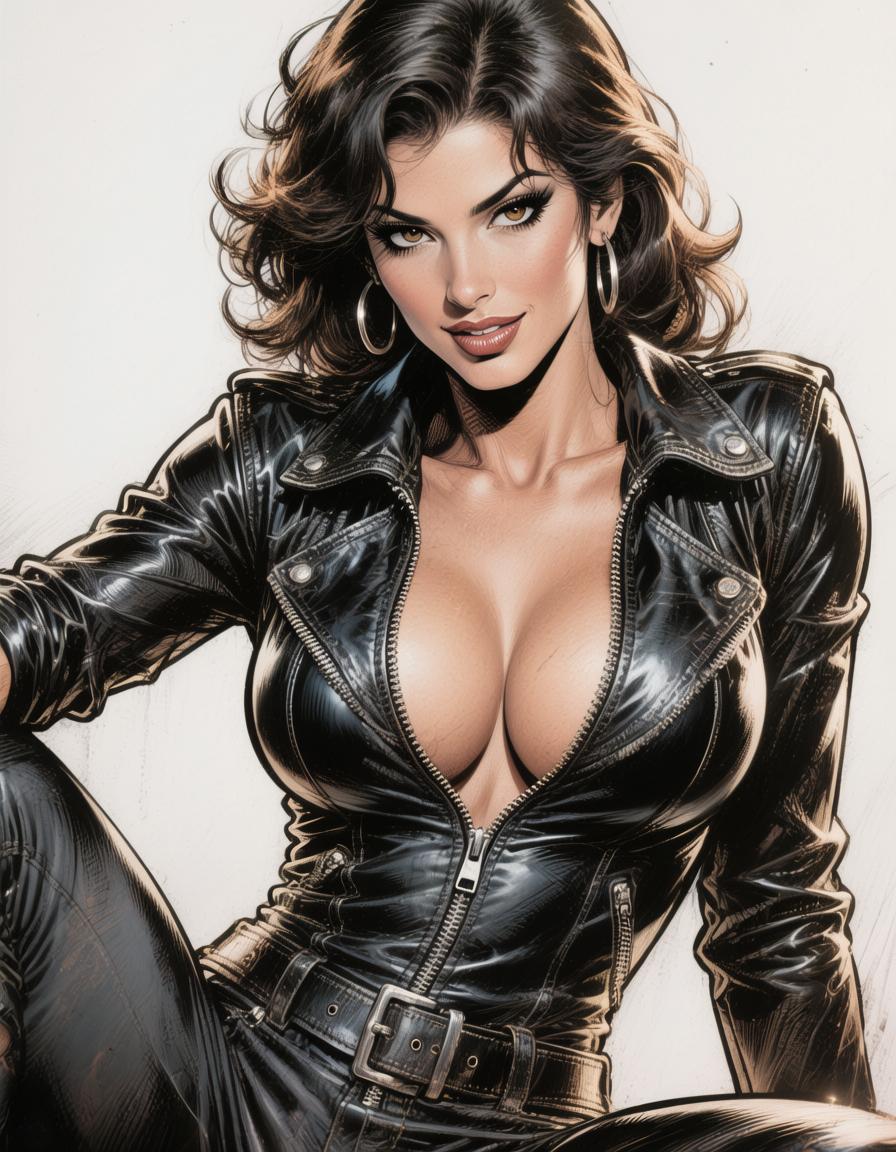
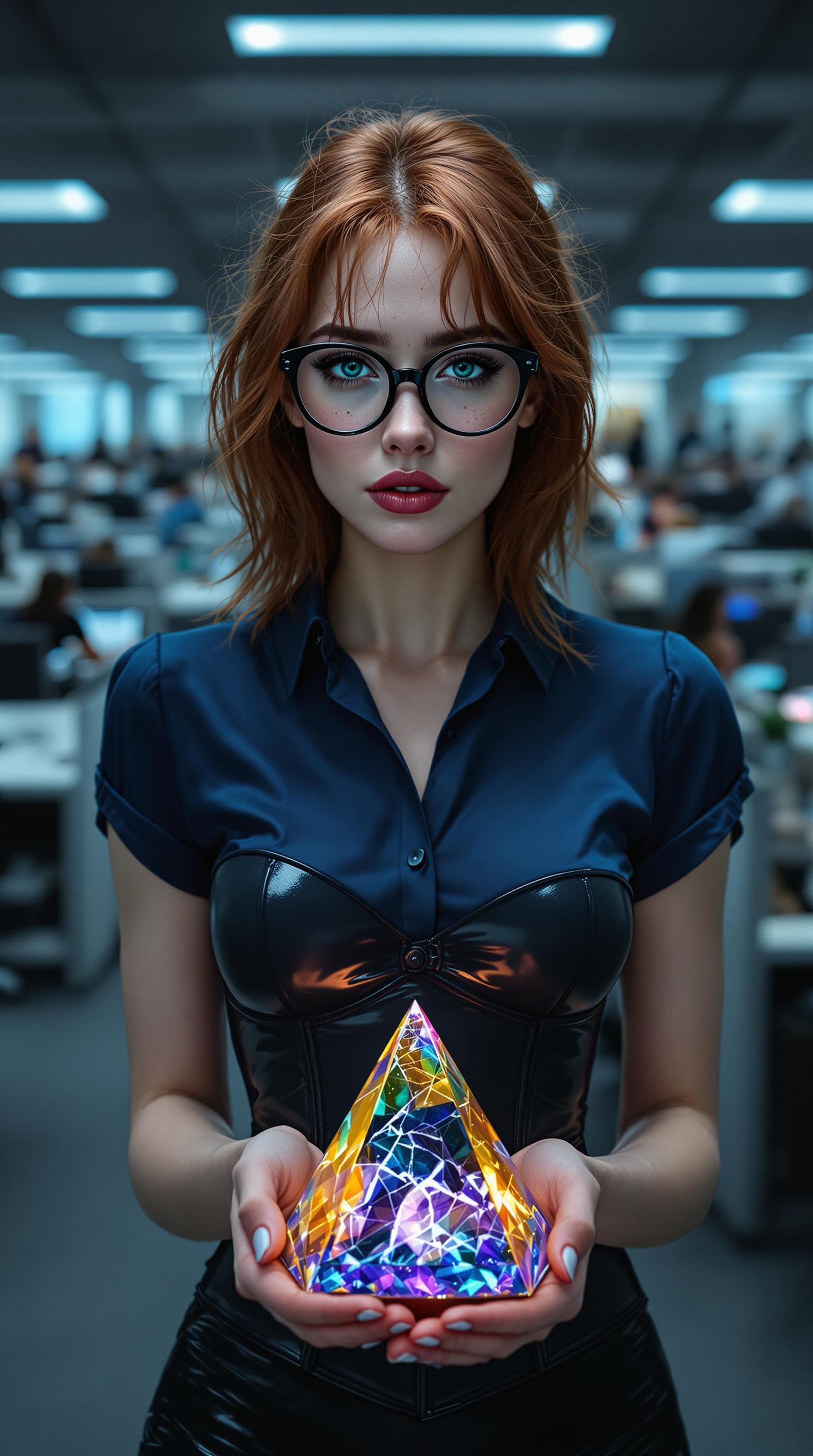
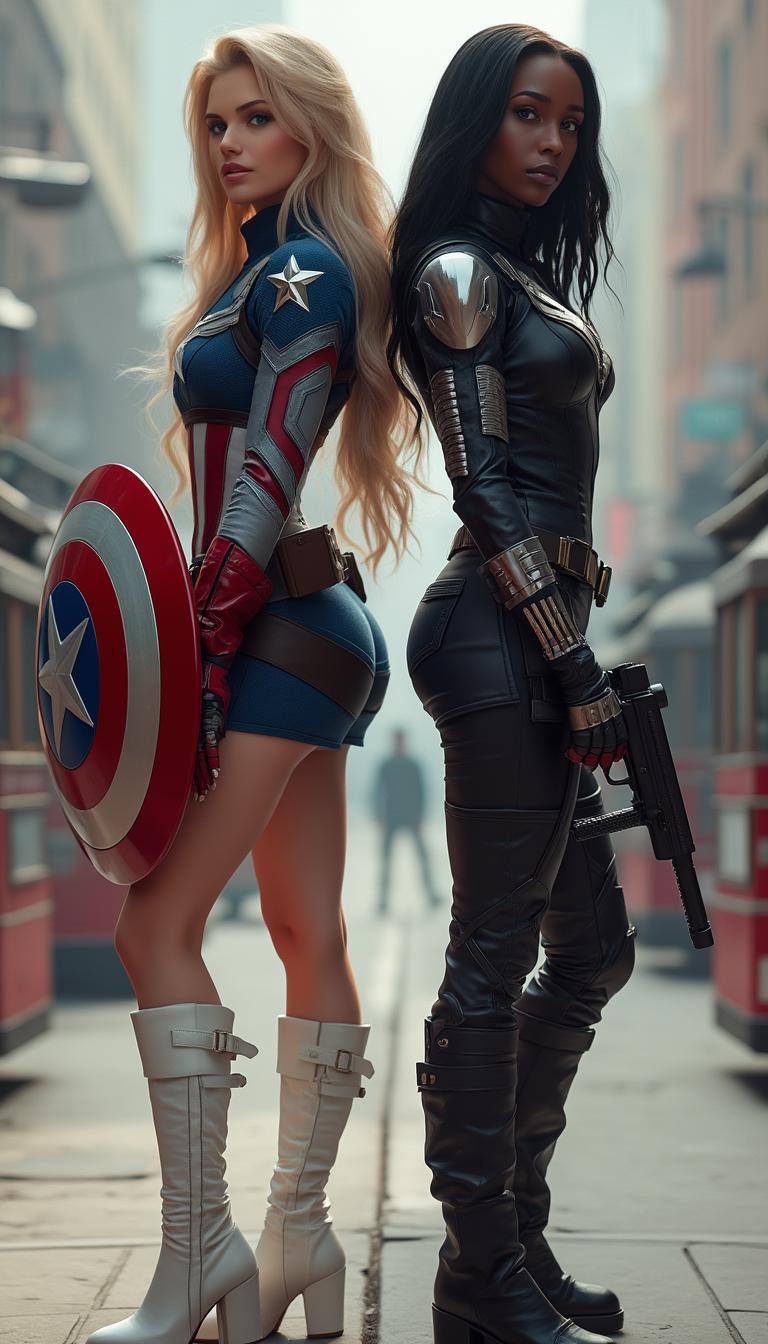
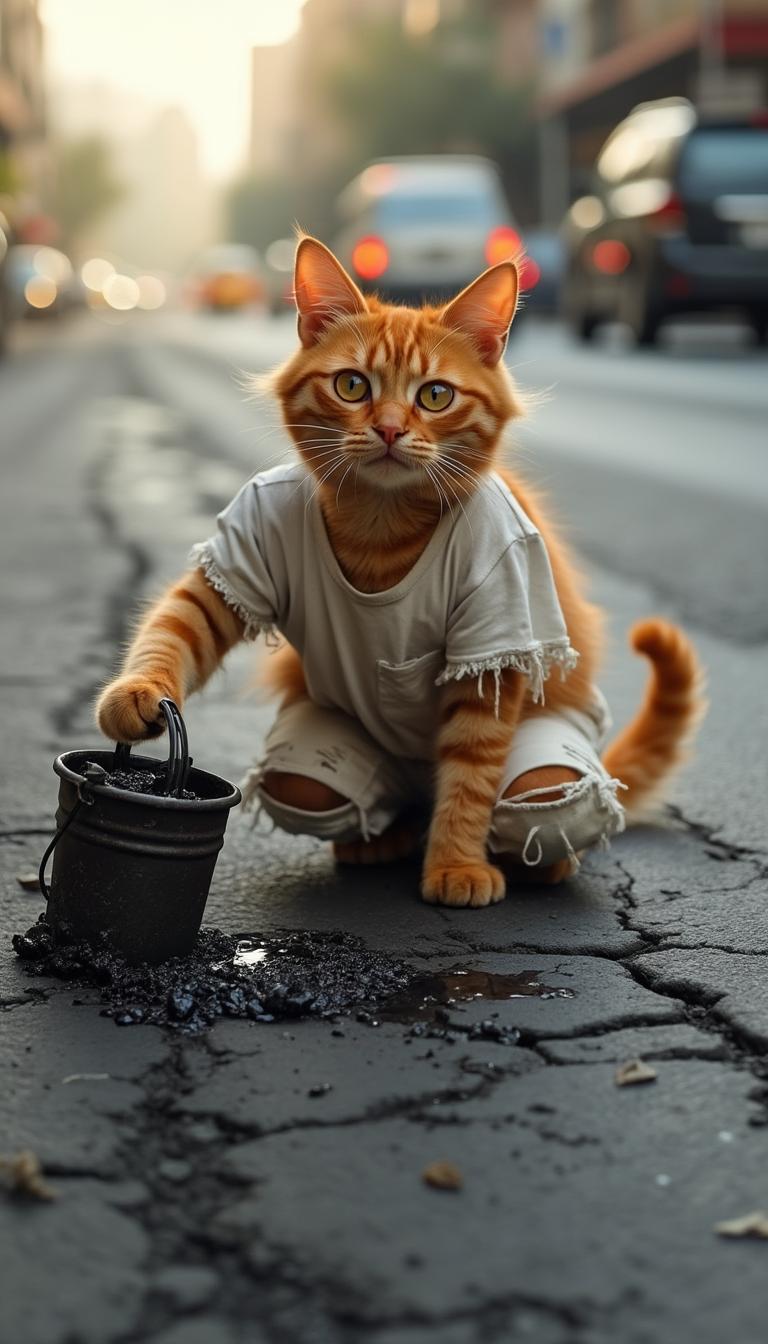
The Pixel Dojo Advantage
Why PixelDojo outperforms other options for AI video generation
| Others | Pixel Dojo |
|---|---|
| Traditional Video Editing | Eliminate the need for complex software and extensive editing skills; create videos in minutes. |
| Generic AI Tools | Benefit from specialized features like VEO 3.1's reference image integration for more accurate and personalized videos. |
| Manual Animation | Save time and resources by automating the animation process without compromising on quality. |
Loved by Creators
See what our community says about veo 3.1 reference images pixel dojo
"PixelDojo's VEO 3.1 integration has revolutionized how I create content. The ease of turning images into videos is unparalleled."
Alex Johnson
Content Creator
"As a marketer, the ability to quickly generate high-quality videos from images has significantly boosted our campaign engagement."
Samantha Lee
Marketing Manager
Common Questions
Everything you need to know about veo 3.1 reference images pixel dojo AI generation
How does VEO 3.1's reference image feature enhance video generation?
VEO 3.1 allows you to guide video generation by providing up to three reference images, ensuring character consistency and style alignment across multiple scenes.
Can I use the generated videos for commercial purposes?
Yes, videos created using PixelDojo's tools can be used for commercial projects, including marketing and product showcases.
What is the maximum duration of videos I can create?
With VEO 3.1, you can generate videos up to 30 seconds long, suitable for various applications like social media and advertisements.
Is there a free trial available?
Yes, new users receive 10 free video generations upon registration to explore our platform's capabilities.
How long does it take to generate a video?
Typically, generating a 30-second video takes 2-5 minutes, depending on system load and video complexity.
Do I need prior video editing experience to use PixelDojo?
No, PixelDojo is designed with a user-friendly interface that requires no prior video editing experience.