WAN 2.6 advanced editing AI Generator
Unlock the full potential of your video projects with WAN 2.6's advanced editing capabilities. Whether you're a content creator, marketer, or filmmaker, WAN 2.6 empowers you to produce professional-quality videos with cinematic storytelling, seamless transitions, and consistent character performance. Say goodbye to complex editing processes and hello to effortless, high-quality video creation.

Join thousands of creators who have transformed their video content with WAN 2.6. Rated 4.8/5 by professionals worldwide for its intuitive interface and powerful features.
Why Choose Pixel Dojo for WAN 2.6 advanced editing
Professional-quality results with cutting-edge AI technology
Cinematic Storytelling Made Simple
Craft compelling narratives with multi-shot sequences that maintain character consistency and natural pacing, all generated from a simple prompt.
Seamless Transitions Between Scenes
Achieve smooth, professional transitions between shots, enhancing the flow and coherence of your videos without manual editing.
High-Quality, Audio-Synced Output
Produce 1080p videos with native audio-visual synchronization, ensuring dialogue matches lip movements and sound effects align perfectly.
How It Works
Creating professional-quality videos with WAN 2.6 is straightforward. Follow these steps to bring your vision to life:
Step 1: Choose Your Input Method
Select from text-to-video, image-to-video, or reference-to-video options to start your project.
Step 2: Enter Your Prompt
Provide a detailed description of your desired scene, including subject, setting, motion, and visual style.
Step 3: Generate and Customize
Click 'Generate' to create your video. Review the output and make any necessary adjustments to refine your final product.


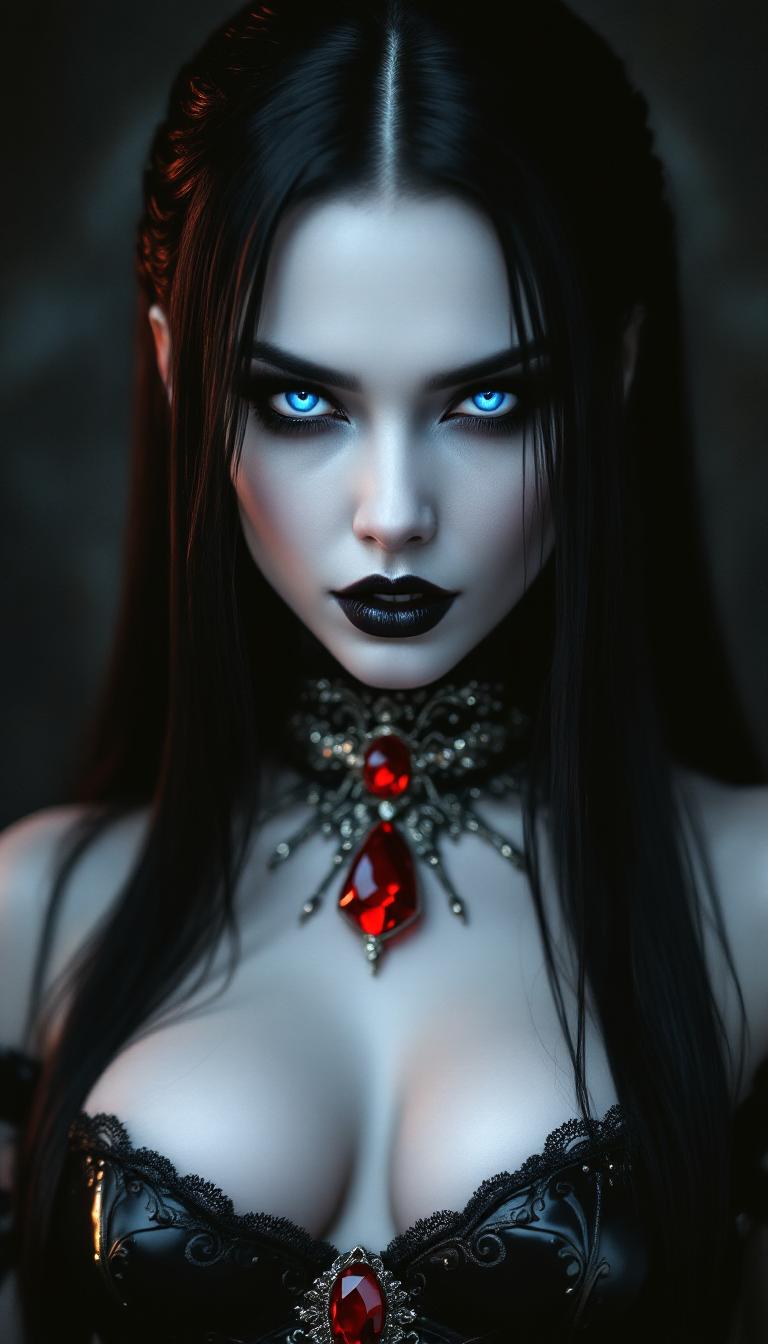
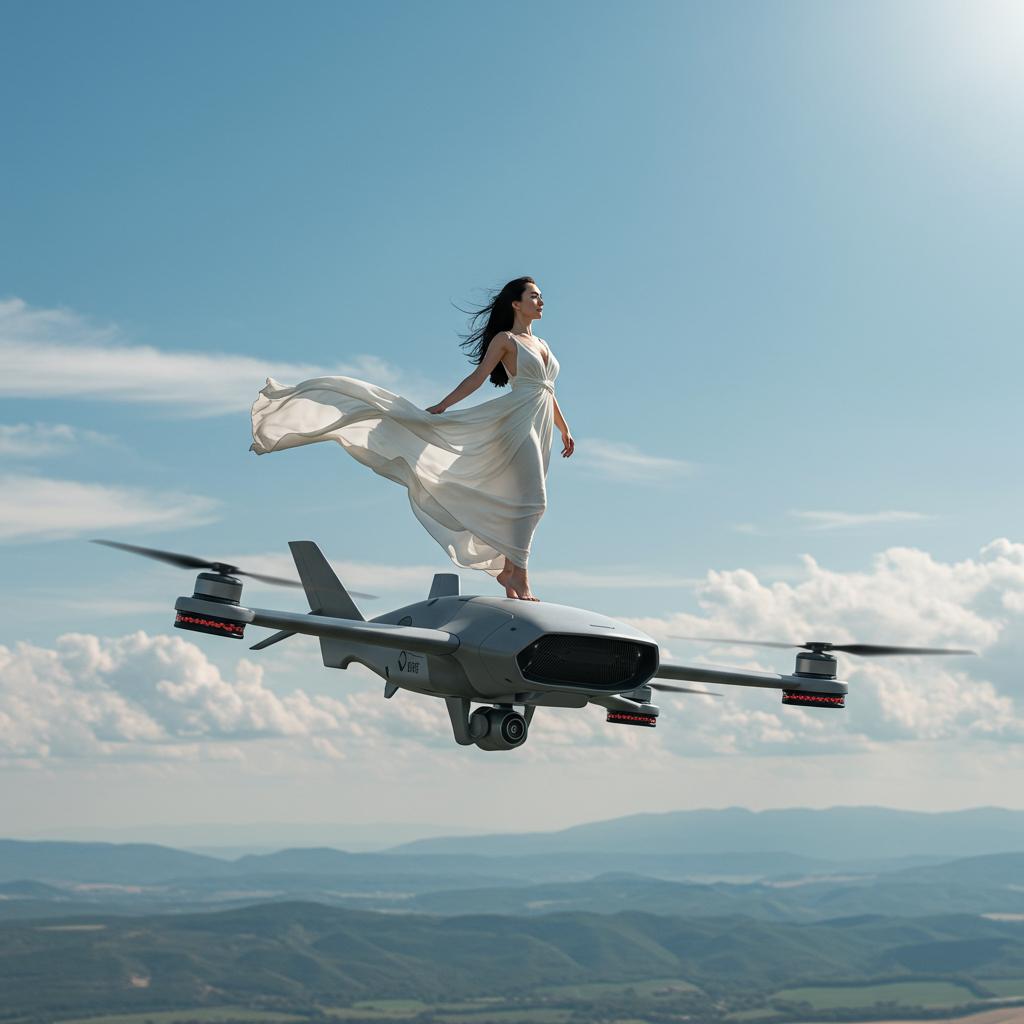
The Pixel Dojo Advantage
Discover how WAN 2.6 stands out in the realm of AI video generation:
| Others | Pixel Dojo |
|---|---|
| Traditional Video Editing | Eliminates the need for complex software and manual editing, streamlining the video creation process. |
| Basic AI Video Tools | Offers advanced features like multi-shot storytelling and native audio synchronization, providing a more comprehensive solution. |
| Manual Storyboarding | Automatically generates coherent narratives and transitions, saving time and effort in planning and execution. |
Loved by Creators
See what our community says about WAN 2.6 advanced editing
"WAN 2.6 has revolutionized our content creation process. The advanced editing features allow us to produce high-quality videos effortlessly."
Alex Johnson
Content Creator
"The seamless transitions and character consistency in WAN 2.6 have elevated our marketing videos to a professional level."
Samantha Lee
Marketing Manager
Common Questions
Everything you need to know about WAN 2.6 advanced editing AI generation
How does WAN 2.6 ensure character consistency across multiple shots?
WAN 2.6 automatically maintains character appearance, costume details, and environmental consistency across scene transitions, ensuring a coherent narrative flow.
Can I use WAN 2.6 for creating videos longer than 15 seconds?
Currently, WAN 2.6 supports video generation up to 15 seconds in length, ideal for social media content and short-form storytelling.
Does WAN 2.6 support audio synchronization?
Yes, WAN 2.6 produces videos with native audio-visual synchronization, ensuring dialogue matches lip movements and sound effects align perfectly.
What input methods does WAN 2.6 support?
WAN 2.6 supports text-to-video, image-to-video, and reference-to-video inputs, providing flexibility in starting your video projects.
Is WAN 2.6 suitable for professional video production?
Absolutely. WAN 2.6's advanced editing features and high-quality output make it suitable for professional content creation across various industries.
How can I get started with WAN 2.6?
Simply choose your input method, enter a detailed prompt, and let WAN 2.6 generate your video. You can then customize and download the final product.