WAN 2.6 deep customization AI Generator
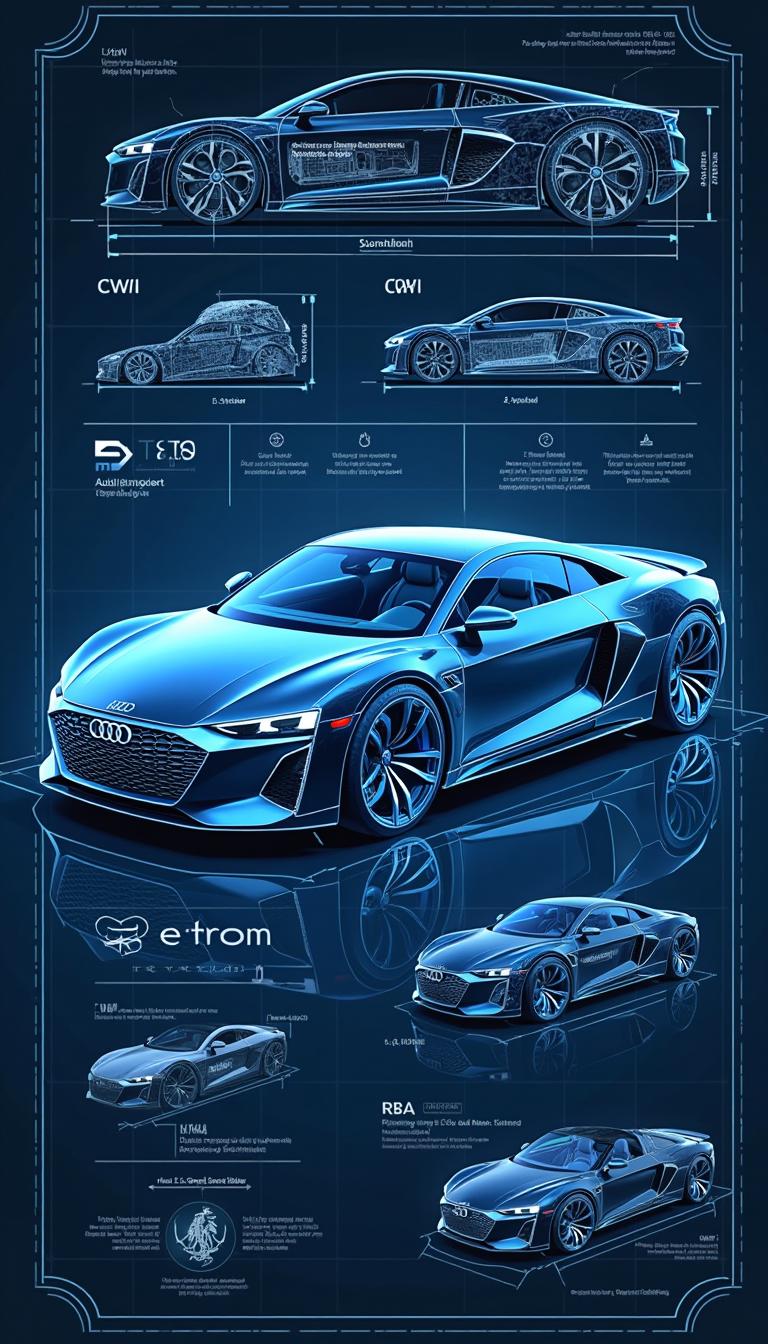
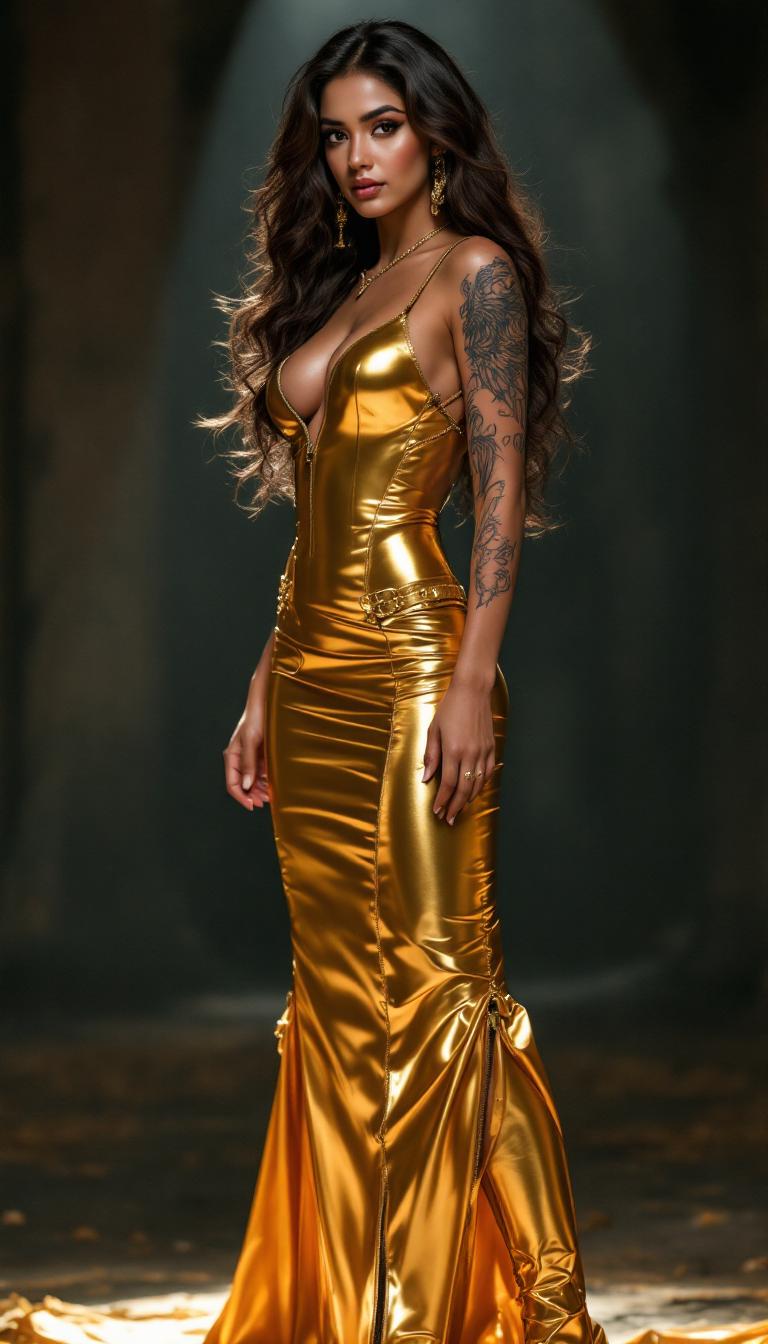
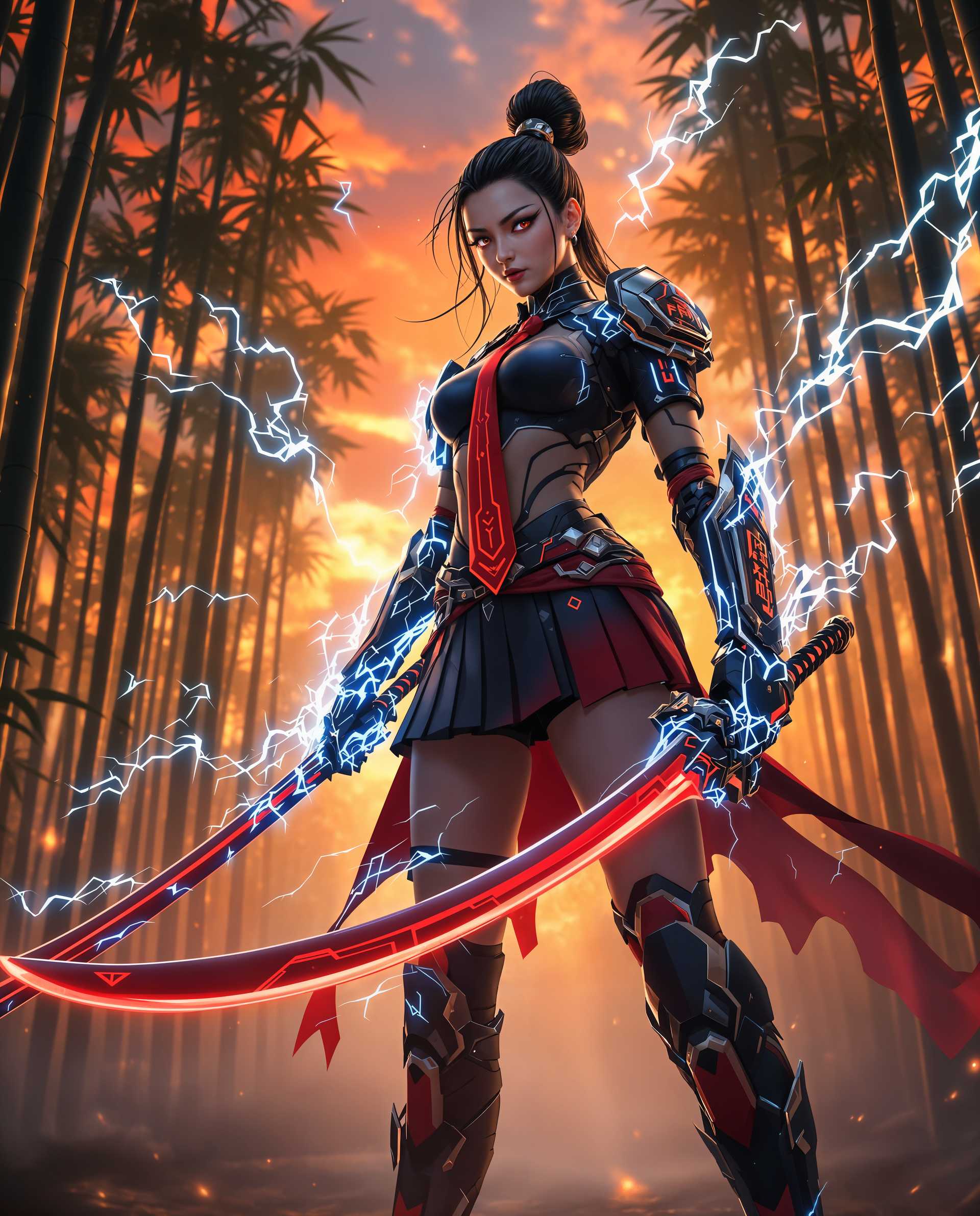
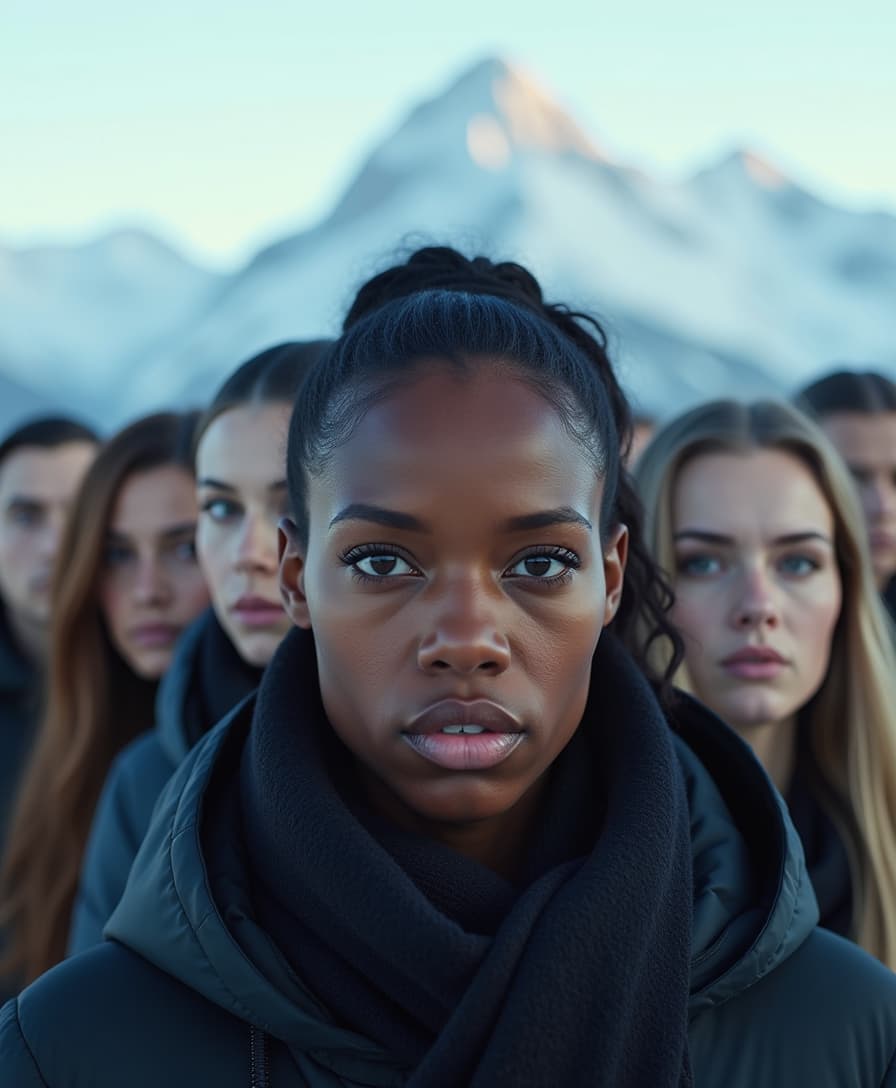
Transform your ideas into flawlessly customized AI images where you dictate every nuance—from intricate facial expressions and dynamic poses to fabric textures and environmental lighting. PixelDojo's WAN 2.6 deep customization empowers you to generate hyper-realistic, one-of-a-kind visuals that match your exact vision, without endless trial-and-error or professional skills. Whether you're crafting personal avatars, brand assets, or artistic concepts, you'll produce professional-grade images in minutes that captivate audiences and elevate your projects, all backed by 40+ cutting-edge AI tools loved by thousands worldwide.

⭐ 4.9/5 from 12,000+ creators | 2M+ WAN 2.6 images generated | Featured in top design communities | 98% satisfaction rate | Cancel anytime
Why Choose Pixel Dojo for WAN 2.6 deep customization
Professional-quality results with cutting-edge AI technology
Perfect Precision in Every Detail
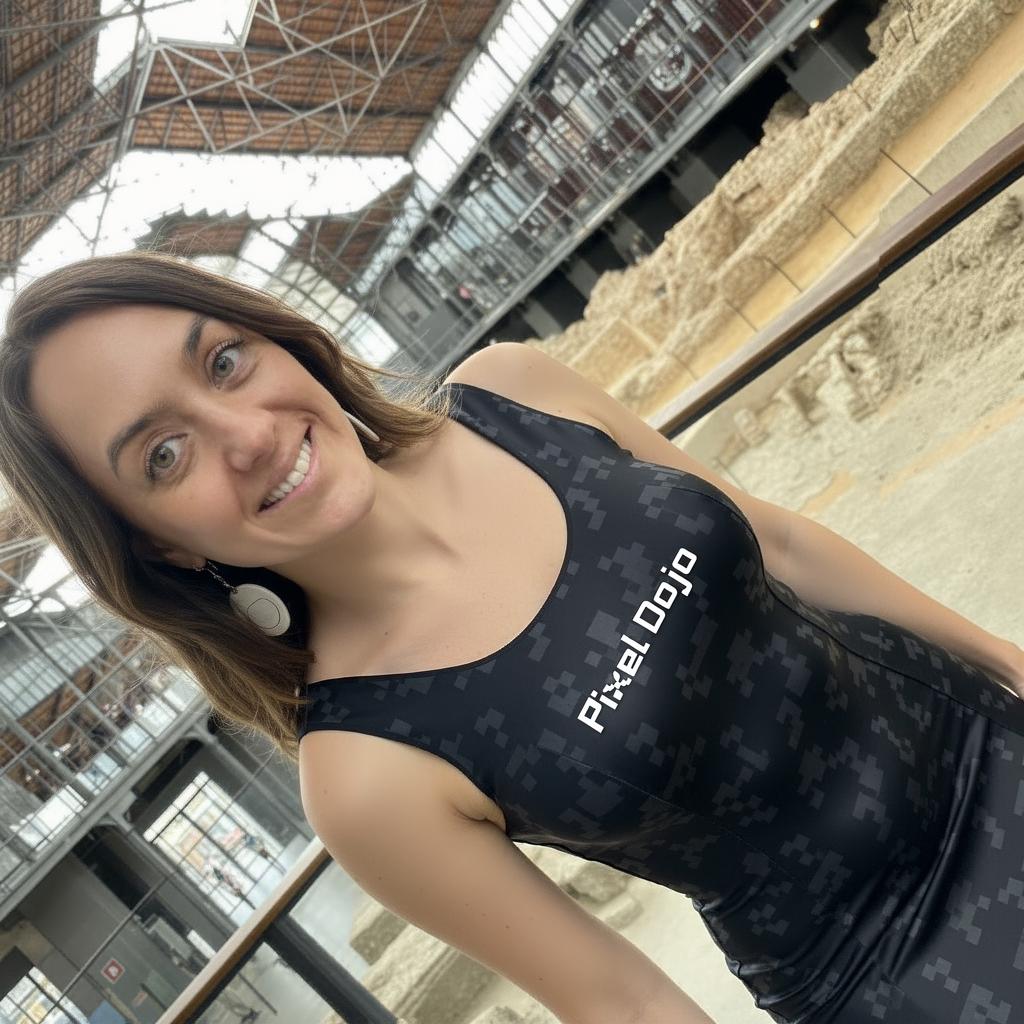
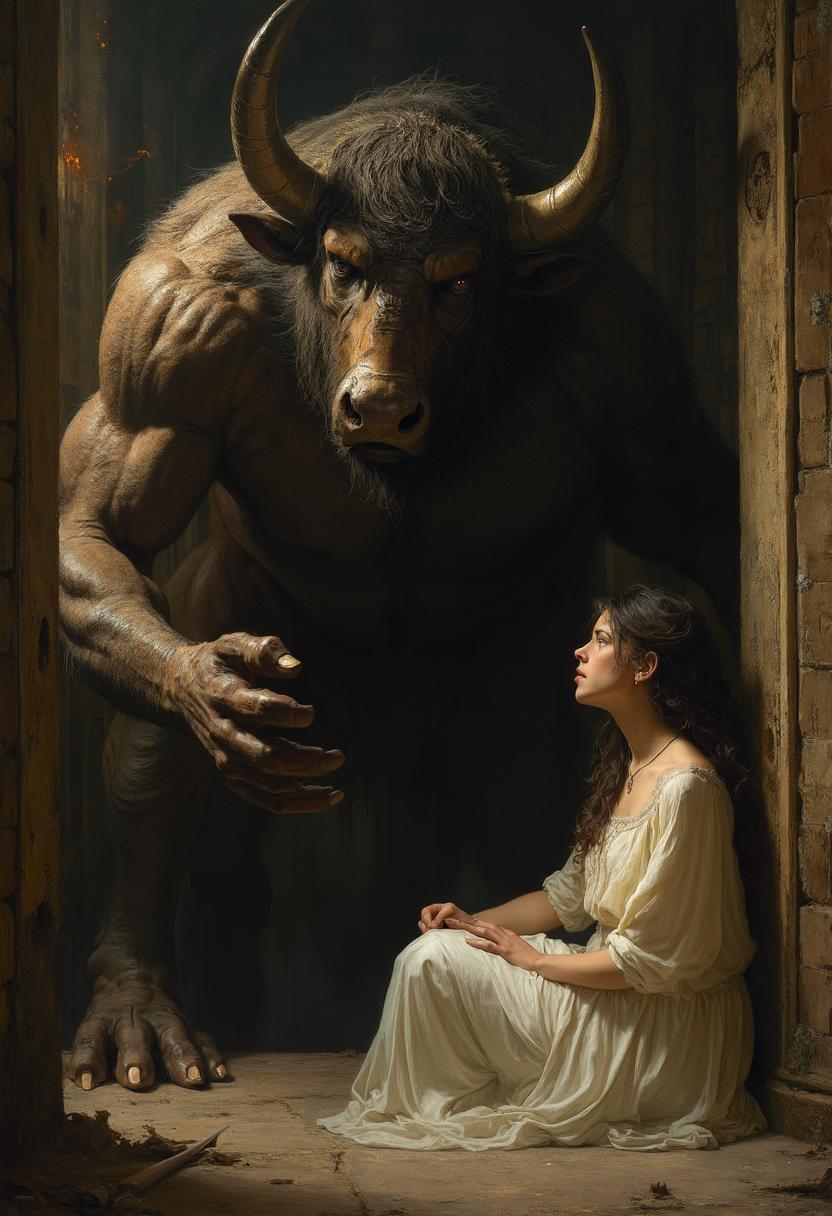
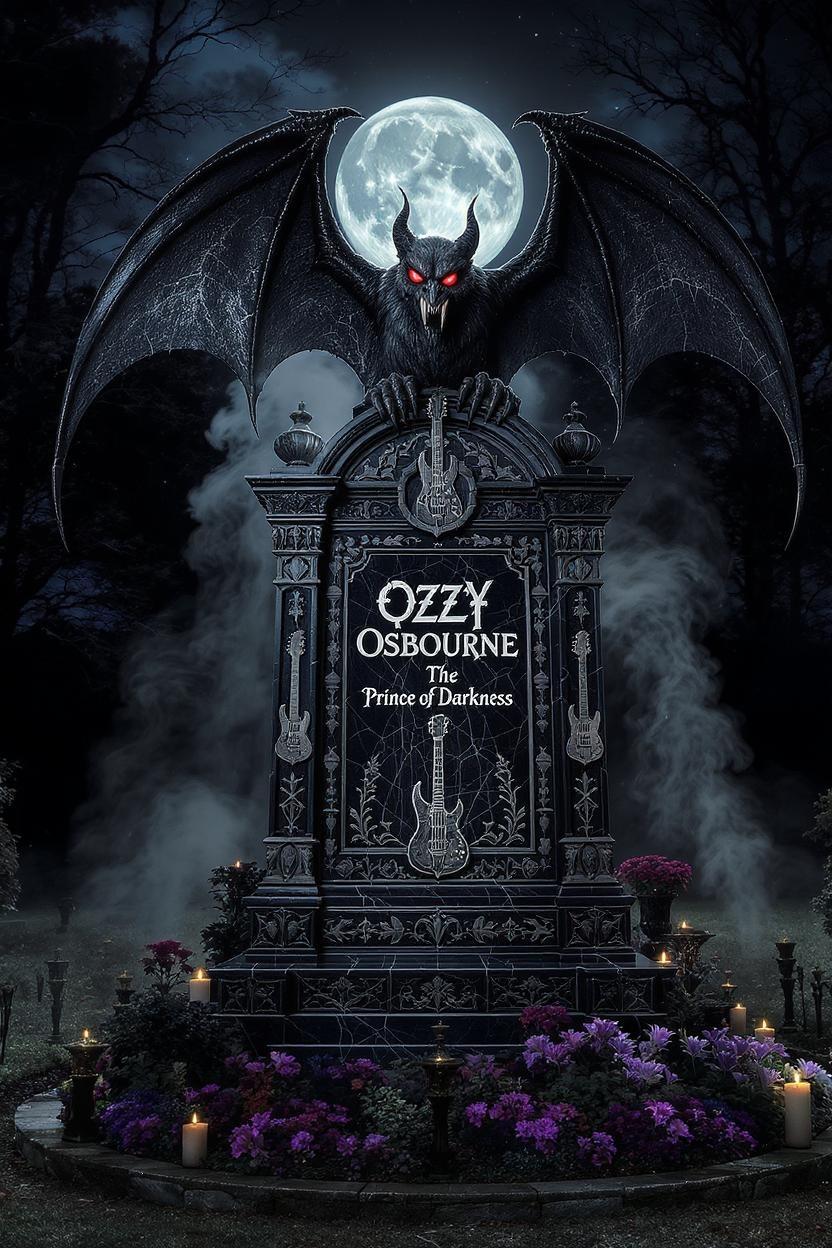
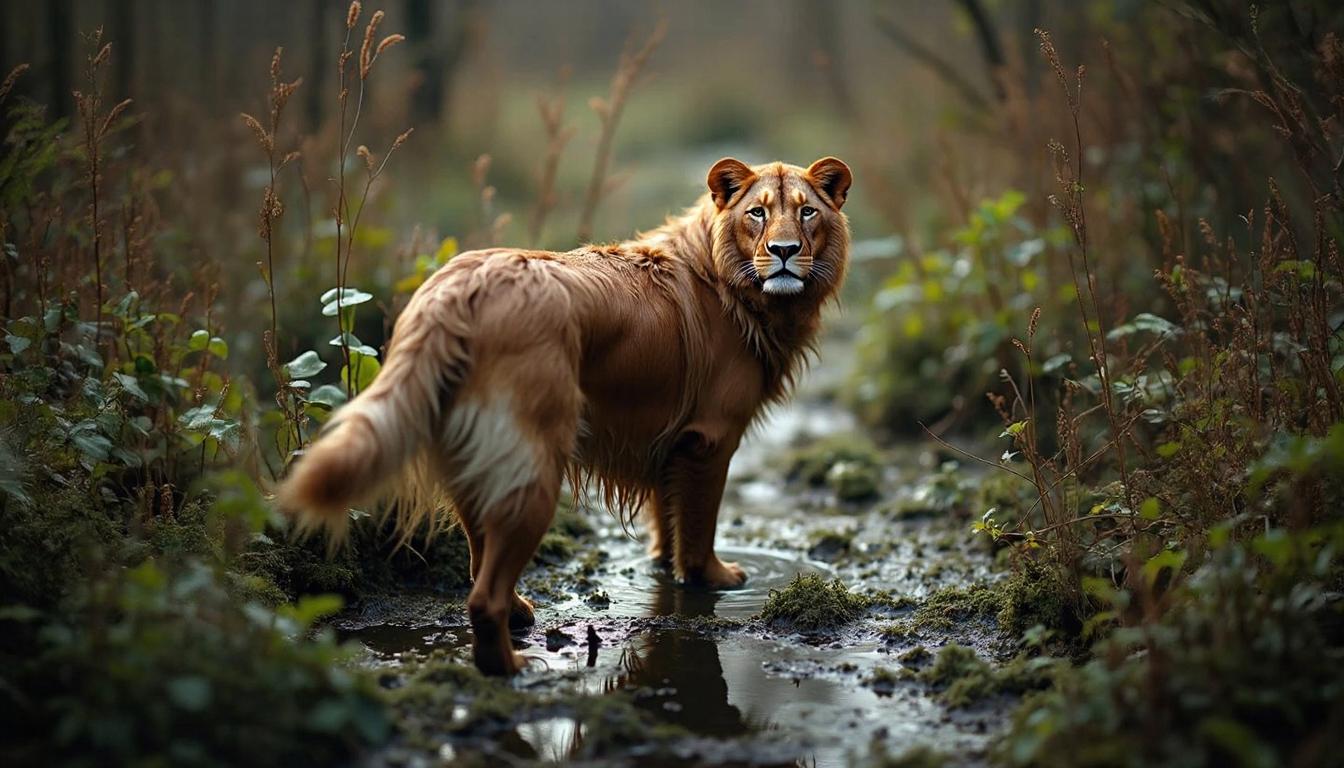
You gain total control over poses, expressions, clothing, and accessories, creating images that look like custom photography tailored precisely to your needs—no more generic outputs that miss the mark.
Hyper-Personalized Images Instantly
Bring yourself, your products, or fictional characters to life with exact likenesses and styles, using tools like Face Swap and Pose Control to make every creation uniquely yours and ready for commercial use.
Effortless Refinements & Scalability
Iterate rapidly with Inpainting, Style Transfer, and model training options, scaling from single images to consistent series that save you days of work while maintaining flawless quality across variations.
How It Works
Dive into WAN 2.6 deep customization on PixelDojo with our seamless workflow. You'll leverage WAN Image alongside editing powerhouses like Inpainting, Pose Control, and FLUX Model Trainer to craft images with surgical precision—no coding or expertise required.
Step 1: Choose WAN Image Tool
Head to the Create Images section and select WAN Image (powered by WAN 2.6 capabilities). Upload a reference photo if desired for base customization, or start fresh. This sets the foundation for your deeply tailored image.
Step 2: Craft Your Detailed Prompt
Enter a descriptive prompt specifying deep custom elements like 'hyper-realistic portrait of a confident entrepreneur in tailored suit, dynamic low-angle pose, golden hour lighting, intricate fabric details'. Add parameters for style, resolution, and seed for reproducibility using integrated controls.
Step 3: Refine & Download Masterpiece
Enhance with PixelDojo editors: Use Inpainting for spot fixes, Pose Control for adjustments, Face Swap for personalization, or train a custom FLUX model via FLUX Model Trainer. Preview variations, upscale with Creative Upscaler, and download in high-res for immediate use.
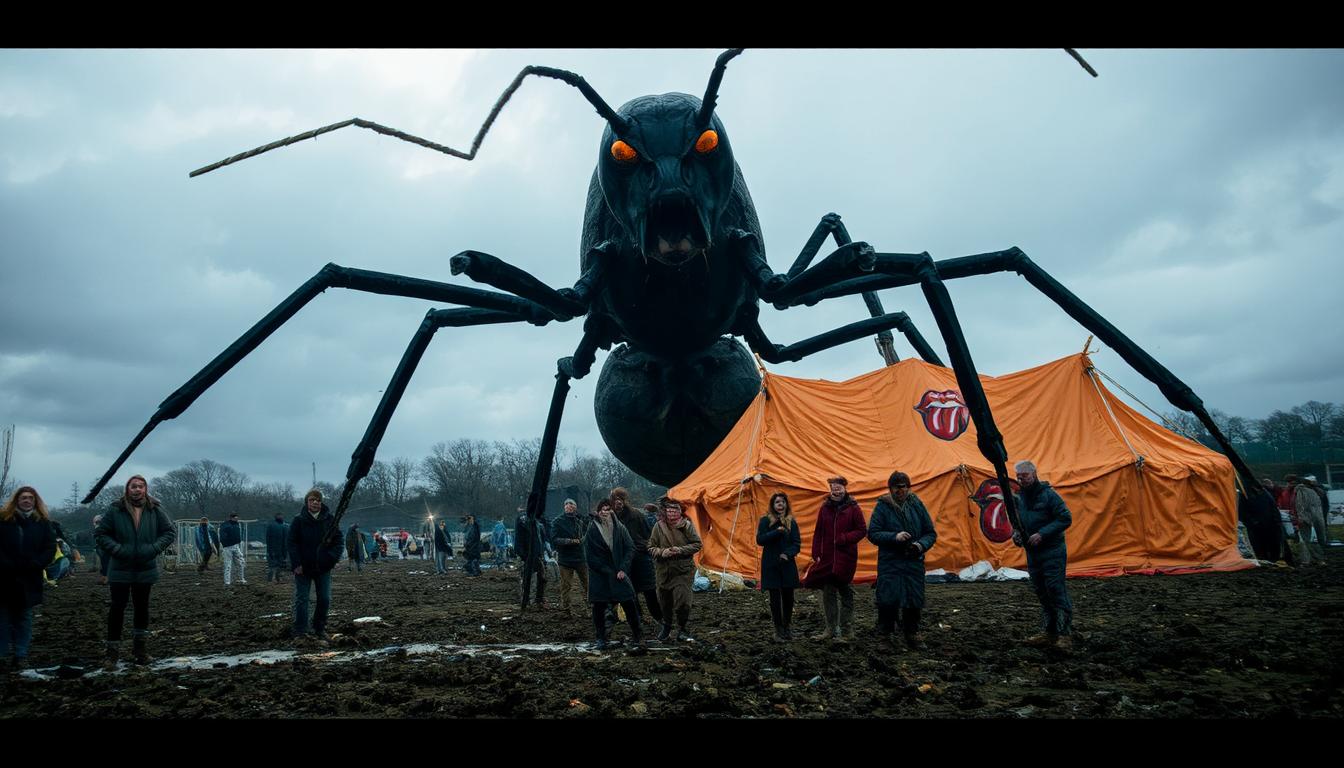
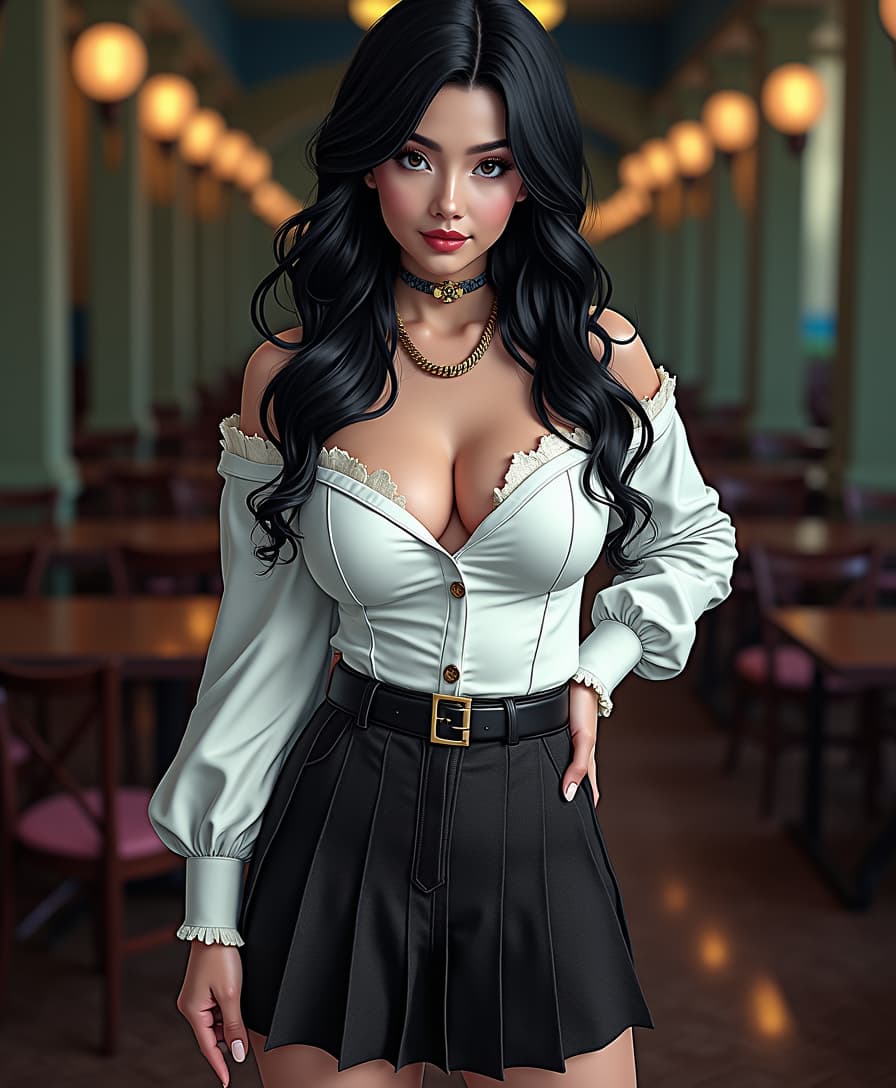
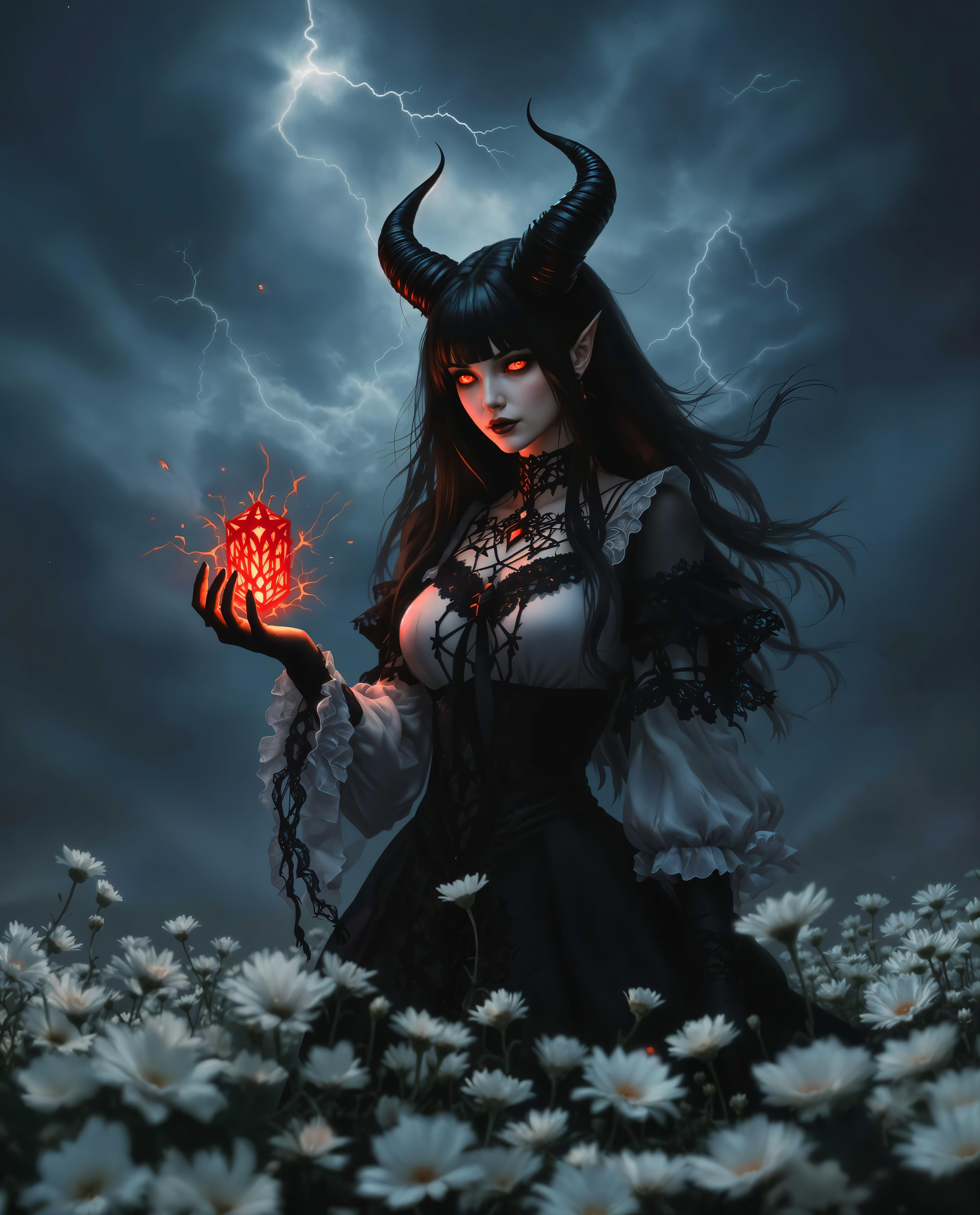
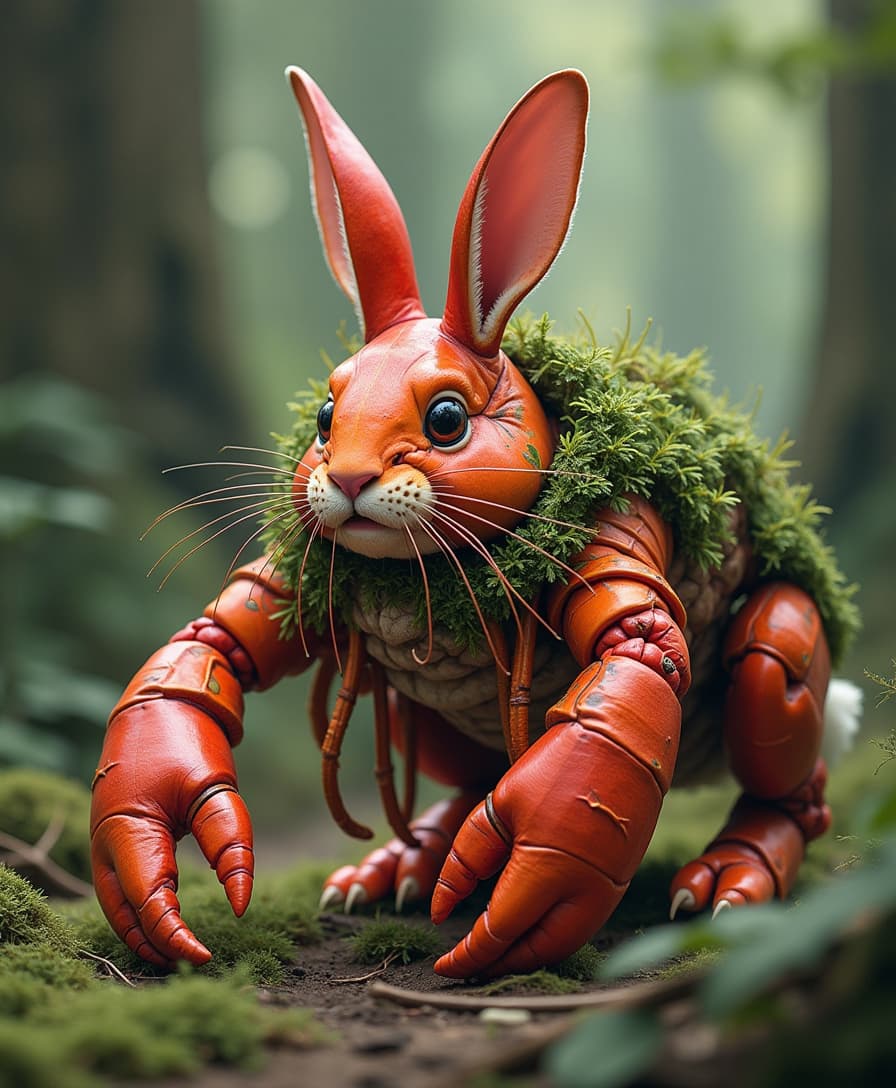


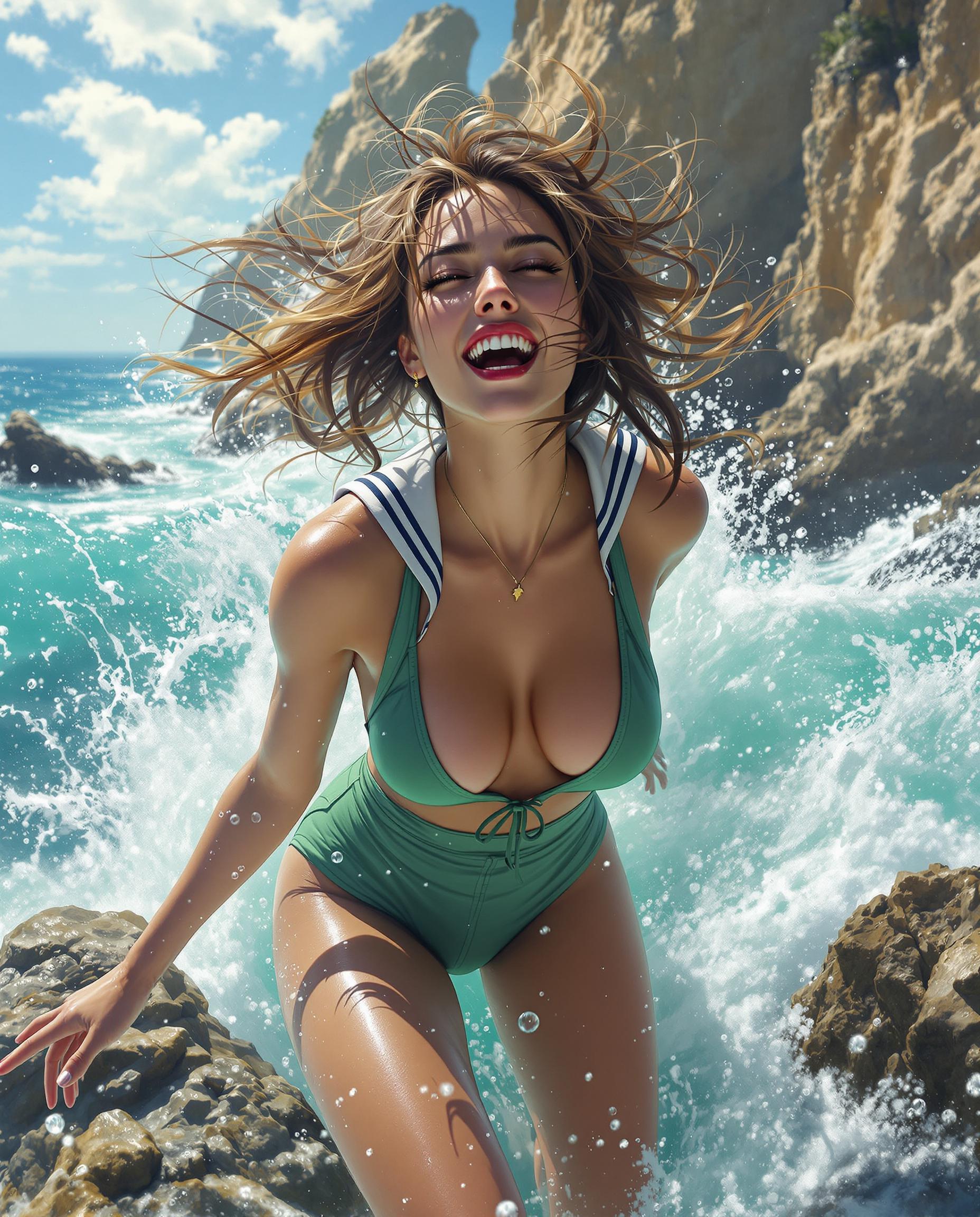
The Pixel Dojo Advantage
Why PixelDojo outperforms other options for WAN 2.6 deep customization image generation
| Others | Pixel Dojo |
|---|---|
| Traditional custom illustration | Skip weeks of hiring artists and revisions—generate and refine precise images in under 5 minutes with WAN Image and instant editing suite |
| Generic AI tools | Move beyond vague results with WAN 2.6's deep controls like LoRA integration and Pose Control, delivering consistent, hyper-detailed outputs every time |
| Manual photo editing | Eliminate hours in Photoshop; our Inpainting, Magic Lighting, and Style Transfer tools let you perfect details intuitively, 10x faster |
Loved by Creators
See what our community says about WAN 2.6 deep customization
"WAN 2.6 deep customization on PixelDojo revolutionized my character designs—exact poses and outfits I couldn't achieve elsewhere. Saved me countless hours!"
Sarah Jenkins
Freelance Game Artist
"Finally, AI images that match my brand perfectly. Using Face Swap and Inpainting with WAN Image, my product visuals went from good to photorealistic pro-level overnight."
Mike Rivera
E-commerce Brand Owner
Common Questions
Everything you need to know about WAN 2.6 deep customization AI generation
What is WAN 2.6 deep customization in AI image generation?
WAN 2.6 deep customization on PixelDojo lets you achieve granular control over AI images, specifying poses, lighting, textures, and personal traits via WAN Image and tools like Pose Control, Inpainting with LoRAs, and FLUX Model Trainer. You'll create hyper-realistic, personalized visuals—like exact replicas of yourself in custom scenarios—that outperform standard generators, perfect for professionals needing precision without technical hassle.
How does PixelDojo's WAN 2.6 AI image generation differ from basic tools?
Unlike basic tools, PixelDojo's WAN 2.6 excels in deep customization, integrating advanced features like Character Stylist, Virtual Try On, and SDXL Model Trainer for consistent, editable outputs. You get photorealistic results with editable elements, rapid iterations via Image to Image, and scalability for series, all in one platform with 40+ tools—empowering you to produce commercial-ready art effortlessly.
Can I use WAN 2.6 deep customization for personalized portraits?
Absolutely—upload your photo to WAN Image, apply Face Swap or Portrait Upscaler, then refine with Pose Control and Magic Lighting for lifelike custom portraits. Trends show creators using this for avatars, headshots, and branding; PixelDojo ensures consistency across generations, with training options like QWEN Model Trainer for your unique style.
What editing tools enhance WAN 2.6 deep customization images?
PixelDojo pairs WAN Image with power editors: Background Remover for clean setups, Style Transfer for artistic twists, Creative Upscaler for 8K resolution, and Inpainting for precise tweaks. These let you iterate flawlessly, turning initial generations into polished masterpieces while maintaining WAN 2.6's high-fidelity details.
Is WAN 2.6 deep customization suitable for commercial use?
Yes, all PixelDojo WAN 2.6 outputs are commercial-ready with full ownership rights. Thousands of e-commerce pros and marketers use it for product mocks, ads, and packaging via tools like Virtual Try On and Consistent Characters, delivering crisp, customizable images that boost conversions.
How to train custom models for WAN 2.6 deep customization?
Use PixelDojo's Train Models section: Select FLUX Model Trainer or SDXL Model Trainer, upload 10-20 reference images, and fine-tune for your style or subject. Integrate with WAN Image for generations that perfectly match your vision—ideal for brands or artists seeking ongoing deep customization without external services.